
Explore Our New Feature Releases
AI Generated YouTube Thumbnails
Try the #1 AI Youtube Thumbnail Generator. Boost your visibility with stunning and customized AI-generated YouTube Thumbnails. With Idyllic’s cutting-edge image generation technology, create impactful thumbnails that make your content stand out.
★★★★★
30,000+ users
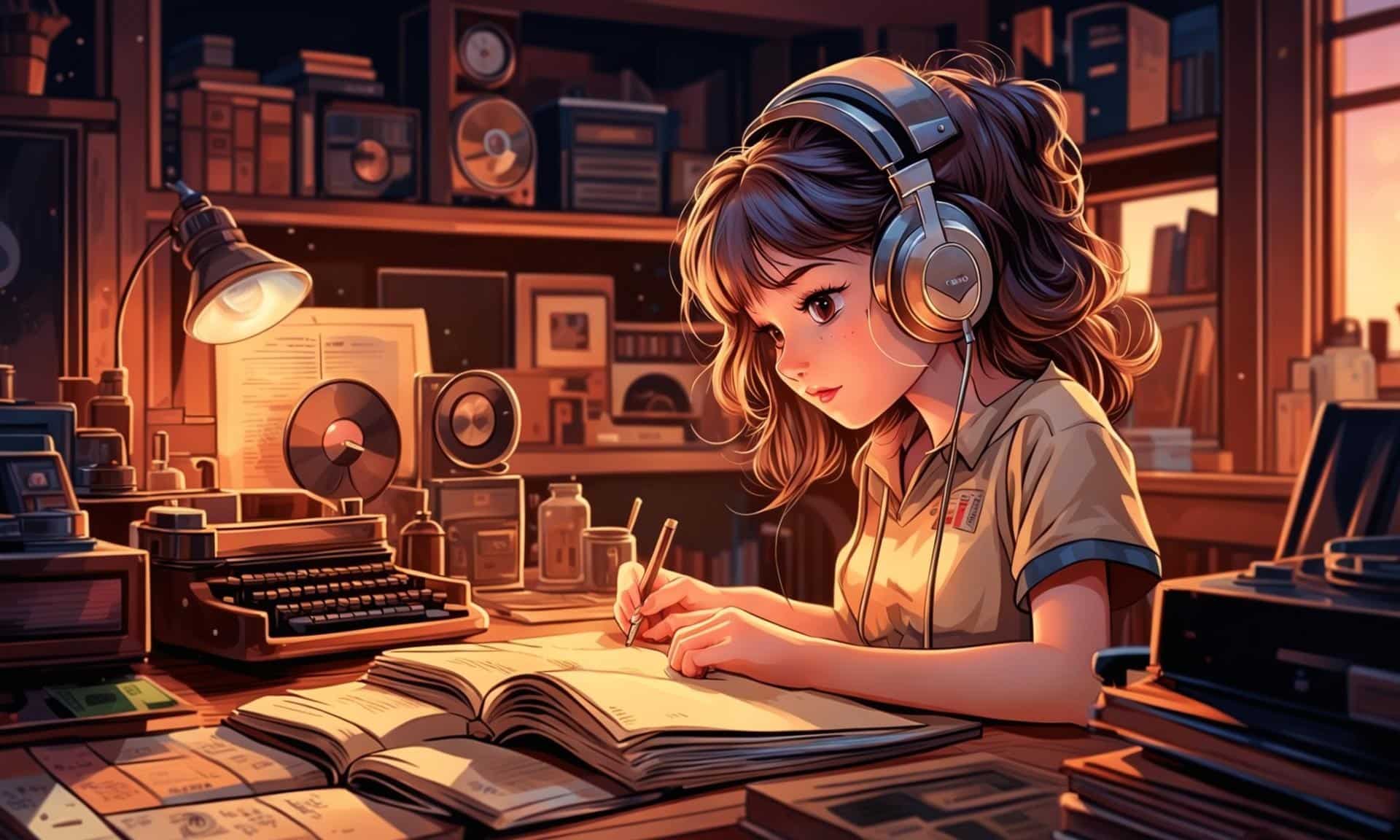
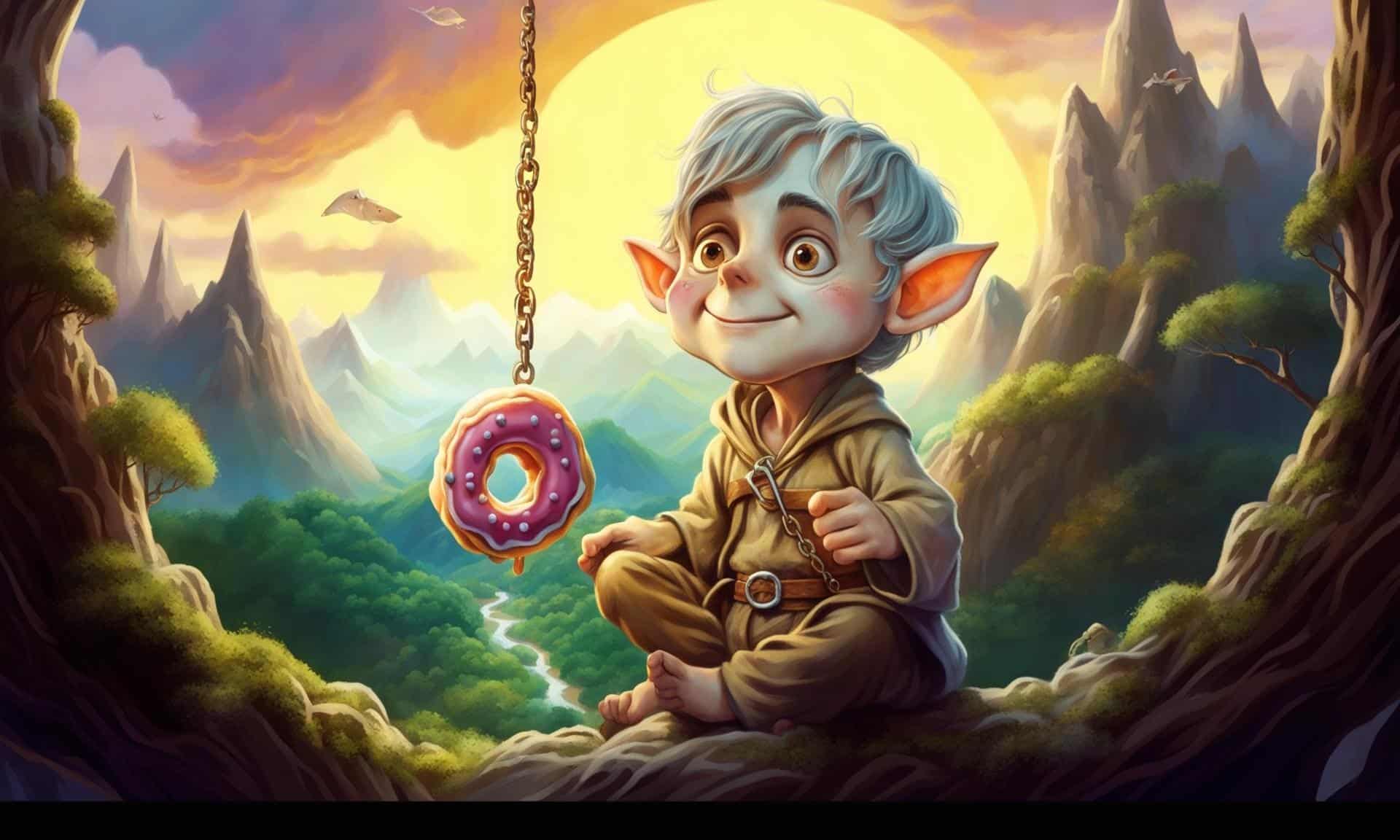
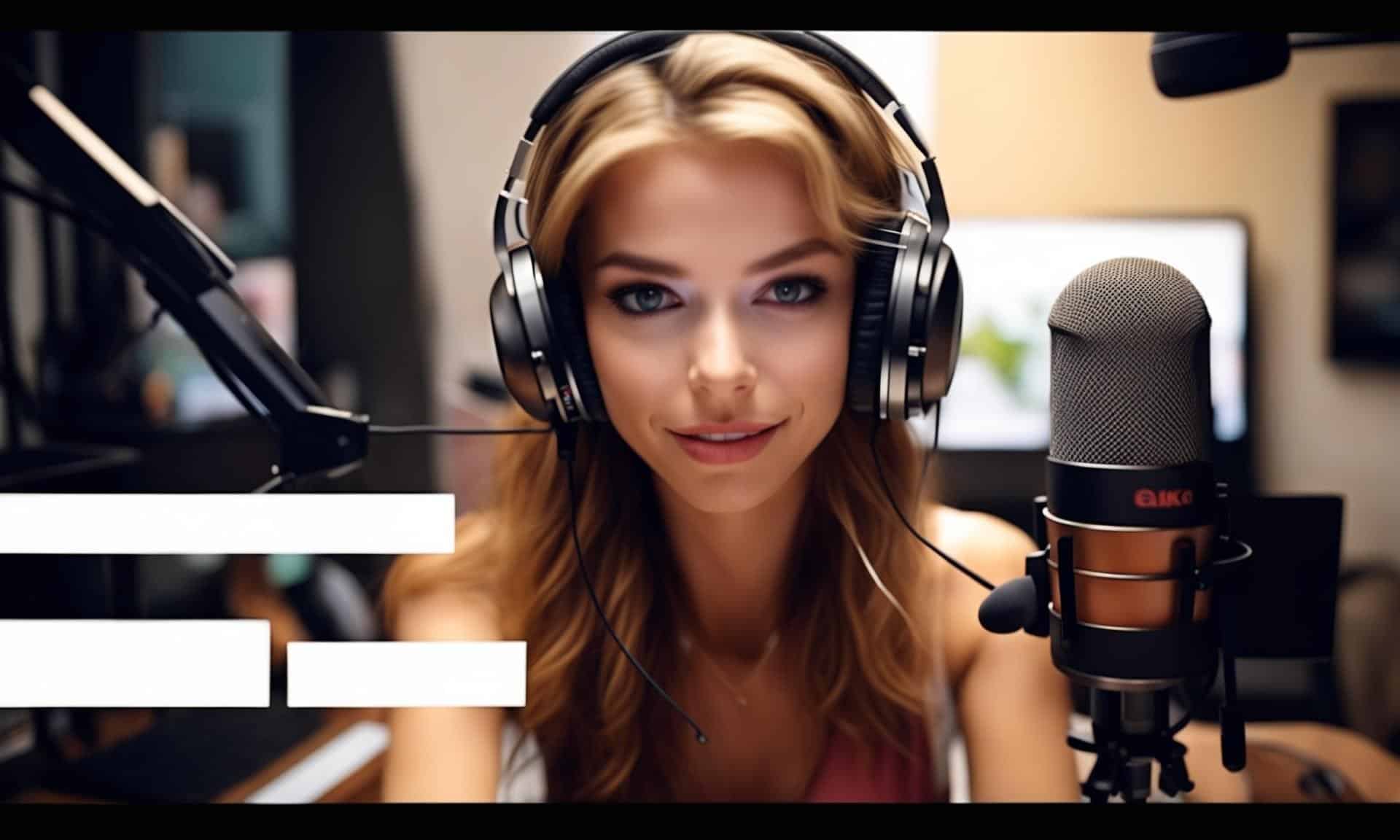

Stand Out With AI-Boosted Thumbnails from the #1 Youtube Thumbnail Generator
With Idyllic’s specialized AI youtube thumbnail generator, create thumbnails that provide a snapshot into your contents’ unique character. Tailor your thumbnails beyond high-quality image resolutions to include elements that truly represent your brand. Whether it’s anime, photography or any design aesthetic, our text-to-image youtube thumbnail generator can bring any described image to life. The iterative creation process lets you refine your thumbnails to perfection, ensuring that your desired outcome is met.Refine, Remix and Revamp
Unleash your creativity with our remix feature. Guided by your descriptive text, you can blend up to nine inspiration images to develop a thumbnail style that’s truly your own. Stay ahead of trends without sweating the technicalities — Idyllic’s upcoming general auto-edits promise a Photoshop-like experience all done automatically. Whether you’re merging different visual elements or looking for an entirely unique creation, Idyllic’s youtube thumbnail generator accommodates all your creative needs with ease.Publish and Interact
Publish your creative workflows as threads to share the process and final results with the Idyllic community. Draw inspiration from the community, find youtube thumbnail templates and interact with users like you, fostering an engaging environment for creativity to flourish. Comment, like and follow to stay connected.Frequently Asked Questions
What types of thumbnails can I create?
With Idyllic’s free youtube thumbnail maker, you can create a wide variety of thumbnails. It’s all up to your imagination! If you can describe it, Idyllic can help you create it. From anime illustrations to realistic photographs, the possibilities are endless.Why should I use Idyllic’s Youtube Thumbnail Generator?
Idyllic’s free online youtube thumbnail maker gives you the flexibility to create truly unique thumbnails. An AI-driven platform like Idyllic takes your ideas to the next level, providing an easy way to customize your thumbnails without needing any professional design skills.Ready to Get Started?
Join The Community of over 30,000 Artists already using Idyllic
Make stronger thumbnail concepts before editing
A good thumbnail needs a clear subject, simple composition, high contrast, and an emotional hook. Use Idyllic to generate visual concepts, then add exact text, faces, arrows, and branding in your editor when precision matters.
Prompt tips
- Prompt one clear subject and one emotion.
- Leave space for short text that you add later in an editor.
- Use high contrast backgrounds and simple shapes for mobile visibility.
Related Idyllic tools
Create YouTube thumbnails designed for fast clicks and mobile readability
Generate thumbnail concepts that focus on a clear subject, strong emotion, high contrast, readable short text, and a visual hook. Use Idyllic to test multiple directions before editing the final thumbnail for your channel style.
Popular ways to use this generator
- Gaming, tutorial, review, reaction, podcast, education, finance, vlog, and Shorts thumbnails
- Faces, product shots, before/after layouts, arrows, bold text, contrast, and curiosity hooks
- Mobile-first layouts with 3 to 5 words, strong focal point, and clean background separation
Prompt ideas
- Create a YouTube thumbnail for a phone review with surprised face, product close-up, blue background, and text “Worth It?”.
- Generate a gaming thumbnail with character reaction, explosion background, red arrow, high contrast, and 3-word headline area.
- Make an AI tutorial thumbnail with before/after split, clean interface glow, bold yellow text, and curious expression.
Related AI tools
Start creating free with Idyllic
AI YouTube Thumbnail Generator
Create high-CTR YouTube thumbnail concepts for gaming, reactions, tutorials, podcasts, product reviews, challenges, essays, Shorts covers, and channel series.
What to include in the prompt
Give Idyllic the goal, subject, audience, and output format. Strong prompts include video topic, audience, emotional face, visual hook, background contrast, 3-5 word text area, brand colors, subject cutout, mobile readability, A/B variation, and whether the thumbnail should look realistic, graphic, or cinematic.
Copy-paste prompt ideas
- Gaming thumbnail with shocked creator face on right, glowing boss enemy on left, red arrow, blank 3-word text area, high contrast, 16:9.
- Tutorial thumbnail for AI photo editing, before-after split screen, clean blue background, large readable title area, cursor icon.
- Podcast episode thumbnail with two hosts, dramatic topic object in center, warm studio lighting, consistent brand border.
- Challenge video thumbnail with surprised expression, timer, bold yellow background, large object scale comparison, no clutter.
Workflow for stronger results
- Start with the use case: Tell Idyllic whether the image is for a thumbnail, poster, cover, mockup, avatar, ad, or concept board.
- Control composition: Specify crop, focal point, negative space, aspect ratio, and where text or product details should sit.
- Generate variants: Explore several directions, then refine the strongest result instead of trying to perfect the first image.
- Check before publishing: Review text, anatomy, rights-sensitive references, print dimensions, and platform rules.
Related Idyllic tools
- Youtube Studio Background Generator
- Ai Social Media Post Generator
- Ai Poster Maker
- Best Ai Image Prompts Templates
Start creating
Open Idyllic, paste a detailed prompt, generate multiple versions, and iterate until the result is ready for your channel, book, brand, campaign, vehicle concept, or creative project.
Start creating free with Idyllic
Thumbnails should be compelling without misleading viewers. Check mobile readability and keep text short before publishing.
Create high-CTR YouTube thumbnails with AI
Generate thumbnail concepts built for small screens: one clear focal point, bold contrast, strong emotion, simple background, and 3 to 5 readable words.