
Free AI creative tool
AI Poster Maker
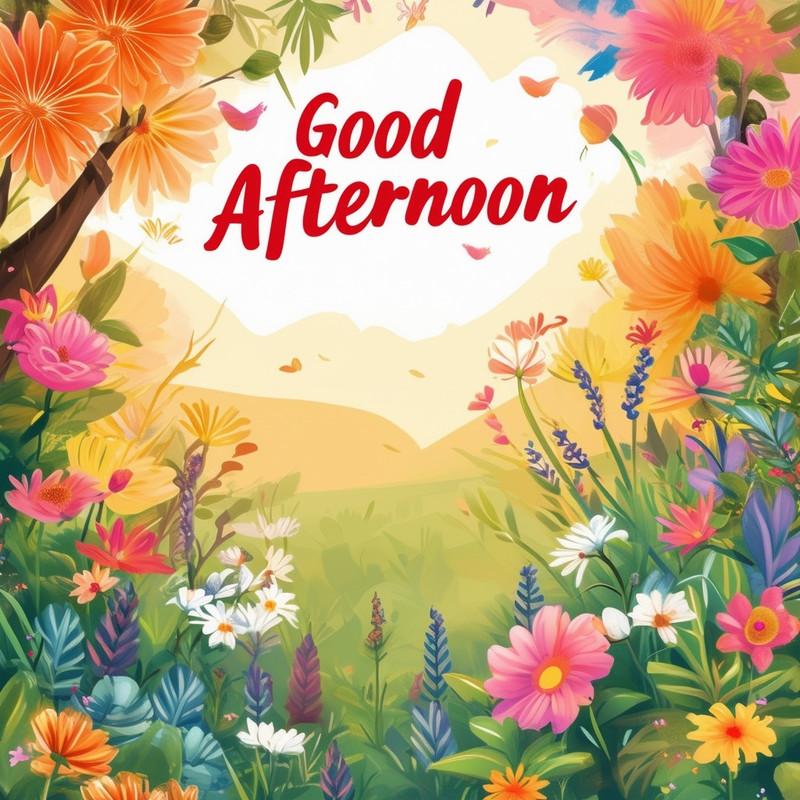
Design posters for classrooms, events, causes, announcements, businesses, and social campaigns. Start with a prompt, generate visual directions, then refine layout, color, and style until it is ready to share.
Who this tool is for
Students creating netiquette, environment, or awareness posters
Churches, schools, and clubs promoting events
Small businesses testing ad concepts
Creators making social graphics and flyers
What you can create
- Poster concepts for education, events, products, and awareness campaigns
- Prompt control for mood, typography style, composition, and visual hierarchy
- Remix options for square, portrait, and landscape layouts
- Useful starting point before final text cleanup and publishing
Prompt ideas to start with
netiquette poster drawing with friendly icons and clear internet safety themecorruption awareness poster with bold symbolic illustrationchurch event poster with warm modern design and space for daterestaurant promo poster with appetizing food photography style
How to get better results
Start with the object or scene, then add style, audience, composition, colors, and output use. Strong prompts usually mention what should be clear, what should be simple, and what should be avoided. Generate several versions, pick the best direction, then use Idyllic’s remix and editing flow to refine details.
Related Idyllic tools
Frequently asked questions
Can AI make a poster from a text prompt?
Yes. Describe the poster type, audience, message, visual style, and layout, then generate variations.
How do I get better poster text?
AI image models may distort small text, so use Idyllic for the visual concept and add final copy in a design editor when precision matters.
What poster formats can I create?
You can create portrait posters, square social graphics, landscape banners, flyers, and visual campaign concepts.