Ready-made flow · Avatars and PFPs in any style, from a photo or from words
AI Avatar Generator
Idyllic's AI avatar generator turns a short description, or your own photo, into four square profile pictures in the style you pick: anime, 3D animated, studio portrait, illustrated, pixel art or cyberpunk. An AI writer gives each avatar a different mood and setting, and FLUX 3 draws them centered and head-and-shoulders, so they still read in a small circle.
- Shape
- 1:1 square, framed for circle crops
- You get
- 4 avatars, each a different mood
- Styles
- Anime, 3D, studio, illustrated, pixel art, cyberpunk
- Credits
- 48 for 4 avatars
- Plan
- Plus and up, preview free
Real output · no retouching
One brief.
4 results.
- Who is it?
- A confident young woman with silver hair and a black bomber jacket
- Style
- Anime
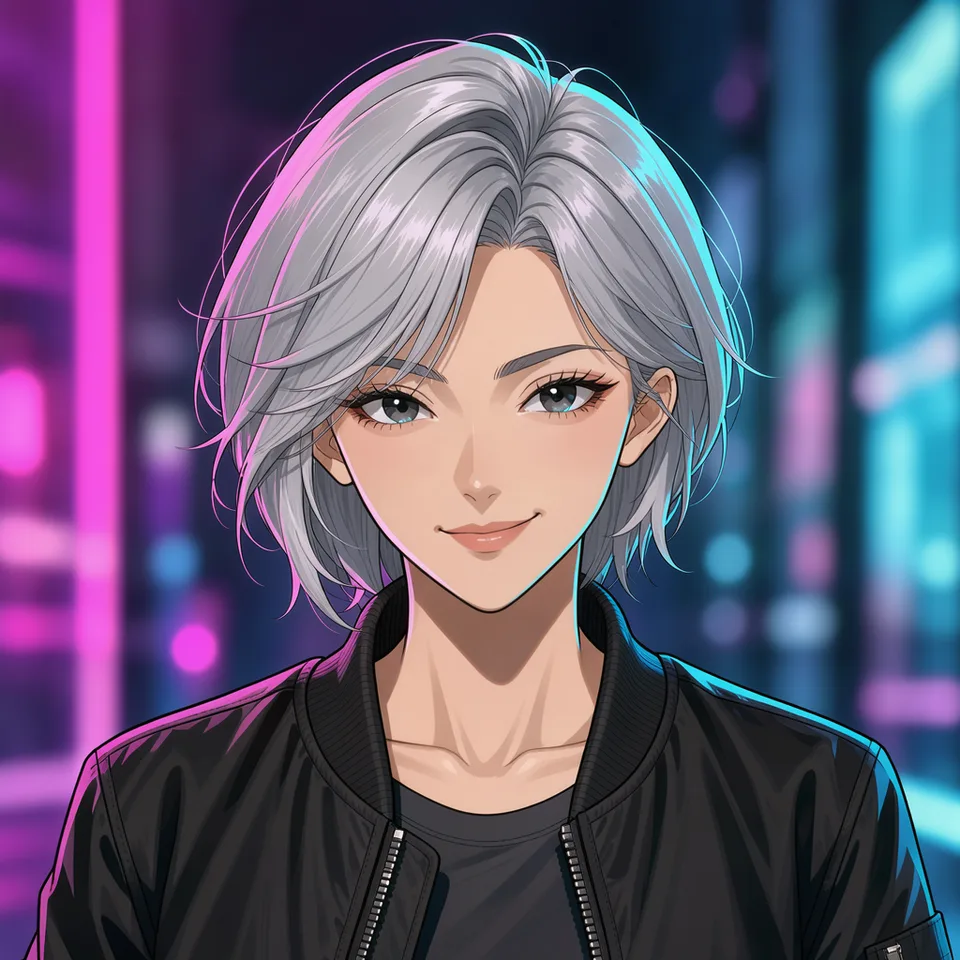
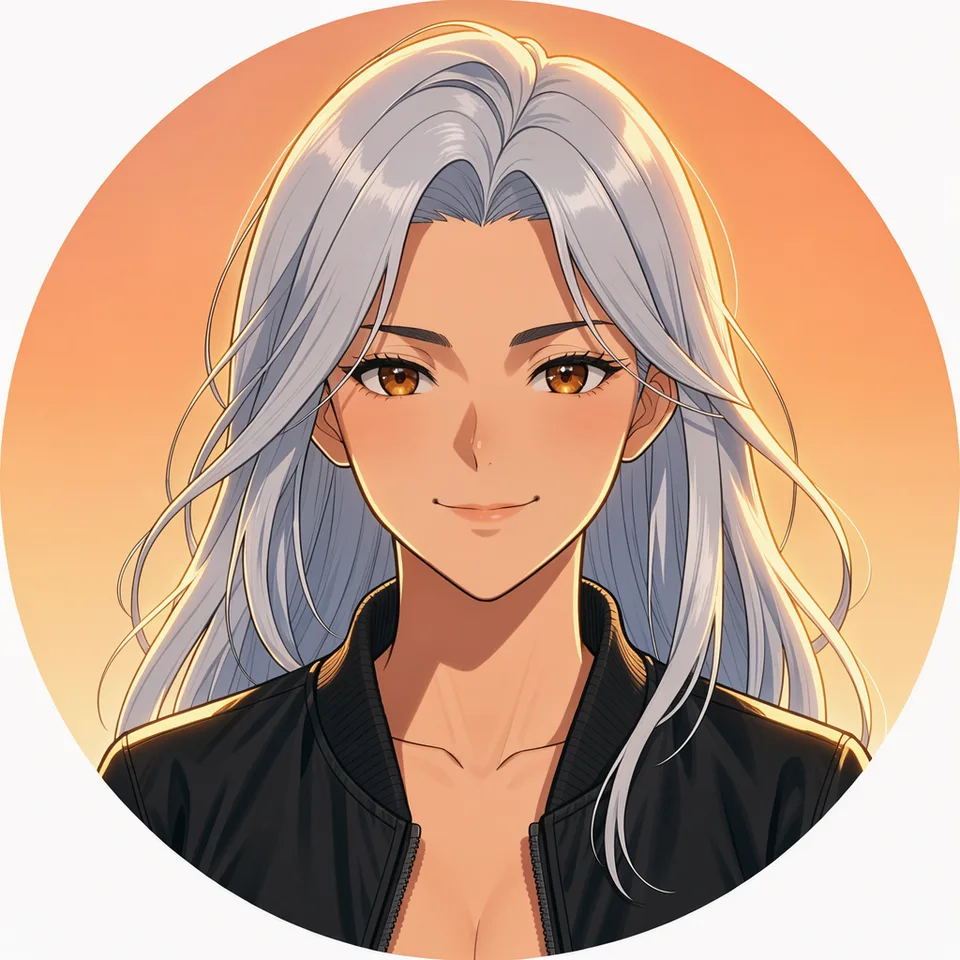
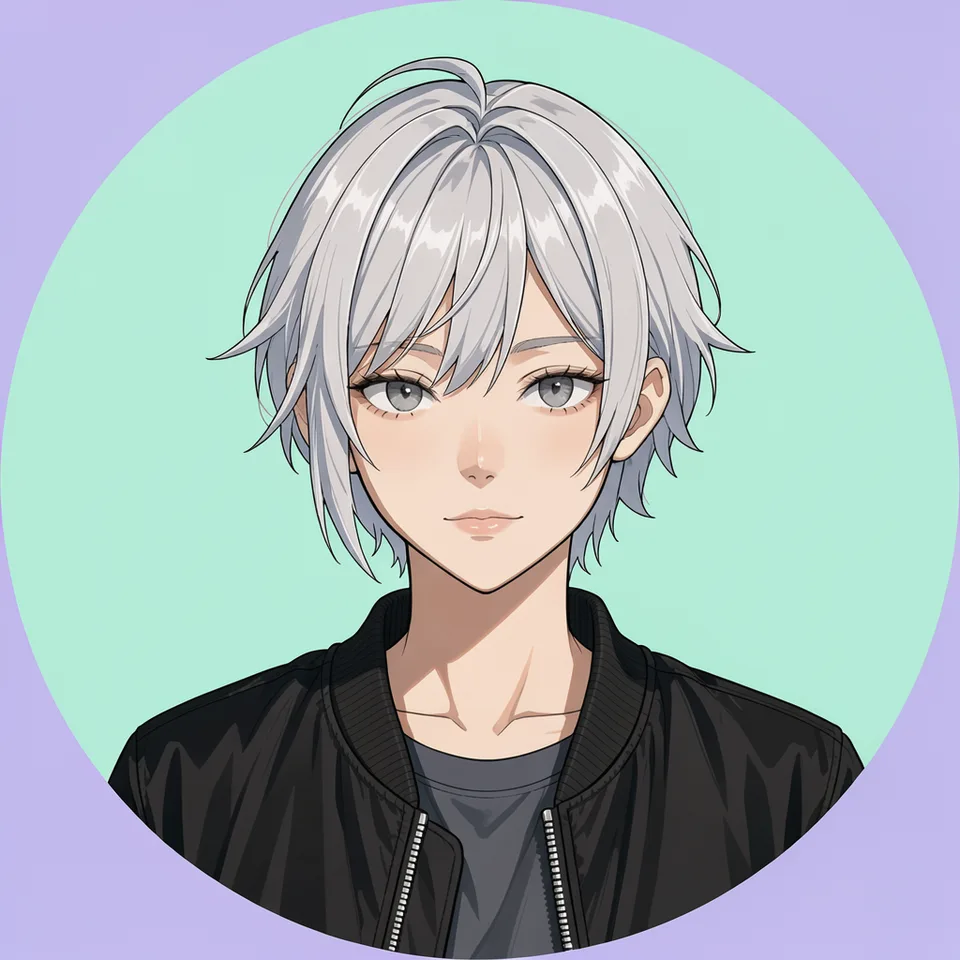
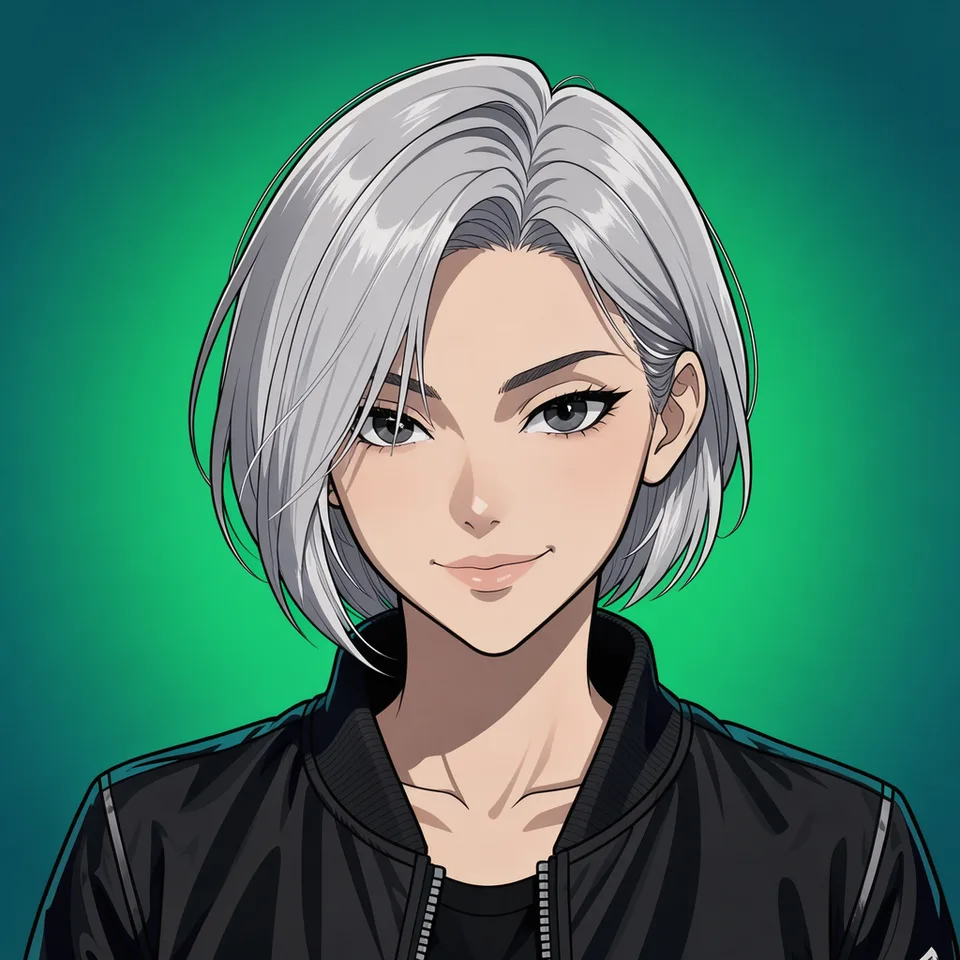
How to make it
Four steps, about a minute of your time. These are real screens from the run above.
- 01
Say who it is
Describe the person or character in Who is it?, add your photo (optional) to keep your likeness, then pick a style and how many avatars you want.
Open the flow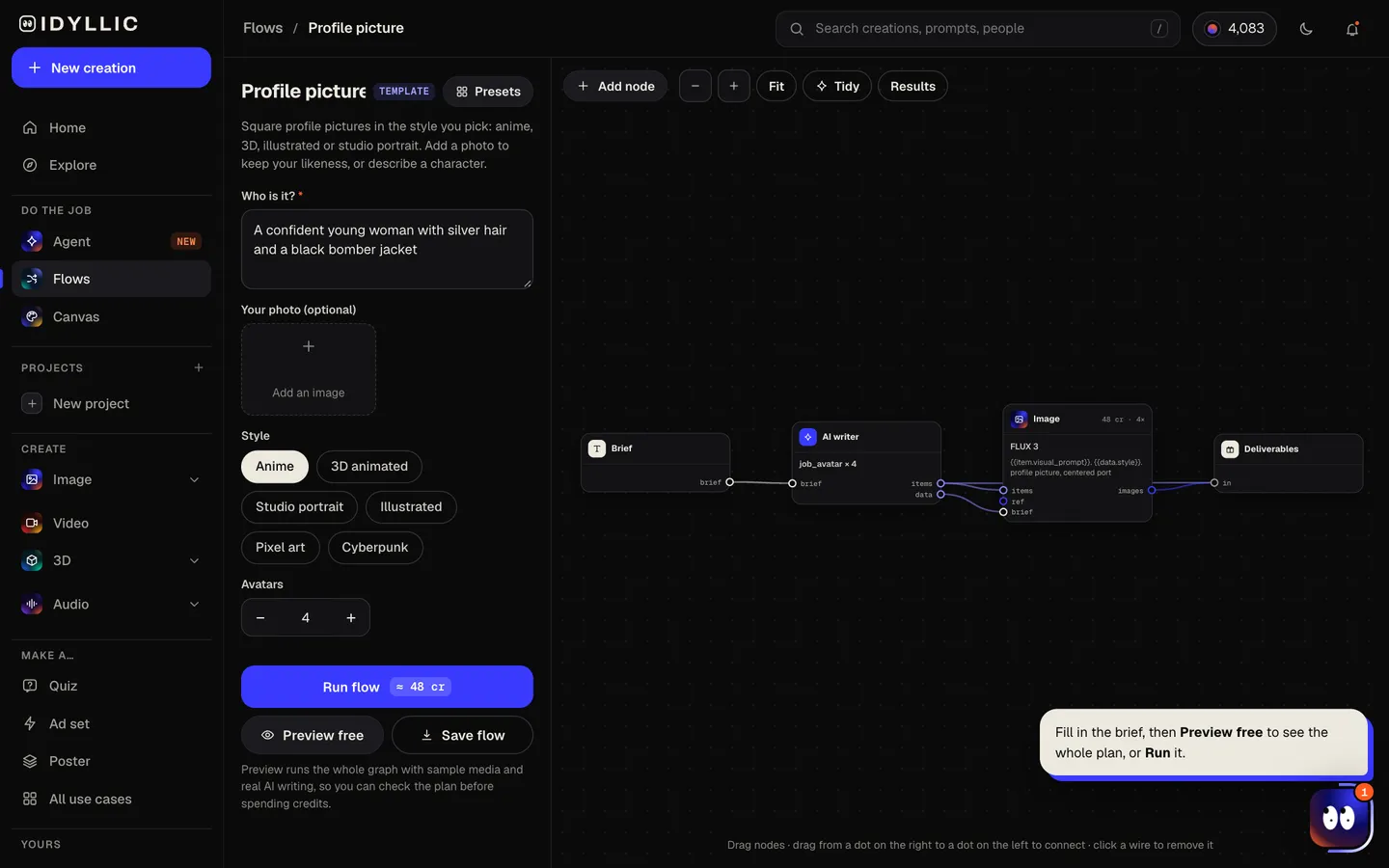
- 02
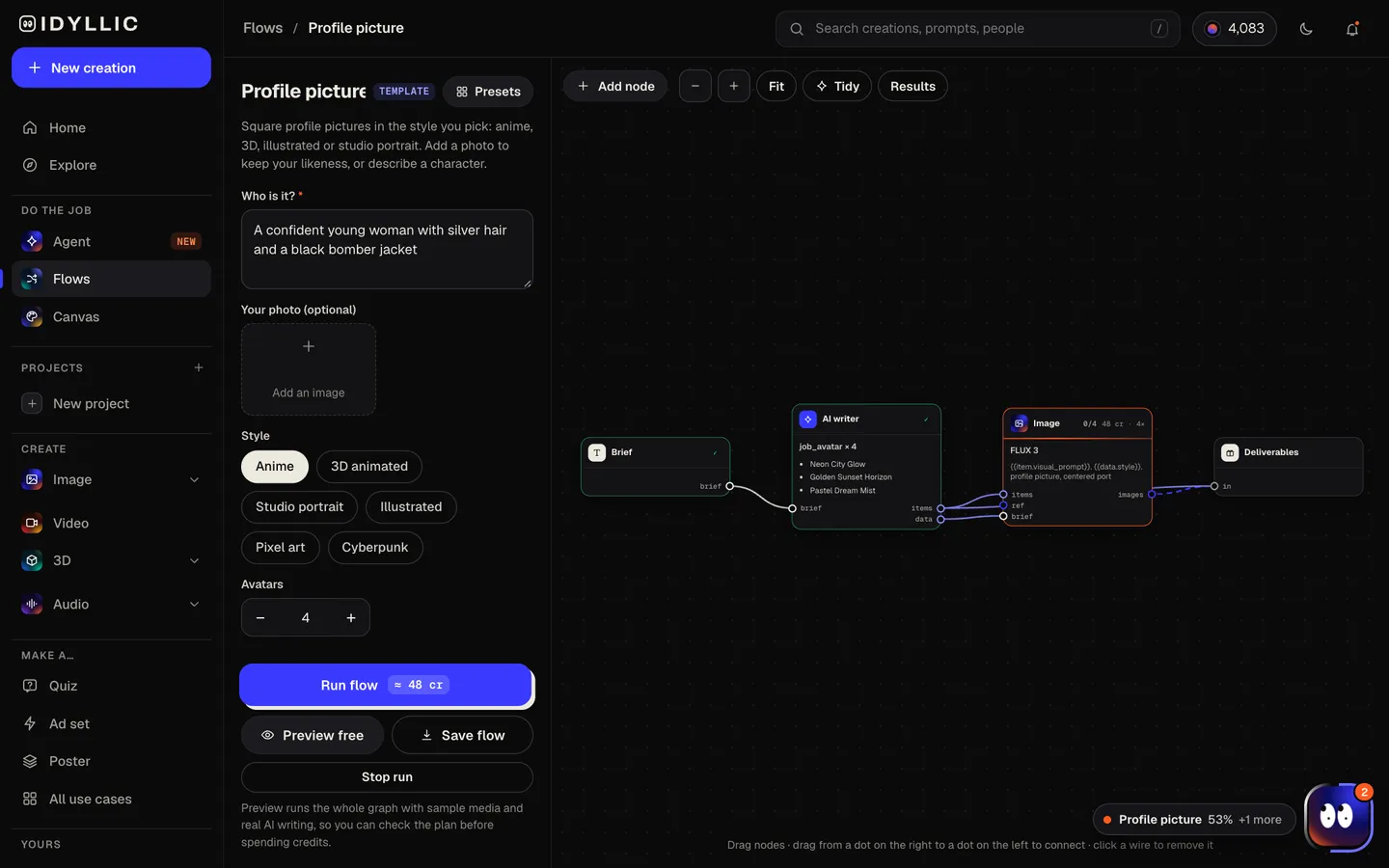
It plans and draws
The AI writer gives each avatar a different mood or setting. FLUX 3 draws every one as a centered head-and-shoulders portrait on a simple background, using your photo as the reference if you added one. Preview the flow free first.
- 03
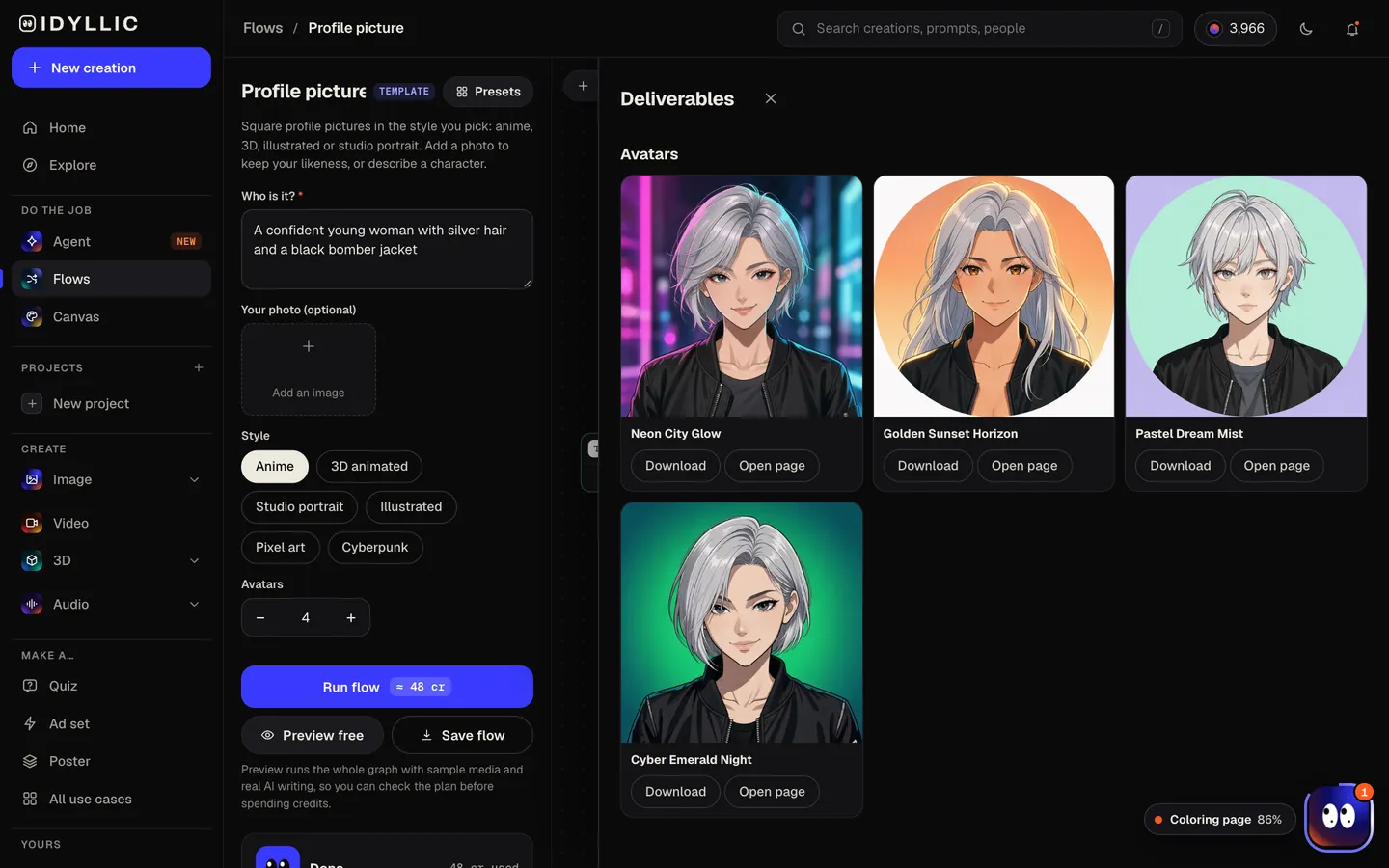
Pick your favorite
All the avatars sit side by side, so you can compare expressions, colors and backgrounds and see which still reads at thumbnail size.
- 04
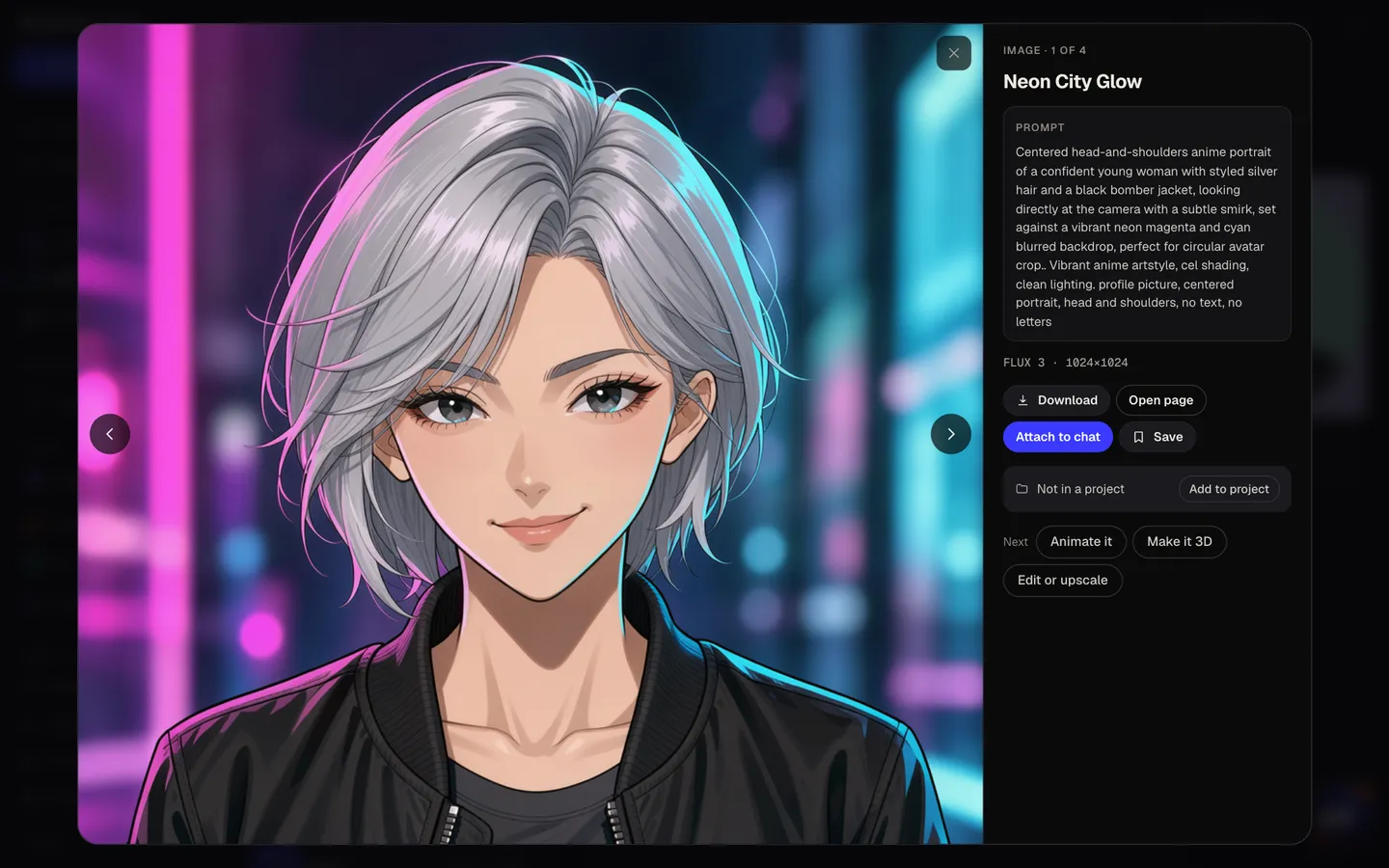
Download or keep going
Open one full size and download it. Or keep going: remove the background in Canvas, select the hoodie and change its color, put the avatar on a banner design, or animate it.
Why it beats
a template
Framed for the circle crop
Every avatar is a centered head-and-shoulders portrait on a simple background, the framing that survives the round crop on Instagram, X, LinkedIn, YouTube and Discord.
Your face, in a new style
Add a clear photo and the results keep your likeness, whether you want a polished studio headshot for work or an anime version of yourself for Discord.
Or a character from words
No photo needed. Describe a gamer persona, a channel mascot or a fantasy hero and get an original character avatar.
Four moods from one brief
The AI writer varies the mood and setting across the set, so you get real options to choose from instead of four copies of the same picture.
Six styles
Anime, 3D animated, Studio portrait, Illustrated, Pixel art and Cyberpunk. The style setting keeps the whole set consistent.
Private on paid plans
Running the flow is on Plus and up, which includes private mode, so your photo and your avatars can stay out of the public gallery.
What makes a profile picture recognizable
- Let the face fill the frame. At timeline size, shoulders and backgrounds disappear first.
- Pick a background color that contrasts with your hair and clothes.
- Keep one signature detail, like red glasses or a teal hoodie, in every version.
- Use a front-facing, evenly lit photo as the reference. Sunglasses and heavy shadows hide what makes you you.
- Use the same avatar on every platform so people recognize you across apps.
- Check it as a small circle before you upload it.
Profile picture sizes by platform
| 320×320 px | Shown as a circle, 110×110 on mobile | |
| X | 400×400 px | JPG, PNG or GIF under 2 MB, shown as a circle |
| 400×400 px or larger | JPG or PNG, up to 8 MB | |
| YouTube | 800×800 px | Shown as a circle at 98×98 |
| Discord | 128×128 px minimum | Upload larger for a sharp profile view |
Every avatar from the flow is a square image, large enough for each of these and centered for a circle crop, so it scales down cleanly on any platform.
Steal a brief
Each one opens the flow with the brief filled in. Change anything before you run it.
A friendly creator with curly dark hair and a teal hoodie, warm smile, coral background
Me in a navy blazer, soft window light, light grey backdrop, for LinkedIn
A girl with short pink hair and round glasses holding a game controller
A wizard in a purple hat with a tiny owl on his shoulder
A ranger in a green hood with a bow over one shoulder, dappled forest light
A round tomato mascot holding a tiny clock, for a productivity app
A pilot with a chrome visor, magenta and cyan rim light, rainy city behind
My golden retriever in a tiny bow tie, looking very proud
Questions
How do I make an avatar of myself?
Add a clear, front-facing photo under Your photo (optional), describe yourself in a line and pick a style. The avatars keep your likeness in that style.
Is the AI avatar generator free?
You can preview the whole flow free, with real AI planning and sample images. Running it for real is on Plus ($10.50/mo, billed yearly) and up, and uses 48 credits for 4 avatars. The free plan also includes 3 free images a day in the image studio.
What size should a profile picture be?
Square, with the face centered. Platforms ask for anything from 320×320 (Instagram) to 800×800 (YouTube) and scale larger images down. Every avatar from the flow is square and large enough for all of them.
Which style works best at small sizes?
Bold styles on simple backgrounds hold up best at thumbnail size: 3D animated, anime and pixel art. Studio portrait suits LinkedIn and other work profiles.
Can I make matching avatars for every platform?
Yes. Use the same avatar everywhere for instant recognition, or run the flow again with the same photo and style for a set with different moods that still look like you.
Can I make an avatar for a brand or channel?
Yes. Describe a mascot or character in your brand colors and pick a style. Paid plans include a commercial license.
Are my photos and avatars private?
Running the flow is on Plus and up, and paid plans include private mode, so your photo and avatars can stay out of the public gallery.
Make something else
Everything you can make
Your turn.
Preview the whole flow free. No credit card.