Create Stunning WW2 Posters
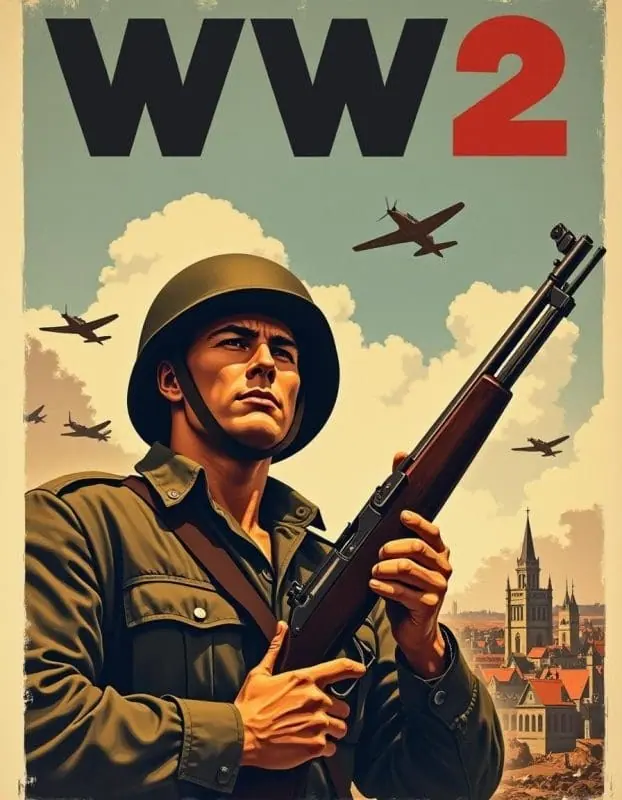
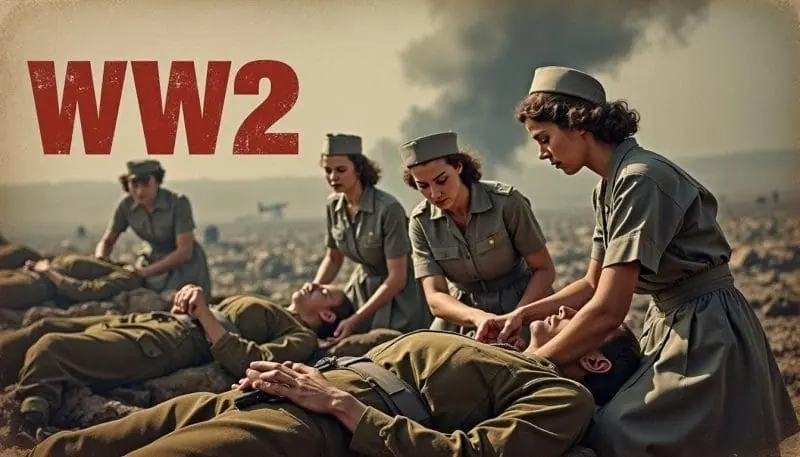
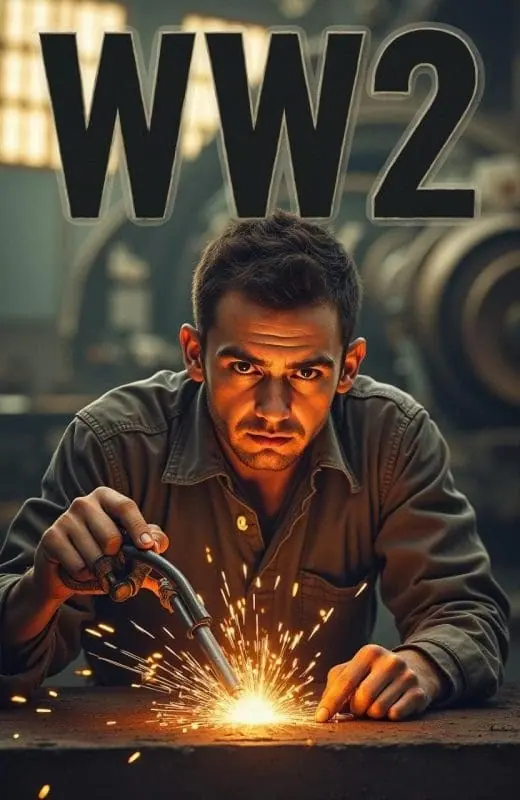
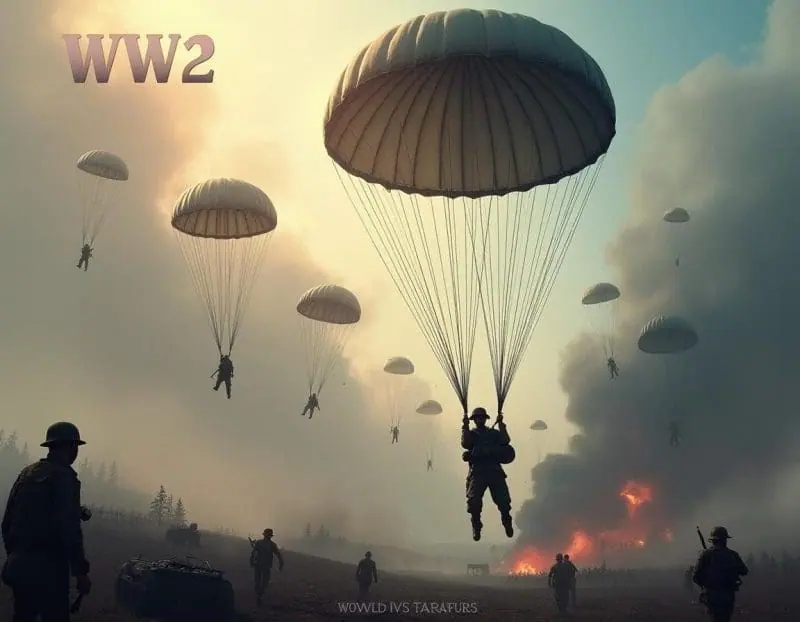
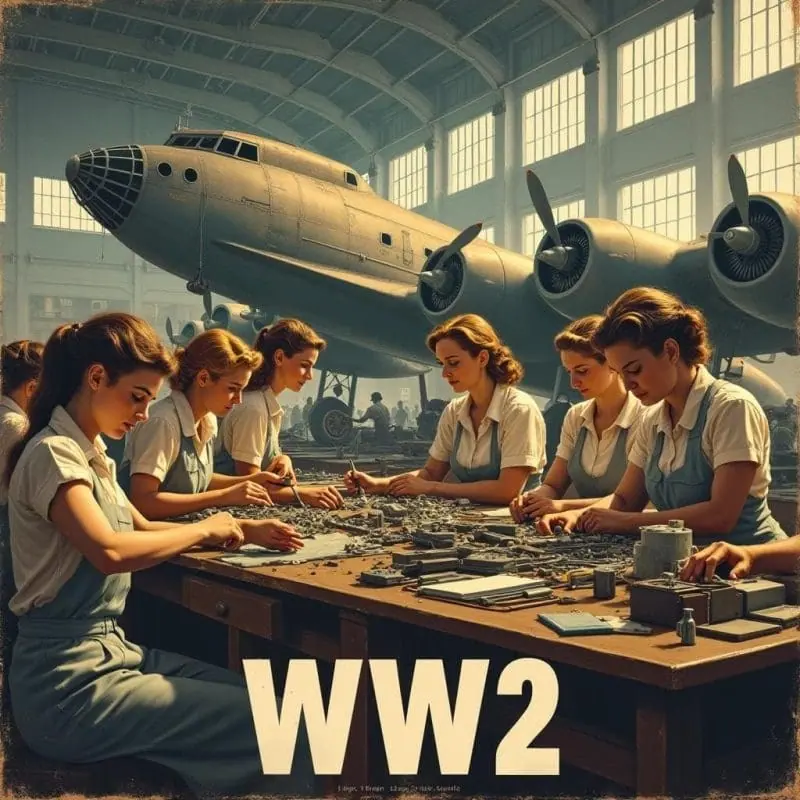
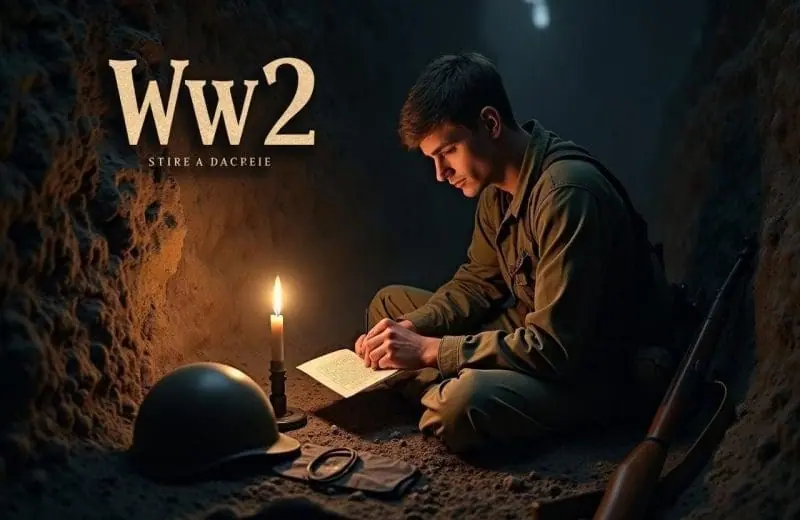
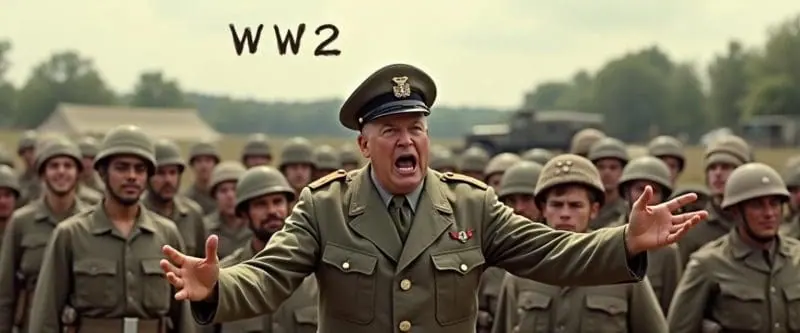
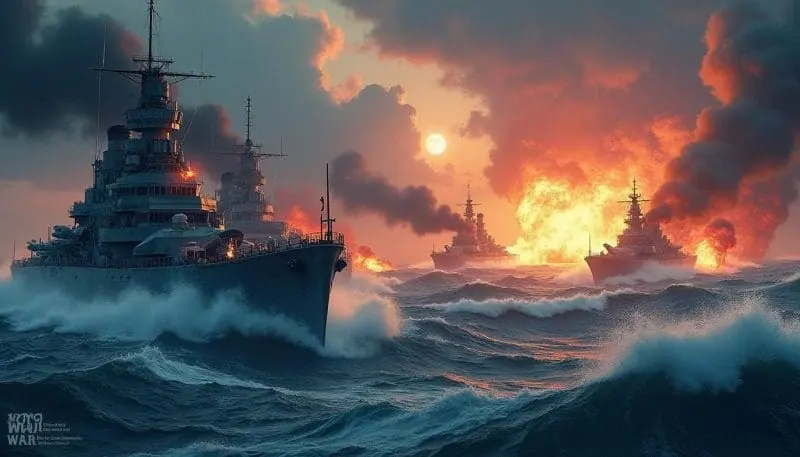
Bring history to life with our state-of-the-art WW2 poster maker. Whether you’re a historian, teacher, or art enthusiast, you can effortlessly design authentic WW2 posters with Idyllic’s advanced image generation tools.
- Price
- Free to start · 3 images a day
- Output
- HD images, upscale to 8K
- Models
- FLUX, Imagen 4, GPT Image, Seedream
- Commercial use
- Included on paid plans
- Prompt language
- Any language
Examples
How it works
Three steps from idea to finished image.
- 1
Describe it
Type what you want in plain words, or start from one of the prompt ideas below. Magic Prompt can expand a few words into a detailed prompt.
- 2
Pick a style and format
Choose a model, style and aspect ratio. Idyllic generates several options in seconds.
- 3
Refine and download
Say what to change and only that changes. Upscale your favorite and download it in HD.
Transform Text Descriptions into Vintage Art
With Idyllic’s Text-to-Image Generation feature, you can craft remarkable WW2 posters directly from detailed text descriptions. Whether you want a bold recruitment poster or a striking propaganda piece, our app seamlessly turns your words into visuals.
High-Resolution Images Tailored to Your Needs
Choose from multiple image resolutions to perfectly suit your project. Whether for online sharing or high-quality printouts, Idyllic has you covered.
Quick Edits and Iterative Refinement
Perfect your poster with our iterative creation process. Make specific changes based on your evolving ideas and receive refined images in no time.
Specialized Generative Models
Take advantage of our specialized generative models designed for poster creation to achieve professional-quality results effortlessly.
Frequently asked questions
How do I start a WW2 poster project on Idyllic?
Simply type in the text description of your desired poster and let Idyllic generate a range of images based on your input. Refine as needed.
Can I customize the resolution and quality of the images?
Yes, Idyllic allows you to choose from various image resolutions and quality settings to match your project requirements.
What is the Remix feature?
The Remix feature lets you blend up to nine images, including ‘inspiration images,’ to guide the creative process and produce unique visual outcomes.
Are there any community features?
Yes, you can browse a feed of user creations, follow other users, and engage through comments and likes, fostering a sense of community and inspiration.
Related tools
See all Posters, covers and cards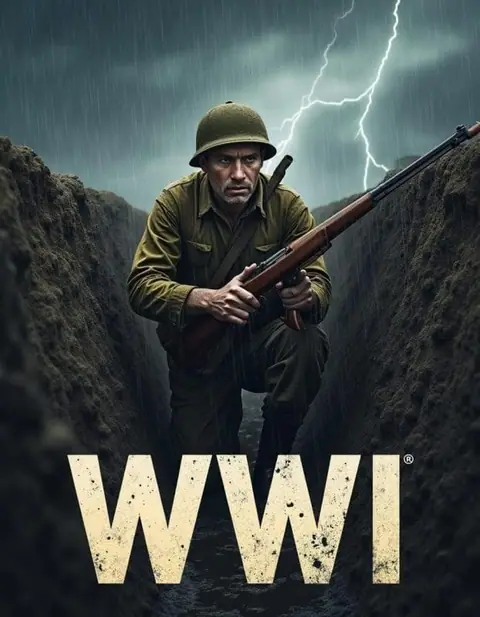
More in Posters, covers and cards
Your turn.
Free to start. No credit card.