Create Professional Academic Posters
Elevate your presentations with stunning academic posters. Utilize cutting-edge image generation technology to design posters that captivate your audience effectively.
- Price
- Free to start · 3 images a day
- Output
- HD images, upscale to 8K
- Models
- FLUX, Imagen 4, GPT Image, Seedream
- Commercial use
- Included on paid plans
- Prompt language
- Any language
Examples
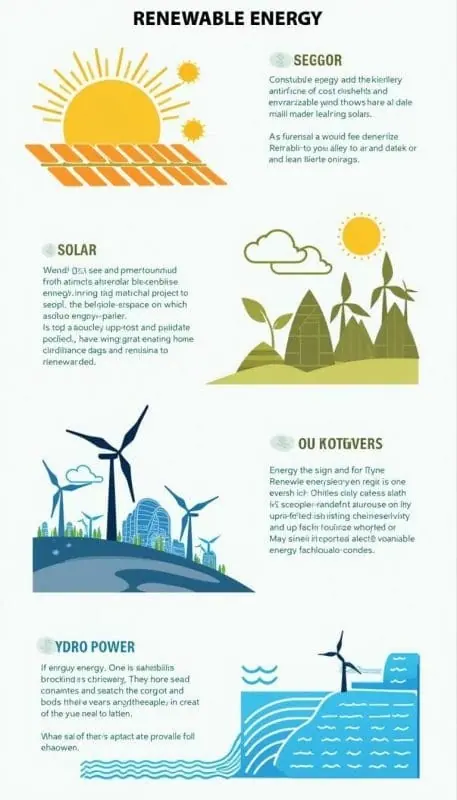
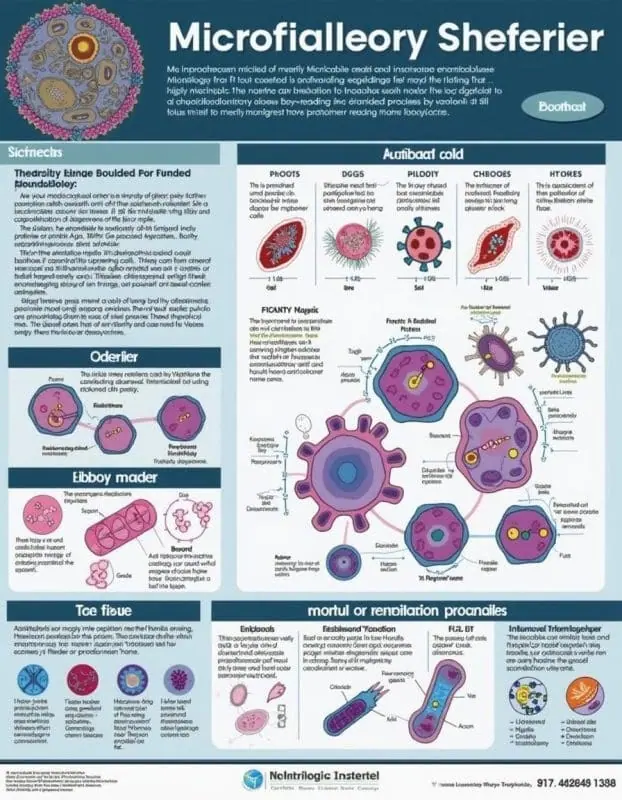
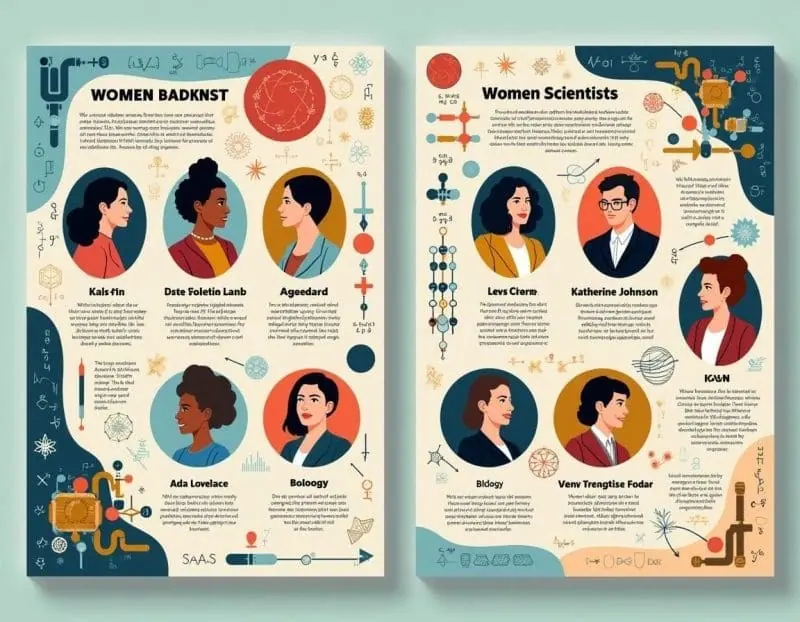
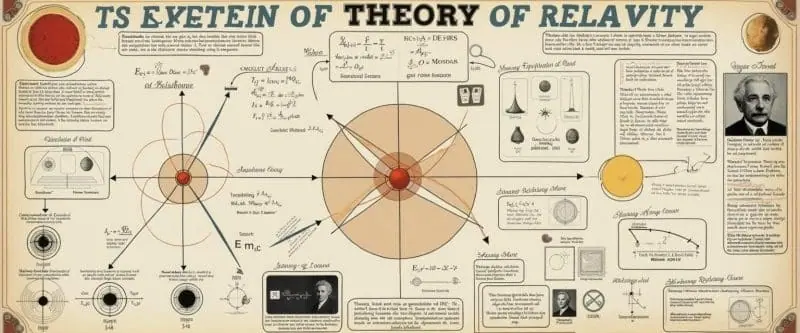
How it works
Three steps from idea to finished image.
- 1
Describe it
Type what you want in plain words, or start from one of the prompt ideas below. Magic Prompt can expand a few words into a detailed prompt.
- 2
Pick a style and format
Choose a model, style and aspect ratio. Idyllic generates several options in seconds.
- 3
Refine and download
Say what to change and only that changes. Upscale your favorite and download it in HD.
Transform Your Research into Visual Masterpieces
Idyllic’s streamlined Text-to-Image Generation feature enables you to convert your research summaries into visually compelling academic posters. Simply describe the visuals you need, and let Idyllic handle the rest.
Customizable Resolutions for Diverse Presentation Needs
Whether you’re presenting at a conference, in a classroom, or publishing online, choose from multiple image resolutions to ensure your academic poster stands out with the right amount of detail.
Quality and Speed at Your Fingertips
Balance between high-quality images and faster generation times based on your project requirements. Idyllic provides a flexible approach, allowing you to opt for higher quality when precision is paramount.
Iterative Design for Perfect Results
Take advantage of our Iterative Creation Process to refine and enhance your posters. Make specific changes and adjust details effortlessly until your academic poster meets your exact specifications.
Easy Auto-Edits for Quick Enhancements
Make your posters more engaging with our Auto-Edits feature. Start with a base image and request specific enhancements to automatically integrate new elements like data visualization or stylistic flourishes, simplifying the creation process.
Upcoming Advanced Auto-Editing Capabilities
Soon, Idyllic will introduce advanced auto-editing features, providing an even more powerful toolset to perfect your academic posters seamlessly.
Frequently asked questions
How can I create an effective academic poster?
An effective academic poster should be visually appealing, easy to read, and clearly present your research. Use concise text, high-quality images, and maintain a logical flow of information.
What size should my academic poster be?
Academic posters typically range from 36″ x 48″ to 48″ x 72″. Be sure to check the specific requirements or guidelines provided by the conference or institution where you plan to present your poster.
Can I include graphs and charts?
Absolutely. Including graphs, charts, and other data visualizations can make your academic poster more informative and engaging. Idyllic’s specialized models can help you create these elements seamlessly.
How do I iterate on my poster design?
Idyllic’s iterative creation process allows you to make specific changes and refinements continuously. Request adjustments through our user-friendly interface until you’re satisfied with your academic poster.
What resolution should I choose?
The resolution you choose should be based on the viewing distance and medium. For close-up viewing, higher resolutions are recommended to ensure all details are clear and sharp.




Your turn.
Free to start. No credit card.