Ready-made flow · Tall printable bookmarks with art and a reading line
AI Bookmark Maker
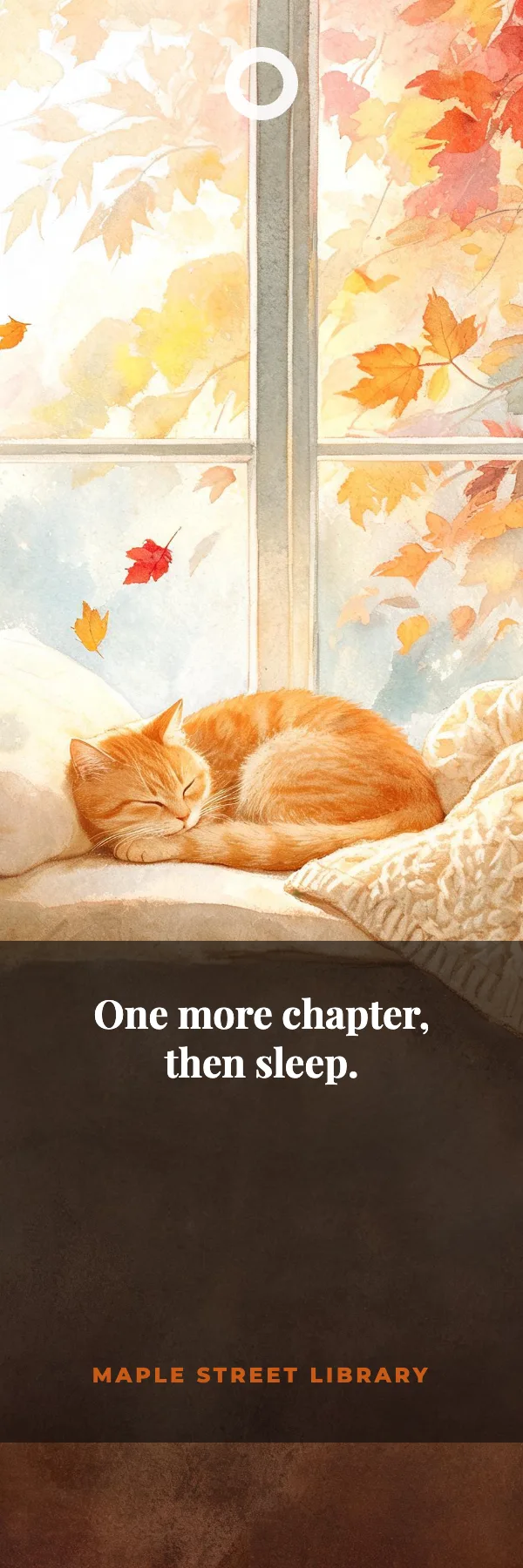
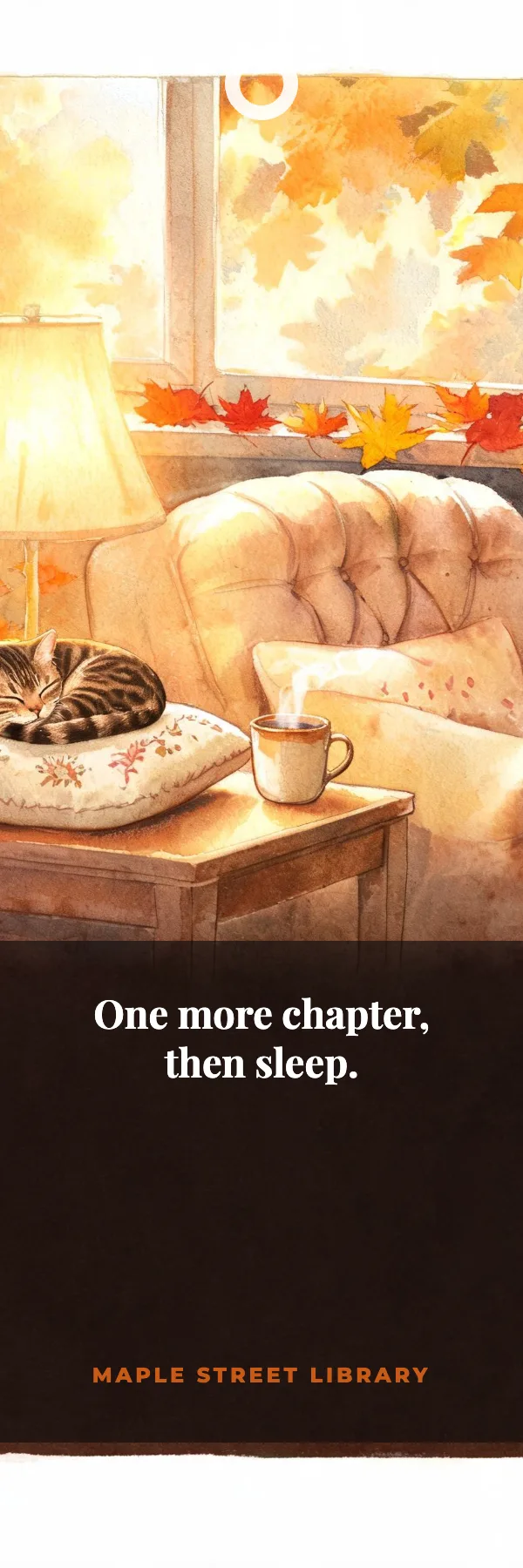
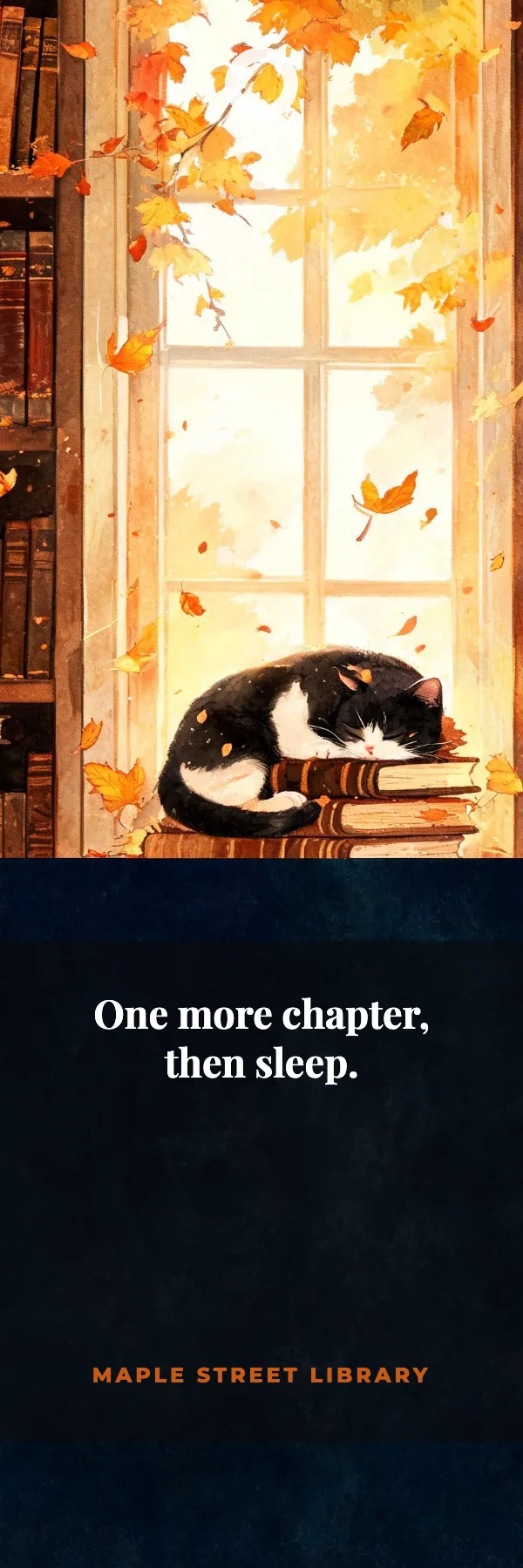
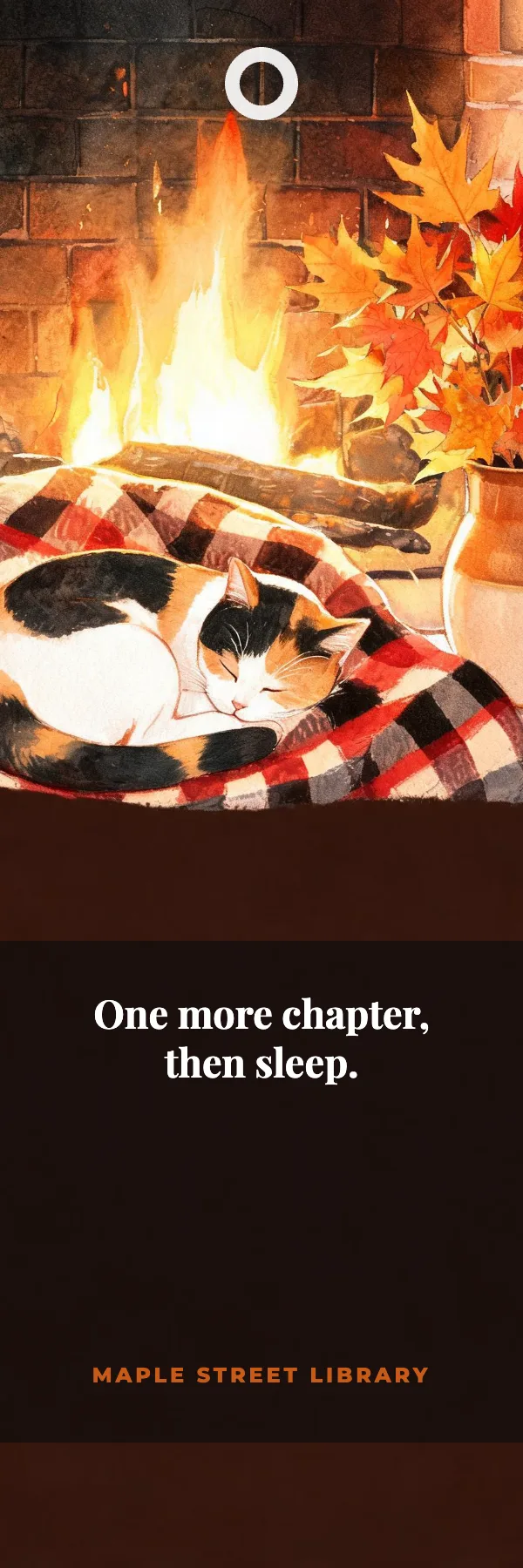
Idyllic's AI bookmark maker turns a theme into a set of printable bookmarks. You get four 2×6 in designs, each with original artwork for your theme, your quote or reading line set on a band in the lower third, the author or library beneath it, and a ring at the top that marks where to punch for a ribbon. Edit any word in Canvas and print.
- Size
- 2×6 in, 600×1800 px, up to 1200×3600
- You get
- 4 bookmarks + the artwork
- Styles
- Watercolor, Botanical, Fantasy, Anime, Vintage, Minimal
- Image model
- Seedream 5
- Cost
- 36 credits for 4 bookmarks, on Plus
Real output · no retouching
One brief.
4 results.
- What should it show?
- A cozy reading nook with a sleeping cat and autumn leaves
- Quote or line (optional)
- One more chapter, then sleep.
- Author, library or brand (optional)
- Maple Street Library
- Style
- Watercolor
How to make it
Four steps, about a minute of your time. These are real screens from the run above.
- 01
Describe the bookmark
Write what it should show in 'What should it show?', like 'A cozy reading nook with a sleeping cat and autumn leaves'. Add a quote or line and the author, library or brand, then pick a style (Watercolor, Botanical, Fantasy, Anime, Vintage or Minimal) and how many bookmarks, up to 6.
Open the flow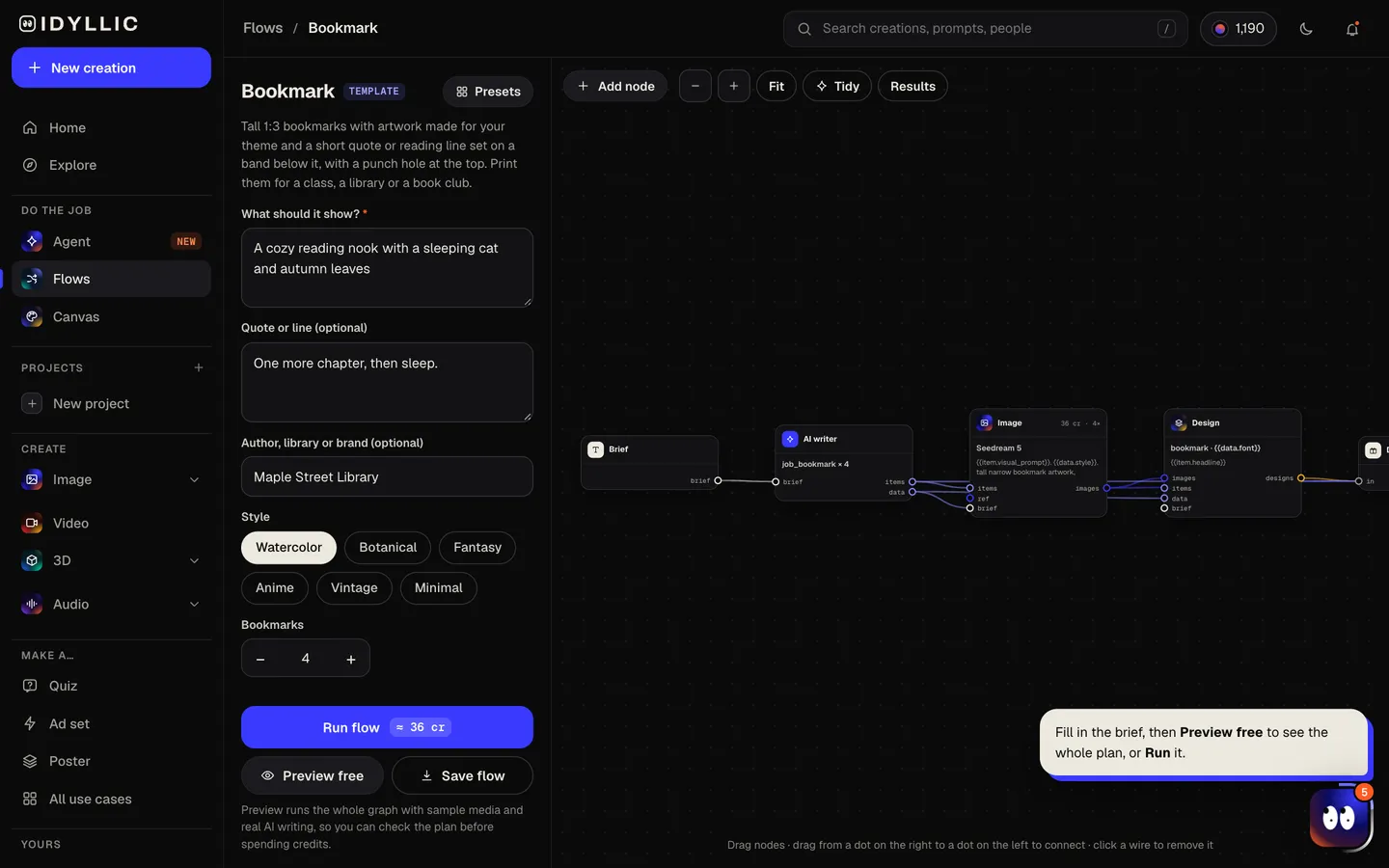
- 02
Watch them get designed
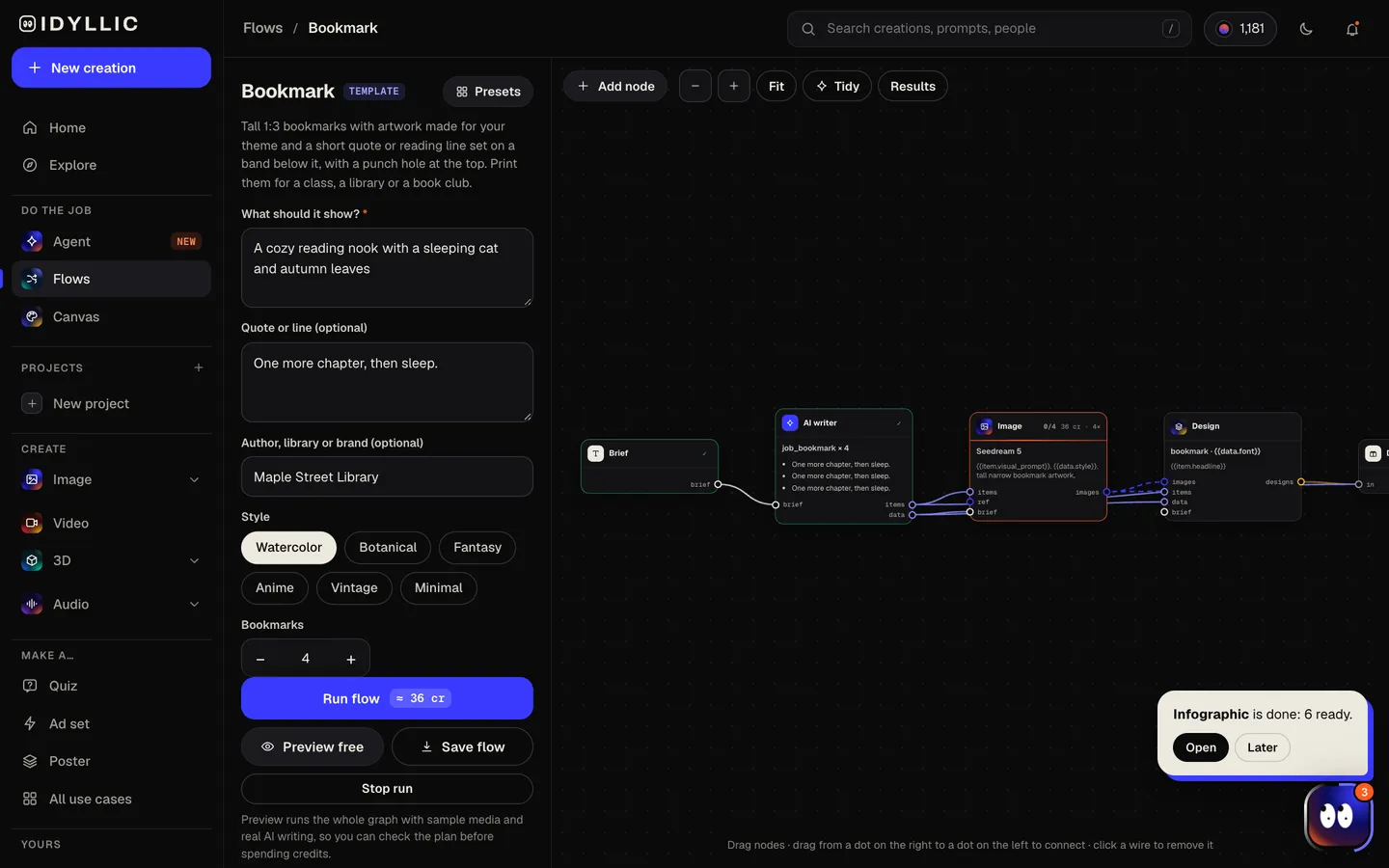
The AI writer plans a different artwork for each bookmark and keeps your quote word for word; with no quote, it writes a short original line for each. Seedream 5 paints each tall artwork with the subject up top, then Idyllic sets the line on a dark band below it. Preview the plan free first.
- 03
Compare the set
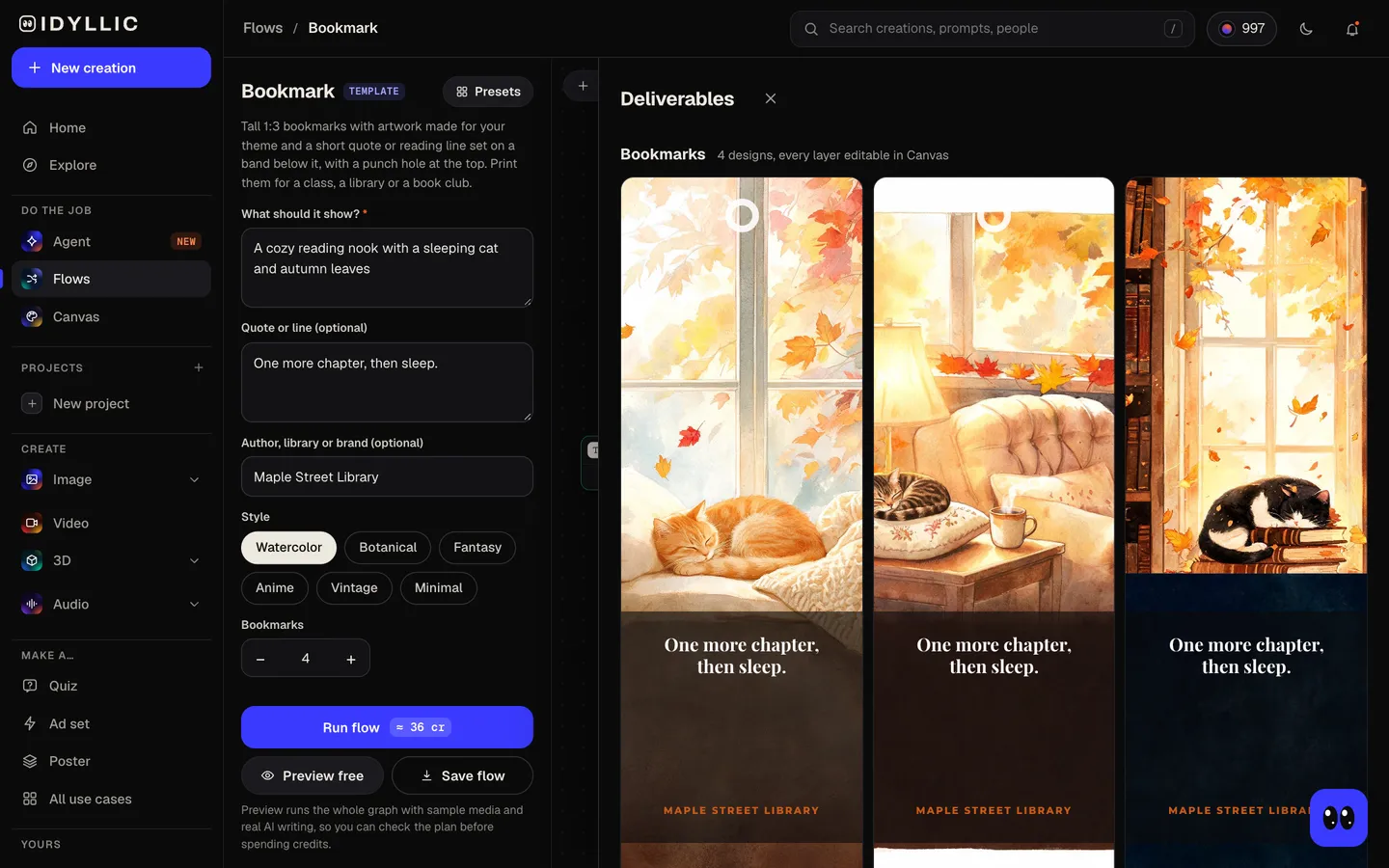
All the bookmarks appear side by side, next to the artwork on its own, so you can print the whole set or pick favorites.
- 04
Edit and print
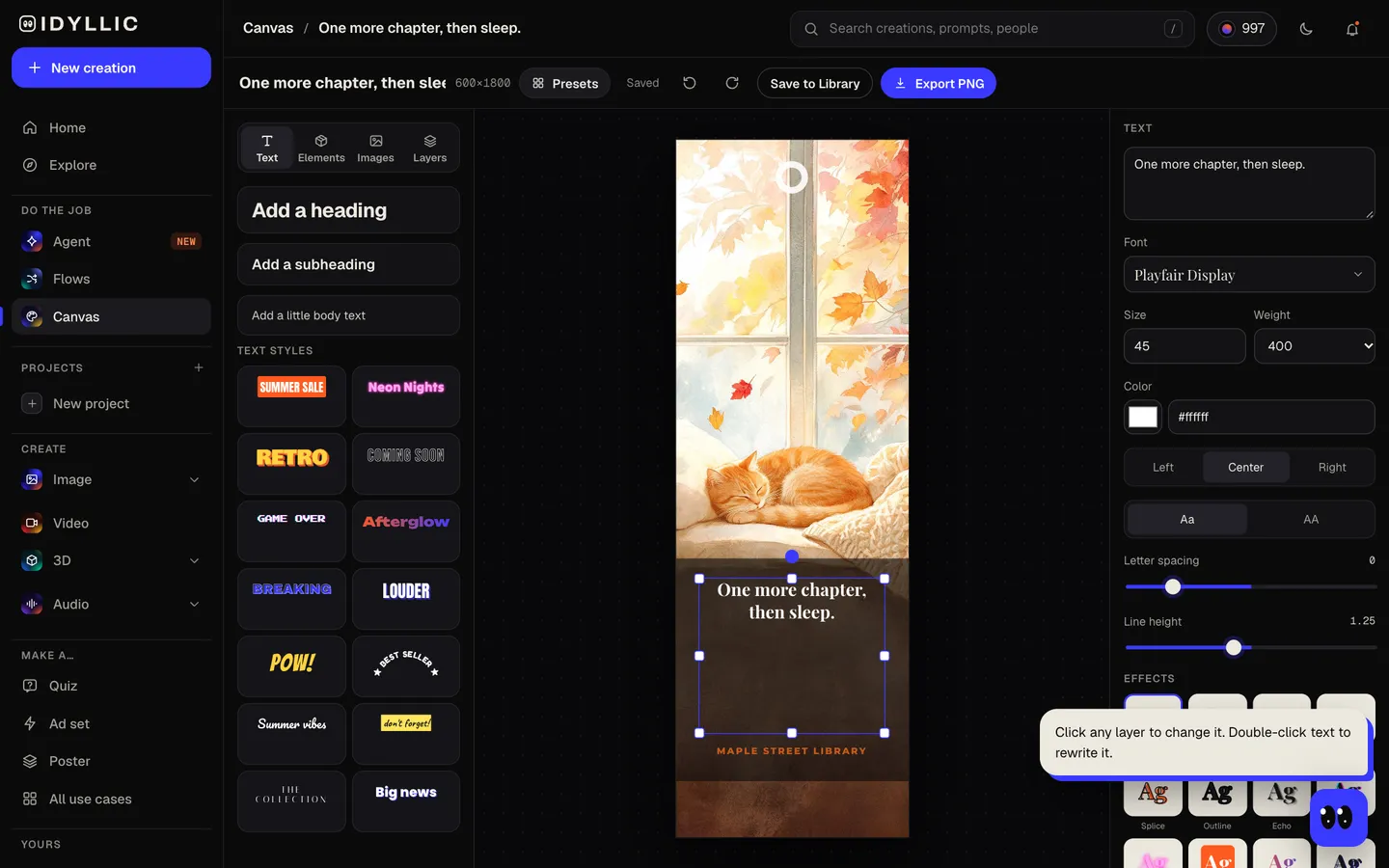
Open one in Canvas to change the line, font or color, or add your logo, then download a PNG. The Large export (1200×3600 px) prints a 2×6 in bookmark at 600 ppi.
Why it beats
a template
Art made for your theme
Each bookmark gets original artwork painted for it, composed tall and narrow, with the main subject in the upper half where it shows above the page.
Your line, set properly
The quote sits on a dark band in the lower third in a serif or script face, with the author or library in spaced capitals beneath.
Sized to print
600×1800 px is exactly 2×6 in at 300 ppi, the most common bookmark size. A ring at the top marks where to punch for a ribbon or tassel.
Six styles
Watercolor, Botanical, Fantasy, Anime, Vintage and Minimal, from a library summer reading prize to a fantasy book launch.
Made for giveaways
Add a library, bookshop or author name and the set doubles as a handout: give them away at events or slip one into every order.
Edit every layer
Canvas has 144 fonts and text effects. Change the line, recolor the band, or select part of the art and describe what should be there instead.
What makes a bookmark people keep
- Keep the line short. Under ten words reads at a glance.
- Put the strongest part of the art at the top, where it shows above the page.
- Print on heavy card stock, and laminate bookmarks that will see a lot of use.
- Punch at the ring and thread a ribbon or tassel through it.
- Selling them? Use your own line or a quote that is in the public domain.
- Print a full set so readers can collect them.
Bookmark size and print specs
| Idyllic bookmark | 600×1800 px, or 1200×3600 Large | 1:3 portrait, PNG; 2×6 in at 300 ppi |
|---|---|---|
| 2×6 in | 51×152 mm | The most common size; the design fits exactly |
| 2×7 and 2×8 in | 51×178 and 51×203 mm | Longer shapes; the 1:3 design prints at 2×6 in with extra space at the ends |
| Bleed | ⅛ in (3 mm) per edge | Print shops often ask for it; the design is trim size, so ask them how they handle it |
| Home printing | Letter or A4, landscape | Five 2×6 in bookmarks fit on one sheet; print on card stock and cut |
Print at 100% so each bookmark comes out at exactly 2×6 in.
Steal a brief
Each one opens the flow with the brief filled in. Change anything before you run it.
A cozy reading nook with a sleeping cat and autumn leaves, “One more chapter, then sleep.”, watercolor
Summer reading challenge for Maple Street Library, a kid reading in a treehouse, anime style
A dragon curled around a stack of old books, “Here be stories.”, fantasy style
Pressed wildflowers and ferns for a spring book club, botanical style
A lighthouse on a stormy coast for Harbor Lights Books, vintage style
Moon phases over a quiet sea, “Read by moonlight.”, minimal style
A fox reading under a mushroom in an enchanted forest, for Grade 2 reading week, watercolor
Launch giveaway for the fantasy novel The Glass Tide by A. R. Winter, a ship sailing into a crystal sea, fantasy
A Japanese garden with a koi pond and cherry blossoms, “Slow down and read.”, anime style
Questions
What size is a bookmark?
The most common size is 2×6 in (51×152 mm), with 2×7 and 2×8 in for more room. Idyllic designs at 600×1800 px, exactly 2×6 in at 300 ppi, with a Large export at 1200×3600 px.
Is the bookmark maker free?
You can preview the whole flow free, with real AI writing and sample images. Running it for real is on Plus ($10.50 a month, billed yearly) and uses 36 credits for 4 bookmarks. The free plan also includes 3 free images a day in the image studio.
Can I put my own quote on it?
Yes. Type it in the quote box and it is set word for word on every bookmark, with the author beneath. With no quote, the AI writes a short original line for each bookmark and attributes it to no one.
Can I make bookmarks for a library or bookshop?
Yes. Add the name in 'Author, library or brand' and it is set under the line. Paid plans include a commercial license, so you can hand them out or sell them.
How do I print bookmarks at home?
Download the PNGs and place them at 2×6 in on a landscape Letter or A4 sheet; five fit across. Print on heavy card stock at 100%, cut along the edges, then punch at the ring and add a ribbon.
Can I make bookmarks for my class?
Yes. Use the class theme or the book you are reading, make up to 6 designs, and add each student's name in Canvas before you download if you want them personal.
What paper should I use?
Heavy card stock holds up between pages, in matte or gloss. Laminate bookmarks for young readers or anything that will travel in a backpack.
Make something else
Everything you can make

Your turn.
Preview the whole flow free. No credit card.