Ready-made flow · Print-ready certificates with the name set in script
Certificates of Achievement Maker
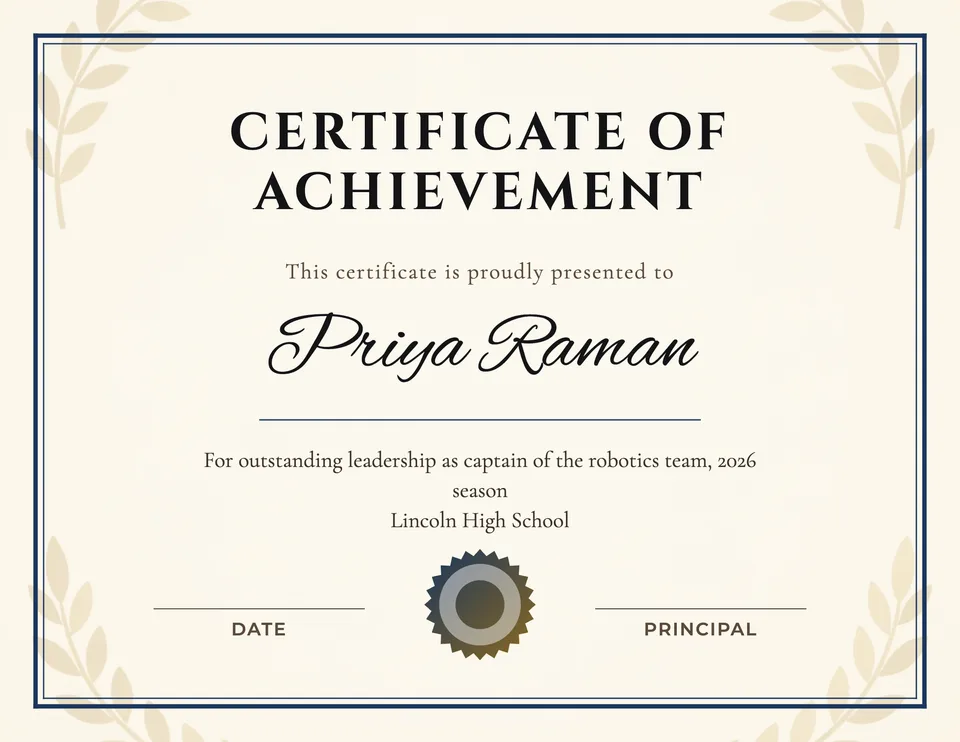
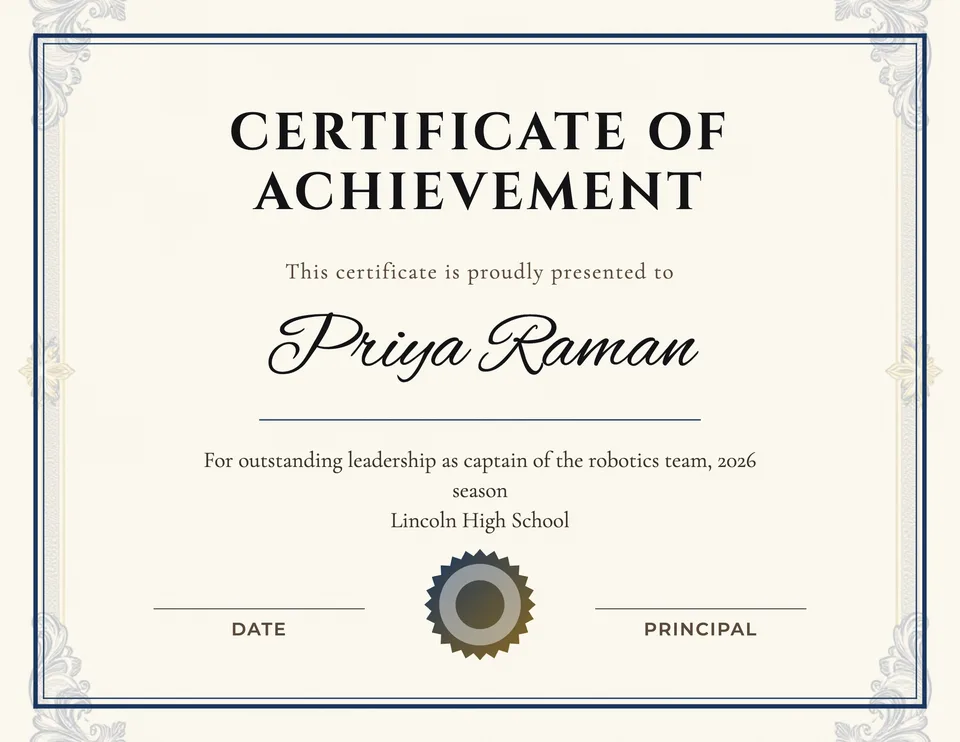
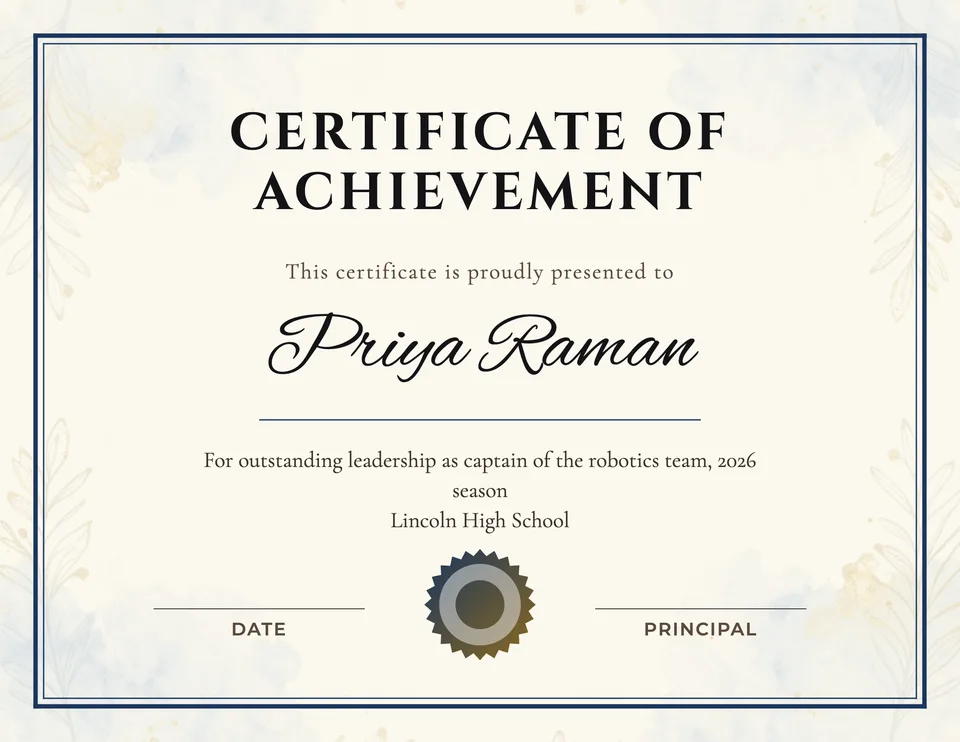
Idyllic's certificates of achievement maker designs three print-ready certificates from one line: who it is for and what they did. Each is a landscape US Letter page with a faint decorative background, a gold border and seal, the recipient's name in script, the reason below and lines for the date and signature. Every word stays editable in Canvas, so one design can serve a whole class.
- Size
- US Letter landscape, up to 4400×3400 px
- You get
- 3 certificates + the backgrounds
- Types
- Achievement, Completion, Appreciation, Participation, Excellence
- Image model
- Z-Image Turbo
- Cost
- 6 credits for 3 designs, on Plus
Real output · no retouching
One brief.
3 results.
- Who is it for?
- Priya Raman
- What is it for?
- For outstanding leadership as captain of the robotics team, 2026 season
- Organization and signer (optional)
- Lincoln High School, Ms. Alvarez, Principal
- Certificate type
- Achievement
How to make it
Four steps, about a minute of your time. These are real screens from the run above.
- 01
Say who it is for
Type the recipient's name in 'Who is it for?' and what it is for, like 'For outstanding leadership as captain of the robotics team'. Add the organization and signer if you want them on the page, then pick a certificate type (Achievement, Completion, Appreciation, Participation or Excellence) and the number of designs.
Open the flow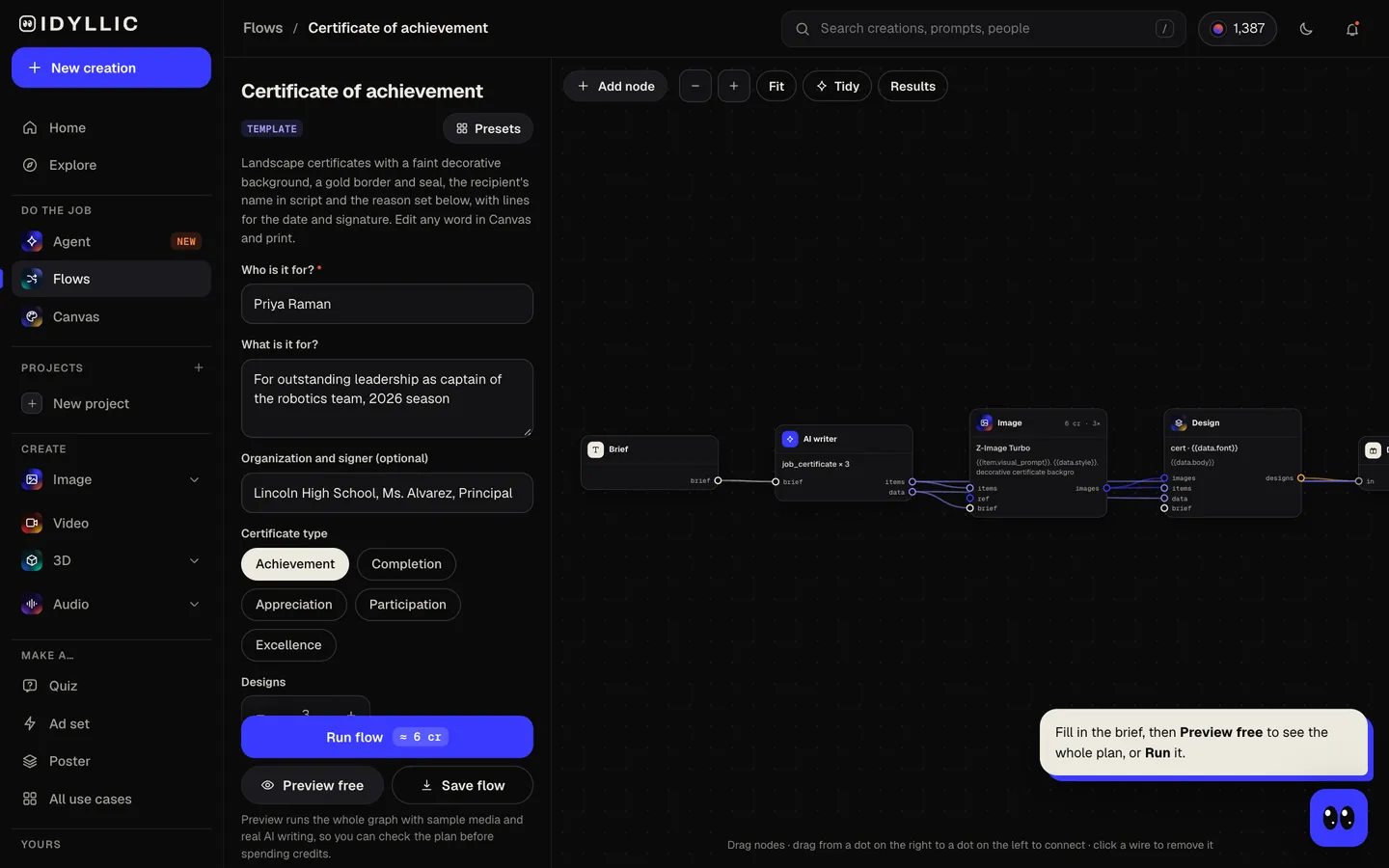
- 02
Watch it get designed
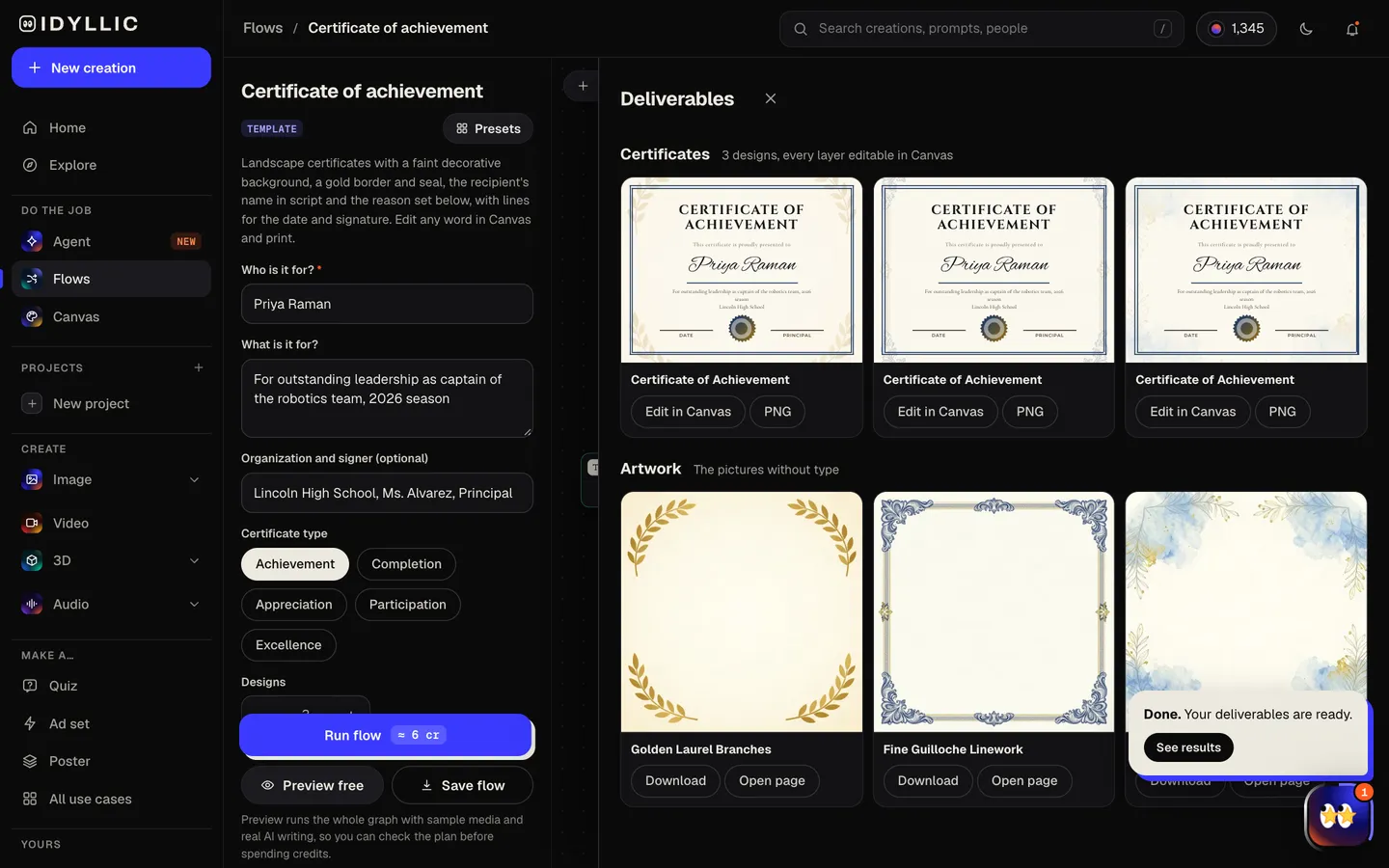
The AI writer sets the title from the type, a presented-to line, the reason on one line and the signature labels, and plans a different background for each design: laurels, guilloche, a watercolor wash or engraved botanicals. Z-Image Turbo makes each background, then Idyllic sets the type inside a gold border with a seal. Preview the flow free first.
- 03
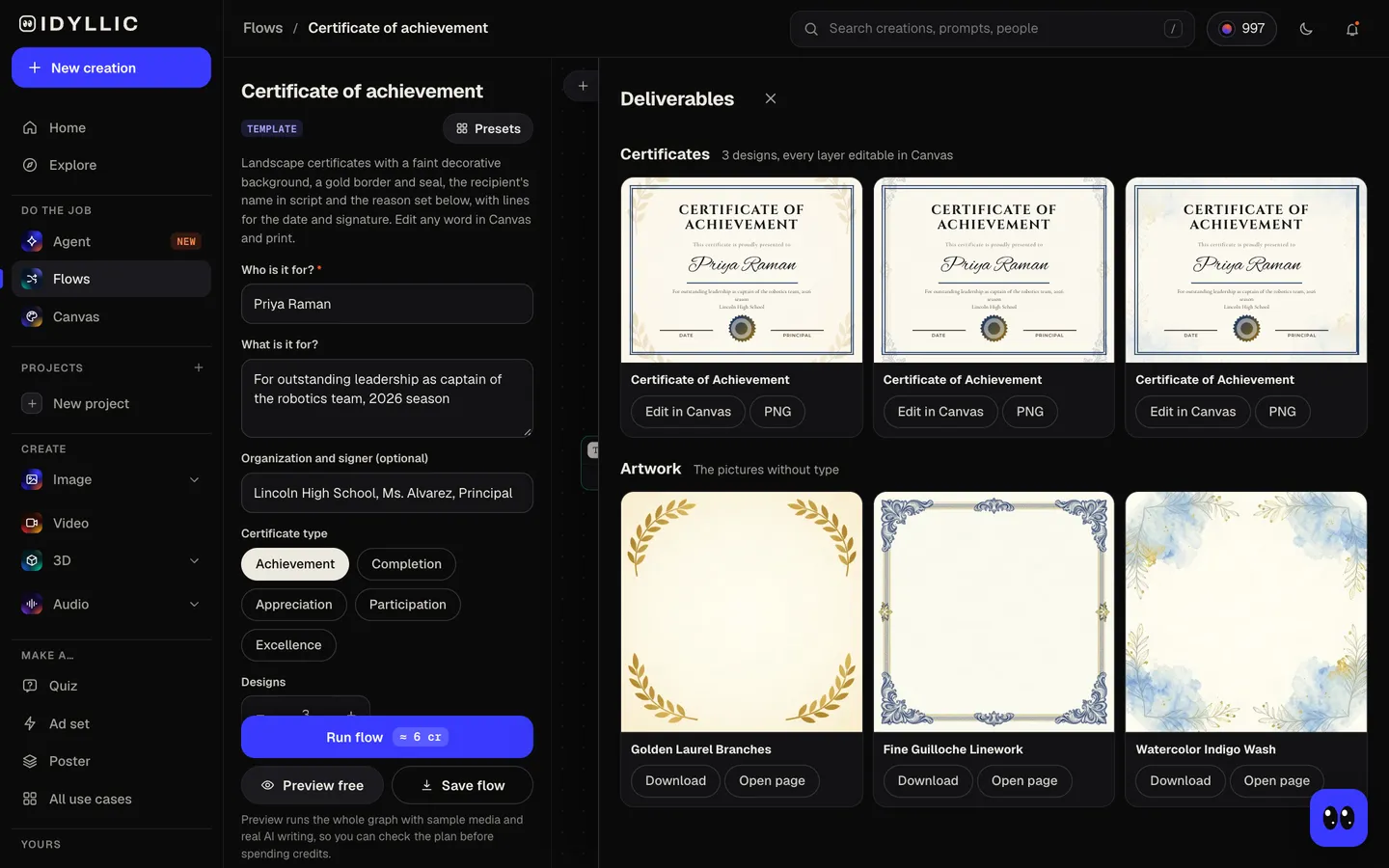
Compare the designs
The certificates appear side by side, next to the backgrounds on their own, so you can pick the one that suits the award.
- 04
Edit and print
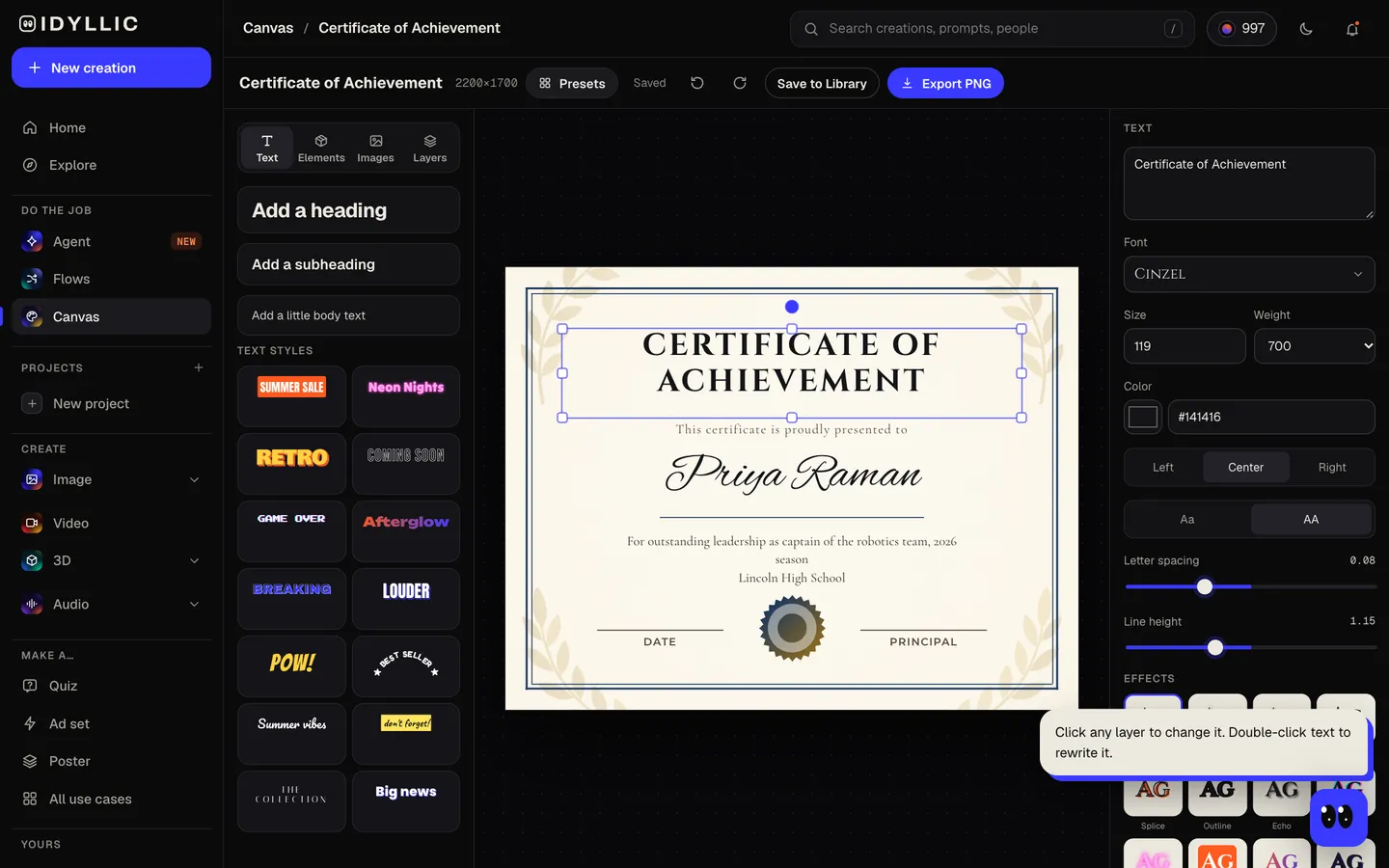
Open one in Canvas to change any word, font or color, or add your logo. Download a PNG, Large (4400×3400 px) for print. For a whole class, change the name and download again for each person.
Why it beats
a template
A finished certificate, not a blank template
The title, the presented-to line, the name, the reason and the signature lines are written and set for you inside a gold double border with a seal. You only proofread.
The name in script
The recipient's name is set large in a script face such as Great Vibes or Allura, on a gold rule, under a title in engraved capitals.
A background for every design
Each variation gets its own faint decorative background, from laurel branches in the corners to fine guilloche linework, kept light so the text reads.
Five certificate types
Achievement, Completion, Appreciation, Participation and Excellence. The type sets the title, and the wording if you leave the reason empty.
One design for the whole class
Run it once, then change the name in Canvas and download again for each student, player or volunteer. The reason line changes just as easily.
Edit every layer
Canvas has 144 fonts and text effects. Change the signer's title, recolor the border, move the seal or upload your school or company logo as a new layer.
What makes a good certificate of achievement
- Spell the name the way the person spells it. Ask if you are not sure.
- Make the reason specific: 'For leading the robotics team to the state finals' means more than 'For hard work'.
- Keep the reason to one line. The name is the hero of the page.
- Include the date, and sign it in ink after printing.
- Print on heavy card stock or parchment paper, and test one copy on plain paper first.
- Hand it over in a folder or frame so it stays flat.
Certificate size and print specs
| Idyllic certificate | 2200×1700 px, or 4400×3400 Large | US Letter landscape proportions, PNG |
|---|---|---|
| US Letter landscape | 11×8.5 in | 3300×2550 px at 300 ppi; the Large export prints at 400 ppi |
| A4 landscape | 297×210 mm | A little longer than Letter; at fit to page the design prints with narrow side margins |
| Border position | About ⅜ in from the edge | Clear of the unprinted edge most home printers leave |
Print at 100% or fit to page. In the US, most certificate frames and presentation folders take 8.5×11 in, so a Letter print slots straight in.
Steal a brief
Each one opens the flow with the brief filled in. Change anything before you run it.
Priya Raman, Certificate of Achievement for leading the robotics team as captain, Lincoln High School, Ms. Alvarez, Principal
Marcus Lee, Certificate of Completion for the 10-week Intro to Python course, Northside Coding Club
Sofia Bennett, Certificate of Appreciation for 200 volunteer hours at Riverside Animal Shelter
Ethan Cole, Certificate of Participation in the 2026 Spring Science Fair, Oakridge Elementary
Hannah Park, Certificate of Excellence for perfect attendance, Maple Grove Middle School, Mr. Grant, Principal
Liam Ortiz, Certificate of Achievement for reading 100 books this school year, Room 12, Mrs. Patel
Coach Dana Reyes, Certificate of Appreciation from the Hawks U12 soccer team and families, fall 2026
Jordan Ellis, Employee of the Month for October 2026, Harbor Point Logistics, signed by the operations manager
Questions
What makes a good certificate of achievement?
A clear title, the recipient's name spelled right, one specific line about what they did, who it is from, the date and a signature. Specific beats generic: 'For leading the robotics team to the state finals' means more than 'For excellence'.
Is the certificate maker free?
You can preview the whole flow free, with real AI writing and sample images. Running it for real is on Plus ($10.50 a month, billed yearly) and uses 6 credits for 3 certificates. The free plan also includes 3 free images a day in the image studio.
What size is a certificate?
In the US, certificates are usually US Letter, 8.5×11 in, often landscape; elsewhere, A4 (210×297 mm). Idyllic designs at Letter proportions, 2200×1700 px, with a Large export at 4400×3400 px for sharp printing. It also prints on A4 with narrow side margins.
Can I add my school or company logo?
Yes. Open the certificate in Canvas, upload the logo as a new layer and place it, often above the title or beside the seal. Remove its background there if it needs it.
How quickly can I make a certificate?
A run usually takes a minute or two for three designs. After that, changing the name for the next person takes seconds in Canvas.
Can I make certificates for a whole class or team?
Yes. Run the flow with the first name, pick a design, then change the name in Canvas and download again for each person. Edit the reason line too if each award is different.
What is the difference between a certificate of achievement and a certificate of completion?
A certificate of achievement recognizes something the person did well, like winning a competition or reaching a goal. A certificate of completion confirms they finished a course or program. Pick the type in the brief and the title follows.
Can I use the certificates for my business?
Yes. Paid plans include a commercial license, so you can use them for employee awards, courses you run or client programs.
Make something else
Everything you can make
Your turn.
Preview the whole flow free. No credit card.