Ready-made flow · A custom emoji set for Slack, Discord and chats
AI Emoji Maker
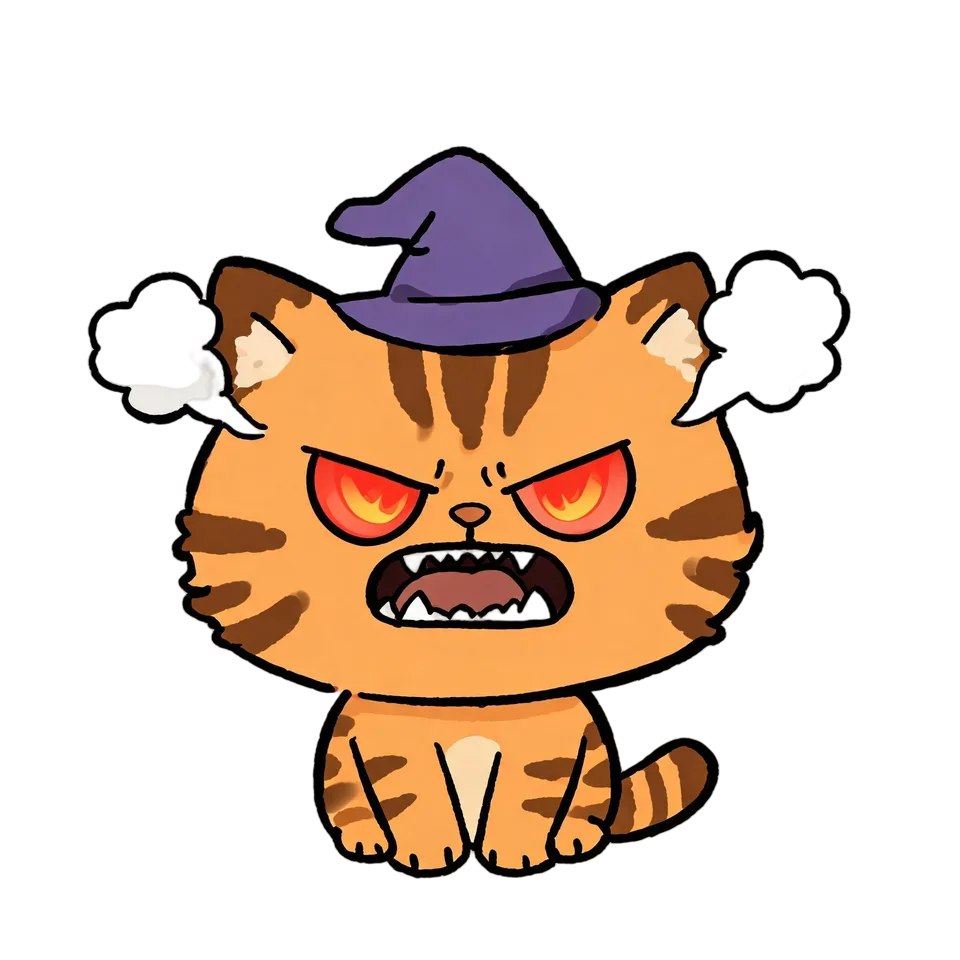
Idyllic's AI emoji maker turns your office pug, your team mascot or an inside joke into a set of custom emoji. Each one shows a different expression, drawn with bold shapes and thick outlines that still read at 32 px, then cut out on a transparent background with a shortcode ready to type. Six emoji by default, for Slack, Discord or Teams.
- You get
- 6 emoji, each with a shortcode
- Size
- 2048×2048 px transparent PNG
- Styles
- Glossy 3D, Flat, Kawaii, Blob, Pixel, Hand-drawn
- Image model
- Seedream 5
- Cost
- 60 credits for 6 emoji, on Plus
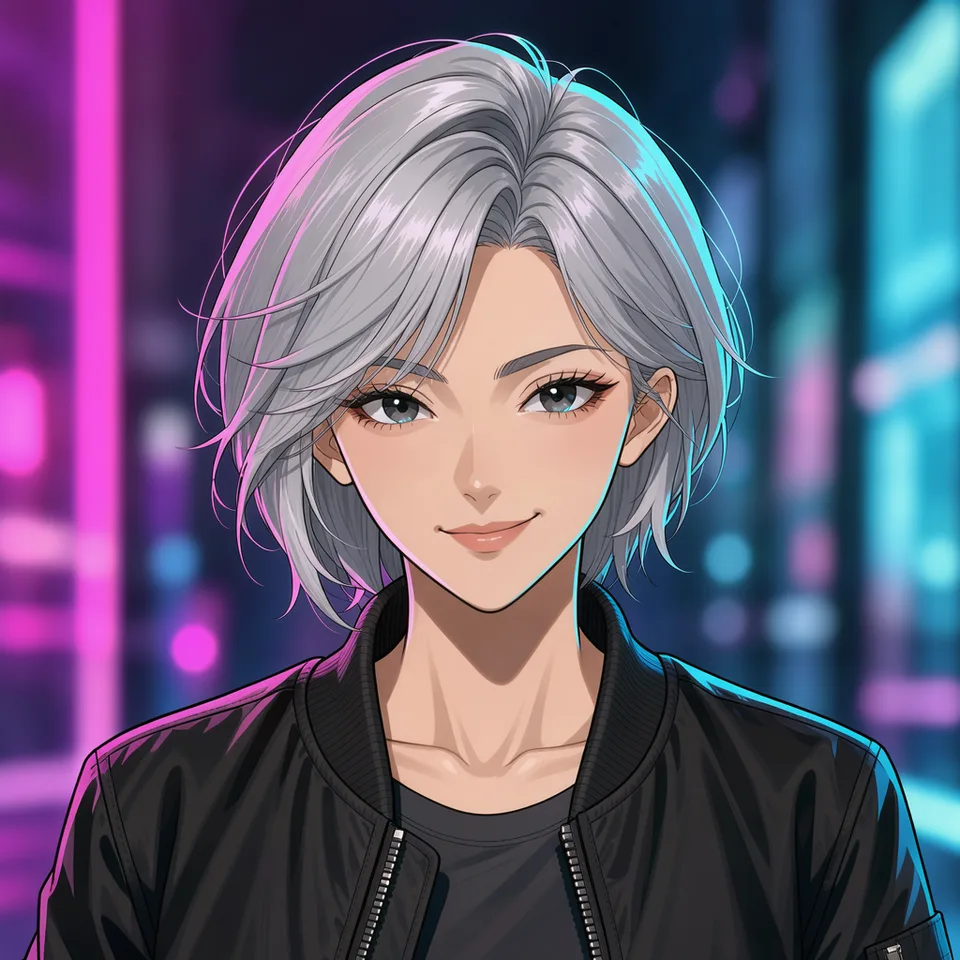
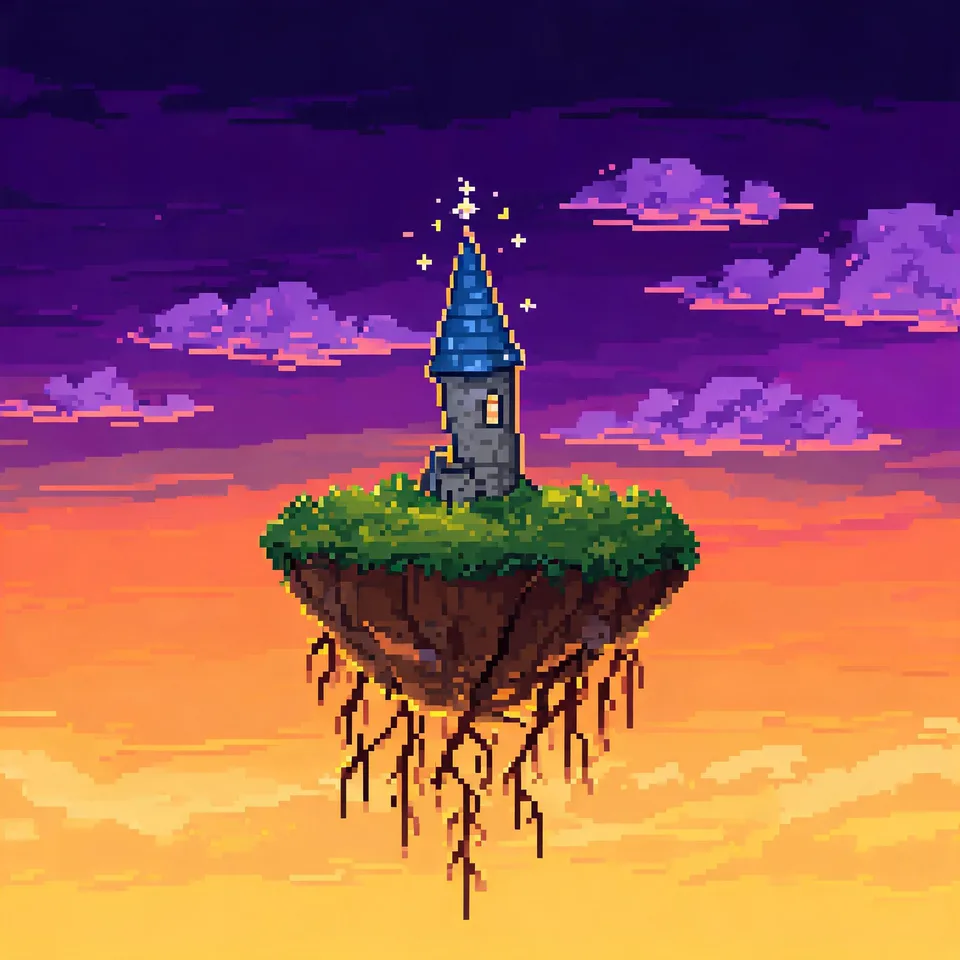
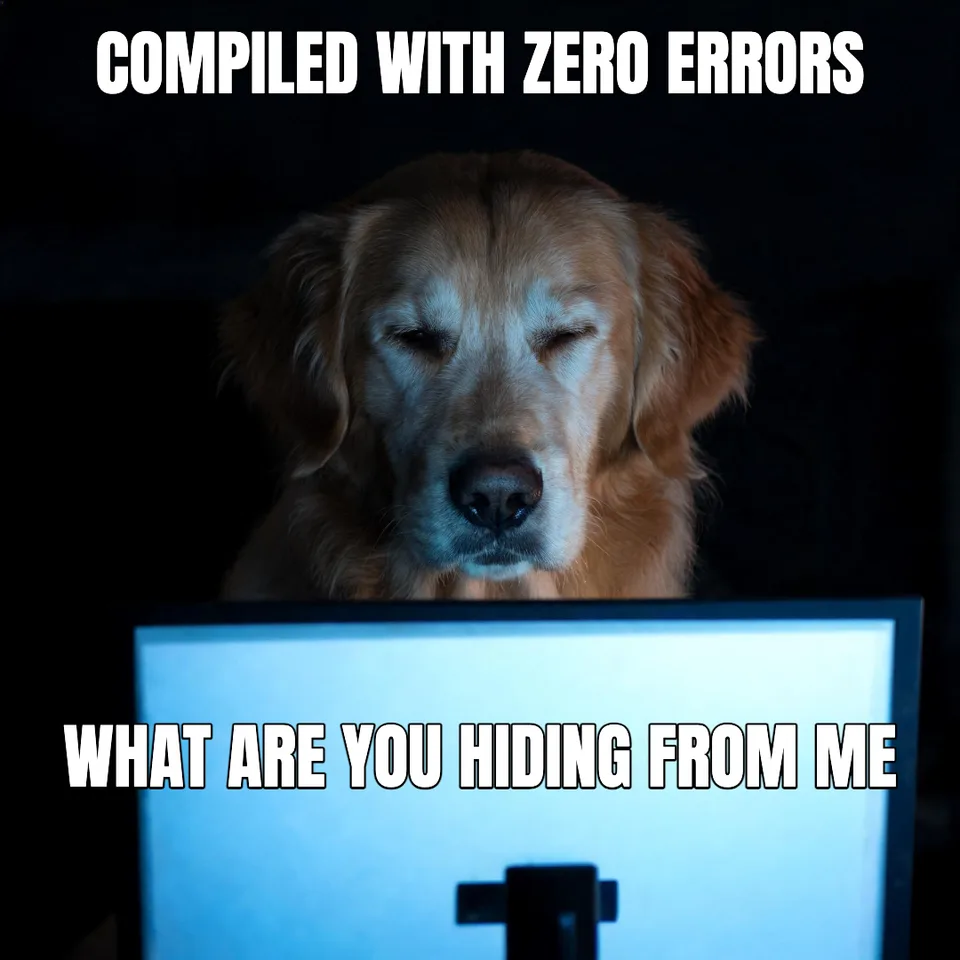
Real output · no retouching
One brief.
4 results.
- Who or what is the emoji?
- Pickle, our office pug, black with a grey muzzle
- Expressions (optional)
- laughing, facepalm, thumbs up, heart eyes
- Style
- Glossy 3D

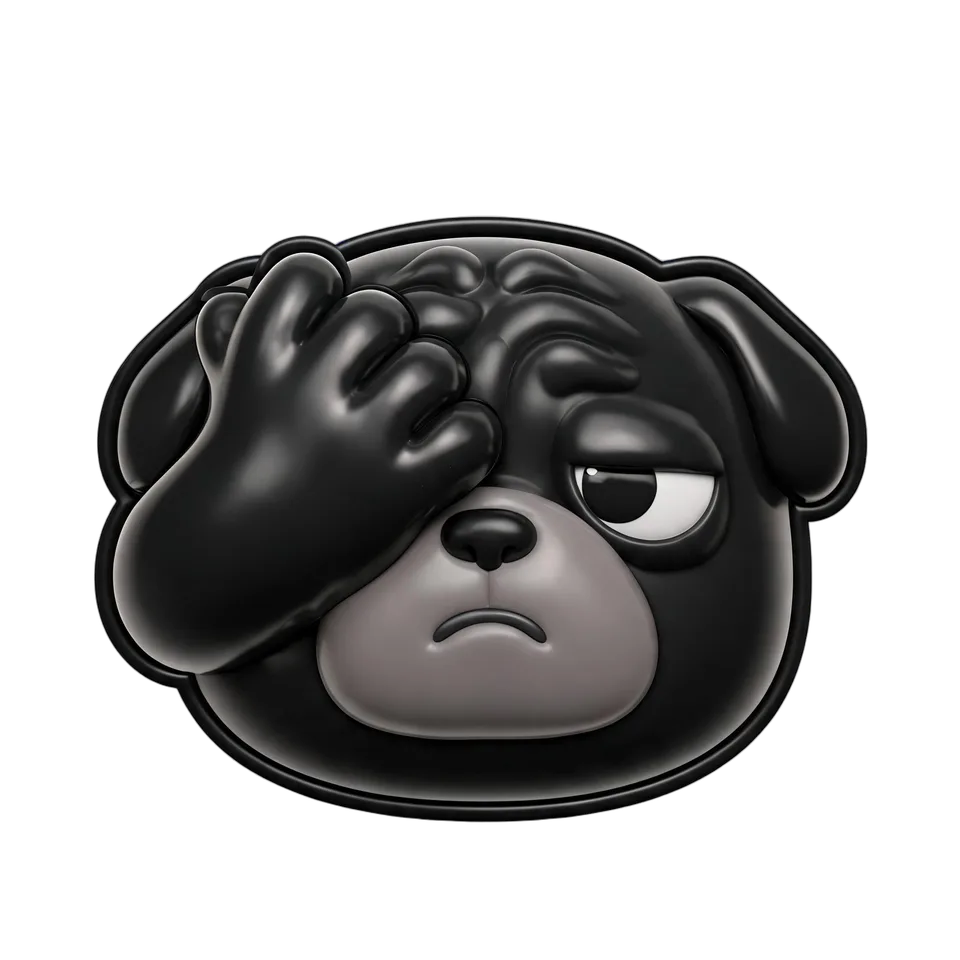

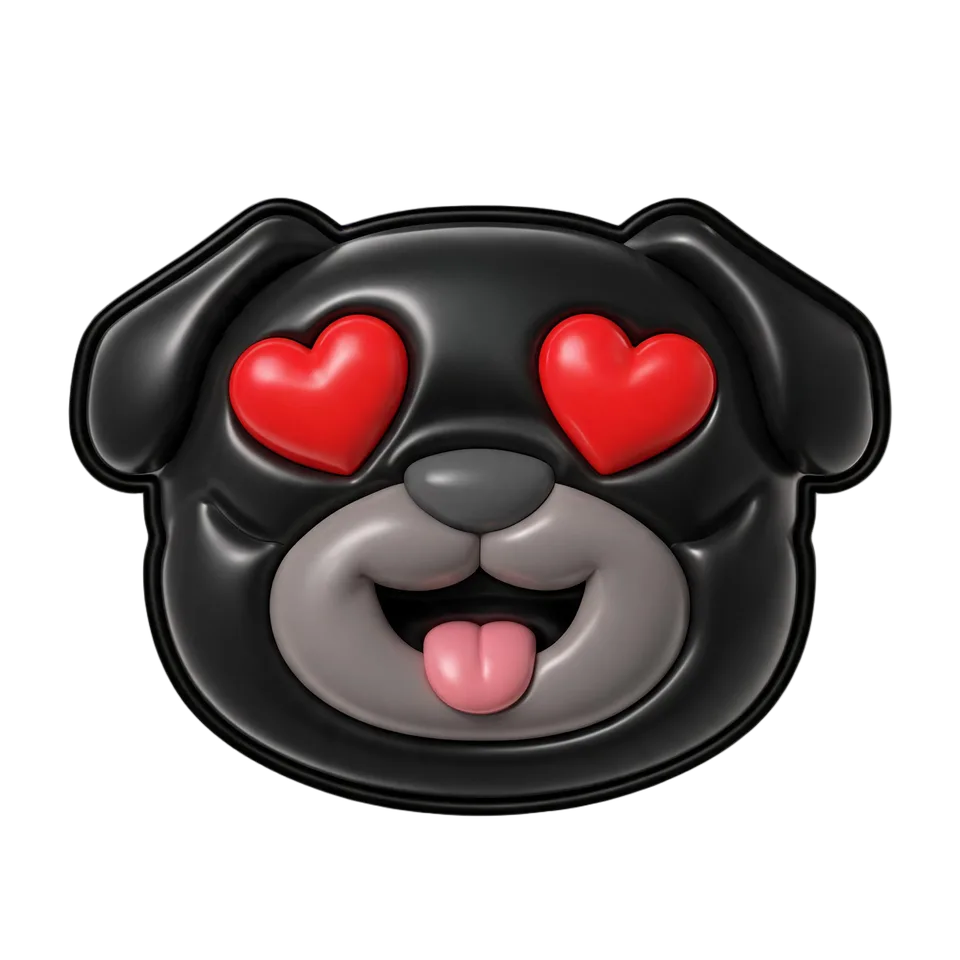
How to make it
Four steps, about a minute of your time. These are real screens from the run above.
- 01
Say who or what it is
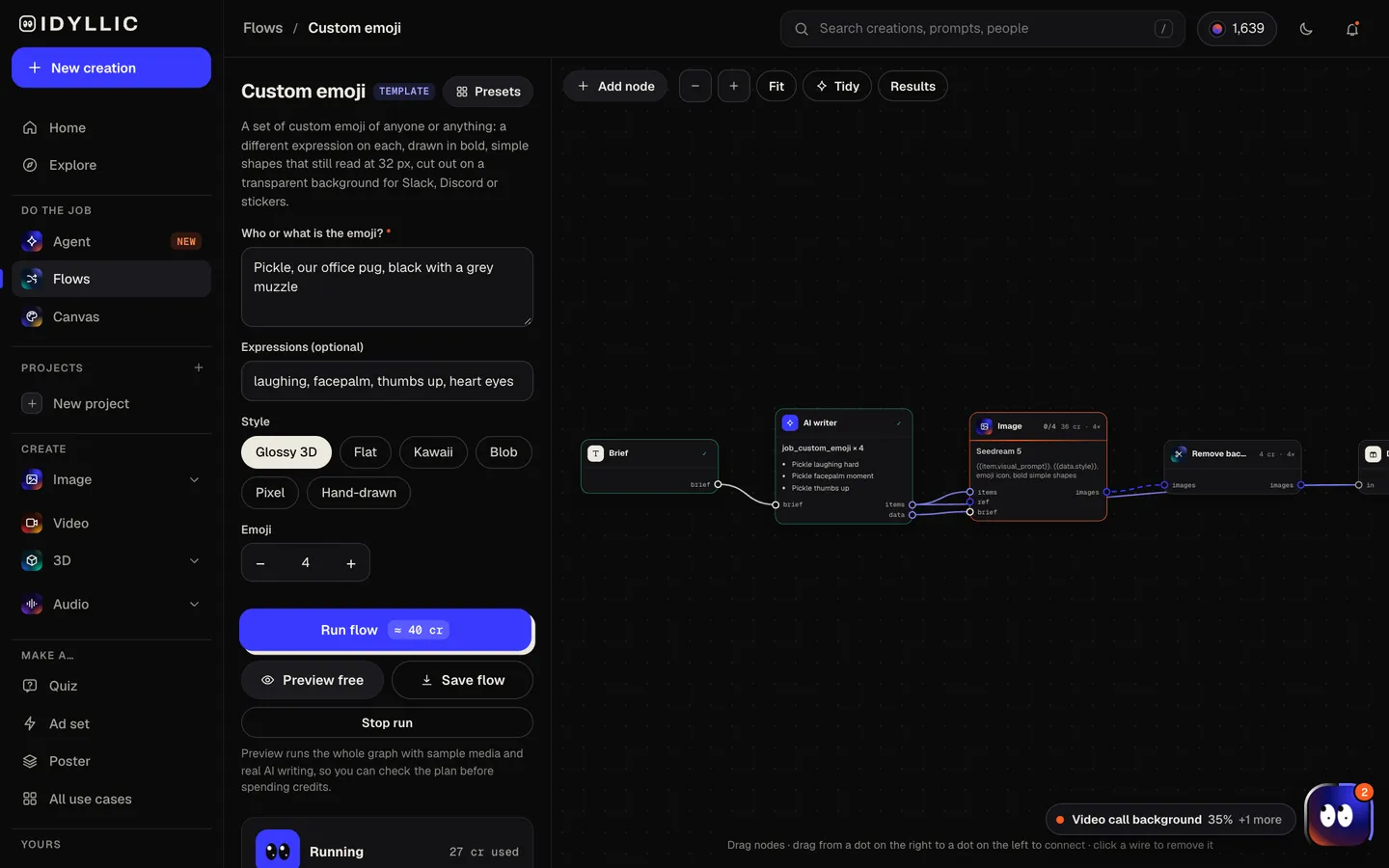
Describe the subject, like Pickle, our office pug, black with a grey muzzle. List the expressions you want (laughing, facepalm, thumbs up, heart eyes) or leave them to the writer, pick a style (Glossy 3D, Flat, Kawaii, Blob, Pixel or Hand-drawn) and how many emoji you want, up to eight.
Open the flow
- 02
Watch the set get drawn
The AI writer plans an expression for each emoji, starting with the ones you listed, and gives each a shortcode like :pickle_lol:. Seedream 5 draws them with bold shapes and thick outlines, then Idyllic cuts each one out on a transparent background. Preview the plan free.
- 03
See the whole set
Every emoji appears side by side with its shortcode, so you can check that each expression reads at a glance.

- 04
Download or keep going
Download the transparent PNGs, scale them to 128×128 px and add them to Slack, Discord or Teams. Or keep going: animate one, or put the set on a sticker sheet design in Canvas.

Why it beats
a template
Reads at 32 pixels
Big features, thick outlines and simple shapes, so a laugh still looks like a laugh at the size chat apps show emoji.
A set, not a single face
One subject, many reactions: laughing, facepalm, thumbs up, heart eyes, or whatever your team says most.
Shortcodes included
Each emoji comes with a shortcode like :pickle_lol:, so naming the set takes seconds.
Clean on dark and light themes
Backgrounds are removed automatically, so every emoji sits cleanly in light mode and dark mode.
Six styles
Glossy 3D, Flat, Kawaii, Blob, Pixel or Hand-drawn. Match your workspace's mood or your brand.
For teams and communities
Turn the office dog, a mascot or a running joke into a set the whole workspace uses. Paid plans include a commercial license for brand and community emoji.
What makes a custom emoji people actually use
- One feeling per emoji. If it needs explaining, it is too subtle.
- Exaggerate. Small eyebrows and slight smiles vanish at 32 px.
- A head usually reads better than a full body at emoji size.
- Build the set your team needs: yes, no, lol, on it, thank you, facepalm.
- Name them so they are easy to guess, like :pickle_yes: and :pickle_no:.
- Check them on a dark theme before you upload the set.
Custom emoji sizes by app
| Idyllic emoji | 2048×2048 px | Transparent PNG; scale down to 128×128 px for chat apps |
|---|---|---|
| Slack | Square, under 128 KB | JPG, PNG or GIF; transparent PNGs work best; GIFs up to 50 frames |
| Discord | 128×128 px, up to 256 KB | JPEG, PNG, GIF, WebP or AVIF; names at least 2 characters |
| Microsoft Teams | Square, under 256 KB | JPEG, PNG or GIF |
| Discord server slots | 50 static + 50 animated | Server Boosts raise it to 100, 150 or 250 of each |
Scale the 2048 px PNGs down to 128×128 before you upload. That keeps every file well under each app's size limit and as sharp as the apps show them.
Steal a brief
Each one opens the flow with the brief filled in. Change anything before you run it.
Our team mascot, a round orange robot, saying yes, no, on it and thank you
A sleepy sloth in kawaii style: yawning, nodding off, sipping coffee and finally awake
A ginger cat with a white bib looking smug, shocked, crying-laughing and plotting, blob style
A tiny cactus with a flower on top giving a thumbs up, a hug and a side-eye, flat style
A bearded designer in round glasses and a beanie: mind blown, ship it, facepalm
A frog in a bucket hat celebrating, panicking and sipping tea, hand-drawn
A golden retriever puppy in pixel style: zoomies, sad eyes, love and sleepy
A slice of pizza for our Discord server: hyped, GG, rage quit and drooling
Questions
Is the AI emoji maker free?
You can preview the whole flow free: real AI writing with sample images, so you can check the plan. Running it for real is on Plus ($10.50 a month, billed yearly) and uses 60 credits for six emoji. The free plan also includes 3 free images a day in the image studio.
How do I add custom emoji to Slack?
Download the PNG, scale it to 128×128 px, then add it in Slack's custom emoji settings with a name. Slack takes square JPG, PNG or GIF files under 128 KB. Your workspace settings decide who can add emoji.
What size is a Discord emoji?
Upload at 128×128 px and under 256 KB. Discord takes JPEG, PNG, GIF, WebP and AVIF, and every emoji needs a name of at least 2 characters. A server without boosts has 50 static and 50 animated slots.
Can I make an emoji of a person or my pet?
Yes. Describe them in the subject: hair, glasses, fur color, a signature hat. The flow works from your words, not a photo; to build a set from a photo, describe the job to the Agent and it builds the flow for you.
Do the emoji have a transparent background?
Yes. Every emoji is cut out automatically and downloads as a transparent PNG, so it sits cleanly on light and dark themes.
Can I make animated emoji?
The flow makes still emoji. You can animate any of them afterwards as a short clip; for a chat emoji, keep the final GIF inside Slack's 128 KB or Discord's 256 KB limit.
Can I use them as stickers too?
Yes. The same PNGs work as chat stickers. For die-cut stickers with a thick white border, use the sticker flow.
Make something else
Everything you can make

Your turn.
Preview the whole flow free. No credit card.