Create Stunning Venn Diagrams in Seconds
Unlock the power of visualization with our intuitive Venn Diagram Maker. Ideal for educators, professionals, and students — no design skills required.
- Price
- Free to start · 3 images a day
- Output
- HD images, upscale to 8K
- Models
- FLUX, Imagen 4, GPT Image, Seedream
- Commercial use
- Included on paid plans
- Prompt language
- Any language
Examples
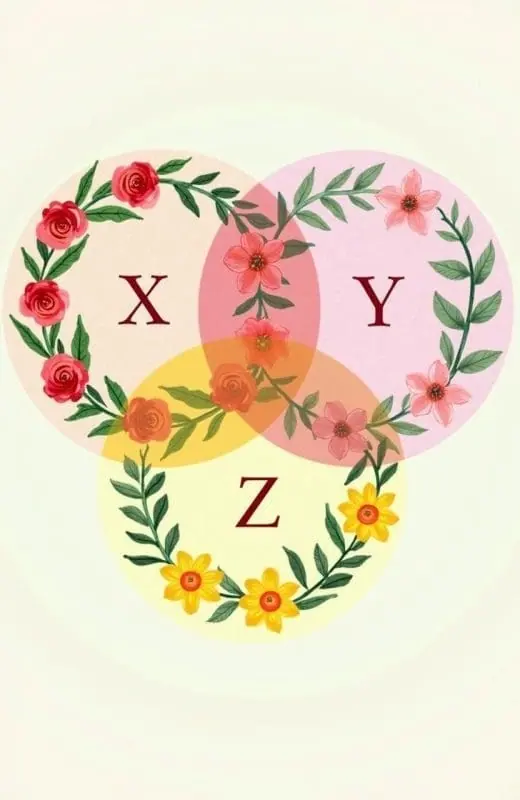
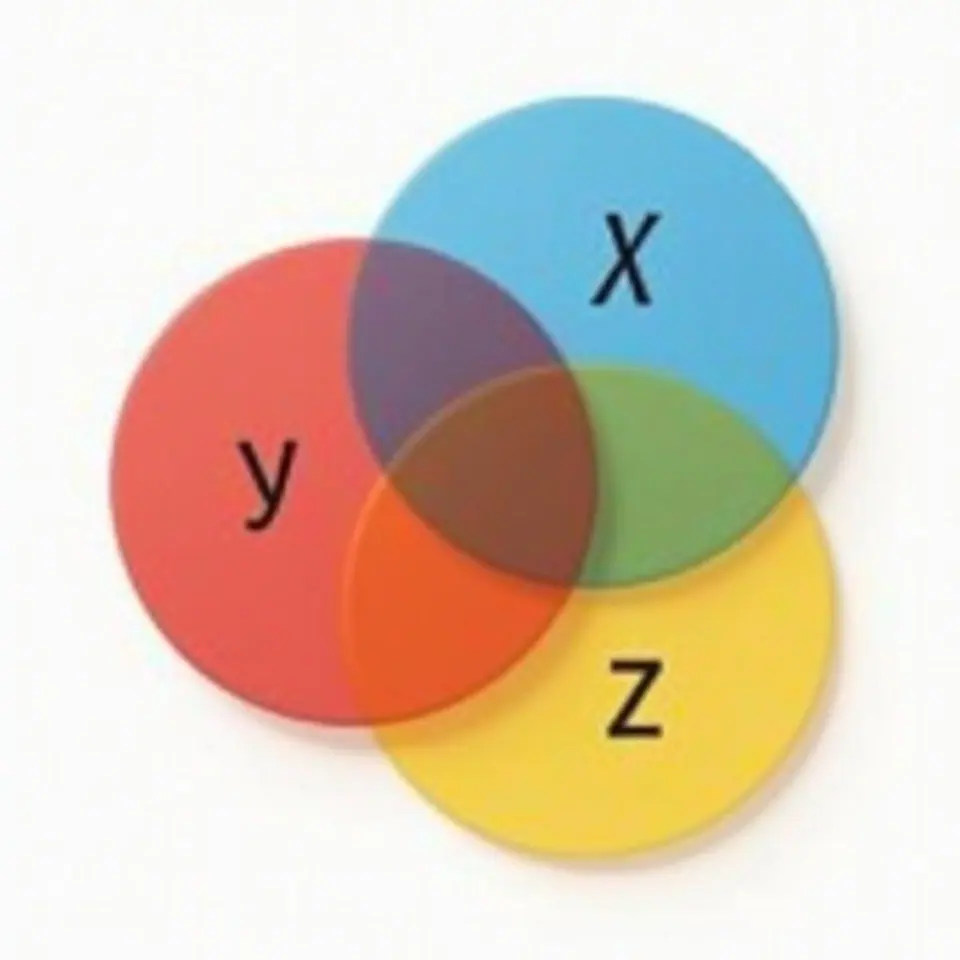
How it works
Three steps from idea to finished image.
- 1
Describe it
Type what you want in plain words, or start from one of the prompt ideas below. Magic Prompt can expand a few words into a detailed prompt.
- 2
Pick a style and format
Choose a model, style and aspect ratio. Idyllic generates several options in seconds.
- 3
Refine and download
Say what to change and only that changes. Upscale your favorite and download it in HD.
Visualize Relationships and Data with Ease
Our Venn Diagram Maker makes it simple to create professional-quality diagrams that display the relationships between different sets. Whether you need a diagram for a presentation, an educational project, or a data analysis task, our tool has you covered.
Text-to-Image Generation
Generate your Venn diagrams effortlessly from text descriptions. Just describe your sets and their relationships, and let our advanced technology do the rest. Perfect for creating clear and precise visuals without delving into manual design.
Customizable Quality and Speed
Choose the level of detail and resolution that best fits your needs. Our Venn Diagram Maker accommodates high-quality outputs for detailed presentations and faster, lower-quality options for quick drafts.
Iterate and Refine
Need to tweak a diagram? No problem. Use our iterative creation process to refine your diagrams with ease. Make specific changes to tailor the visuals exactly to your requirements.
Remix and Blend Diagrams
Combine elements from up to nine different diagrams to create complex visuals. Use inspiration images to guide the design and achieve the perfect look and feel for your project.
Auto-Edits for Specific Use Cases
Quickly adapt and edit your Venn diagrams for specific contexts, ensuring they are always relevant and impactful.
Frequently asked questions
What makes a good Venn diagram?
A good Venn diagram clearly shows the relationships between different sets, is easy to understand, accurately represents data, and is visually appealing.
Why use Venn diagrams?
Venn diagrams are powerful tools for: Visualizing relationships and intersections between different sets Simplifying complex information Enhancing presentations and reports Facilitating data analysis and decision making
Is it free to use?
Yes. You can create 3 images a day for free with no credit card. Paid plans add more images, video, every model, private mode and a commercial license.
Do I need to be good at writing prompts?
No. Describe what you want the way you would say it. Magic Prompt turns a few words into a detailed prompt, and you can fix anything afterwards by describing the change.
Related tools
See all School and work printables




More in School and work printables

Your turn.
Free to start. No credit card.