Ready-made flow · Wedding invites with your names set in elegant type
Custom Wedding Invitation Maker
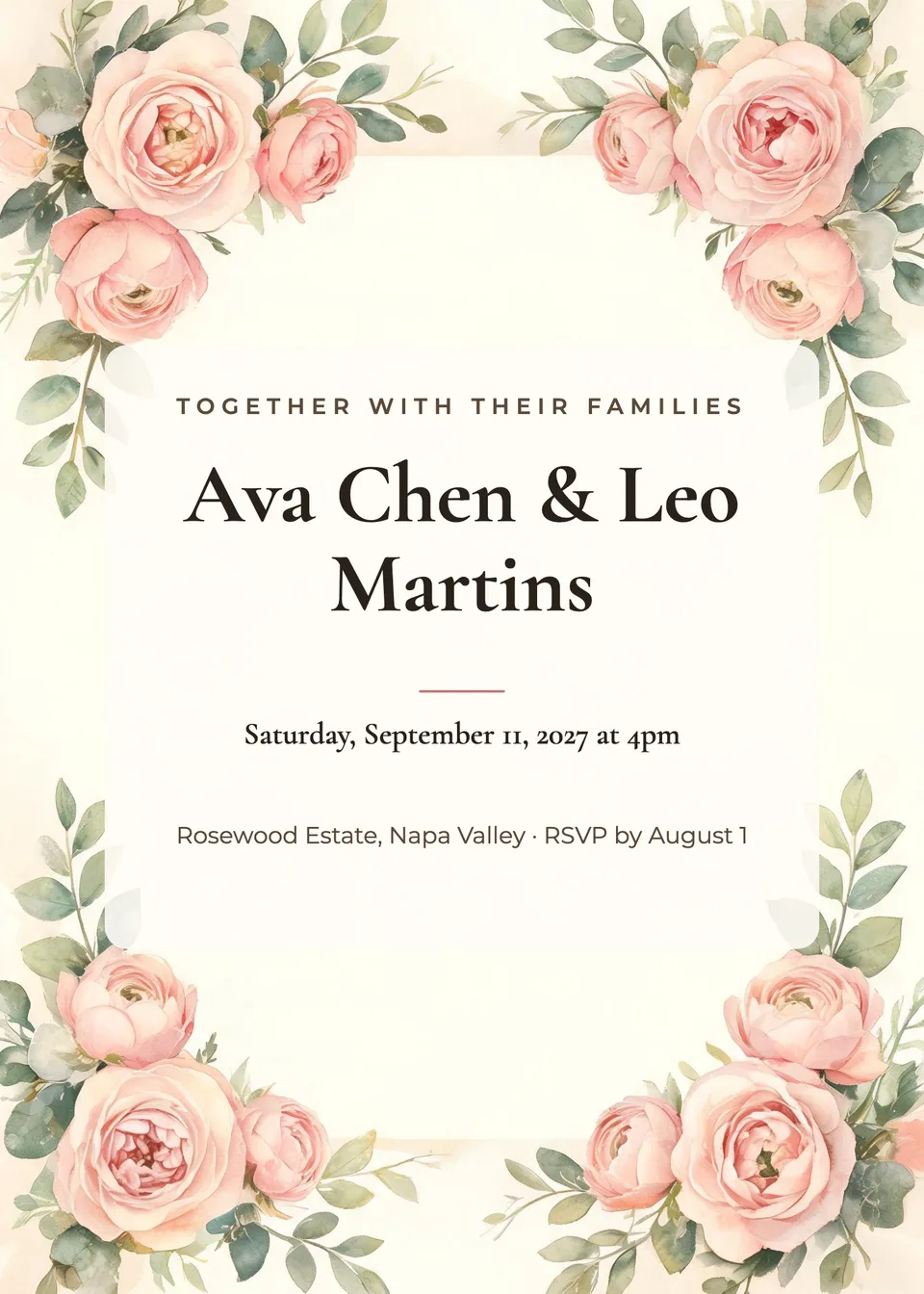
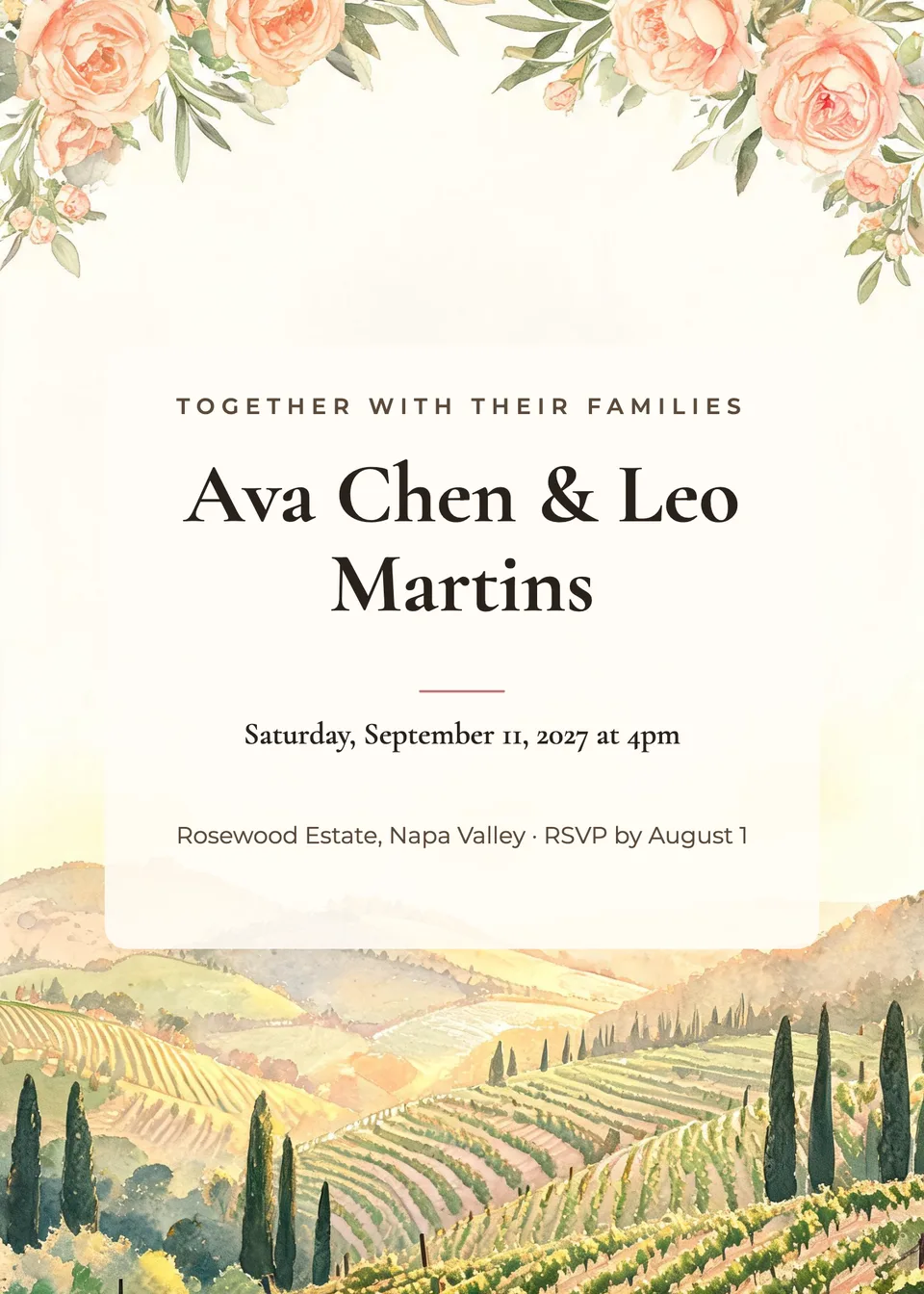
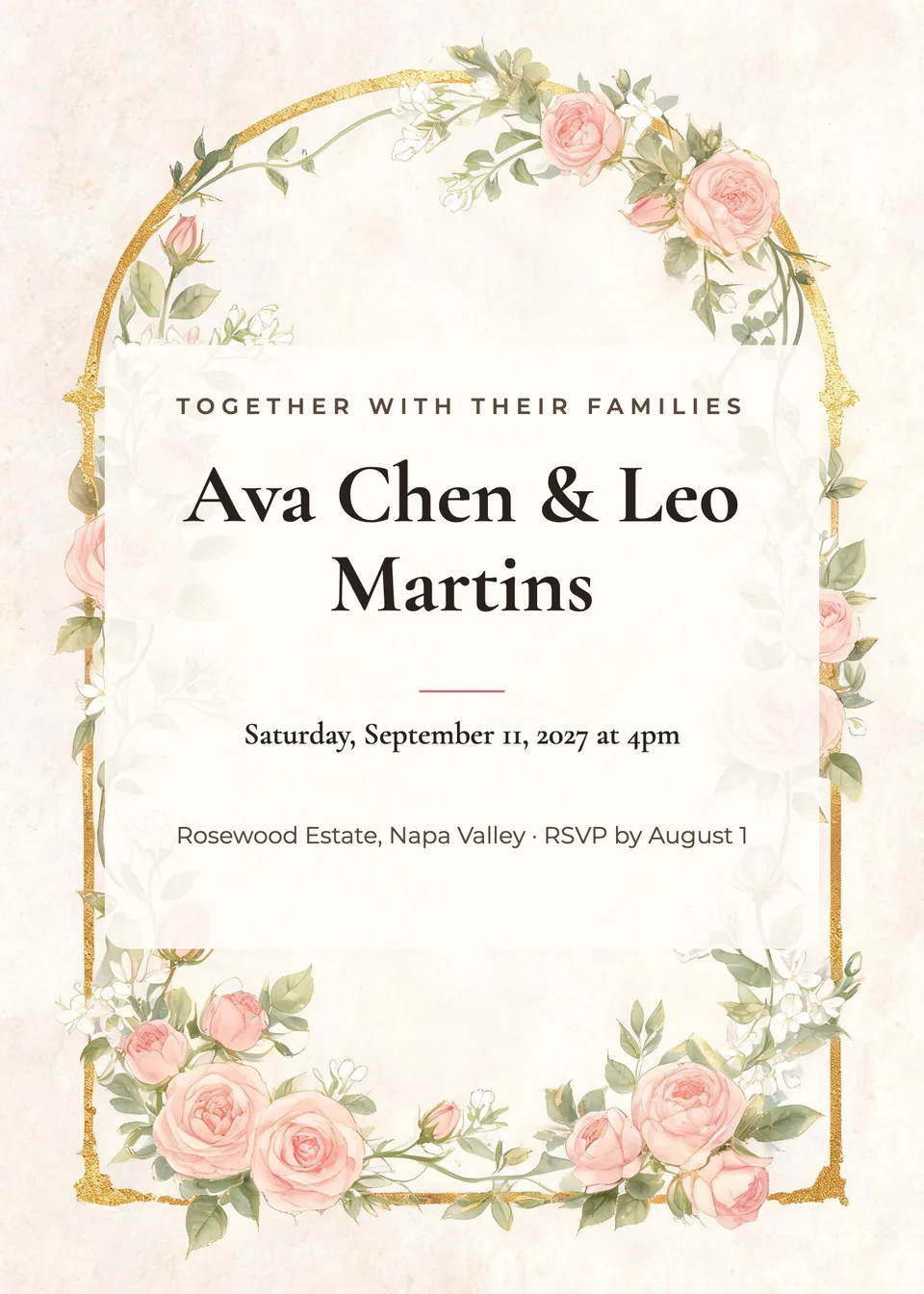
Idyllic's wedding invitation maker designs three custom invitations from one line about your day. An AI writer sets your names, the date, the venue and the RSVP; Seedream 5 paints original artwork in the look you choose, from romantic florals to black tie; and Idyllic lays it all out in elegant type on a 5×7 card, 1500×2100 px, ready to print or send.
- Size
- 5×7 in, 1500×2100 px (300 ppi)
- You get
- 3 invitations + the artwork
- Looks
- 8, from Romantic floral to Black tie
- Credits
- 27 for 3 designs, Plus and up
- Download
- PNG, or 3000×4200 with Large export
Real output · no retouching
One brief.
3 results.
- Couple's names
- Ava Chen & Leo Martins
- Date, time and venue
- Saturday, September 11, 2027 at 4pm · Rosewood Estate, Napa Valley · RSVP by August 1
- Look
- Romantic floral
How to make it
Four steps, about a minute of your time. These are real screens from the run above.
- 01
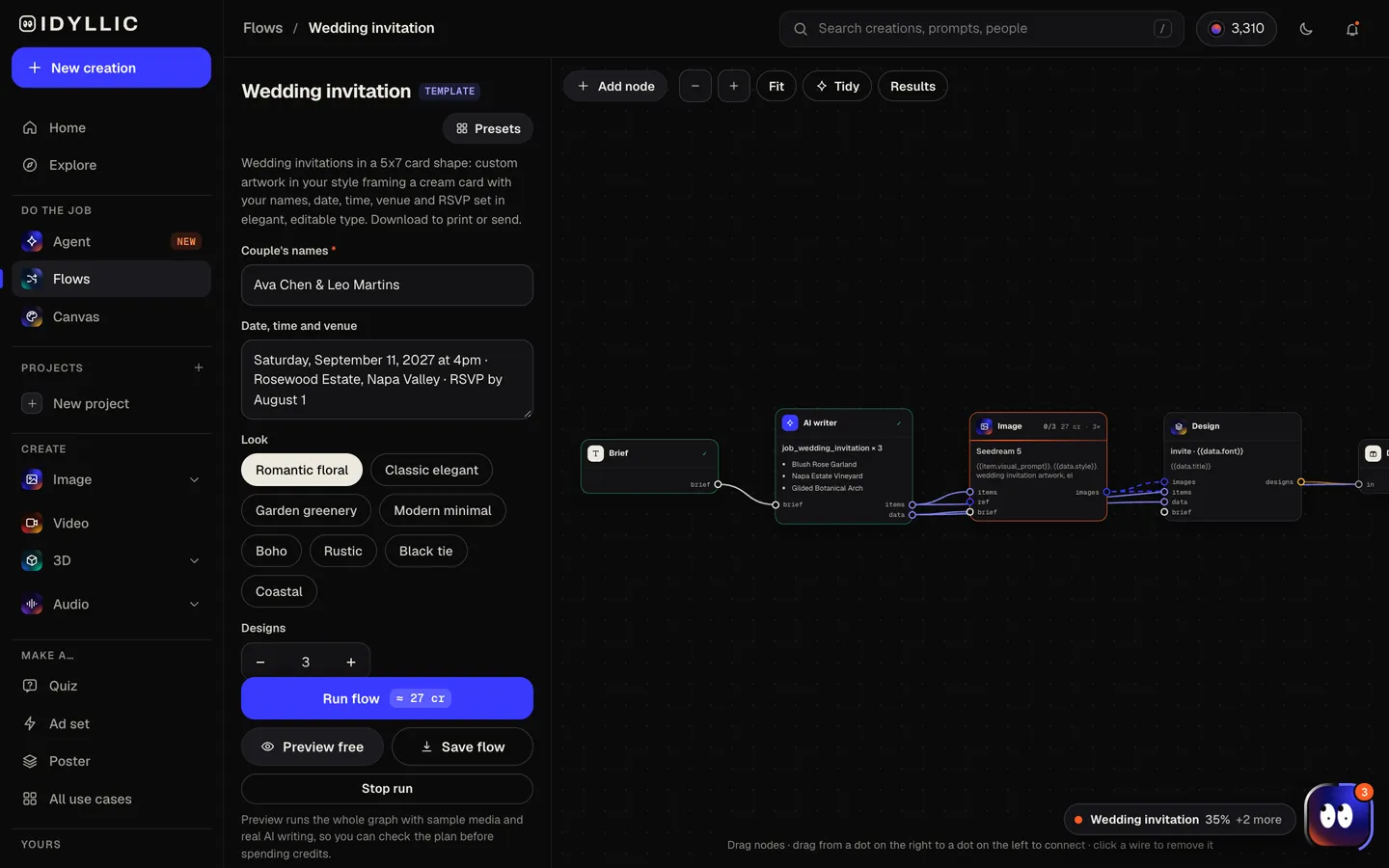
Add your names and the day
Type the couple's names (“Ava Chen & Leo Martins”), then the date, time and venue with your RSVP date, and pick a look: Romantic floral, Classic elegant, Garden greenery, Modern minimal, Boho, Rustic, Black tie or Coastal. Designs sets how many you get, up to 4.
Open the flow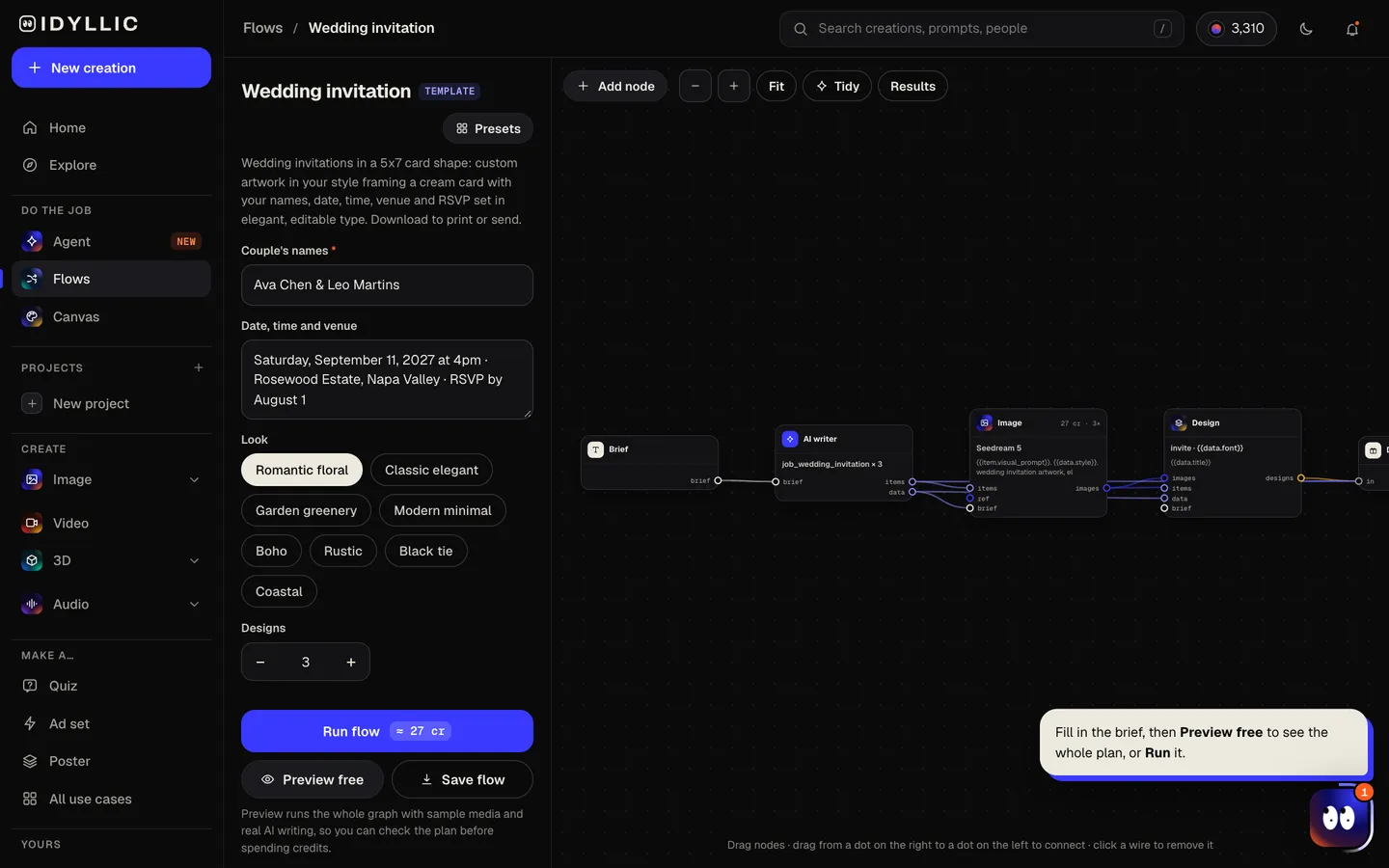
- 02
It writes and designs
The AI writer plans different artwork for each design (florals, a botanical frame, an ornament, a venue landscape) and writes an opening line like “PLEASE JOIN US”. Seedream 5 paints each one around a soft center, then Idyllic sets your names and details on a cream card. Preview the flow free first.
- 03
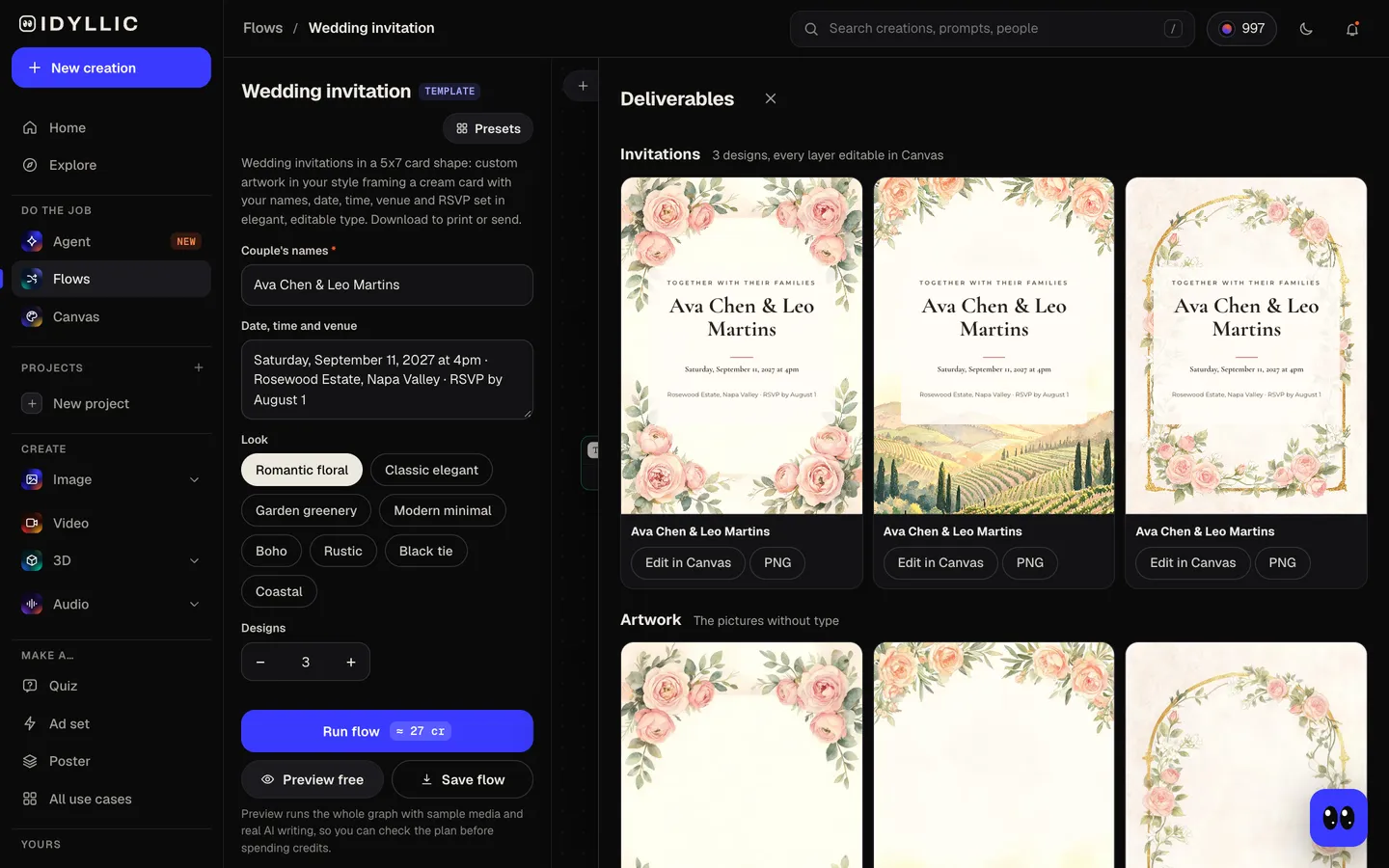
Compare three designs
The three invitations sit side by side, with the artwork on its own too, so you can choose the one that feels like your wedding.
- 04
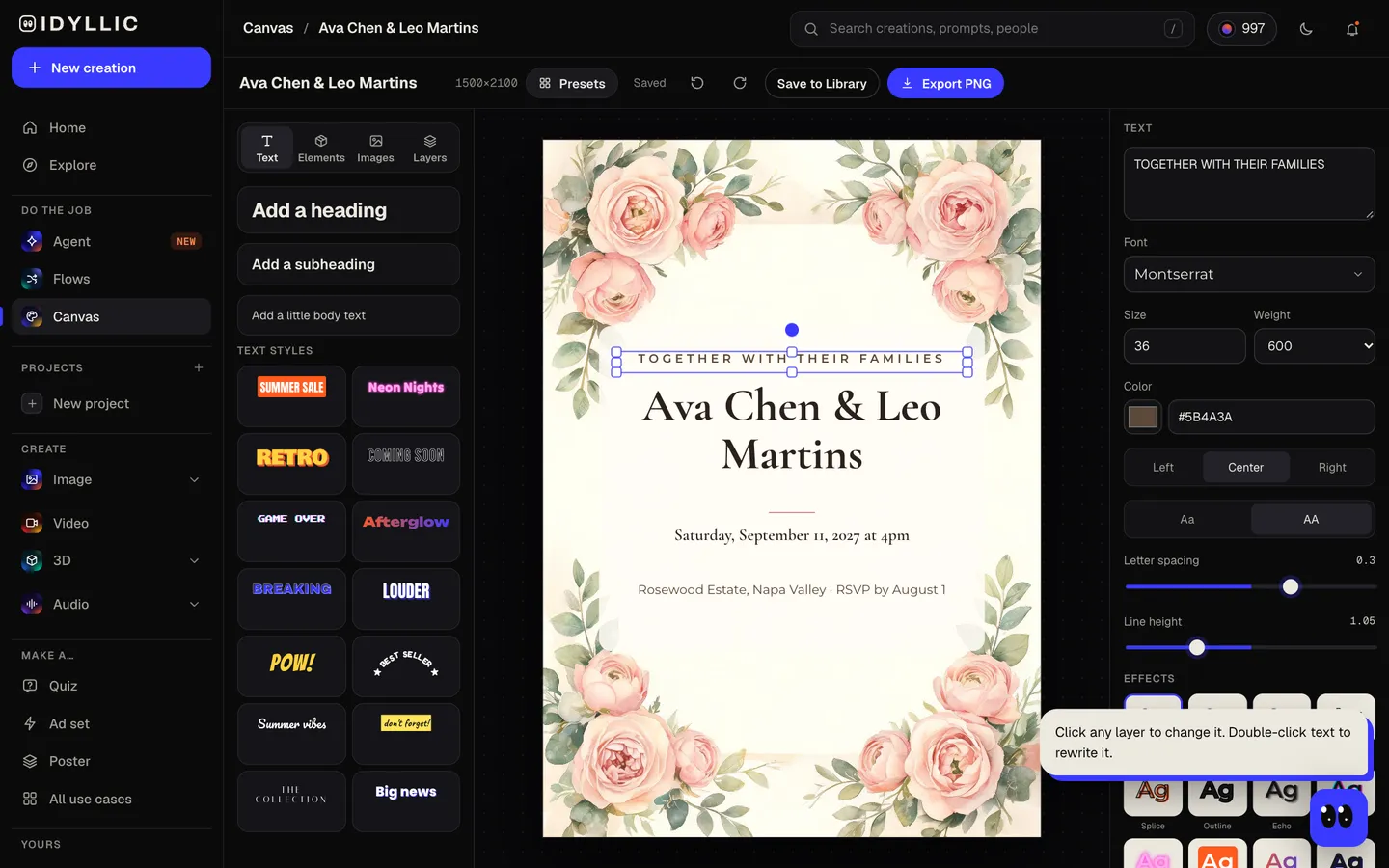
Edit and download
Open one in Canvas and change any word, font, effect or color, fix a time or add a dress code, then download a 1500×2100 PNG, or the 3000×4200 Large export for a print shop.
Why it beats
a template
Artwork made for your wedding
Each design starts from artwork painted for your day, peonies for a garden wedding or a soft coastline for a beach one, rather than a stock template with your names dropped in.
Your names in real type
Names are set in a script or serif face picked for the look, from Great Vibes to Cormorant Garamond, with the date, venue and RSVP below in a calm, readable line.
Every layer stays editable
Change a time, swap the font for any of 144, add a gold gradient or a soft shadow, move any layer. Nothing is baked into the picture.
Sized for the post
1500×2100 px is a 5×7 in card at 300 ppi, the standard invitation size, and it fits an A7 envelope. Large export doubles it to 3000×4200 for a print shop.
Eight looks
Romantic floral, Classic elegant, Garden greenery, Modern minimal, Boho, Rustic, Black tie and Coastal, from a barn wedding to a ballroom.
The rest of the paper, too
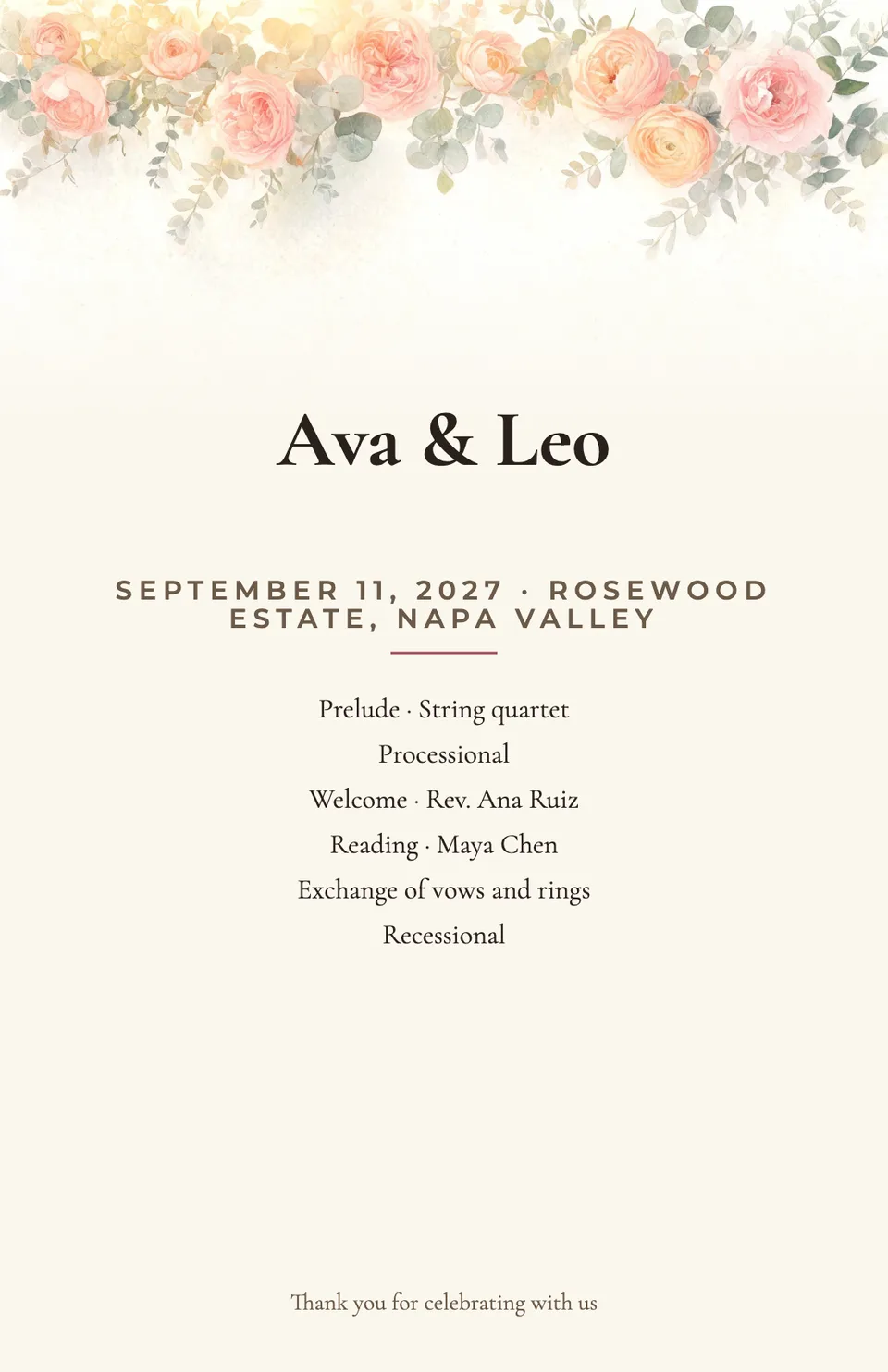
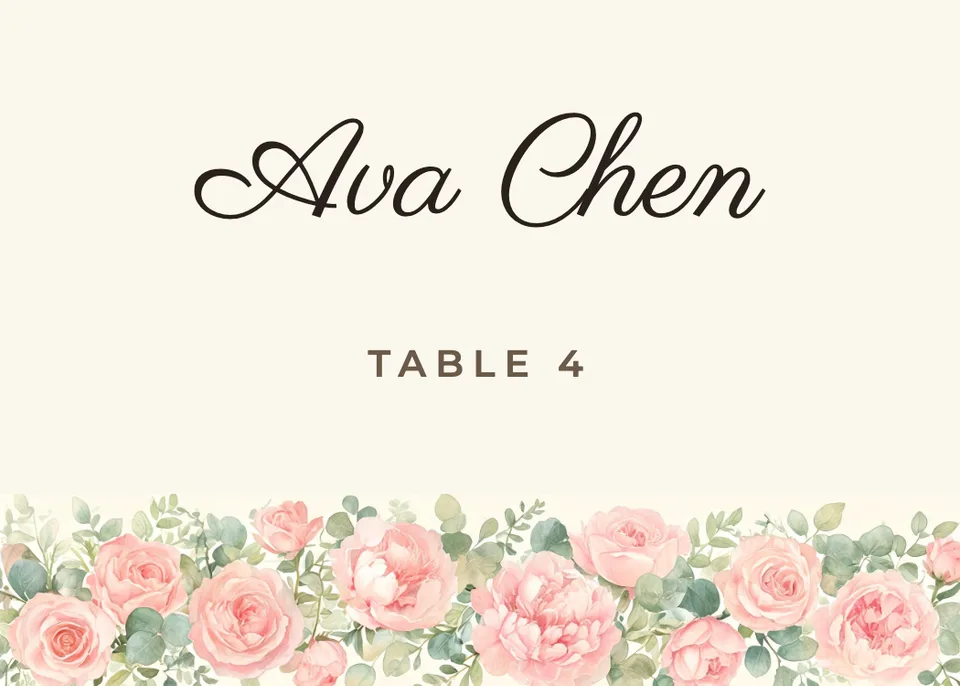
Save the dates, ceremony programs and place cards have their own flows with similar looks, so the whole day can share one style.
What to put on a wedding invitation
- Who is hosting, if you want it said: “Together with their families” or the parents' names.
- Both names, written the way you want guests to see them.
- The day, date and time. Formal invitations often spell them out: “Saturday, the eleventh of September”.
- The venue, city and state. Put directions, hotels and the full schedule on a details card or your wedding website.
- How and when to RSVP. Common guidance is a deadline three to four weeks before the wedding.
- Mail them six to eight weeks ahead, or ten to twelve weeks for a destination or holiday-weekend wedding.
Wedding invitation size and print specs
| Invitation (flow size) | 5×7 in, 1500×2100 px | 300 ppi at print size, portrait |
|---|---|---|
| Large export | 3000×4200 px | 600 ppi at 5×7, for print shops that ask for more |
| Envelope | A7, 5¼×7¼ in | The standard envelope for a 5×7 card |
| Print margin | ⅛ in (3 mm) | Keep text at least this far inside the edge; print shops trim close |
| Postage | Weigh one first | Thick card stock or extra inserts can need more than a standard stamp |
Print on 5×7 card stock at 100% scale, or send the same PNG by text or email to guests who'd rather go paperless.
Steal a brief
Each one opens the flow with the brief filled in. Change anything before you run it.
Ava Chen & Leo Martins, Saturday, September 11, 2027 at 4pm at Hollow Oak Vineyard, Napa Valley, romantic floral
Maya & Daniel, black tie wedding, Saturday, December 4 at 6pm in the ballroom at the Linden Hotel, Chicago
Sofia & James, coastal wedding on the beach at Half Moon Bay, June 5, 2027 at 5pm, RSVP by May 1
Priya & Arjun, garden greenery, Sunday, May 16 at 3pm at Willowbrook Gardens, Portland, Oregon
Emma & Noah, rustic barn wedding, October 9 at 4:30pm at Cedar Ridge Farm, Vermont, dinner and dancing to follow
Theo & Sam, modern minimal city wedding, Friday, April 23 at 6pm at the Grey Loft, Brooklyn
Lily & Marco, boho desert wedding at sunset, March 20, 2027 in Joshua Tree, California, RSVP by February 1
Grace & Owen, classic elegant, Saturday, July 10 at 2pm at Trinity Chapel, Savannah, reception to follow
Questions
How do I make my own wedding invitations?
Type your names, the date, time and venue with your RSVP date, and pick a look. The wedding invitation maker designs three invitations with artwork made for your day and every detail set in type. Edit anything in Canvas, then download and print.
How much does it cost to make wedding invitations?
You can preview the whole flow free, with real AI writing and sample images. Running it for real is on Plus ($10.50/mo, billed yearly) and up, and uses 27 credits for 3 designs. Printing is up to you, at home or at any print shop.
What size is a wedding invitation?
5×7 inches is the standard. Idyllic designs at 1500×2100 px, a 5×7 card at 300 ppi, which fits an A7 envelope (5¼×7¼ in).
What resolution should I choose for printing my invitations?
300 ppi at the final size is the usual print standard, and the 1500×2100 PNG gives exactly that at 5×7. If your print shop asks for more, use the Large export at 3000×4200 px.
When should I send wedding invitations?
Common guidance is six to eight weeks before the wedding, with an RSVP deadline three to four weeks before. For a destination or holiday-weekend wedding, ten to twelve weeks is safer, with save the dates sent months earlier.
How can I personalize my wedding invitations?
Every line is real type in Canvas: change the opening to “Together with their families”, add a dress code or your website, swap fonts and colors, or add a photo. You can also select part of the artwork and describe a change.
Can I make matching save the dates and programs?
Yes. The save the date, wedding program and place card flows have similar looks, so pick the closest one in each and reuse your fonts in Canvas to keep the paper consistent.
Can I send the invitation by email or text?
Yes. Download the PNG and send it by email or text, or add it to your wedding website. The same file prints at 5×7.
Make something else
Everything you can make
Your turn.
Preview the whole flow free. No credit card.