Ready-made flow · Bold app icons that stay clear at 60 px
AI App Icon Generator
Idyllic's AI app icon generator turns one line about your app into four icon concepts, each built on a different symbol. The AI writer picks the ideas, and Recraft V4.1 draws each one as a single bold symbol on a rounded-square tile with a strong colour or gradient: no text, high contrast, minimal detail, so it stays clear at home-screen size.
- You get
- 4 icon concepts as square PNGs
- Styles
- Gradient, flat, 3D glossy, minimal line, playful, dark
- Image model
- Recraft V4.1, for clean design work
- Cost
- 36 credits for 4, on Plus
- Time
- About a minute
Real output · no retouching
One brief.
4 results.
- What does the app do?
- Tidepool: a meditation app with ocean sounds for sleep
- Style
- Gradient
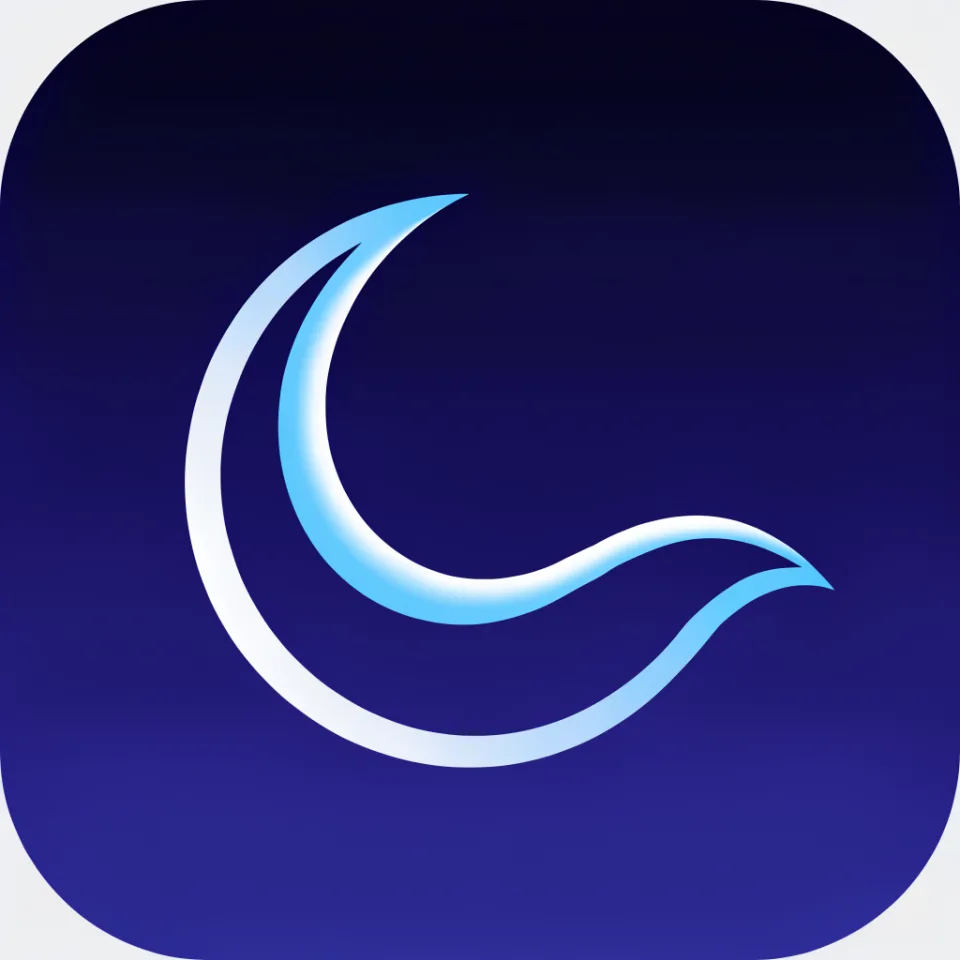
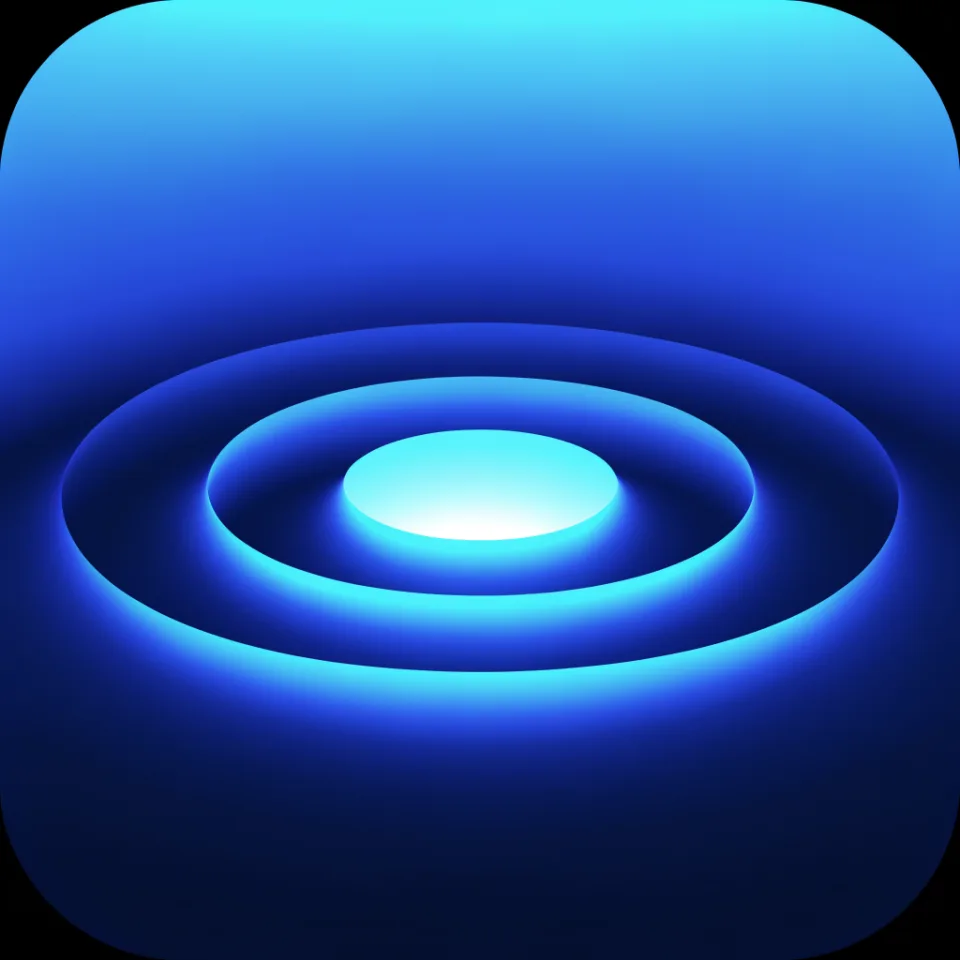
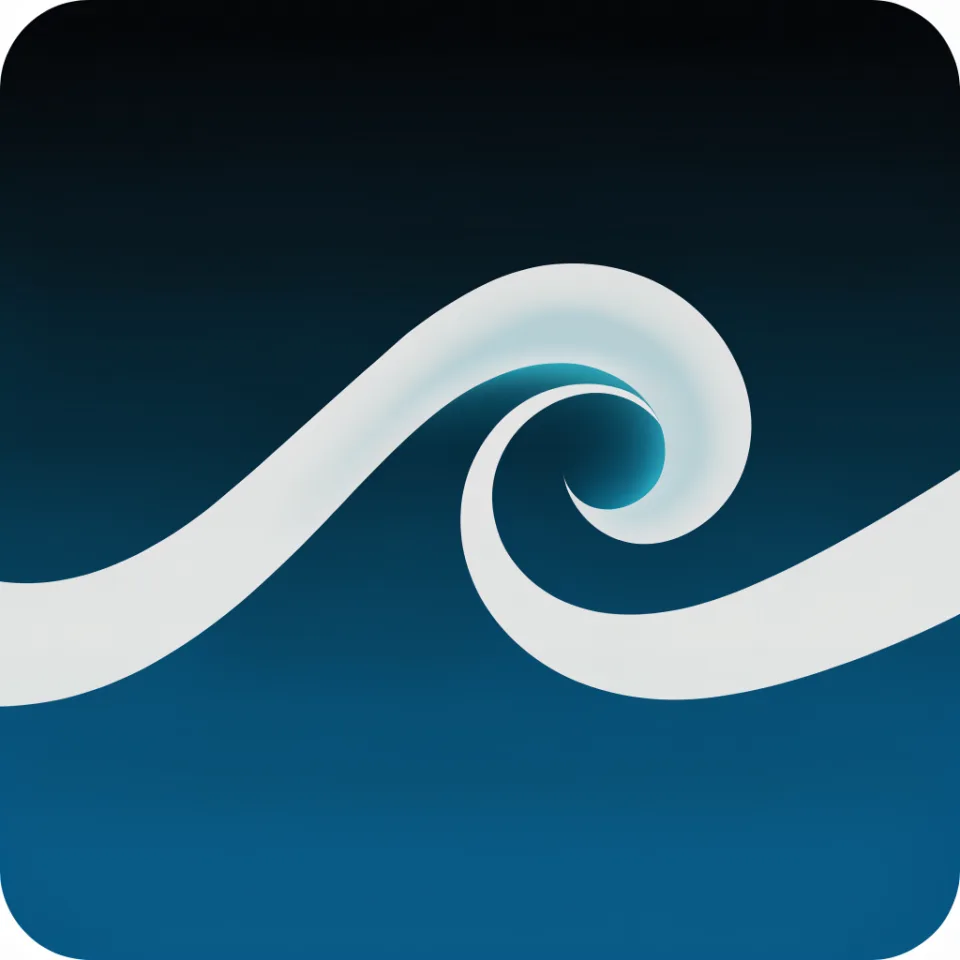
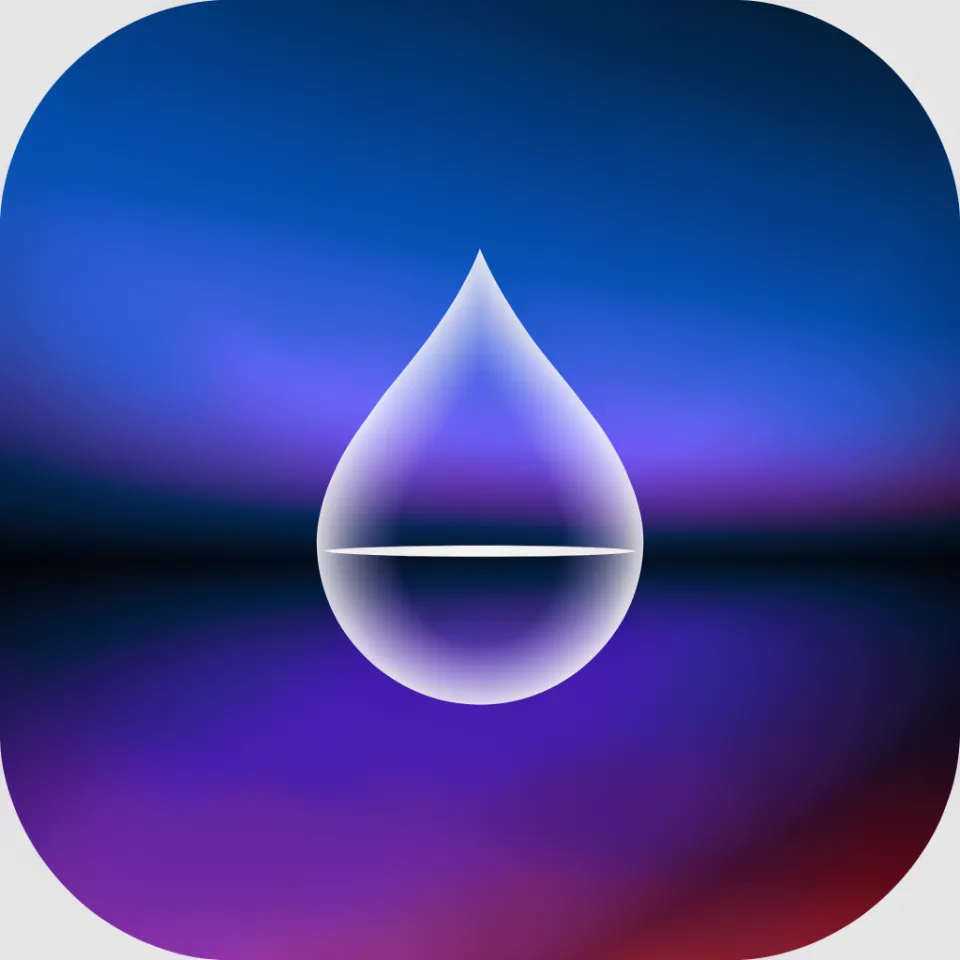
How to make it
Four steps, about a minute of your time. These are real screens from the run above.
- 01
Say what the app does
Write one line with the app's name and what it does ('Tidepool: a meditation app with ocean sounds for sleep'), then pick a style (Gradient, Flat, 3D glossy, Minimal line, Playful or Dark) and how many icons, up to six.
Open the flow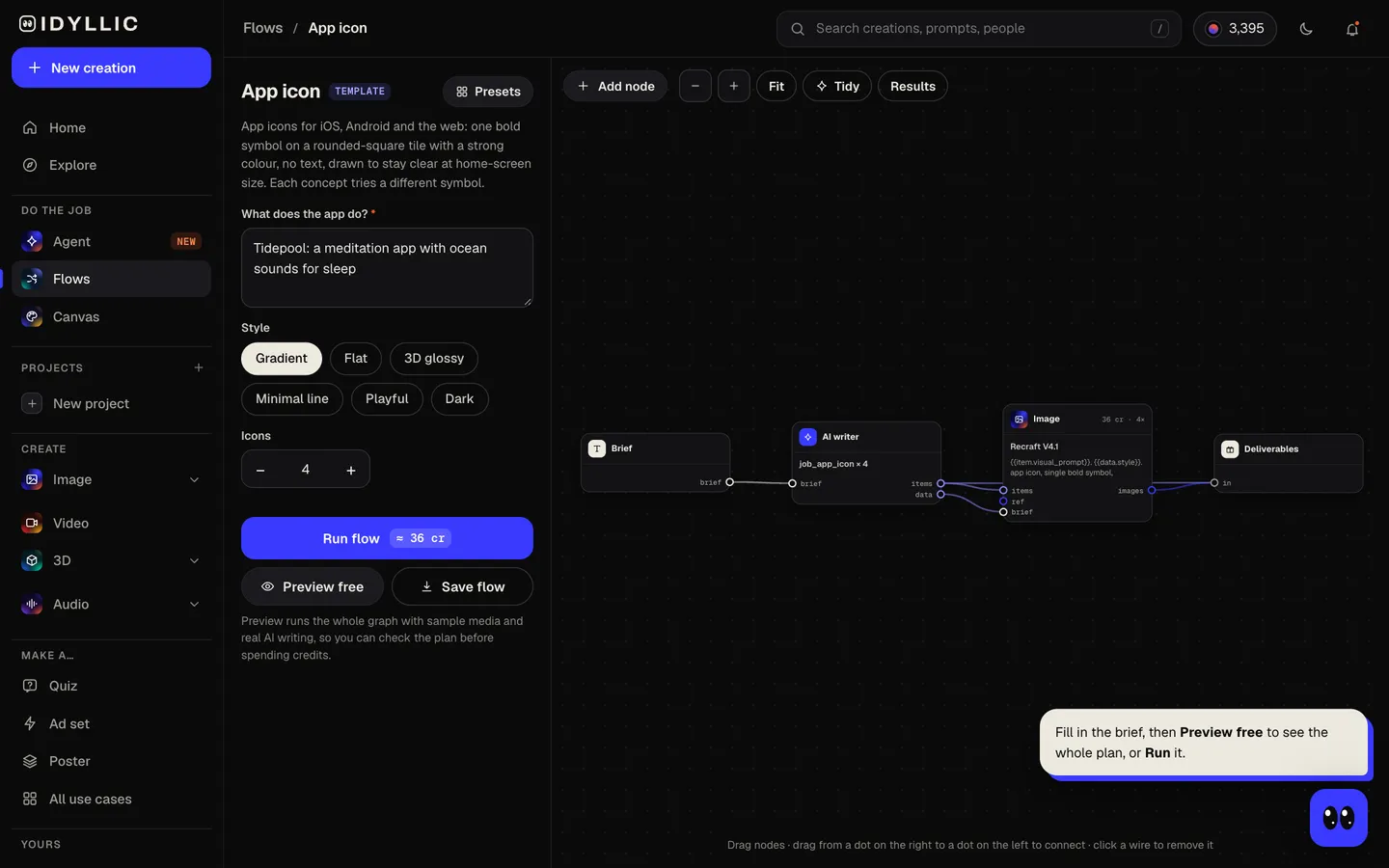
- 02
Let the studio draw
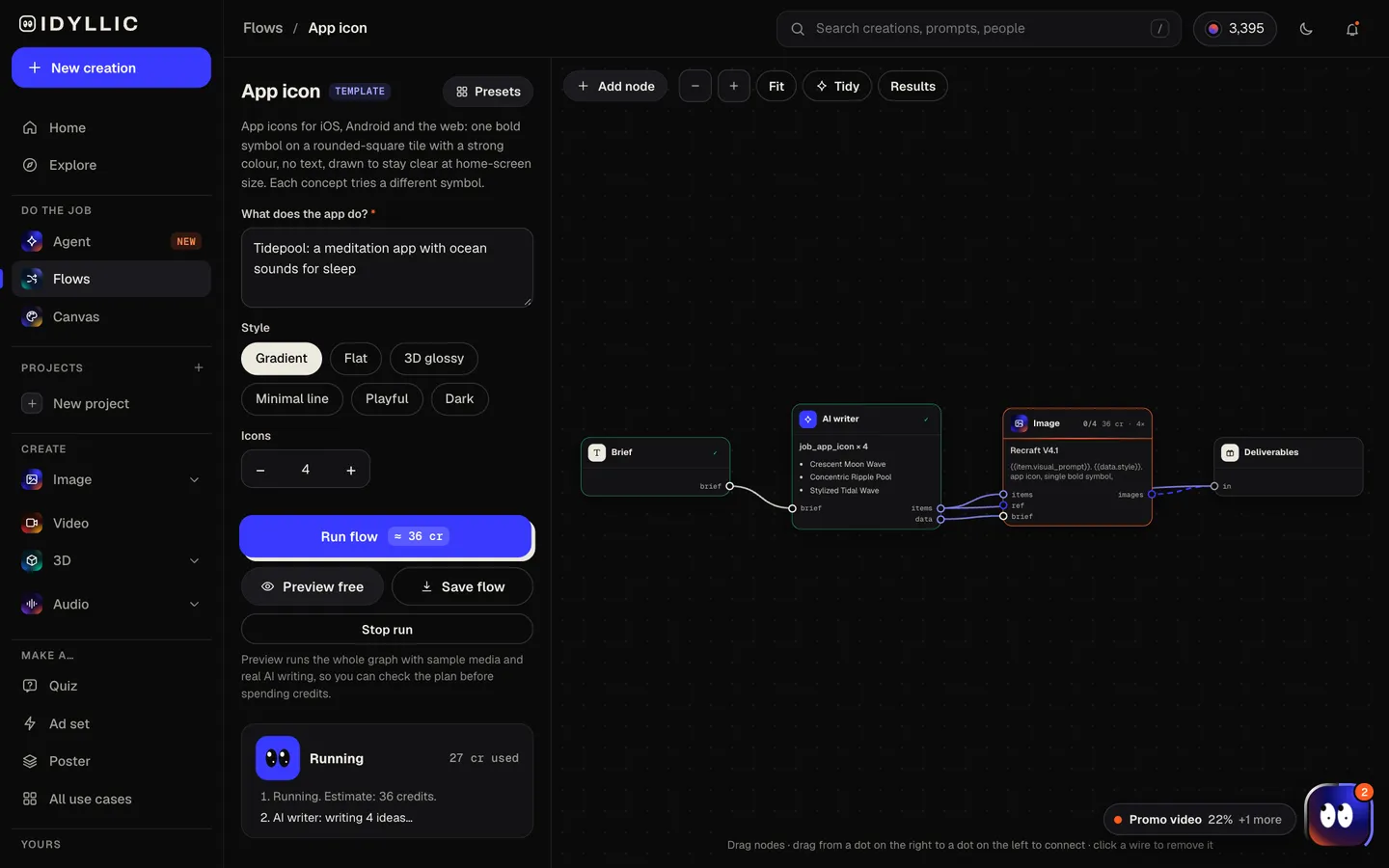
The AI writer picks a different single symbol for each concept and writes why it fits. Recraft V4.1 draws each one centred on a rounded-square tile, with minimal detail and high contrast. Preview the plan free first.
- 03
Compare the symbols
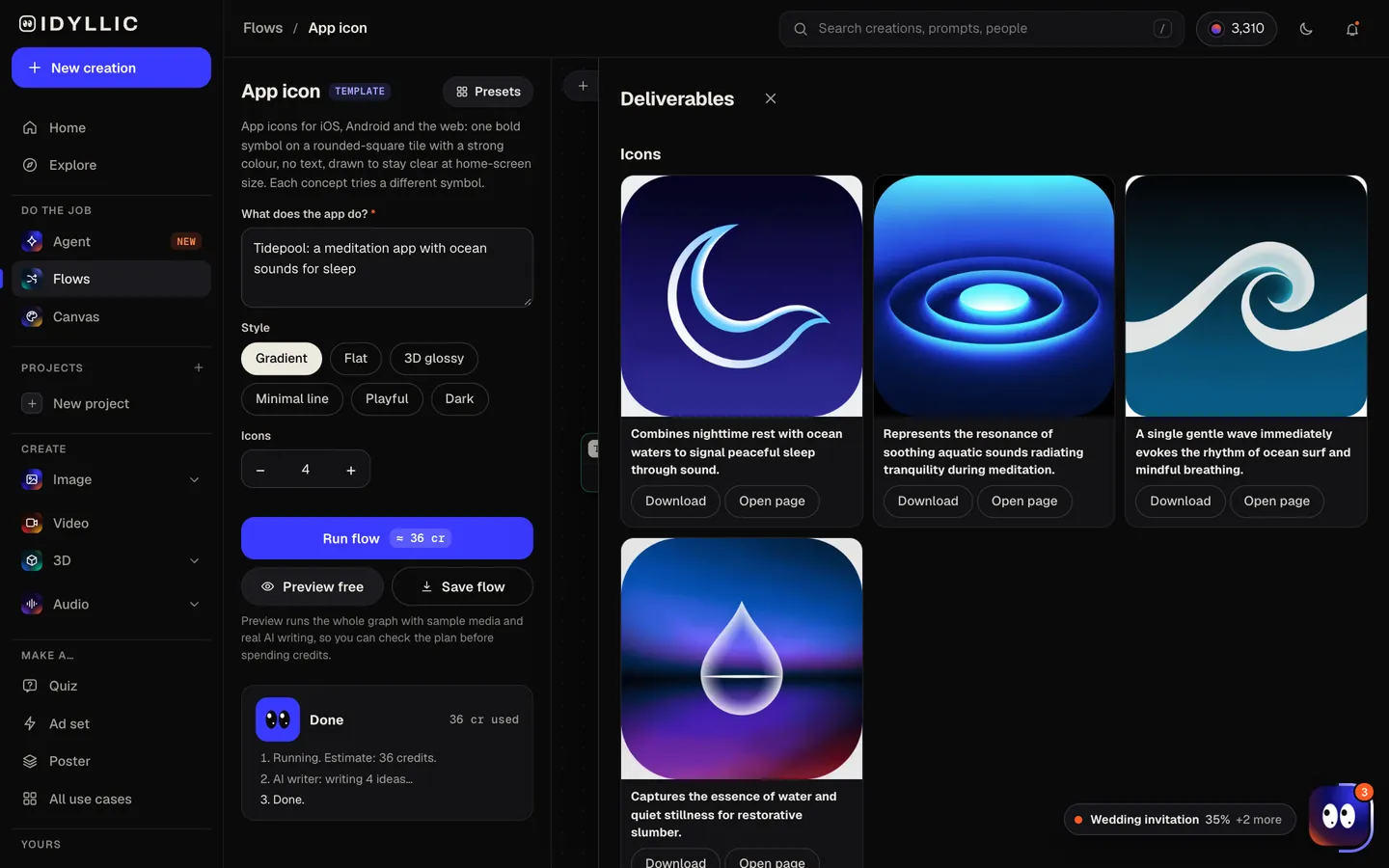
All the icons sit side by side with one sentence on each symbol, so you can see which reads fastest at a glance.
- 04
Download or keep going
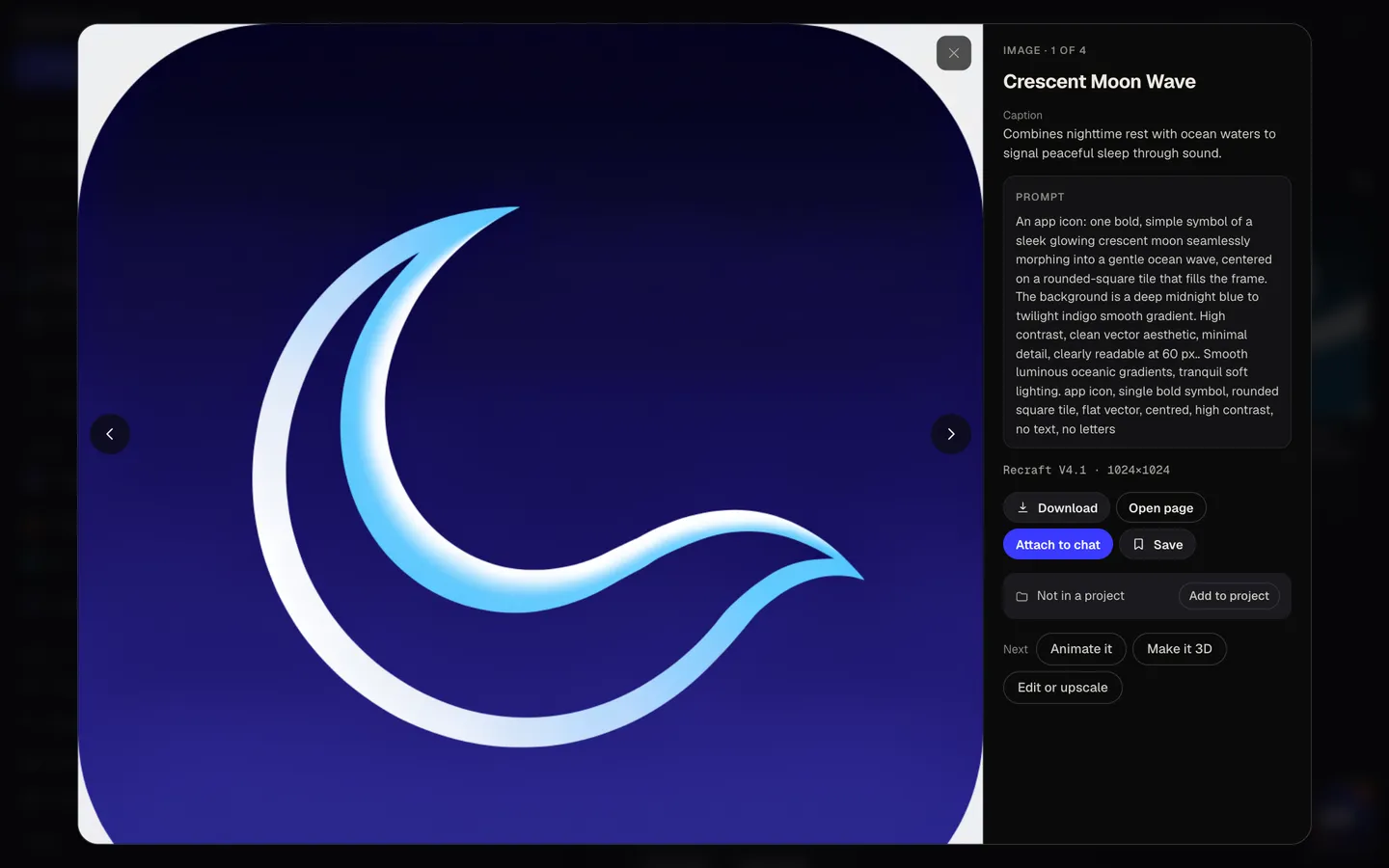
Open your pick full size and download the PNG. Or keep going: upscale it for the 1024×1024 store file, make it 3D, or put it on a launch post or ad design.
Why it beats
a template
One symbol, not a scene
Each concept is a single bold symbol on a strong colour, the formula that reads on a crowded home screen.
Different ideas to choose from
The AI writer gives each concept its own symbol, so you compare a wave, a moon and a shell, not four versions of one drawing.
Drawn for small sizes
Minimal detail, high contrast and no text, so the icon stays clear on a home screen, in search results and in notifications.
Six looks
Gradient, flat, 3D glossy, minimal line, playful or dark. Match the icon to the feel of the app.
The reasoning, written down
Every concept comes with a sentence on the symbol and why it fits, handy for a design review with your team.
Private until launch
Paid plans include a commercial license and private mode, so an unreleased app stays out of public view.
What makes an app icon work
- One symbol. If it needs explaining, it is too complex for a home screen.
- Skip the app name. It already appears under the icon.
- Test it on a busy wallpaper and in dark mode before you ship.
- Pick a background colour that stands out from the apps people keep next to yours.
- Look at it at its smallest, in settings and notifications, not just at full size.
- Don't round the corners yourself. Apple and Google Play apply the mask to a full square.
App icon sizes for iOS, Android and the web
| Idyllic concept | Square PNG, 1:1 | The symbol on a rounded tile, as it looks on a home screen |
|---|---|---|
| App Store (iOS) | 1024×1024 px | Opaque square PNG, no transparency, no rounded corners; iOS applies the mask |
| Google Play | 512×512 px | 32-bit PNG up to 1024 KB, full square; Play rounds the corners and adds the shadow |
| iPhone home screen | 60×60 pt | 180×180 px on 3× screens, scaled from the 1024 px file |
| Web app | 192×192 and 512×512 px | Listed in the web app manifest; 180×180 px for the Apple touch icon |
Concepts are drawn on a rounded tile so you can judge them in context. For the store files, crop in until the colour reaches every edge (both stores round the corners themselves), upscale, then export at 1024×1024 and 512×512.
Steal a brief
Each one opens the flow with the brief filled in. Change anything before you run it.
Tidepool, a meditation app with ocean sounds to help you fall asleep
Coinpath, a budgeting app for freelancers that tracks invoices and taxes, flat style
Fernwise, a plant-care app that reminds you when to water, playful
Loopline, a running app that plans routes that bring you back home, gradient
Lanternread, a dark-mode reading app for long articles at night
Fridgeful, a recipe app that turns what is in your fridge into dinner ideas, 3D glossy
Indiecast, a podcast app for discovering independent shows, minimal line
Trailfold, an offline trail map for hikers, flat style
Wordnest, a spelling game for kids ages 6 to 9, playful
Questions
Is the AI app icon generator free?
You can preview the whole flow free: the AI writer plans real concepts and shows them with sample images. Running it for real is on Plus ($10.50 a month, billed yearly) and uses 36 credits for four icons. The free plan also includes 3 free images a day in the image studio.
What size should an app icon be?
Make one 1024×1024 px master. The App Store asks for exactly that, as an opaque square PNG without rounded corners, and Google Play asks for 512×512 px as a 32-bit PNG up to 1024 KB. Both stores round the corners themselves.
Can I upload a concept straight to the App Store?
Not as it comes. Concepts show the symbol on a rounded tile so you can judge them as they will look. For the store, crop in until the colour fills the whole square, upscale to 1024×1024, and make sure the PNG has no transparent areas.
Does the icon include the app name?
No. App icons work best without text, and the name already shows under the icon on a home screen, so every concept is a symbol only.
Can I get a vector or SVG icon?
The flow makes raster PNG concepts. For a true vector, describe your chosen symbol to Recraft Vector in the image studio, which draws icons as real SVG files, or trace the concept in a vector editor.
Can I use the same icon for my website?
Yes. Scale the same square file down for the web app manifest (192×192 and 512×512 px), an Apple touch icon (180×180 px) and your favicon.
Can I describe my app in another language?
Yes. Prompts work in any language, and the icons have no text, so they work in every market.
Make something else
Everything you can make


Your turn.
Preview the whole flow free. No credit card.