Ready-made flow · Full-screen 9:16 stories that get tapped, not skipped
AI Instagram Story Maker
Idyllic's AI Instagram story maker turns your brand and one line about the occasion into a sequence of full-screen 9:16 stories. The frames work in order (hook, detail, payoff), each with a full-bleed image, a big headline and a sticker-style call to action. Every layer stays editable, and the same frames work for Facebook and TikTok stories.
- Size
- 1080×1920 PNG, 9:16
- You get
- 3 story frames + the artwork
- Image model
- Seedream 5
- Cost
- 27 credits for 3, on Plus and up
- Works on
- Instagram, Facebook and TikTok
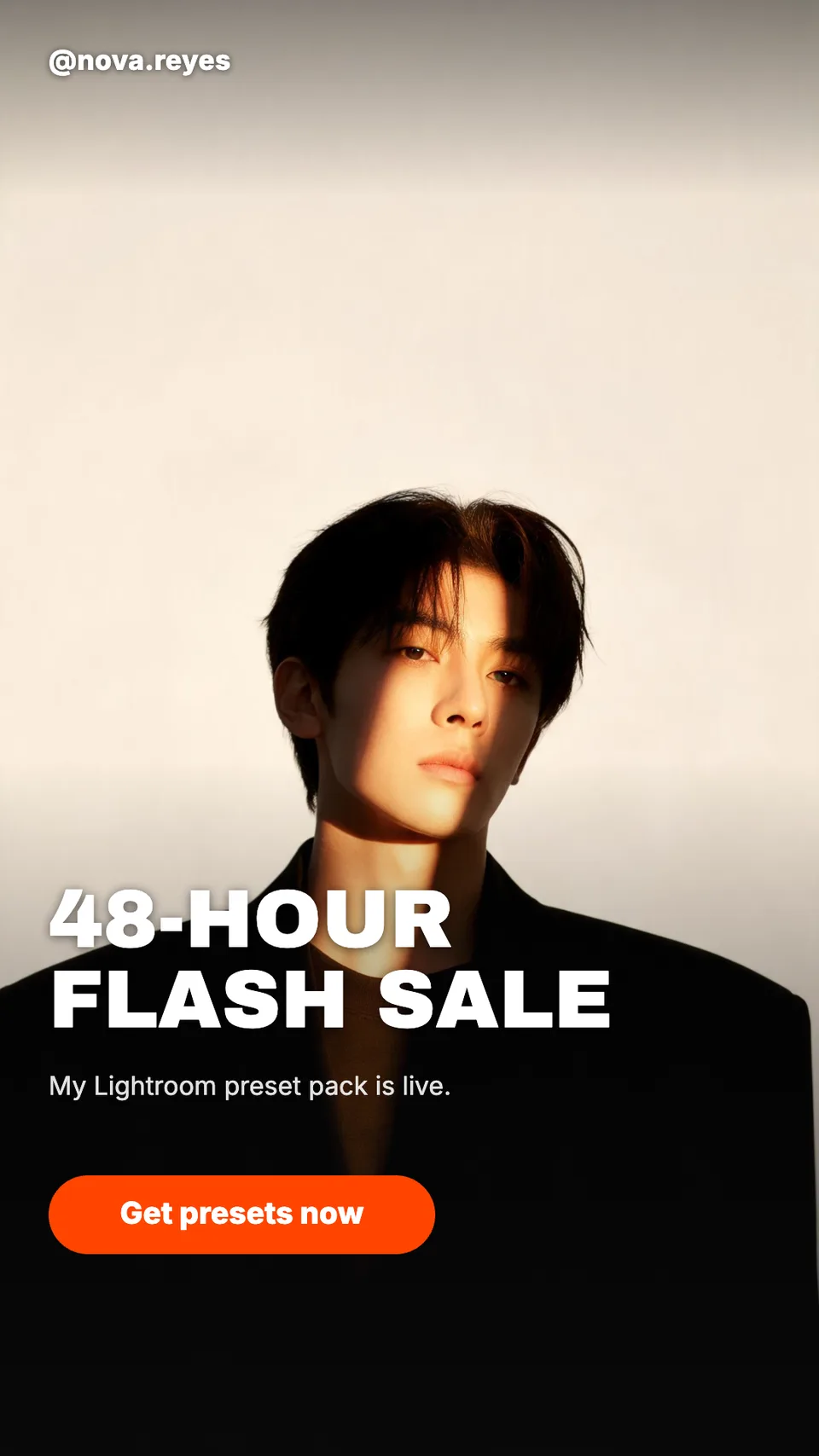
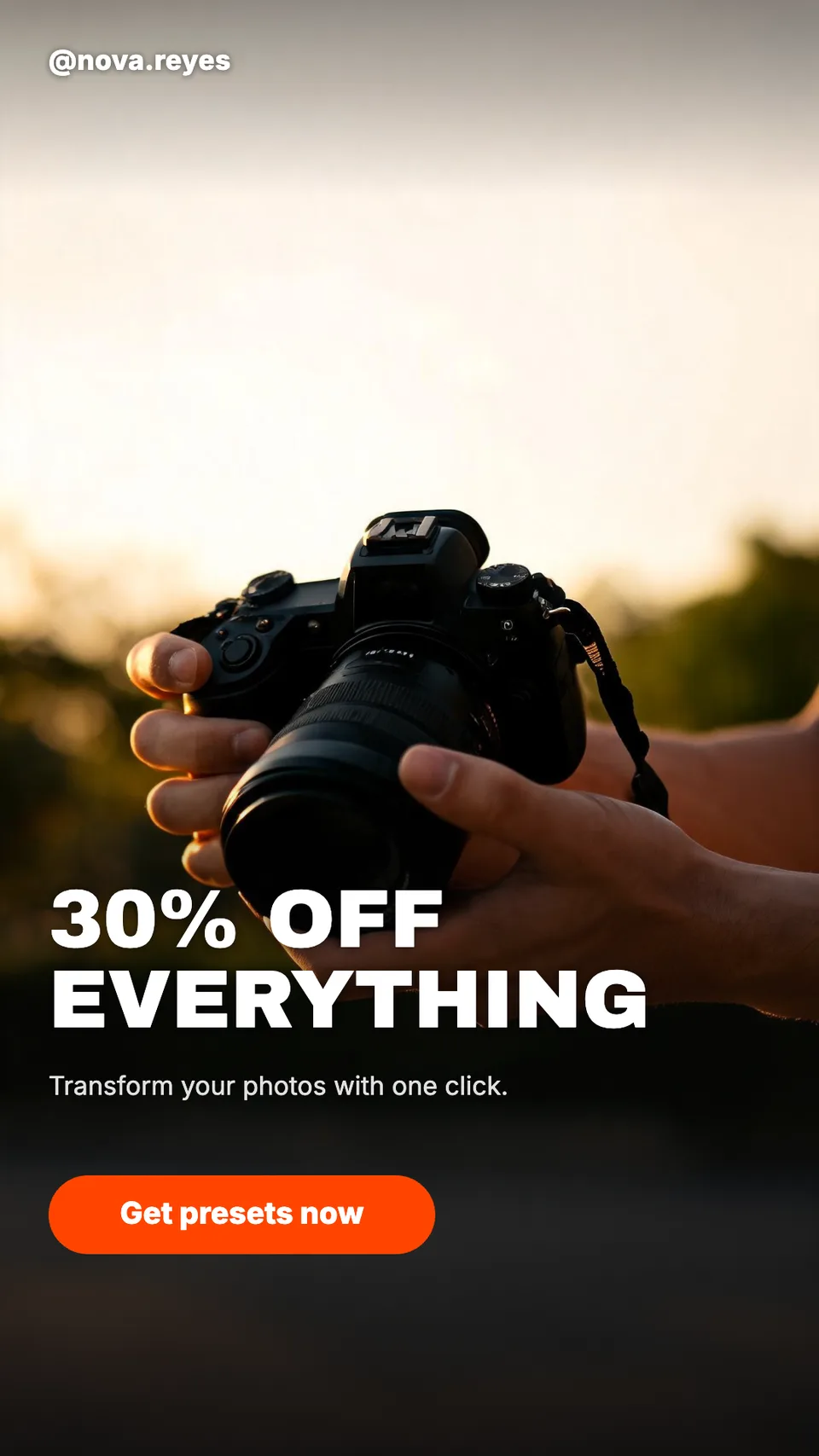
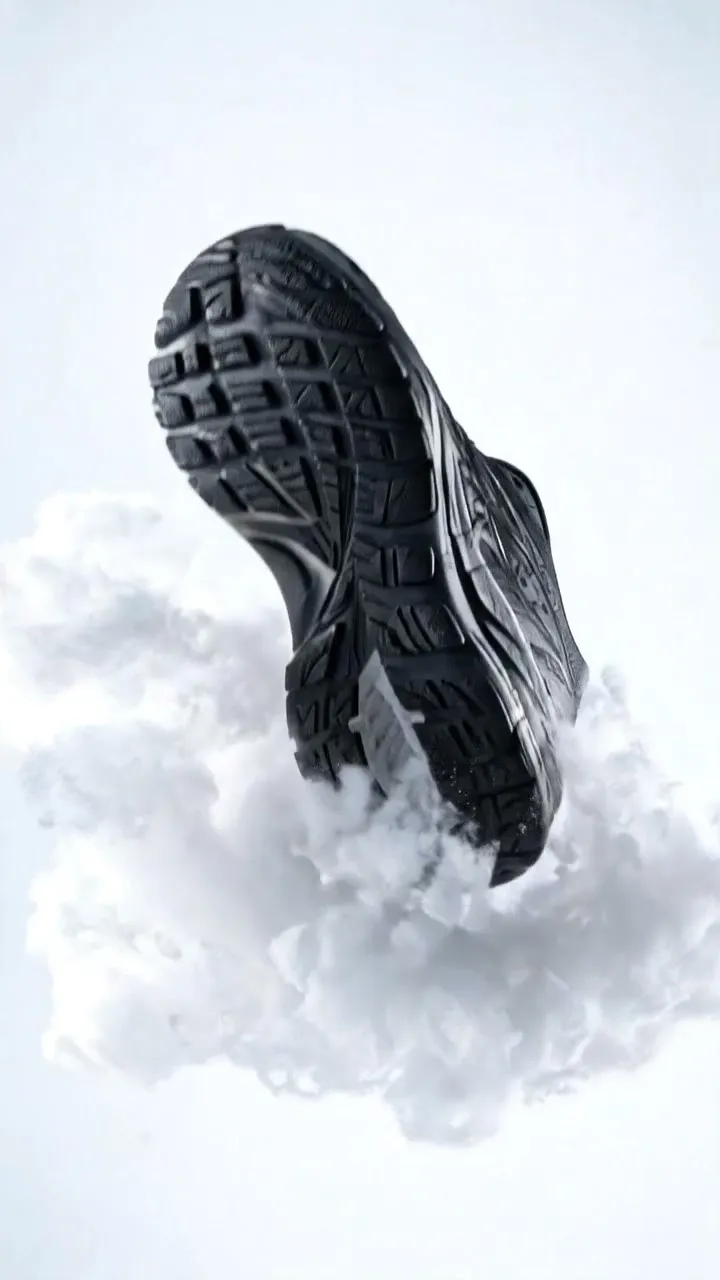
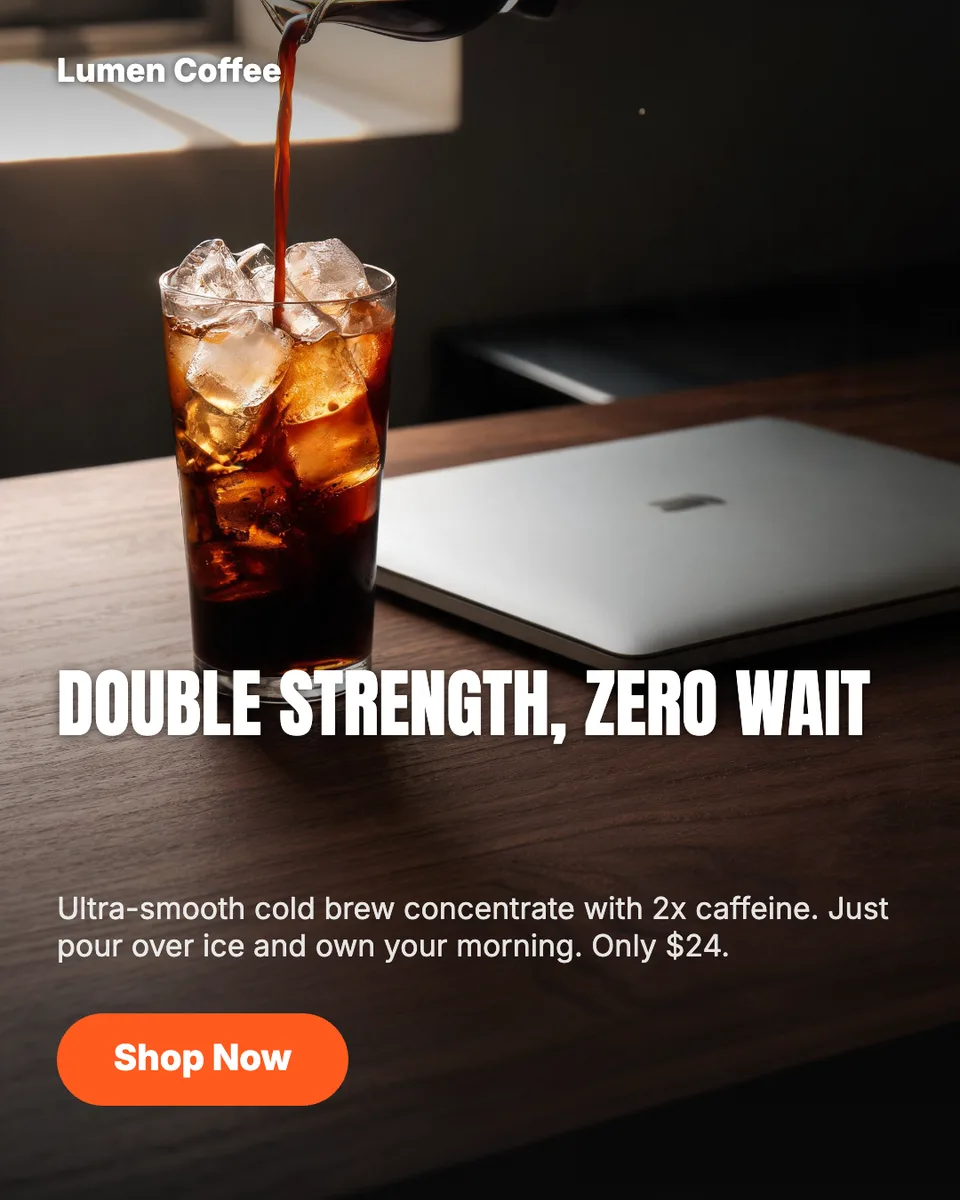
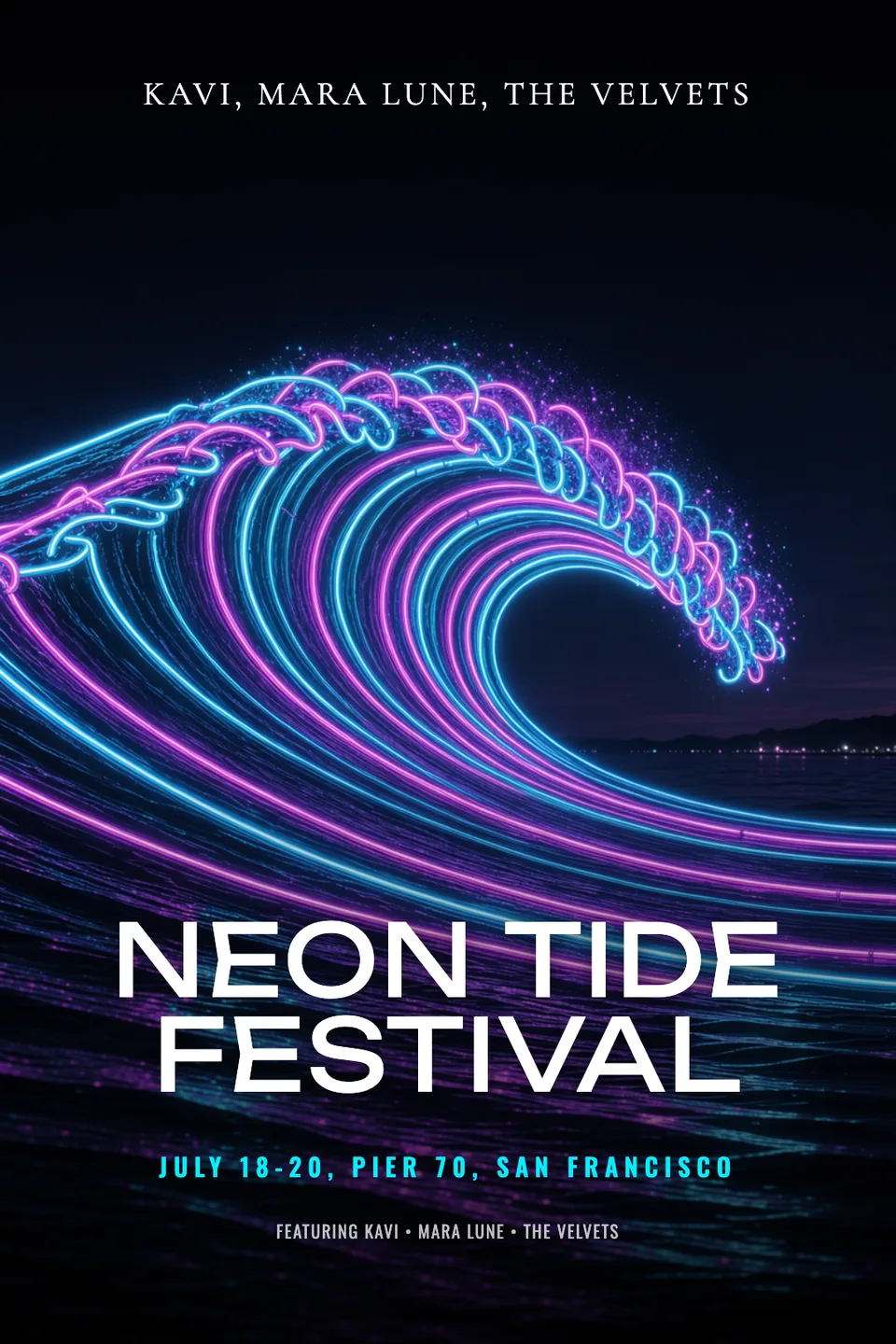
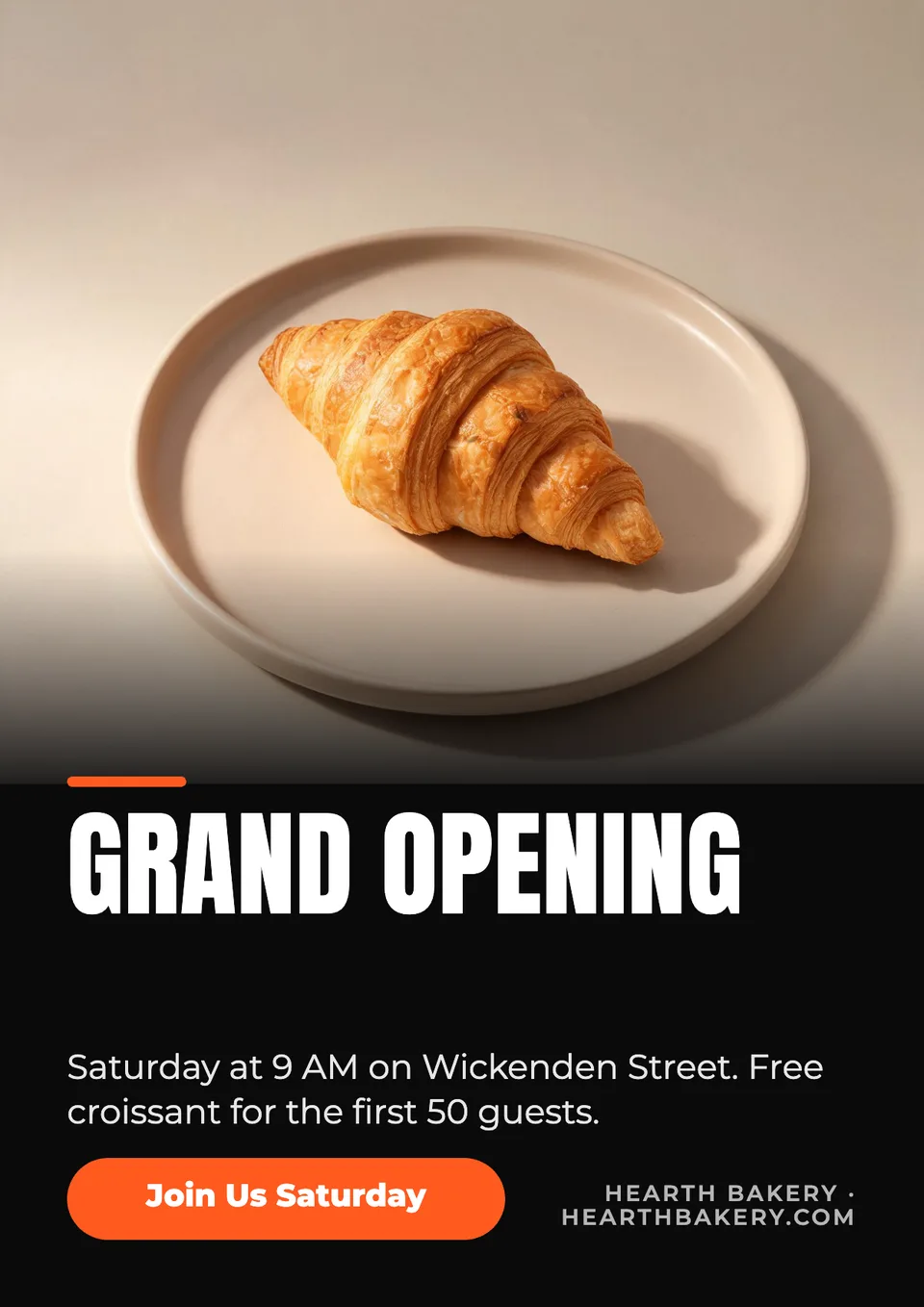
Real output · no retouching
One brief.
3 results.
- Brand or account
- @nova.reyes
- What are the stories for?
- A 48-hour flash sale on my Lightroom preset pack, 30% off
- Look
- Bold

How to make it
Four steps, about a minute of your time. These are real screens from the run above.
- 01
Name the account and the occasion
Enter your brand or @handle, say what the stories are for (a flash sale, a launch, an event), pick a look from Bold to Dark, and choose how many frames to make.
Open the flow
- 02
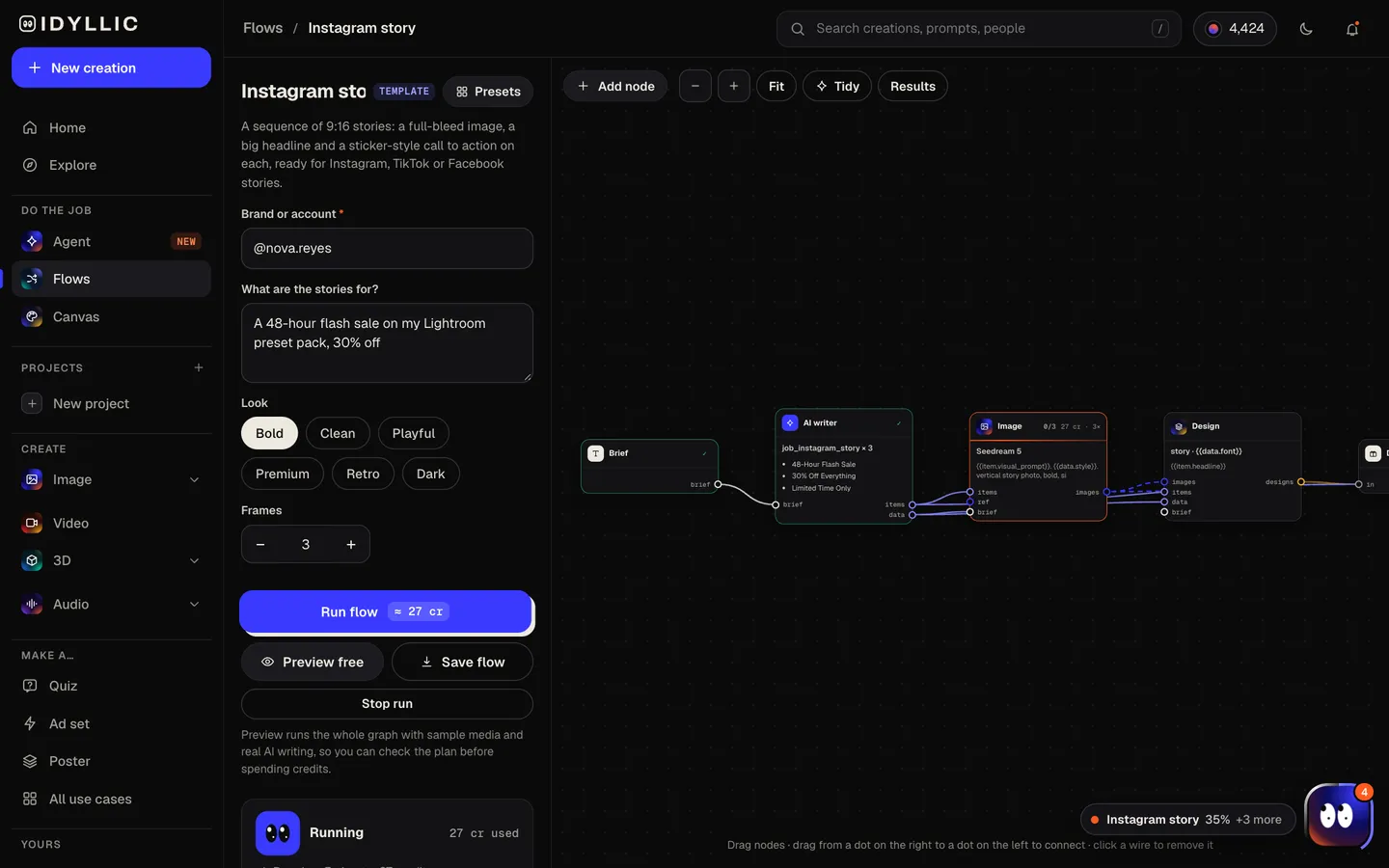
Let the flow write the sequence
The AI writer plans the frames as a sequence (a hook, the detail, the payoff), writes a headline for each and one call to action like “Shop now”. Seedream 5 makes each vertical image, then Idyllic sets the type. Preview the whole flow free first.
- 03
Check the frames in order
All frames appear side by side in order, next to the artwork without text, so you can read the sequence the way a viewer taps through it.

- 04
Edit and download
Open a frame in Canvas to change a word, font, colour or effect, or move the call to action. Download each 1080×1920 PNG and post them in order.

Why it beats
a template
A sequence, not three random slides
The frames are written to be tapped through: the first one hooks, the middle one explains, the last one asks for the action.
Full-bleed and vertical by design
Every image is composed for 9:16, with a bold, simple subject and clear space at the top and bottom for type.
A call to action on every frame
A sticker-style button with a 2-4 word call to action, the same across the set, so the ask is never in doubt.
Real type you can change
Headlines are live text. Swap the font from 144 options, add an outline, shadow or neon effect, or rewrite a line in seconds.
One set, three apps
Instagram, Facebook and TikTok stories all use the same 9:16 frame, so one run covers all three.
Your handle on every frame
Your brand name or @handle appears on each frame exactly as you typed it, so every story is clearly yours.
What makes a story people tap through, not skip
- Hook in the first frame. Lead with the offer, the question or the result.
- One message per frame, in under six words.
- Keep key text out of the top 14% and bottom 35%, Meta's safe zone for story ads.
- Use the same look on every frame so the sequence reads as one piece.
- End on one clear action: shop, sign up, reply.
- Add link, poll and countdown stickers in Instagram after you upload.
Instagram story size and specs
| Instagram story | 1080×1920 px | 9:16, what Idyllic exports |
|---|---|---|
| Story ad (Meta) | 1440×2560 px | 9:16 recommended, JPG or PNG, up to 30 MB |
| Safe zone | Top 14%, bottom 35% | And 6% on each side, free of text and logos |
| Facebook story | 1080×1920 px | 9:16 |
| TikTok | 1080×1920 px | 9:16 |
Meta's safe-zone numbers are for story and Reels ads. Following them on organic stories also keeps your text clear of the profile bar at the top and the reply field at the bottom.
Steal a brief
Each one opens the flow with the brief filled in. Change anything before you run it.
Midnight Ramen Bar: we are now open until 2 a.m. on Fridays and Saturdays, with a new late-night menu
Atlas Strength Studio: your first class is free all this week, no membership needed
Wildflower Wedding Florals: now booking 2027 weddings, with a look at this season's favorite arrangements
Northfield Farmers Market: opening day is Saturday, May 1, with 60 local vendors and live music
Nova Sneaker Store: a limited retro runner drops Friday at 10 a.m., in store and online
@kilnandclay.studio: the holiday shop update goes live Sunday at noon, with mugs, vases and plates
@tenbuckdinners: five family dinners for under $10 each, one new recipe every day this week
Harborview Bookshop: a late-night release party for a new fantasy novel, Friday from 9 p.m.
Questions
Is the AI Instagram story maker free?
You can preview the whole flow free: the AI writer plans your real sequence, headlines and call to action, shown with sample images. Making the final frames is on Plus and up (from $10.50/mo, billed yearly) and costs 27 credits for three. The free plan also includes 3 free images a day in the image studio.
What size is an Instagram story?
1080×1920 pixels, a 9:16 vertical frame. Meta recommends 1440×2560 for story ads. Idyllic exports 1080×1920 PNGs.
Where should text go on a story?
Keep key text and logos out of the top 14% and bottom 35% of the frame, and 6% in from each side. That is Meta's safe zone for story ads, and it keeps text clear of the profile bar and reply field.
Can I use the same stories on Facebook and TikTok?
Yes. Facebook and TikTok use the same 9:16 vertical frame, so the PNGs work as they are.
Can I add links, polls or music?
Add those in Instagram after you upload. Idyllic designs the frame, including a call-to-action button graphic. Instagram's link, poll and music stickers are added in the app.
How many frames should a story have?
Three is a good default: a hook, the detail and the payoff. You can make one to six frames per run.
Can I make video stories?
This flow makes still frames. For a vertical video with animated shots and a soundtrack, use the TikTok video flow on Pro. Its 9:16 videos also work as Reels and stories.
Can I use the stories for my business?
Yes. Paid plans include a commercial license and private mode, so you can post for your own brand or for clients.
Make something else
Everything you can make
Your turn.
Preview the whole flow free. No credit card.