Ready-made flow · Edge-to-edge case art, shown on a real phone case
AI Phone Case Designer
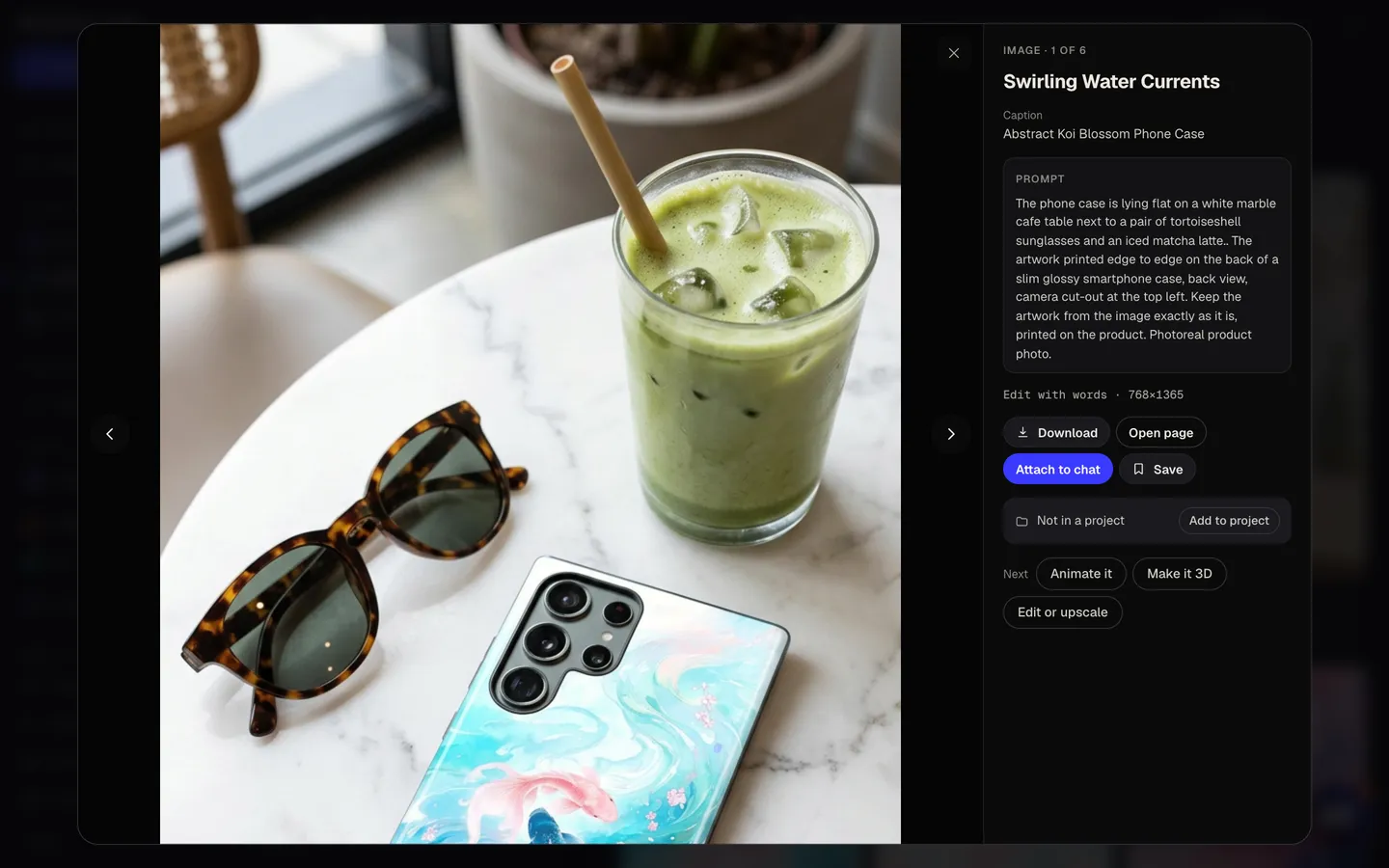
Idyllic's AI phone case designer turns one idea into tall, edge-to-edge case artwork and a photo of it on a slim glossy case. Seedream 5 paints each design at 9:16 with the main motif low and the top-left camera corner kept simple, so nothing important disappears behind the lens cut-out. Preview free, then download the artwork for print.
- Print file
- 1440×2560 px, 9:16, full bleed
- You get
- 3 designs + 3 case photos
- Image model
- Seedream 5
- Cost
- 87 credits for 3 designs, on Plus
- Styles
- Abstract, Floral, Marble, Anime, Retro, Minimal, Y2K
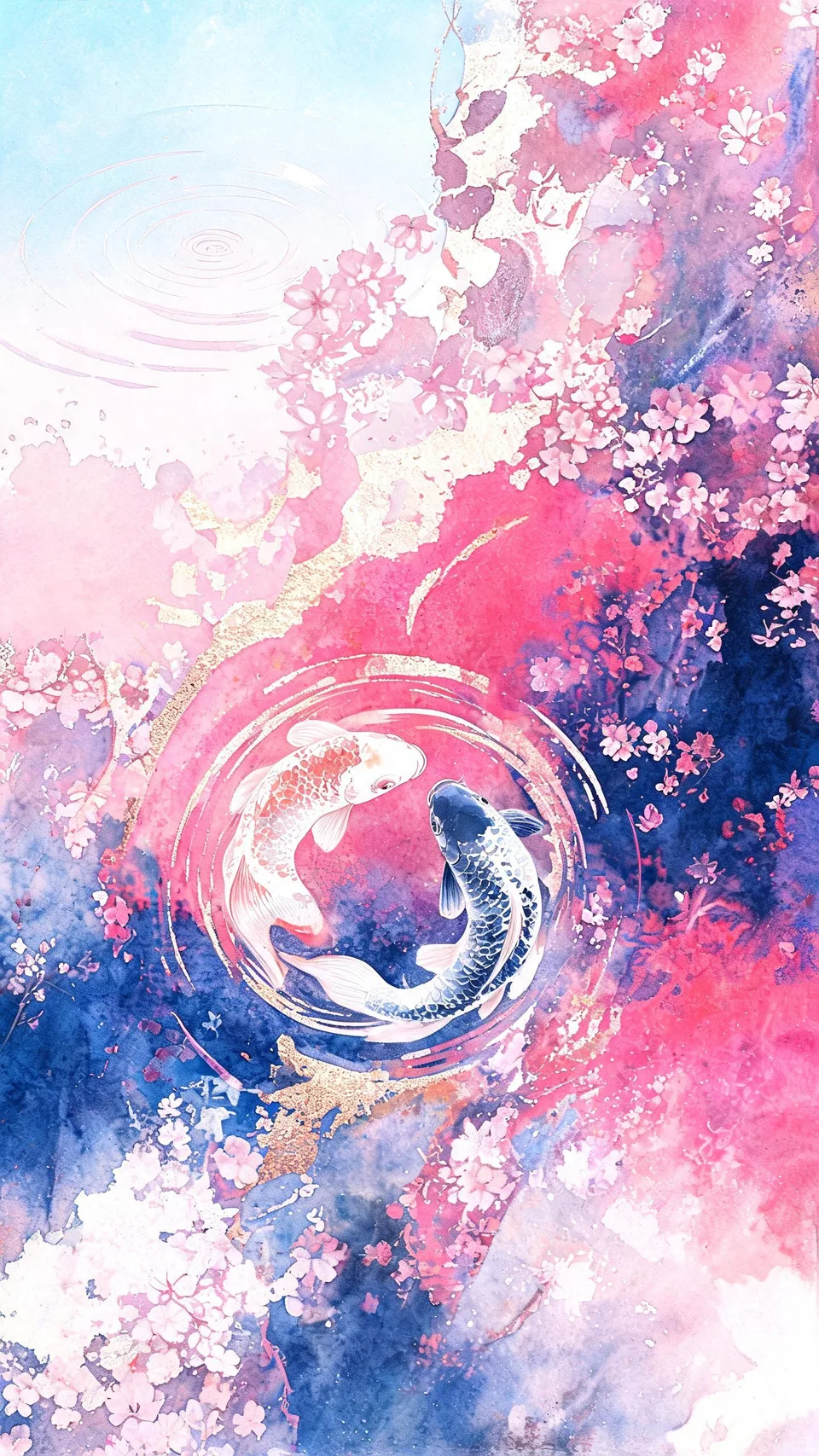
Real output · no retouching
One brief.
6 results.
- What should the case show?
- Koi fish swimming through pink cherry blossoms
- Style
- Abstract
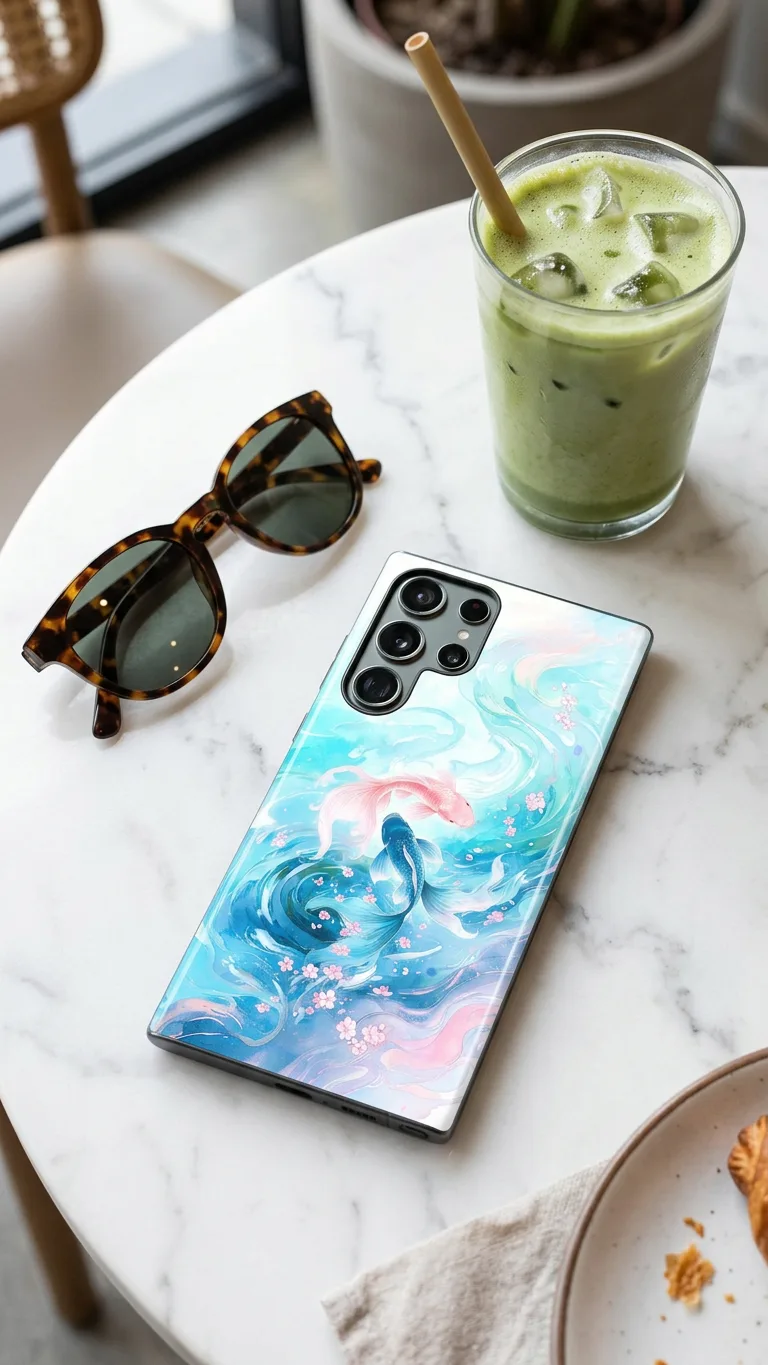
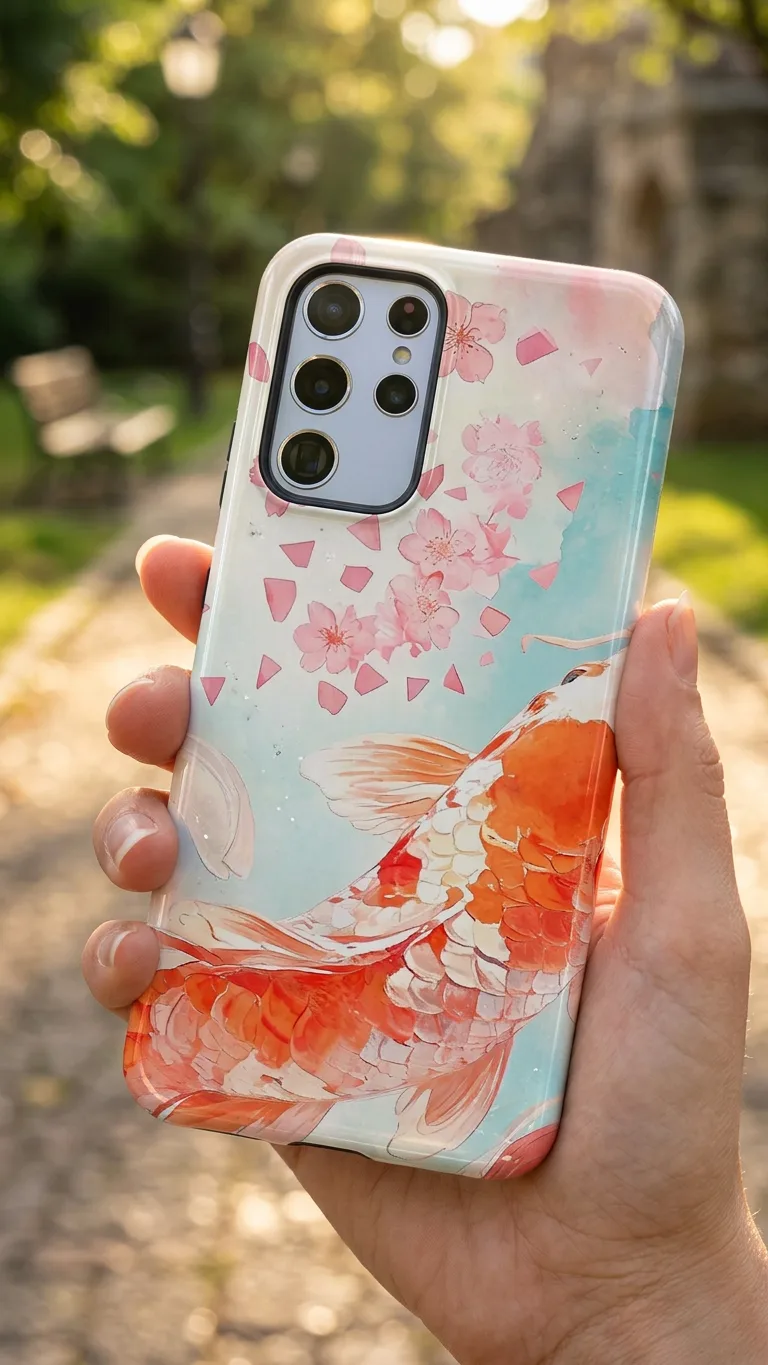
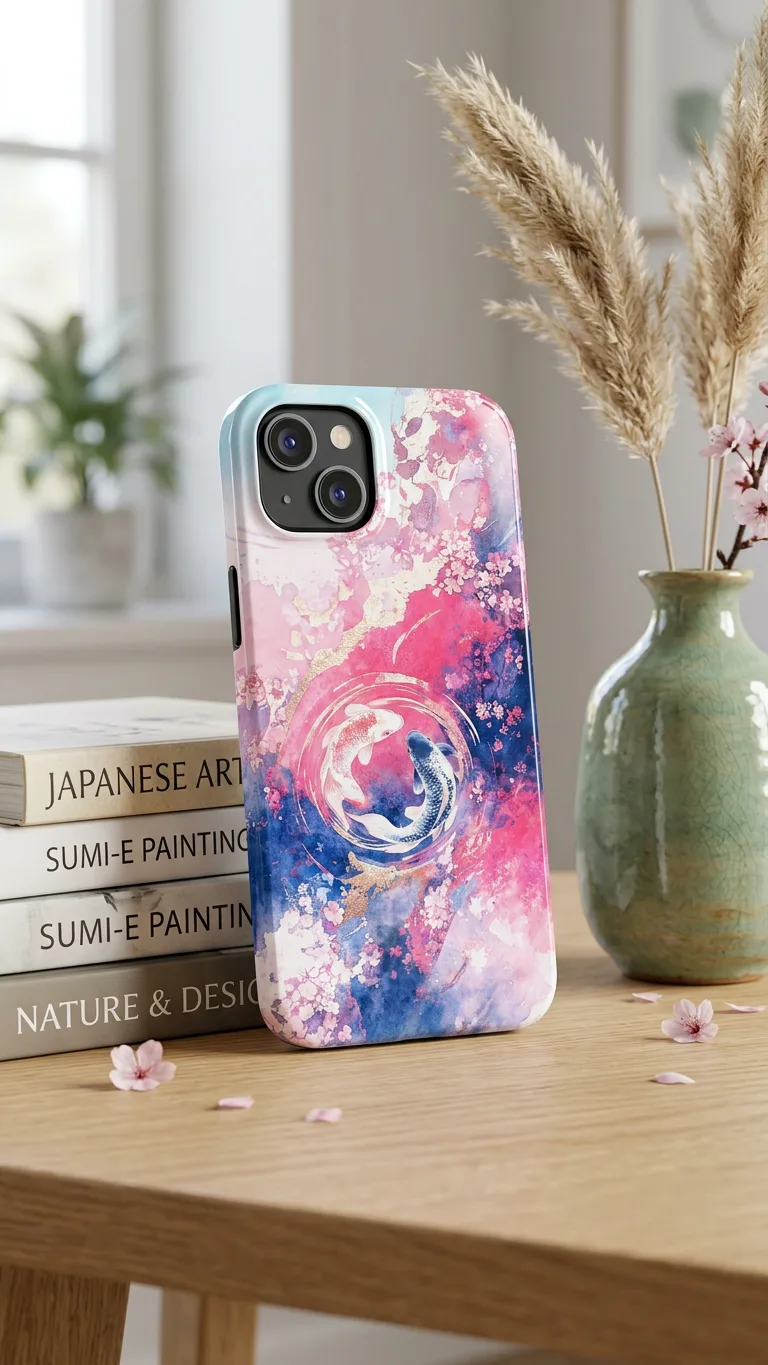

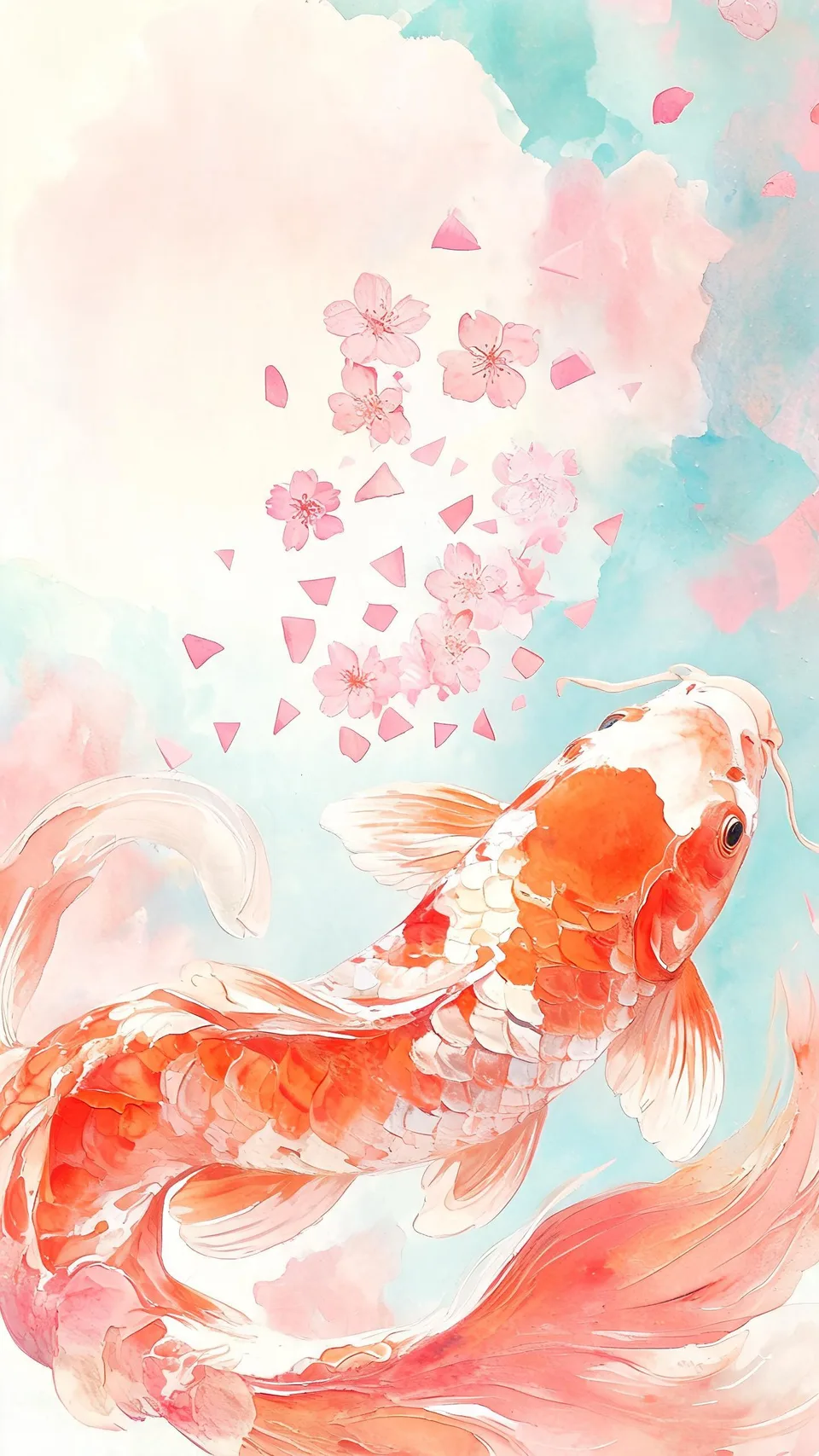
How to make it
Four steps, about a minute of your time. These are real screens from the run above.
- 01
Describe the case
Write what the case should show, like koi fish swimming through pink cherry blossoms. Pick a style (Abstract, Floral, Marble, Anime, Retro, Minimal or Y2K) and how many designs you want, up to four.
Open the flow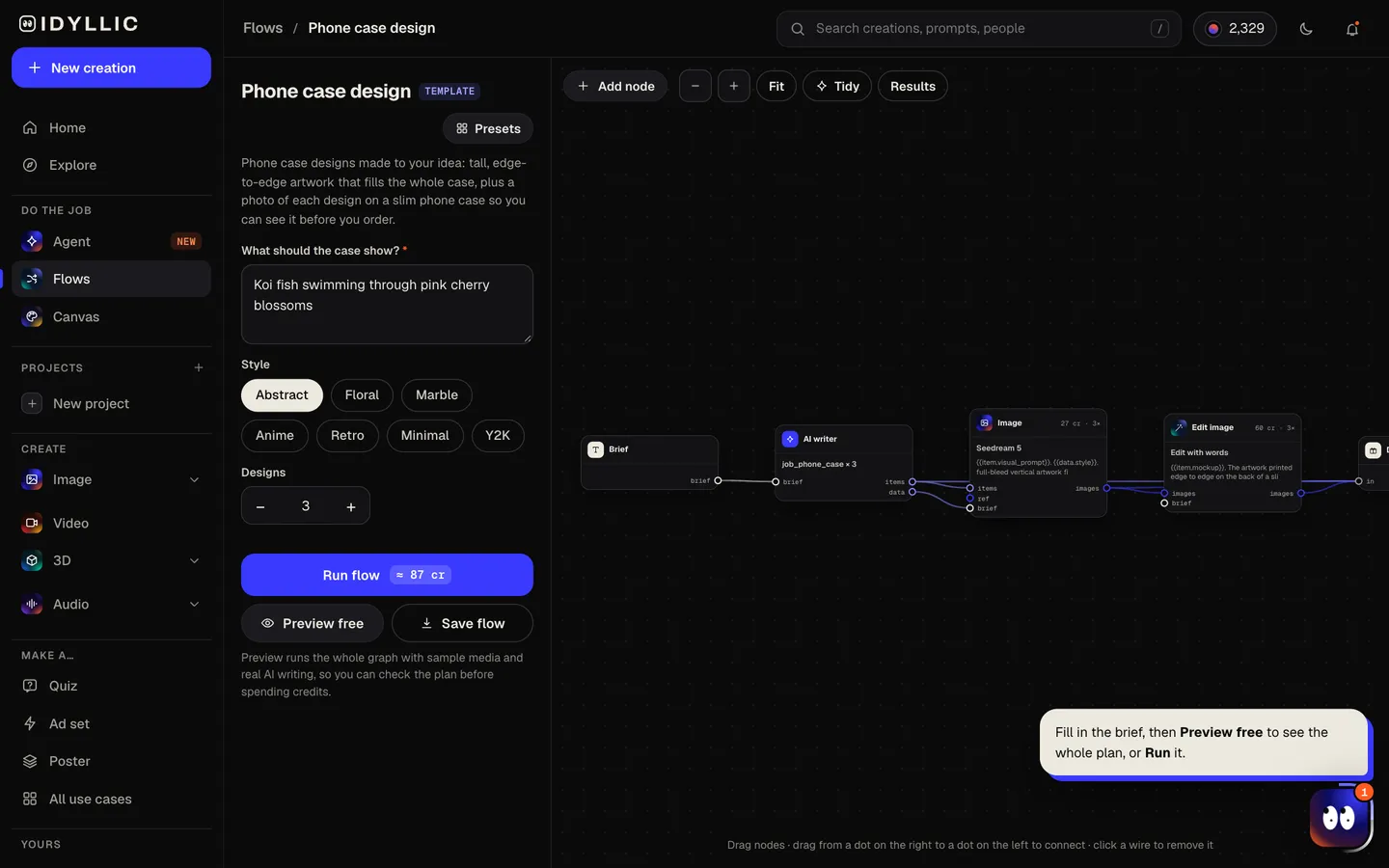
- 02
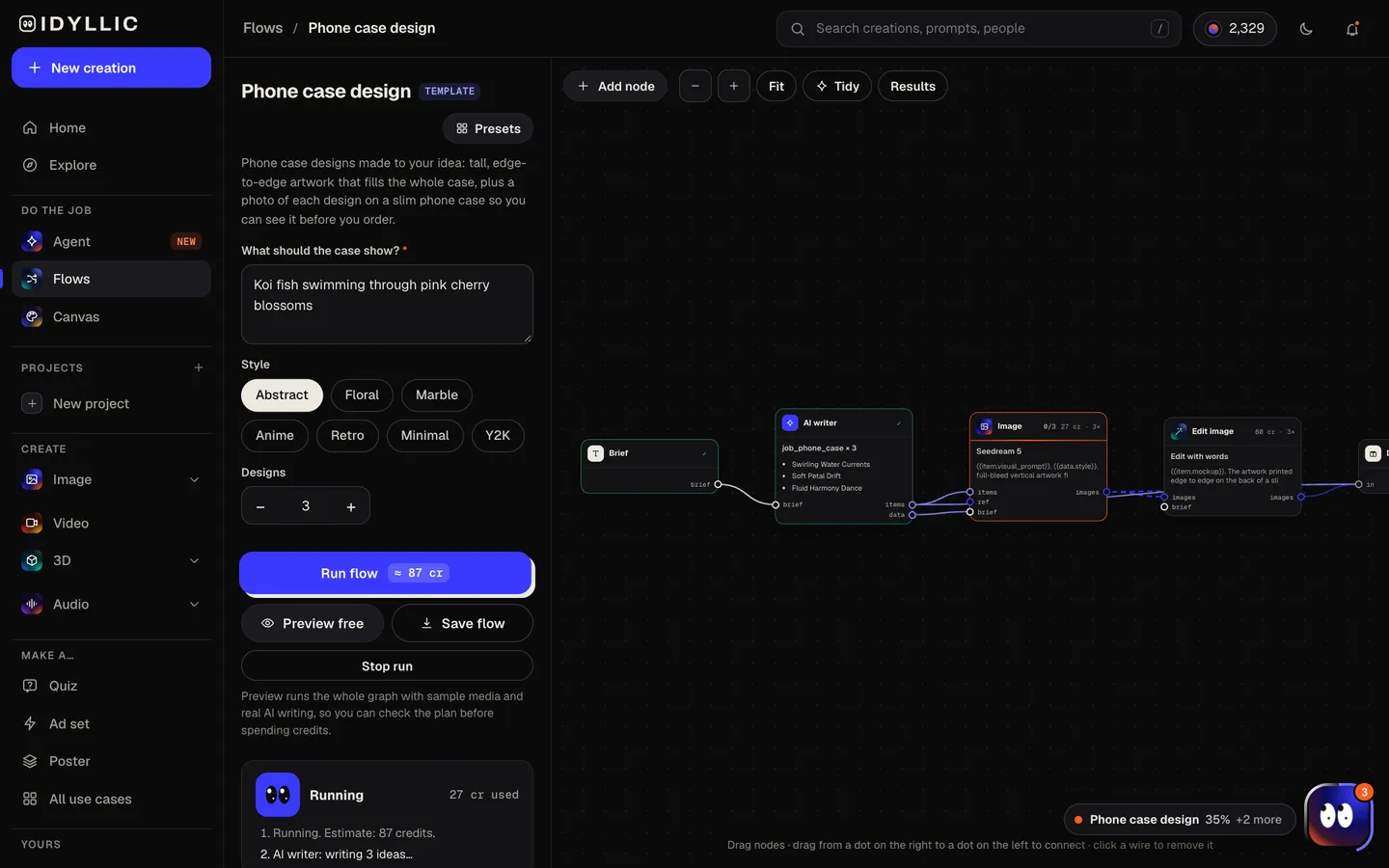
Watch it get painted and put on a case
The AI writer plans a different composition or pattern for each design, writes a product title and picks a scene. Seedream 5 paints the artwork edge to edge at 9:16, then the mockup step prints it on the back of a slim glossy case. Preview the plan free.
- 03
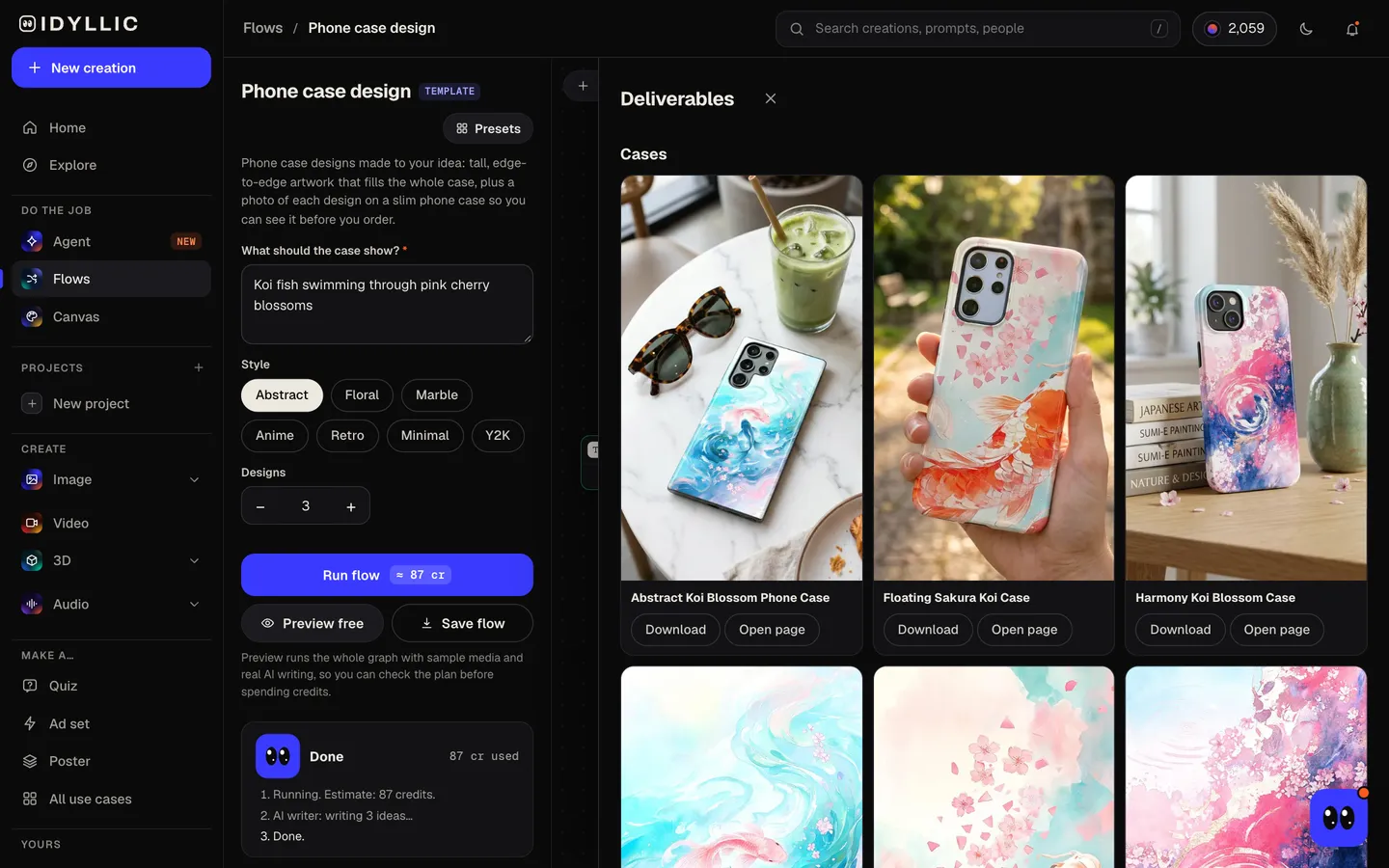
Compare cases and artwork
Each case photo sits next to its flat artwork and product title, so you can check how the design meets the camera cut-out before you order.
- 04
Download or keep going
Download the flat artwork for your printer and the case photo for your listing. Or keep going: upscale the artwork, select an area in Canvas and change it, or set it as a matching phone wallpaper.
Why it beats
a template
Fills the whole case
Artwork is painted full bleed at 9:16, with no border and no white background, so the print runs to every edge of the case.
Planned around the camera
The top-left corner, where the camera sits on most cases, is kept simple, and the main motif sits in the middle and lower part of the case.
See it before you order
Each design is also shown on a slim glossy case: in a hand on a city street, on a marble cafe table, on a bed with a knitted throw. The photo is a mockup for your listing or a preview; the flat artwork is the print file.
Patterns or one big picture
Ask for a repeating pattern, a marble swirl or one full illustration. Each design in a run is a different take on your idea.
A title for every listing
The AI writer adds a 3 to 6 word product title to each design, ready for a print-on-demand store.
Yours to sell
Paid plans include a commercial license, so the designs can go on cases you sell, gifts and print-on-demand stores.
What makes a phone case design work
- Keep the top-left corner calm. On iPhones and many Android phones, the camera covers it.
- Put the main subject in the middle or lower half, clear of the camera.
- Keep faces and fine detail away from the edges. On many cases the print meets a rim or curves around the sides.
- Bold color and big shapes read better than tiny detail on a six-inch surface.
- Check each phone model's template. Camera cut-outs differ even between models from one brand.
- Order a sample for each phone model before you list it.
Phone case artwork sizes
| Idyllic case art | 1440×2560 px, 9:16 | Full bleed, no border; upscale in Canvas for bigger print files |
|---|---|---|
| Idyllic case mockup | Photo on a slim glossy case | For listings and previews, not a print file |
| Merch by Amazon phone case | 1800×3200 px | PNG, the same 9:16 shape as Idyllic's case art |
| Typical phone back | About 2:1 | A little narrower than 9:16, so templates trim the sides slightly |
| Camera area | Top left on most phones | Some Android phones use a camera bar across the top instead |
Every printer and phone model has its own template. Upscale the artwork in Canvas, place it on the template, and keep the subject clear of the camera cut-out and the edges.
Steal a brief
Each one opens the flow with the brief filled in. Change anything before you run it.
Swirling black and gold marble with thin veins of rose pink
A dreamy anime sky with a train crossing a field of sunflowers
Y2K chrome hearts and butterflies on a lilac gradient
Retro 70s wavy stripes in orange, mustard and brown
A minimal single-line drawing of a face on warm sand beige
Pressed wildflowers scattered across cream paper, floral style
Abstract blobs in cobalt and coral with a grainy texture
A cat asleep on a stack of books under a crescent moon, anime style
Tropical leaves and pink flamingos in a dense jungle pattern
Questions
Is the AI phone case designer free?
You can preview the whole flow free: real AI writing with sample images, so you can check the plan. Running it for real is on Plus ($10.50 a month, billed yearly) and uses 87 credits for three designs, each with its artwork and a case photo. The free plan also includes 3 free images a day in the image studio.
Which file do I print, the artwork or the case photo?
The flat artwork. The case photo is a mockup: a picture for your listing or a preview before you order. Print from the 1440×2560 px artwork, upscaled in Canvas if your printer asks for a bigger file.
What size should phone case artwork be?
Tall and full bleed. Idyllic makes 1440×2560 px at 9:16. Merch by Amazon asks for 1800×3200 px, the same shape, so upscale the artwork in Canvas and resize it. Other printers give a template per phone model; place the art on it.
Will the camera cut-out ruin my design?
It should not. The flow keeps the top-left corner simple and puts the main motif lower down. Check your phone model's template anyway, since camera layouts differ.
Does it work for iPhone and Android cases?
Yes. The artwork is not tied to one phone. Most phones are a little narrower than 9:16, so a template trims the sides slightly; keep the subject near the middle.
Can I sell phone cases with these designs?
Yes. Paid plans include a commercial license. Avoid brand names, logos and characters you do not own, since print-on-demand stores remove those listings.
Can I put my name or initials on the case?
The artwork is drawn without text, so letters never come out garbled. Put it on a design in Canvas to set a name or initials in real type, with 144 fonts to choose from.
Make something else
Everything you can make



Your turn.
Preview the whole flow free. No credit card.