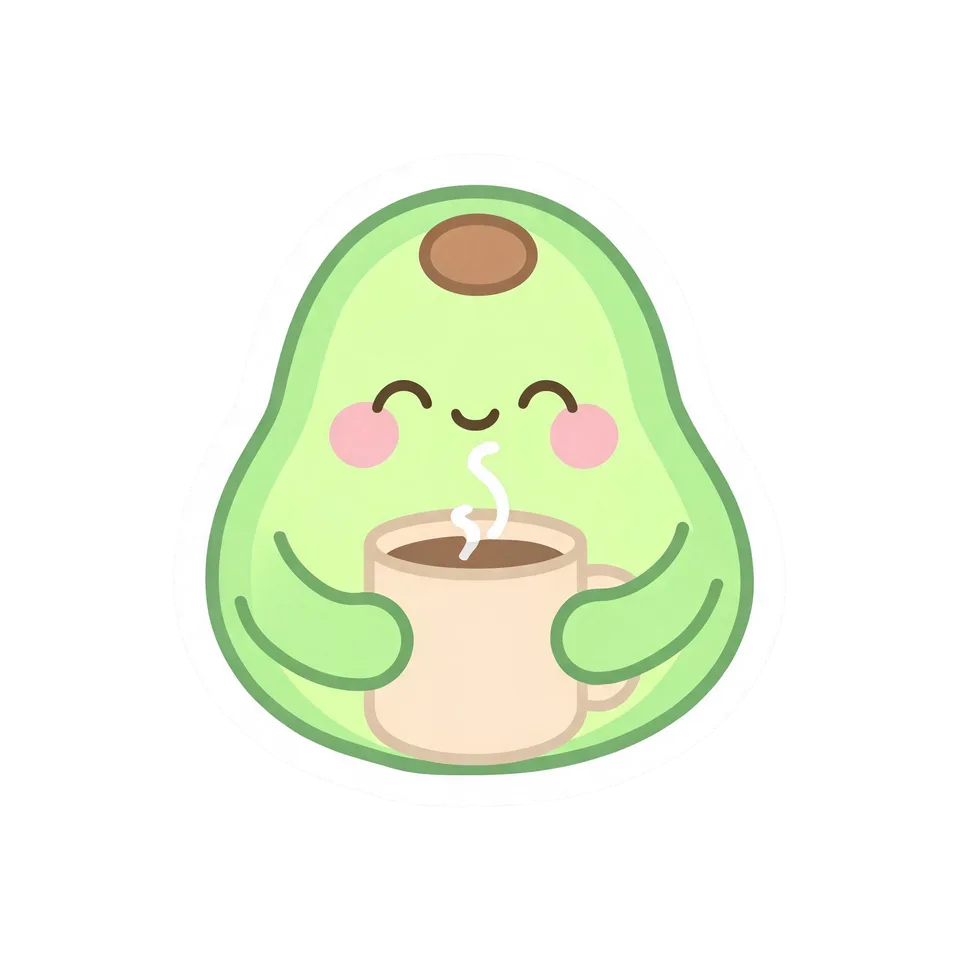
Ready-made flow · Mug artwork, cut out and shown on a real mug
Create Custom Mugs Online with AI
Idyllic's custom mug maker turns one idea into artwork you can print and a photo you can sell with. Recraft V4.1 draws each design, Idyllic cuts it out on a transparent background as the print file, then shows it on a glossy white 11 oz mug in a real scene, ready for a shop listing or a gift preview. Preview the whole flow free.
- You get
- 3 cut-out designs + 3 mug photos
- Print file
- Square transparent PNG
- Mockup
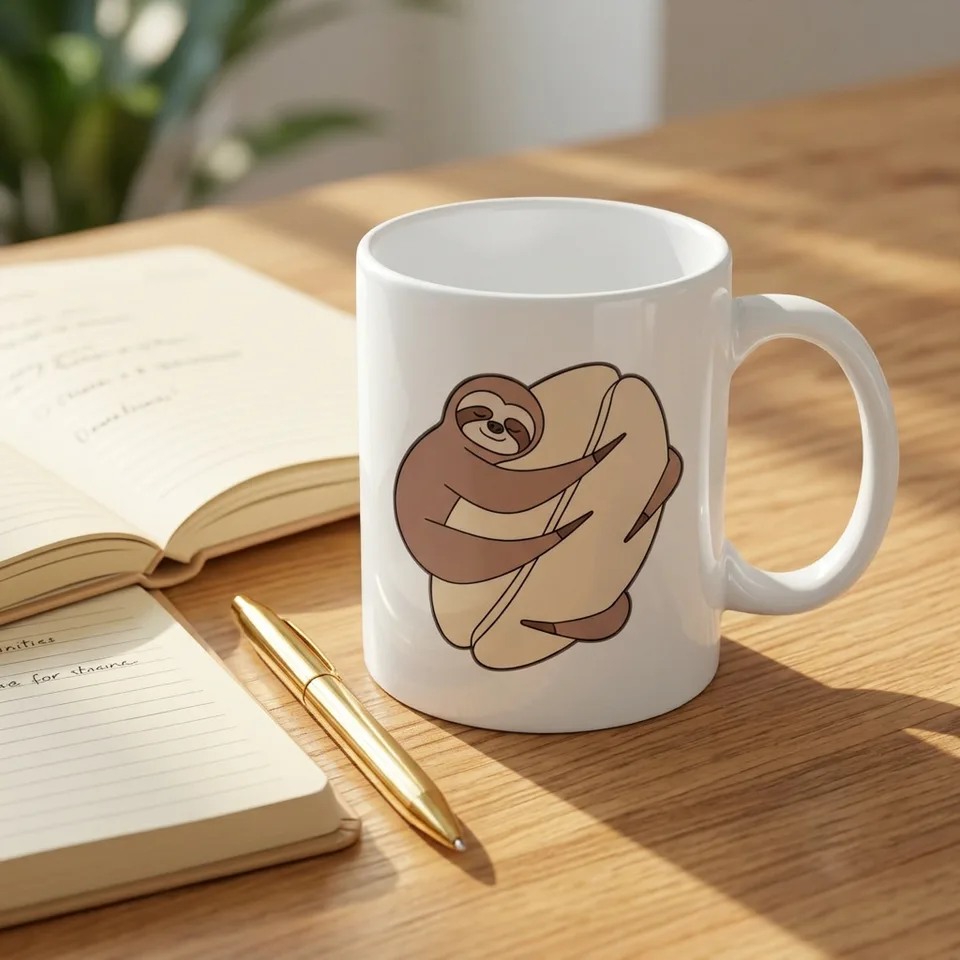
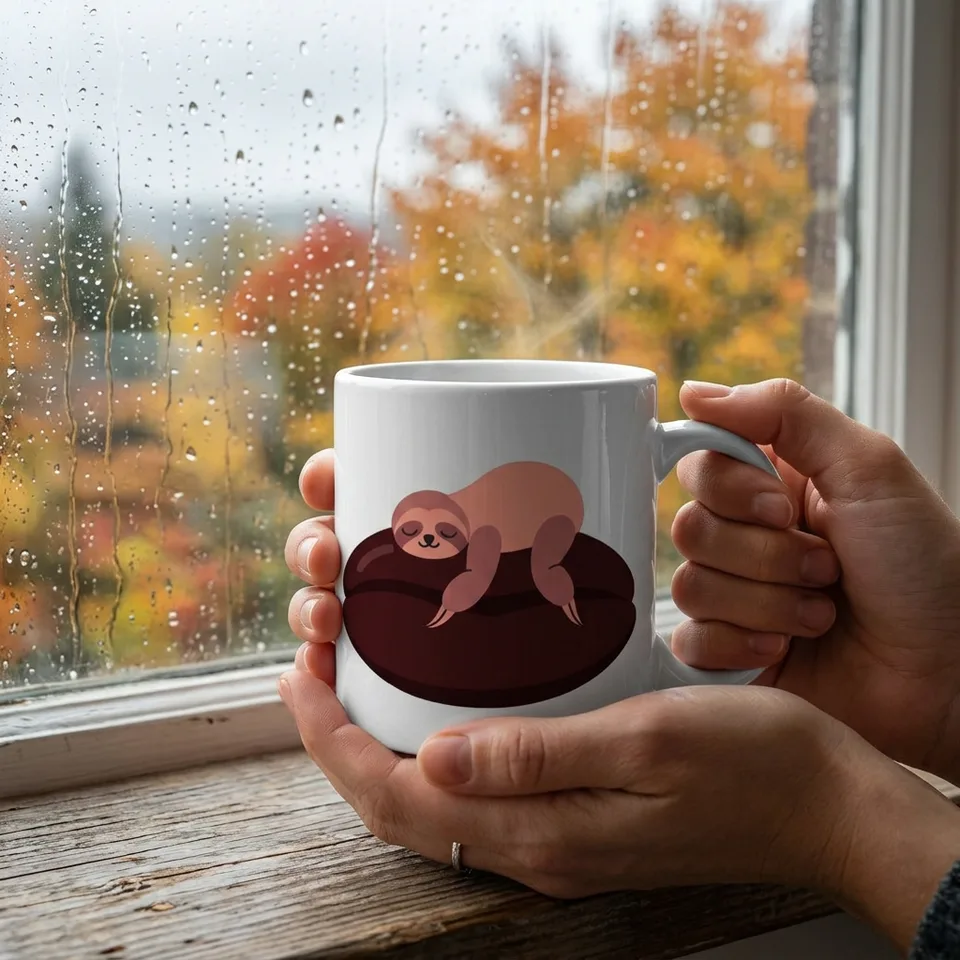
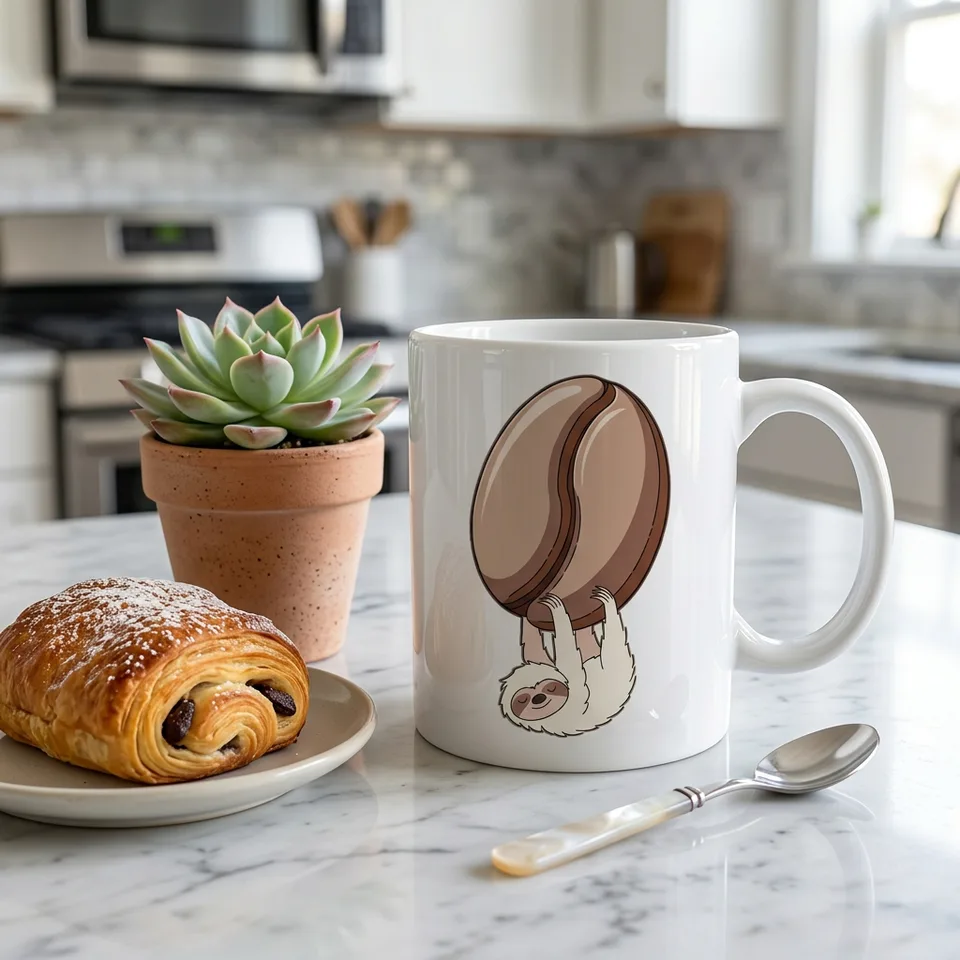
- Glossy white 11 oz mug in a real scene
- Image model
- Recraft V4.1
- Cost
- 90 credits for 3 designs, on Plus
Real output · no retouching
One brief.
6 results.
- What should the mug show?
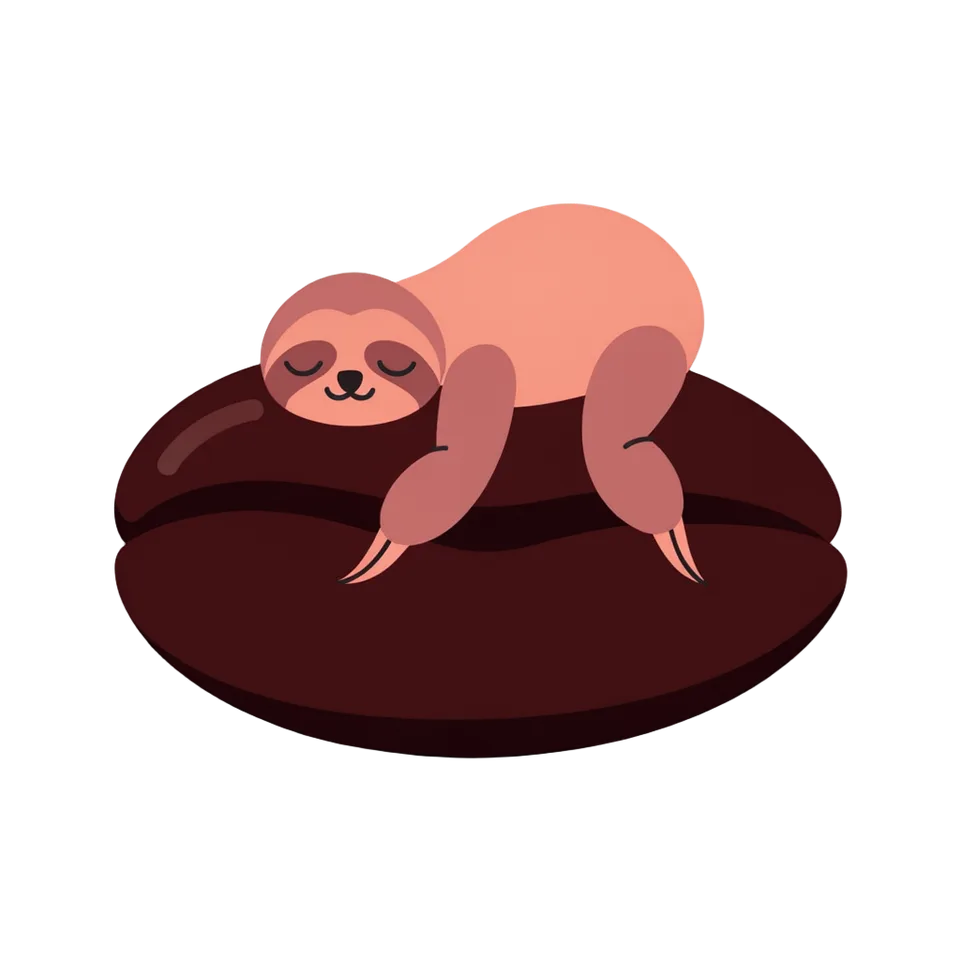
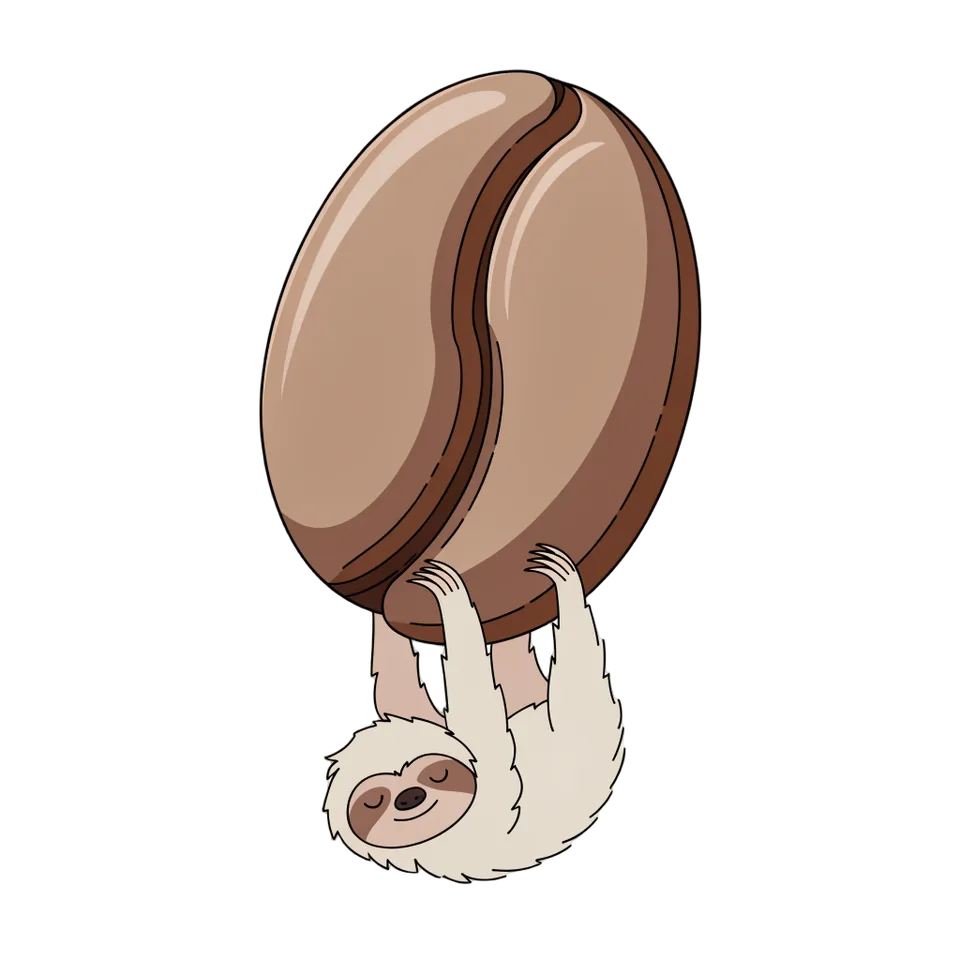
- A sleepy sloth hugging a giant coffee bean
- Style
- Cute
How to make it
Four steps, about a minute of your time. These are real screens from the run above.
- 01
Describe the mug
Write what the mug should show, like a sleepy sloth hugging a giant coffee bean. Pick a style (Cute, Retro, Minimal line art, Watercolor, Botanical or Bold cartoon) and how many designs you want, up to four.
Open the flow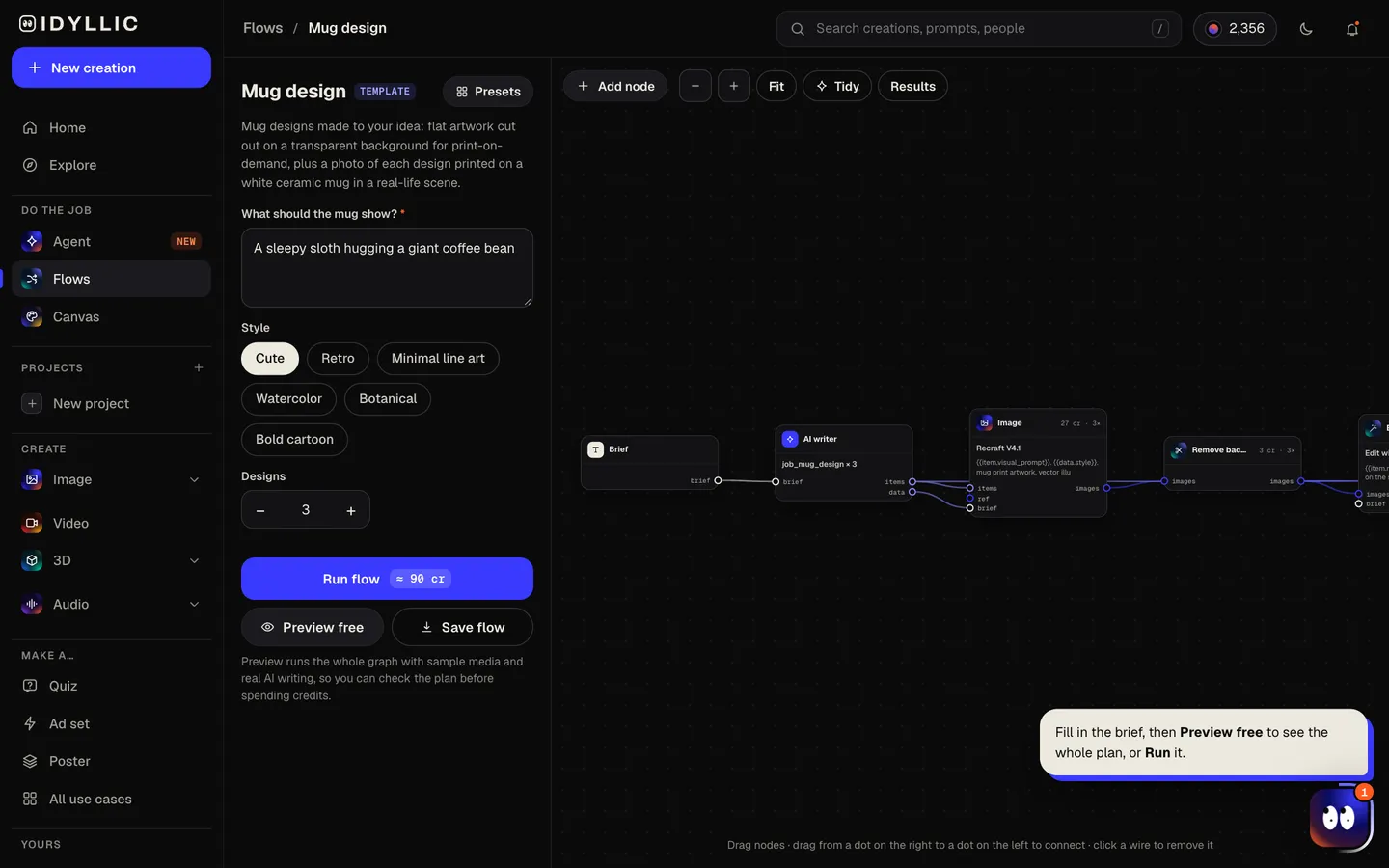
- 02
Watch it get drawn and put on a mug
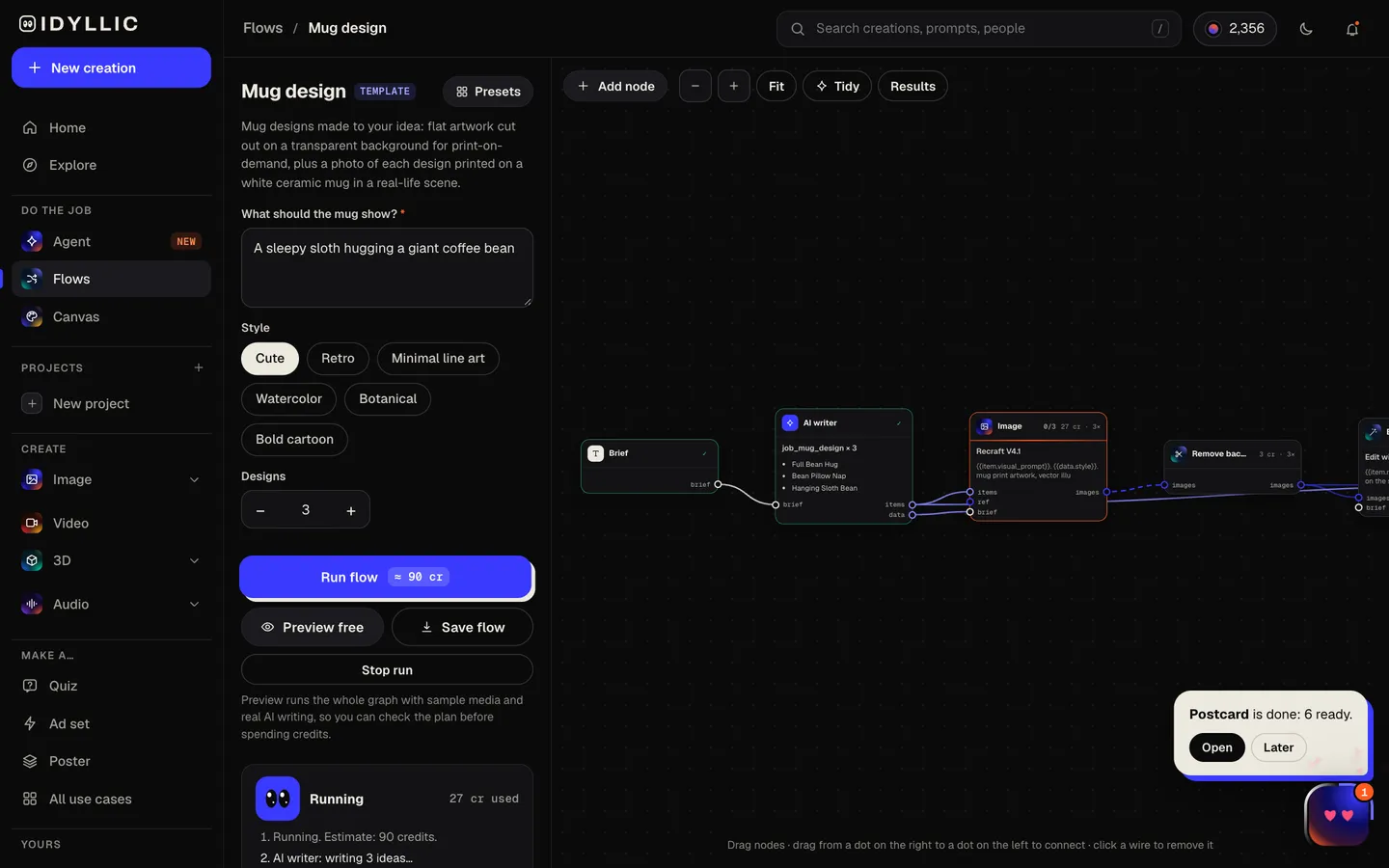
The AI writer plans a different take for each design, writes a product title and picks a scene. Recraft V4.1 draws the artwork, Idyllic cuts it out on a transparent background, then the mockup step shows it printed on a white 11 oz mug in that scene. Preview the plan free.
- 03
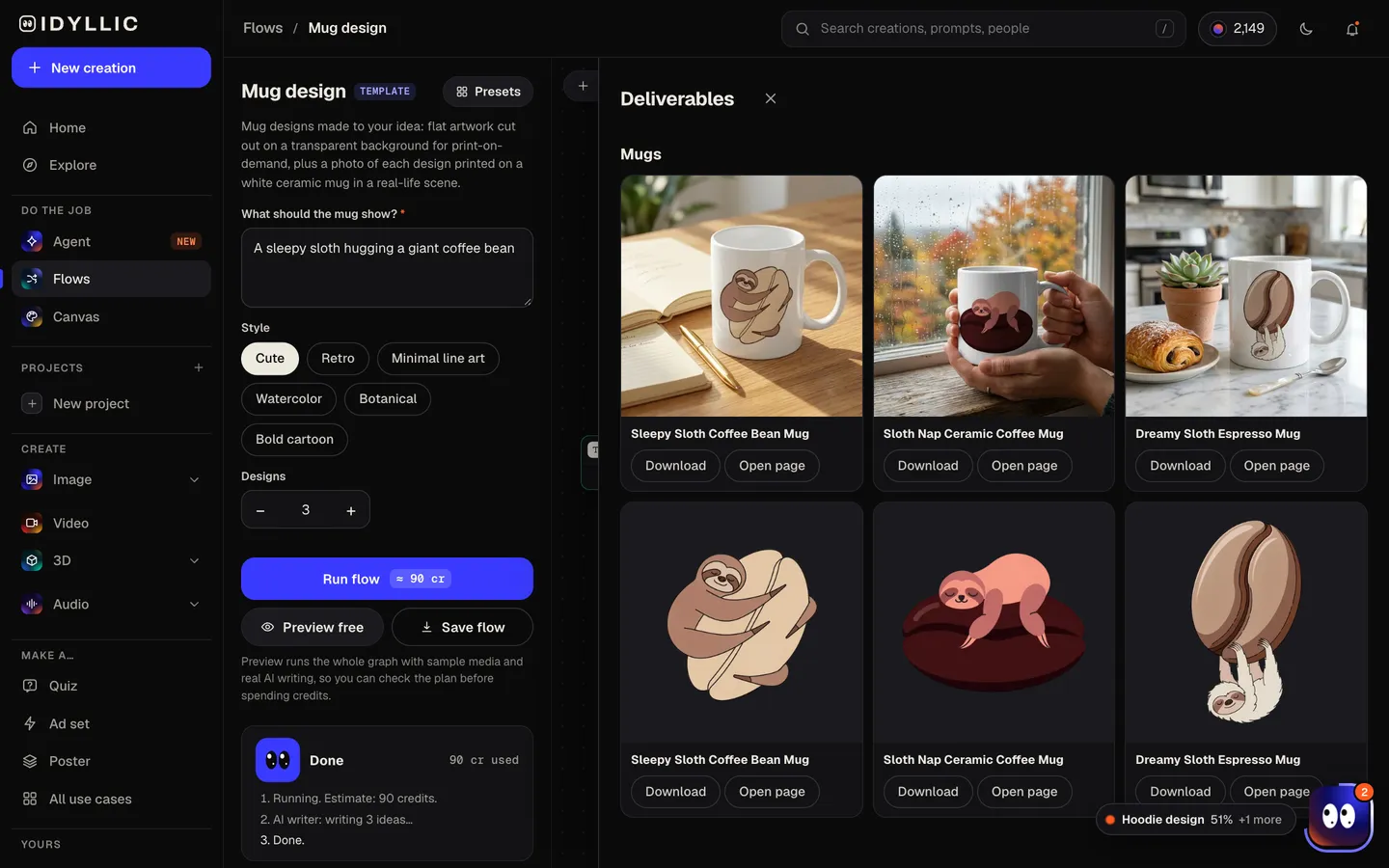
See the mockups next to the artwork
Each mug photo sits beside its cut-out artwork and product title, so you can judge the design on the product and grab the print file in one place.
- 04
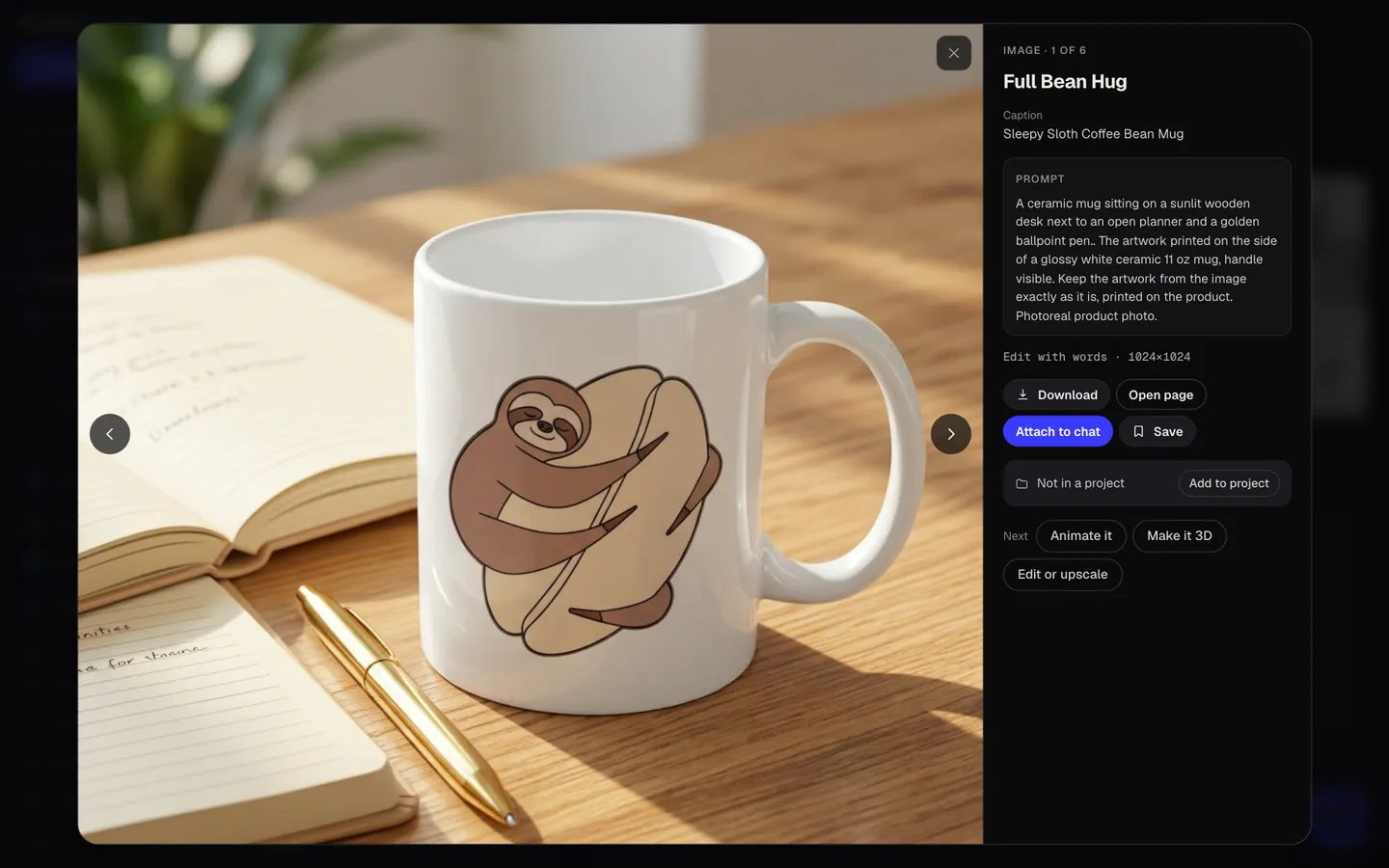
Download or keep going
Download the transparent PNG for your printer and the mug photo for your listing. Or keep going: upscale the artwork for print, put it on a design in Canvas, or animate the mockup for a post.
Why it beats
a template
Two files from one idea
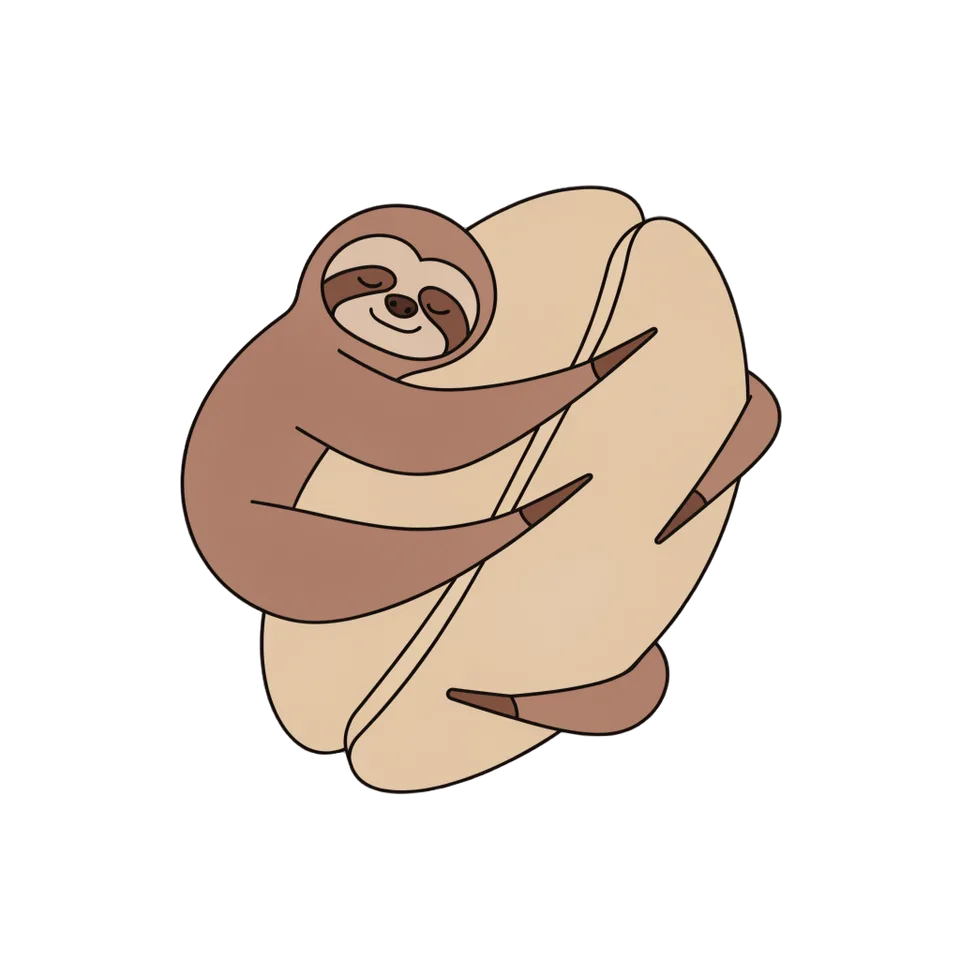
Every design comes as flat artwork for the printer and a photo of it on a mug. The photo is a mockup for your shop, a social post or a gift preview; the cut-out artwork is the file you print.
Sized for the side of a mug
Each design is one compact, centered motif with bold shapes and a limited palette, so it reads on a print band about 3.5 inches tall instead of turning to mush.
No white box around the art
Backgrounds are removed automatically, so the design sits on the glaze, not inside a white rectangle, and drops straight into a print-on-demand template.
Mockups that look lived in
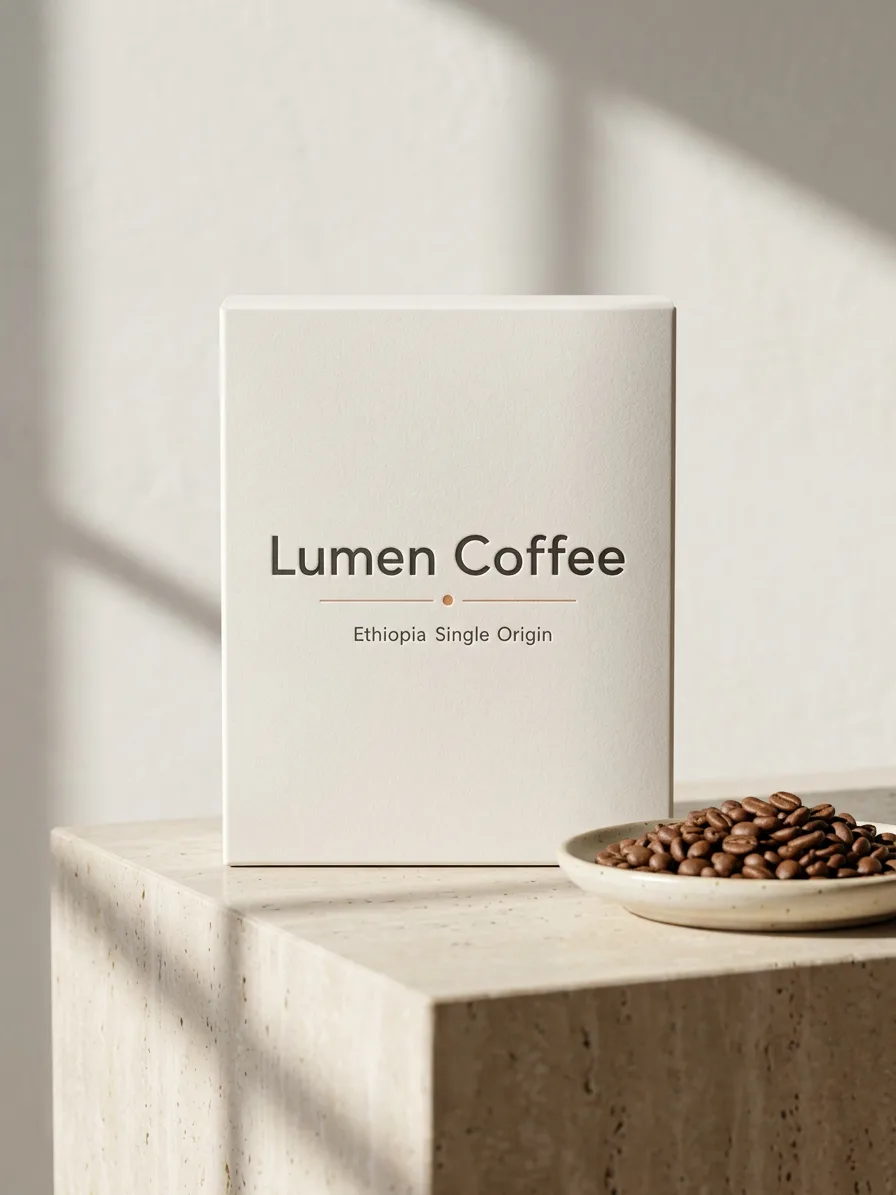
Each mug is shown somewhere different: a cafe table with a croissant, a desk beside a notebook, two hands by a rainy window. A real scene gives a listing more to look at than a mug on plain white.
A product title for each
The AI writer adds a 3 to 6 word title to every design, so your listing never starts from an empty field.
Yours to sell
Paid plans include a commercial license, so the designs can go on mugs you sell, team gifts and print-on-demand stores.
What makes a mug design work
- Design for one side first. People see a mug from one side at a time.
- Bold shapes and three or four colors read best on a curved surface.
- Print the design on both sides so left- and right-handed drinkers both see it.
- Keep anything important away from the handle, where a wrap gets interrupted.
- Want a name or a quote? Put the artwork on a design in Canvas and set the words in real type.
- Order one sample mug before you list a design.
Mug print sizes
| Idyllic mug artwork | Square transparent PNG | One centered motif; upscale it in Canvas before print |
|---|---|---|
| Idyllic mug mockup | Photo on a white 11 oz mug | For listings and previews, not a print file |
| 11 oz mug, one side | About 3.5 × 3.5 in | 1050×1050 px at 300 PPI |
| 11 oz mug, full wrap | About 8.5–9 × 3.5 in | 2550–2700 × 1050 px at 300 PPI |
| 15 oz mug, full wrap | About 9 × 4 in | 2700×1200 px at 300 PPI |
Print areas vary by printer and mug blank, so download your printer's template and place the artwork on it. Put the square design on one side, on both sides, or repeat it around the wrap.
Steal a brief
Each one opens the flow with the brief filled in. Change anything before you run it.
A tiny fox reading under a mushroom with a cup of tea, watercolor
A retro sunset with a lone cactus and a road trip van in 70s colors
A minimal line drawing of a cat stretching into a yoga pose
A monstera leaf and a trailing pothos vine in deep greens, botanical
A grumpy cloud raining into a coffee cup, bold cartoon style
A smiling sourdough loaf in an apron for our bakery's staff mugs, cute style
Wildflowers and honeybees in soft botanical colors
A corgi astronaut floating beside a moon made of cookies, cute style
A retro diner coffee pot with steam curling into a heart
Questions
Is the custom mug maker free?
You can preview the whole flow free: real AI writing with sample images, so you can check the plan. Running it for real is on Plus ($10.50 a month, billed yearly) and uses 90 credits for three designs, each with its artwork and a mug photo. The free plan also includes 3 free images a day in the image studio.
Which file do I send to the printer?
The cut-out artwork, a transparent PNG. The mug photo is a mockup for your listing, a social post or a gift preview, not a print file. Upscale the artwork in Canvas before you upload it.
What size is the print area on an 11 oz mug?
A full wrap on most 11 oz mugs is about 8.5 to 9 inches wide and 3.5 inches tall, or 2550 to 2700 by 1050 px at 300 PPI. One side is about 3.5 inches square. Blanks differ, so check your printer's template.
How can I make my mug design look professional?
Keep one strong motif, a small palette and clean edges, and leave the handle area plain. Show it in a real scene rather than on plain white, and order a sample before you sell.
Can I create mugs for business branding?
Yes. Describe your mascot, product or brand motif in the idea and pick a style. Paid plans include a commercial license, so the designs can go on staff gifts, events and merch you sell.
Can I put a name or a quote on the mug?
The artwork is drawn without text, so letters never come out garbled. To add a name or a quote, put the artwork on a design in Canvas and set the words in real type, with 144 fonts to choose from.
Can I use the same artwork on other products?
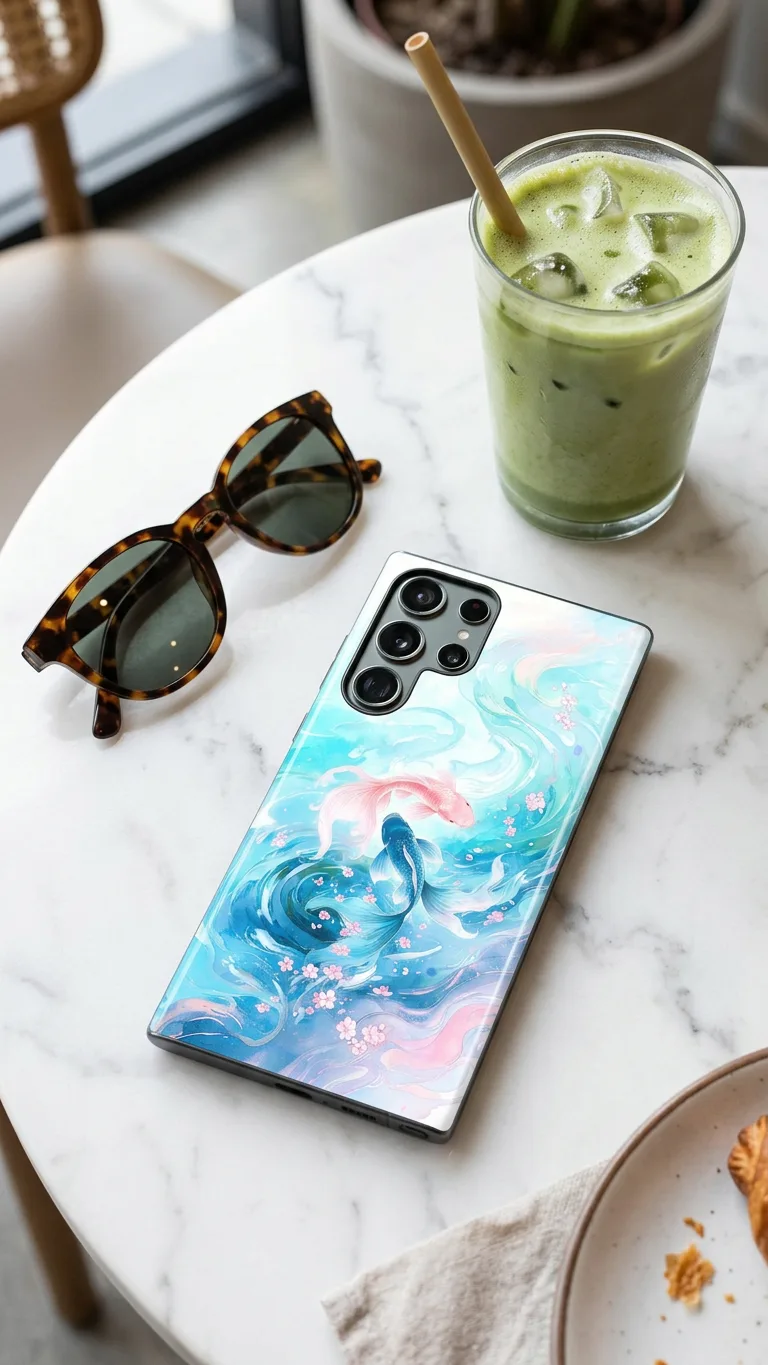
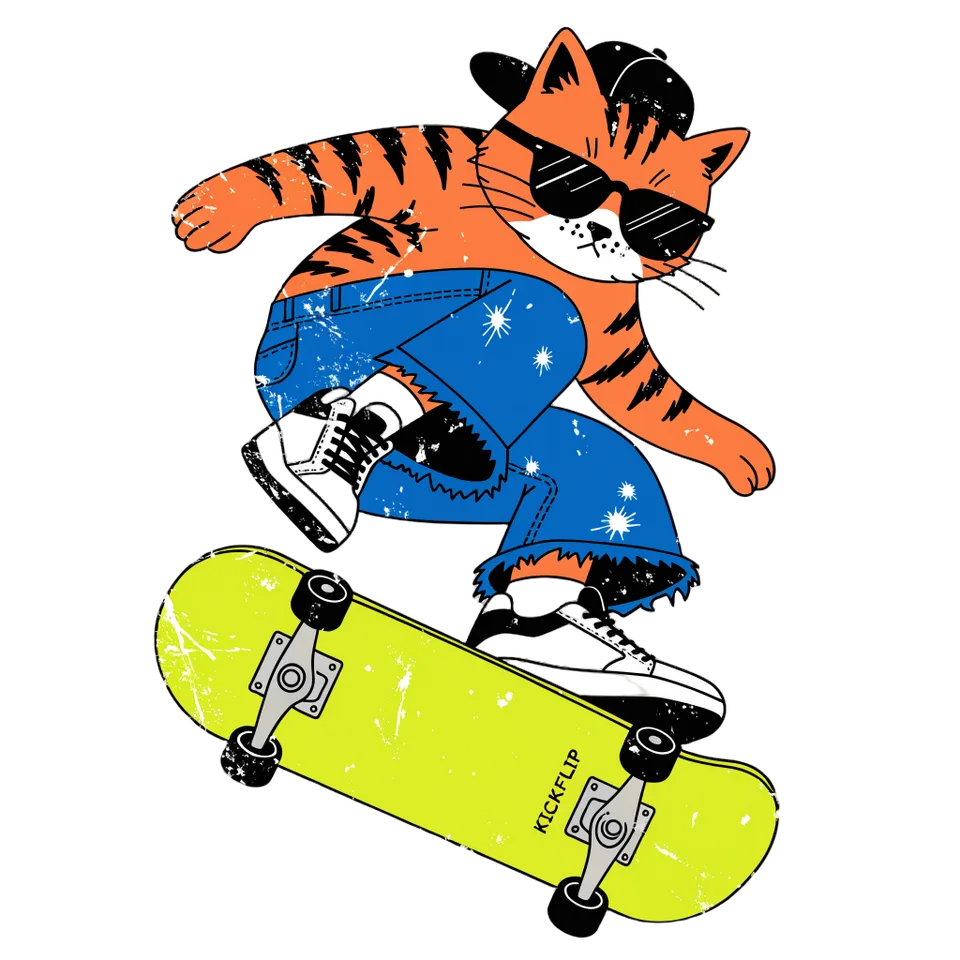
Yes. The transparent PNG works on totes, shirts and stickers too. There are also flows for tote bags, hoodies and phone cases that make their own mockups.
Make something else
Everything you can make

Your turn.
Preview the whole flow free. No credit card.