Ready-made flow · Front-print hoodie graphics, shown on a real hoodie
AI Hoodie Designer
Idyllic's AI hoodie designer turns one idea into front-print graphics and a photo of each on a heavyweight hoodie. Recraft V4.1 draws bold, screen-print style artwork in a palette that stands out on the hoodie color you pick, Idyllic cuts it out on a transparent background as the print file, and the mockup shows it worn or styled. Preview free.
- You get
- 3 cut-out graphics + 3 hoodie photos
- Print file
- Square transparent PNG
- Hoodie colors
- Black, White, Heather grey, Navy, Sand, Forest green
- Image model
- Recraft V4.1
- Cost
- 90 credits for 3 designs, on Plus
Real output · no retouching
One brief.
6 results.
- What should the hoodie show?
- A neon tiger leaping out of a crescent moon
- Style
- Streetwear
- Hoodie colour
- Black


How to make it
Four steps, about a minute of your time. These are real screens from the run above.
- 01
Describe the graphic
Write what the hoodie should show, like a neon tiger leaping out of a crescent moon. Pick a style (Streetwear, Vintage, Anime, Minimal, Y2K or Gothic), the hoodie colour (Black, White, Heather grey, Navy, Sand or Forest green) and how many designs you want, up to four.
Open the flow
- 02
Watch it get drawn and worn
The AI writer plans a different take for each design, writes a product title and picks a scene. Recraft V4.1 draws the graphic in colors that stand out on your hoodie, Idyllic cuts it out, then the mockup step prints it large on the chest of a hoodie in your color. Preview the plan free.

- 03
See each hoodie next to its graphic
Every hoodie photo sits beside its cut-out graphic and product title: worn on a city rooftop at dusk, folded flat on concrete, on a hanger in a minimal boutique.

- 04
Download or keep going
Download the transparent PNG for print-on-demand and the hoodie photo for your store. Or keep going: upscale the graphic for print, change a detail in Canvas, or animate the mockup for a launch post.

Why it beats
a template
Made for the color you wear
Pick the hoodie color first and the palette follows: light inks for black and navy, deeper tones for white and sand, so the graphic does not vanish into the fabric.
The print file and the product photo
Each design comes as a cut-out graphic for the printer and a photo of it on a heavyweight hoodie. The photo is a mockup for listings and previews; the transparent PNG is what you print.
Streetwear-weight graphics
Strong silhouettes, limited palettes and a screen-print finish: the look that holds up big on a chest and reads across a room.
Cut out, no white square
Backgrounds are removed automatically, so the graphic sits on the fabric, not inside a printed box.
A small collection from one idea
Ask for four and get four different takes on one idea, each with a product title, ready for a drop.
Yours to sell
Paid plans include a commercial license, so the designs can go on hoodies you sell, team and club merch, and print-on-demand stores.
What makes a hoodie graphic work
- Size it for above the pocket. On a pullover, the pouch pocket limits how tall a front print can go.
- Keep the bottom of the print about an inch above the pocket seam.
- Contrast first: light ink on black, navy and forest green; dark ink on white, sand and grey.
- Three or four colors print cleaner and cost less to screen print.
- Bold silhouettes beat fine lines on thick fleece.
- Order a sample in each hoodie color before you sell.
Hoodie print sizes
| Idyllic hoodie graphic | Square transparent PNG | Upscale 2× or 4× in Canvas before upload |
|---|---|---|
| Idyllic hoodie mockup | Photo on a heavyweight hoodie | For listings and previews, not a print file |
| Pullover hoodie, full front | About 10 × 10 to 13 × 13 in | Above the pouch pocket; 3000 to 3900 px wide at 300 PPI |
| Merch by Amazon pullover hoodie | 4500×4050 px | PNG; shorter than the 4500×5400 px tee file |
| Left chest | About 3 to 4 in wide | A small, logo-size version of the design |
Print areas vary by hoodie and printer, so use your printer's template. A square design suits a hoodie front, since the pocket keeps the print area close to square.
Steal a brief
Each one opens the flow with the brief filled in. Change anything before you run it.
A gothic rose wrapped in barbed wire, white ink on a black hoodie
A vintage mountain range under a rising sun on a sand hoodie
An anime samurai cat with a glowing katana on a navy hoodie
A Y2K chrome butterfly with flames on a heather grey hoodie
A minimal single wave line in forest green on a white hoodie
A skeleton DJ spinning records under a disco ball, streetwear, black hoodie
Our climbing gym's mascot, a gecko on a boulder, vintage style on forest green
A koi dragon coiling through storm clouds in red and gold on black
A retro race car with speed lines, vintage style, on a heather grey hoodie
Questions
Is the AI hoodie designer free?
You can preview the whole flow free: real AI writing with sample images, so you can check the plan. Running it for real is on Plus ($10.50 a month, billed yearly) and uses 90 credits for three designs, each with its graphic and a hoodie photo. The free plan also includes 3 free images a day in the image studio.
Which file do I upload to print-on-demand?
The cut-out graphic, a transparent PNG. The hoodie photo is a mockup for your store, a launch post or a client preview, not a print file. Upscale the PNG in Canvas first: Merch by Amazon asks for 4500×4050 px for a pullover hoodie.
How big is the front print area on a hoodie?
On most pullover hoodies, about 10 × 10 to 13 × 13 inches, sitting above the pouch pocket. That is shorter than the 12 × 16 inch front of a typical tee, so square designs fit best.
Does the design change with the hoodie color?
Yes. The AI writer picks a palette that stands out on the color you choose, and the mockup shows the hoodie in that color. Run it again with another color to compare.
Can I add text or a brand name?
The graphic is drawn without letters, so nothing comes out misspelled. Put it on a design in Canvas to add your brand name or a slogan in real type.
Can I sell hoodies with these designs?
Yes. Paid plans include a commercial license. Avoid brand names, logos and characters you do not own, since print-on-demand stores remove those listings.
Can I use the graphic on a t-shirt too?
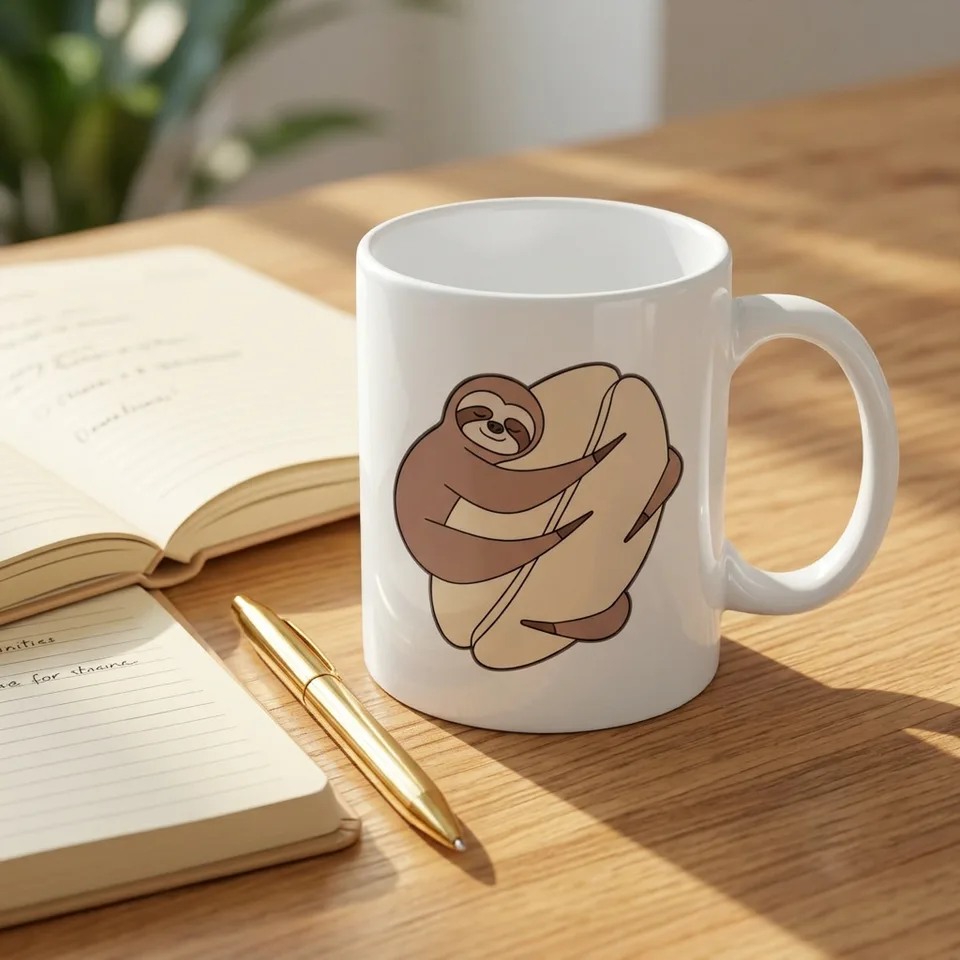
Yes. The transparent PNG works on tees, totes and mugs. For tee-first graphics with product titles, the t-shirt design flow is built for that.
Make something else
Everything you can make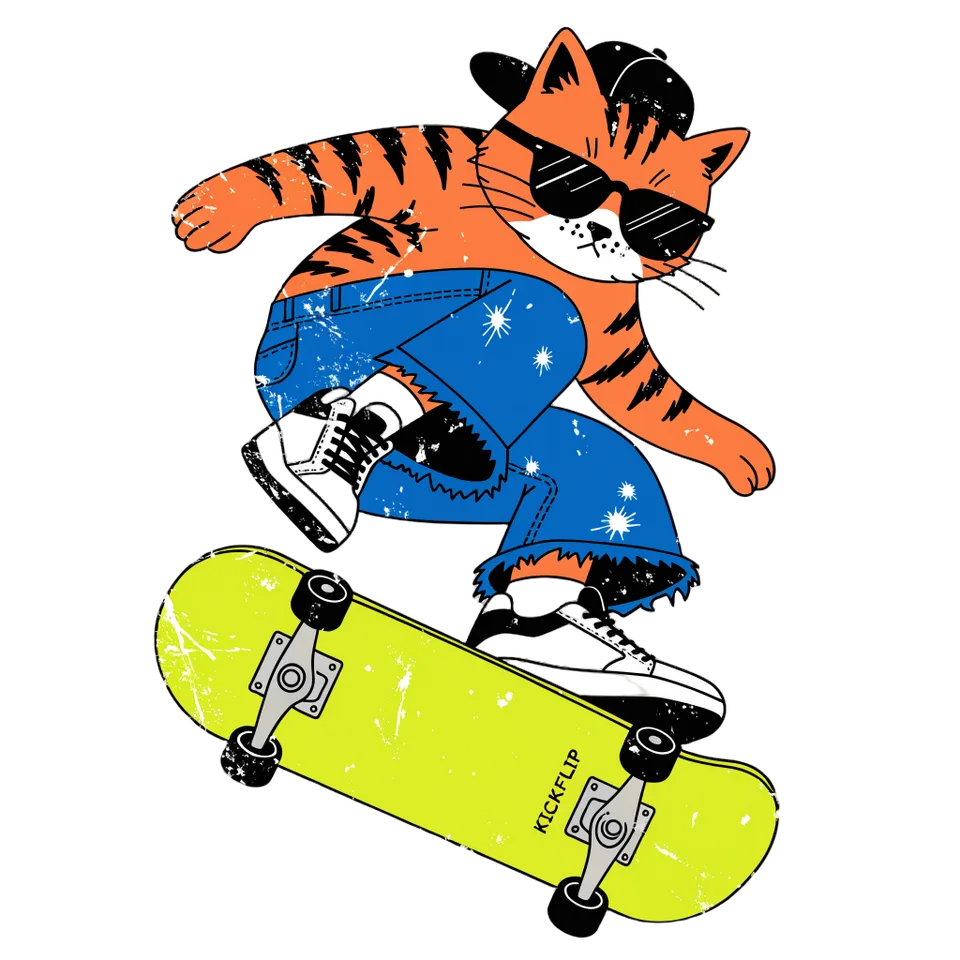

Your turn.
Preview the whole flow free. No credit card.