Ready-made flow · Tote bag prints, cut out and shown on a canvas bag
Create Custom Tote Bags with AI
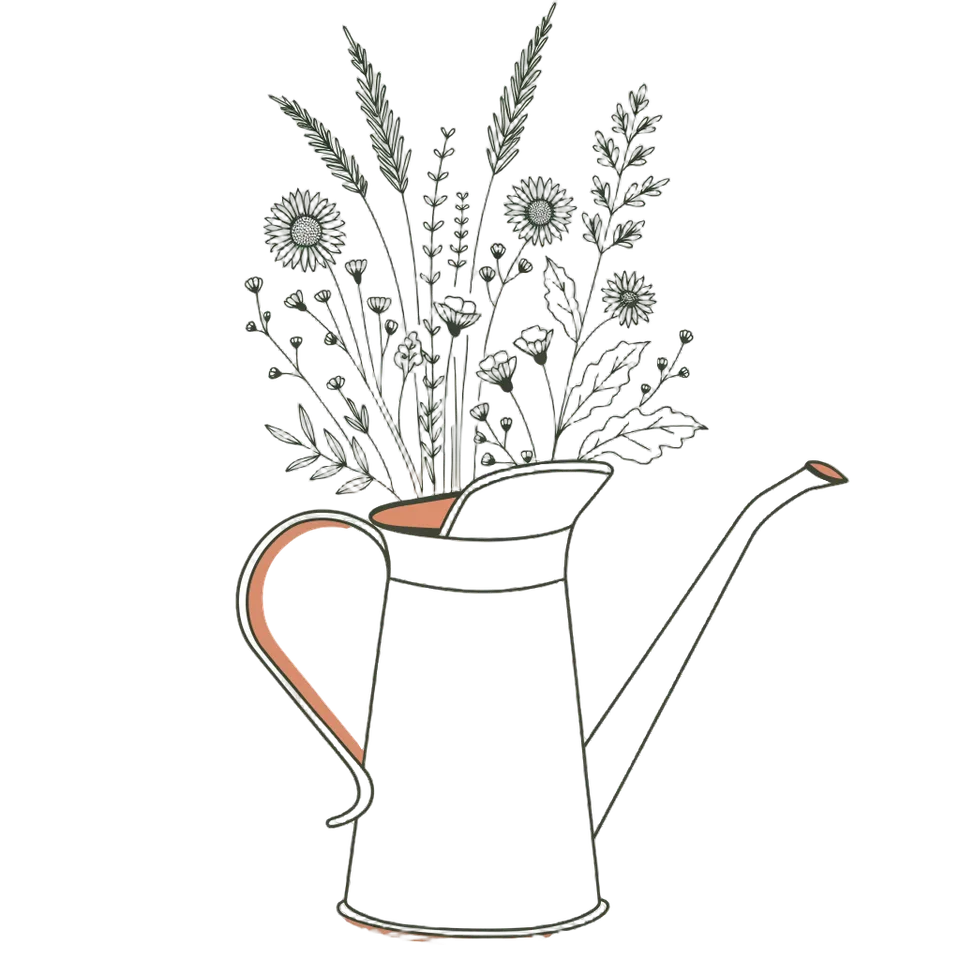
Idyllic's custom tote bag maker turns one idea into a print and a photo of it on the bag. Recraft V4.1 draws each design in two or three ink colors that suit natural canvas, Idyllic cuts it out on a transparent background as the print file, and a mockup shows it on a cotton tote out in the world. Preview the whole flow free.
- You get
- 3 cut-out prints + 3 tote photos
- Print file
- Square transparent PNG
- Mockup
- Natural cotton canvas tote in a real scene
- Styles
- Line art, Botanical, Retro, Bold graphic, Cute, Vintage badge
- Cost
- 90 credits for 3 designs, on Plus
Real output · no retouching
One brief.
6 results.
- What should the tote show?
- Wildflowers spilling out of a vintage watering can
- Style
- Line art

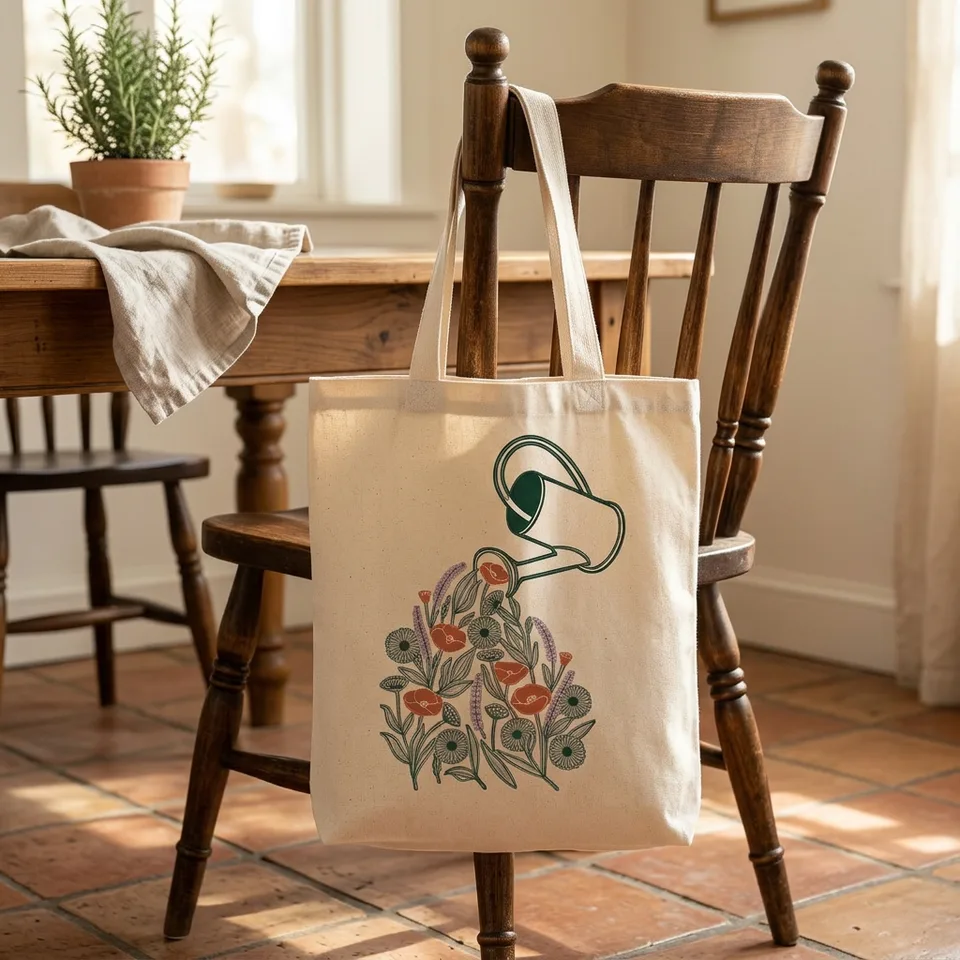
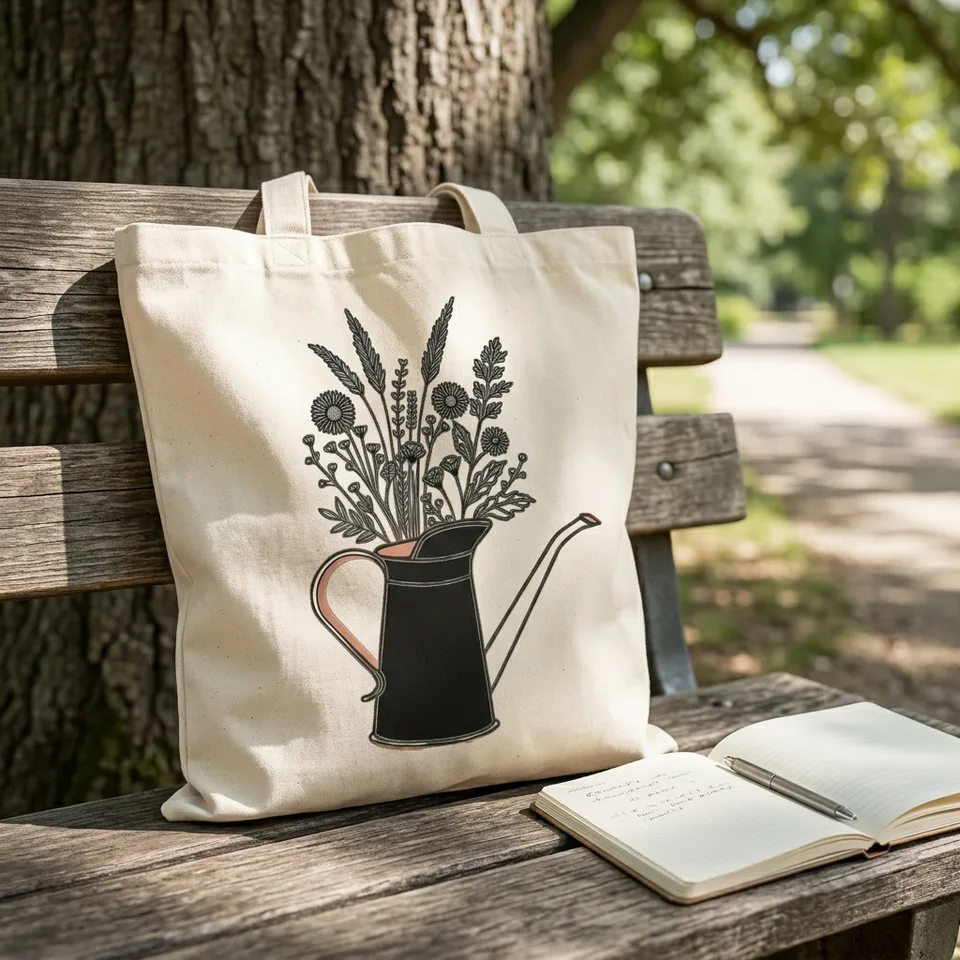
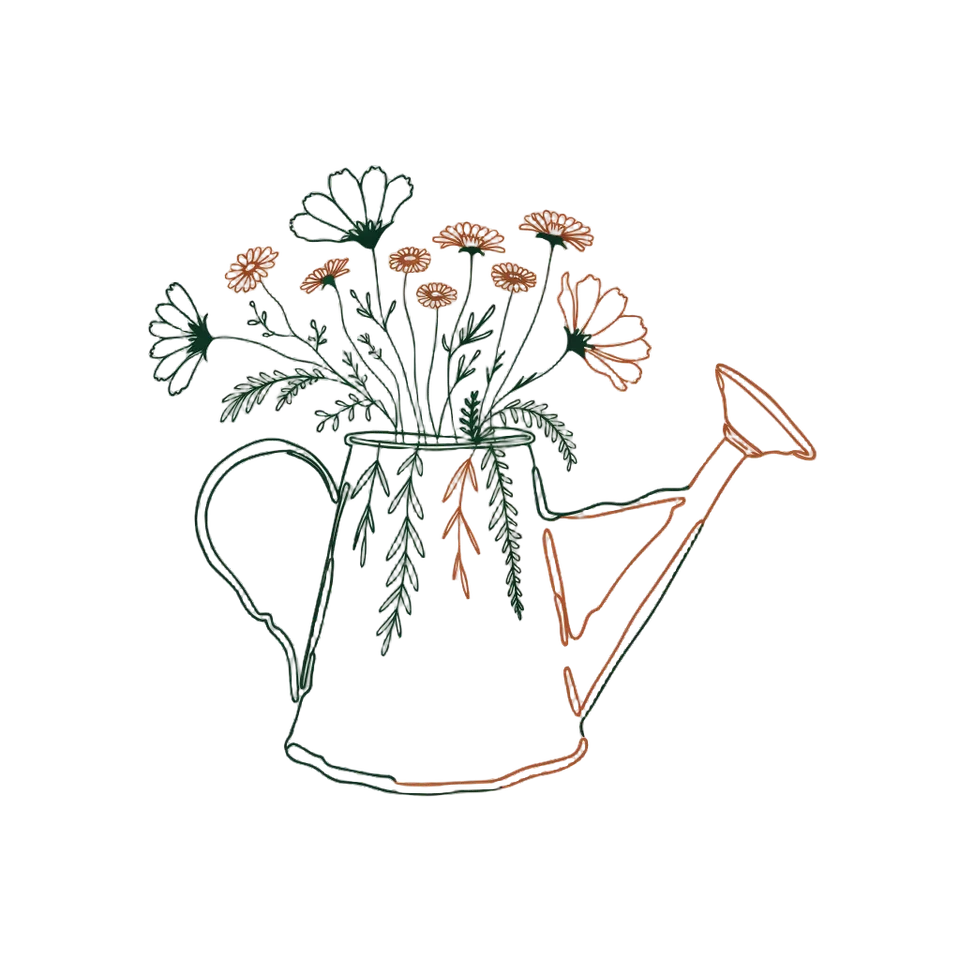
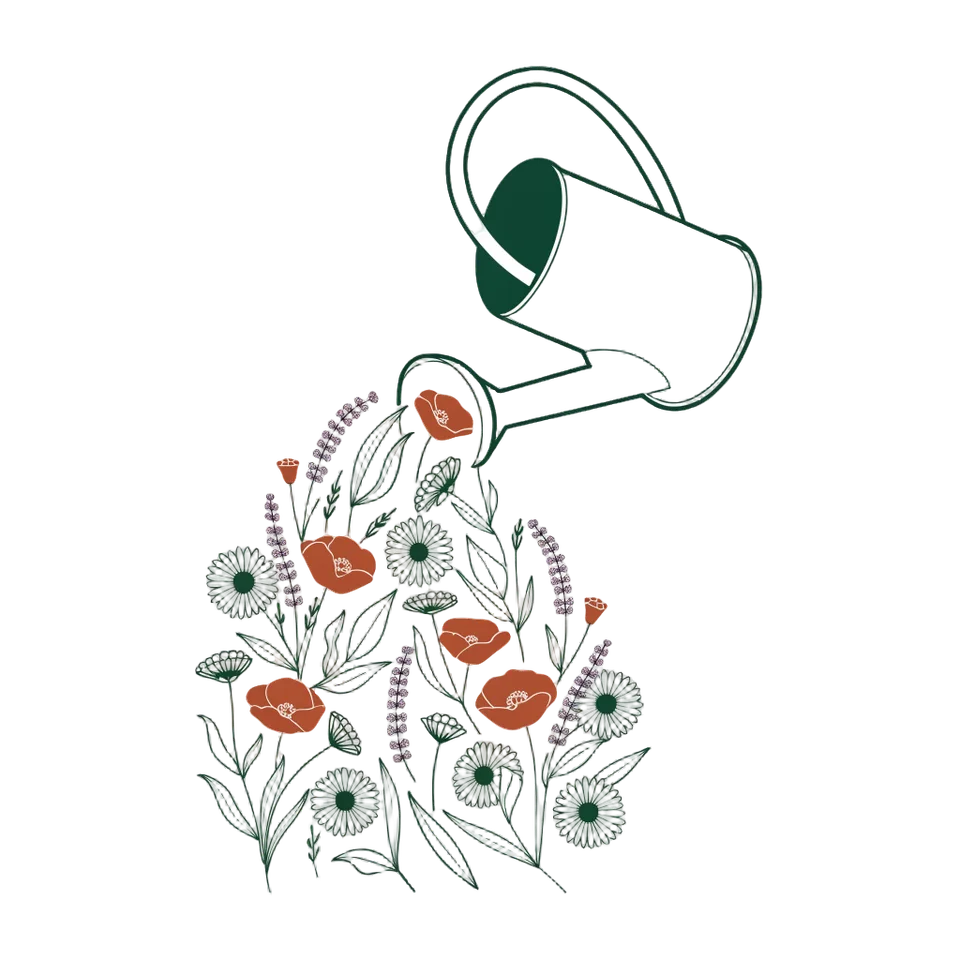
How to make it
Four steps, about a minute of your time. These are real screens from the run above.
- 01
Describe the print
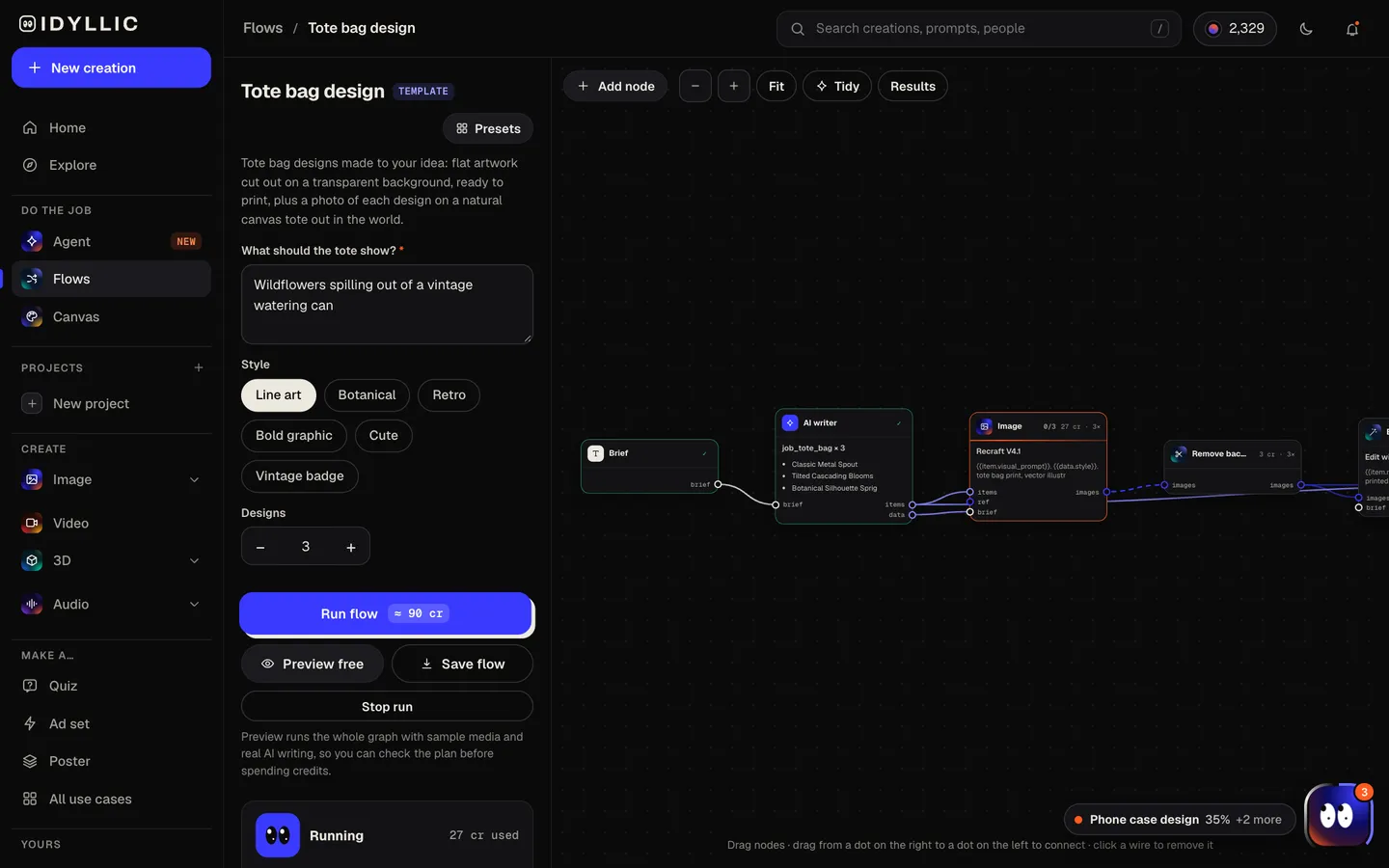
Write what the tote should show, like wildflowers spilling out of a vintage watering can. Pick a style (Line art, Botanical, Retro, Bold graphic, Cute or Vintage badge) and how many designs you want, up to four.
Open the flow
- 02
Watch it get drawn and put on a tote
The AI writer plans a different composition for each design, writes a product title and picks a scene. Recraft V4.1 draws it in a few ink colors, Idyllic cuts it out on a transparent background, then the mockup step shows it screen printed on a natural canvas tote. Preview the plan free.
- 03
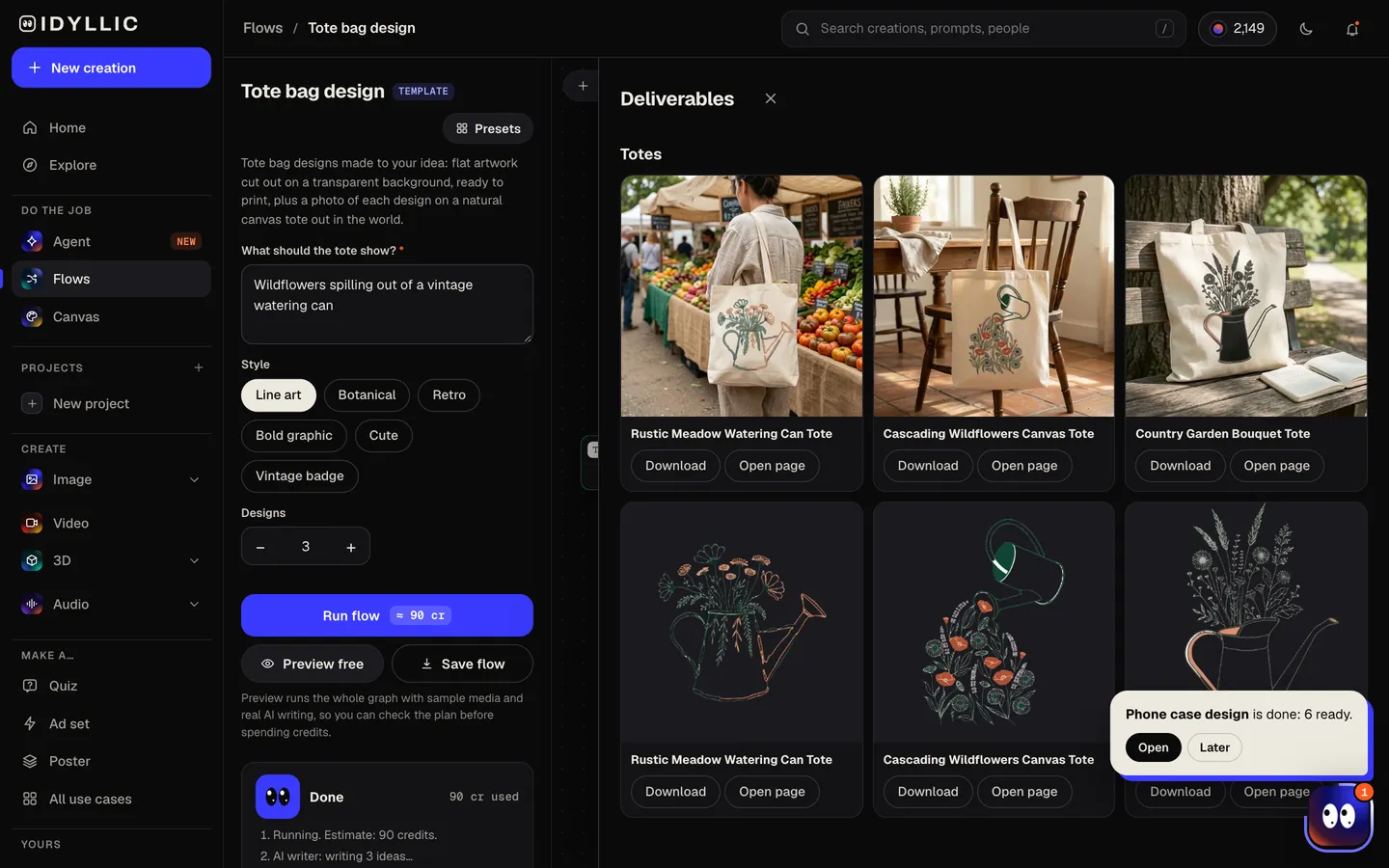
See each tote next to its print
Every tote photo sits beside its cut-out artwork and product title: over a shoulder at a farmers market, on a chair in a sunlit room, on a beach towel next to a paperback.
- 04
Download or keep going
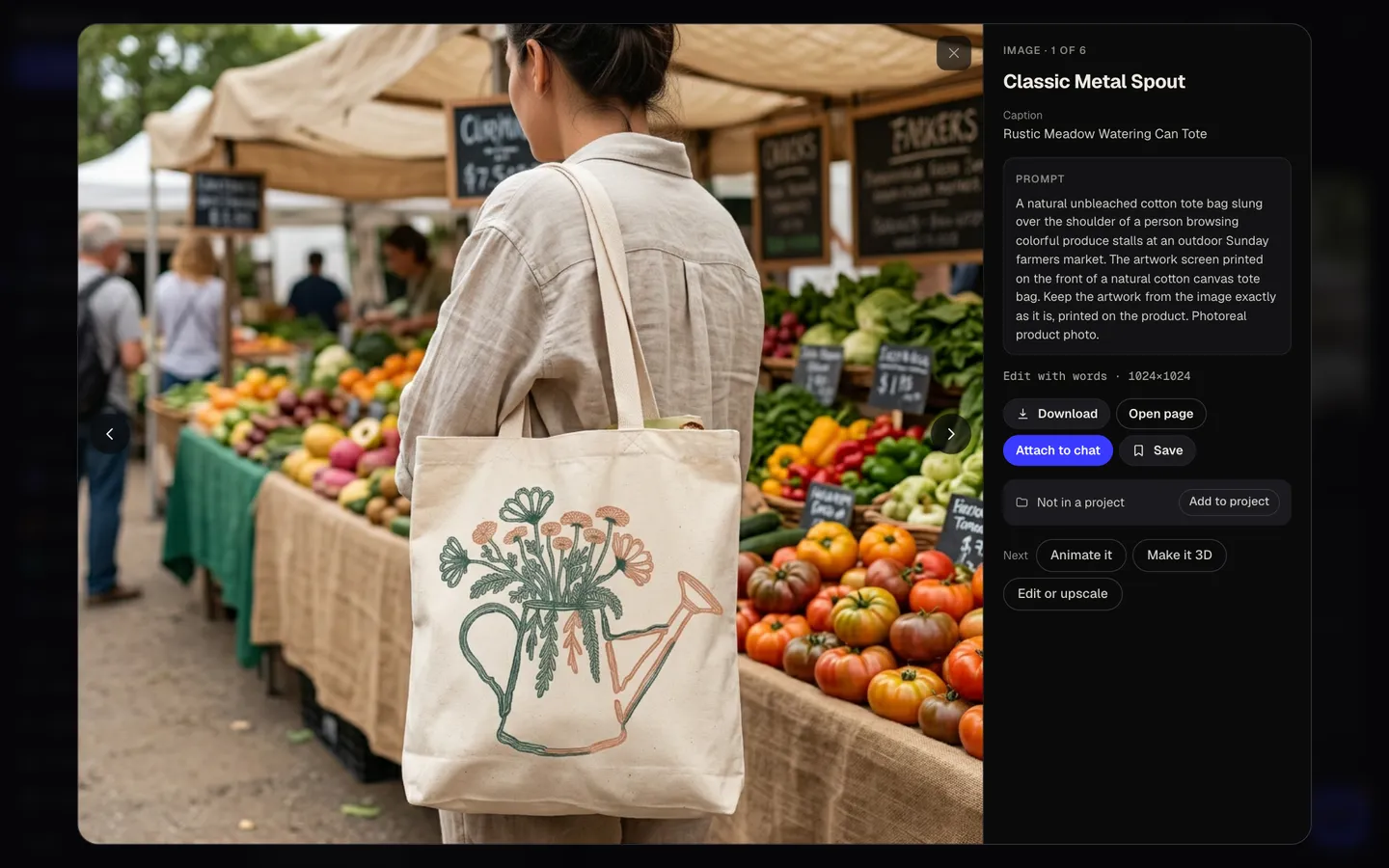
Download the transparent PNG for your printer and the tote photo for your listing. Or keep going: upscale the print, put it on a design in Canvas, or animate the mockup for a launch post.
Why it beats
a template
The print file and the product photo
Each design arrives twice: flat artwork cut out for the printer, and a photo of it on a canvas tote. The photo is a mockup for listings and previews; the cut-out is what you print.
Drawn for canvas
Designs use two or three ink colors and clean shapes, the kind that print crisply on textured cotton and keep screen printing costs down, since every color needs its own screen.
No background to clean up
Backgrounds are removed automatically, so the natural canvas shows around the design instead of a printed white block.
Scenes, not a flat product shot
Each mockup puts the tote somewhere real: a market, a sunlit room, a beach, a leafy street. That gives a listing or a launch post more to look at.
Six styles that suit a tote
Line art, Botanical, Retro, Bold graphic, Cute or Vintage badge. Add details to your idea, like 'one ink color' or 'inside a round badge', to push the look further.
Yours to sell
Paid plans include a commercial license, so prints can go on totes you sell, event bags and print-on-demand stores.
What makes a tote bag people actually carry
- One clear image beats a busy collage. A tote is seen in passing, from across a street.
- Stick to two or three ink colors and let the canvas be the background.
- Dark ink on natural or white canvas; light ink on black or navy totes.
- Leave room around the print: about 1 inch from the sides and 1.5 inches from the top hem and bottom.
- Keep lines bold. Hairlines can break up on textured cotton.
- Order a sample before you print a run.
Tote bag print areas
| Idyllic tote print | Square transparent PNG | Two or three ink colors; upscale in Canvas before print |
|---|---|---|
| Idyllic tote mockup | Photo on a natural canvas tote | For listings and previews, not a print file |
| Typical canvas tote, front | About 10 × 10 in | 3000×3000 px at 300 PPI, 1500×1500 px at 150 PPI |
| Large tote, screen print | Up to about 15 × 16 in | Keep 1 in from the sides and 1.5 in from the top and bottom |
| Merch by Amazon tote | 2925×2925 px | Square PNG |
Print areas vary by bag, from about 8 × 9 in on small totes to 12 in or more on large ones. Download your printer's template and center the square design on it.
Steal a brief
Each one opens the flow with the brief filled in. Change anything before you run it.
A stack of well-loved books with a sleeping cat on top, line art
Lemons and leaves in a bold two-color print for a summer market
A vintage badge with a tomato, a bicycle and wheat stalks
A retro sunburst over ocean waves and a surfboard
A cute snail carrying a tiny greenhouse on its back
A minimal line drawing of a hand holding a single tulip
A croissant, a baguette and a coffee cup for our bakery's tote, bold graphic
Mountains, pines and a small canoe on a lake, vintage badge style
Monstera leaves and a trailing pothos in two shades of green, botanical
Questions
Is the custom tote bag maker free?
You can preview the whole flow free: real AI writing with sample images, so you can check the plan. Running it for real is on Plus ($10.50 a month, billed yearly) and uses 90 credits for three designs, each with its print and a tote photo. The free plan also includes 3 free images a day in the image studio.
How do I ensure high-quality prints?
Start from bold shapes and few colors, which is how the flow draws. Upscale the transparent PNG in Canvas before you upload it, aim for 300 PPI at the print size (many fabric printers accept 150), and order a sample.
Is the tote photo a print file?
No. The tote photo is a mockup: a picture for your listing, a launch post or a client preview. Print from the cut-out artwork, the transparent PNG.
What size is the print area on a tote bag?
It depends on the bag. A typical canvas tote takes a front print of about 10 × 10 inches, small totes closer to 8 × 9, and large screen-printed totes up to about 15 × 16. Merch by Amazon asks for a 2925×2925 px square.
Can I use my own images?
This flow starts from your words, not a photo. To build a tote around your own picture or logo, describe the job to the Agent and it builds the flow for you.
Is there a limit to how many designs I can make?
Each run makes up to four designs, and you can run it as often as your credits allow. Change the idea or the style between runs to explore new directions.
What tote bags work best for printing?
Cotton canvas is the classic: it takes screen print and direct-to-garment ink well, and the flow designs for it. On black or navy totes, ask for light colors in your idea so the print stands out.
Make something else
Everything you can make


Your turn.
Preview the whole flow free. No credit card.