Ready-made flow · Your product, shot in any scene, without a studio
AI Product Photo Generator
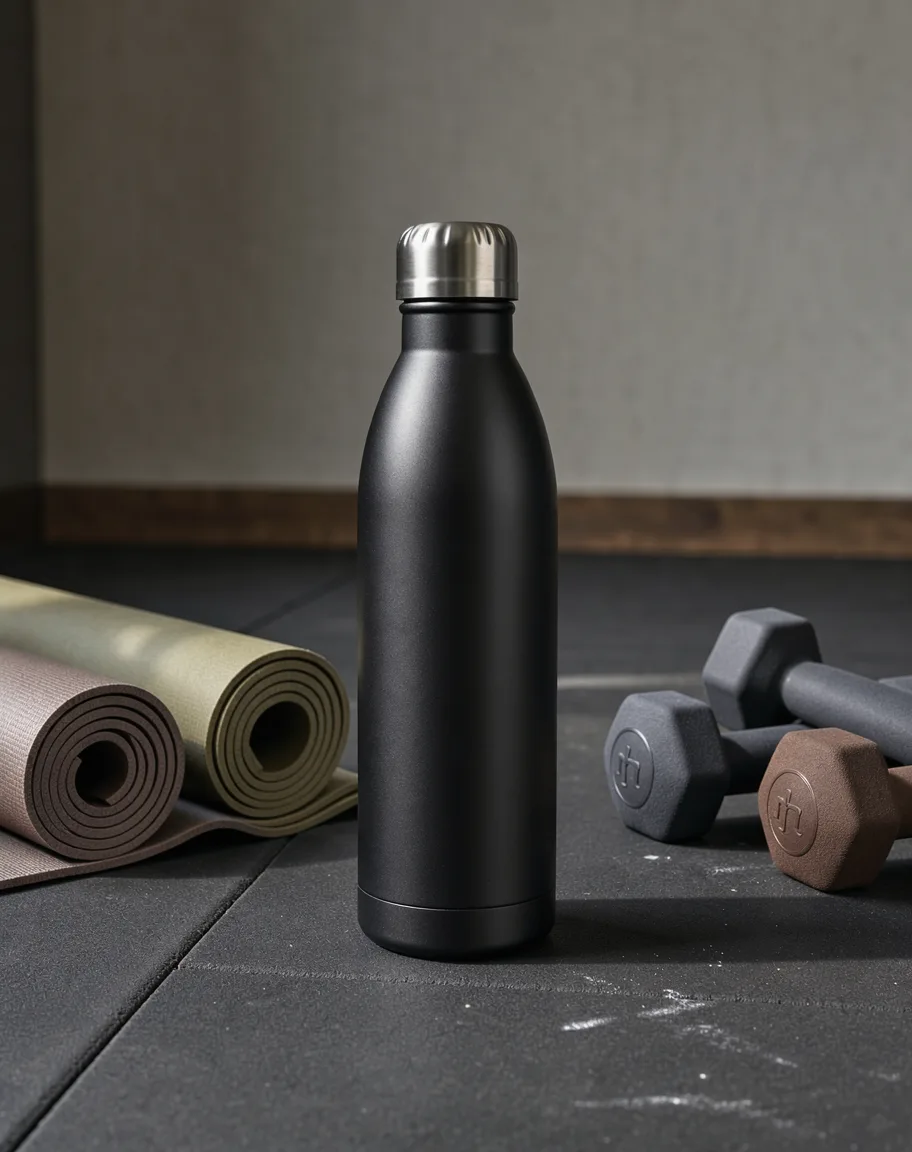
Idyllic's AI product photo generator places your own product in new, photoreal scenes without a studio. Upload one photo, say what it is and pick a scene. The AI writer plans each shot with a different setting and angle, and FLUX 3 makes it with matching light and shadows while keeping your product as it is. Each shot comes with a one-line description for your store listing.
- Shape
- 4:5 portrait
- You get
- 3 shots + a listing line for each
- Image model
- FLUX 3
- Cost
- 36 credits for 3, on Plus and up
- Scenes
- Studio, lifestyle, outdoors, luxury, minimal, seasonal
Real output · no retouching
One brief.
4 results.
- What is it?
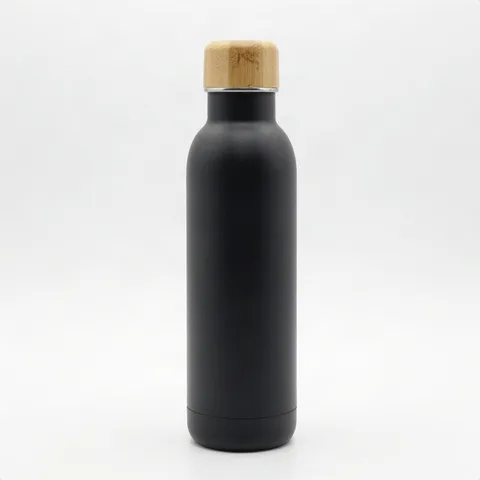
- A matte black insulated steel water bottle
- Scene
- Lifestyle
- Product photo
- Photo added



How to make it
Four steps, about a minute of your time. These are real screens from the run above.
- 01
Upload the product
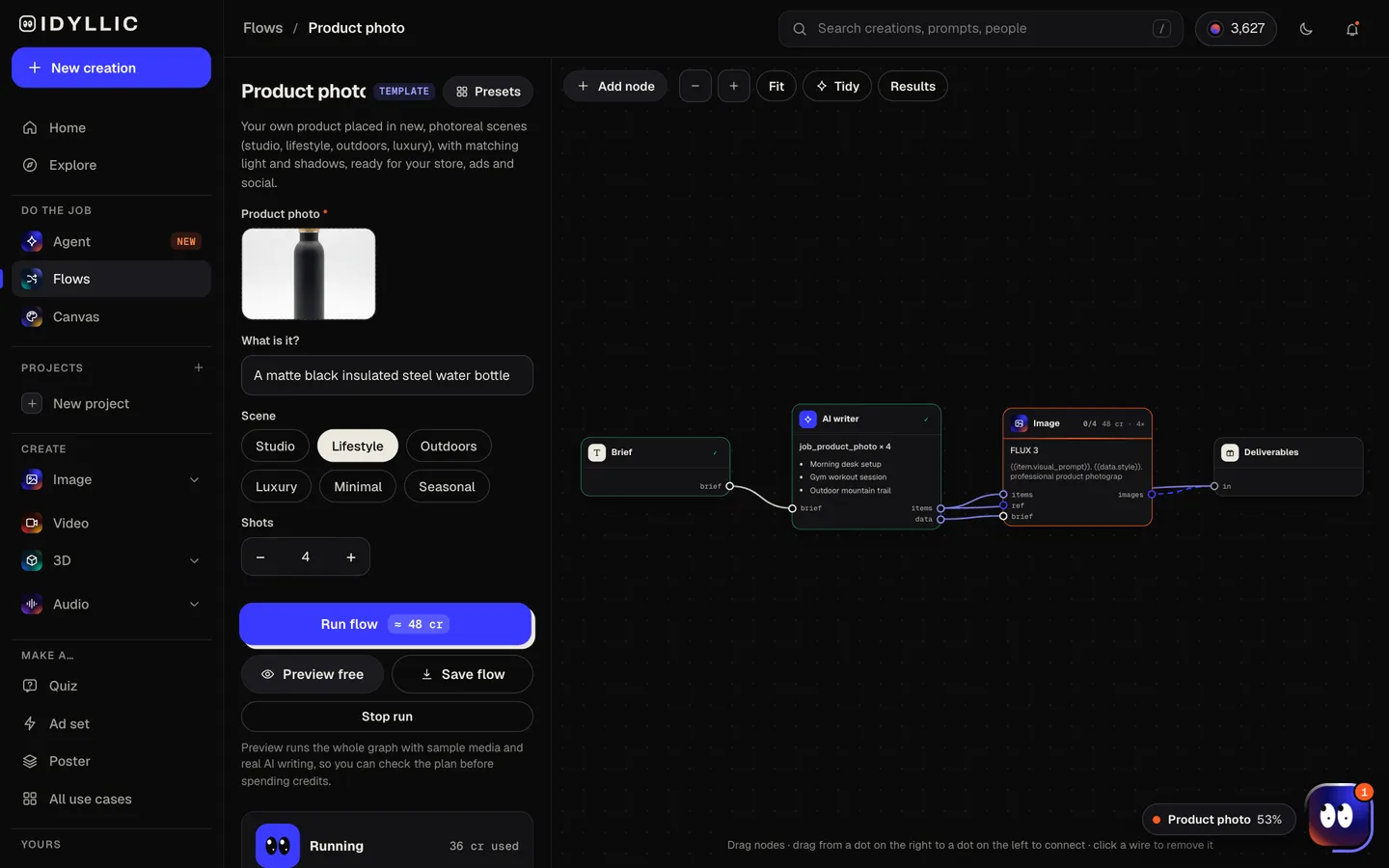
Add a clear photo of the product, say what it is, pick a scene (studio, lifestyle, outdoors, luxury, minimal or seasonal) and choose how many shots to make.
Open the flow
- 02
Let the flow shoot it
The AI writer plans each shot like a product photographer: surface, props, background, light direction and mood. FLUX 3 places your product in each scene with realistic shadows and reflections. Preview the whole flow free first.
- 03
Compare the shots
Every shot appears side by side, each with a one-line description you can use in a store listing.

- 04
Download or keep going
Open a shot full size and download it, or keep going: expand it to a square or wide frame in Canvas, remove the background, upscale it, animate it, or put it on an ad design.

Why it beats
a template
Your product, not a lookalike
Your photo is the reference for every shot, and the flow is built to keep the product as it is while the scene changes around it.
Light that matches
Shadows, reflections and light direction are planned for each scene, so the product looks photographed there, not pasted in.
A shoot plan, not random backgrounds
Each shot gets its own setting, props and angle in the style you pick, like a photographer's shot list.
Six scene styles
Studio, lifestyle, outdoors, luxury, minimal or seasonal: pick the one that fits the channel or the campaign.
Listing copy included
Every shot comes with a one-line description written for a store listing.
Ready for ads and social
Shots come in 4:5, the portrait shape for Instagram and Meta feed ads. Expand to other shapes in Canvas, or use them in the ad flow.
How to get the best AI product photos
- Start with a sharp, well-lit photo on a plain background. A better reference gives a better shot.
- Show the whole product straight on, with no hands or clutter in frame.
- Say what it is made of (matte, glass, brushed steel) so the light looks right.
- Zoom in on logos, labels and small print before you publish, and fix any slip with an AI edit.
- Keep a plain white-background shot as your marketplace main image and use scenes for the rest.
- Match the scene to the channel: studio for the store, lifestyle for social, seasonal for campaigns.
Product photo sizes and specs
| Idyllic shots | 4:5 portrait | Expand to 1:1 or 16:9 in Canvas |
|---|---|---|
| Shopify | 2048×2048 px | Square usually displays best; up to 5000×5000 |
| Amazon main image | 1000 px+ on the longest side | Enables zoom; pure white background, product fills 85% of the frame |
| Instagram feed | 1080×1350 px | 4:5 portrait |
| Meta feed ads | 1440×1800 px | 4:5 recommended |
Amazon's main image must show the product alone on pure white, so use scene shots in the additional image slots, on your own store, in ads and on social. Upscale shots in Idyllic when you need large files for zoom.
Steal a brief
Each one opens the flow with the brief filled in. Change anything before you run it.
A hand-thrown ceramic coffee mug in speckled white glaze
A matte black insulated water bottle
An amber glass candle jar with a gold lid
Wireless earbuds in a white charging case
A leather crossbody bag in cognac brown
A vitamin C face serum in a frosted glass dropper bottle
Trail running shoes in neon orange
A bag of single-origin coffee beans with a kraft paper label
A stainless steel chef's knife with a walnut handle
Questions
Is the AI product photo generator free?
You can preview the whole flow free: the AI writer plans your real shot list, shown with sample images. Making the final shots is on Plus and up (from $10.50/mo, billed yearly) and costs 36 credits for three. The free plan also includes 3 free images a day in the image studio.
Will it change my product?
The flow is built to keep your product as it is in your photo and change only the scene around it. Check logos, labels and small print before you publish; if something slips, select that area in Canvas and fix it.
What kind of photo should I upload?
A sharp, well-lit photo of the product on its own, fully in frame, on a plain background. A phone photo works if it is in focus.
What size should product photos be?
It depends on the channel. Shopify says 2048×2048 usually displays best for square images, Amazon needs 1000 pixels or more on the longest side for zoom, and Instagram feed posts are 1080×1350. Idyllic makes 4:5 shots you can expand or upscale.
Can I use these photos on Amazon?
Use them as additional images. Amazon's main image must show the product alone on a pure white background; scene and lifestyle shots belong in the other image slots.
Can I use the shots in ads?
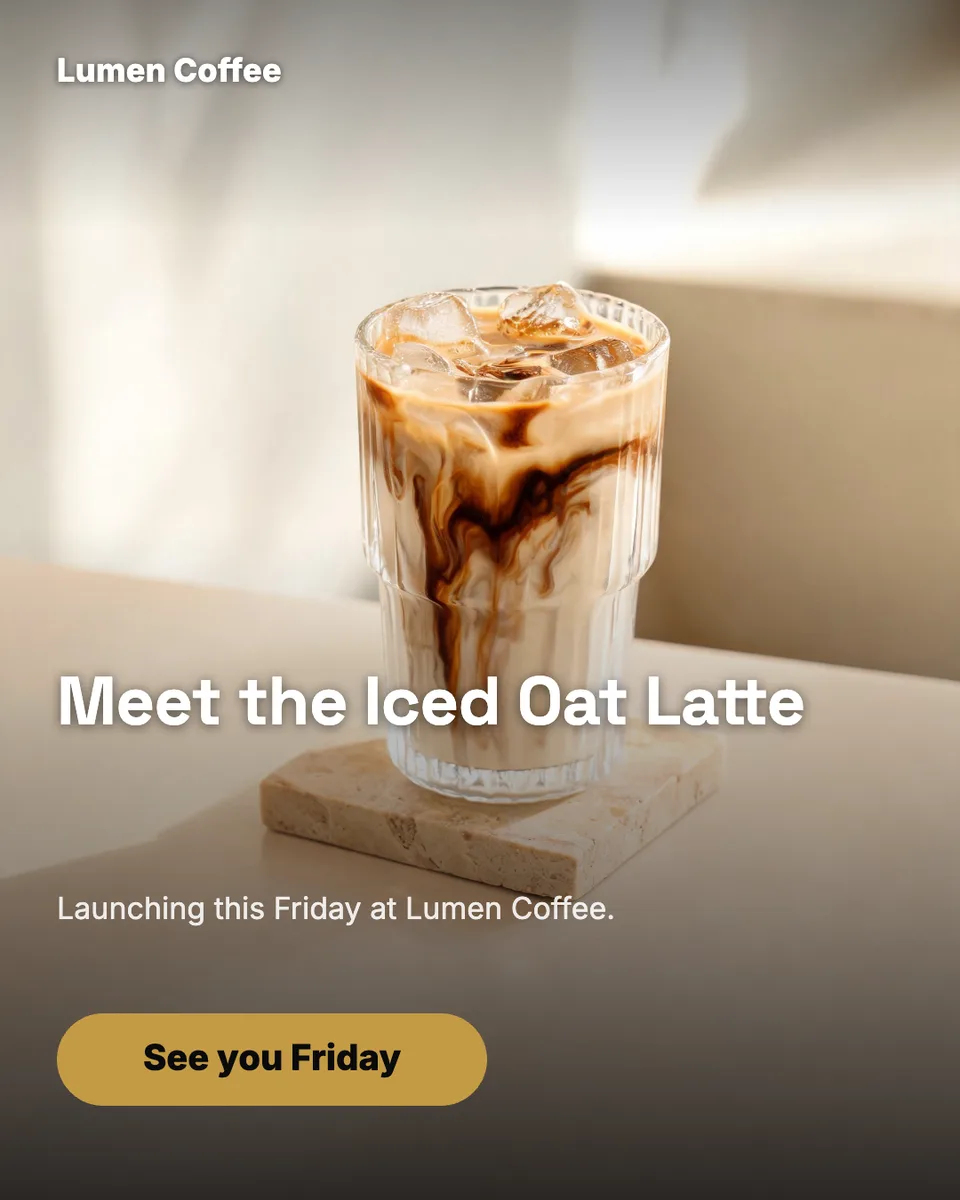
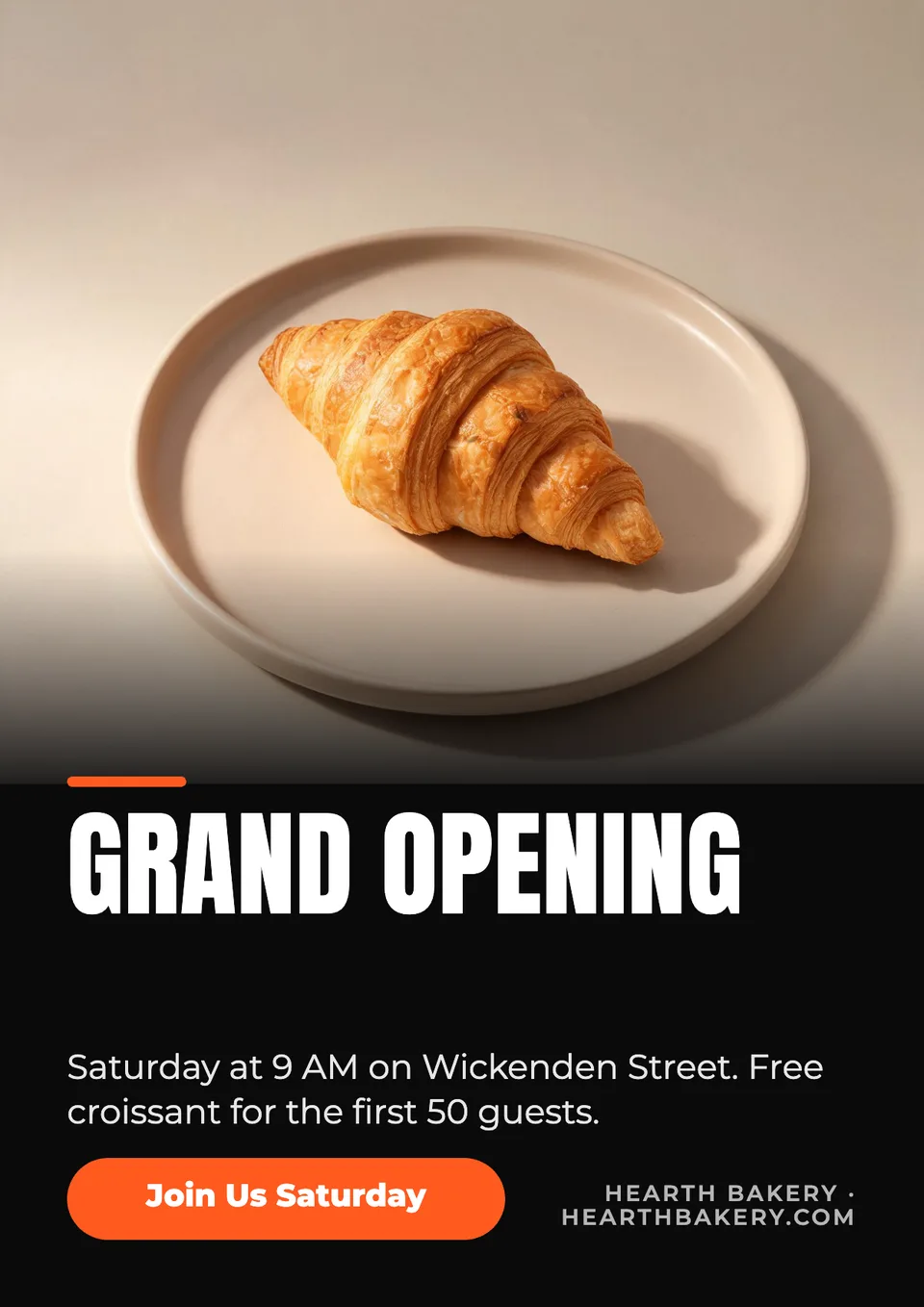
Yes. Paid plans include a commercial license. The 4:5 shots fit Instagram and Meta feed ads, and the ad flow can turn them into finished ads with a headline and button.
Can I turn a product shot into a video?
Yes, on Pro. Animate any shot into a short video, or describe the job to the Agent and it builds a flow that does it for you.
Make something else
Everything you can make
Your turn.
Preview the whole flow free. No credit card.