Custom Laptop Stickers Maker
Personalize Your Laptop with Unique and Creative Stickers
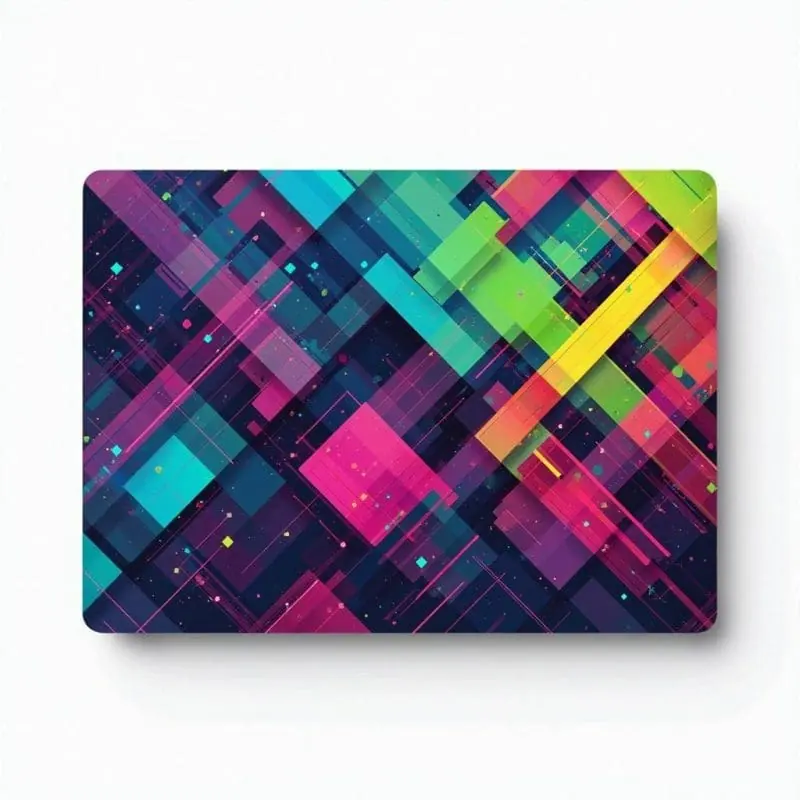

- Price
- Free to start · 3 images a day
- Output
- HD images, upscale to 8K
- Models
- FLUX, Imagen 4, GPT Image, Seedream
- Commercial use
- Included on paid plans
- Prompt language
- Any language
Examples


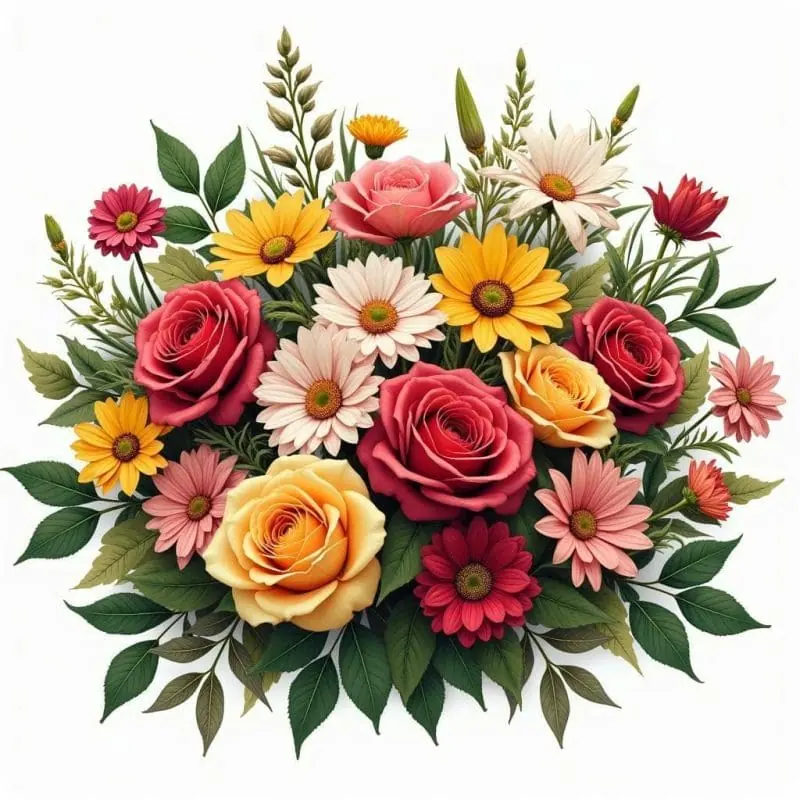


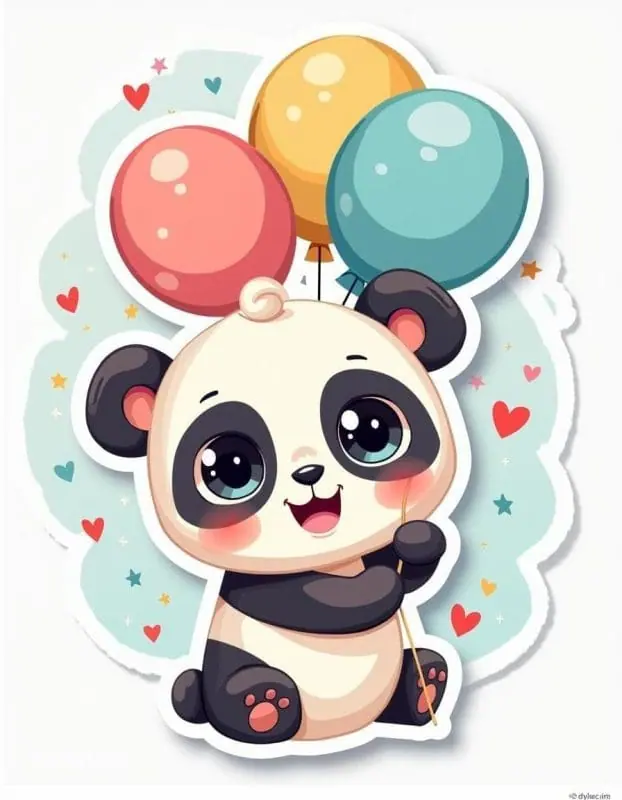
How it works
Three steps from idea to finished image.
- 1
Describe it
Type what you want in plain words, or start from one of the prompt ideas below. Magic Prompt can expand a few words into a detailed prompt.
- 2
Pick a style and format
Choose a model, style and aspect ratio. Idyllic generates several options in seconds.
- 3
Refine and download
Say what to change and only that changes. Upscale your favorite and download it in HD.
Text-to-Image Generation for Unique Designs
Transform text descriptions into stunning images with our powerful text-to-image generation feature. Describe your vision, and watch it come to life as a beautifully designed sticker that you can proudly display on your laptop.
High-Quality and Multiple Resolutions
Choose from various image resolutions to ensure your stickers look perfect on any laptop. Whether you need high-definition quality for intricate designs or a quicker generation for draft ideas, we have you covered.
Iterative Creation Process
Refine your sticker designs with our iterative creation process. Request specific changes and see your ideas evolve into a polished final product that’s exactly how you envisioned it.
Remix Multiple Images into One
Blend up to nine images to create a truly unique sticker. Use inspiration images to incorporate famous art styles or mix and match your favorite visuals for a sticker that stands out.
Auto-Edits for Specific Styles
Style your laptop stickers effortlessly with our auto-editing features. From minimalist designs to vibrant, fandom-inspired art, our app tailors each sticker to fit your specific style needs.
Specialized Generative Models
Utilize our specialized generative models for creating profile pictures, anime-themed stickers, logos, and more. Achieve high-quality, professional results every time.
Frequently asked questions
What makes a good laptop sticker?
A good laptop sticker should be unique and reflective of your personal style. High-quality design and clear, vibrant colors help your sticker stand out and durably adhere to your laptop.
How can I create custom laptop stickers?
With our app, start by describing your idea using text. Utilize our text-to-image feature, iterative creation process, and remix capabilities to refine and perfect your design. Finally, select the resolution that best suits your needs.
Is it free to use?
Yes. You can create 3 images a day for free with no credit card. Paid plans add more images, video, every model, private mode and a commercial license.
Do I need to be good at writing prompts?
No. Describe what you want the way you would say it. Magic Prompt turns a few words into a detailed prompt, and you can fix anything afterwards by describing the change.
Related tools
See all Posters, covers and cards

More in Posters, covers and cards

Your turn.
Free to start. No credit card.