Ready-made flow · Newsletter and campaign headers at 1200×400
AI Email Header Maker
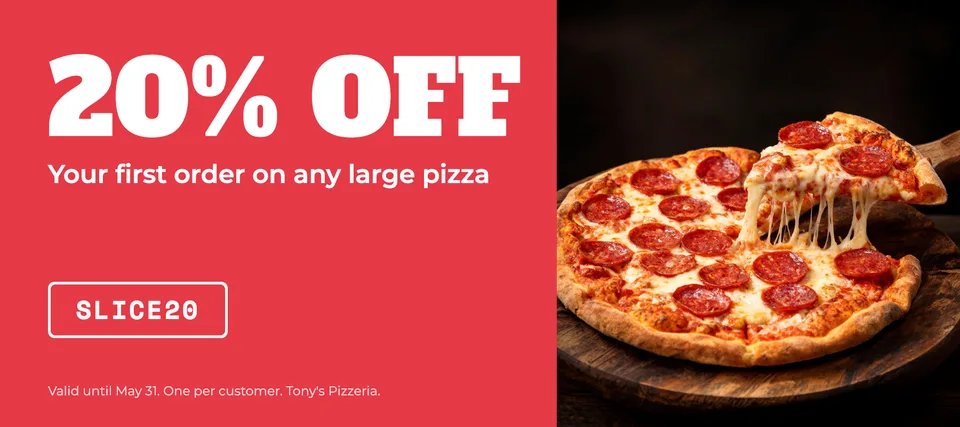
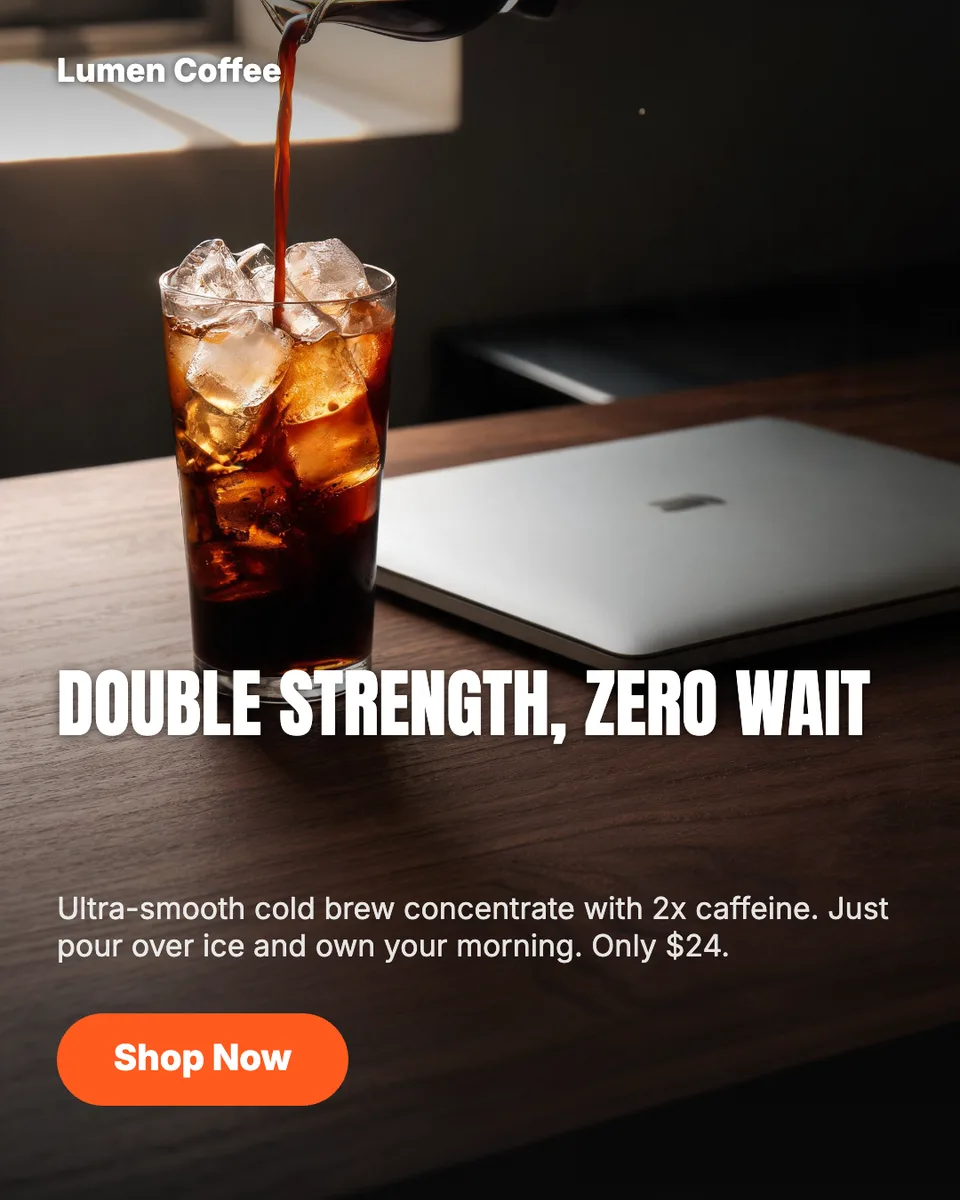
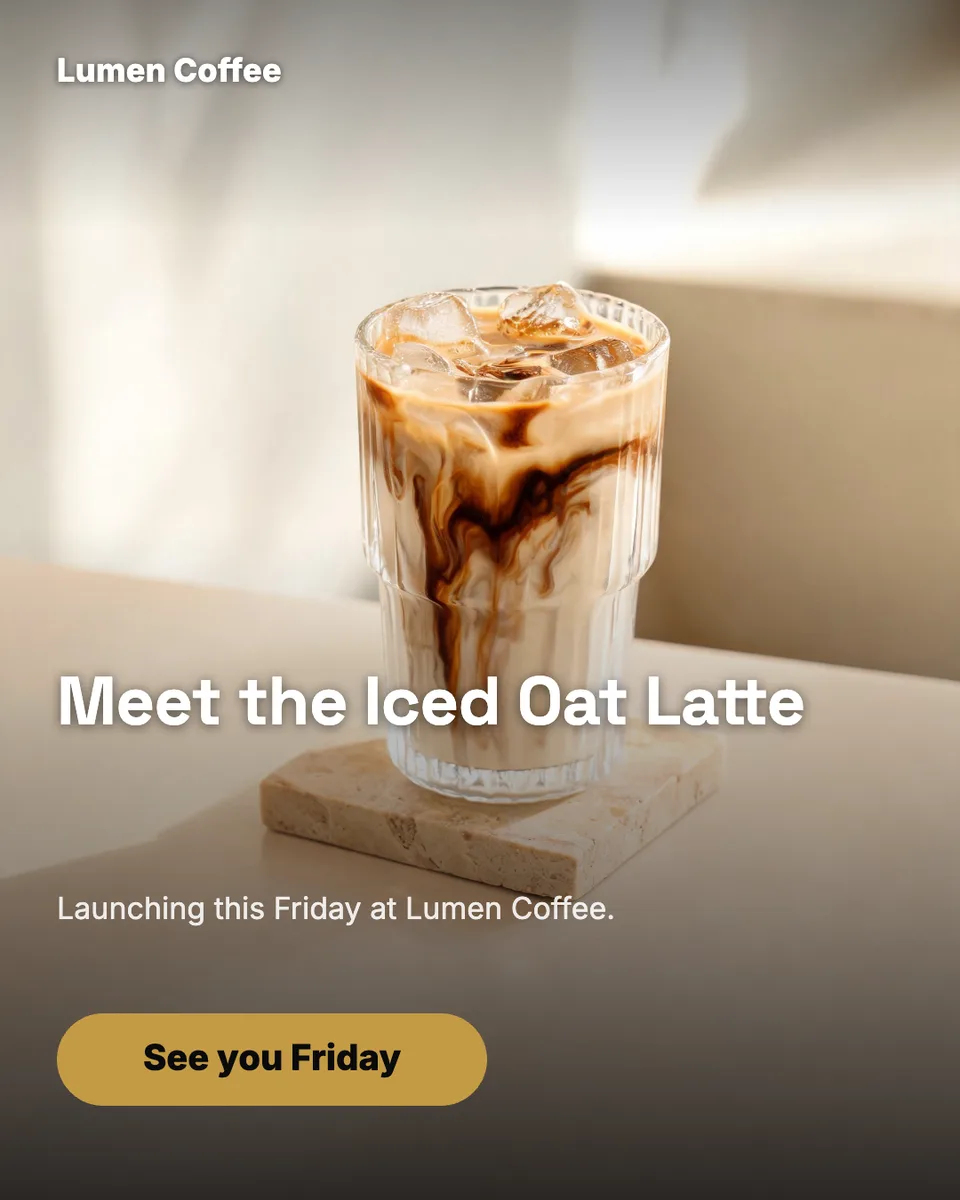
Idyllic's AI email header maker designs the banner at the top of your newsletter or campaign from one line about the send. The AI writer plans a different picture and headline for each variation, Seedream 5 makes an editorial image with the subject on the right, and Idyllic sets the headline, a short line and a button on the left. Each header is 1200×400, sharp in a 600 px email.
- Size
- 1200×400 px, 3:1
- Shows at
- 600×200 in a 600 px email, 2× sharp
- You get
- 3 headers + the pictures
- Image model
- Seedream 5
- Cost
- 27 credits for 3, on Plus
Real output · no retouching
One brief.
3 results.
- Brand or newsletter
- Lumen Coffee
- What is this email about?
- Fall menu launch: pumpkin cold brew and maple oat latte, 15% off this week
- Look
- Clean



How to make it
Four steps, about a minute of your time. These are real screens from the run above.
- 01
Say what the email is about
Type the brand or newsletter name and a line on what this send is about (a launch, a sale, this week's issue), then pick a look (Bold, Clean, Playful, Premium, Retro or Dark) and how many variations, up to four.
Open the flow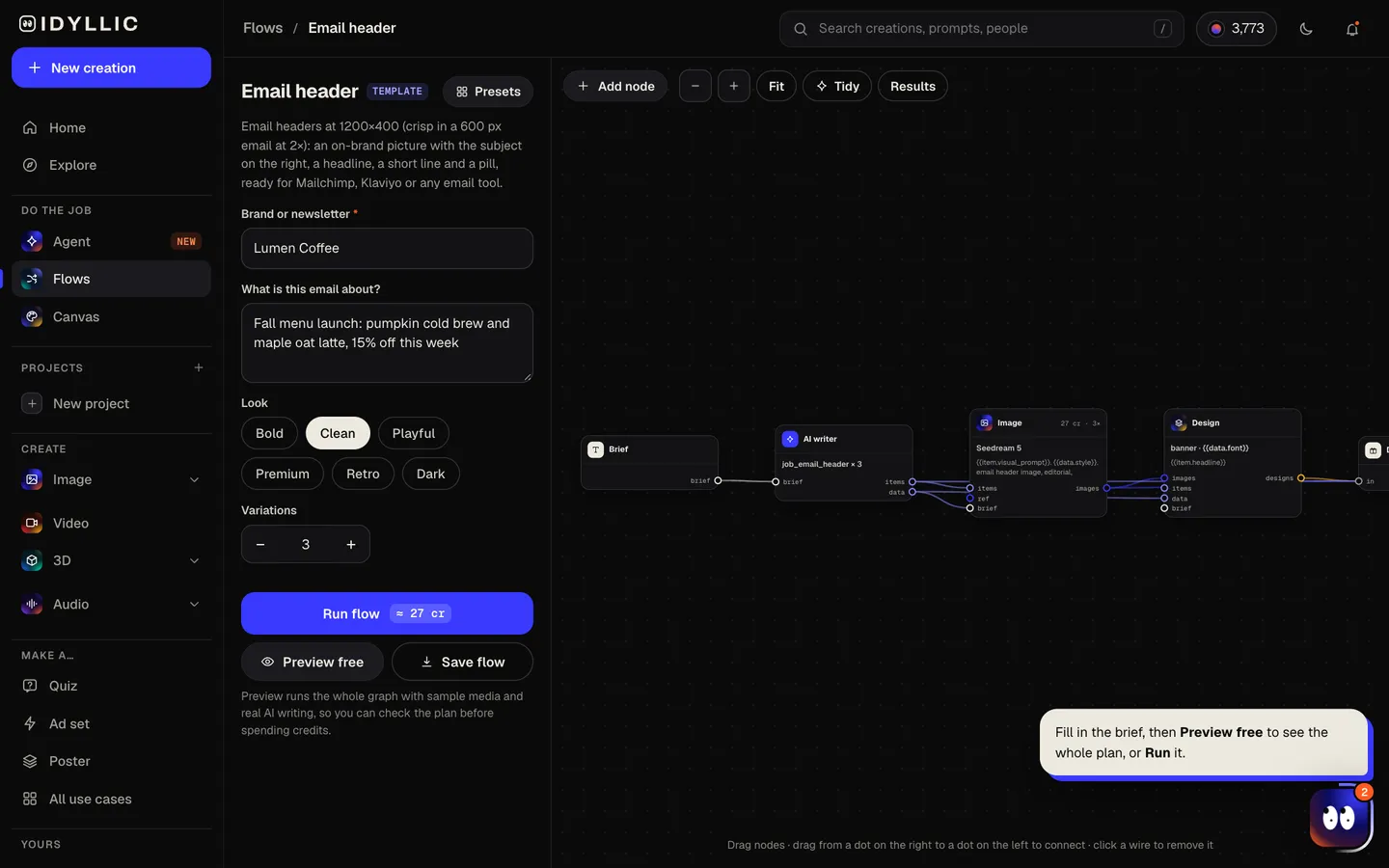
- 02
Let it design
The AI writer plans a different picture and headline angle for each variation and writes a short line and a button label from your brief. Seedream 5 makes a wide editorial picture with the subject on the right, then Idyllic sets the type on the calm left side. Preview the flow free first.
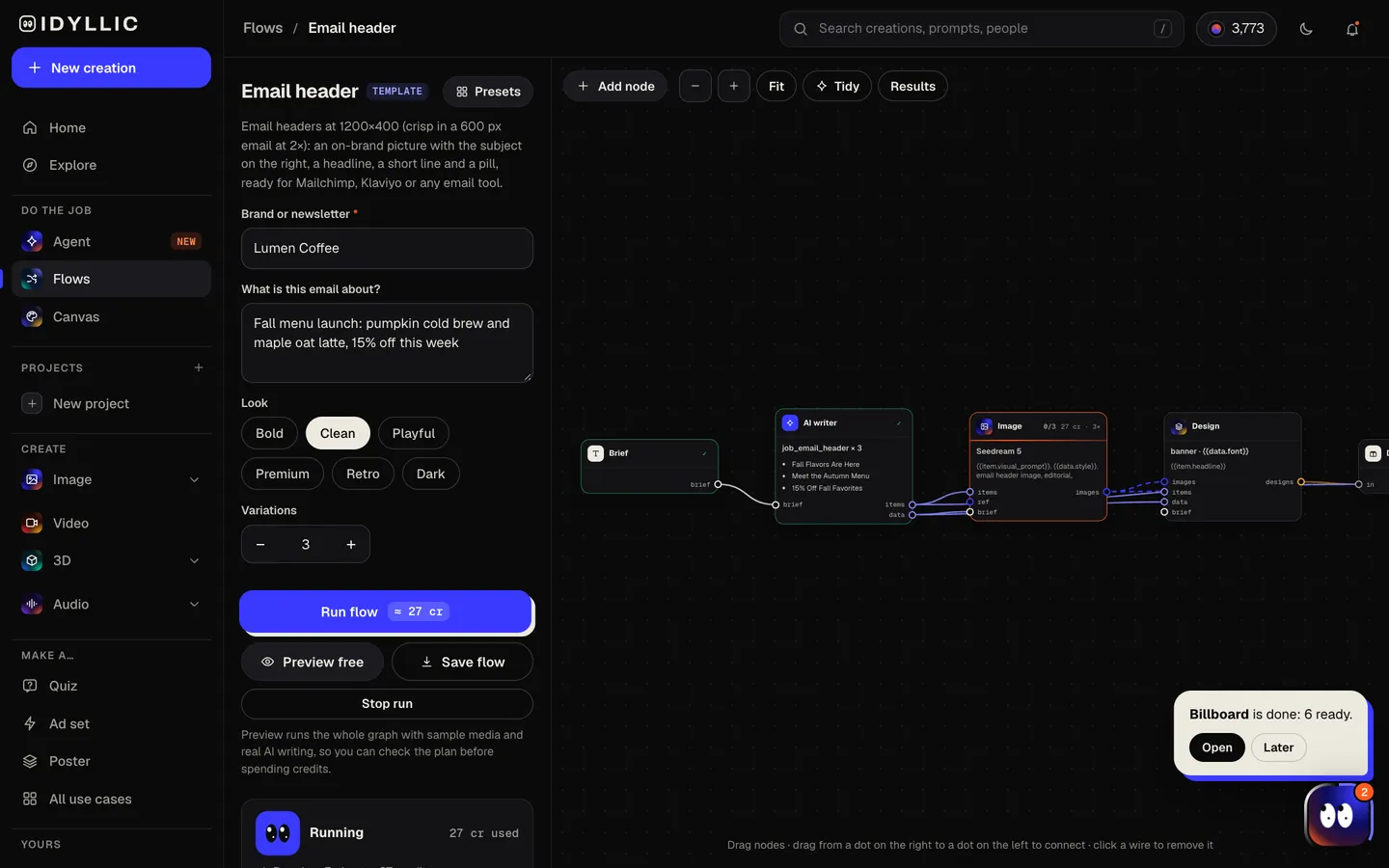
- 03
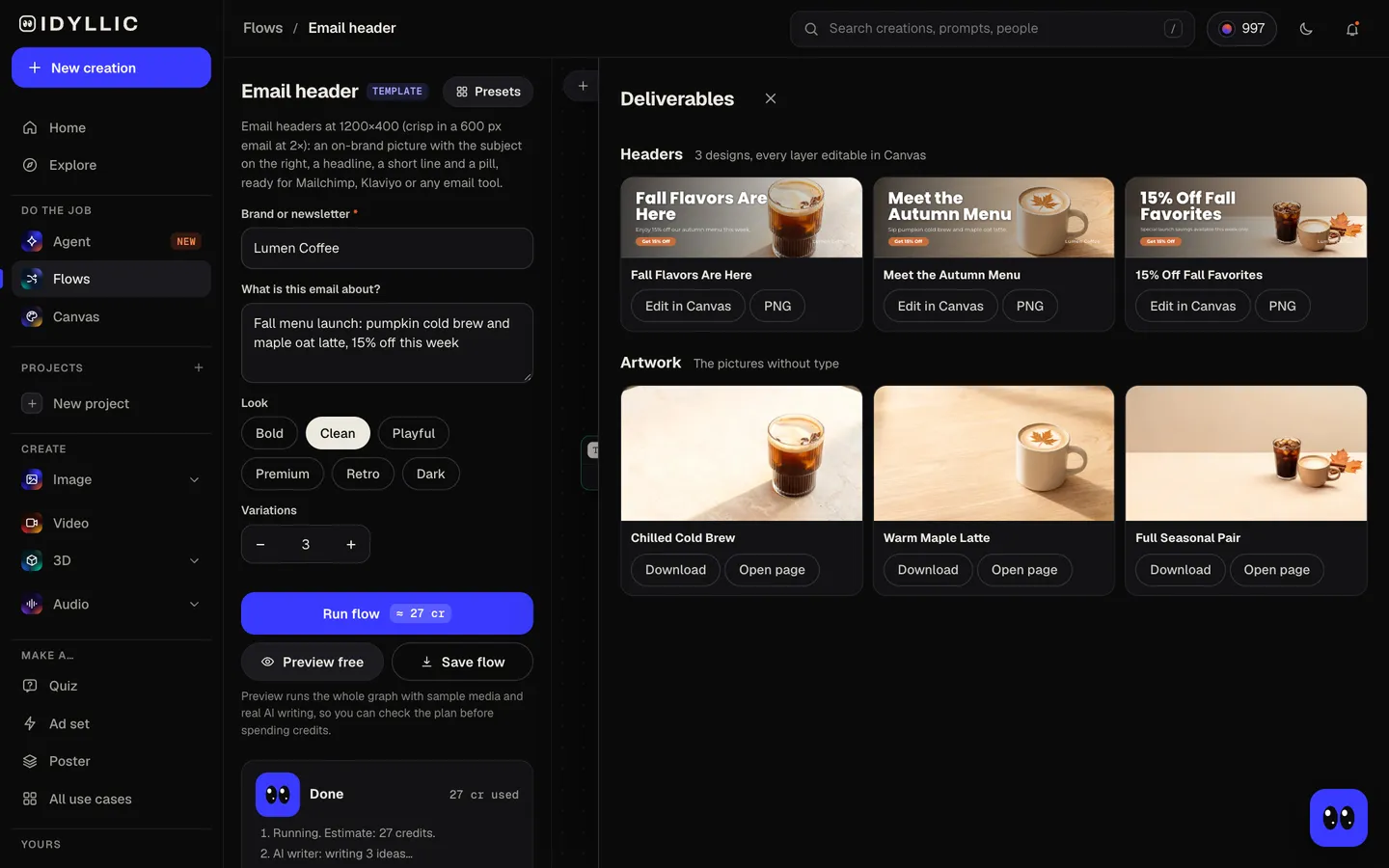
Compare the headers
Every header sits side by side, with the pictures on their own too, so you can pick the angle for this send or keep two for an A/B test.
- 04
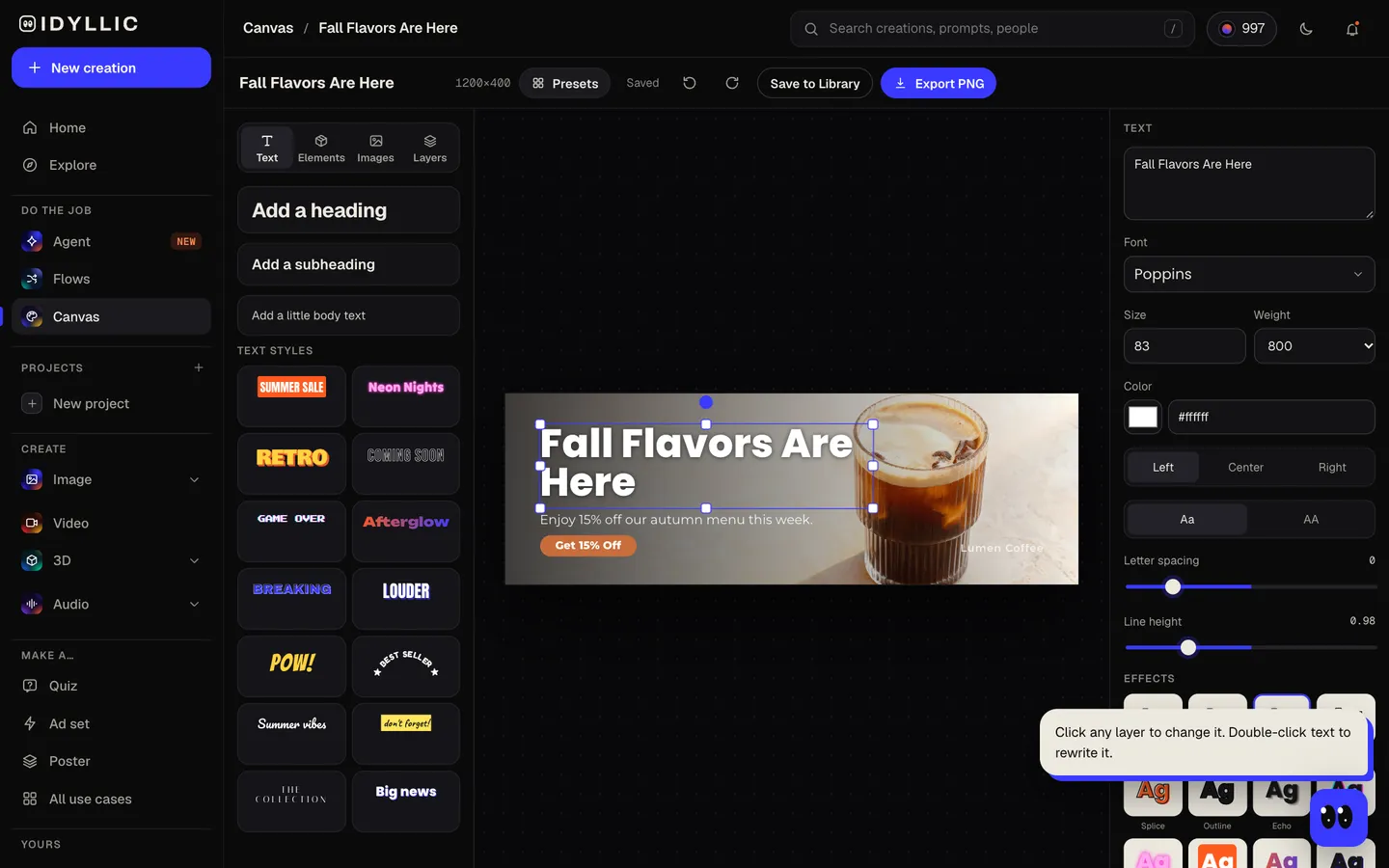
Edit and export
Open one in Canvas and change the headline, font, colour or button, or add your logo. Download the 1200×400 PNG and add it to your email at 600 px wide.
Why it beats
a template
A header, not just a banner image
Picture, headline, a short line, a button and your brand name in one 3:1 layout, set the way a designer sets the top of an email.
Sharp on retina screens
1200×400 is exactly twice a 600 px email, so type and edges stay crisp on phones and high-density laptops.
Built for a narrow strip
The picture keeps its subject on the right and the left side calm, so the headline reads clearly even at 600 px on a phone.
Every word stays editable
The headline and button are real text in Canvas. Reuse a header for next week's send by changing the words, not the whole design.
Works in any email tool
Download a PNG and upload it like any other image. Mailchimp, Klaviyo and other email builders all take it.
Variations for testing
Up to four headers per run, each with its own picture and headline angle, ready to A/B test.
What makes an email header work
- One message per header: the offer, the launch or the topic of the issue. Nothing else.
- Keep the headline big. At 600 px wide on a phone, small type disappears.
- Keep it shallow. A short header leaves room for your first lines on the opening screen.
- Write alt text that states the offer. Some inboxes hold images back until the reader allows them.
- Repeat the button as a live link below the header, so the email still works with images off.
- Compress the PNG before you upload it. Klaviyo recommends images of 1 MB or smaller.
Email header size and specs
| Idyllic email header | 1200×400 px, 3:1 | PNG; shows at 600×200 in a 600 px email |
|---|---|---|
| Email width | 600-700 px displayed | The common width for email layouts; Mailchimp's new builder uses 660 px |
| Retina | 2× the displayed width | 1200 px wide for a 600 px email |
| Klaviyo | 600-1000 px wide | 1 MB or smaller recommended; JPEG, PNG or GIF |
| Large export | 2400×800 px | For a website banner or blog header |
Upload the 1200×400 PNG and set its width to your template's width, usually 600 px. Mailchimp suggests images 660-1320 px wide in its new builder, so 1200 fits.
Steal a brief
Each one opens the flow with the brief filled in. Change anything before you run it.
Lumen Coffee newsletter: fall menu launch with pumpkin cold brew, 15% off this week
Northwind Outdoor, the end-of-season sale on tents and sleeping bags, up to 40% off
The Sunday Stack, a weekly personal finance newsletter, this issue on buying a first home
Fern & Field Skincare, launching a new vitamin C serum, premium look
Pixel Harbor Games, the spring update with a new co-op mode, dark style
Brightside Pilates, a welcome email for new members with a free first class
Maple Street Books, a holiday gift guide for readers of every age, retro look
Atlas Travel Club, a Black Friday deal on flights to Lisbon and Porto, bold look
Cobalt Running Co., a race-week checklist for the city marathon, clean style
Questions
Is the AI email header maker free?
You can preview the whole flow free: the AI writer plans real headers and shows them with sample images. Running it for real is on Plus ($10.50 a month, billed yearly) and uses 27 credits for three headers. The free plan also includes 3 free images a day in the image studio.
What size should an email header be?
Most emails are 600 to 700 px wide, so headers are designed for that width and exported at twice the size for retina screens: 1200 px wide for a 600 px email. Height is up to you. Idyllic makes headers at 1200×400, which show at 600×200 and leave room for your first lines.
Will it work in Mailchimp or Klaviyo?
Yes. Download the PNG and add it as an image block in any email tool, set to the full width of your template. The 2× file keeps it sharp.
Can I add my logo?
Yes. Open the header in Canvas and upload your logo as a layer, or keep the brand name the flow sets in the corner.
Should the header have a button?
A button in the picture is a visual cue, but the whole image is one link. Link the image to your landing page and repeat the call to action as a live button in the email, so it still works with images off.
Can I reuse a header for every send?
Yes. Open last week's header in Canvas and change the headline and button, or run the flow again for a new picture. Every layer stays editable.
Can I use the header on my website too?
Yes. Every design can also export at Large size, 2400×800, which works as a website banner or blog header.
Make something else
Everything you can make


Your turn.
Preview the whole flow free. No credit card.