Ready-made flow · Esports emblems with your team or gamer tag
AI Gaming Logo Maker
Idyllic's AI gaming logo maker turns your team name or gamer tag into four esports-style logos. Pick a style and colours. The AI writer plans a different emblem for each concept (a mascot head, a full-body warrior, a shield crest, a symbol), and Ideogram 4.5 draws it with your name in bold, angular lettering on a plain dark background, ready for Twitch, Discord, YouTube and jerseys.
- You get
- 4 logo concepts as square PNGs
- Styles
- Mascot emblem, shield crest, neon, fantasy, cyberpunk, minimal
- Colours
- Electric blue, red and black, purple neon, gold and black, toxic green, fire orange
- Image model
- Ideogram 4.5
- Cost
- 60 credits for 4, on Plus
Real output · no retouching
One brief.
4 results.
- Team or gamer tag
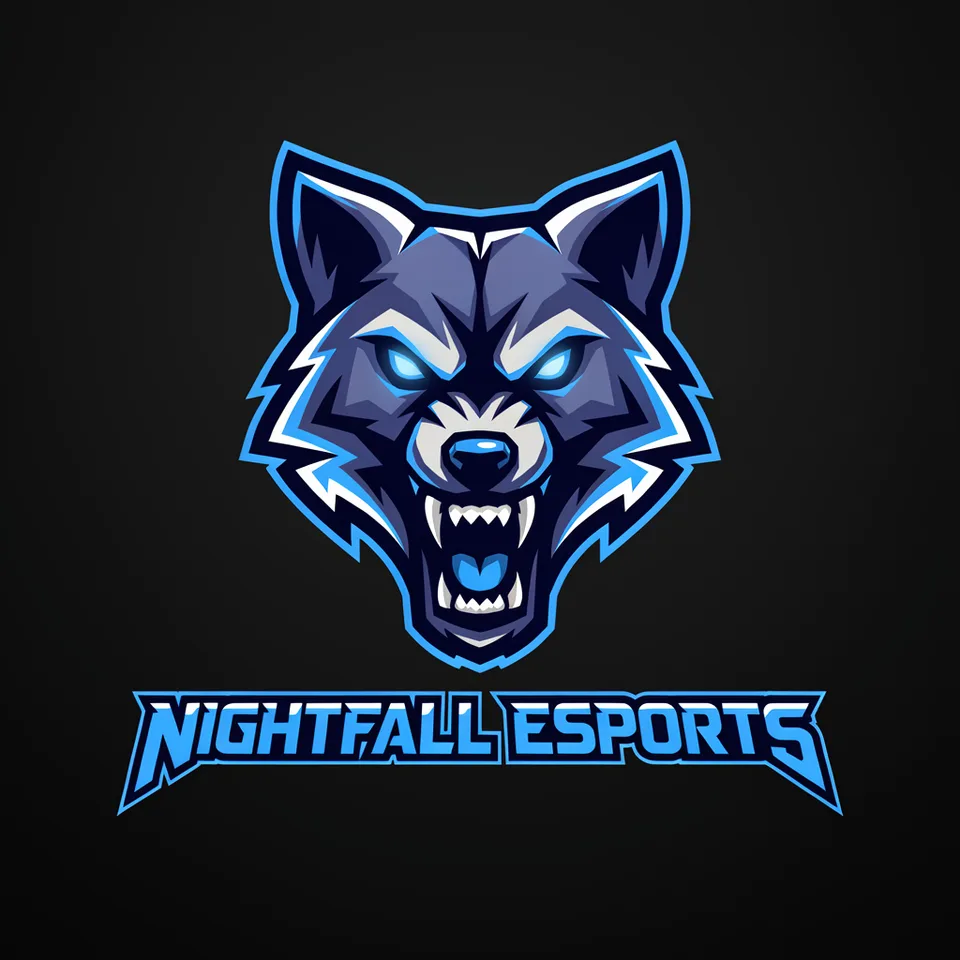
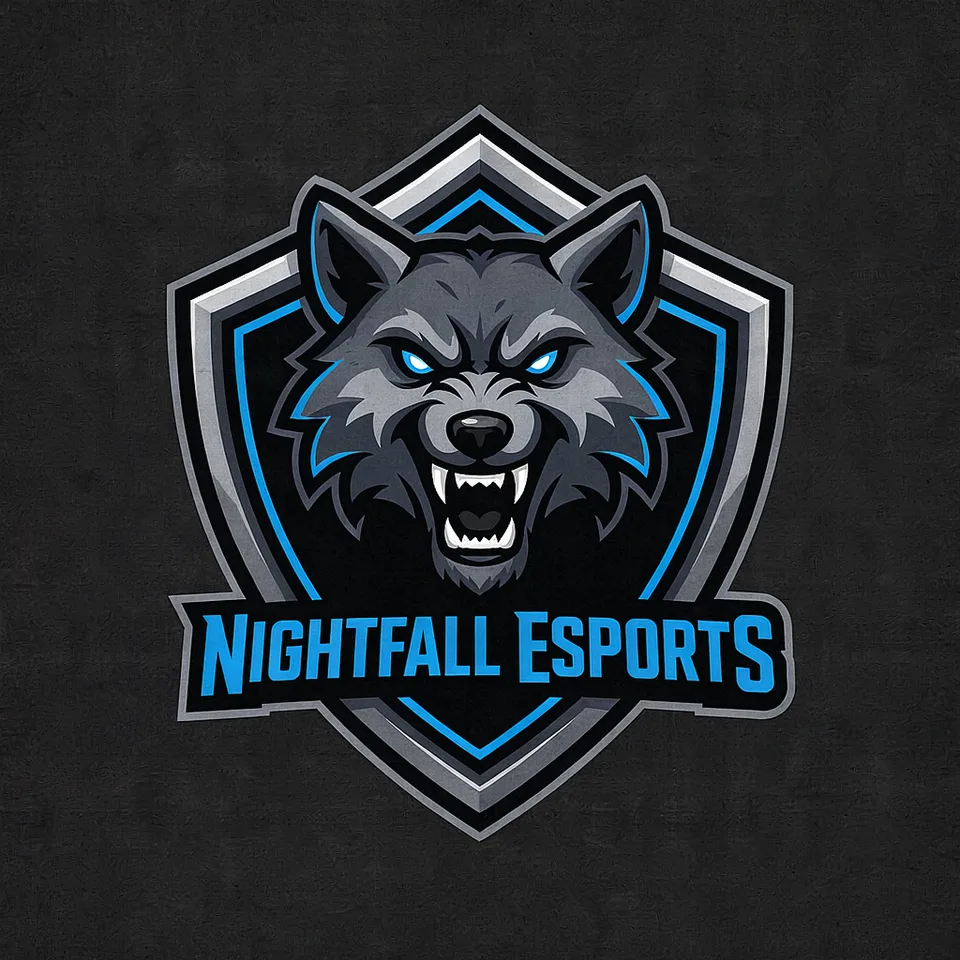
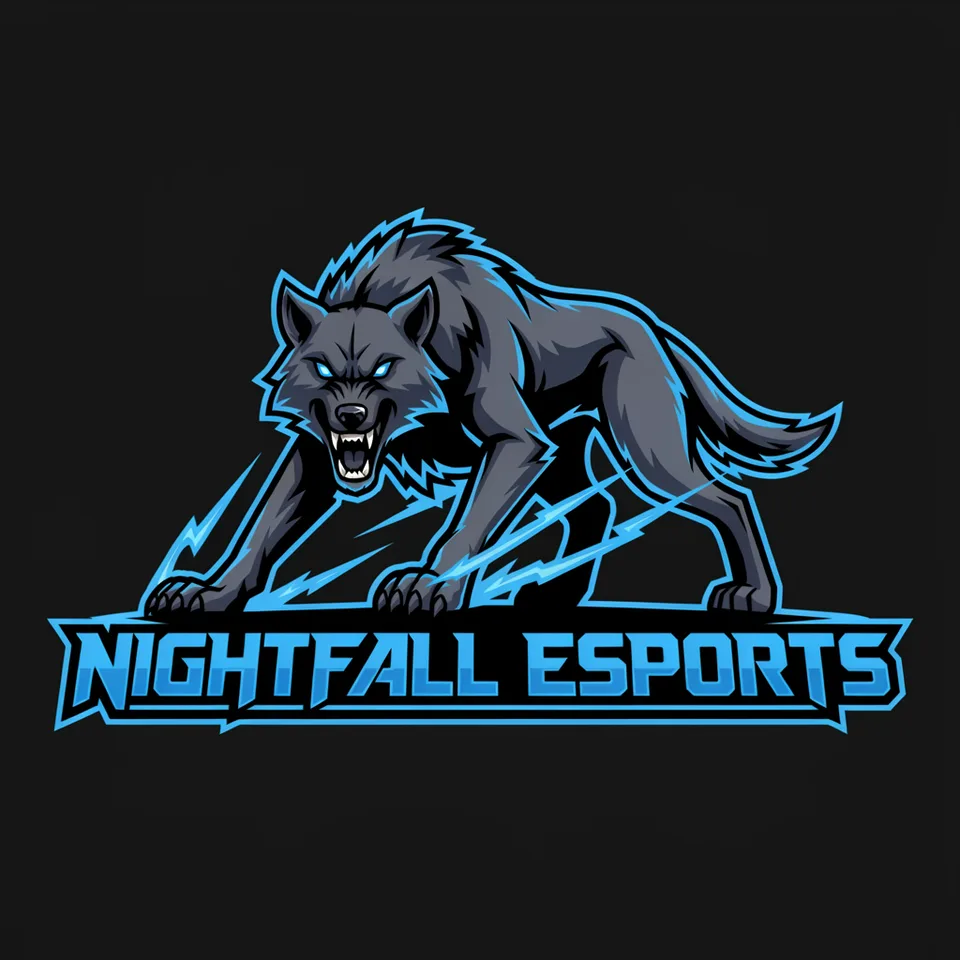
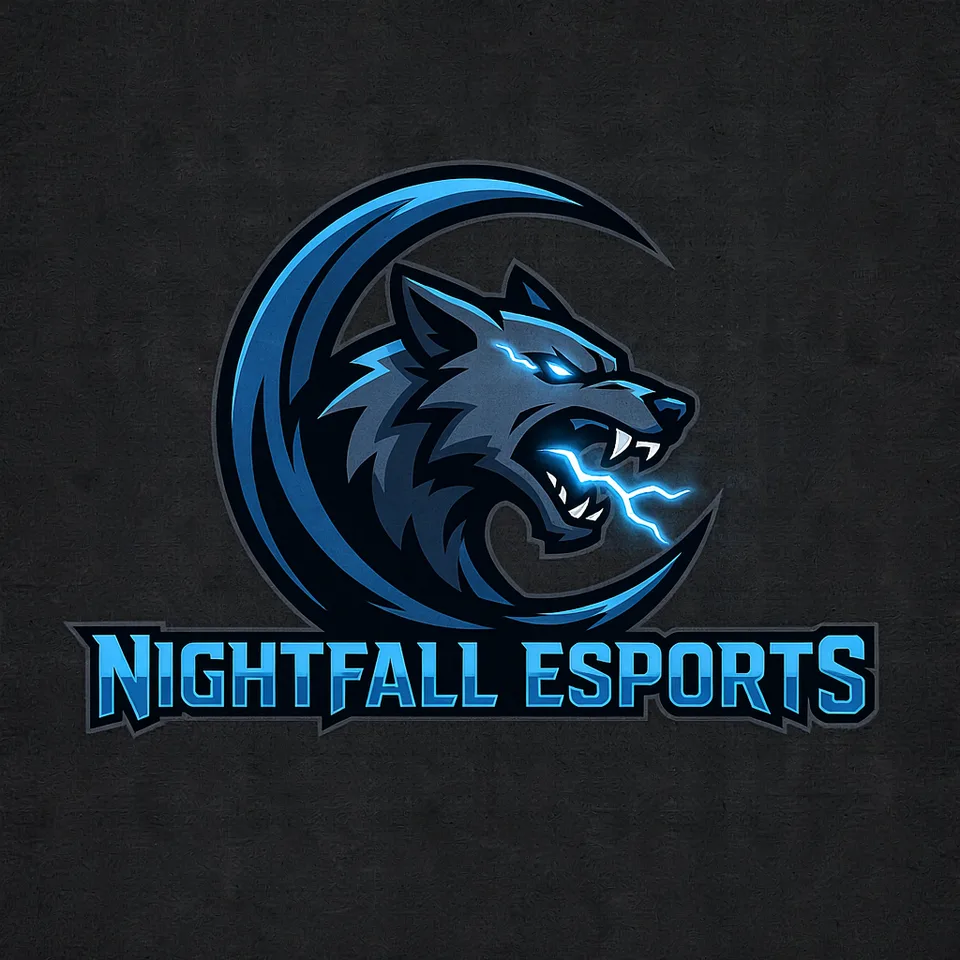
- Nightfall Esports
- Emblem idea (optional)
- A snarling wolf with glowing eyes
- Style
- Mascot emblem
- Colours
- Electric blue
How to make it
Four steps, about a minute of your time. These are real screens from the run above.
- 01
Enter your tag
Type the team name or gamer tag exactly as it should read, add an emblem idea if you have one ('a snarling wolf with glowing eyes'), then pick a style, one of six colour schemes and how many concepts, up to six.
Open the flow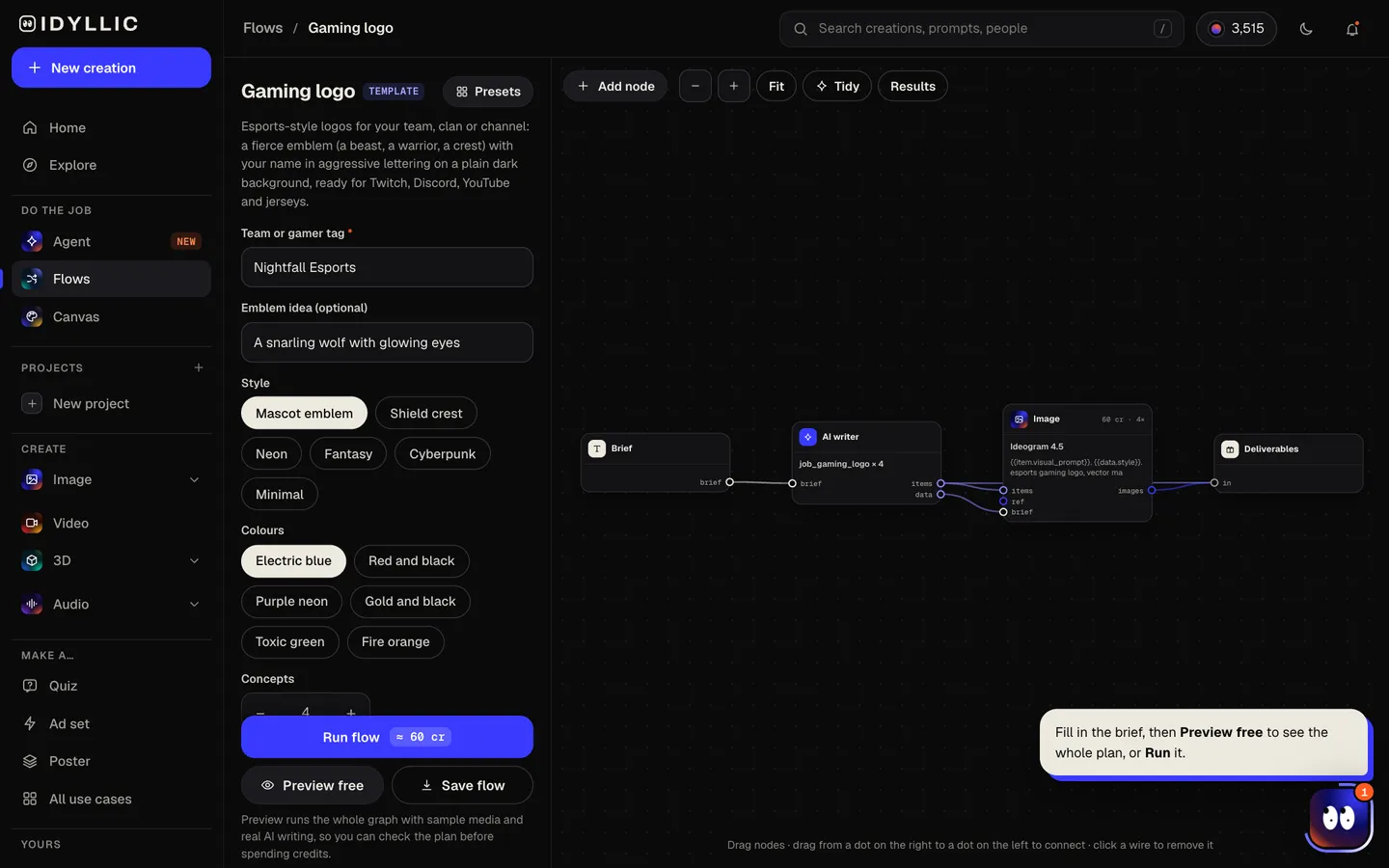
- 02
Let the studio draw
The AI writer plans each concept around a different emblem: a mascot head, a full-body character, a shield crest, or a weapon or symbol. Ideogram 4.5 draws it with sharp highlights, thick outlines and your name in angular lettering, centred on a flat dark background. Preview the plan free first.
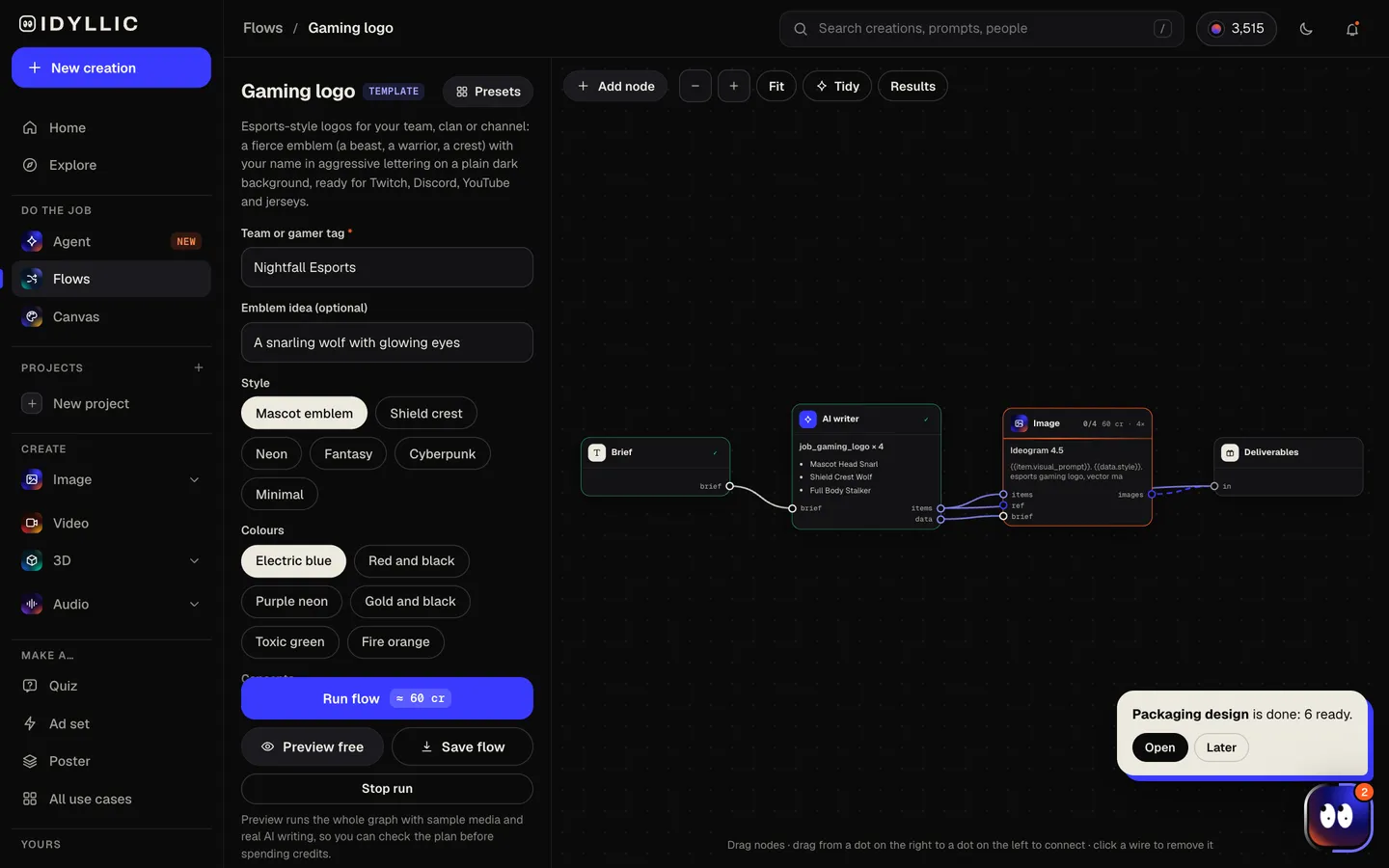
- 03
Compare the concepts
All the logos sit side by side, each with one sentence on the idea behind it, so the whole squad can vote.
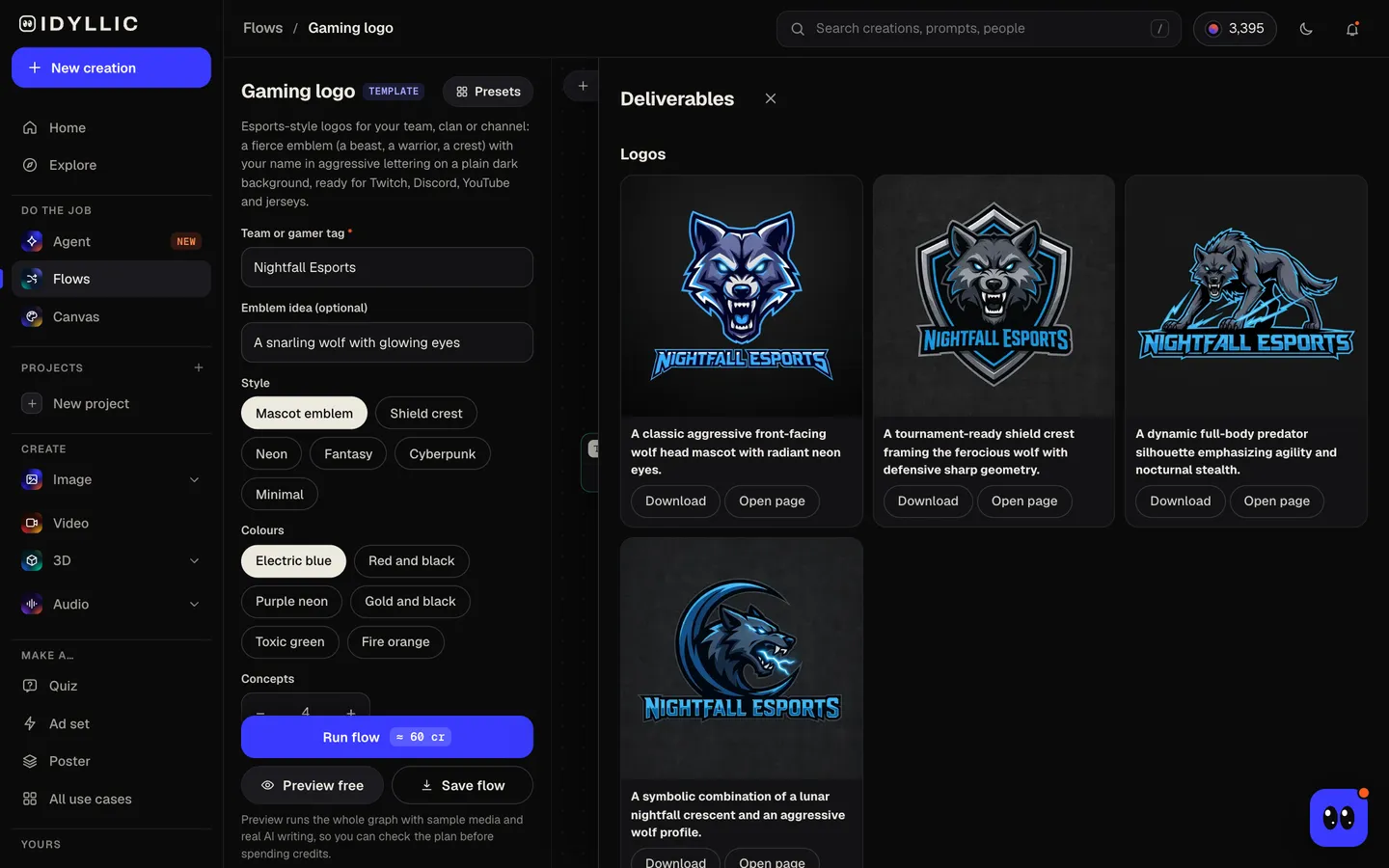
- 04
Download or keep going
Open your pick full size and download the PNG. Or keep going: remove the background for a transparent version, upscale it, animate it into a short intro clip, or put it on a Twitch banner or jersey design.
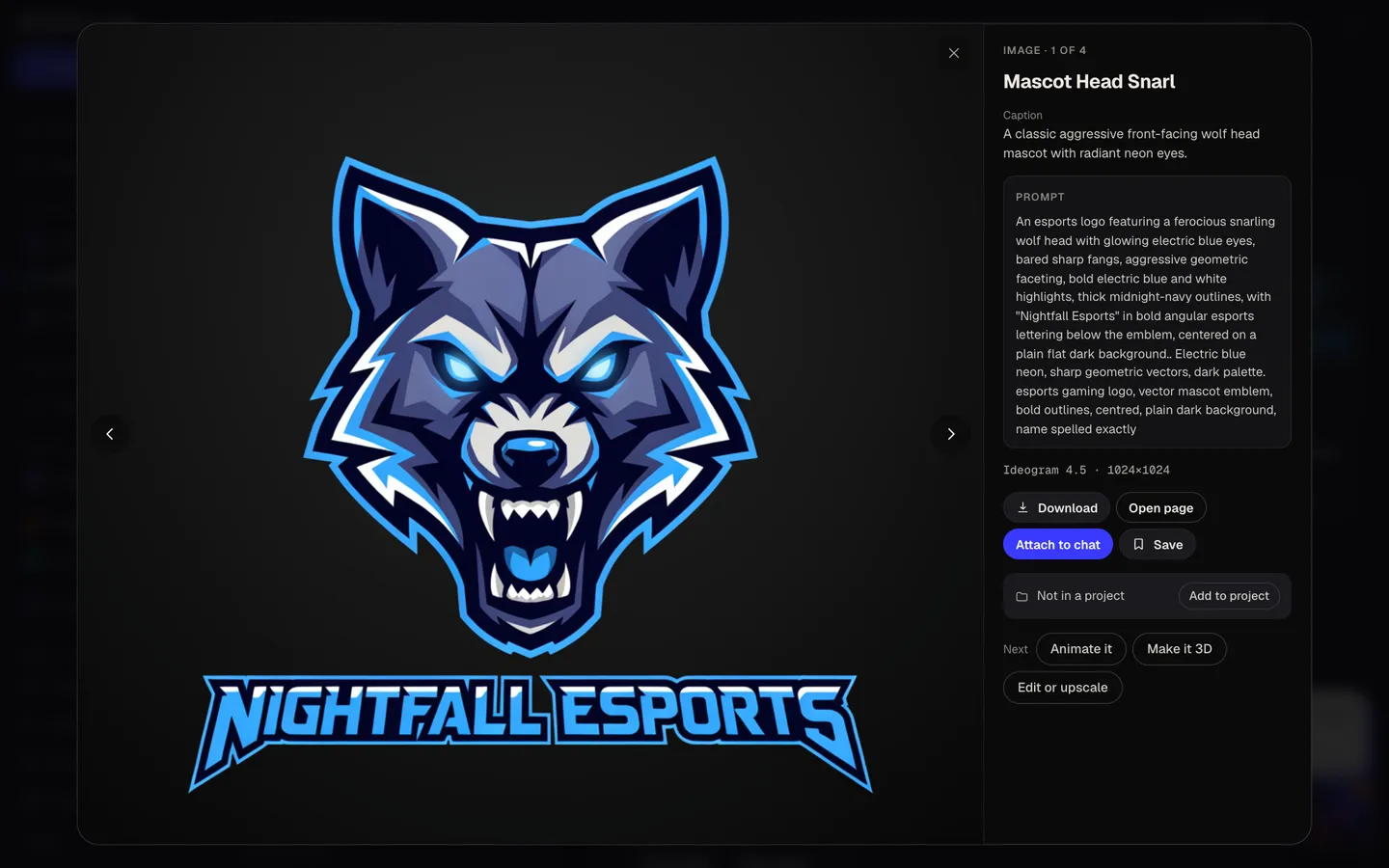
Why it beats
a template
Built like an esports mark
Angular shapes, sharp highlights, thick outlines and a strong emblem: the look of competitive team logos, not generic clip art.
Your tag in the lettering
The name goes to Ideogram 4.5 exactly as you typed it and is set in bold, angular letters below or across the emblem.
Four emblems, four directions
A beast, a warrior, a crest, a symbol. Each concept takes a different route, so you choose an identity, not just a colour.
Six colour schemes
Electric blue, red and black, purple neon, gold and black, toxic green or fire orange, carried through every concept.
Made for dark screens
Concepts sit on a flat dark background, the way they show on stream overlays, Discord and dark-mode profiles. Remove background for a transparent PNG.
One logo, the whole setup
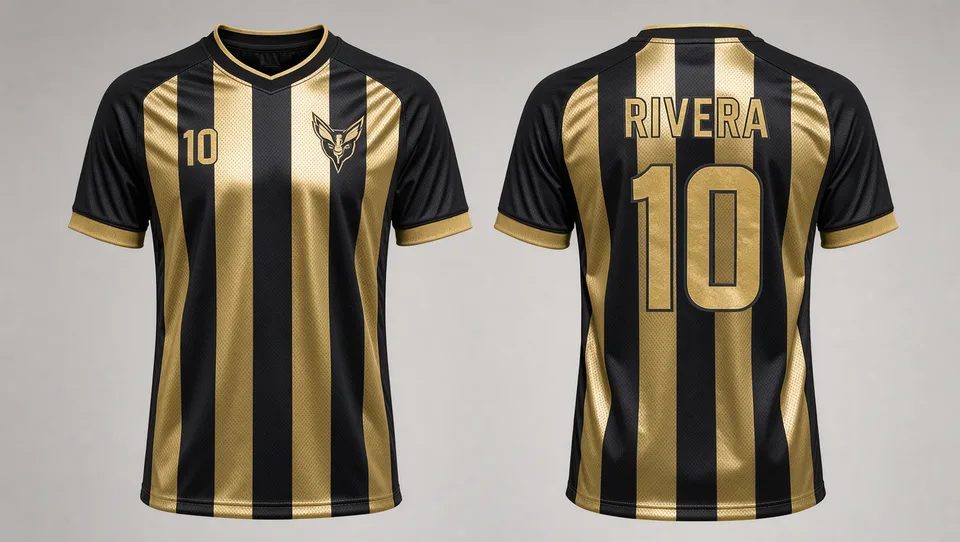
Carry it onto a Twitch banner, panels and emotes, a Discord banner or a jersey design in the same studio.
What makes a gaming logo stand out
- Shrink it to chat size. If the emblem still reads without the name, it works as a profile picture.
- Keep the emblem and the name separable: the emblem alone for avatars and emotes, the full logo for banners and jerseys.
- Pick two main colours and use them everywhere: overlays, panels, merch.
- Avoid thin details. Fine lines turn to mush when a platform compresses the image.
- Centre the emblem. Twitch, Discord and YouTube crop profile pictures to a circle.
- Search for teams and trademarks with the same name before you print jerseys.
Gaming logo sizes for Twitch, Discord and YouTube
| Concept from Idyllic | Square PNG, 1:1 | Emblem and name centred on a flat dark background |
|---|---|---|
| Twitch profile picture | 256×256 px | JPEG, PNG or GIF, up to 10 MB; shown as a circle |
| Discord server icon | 512×512 px | Minimum 128×128; shown as a circle |
| YouTube profile picture | 800×800 px | Shown at 98×98 and cropped to a circle |
| Jerseys and merch | Vector: SVG, EPS or PDF | Trace the chosen concept or have a designer redraw it |
Upload the square PNG straight to Twitch, Discord and YouTube; each scales it down. Concepts are raster PNGs, so get a vector version made before jerseys, embroidery or big prints.
Steal a brief
Each one opens the flow with the brief filled in. Change anything before you run it.
Nightfall Esports, a competitive team with a snarling wolf with glowing eyes, electric blue
Crimson Hydra, a five-player squad with a three-headed hydra emblem, red and black
PixelPhantom, a solo streamer with a hooded ghost in a cyberpunk style, purple neon
Iron Vanguard, a clan logo with a knight's helmet on a shield crest, gold and black
Venom Strike Gaming, a coiled cobra about to strike, toxic green
Blaze Kitsune, a variety streamer with a nine-tailed fox wrapped in flames, fire orange
Coldstep, a minimal logo for a speedrunning channel with an ice crystal symbol
Dread Tide, a fantasy kraken rising from the waves for a sea-themed guild
Summit Talons, a college esports club with a diving eagle, red and black
Questions
Is the AI gaming logo maker free?
You can preview the whole flow free: the AI writer plans real concepts and shows them with sample images. Running it for real is on Plus ($10.50 a month, billed yearly) and uses 60 credits for four logos. The free plan also includes 3 free images a day in the image studio.
What size should a gaming logo be?
Make it square and large, then let each platform scale it down. Twitch profile pictures are 256×256 px, Discord recommends 512×512 for server icons, and YouTube recommends 800×800 for profile pictures. One square concept covers all three; upscale it if you need more pixels.
Can I use it as my Twitch or Discord profile picture?
Yes. Upload the square PNG. Both crop it to a circle, so keep the emblem centred, and for a cleaner look in chat, crop to the emblem alone.
Can it spell my gamer tag correctly?
Your tag goes to Ideogram 4.5 exactly as typed, and the model is built for lettering. Unusual spellings, numbers and mixed capitals can still trip any model, so check every character and run it again if one is off.
Can I get a transparent background?
Yes. Concepts sit on a flat dark background so they cut out cleanly. Run Remove background on your pick and download a transparent PNG for overlays.
Can I get a vector file for jerseys?
The flow makes raster PNG concepts. Jersey printers and embroiderers usually want vector art, so trace the chosen logo in a vector editor or have a designer redraw it first.
Can I use the logo for my team commercially?
Paid plans include a commercial license. Trademark checks are up to you: search existing team names and marks before you print merch or register the name.
Can I make matching emotes and banners?
Yes. Idyllic has ready-made flows for Twitch emotes, Twitch banners, Twitch panels and Discord banners, or describe the whole kit to the Agent and it builds one flow for it.
Make something else
Everything you can make

Your turn.
Preview the whole flow free. No credit card.