Ready-made flow · A matching set of About, Schedule and Rules panels
AI Twitch Panel Maker
Idyllic's AI Twitch panel maker turns a line about your channel into a matching set of info panels: About, Schedule, Rules, Donate, Discord, Socials or any labels you list. Every panel shares one palette, lighting and frame, with only a small motif changing, and each label is set in bold, editable type at 640×320, sharp at Twitch's 320-pixel panel width.
- Size
- 640×320 PNG, shown at 320×160
- You get
- 6 panels in one style + the backgrounds
- Panels
- 4 to 8, labels in your order
- Image model
- Seedream 5
- Cost
- 54 credits for 6, on Plus and up
Real output · no retouching
One brief.
4 results.
- Your channel and vibe
- PixelVix: cozy horror games and Minecraft builds, purple and teal
- Panels, in order
- About, Schedule, Rules, Donate, Discord, Socials
- Look
- Neon
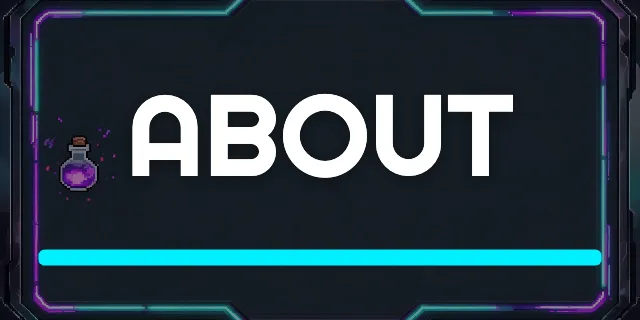
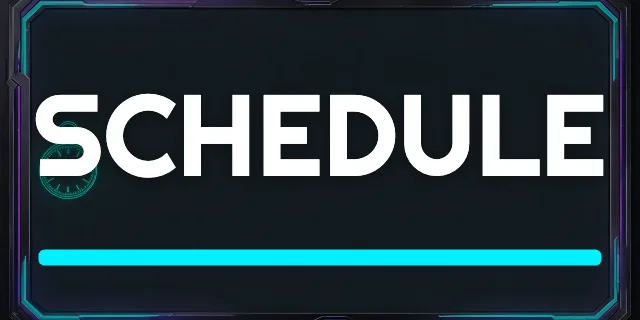
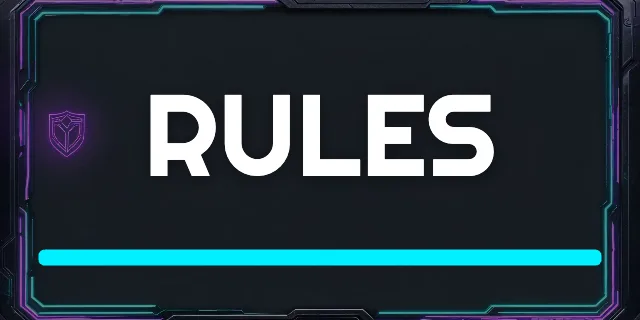
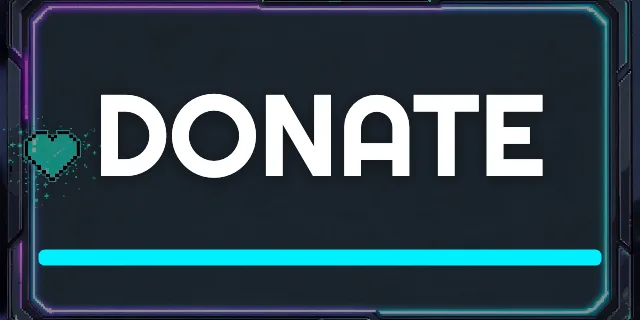
How to make it
Four steps, about a minute of your time. These are real screens from the run above.
- 01
Describe the channel
Write your channel name and vibe (what you stream, your colours), list the panels in order, like “About, Schedule, Rules, Donate, Discord, Socials”, pick a look from Neon to Pixel art and choose four to eight panels.
Open the flow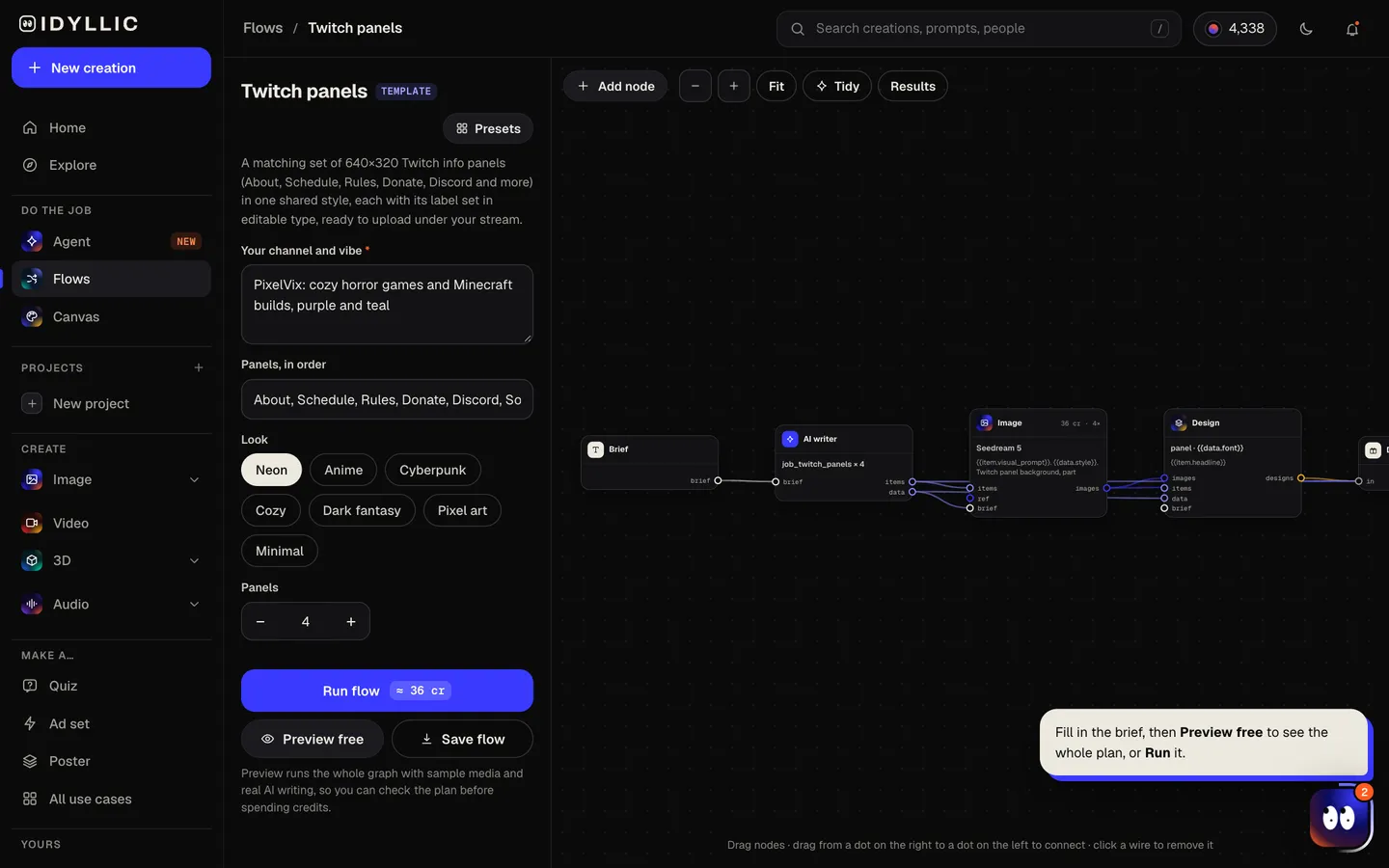
- 02
Let the flow design the set
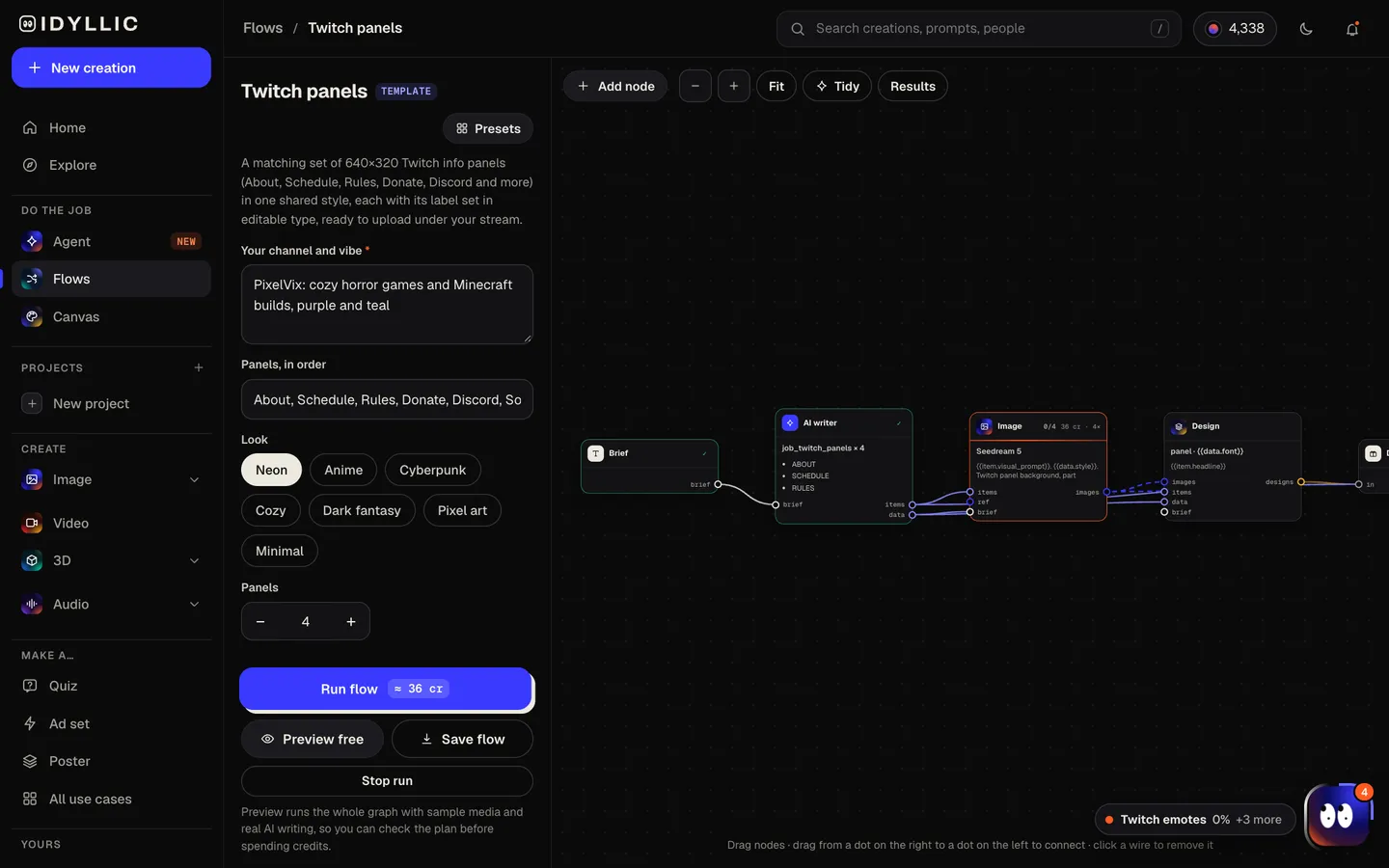
The AI writer sets one shared style for the whole set (palette, lighting, frame) and gives each panel a small motif: a calendar for Schedule, a shield for Rules, a chat bubble for Discord. If your list is short, it adds useful ones like Setup or Commands. Seedream 5 makes each background, then Idyllic sets the label. Preview the whole flow free first.
- 03
See the whole set
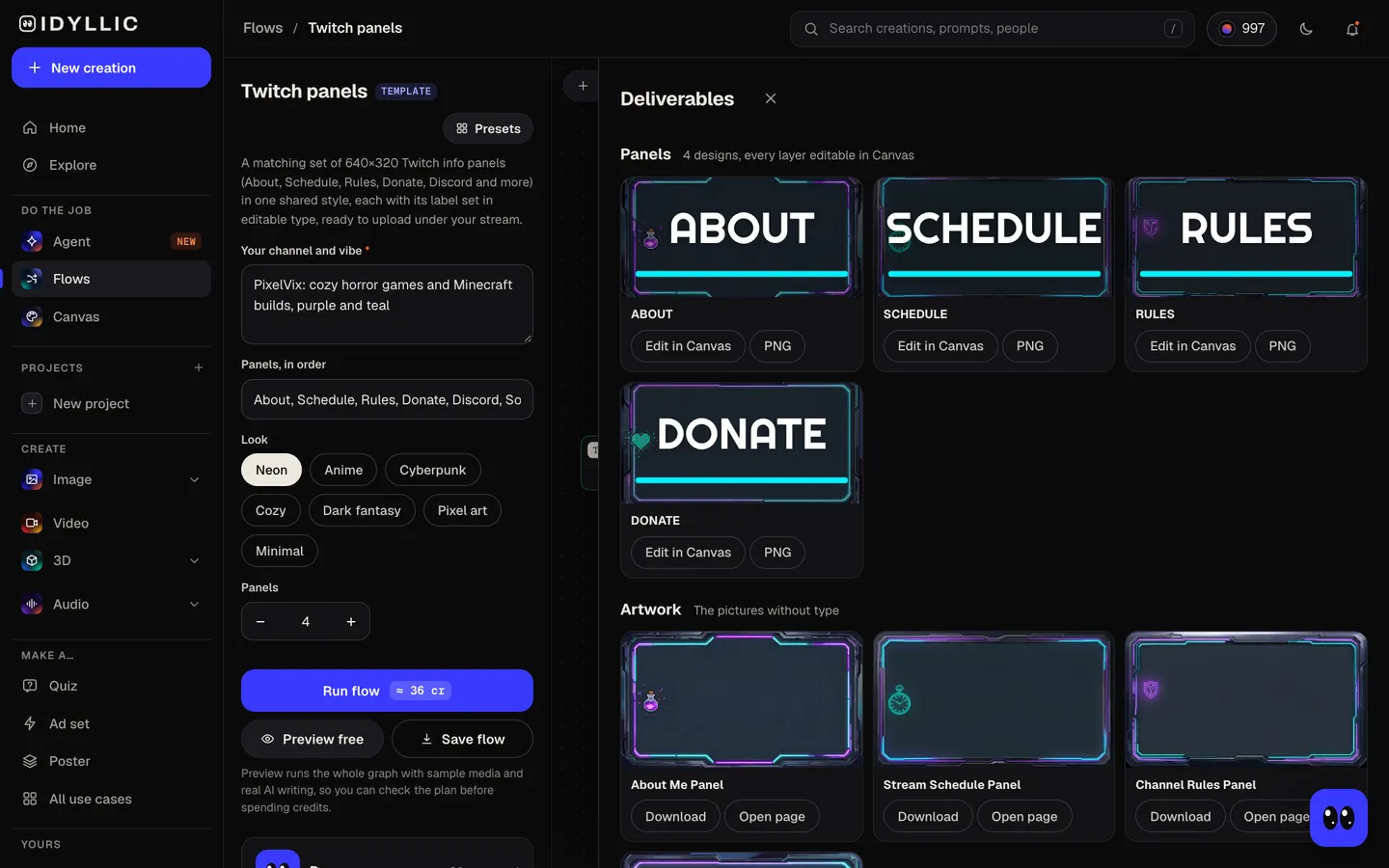
All panels appear side by side in your order, next to the backgrounds without text, so you can check the set matches before it goes under your stream.
- 04
Edit in Canvas and download
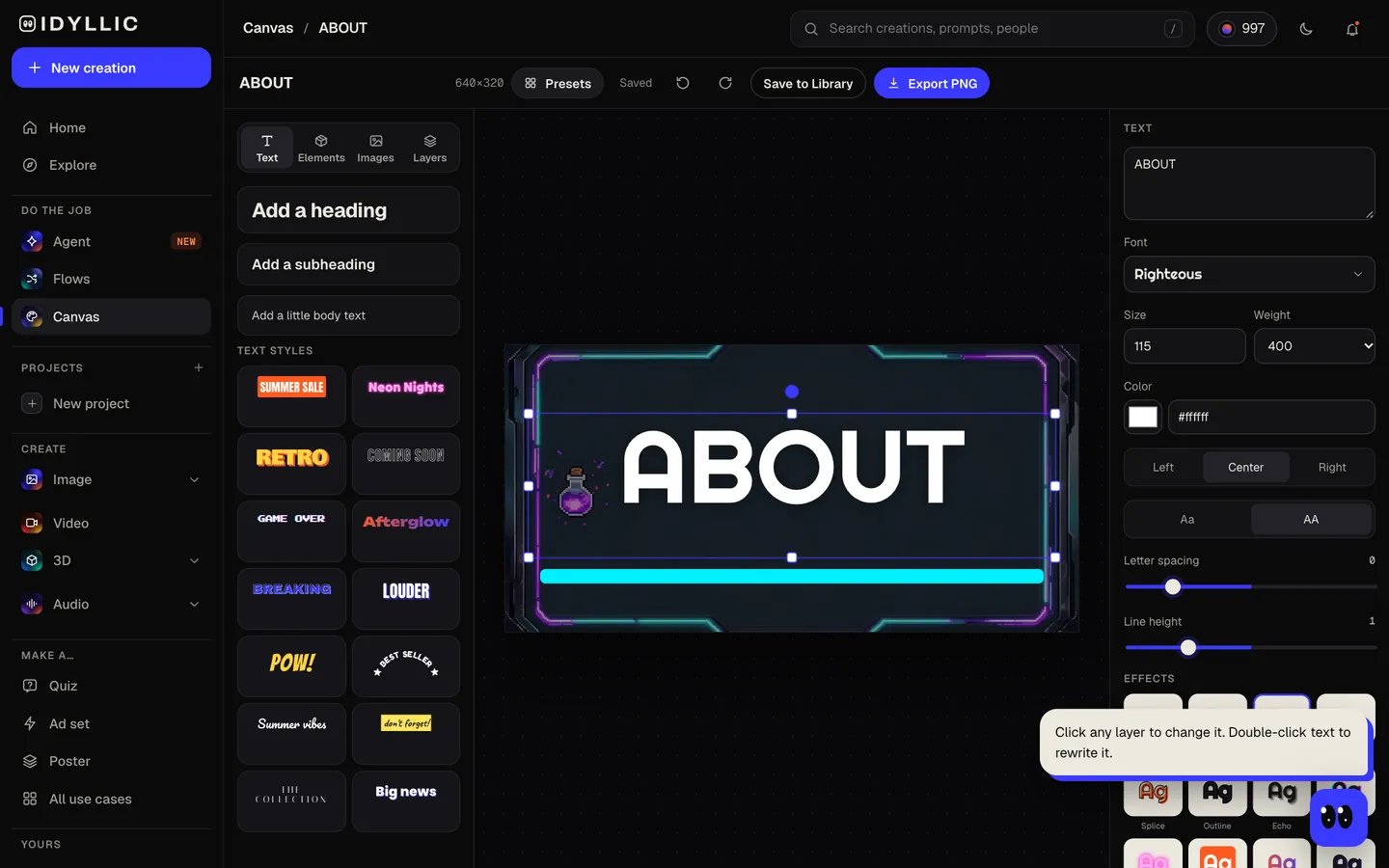
Open any panel in Canvas to change the label, font, effect or colour, then download each 640×320 PNG and add it under your stream with Edit Panels.
Why it beats
a template
A set that matches
Every panel shares the same palette, lighting and frame, so your About section looks designed, not collected from five different packs.
Your labels, in your order
List the panels you want and they come back in that order. Leave the list short and the flow fills in the most useful missing ones.
A motif for every panel
A calendar for Schedule, a shield for Rules, a heart or coin for Donate, a chat bubble for Discord: each panel hints at its job at a glance.
Sharp at Twitch's panel width
Twitch shows panels 320 pixels wide. At 640×320 each panel has twice the pixels, so the labels stay crisp on high-density screens.
Real, editable labels
Rename DONATE to TIPS, turn a spare panel into MERCH, or switch fonts and colours in Canvas, without making the background again.
Matches your banner and emotes
Use the same look in the Twitch banner and Twitch emotes flows so your whole channel page feels like one brand.
What makes Twitch panels work
- Keep labels to one or two words. Put the details in the panel's description text.
- Order them by what viewers need first: About, Schedule, Rules.
- Link the images. A panel image can link to your Discord invite, tip page or shop.
- Use one style for every panel so the section reads as a set.
- Update the Schedule panel's description when your times change; the image can stay.
- Keep panels short and wide. A 2:1 panel leaves room for the text underneath.
Twitch panel size and specs
| Display width | 320 px | Twitch scales wider panel images down to fit |
|---|---|---|
| Common panel size | 320×160 px | 2:1; Idyllic makes the same shape at twice the pixels |
| File size | Under 2.9 MB | JPG or PNG |
| Idyllic export | 640×320 px PNG | Standard export; Large export is 1280×640 |
Panels sit in the About section under your stream. Each can have a title, an image, a link and description text; the image carries the label, so put the details in the description.
Steal a brief
Each one opens the flow with the brief filled in. Change anything before you run it.
PixelVix, cozy horror games and sandbox builds, purple and teal, panels for About, Schedule, Rules, Donate and Discord
IronVeil, souls-like challenge runs, dark fantasy with gold trim, panels for About, Schedule, Rules and Setup
ByteBeats, live beat-making streams in neon pink and blue, panels for About, Music, Schedule, Tips and Socials
Quiet Quest, cozy farming games in soft greens and cream, panels for About, Schedule, Rules and Discord
NovaStrike, competitive shooter ranked grind in cyberpunk red and black, panels for About, Setup, Commands and Merch
Captain Crumbs, chaotic co-op nights with friends, anime style, panels for About, Crew, Schedule, Rules and Donate
LunaForge, pixel art and indie game dev in a pastel 16-bit palette, panels for About, Projects, Schedule and FAQ
SnackAttackSam, cooking streams in warm orange and cream, panels for About, Recipes, Schedule and Socials
Questions
What size are Twitch panels?
Twitch shows panels 320 pixels wide and scales wider images down to fit. 320×160 is the common shape, and panel images must be under 2.9 MB. Idyllic exports panels at 640×320, the same 2:1 shape with twice the pixels, so labels stay sharp on high-density screens.
Is the AI Twitch panel maker free?
You can preview the whole flow free: the AI writer plans your real set, labels and style, shown with sample images. Making the final panels is on Plus and up (from $10.50/mo, billed yearly) and costs 54 credits for six. The free plan also includes 3 free images a day in the image studio.
Which panels should my Twitch channel have?
Start with About, Schedule and Rules. Add Donate or Tips, Discord and Socials if you use them, then Setup, Commands, Merch or FAQ as your channel grows.
How do I add panels to Twitch?
Go to the About section of your channel, turn on Edit Panels, add a panel and upload the image. Each panel can also have a title, a link for the image and description text.
Can I add another panel in the same style later?
Yes. Open a panel in Canvas, change the label and download it again, or run the flow again with the same look and colours in the brief.
Can I use my own colours?
Yes. Name them in the brief, like “purple and teal”, and every panel uses them. Fine-tune any colour in Canvas afterwards.
Will the panels match my Twitch banner?
They will if you use the same look and colours in both briefs. The Twitch banner flow makes a 1200×480 banner with your name and schedule.
Make something else
Everything you can make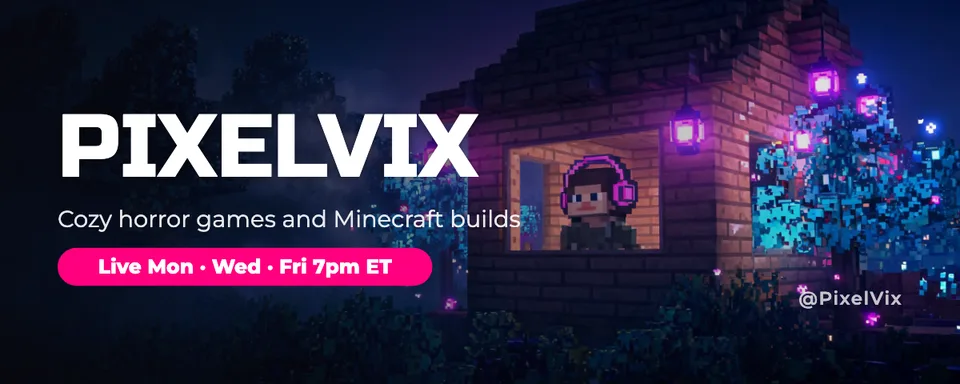



Your turn.
Preview the whole flow free. No credit card.