Ready-made flow · Swipeable 4:5 slides: a hook, then one point per slide
AI Instagram Carousel Maker
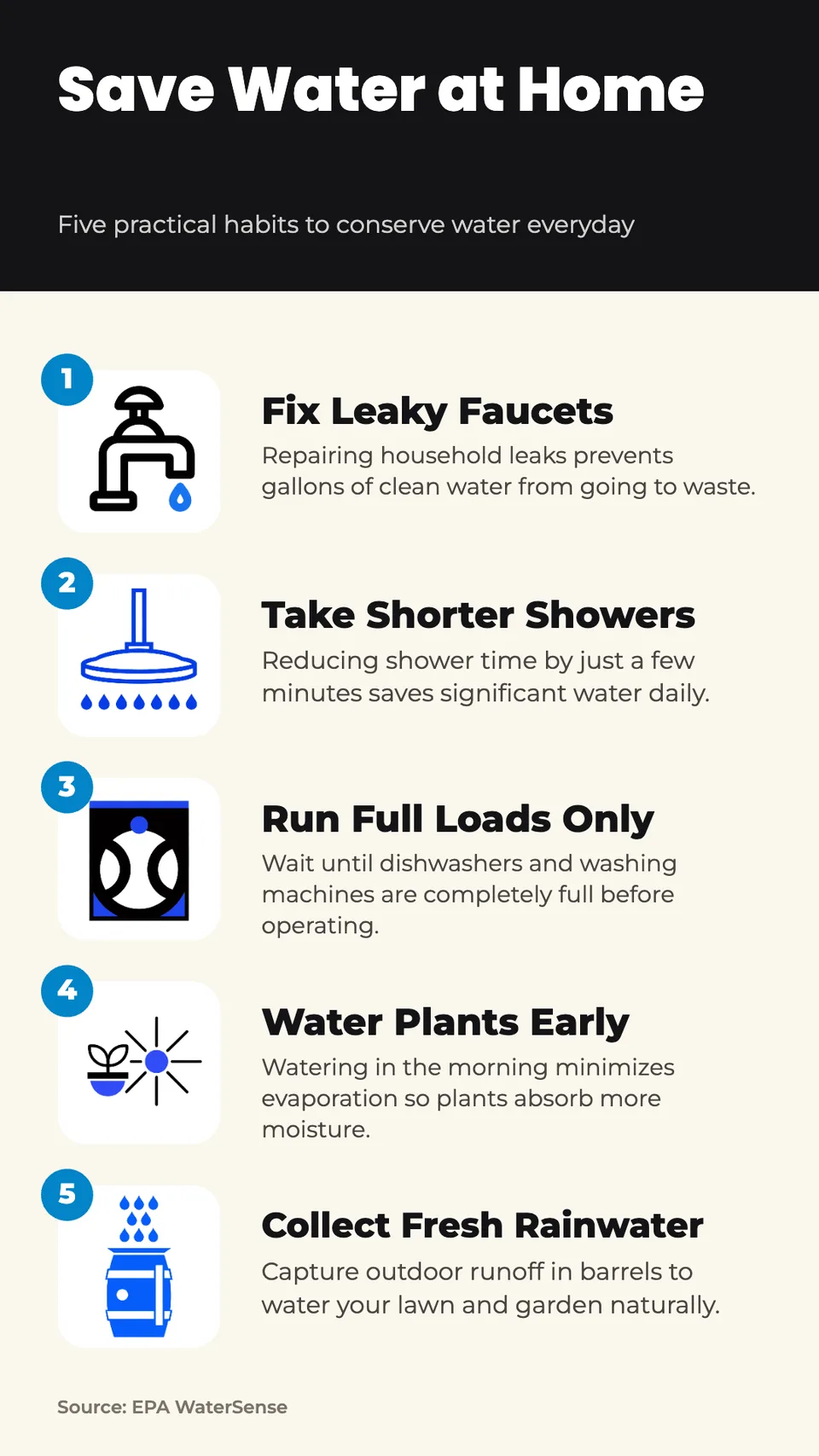
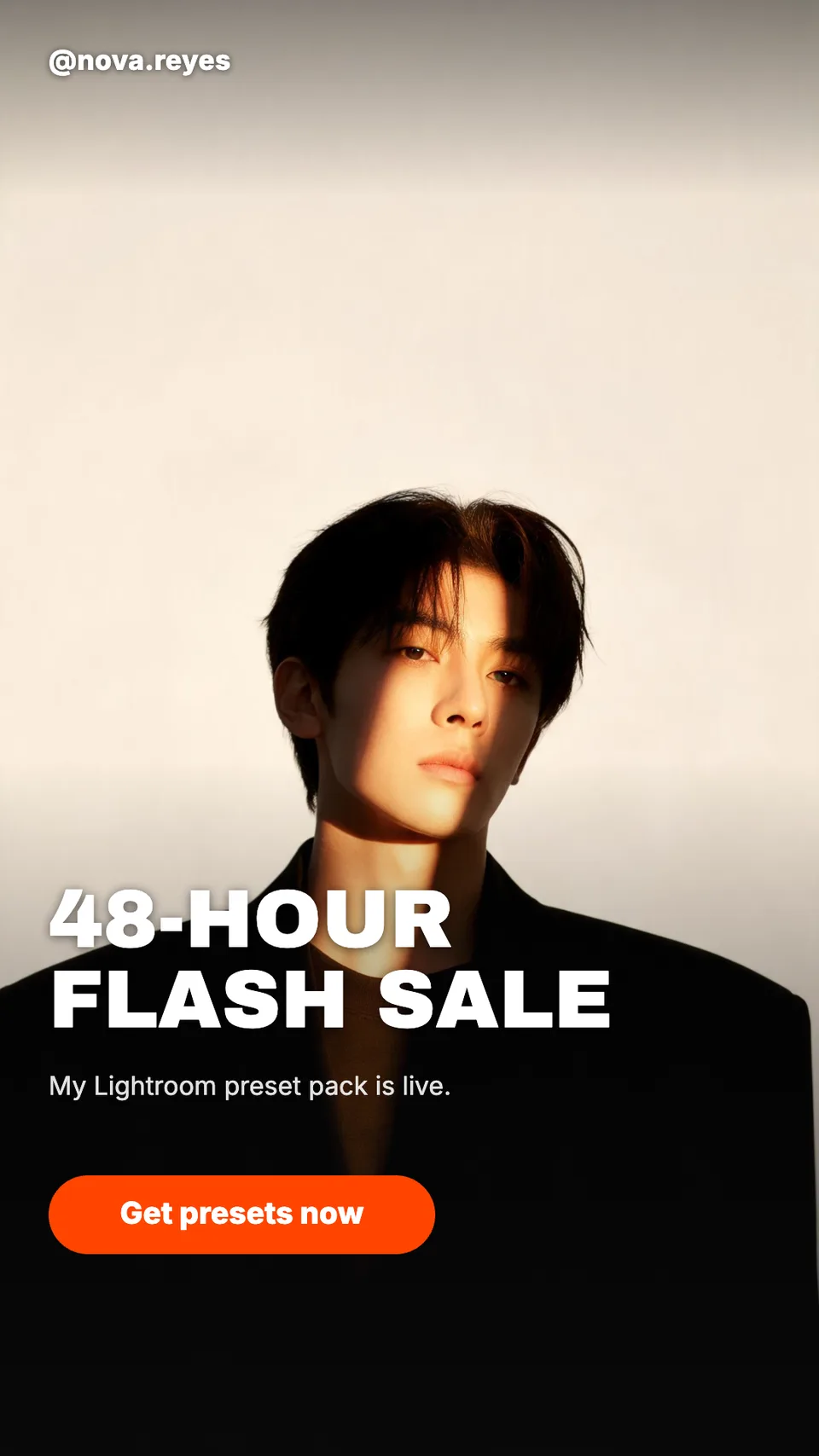
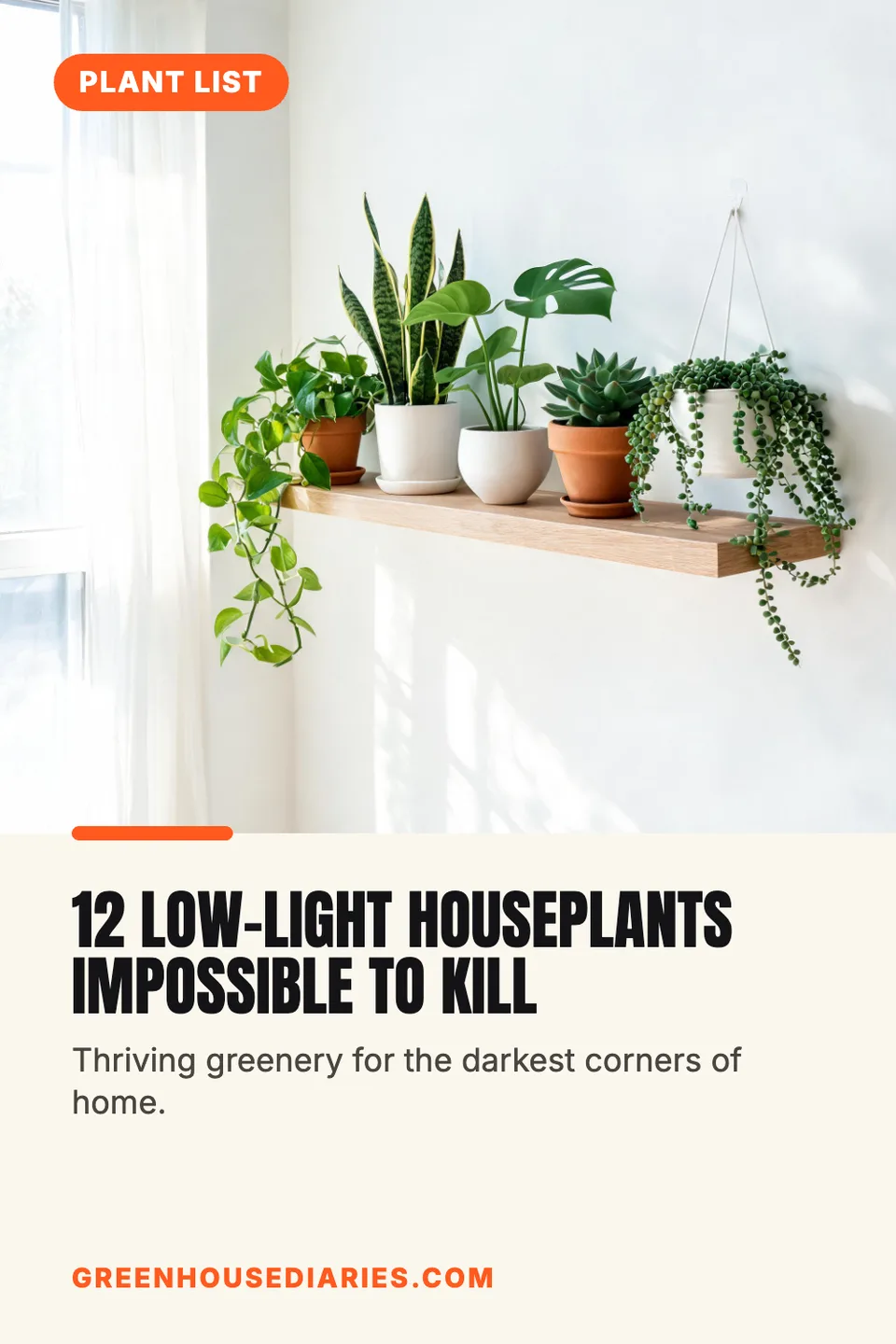
Idyllic's AI Instagram carousel maker turns one topic into a swipeable carousel at 1080×1350. The first slide is a scroll-stopping hook; every slide after it makes one point, with a short headline and one sentence over its own image, numbered and in one shared look. Your handle sits on every slide, the caption comes ready to paste, and every word stays editable.
- Size
- 1080×1350 PNG, 4:5
- You get
- 6 slides + caption + the photos
- Slides
- 5 to 8, numbered in order
- Image model
- Seedream 5
- Cost
- 54 credits for 6, on Plus and up
Real output · no retouching
One brief.
5 results.
- What is the carousel about?
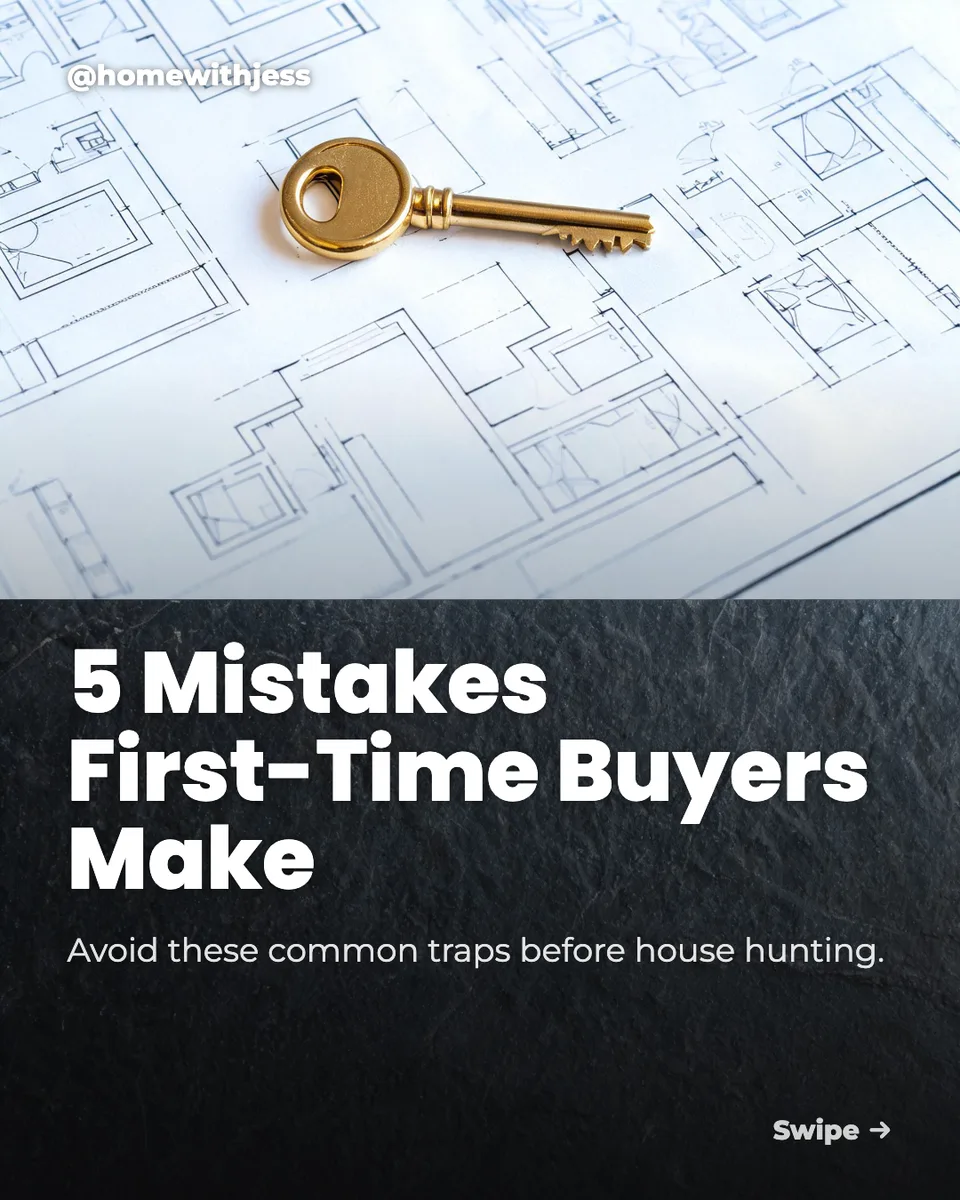
- 5 mistakes first-time home buyers make, and how to avoid them
- Your @handle (optional)
- @homewithjess
- Look
- Clean

How to make it
Four steps, about a minute of your time. These are real screens from the run above.
- 01
Give it a topic
Write what the carousel is about in “What is the carousel about?”, like “5 mistakes first-time home buyers make, and how to avoid them”, add your @handle, pick a look (Bold, Clean, Playful, Premium, Retro or Dark) and choose five to eight slides.
Open the flow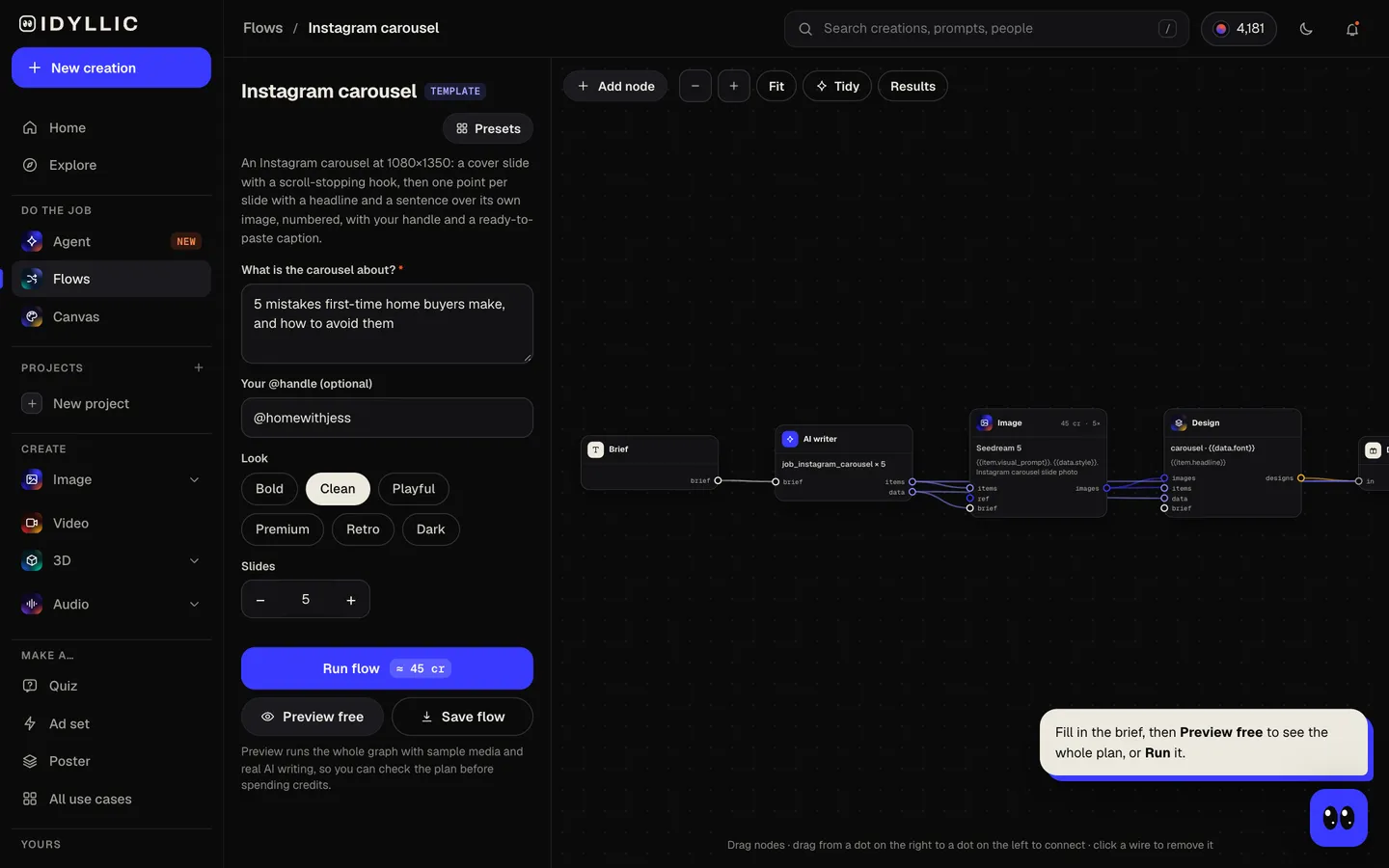
- 02
Let the flow write and design
The AI writer writes the hook for the cover, then one point per slide: a headline under seven words and one sentence that explains it, using only your brief or common knowledge, never invented statistics. Seedream 5 makes a photo for each slide in one shared look, then Idyllic sets the type, the numbers and your handle. Preview the whole flow free first.
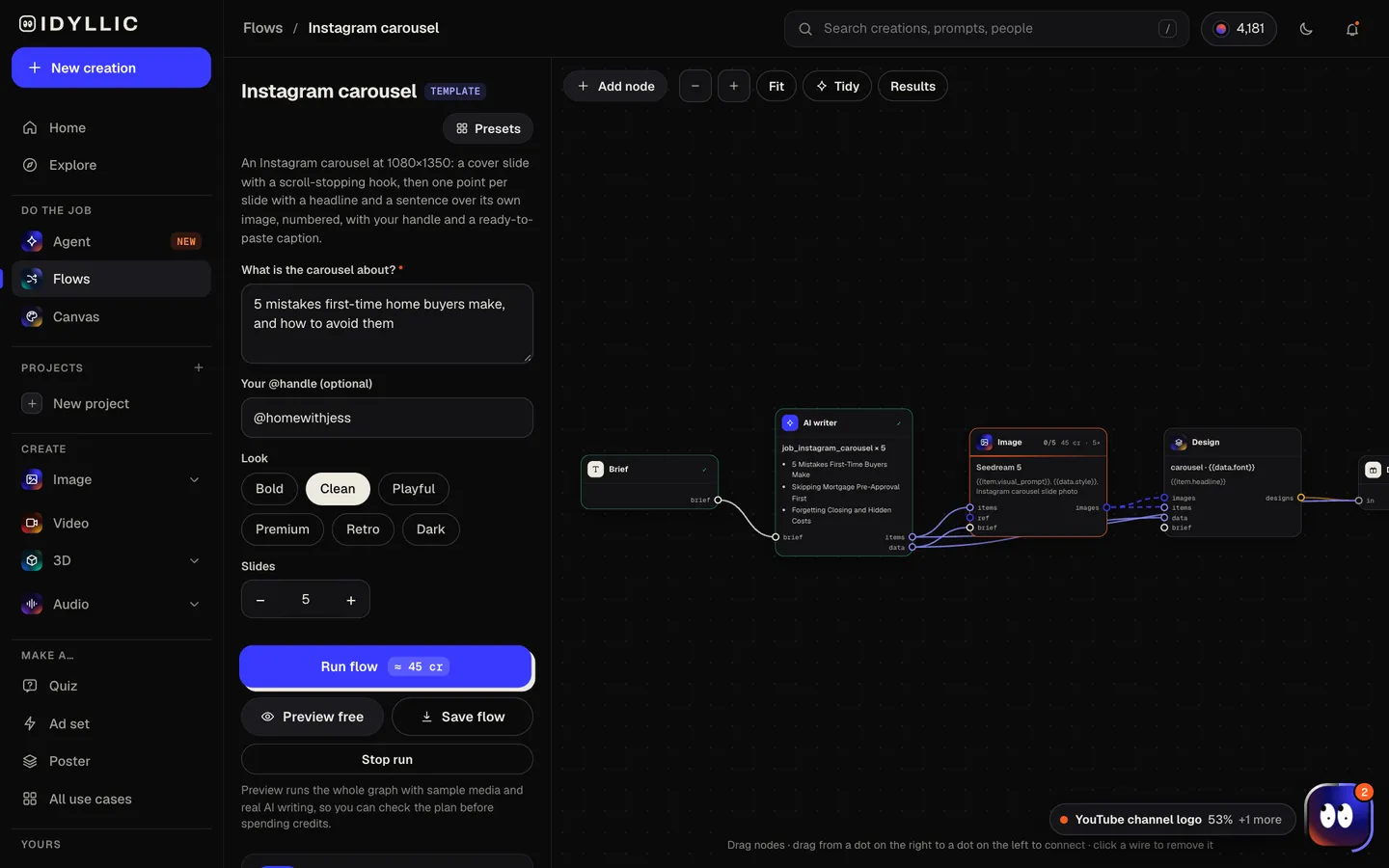
- 03
Read it in order
All slides appear in order with the caption, next to the photos without text, so you can swipe through the story the way your followers will.
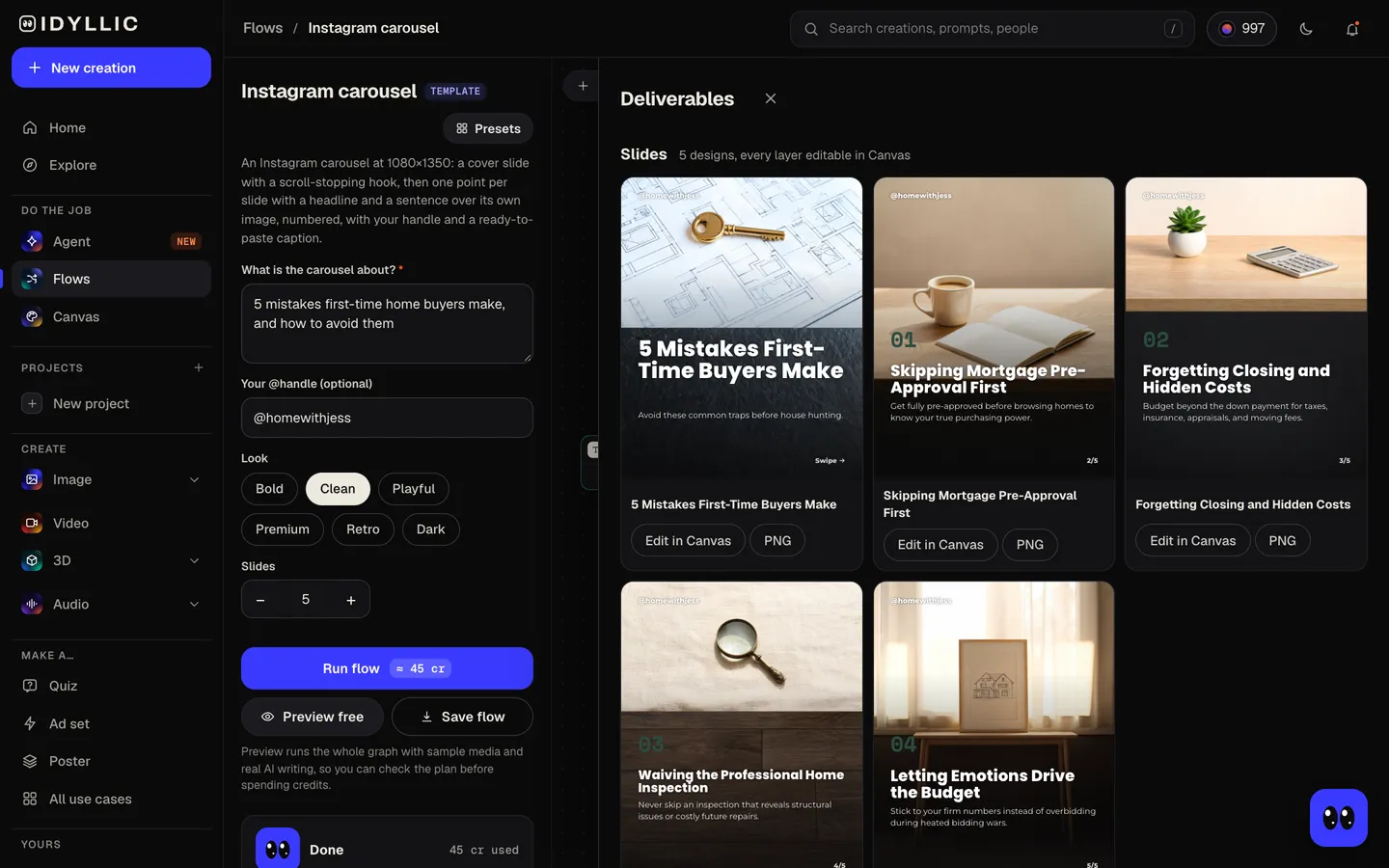
- 04
Edit in Canvas and download
Open any slide in Canvas to change a word, font or colour, or move a layer. Then download each 1080×1350 PNG, upload them in order as one post and paste the caption.

Why it beats
a template
A hook that earns the swipe
The cover slide carries a short, scroll-stopping hook and a “Swipe” cue, written to make people want the next slide.
One point per slide
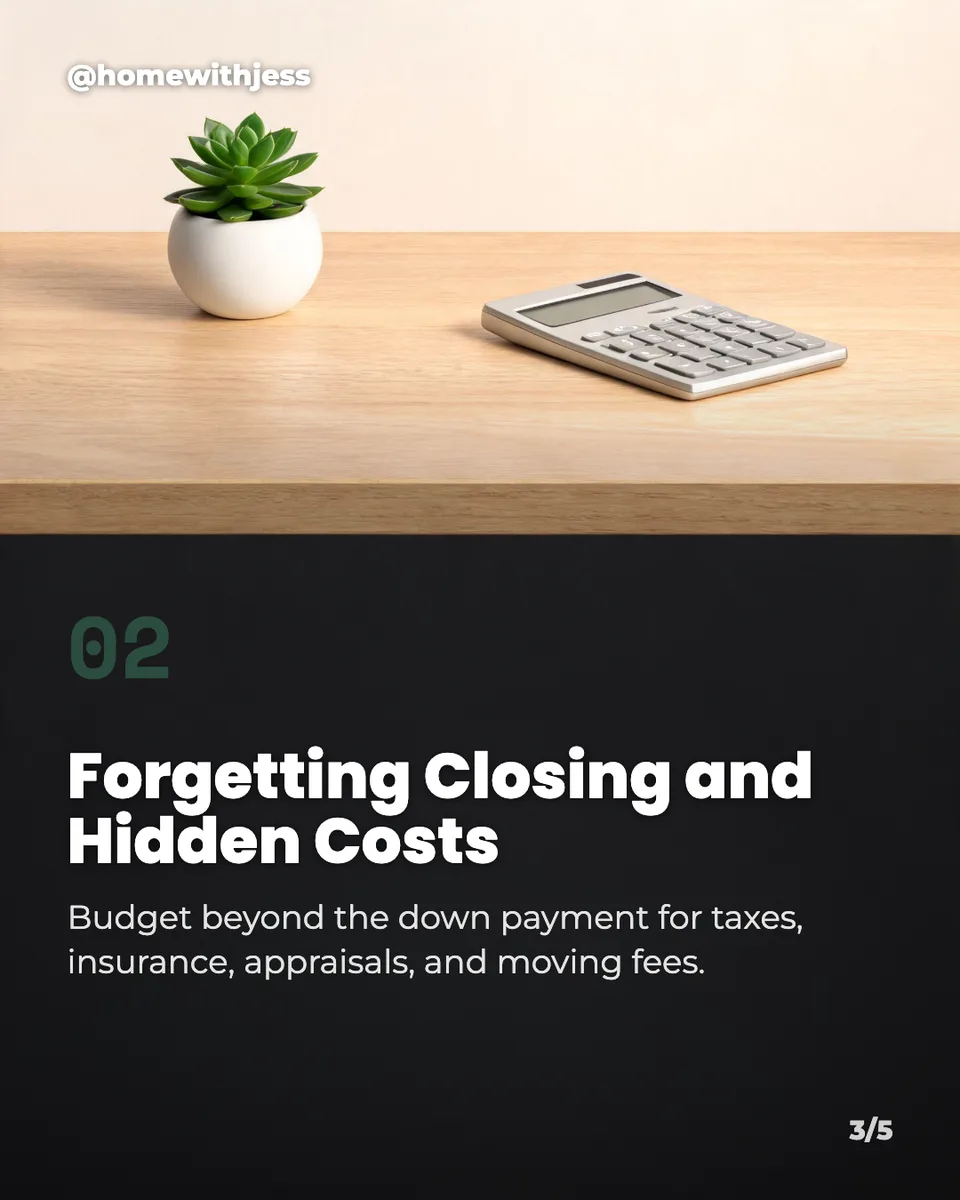
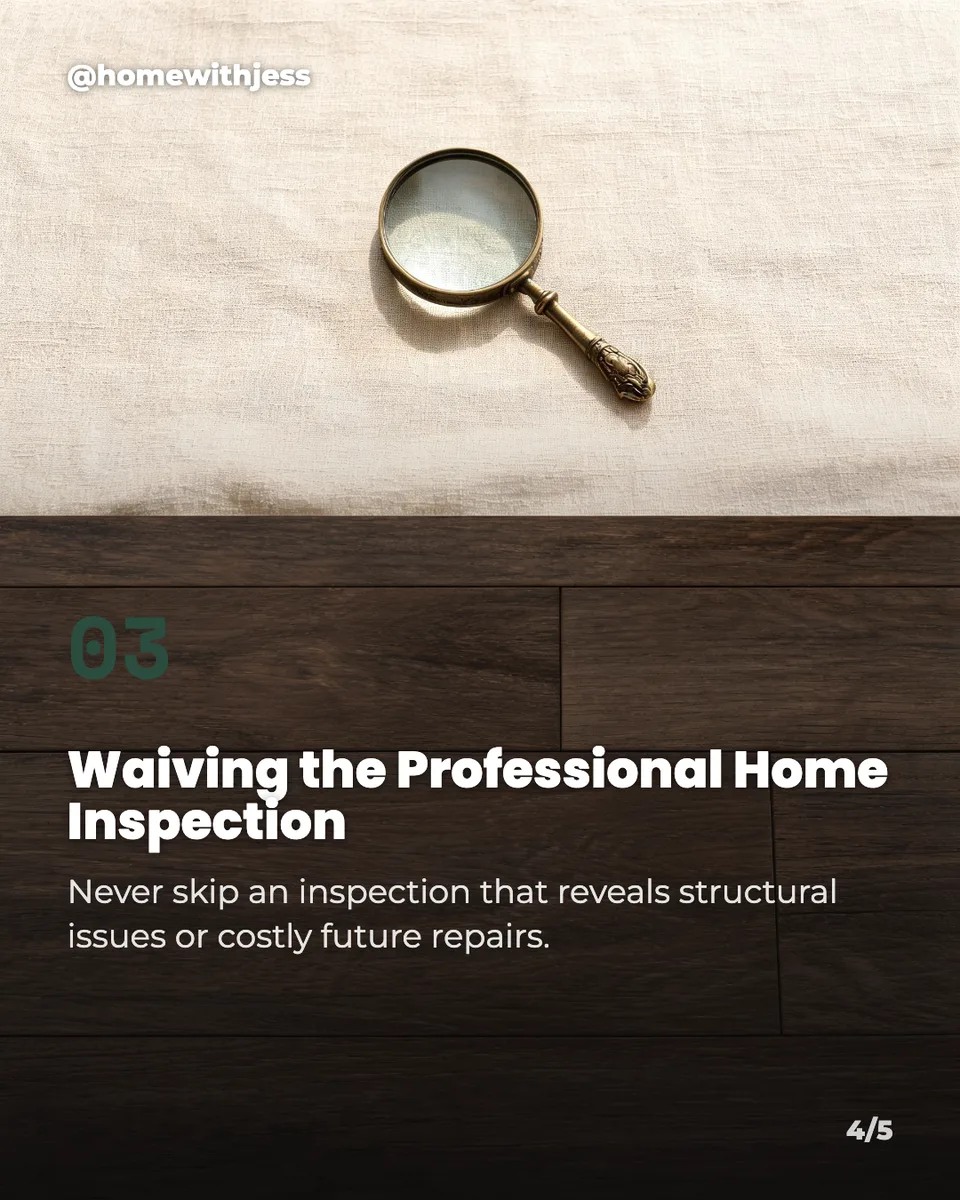
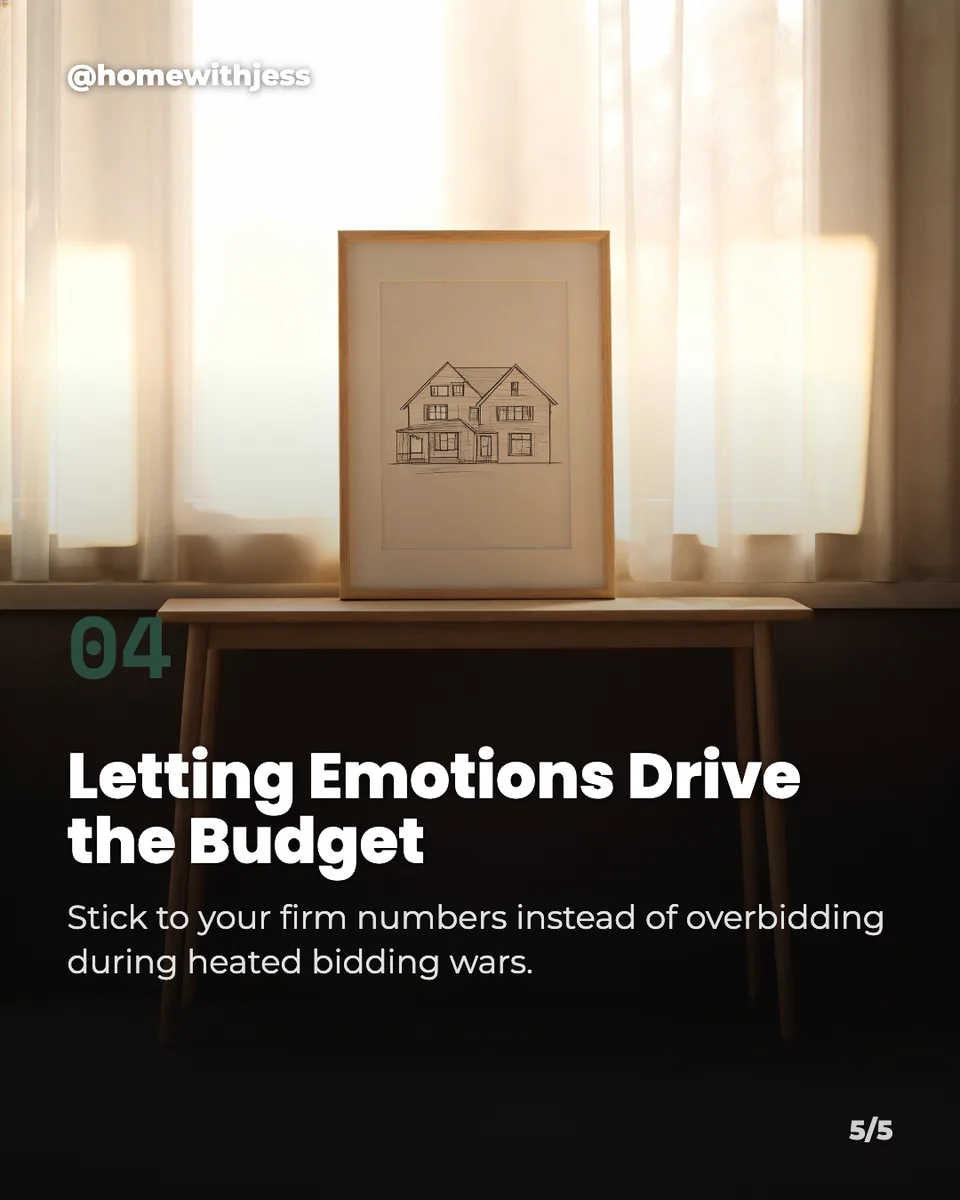
Each slide makes a single point with a headline and one sentence, numbered 01, 02, 03 with a page count, so the carousel is easy to follow and easy to save.
No made-up numbers
The writing sticks to your brief and common knowledge and never invents statistics, so you are not posting figures you can't back up.
One look across every slide
Every photo shares the same style and light, with a calm lower half for the type, so the carousel reads as a set.
Caption included
A one to three sentence caption with up to five specific hashtags comes with the carousel, ready to paste.
Every slide editable
Headlines, sentences, numbers and your handle are real type. Change any word, try any of 144 fonts or swap a photo with AI edits.
What makes a carousel people save
- Make the first slide a promise: a number, a mistake, a result.
- One idea per slide, in words people can read in a couple of seconds.
- Number the points so people know how far there is to go.
- Keep every slide 4:5. Instagram crops all the slides in a carousel to one shape.
- Keep text away from the side edges. The profile grid shows a narrower crop of the cover.
- End on a takeaway or a question so people comment.
Instagram carousel size and specs
| Portrait slide | 1080×1350 px | 4:5, what Idyllic exports |
|---|---|---|
| Square slide | 1080×1080 px | 1:1 |
| Slides per post | Up to 20 | Photos and videos can be mixed |
| Profile grid | 3:4 preview | Shows a slightly narrower crop of the first slide |
| Caption | Up to 2,200 characters | Up to 5 hashtags per post |
| Idyllic export | 1080×1350 px PNG | Standard export; Large export is 2160×2700 |
Instagram shows feed photos at up to 1080 px wide, so 1080×1350 is full quality. Upload the slides in order as one post; the numbers on each slide make the order easy to keep.
Steal a brief
Each one opens the flow with the brief filled in. Change anything before you run it.
5 mistakes first-time home buyers make and how to avoid them, for @homewithjess
7 habits that helped me pay off $20,000 of debt, for @moneywithmira, in a clean look
How to brew better coffee at home in 5 steps, for @dailygrindlab, in a premium look
6 signs your dog is bored and what to do about it, for @happytailsco, in a playful look
5 stretches every desk worker should do daily, for @deskfitdaily, in a bold look
What to pack for a 10-day trip with only a carry-on, for @lightpacker
5 design rules that make any slide deck look premium, for @slidecraft, in a dark look
6 easy ways to cut your grocery bill this month, for @thriftykitchen, in a retro look
A beginner's guide to running your first 5K, step by step, for @firststridecoach
Questions
What size is an Instagram carousel?
Use 1080×1350 pixels (4:5) for every slide, or 1080×1080 for square. Instagram crops all the slides in one carousel to the same shape and allows up to 20 per post. Idyllic exports 1080×1350 slides.
Is the AI Instagram carousel maker free?
You can preview the whole flow free: the AI writer plans your real hook, points and caption, shown with sample images. Making the final slides is on Plus and up (from $10.50/mo, billed yearly) and costs 54 credits for six. The free plan also includes 3 free images a day in the image studio.
How many slides should a carousel have?
Instagram allows up to 20, but most carousels make their point in 5 to 10. The flow makes five to eight: a hook, then one point per slide.
Does it write the caption too?
Yes. Every carousel comes with a one to three sentence caption and up to five specific hashtags, the same on every slide, ready to paste.
Will the AI make up facts or statistics?
It is told never to invent statistics and to use only your brief or common knowledge. Still read every slide before you post, and add your own numbers in Canvas if you have them.
Can I change the order of the slides?
Yes. Upload them in whatever order you like. The numbers are editable text, so renumber a slide in Canvas if you move it.
Can I write carousels in another language?
Yes. Prompts work in any language. If a slide comes out in a different language from the one you want, change the words in Canvas.
Can I use carousels for my business or clients?
Yes. Paid plans include a commercial license, so carousels can go on brand and client accounts. Paid plans also include private mode.
Make something else
Everything you can make
Your turn.
Preview the whole flow free. No credit card.