AI Video Generator
Idyllic's AI video generator turns a text prompt or a still image into a video clip, with Veo 3, Kling and Seedance in one place. Describe the subject, the action and the camera move, pick 16:9, 9:16 or 1:1, and generate. Video is included on the Pro plan (40 videos a month) and on Max (150 a month).
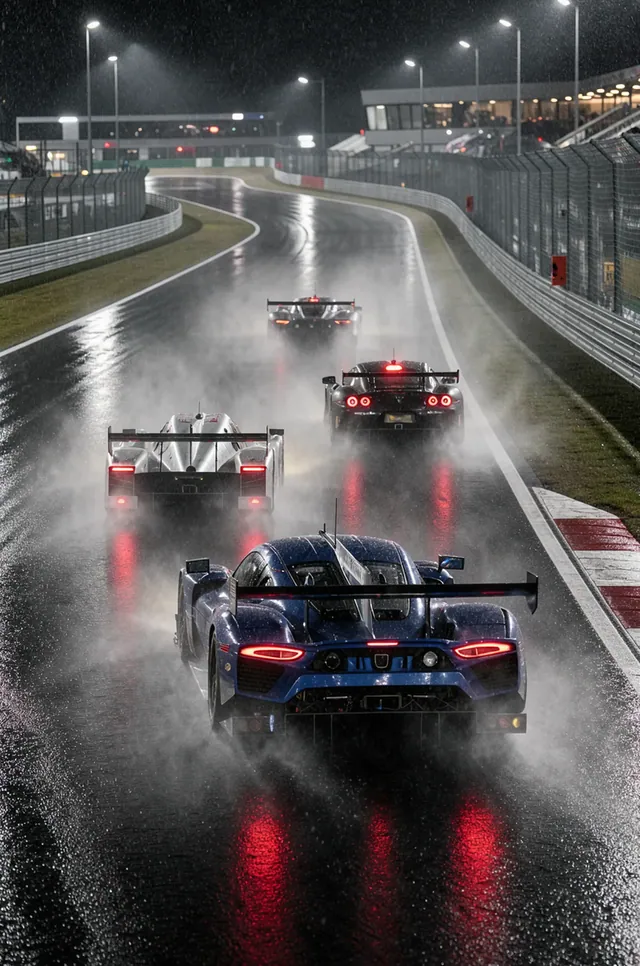
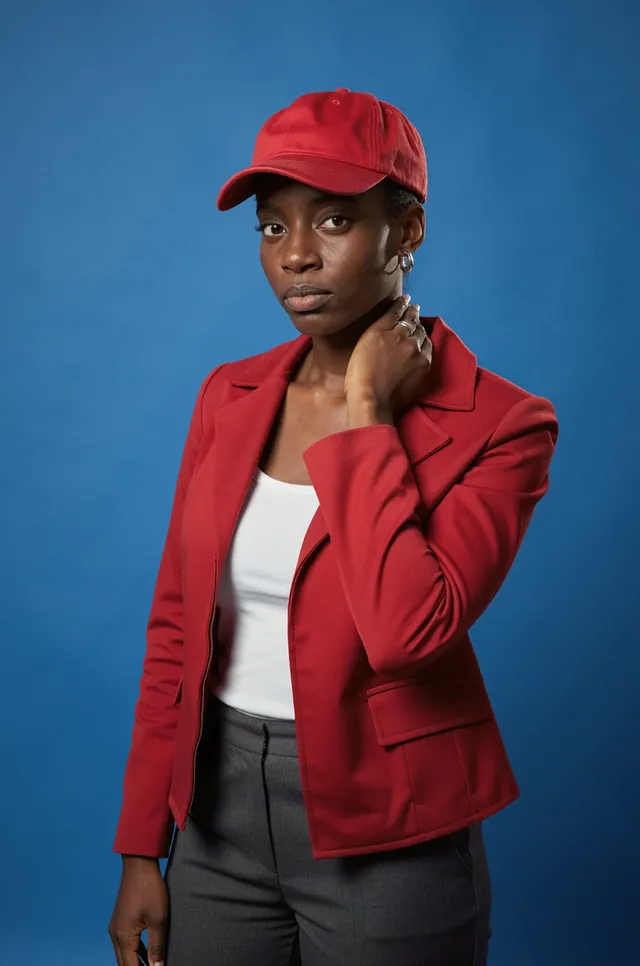
- Price
- Free to start · 3 images a day
- Output
- HD images, upscale to 8K
- Models
- FLUX, Imagen 4, GPT Image, Seedream
- Commercial use
- Included on paid plans
- Prompt language
- Any language
How it works
Three steps from idea to finished image.
- 1
Describe the shot
Write the subject, what happens and where: 'a red fox trots through fresh snow at dawn, breath visible in the cold air'. Magic Prompt can expand a short idea into a full prompt.
- 2
Direct the camera and format
Add a camera move such as a slow dolly in, an orbit or a handheld follow. Choose 16:9 for YouTube, 9:16 for Reels, Shorts and TikTok, or 1:1 for feed posts.
- 3
Pick a model and generate
Choose Veo 3, Kling or Seedance and generate. Change one thing in the prompt and run it again until the shot works, then download it.
What you can make
- Social clips: vertical 9:16 videos for Reels, Shorts and TikTok.
- Product shots: a sneaker turning on a pedestal, light sweeping across a perfume bottle.
- B-roll: city streets, nature, weather and abstract textures to cut into your edits.
- Animated scenes: anime, 3D animation, claymation or stop-motion styles.
- Music visuals: moody, atmospheric shots for tracks and lyric videos.
- Previsualization: test a shot, a mood or a camera move before you film it.
What you direct in the prompt
You control the shot in plain words. The more specific the direction, the closer the first take.
- Camera: dolly in, orbit, crane up, tracking shot, handheld, locked-off tripod.
- Motion: what moves and how fast, like hair in the wind or a slow turn to camera.
- Light and time: golden hour, blue hour, neon at night, overcast morning.
- Style: live action, 35 mm film grain, anime, 3D animation, claymation.
- Format: 16:9 for widescreen, 9:16 for vertical, 1:1 for square.
Text to video or image to video
Text to video builds the whole scene from your words and is the fastest way to explore ideas. Image to video starts from a still you made or uploaded, so the character, outfit, product and color stay exactly as you designed them.
Tips for better AI video
- One clear action per clip: 'she turns and smiles' works better than a whole storyline.
- Name the camera move, otherwise the model picks one for you.
- Describe the light and time of day; it sets the mood more than any style word.
- Lock the look first: create a still, refine it with Edit with words, then animate it.
- Keep a character consistent: make the stills with Characters, then animate each one.
- Run the same prompt on two models and keep the better take.
Prompt ideas
Copy a prompt, or open it in Idyllic and make it yours.
slow dolly in on a red fox trotting through fresh snow at dawn, breath visible in the cold air, soft golden light, 16:9
9:16 vertical, a barista pours latte art in slow motion, overhead shot, warm cafe light, shallow depth of field
white sneaker turning on a concrete pedestal, slow orbit, clean grey studio background, soft top light, 1:1
drone shot rising over a misty pine forest at sunrise, camera tilts up to reveal snowy mountains, cinematic color grade
anime style, a girl with short silver hair sprints across a rooftop at sunset, tracking shot, her jacket flapping in the wind, 16:9
handheld follow shot through a neon-lit Tokyo alley at night, rain on the pavement, reflections in puddles, 9:16
macro shot of ink drops blooming in water, purple and gold, slow motion, black background
claymation style, a small robot waters a potted plant on a windowsill, static camera, soft morning light
timelapse of clouds rolling over a desert canyon, shadows sweeping across red rock, wide 16:9
Frequently asked questions
Is there a free AI video generator?
Video isn't on Idyllic's free plan. It starts on Pro ($17.50/month billed yearly) with 40 videos a month, and Max ($33.25/month billed yearly) includes 150. The free plan gives you 3 images a day with no credit card, enough to design a first frame you can animate later.
How long does it take to generate a video?
Usually under a few minutes, and it varies by model. Start with a short, clear prompt, watch the first take, then refine.
Which video models can I use?
Veo 3, Kling and Seedance, all in one place. Each model handles motion and style a little differently, so try the same prompt on two and keep the take you prefer.
Can I turn an image into a video?
Yes. Upload a photo or use an image you made in Idyllic, then describe what should move and how the camera behaves. The video keeps the look of your image.
Can I use AI videos commercially?
Yes. Video is on the Pro and Max plans, and paid plans include a commercial license, so you can use your clips in ads, client work and monetized channels. Private mode keeps them out of the public gallery.
What aspect ratios can I make?
16:9 for YouTube and widescreen, 9:16 for Instagram Reels, YouTube Shorts and TikTok, and 1:1 for square feed posts. Pick the ratio before you generate so the shot is composed for it.
How many videos do I get per month?
Pro includes 40 videos a month for $17.50/month billed yearly. Max includes 150 videos a month for $33.25/month billed yearly.
How do I write a good text to video prompt?
Cover four things: the subject, one clear action, the camera move and the light. For example: 'slow dolly in on a fox trotting through snow at dawn, soft golden light, 16:9'. Prompts work in any language.
Related tools
See all Video, 3D and editing


More in Video, 3D and editing

Your turn.
Free to start. No credit card.