Ready-made flow · Flash-style tattoo designs to take to your artist
AI Tattoo Generator
Idyllic's AI tattoo generator turns your idea into four custom tattoo designs drawn as clean black ink on white, the format your artist can turn into a stencil. Pick fine line, traditional, Japanese, blackwork, minimal or geometric. Each design is a different composition with a suggested placement, so you walk into the consultation with real options.
- Format
- 1:1, black ink on white
- You get
- 4 designs, each with a placement idea
- Styles
- Fine line, traditional, Japanese, blackwork, minimal, geometric
- Image model
- Recraft V4.1
- Credits
- 36 for 4 designs, Plus and up
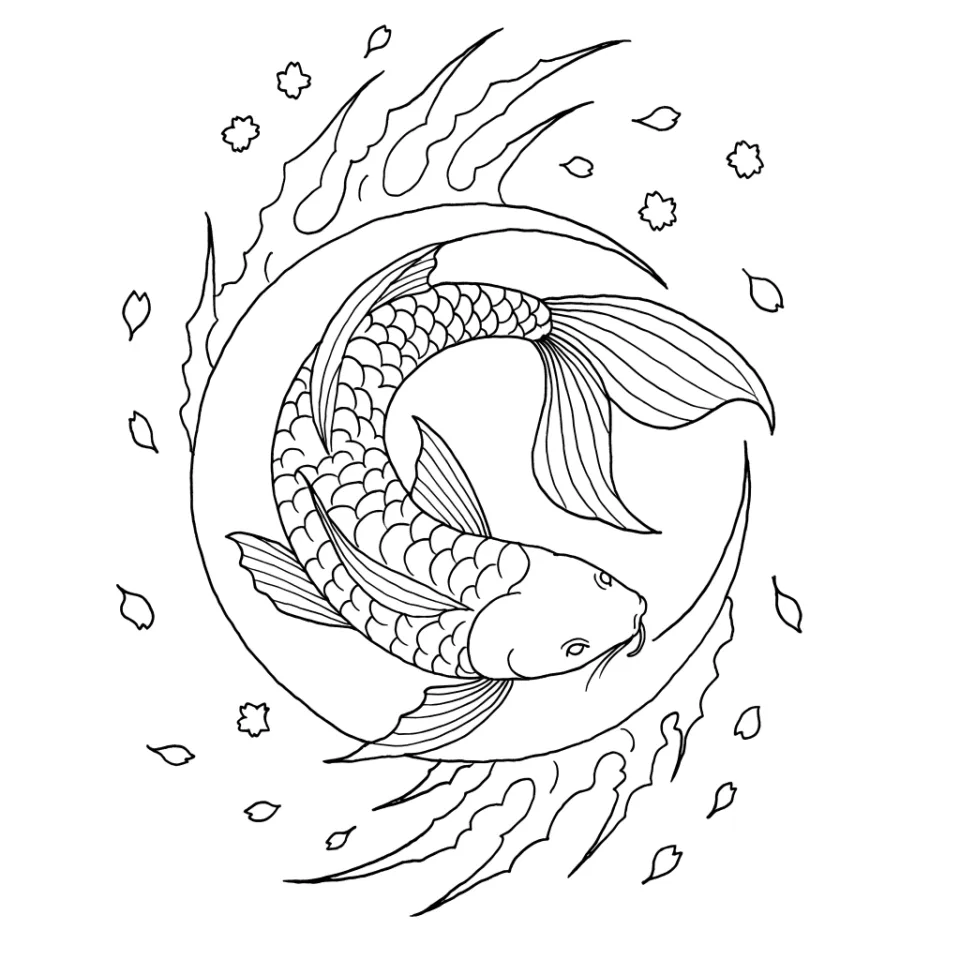
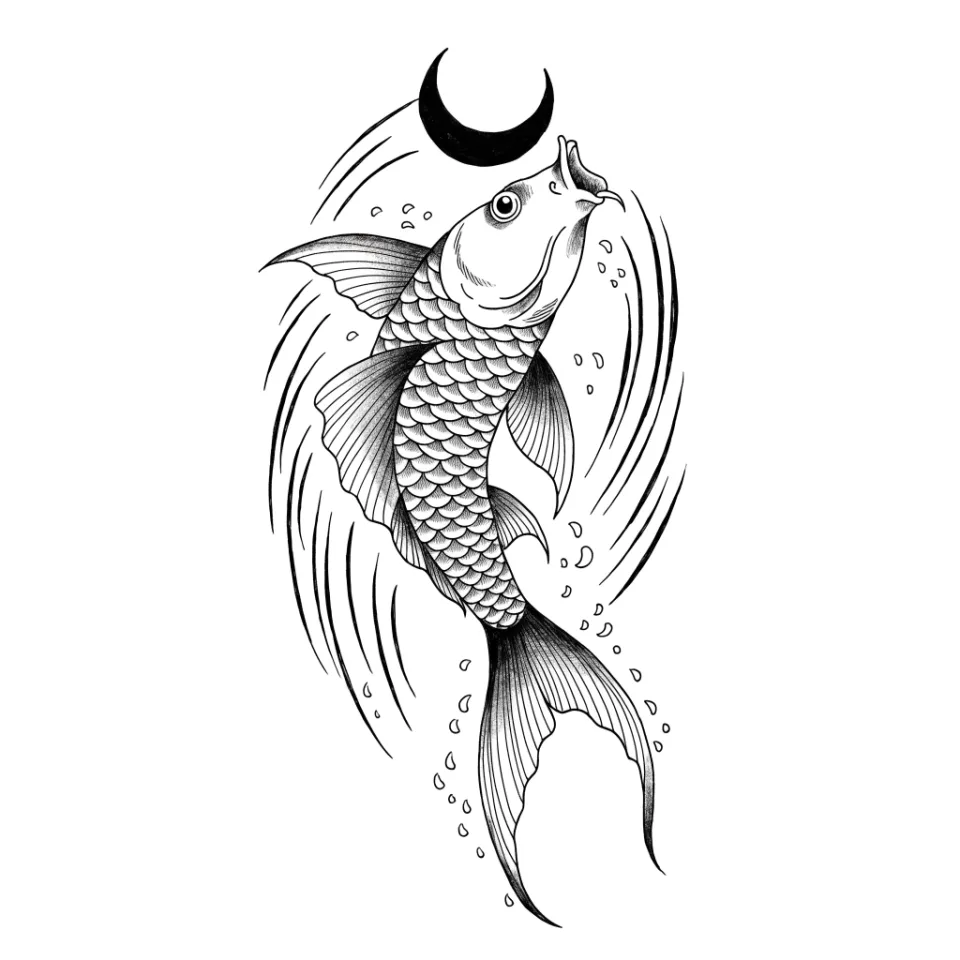
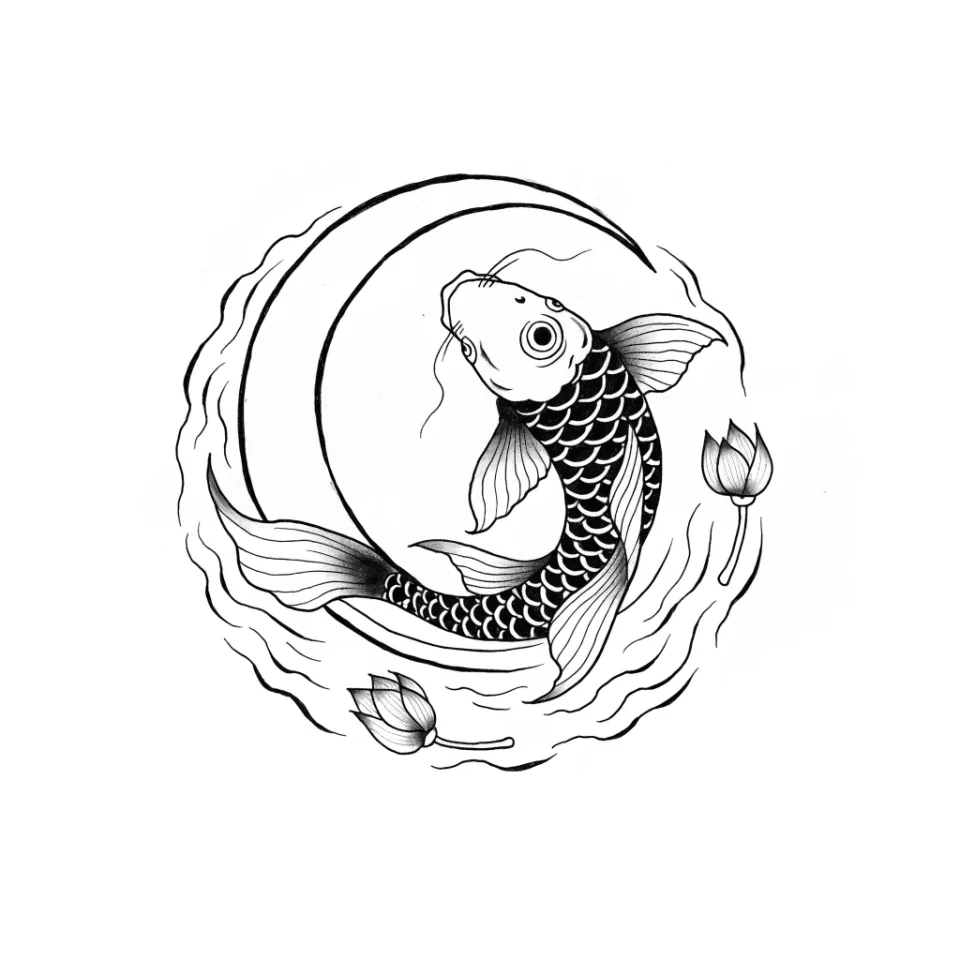
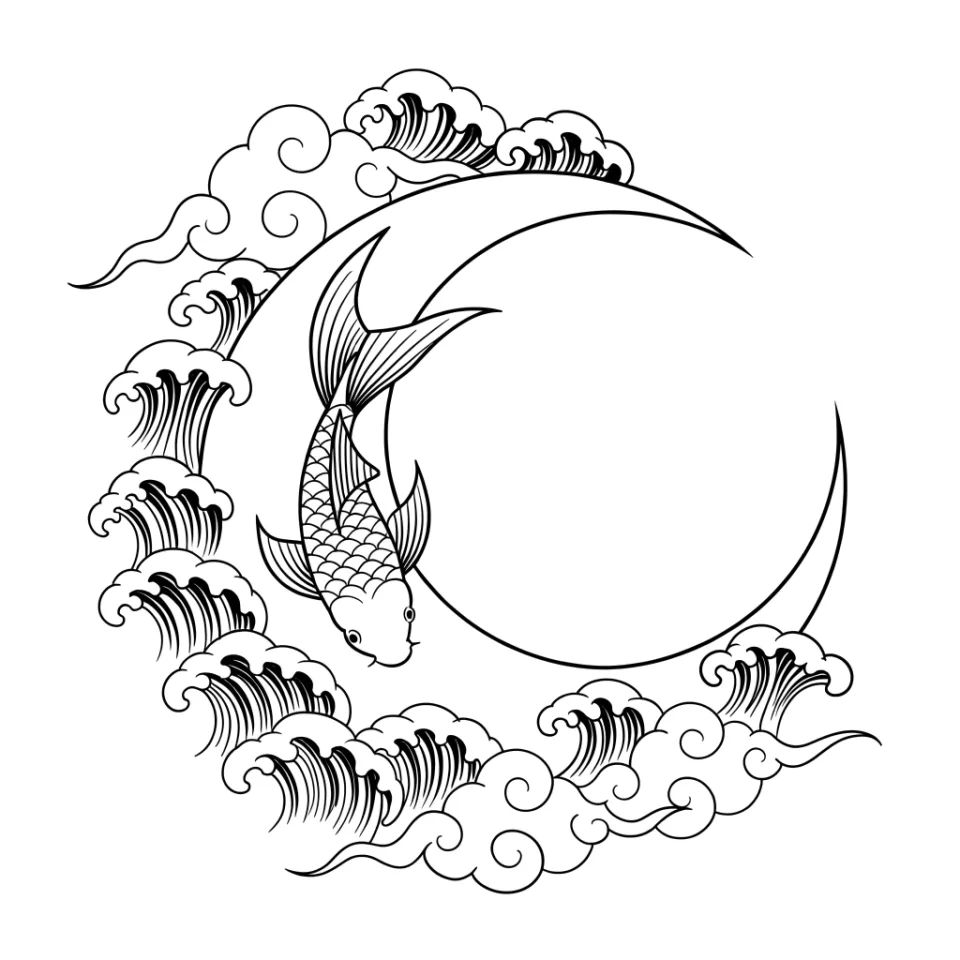
Real output · no retouching
One brief.
4 results.
- What should the tattoo be?
- A koi fish swimming around a crescent moon
- Style
- Japanese
How to make it
Four steps, about a minute of your time. These are real screens from the run above.
- 01
Describe the tattoo
Write what the tattoo should be in a line, including what it means if that matters. Pick a style and how many designs you want.
Open the flow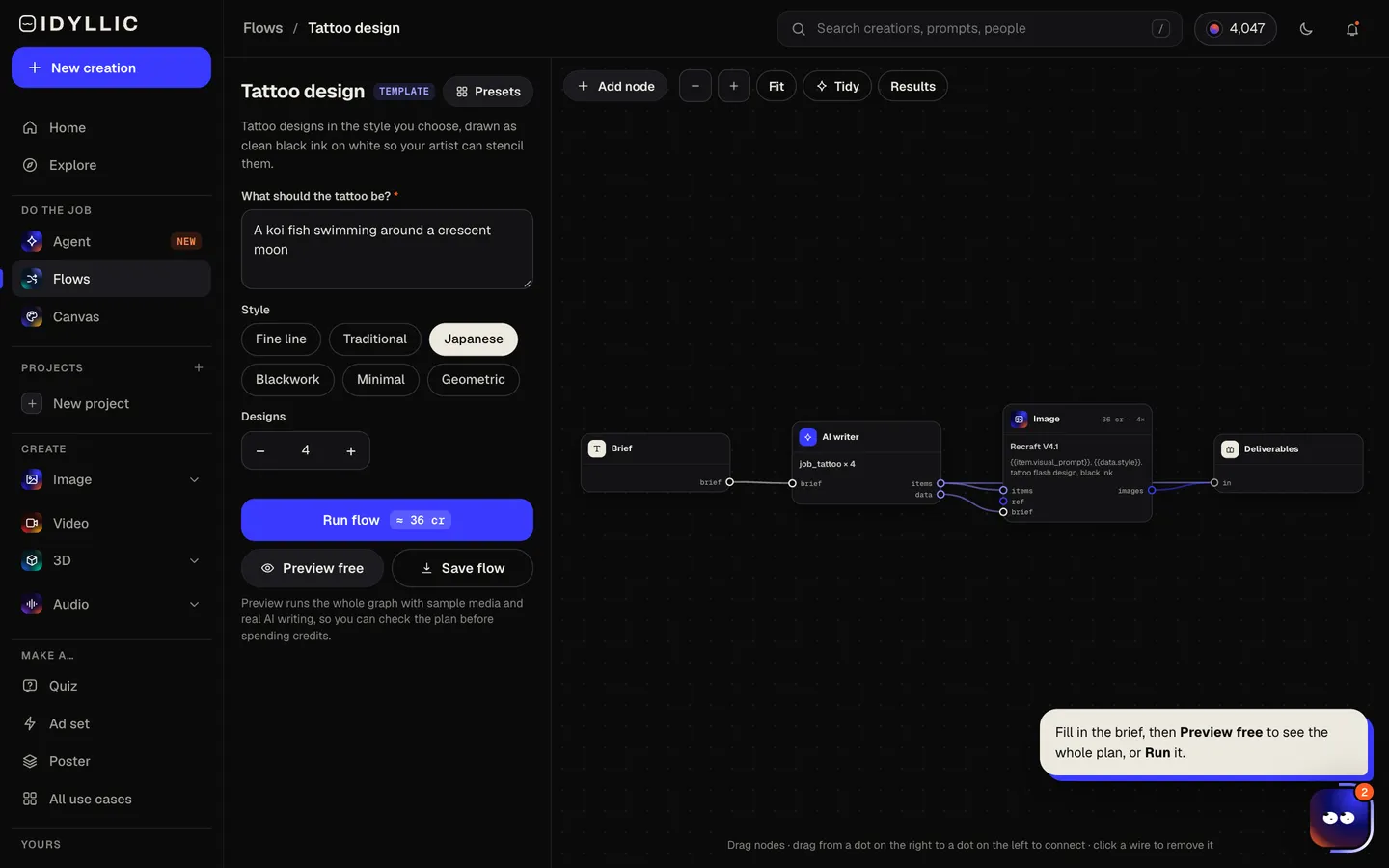
- 02
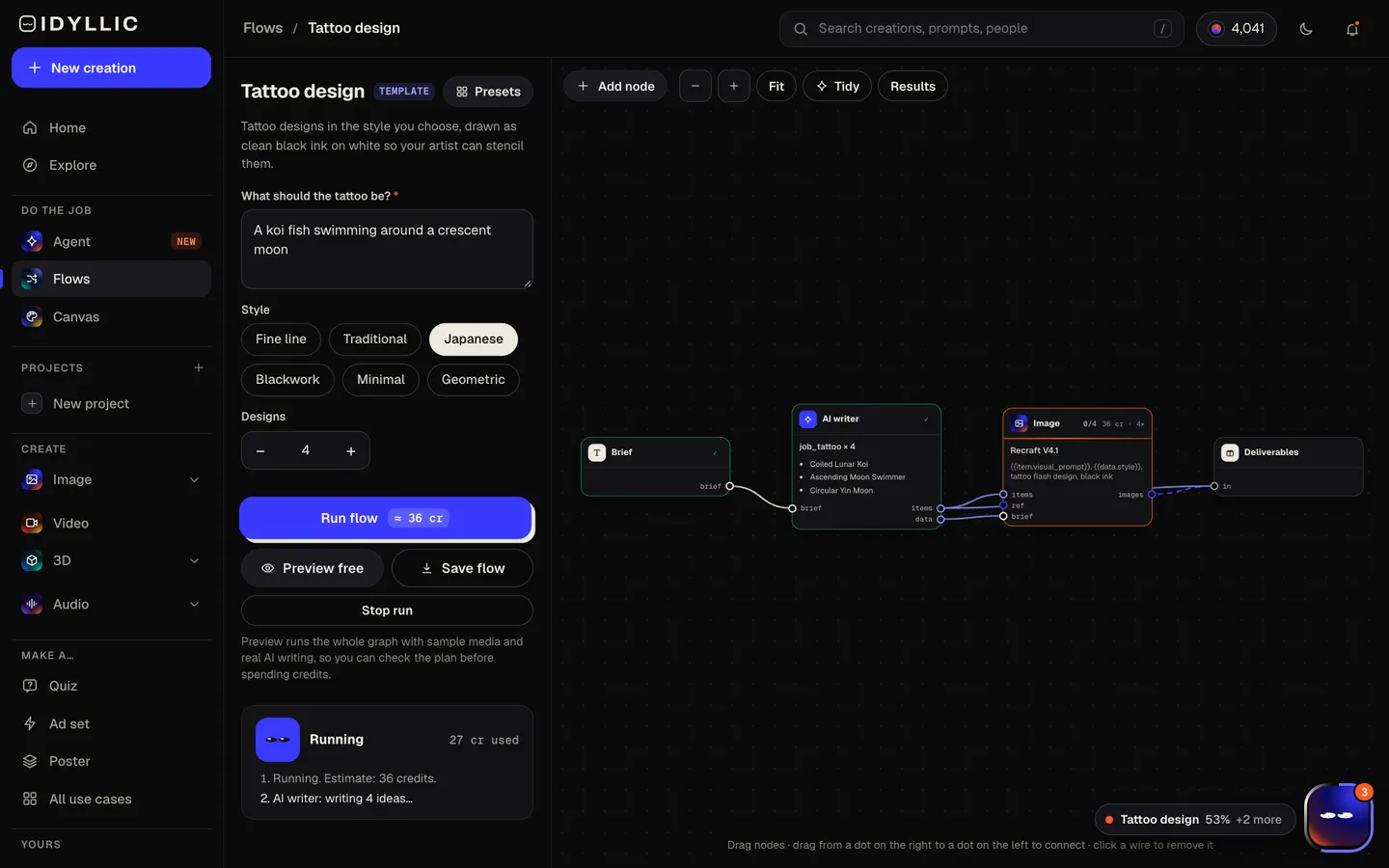
It plans and draws
The AI writer plans a different composition for each design and notes where it would sit well, like forearm or shoulder. Recraft V4.1 draws each one as tattoo flash in black ink on plain white. Preview the flow free first.
- 03
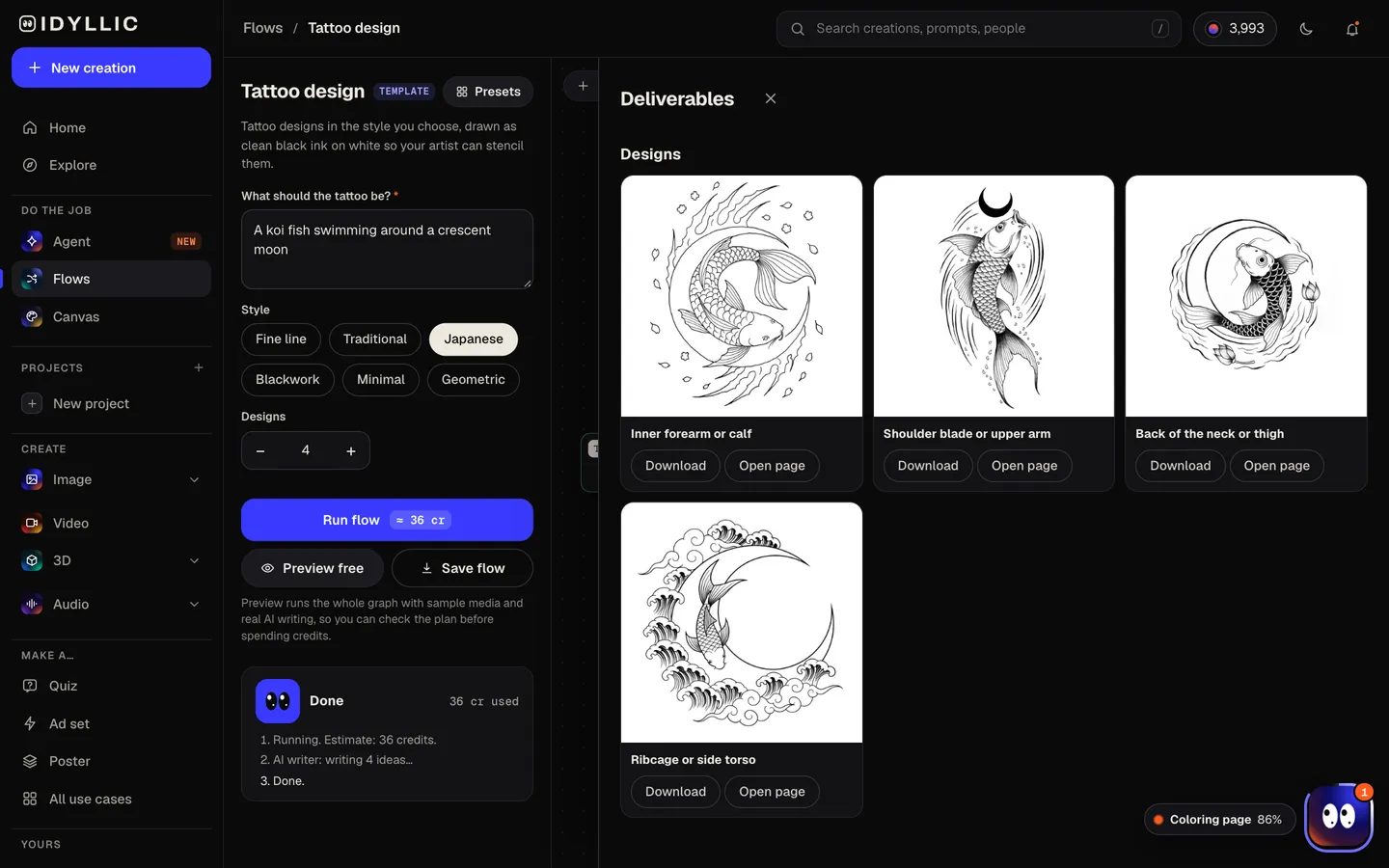
Compare the flash
All the designs land side by side, each with its placement note, so you can see which composition fits the spot you have in mind.
- 04
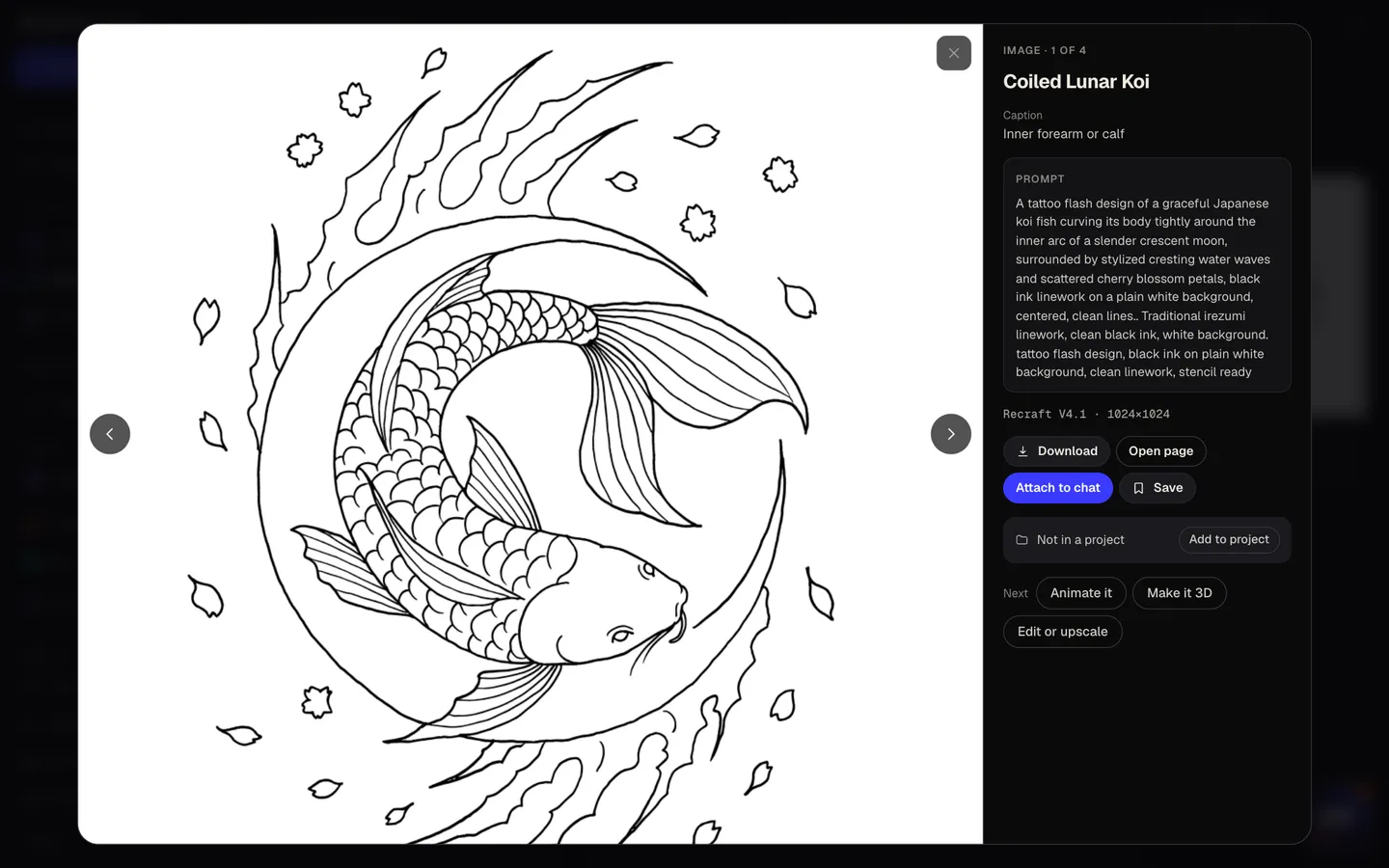
Download and bring it in
Open your favorite full size and download it to show your artist. Or refine it in Canvas: select an area and change it, erase a detail, or upscale it for a clean print.
Why it beats
a template
Flash, not a photo of a tattoo
Designs come as clean black linework on white rather than a mockup on skin, which is what an artist needs to plan a stencil.
A placement idea with every design
The AI writer notes where each composition would sit well, so a long vertical piece is not pitched for your wrist.
Four compositions from one idea
Same meaning, four different takes: a tight emblem, a flowing vertical, a framed piece, a minimal version.
Six styles that tattoo well
Fine line, Traditional, Japanese, Blackwork, Minimal and Geometric, each drawn with the line weight and fills that style calls for.
Refine before you book
In Canvas, select a part and describe the change, or erase what you don't want. Bring two or three versions to your consultation.
Yours to use
Paid plans include a commercial license and private mode, so you can sell flash sheets or keep a personal design out of the public gallery.
What makes a tattoo design your artist can use
- Ask for clean black linework. Your artist adds shading and color in their own hand.
- Keep small pieces simple. Fine detail packed into a small space tends to blur as the ink settles over the years.
- Match the shape to the spot: long and vertical for forearms and calves, round or symmetrical for the back and chest.
- Check the spelling and meaning of any lettering or symbol before you book.
- Bring two or three variations. Artists redraw designs to fit your body and their style.
- Pick a style your artist actually does. A fine-line specialist and a traditional shop work very differently.
Tattoo placement and size guide
| Wrist, ankle, behind the ear | Small | Fine line or minimal: a few clean lines, little or no shading |
|---|---|---|
| Inner forearm | Small to medium, vertical | Room for detail, botanicals and lettering |
| Upper arm and shoulder | Medium | Traditional and blackwork read well here |
| Calf and thigh | Medium to large | Vertical compositions and bolder pieces |
| Half sleeve or back | Large | Japanese and full compositions; plan the flow with your artist |
The flow makes square designs in black ink on white. Your artist scales the linework to your body and makes the stencil from it, so treat the design as the brief, not the final stencil.
Steal a brief
Each one opens the flow with the brief filled in. Change anything before you run it.
A peony and fern sprig for my inner forearm
A swallow carrying a vintage key with a banner that reads “Rosa”
A geometric wolf head made of sharp triangles
A koi swimming upstream through waves and cherry blossoms
A single-line cat silhouette, small enough for behind the ear
A mandala with a crescent moon at the center
A fox in an ornamental frame with autumn leaves
The words “still here” in elegant script for my collarbone
A mountain range inside a circle with a single pine tree
Questions
Is the AI tattoo generator free?
You can preview the whole flow free, with real AI planning and sample images. Running it for real is on Plus ($10.50/mo, billed yearly) and up, and uses 36 credits for 4 designs. The free plan also includes 3 free images a day in the image studio.
Can I get a real tattoo from an AI design?
Yes, as a starting point. A professional artist will adjust line weight, size and placement so the design works on skin and ages well, then make the stencil.
Is the design stencil-ready?
It is drawn the way stencils start: clean black ink on plain white with no background. Your artist sizes it to your body and makes the stencil from it.
Can I put a name or a date in the tattoo?
Yes. Write the exact words in quotes in your idea. Check the spelling closely before your appointment, and ask your artist to refine the lettering if needed.
Can I change one part of the design?
Yes. Open it in Canvas, select the area and describe the change, or erase it. The rest of the design stays as it was.
Can I get a color tattoo design?
The flow draws black linework on white, which is what artists stencil from. Talk color through with your artist, or try it in Canvas by selecting an area and describing the colors you want.
Can I sell tattoo flash I make here?
Yes. Running the flow is on Plus and up, and paid plans include a commercial license. Private mode keeps designs out of the public gallery.
Your turn.
Preview the whole flow free. No credit card.