Explore Enchanting Owl Forest Embroideries
Create Explore Enchanting Owl Forest Embroideries with Idyllic: describe what you want, pick a style and get HD images in seconds. Change any detail just by saying so, then download. Free to start, no credit card.
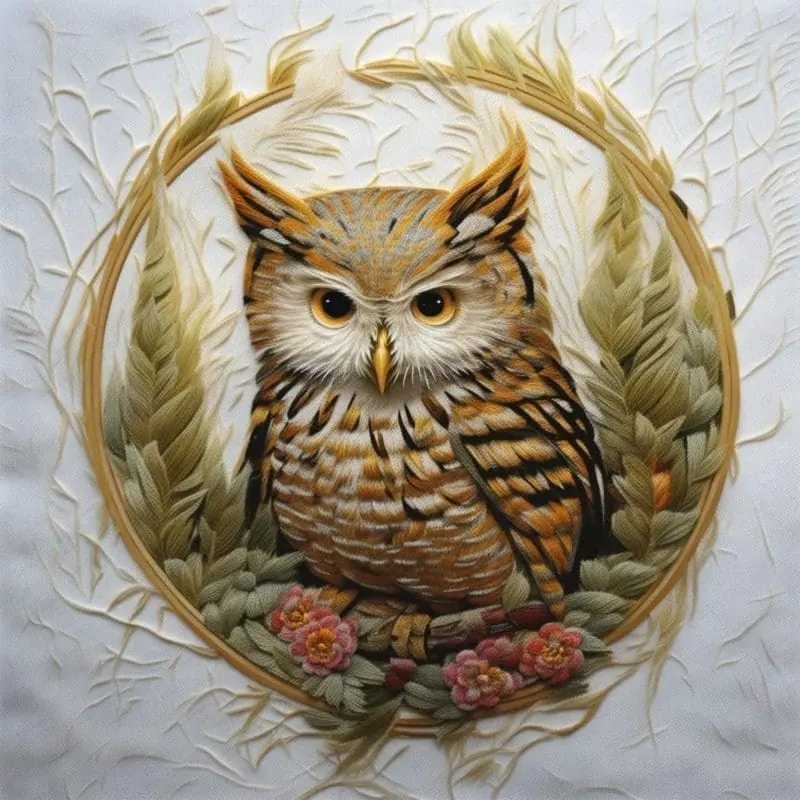
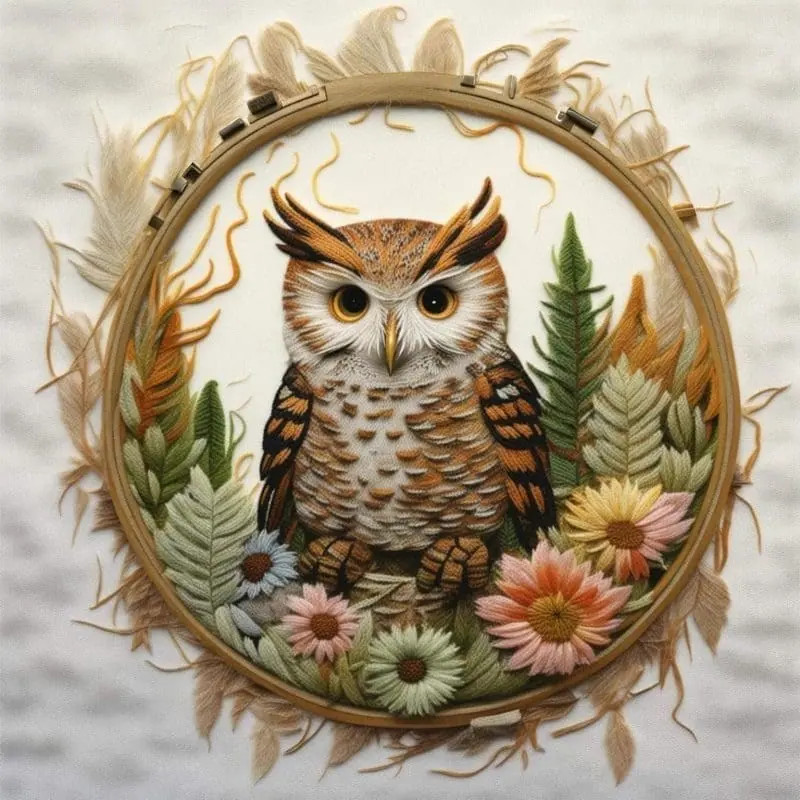
- Price
- Free to start · 3 images a day
- Output
- HD images, upscale to 8K
- Models
- FLUX, Imagen 4, GPT Image, Seedream
- Commercial use
- Included on paid plans
- Prompt language
- Any language
Examples
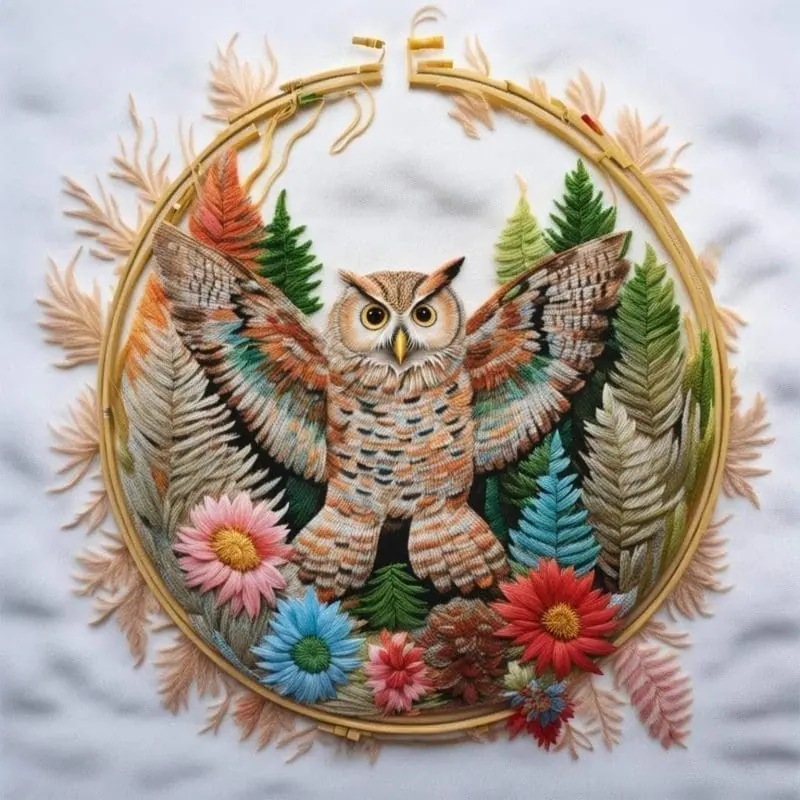
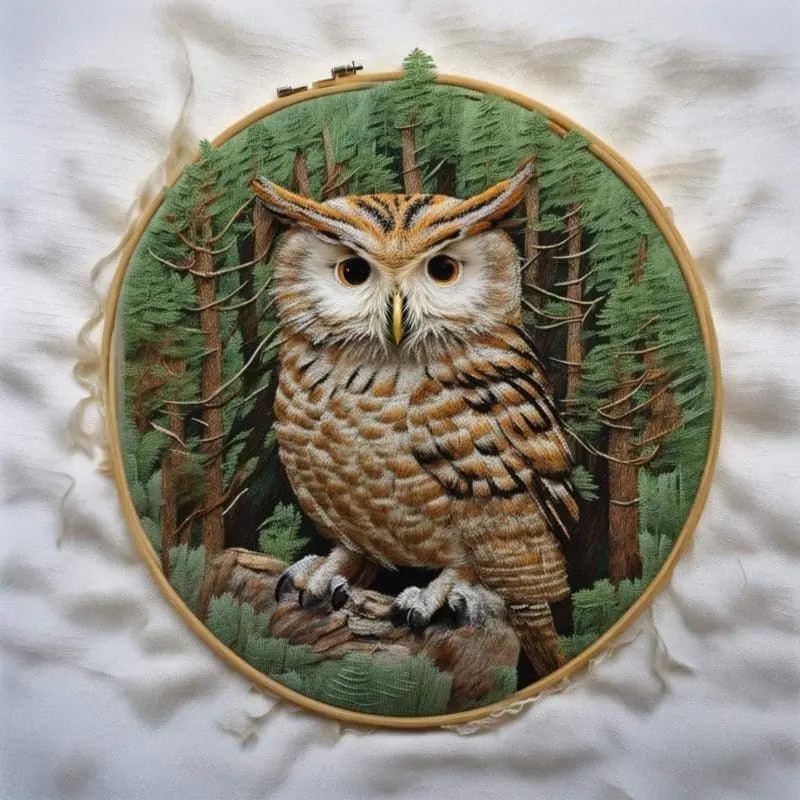
How it works
Three steps from idea to finished image.
- 1
Describe it
Type what you want in plain words, or start from one of the prompt ideas below. Magic Prompt can expand a few words into a detailed prompt.
- 2
Pick a style and format
Choose a model, style and aspect ratio. Idyllic generates several options in seconds.
- 3
Refine and download
Say what to change and only that changes. Upscale your favorite and download it in HD.
Turn Imagination into Art
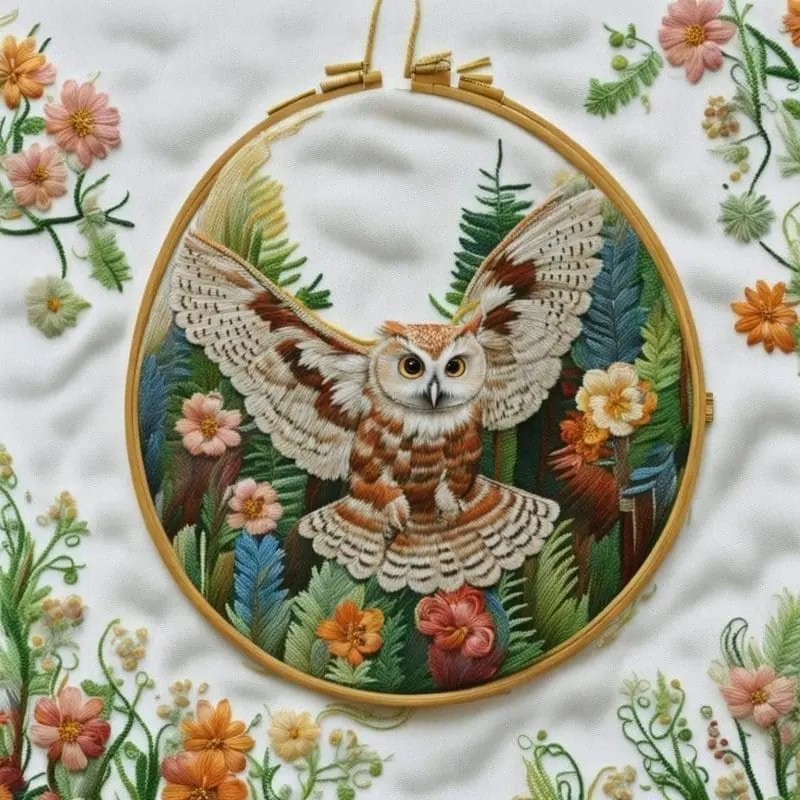
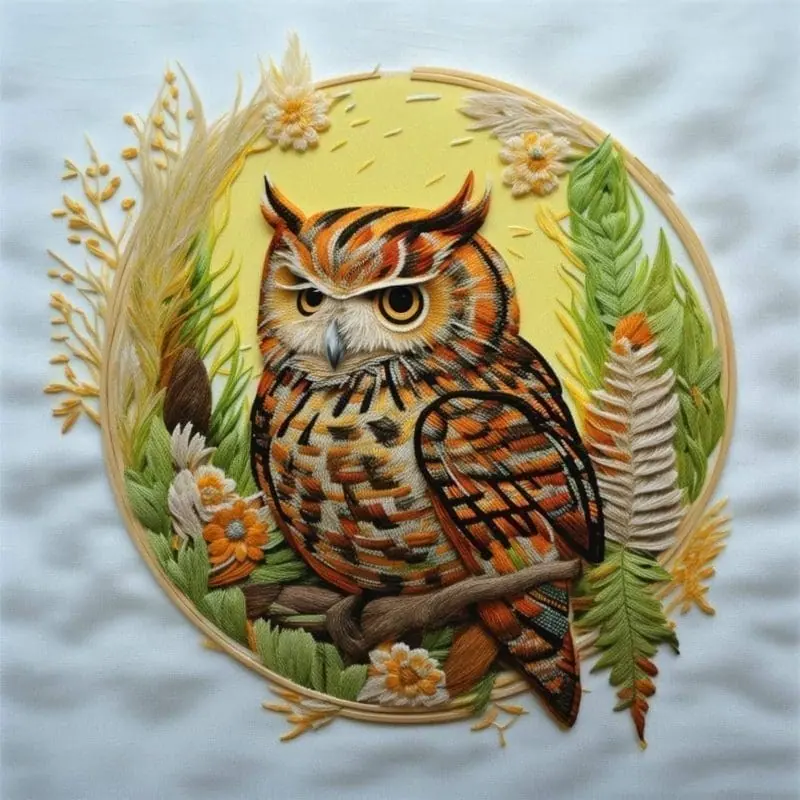
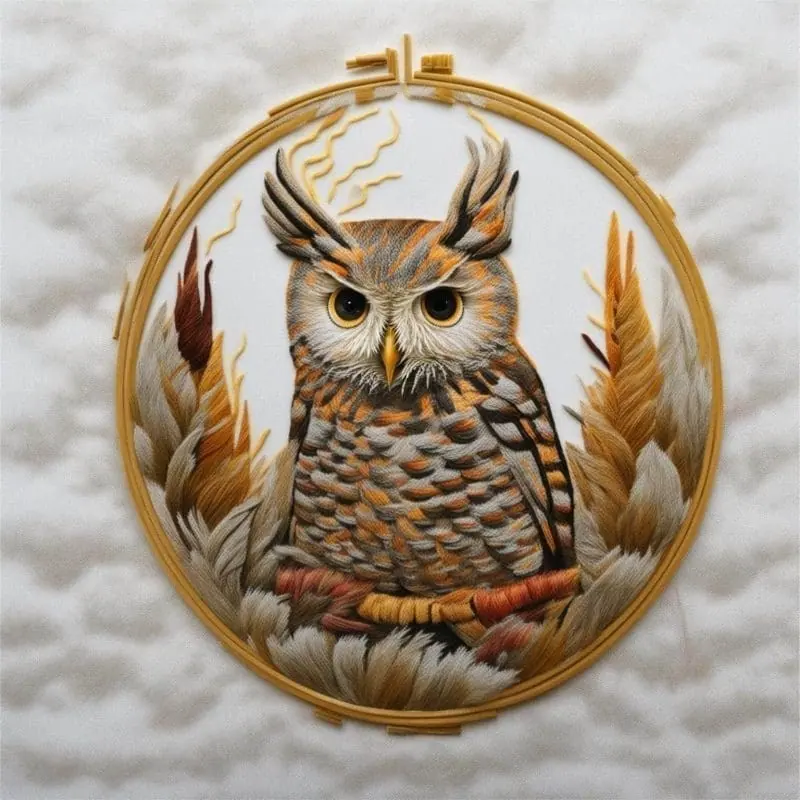
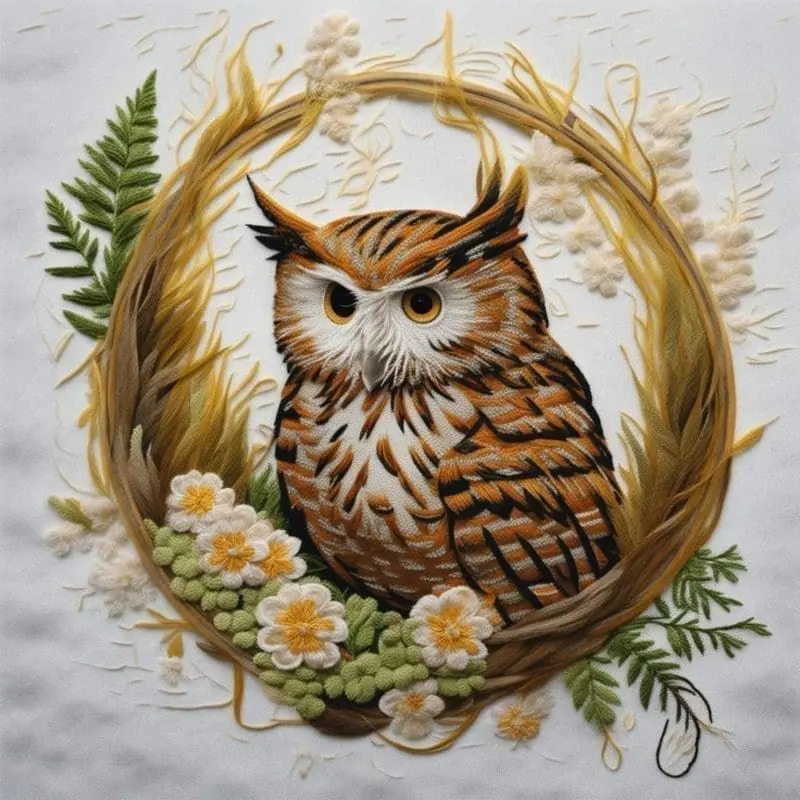
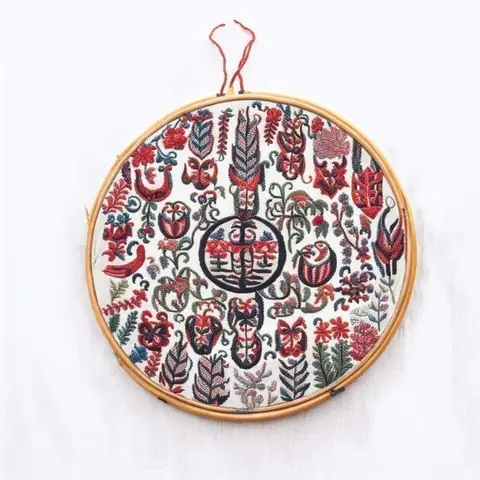
With Idyllic’s text-to-image generation, design intricate owl forest embroideries right from your imagination. Type in your thoughts and watch as Idyllic transforms them into intricate embroidery patterns. Whether you prefer large, mysterious owls in shadowy trees or colorful, playful owlets in sunlit clearings, Idyllic’s got you covered.
Share and Inspire
Immerse yourself in Idyllic’s community of creative enthusiasts. Share your workflows, explore others’ creations, and draw inspiration from a diverse pool of creativity. Follow, like, comment and exchange ideas—because shared creativity blooms beautifully.
Frequently asked questions
How precise can I get with the image generation?
Idyllic’s text-to-image generation allows you to add various styles and needs, including intricate details for your owl and forest design. The Iterative Creation Process also allows you to further refine your generated images.
Can I add my own touch to the designs?
Definitely! You can blend or ‘Remix’ different images and elements to create a unique, personal style for your embroidery.
Can I share my designs with others?
Yes! You can share and publish ‘threads’ of your workflow, showcasing the creative process and final results to others within the Idyllic community.
Related tools
See all Fashion, nails and style



More in Fashion, nails and style

Your turn.
Free to start. No credit card.