Halloween Zoom Background
Idyllic's Halloween Zoom background generator creates 16:9 virtual backdrops with a clear center where you sit, from cozy pumpkin-lit offices to haunted libraries and cute bat-filled parties. Choose how spooky it should be for the meeting, keep the lighting even, and upscale to 1920×1080 or higher. The same images work in Microsoft Teams and Google Meet.
- Price
- Free to start · 3 images a day
- Output
- HD images, upscale to 8K
- Models
- FLUX, Imagen 4, GPT Image, Seedream
- Commercial use
- Included on paid plans
- Prompt language
- Any language
How it works
Three steps from idea to finished image.
- 1
Pick the scene and spook level
Choose cozy (pumpkins, candles, warm light), cute (friendly ghosts, bats, candy) or full haunted (fog, moonlight, cobwebs).
- 2
Frame it for a webcam
Ask for 16:9 with an empty middle and the details pushed to the edges and upper corners, where your head and shoulders won't cover them.
- 3
Upscale and upload
Upscale to 1920×1080 or higher, download, then add it in Zoom under Settings, Background & Effects.
Halloween background ideas
- Cozy spooky office: bookshelves with pumpkins, string lights, a black cat on a shelf.
- Haunted library: tall gothic windows, candles, floating books, light fog.
- Pumpkin patch at dusk: rows of jack-o'-lanterns under an orange sky.
- Cute Halloween party: pastel ghosts, bats, candy jars, purple lights.
- Witch's kitchen: bubbling cauldron, potion bottles, hanging herbs.
- Spooky forest: moonlit trees and mist, kept bright enough to see you.
Tips for a background that works on calls
- Keep it brighter than you think; dark scenes make your outline harder to separate.
- Leave the center calm and lower in contrast so edges around your head look clean.
- Skip small text; your own preview is mirrored, though others see it the right way round.
- Avoid green tones if you use a green screen.
Match the spook level to the meeting
- Client call: minimal decor, a few pumpkins, warm professional lighting.
- Team social: cute ghosts, candy and purple party lights.
- Friends' party or game night: full haunted house, fog and moonlight.
Prompt ideas
Copy a prompt, or open it in Idyllic and make it yours.
Halloween Zoom background, cozy spooky home office, carved pumpkins on bookshelves, warm orange string lights, black cat on a shelf, empty center, 16:9
haunted library virtual backdrop, tall gothic windows, candles, floating books, light fog, bright enough for video calls, clear middle area, 16:9
cute Halloween party background, pastel ghosts and bats, candy jars, purple and orange lights, playful, clean center for the speaker, 16:9
pumpkin patch at dusk, rows of glowing jack-o'-lanterns, orange sky, scarecrow on the far left, wide 16:9 webcam background
witch's kitchen backdrop, bubbling green cauldron on the right, potion bottles on shelves, hanging herbs, warm candlelight, 16:9
moonlit spooky forest, twisted trees framing the edges, soft blue mist, full moon top right, not too dark, 16:9 virtual background
minimal Halloween office background, white wall with simple black paper bats, one pumpkin on a side table, clean and professional, 16:9
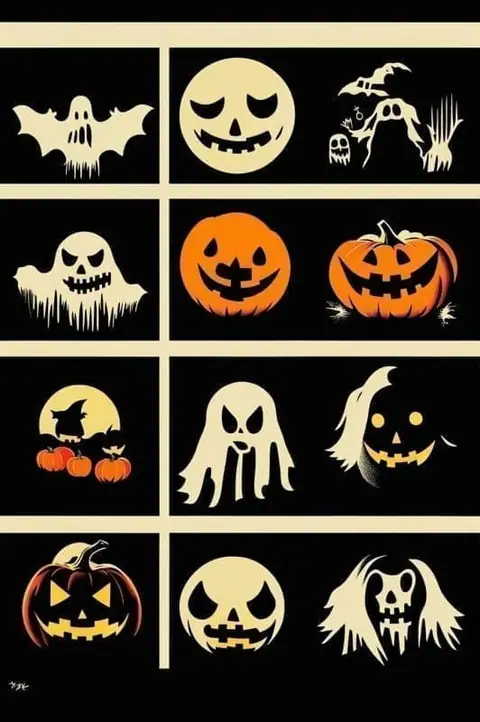
retro 1950s Halloween living room, vintage paper skeletons and garlands, warm lamp light, film grain, empty sofa in the center, 16:9
Frequently asked questions
Is the Halloween Zoom background generator free?
Yes. You get 3 free images a day with no credit card. Paid plans start at $10.50/month billed yearly and add private mode.
What size should a Zoom background be?
16:9 at 1920×1080 pixels works best. Zoom accepts JPG, PNG and GIF images, and MP4 or MOV videos.
How do I add it to Zoom?
Open Zoom settings, go to Background & Effects, click the plus icon and upload your image.
Will it work in Microsoft Teams and Google Meet?
Yes. Both accept custom image backgrounds, and a 16:9 image at 1920×1080 suits all three apps.
Why does the text on my background look backwards?
Zoom mirrors your own preview by default. Other people see the text correctly, or you can turn off 'Mirror my video' in Video settings.
Can I make a work-appropriate version?
Yes. Ask for cozy or minimal Halloween decor with warm lighting and nothing gory. It keeps things fun for a client call.
Can I make an animated Halloween background?
Yes. Turn your image into a short video with Veo 3, Kling or Seedance, such as flickering candles or drifting fog, then upload it to Zoom as an MP4.
Related tools
See all Occasions and greetings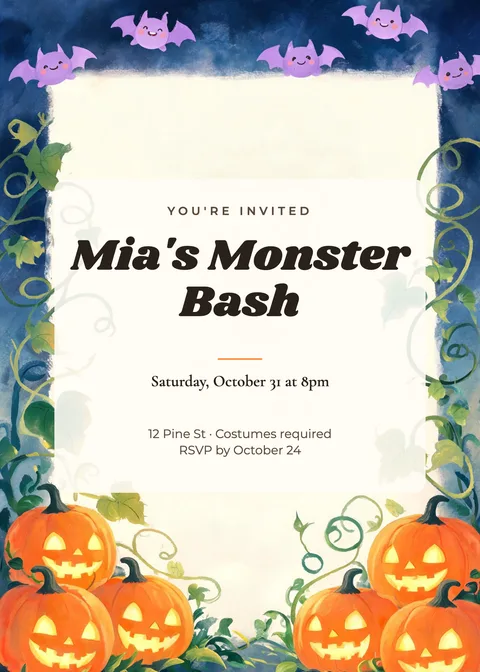
More in Occasions and greetings
Your turn.
Free to start. No credit card.