Corn Drawing Collection
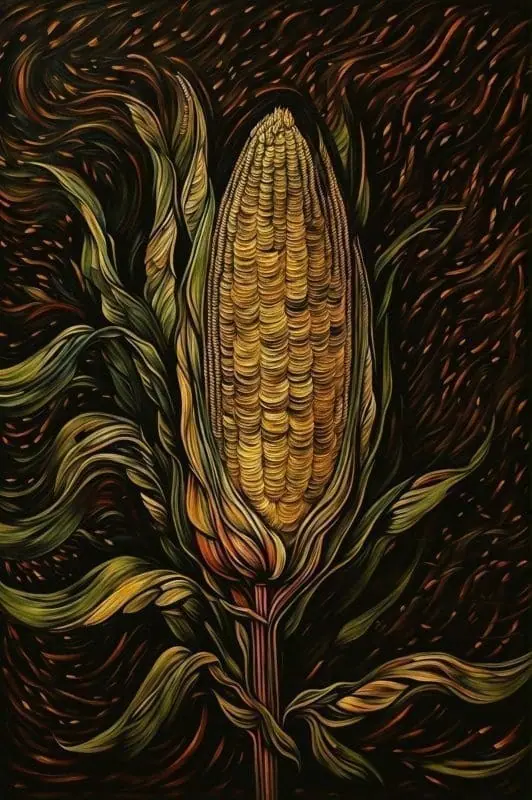
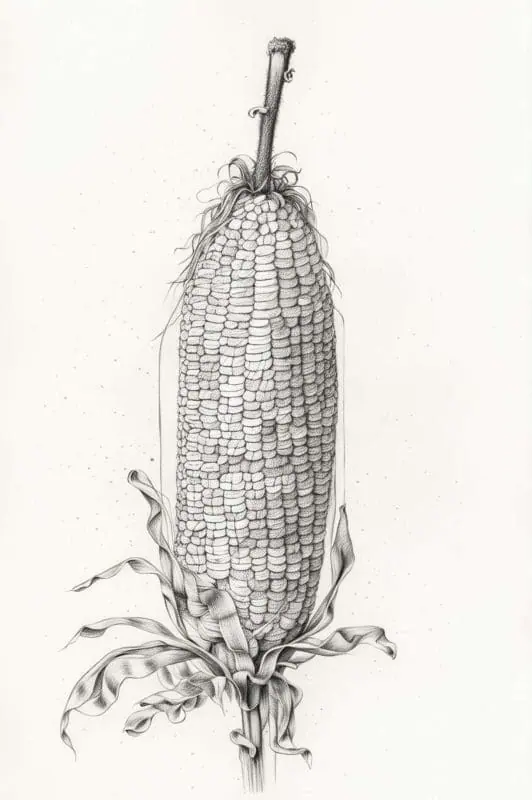
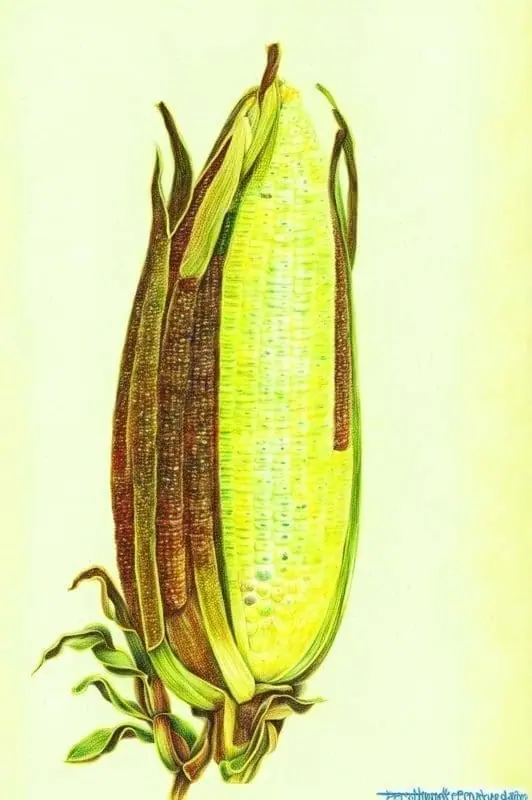
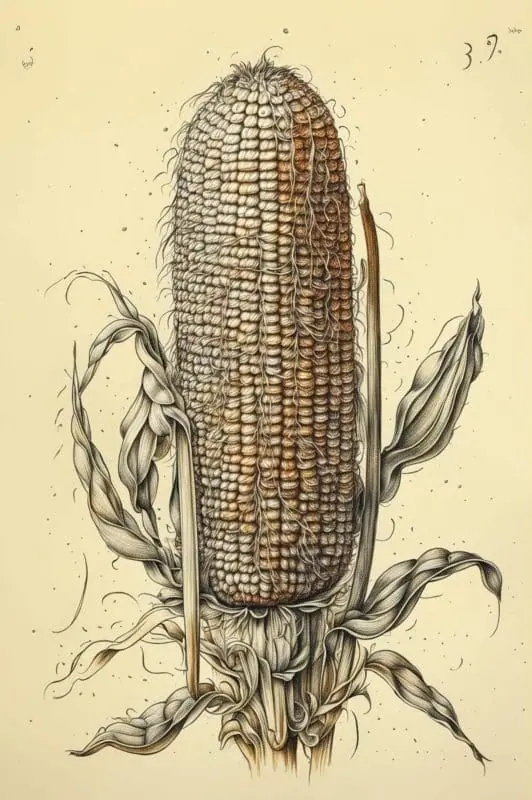
Breathe life into your artistic ideas with our easy-to-use text-to-image technology. Create complex corn illustrations in seconds, not hours, using simple text commands. Explore our huge collection of user-generated Corn Art!
- Price
- Free to start · 3 images a day
- Output
- HD images, upscale to 8K
- Models
- FLUX, Imagen 4, GPT Image, Seedream
- Commercial use
- Included on paid plans
- Prompt language
- Any language
Examples
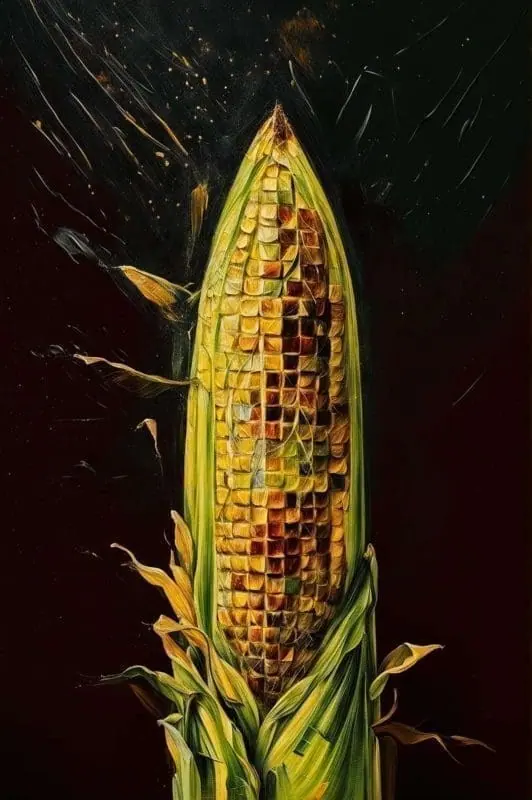
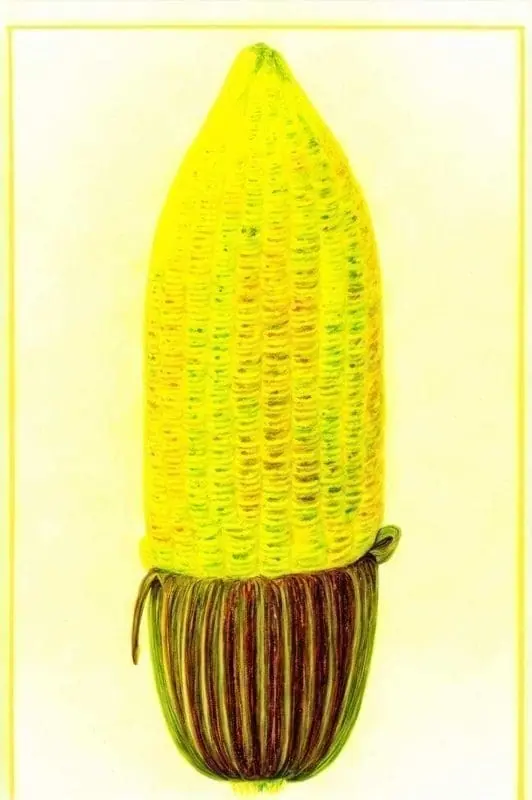
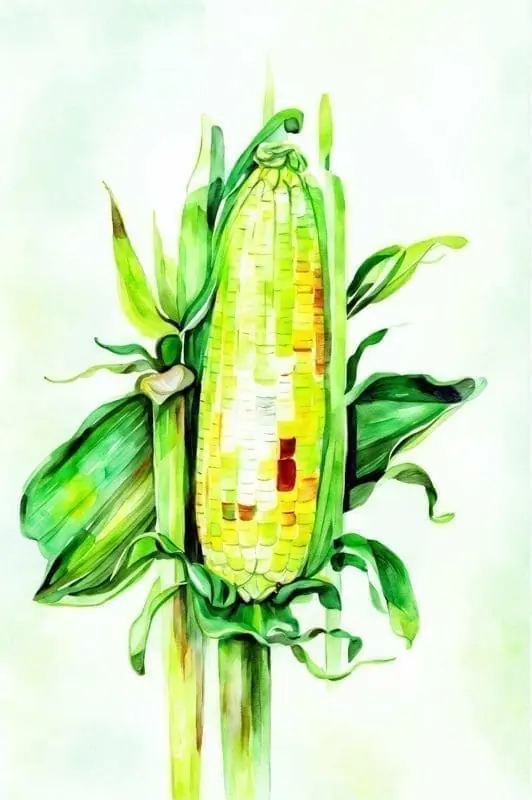
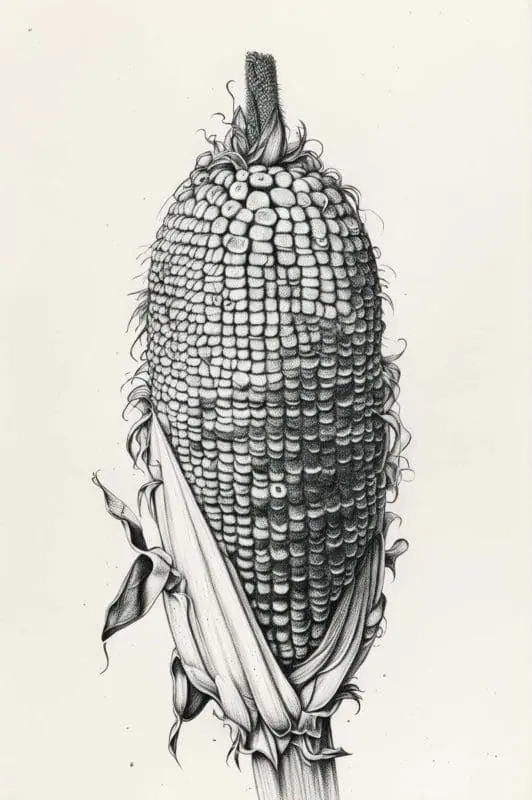
How it works
Three steps from idea to finished image.
- 1
Describe it
Type what you want in plain words, or start from one of the prompt ideas below. Magic Prompt can expand a few words into a detailed prompt.
- 2
Pick a style and format
Choose a model, style and aspect ratio. Idyllic generates several options in seconds.
- 3
Refine and download
Say what to change and only that changes. Upscale your favorite and download it in HD.
Master the Art of Corn Drawing with Idyllic
Have you ever wanted to create an intricately detailed image of corn but found the process daunting? With Idyllic’s text-to-image generation feature, you can now convert your descriptive words into stunning visuals. Idyllic bridges the gap between creativity and technology, making the task of corn drawing as simple as typing a string of words.
High Quality, Customised Corn Images
Choose the image resolution that suits your needs, whether you’re looking for a highly detailed fine art piece or a simple sketch. Our specialized generative models ensure that your corn image comes out in top quality, just the way you want it.
Iterative Creation for Perfect Results
Gone are the days of ‘getting it right the first time or starting over’. At Idyllic, we embrace the iterative process of creativity. Refine your corn images precisely to your satisfaction with our iterative creation process.
Join the Idyllic Corn Drawing Community
Browse creations of others, share your own, or discuss corn drawing ideas within our welcoming community. Find inspirations, share your creativity, and learn from each other’s techniques.
Frequently asked questions
How do I create a corn image on Idyllic?
Simply use the text-to-image feature and describe your corn in detail. You can specify color, size, and even the style of your corn image. The more specific you are, the closer the generated image will be to your vision.
Can I refine my corn drawing?
Yes, if the generated corn image is not up to your expectation, you can refine it by providing more specific commands or details.
Is it free to use?
Yes. You can create 3 images a day for free with no credit card. Paid plans add more images, video, every model, private mode and a commercial license.
Do I need to be good at writing prompts?
No. Describe what you want the way you would say it. Magic Prompt turns a few words into a detailed prompt, and you can fix anything afterwards by describing the change.
Related tools
See all AI art and image styles

More in AI art and image styles

Your turn.
Free to start. No credit card.