Dragon Drawings | Explore Collection
Create Dragon Drawings with Idyllic: describe what you want, pick a style and get HD images in seconds. Change any detail just by saying so, then download. Free to start, no credit card.

- Price
- Free to start · 3 images a day
- Output
- HD images, upscale to 8K
- Models
- FLUX, Imagen 4, GPT Image, Seedream
- Commercial use
- Included on paid plans
- Prompt language
- Any language
Examples
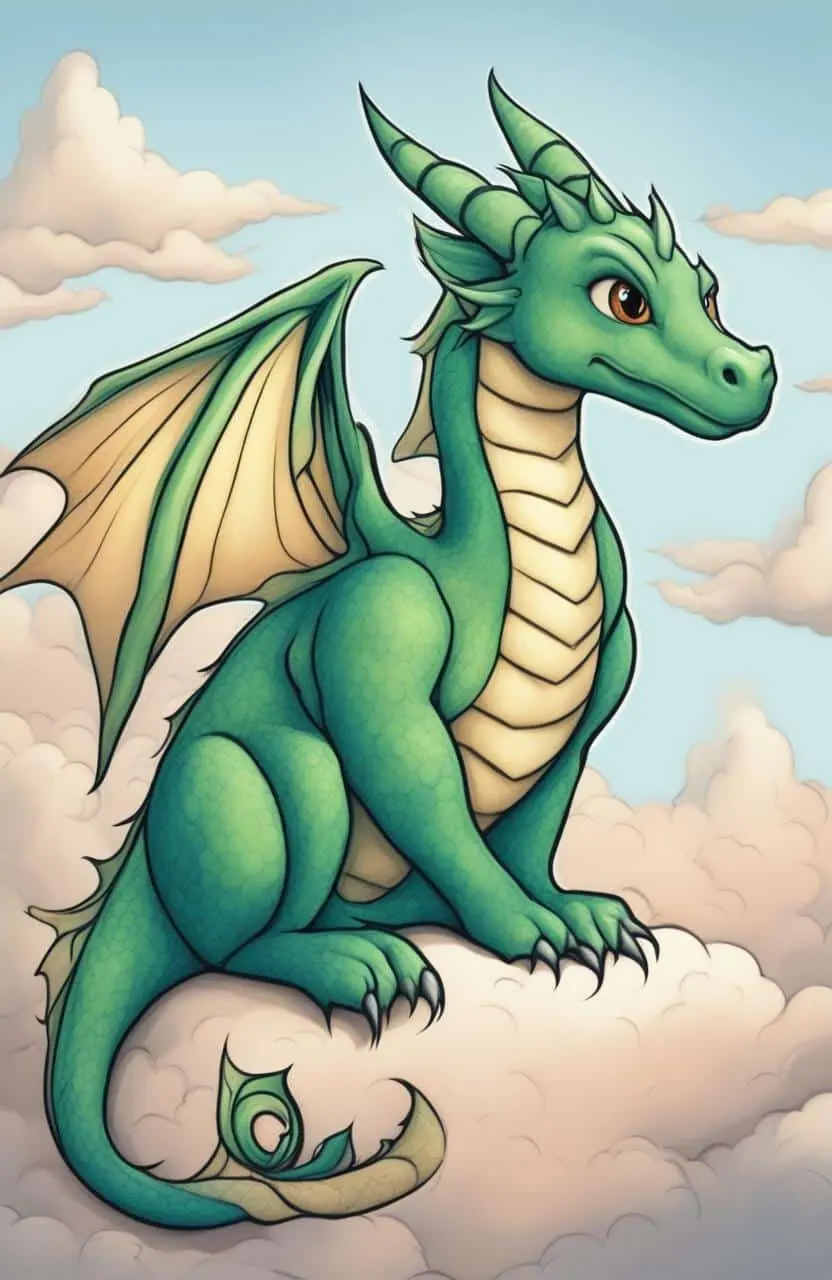

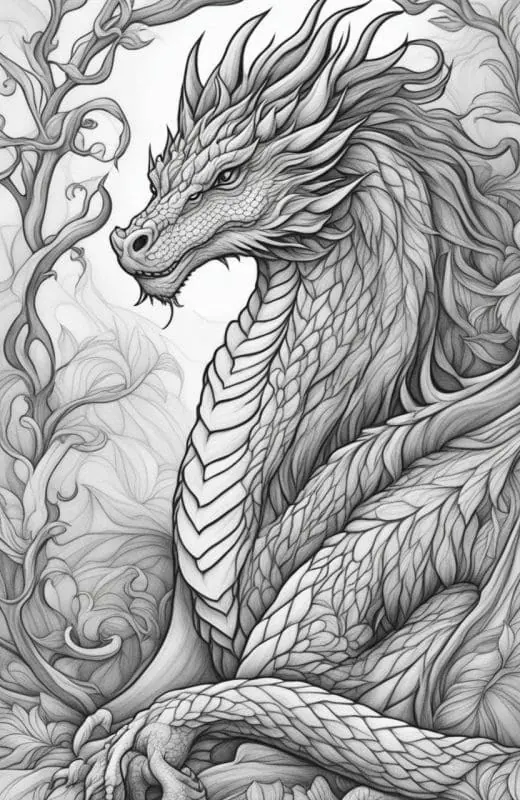

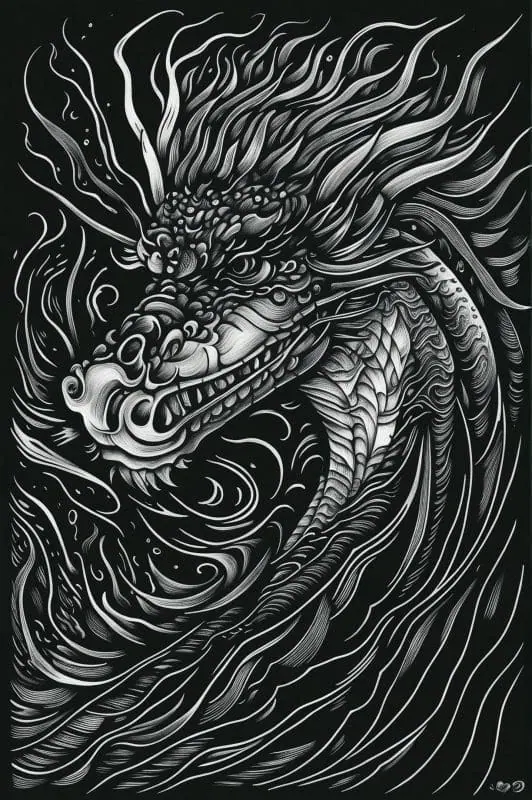

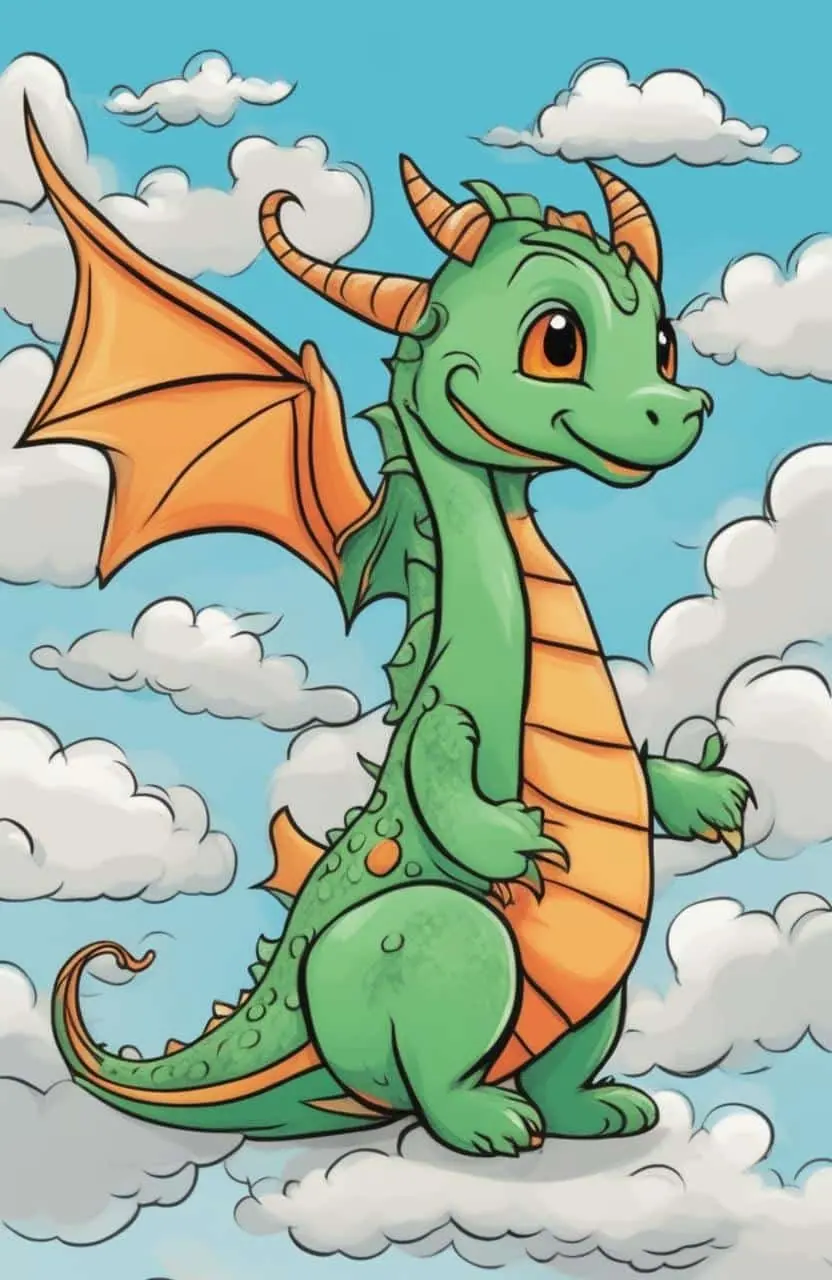
How it works
Three steps from idea to finished image.
- 1
Describe it
Type what you want in plain words, or start from one of the prompt ideas below. Magic Prompt can expand a few words into a detailed prompt.
- 2
Pick a style and format
Choose a model, style and aspect ratio. Idyllic generates several options in seconds.
- 3
Refine and download
Say what to change and only that changes. Upscale your favorite and download it in HD.
Create a Dragon with Your Words
With the remarkable Text-to-Image Generation feature of our platform, you can create gorgeous dragon drawings from simple text descriptions. Explaining your creative concepts in the form of text couldn’t be more fun and easier. Let your imagination wander as you craft unique image resolutions that brings your dragon to life. Whether it’s a fiery dragon guarding a hidden treasure or a celestial dragon from ancient folklore, the choice is yours.
Customize and Refine Your Dragon Drawings
Experiment with our Iterative Creation Process to refine, tweak, and perfect your artwork. Enhance your dragon drawing by requesting specific changes in subsequent messages until your vision is brought to fruition.
Frequently asked questions
Can I create different types of dragons?
Yes, whether you want to create an Eastern mythology-inspired dragon or a Western medieval beast, simply describe it in text. You can even customize the scales, wings, and fire breath to your liking!
How do I use the Text-to-Image Generation feature?
Just input a textual description of the dragon you want to create. Our platform will use this description to generate your visual artwork.
Is it free to use?
Yes. You can create 3 images a day for free with no credit card. Paid plans add more images, video, every model, private mode and a commercial license.
Do I need to be good at writing prompts?
No. Describe what you want the way you would say it. Magic Prompt turns a few words into a detailed prompt, and you can fix anything afterwards by describing the change.
Related tools
See all Character creators


More in Character creators

Your turn.
Free to start. No credit card.