Make Your Own South Park Characters
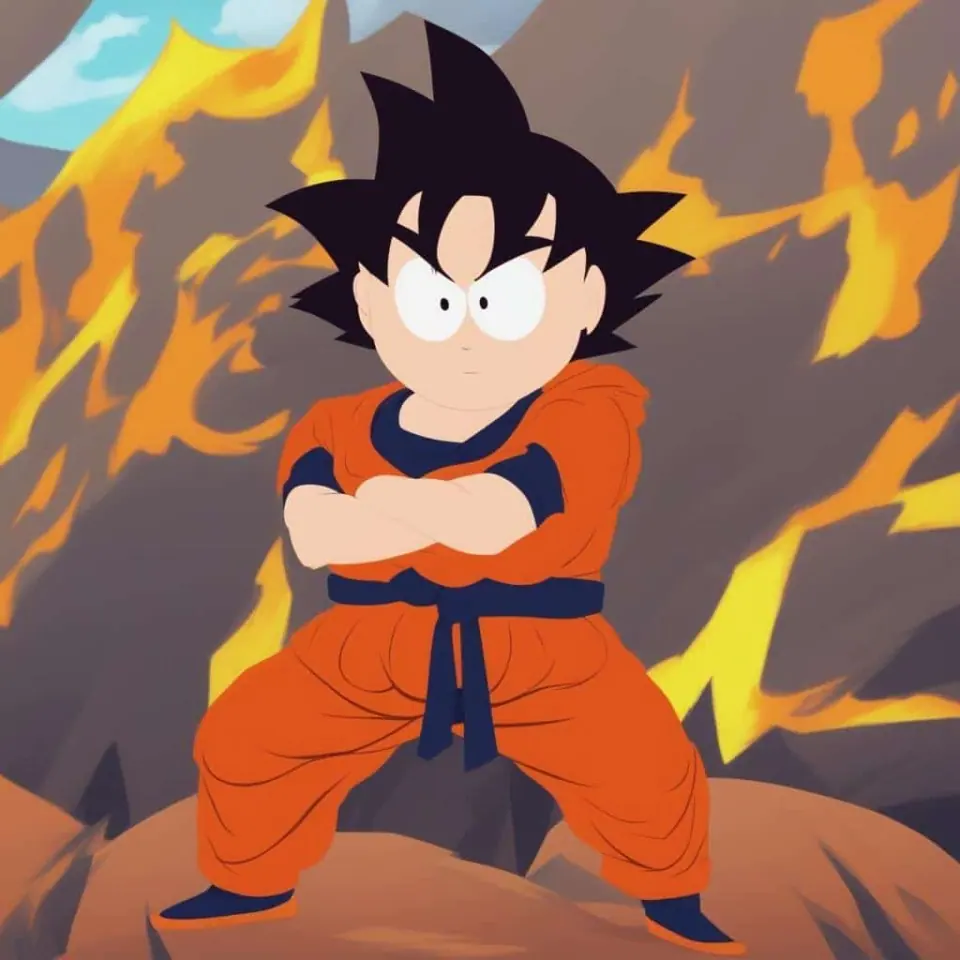
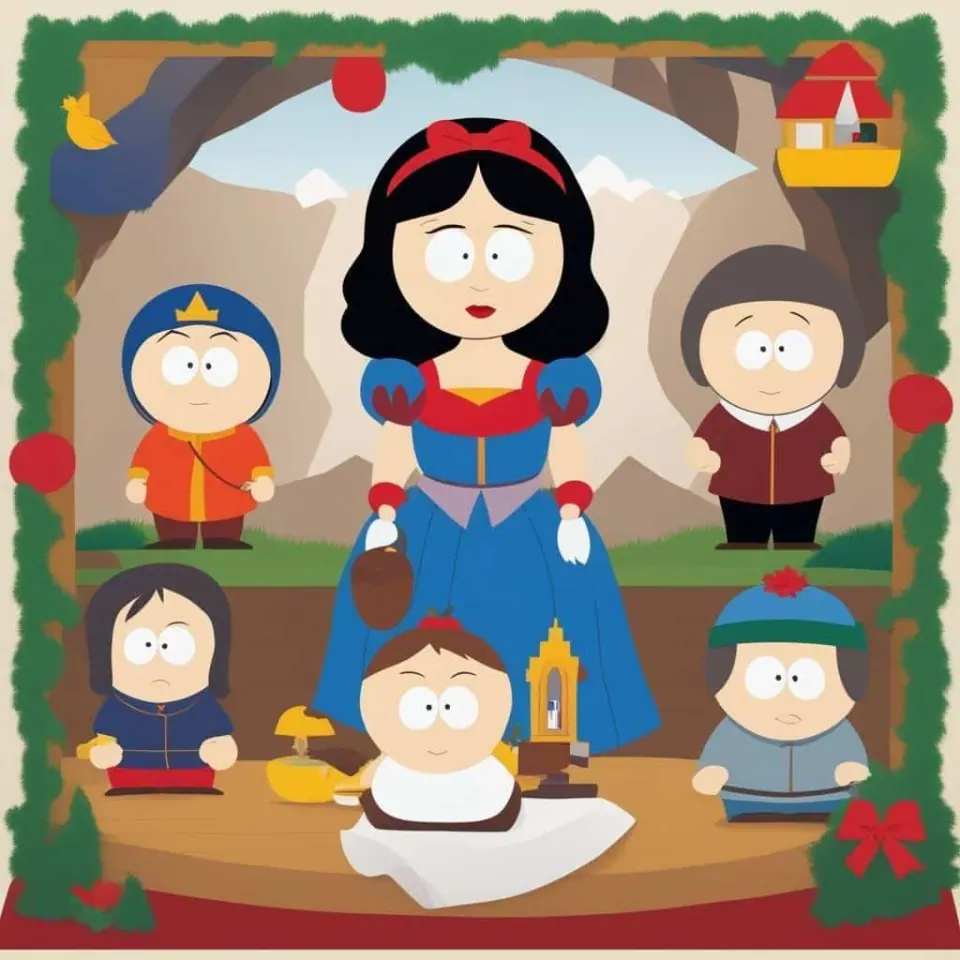
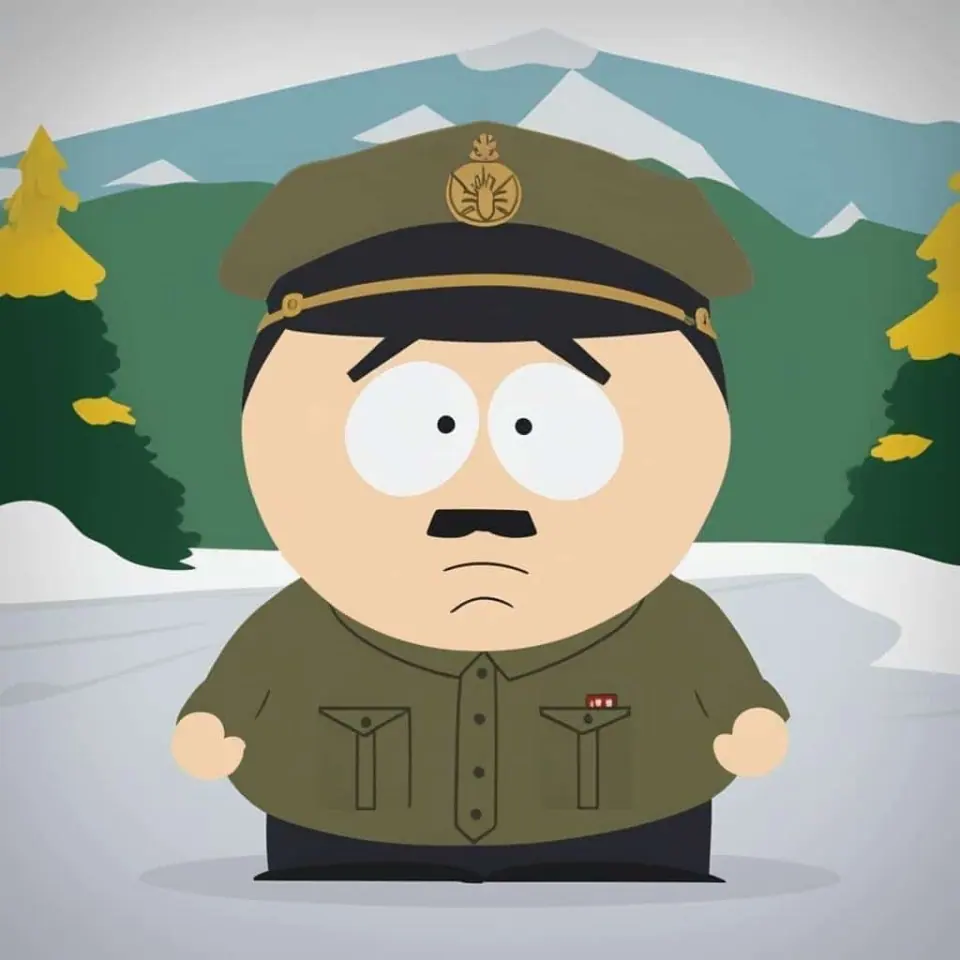
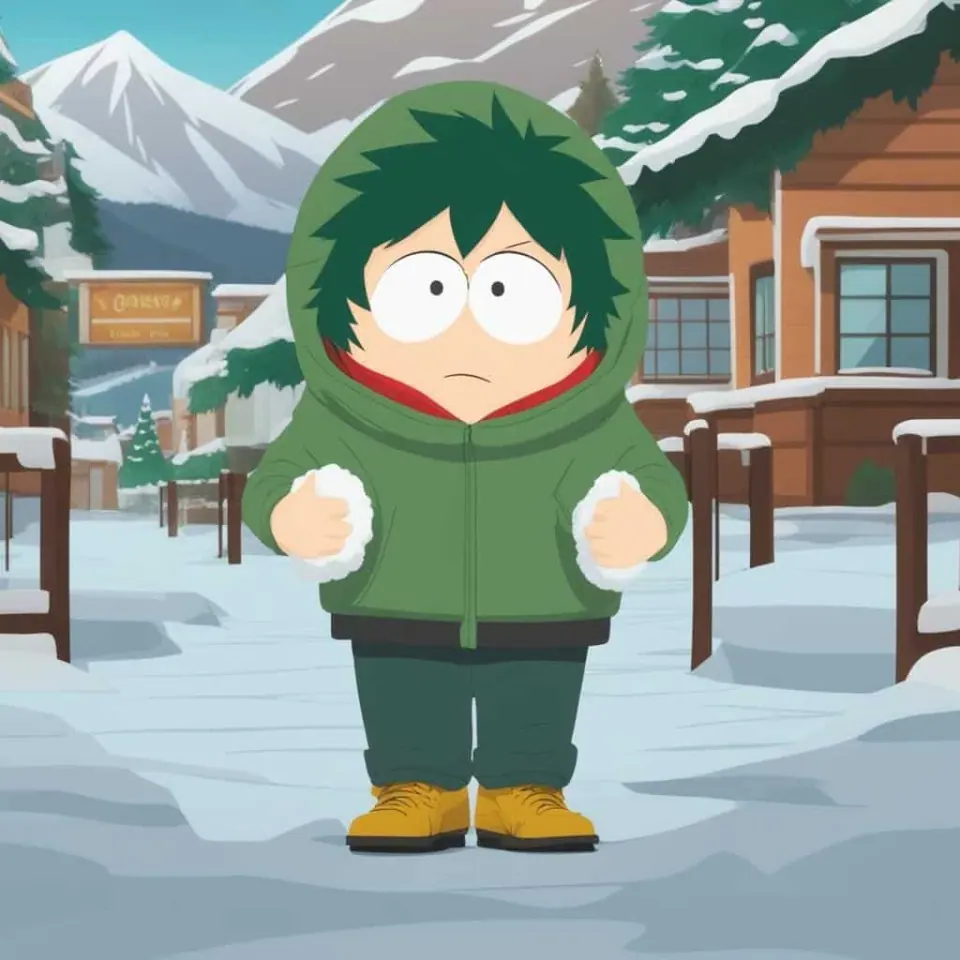
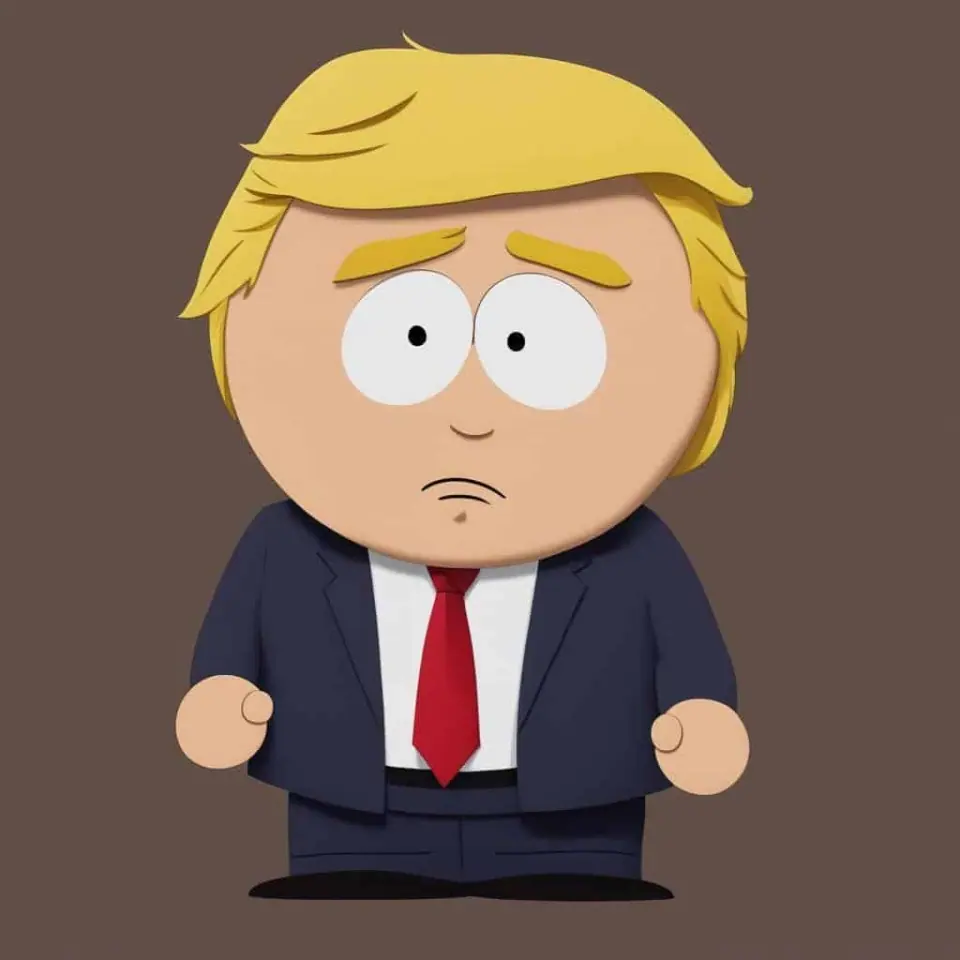
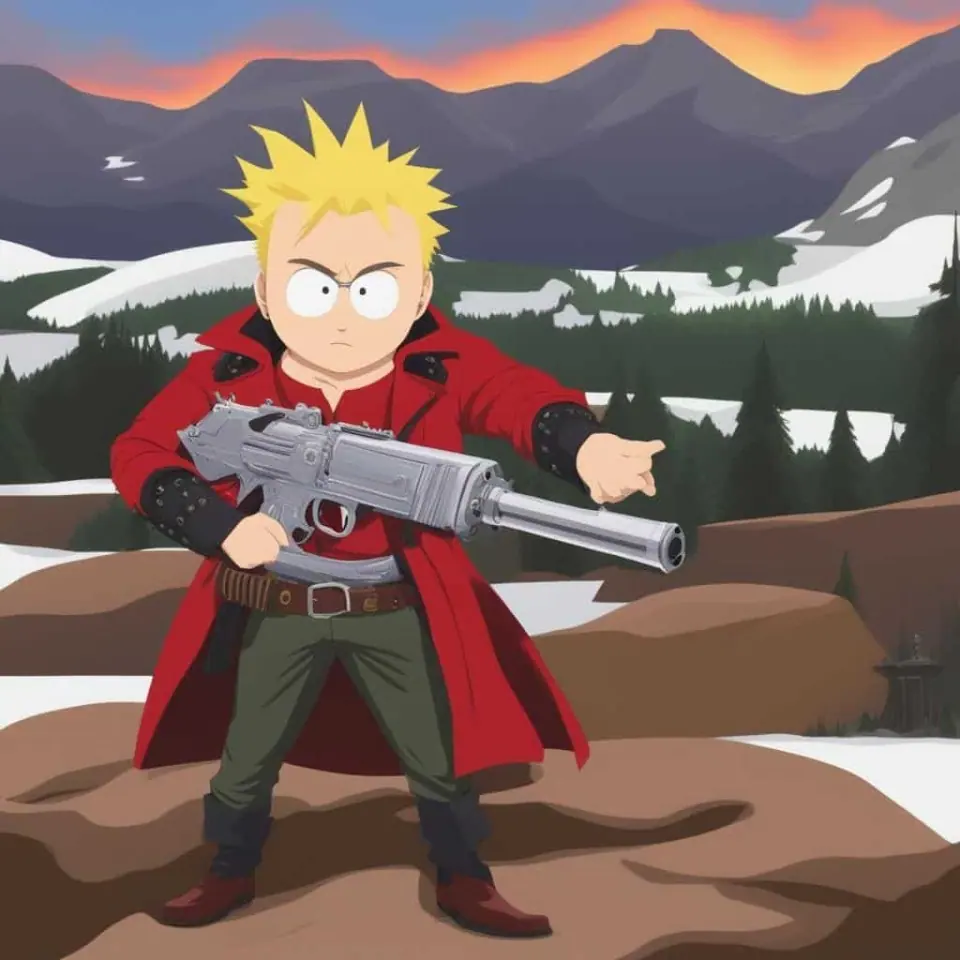
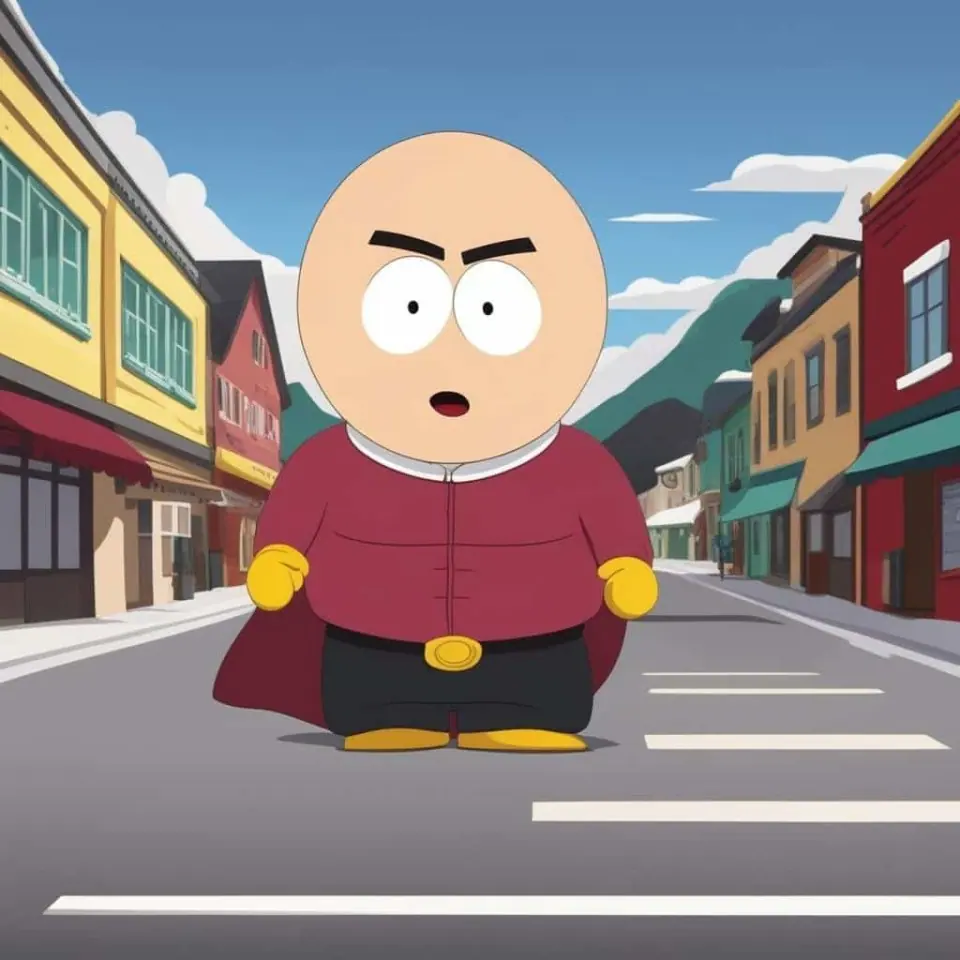
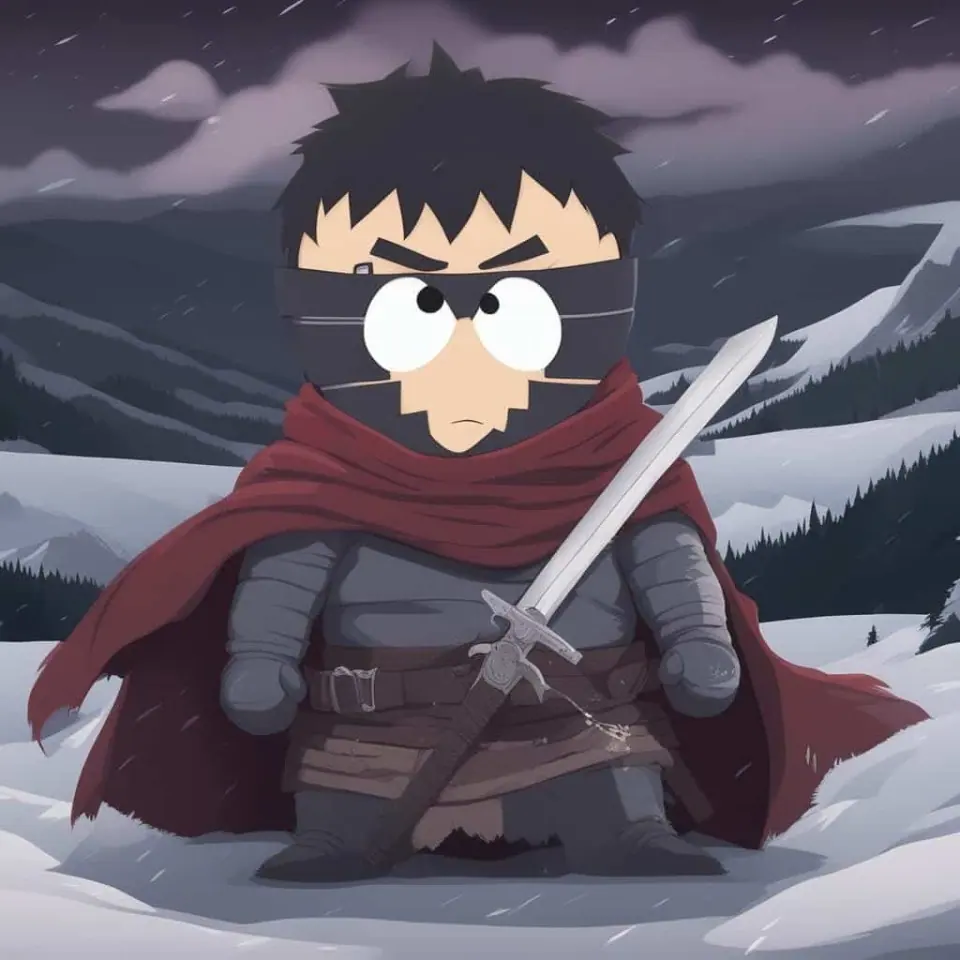
Idyllic lets you make your own South Park characters: fan-inspired cartoons in the show's flat construction-paper cutout style, with round heads, oval eyes, thick outlines and snowy small-town backdrops. Describe a character, or add a selfie to cartoon yourself, then build avatars, friend lineups, expression sheets and meme panels by saying what to change.
- Price
- Free to start · 3 images a day
- Output
- HD images, upscale to 8K
- Models
- FLUX, Imagen 4, GPT Image, Seedream
- Commercial use
- Included on paid plans
- Prompt language
- Any language
Examples
How it works
Three steps from idea to finished image.
- 1
Describe your character
Name the look: hat, jacket color, hair, accessories and expression. Add a personality trait like 'nervous' or 'smug' to shape the face.
- 2
Ask for the cutout style
Include 'flat construction-paper cutout style, round head, oval eyes, thick outlines'. To cartoon yourself, add a selfie with Remix.
- 3
Place and refine
Put the character at a snowy bus stop, in a classroom or on a mountain town street, then change one detail at a time by describing it.
Get the cutout look right
- Round head, oval eyes with small dot pupils and a simple line mouth.
- Flat colors with no gradients, plus a faint paper texture.
- Short body, mitten hands and a front-facing or side-step pose.
- Thick, even outlines that stay clean at avatar size.
- Simple backdrops: snowy bus stop, classroom, town street, mountains.
What people make
- Themselves and their friends as a group lineup.
- Discord and Twitch avatars with a square crop.
- Expression sheets: happy, annoyed, shocked, smug.
- Meme panels with blank caption space.
- Original townspeople, teachers and parents for fan comics.
Make a whole group
Save each character with Characters to keep the same face, then add friends one by one. Remix blends up to 9 photos, so the group can look like your real friends, with their permission.
Prompt ideas
Copy a prompt, or open it in Idyllic and make it yours.
original South Park-style kid, red beanie with pom-pom, green puffy jacket, flat construction-paper cutout style, snowy bus stop, front view
four original cutout-style friends lined up at a bus stop, different hats and jacket colors, mountains behind, flat colors, thick outlines
cutout cartoon version of me from this selfie, glasses, curly brown hair, gray hoodie, round head, dot eyes, plain white background
expression sheet for one original cutout character: happy, annoyed, shocked, smug, crying, flat colors, white background, grid layout
South Park-style teacher at a chalkboard, cardigan and tie, deadpan expression, classroom background, square crop
meme panel, original cutout-style kid giving side-eye, simple living room background, blank caption bar at the top
cutout cartoon dad grilling in a snowy backyard, flannel shirt, mustache, flat paper texture, wide shot
square Discord avatar, original cutout-style character with headphones and a purple hoodie, solid teal background, centered
Frequently asked questions
How do I make myself a South Park character?
Add a selfie with Remix and ask for 'flat paper-cutout cartoon style, round head, simple oval eyes'. Describe your hair, glasses and usual outfit so the cartoon still reads as you.
Is it free to make South Park characters?
Yes. You can create 3 free images a day with no credit card. Paid plans start at $10.50 a month, billed yearly.
Is this official South Park content?
No. These are unofficial, fan-inspired characters, and Idyllic is not affiliated with South Park, its creators or its rights holders. Fan art you make here is for personal use.
Can I make a group of characters that match?
Yes. Use the same style words for every character, and save each one with Characters so their faces stay the same across new scenes.
Can I add captions for a meme?
Yes. Ask for a blank caption bar, or write the exact caption in quotes and Idyllic renders it on the image.
Can I change one detail without starting over?
Yes. Say what to change, such as 'make the jacket orange', and only that part changes. The conversation is remembered, so you can keep refining.
Related tools
See all Character creators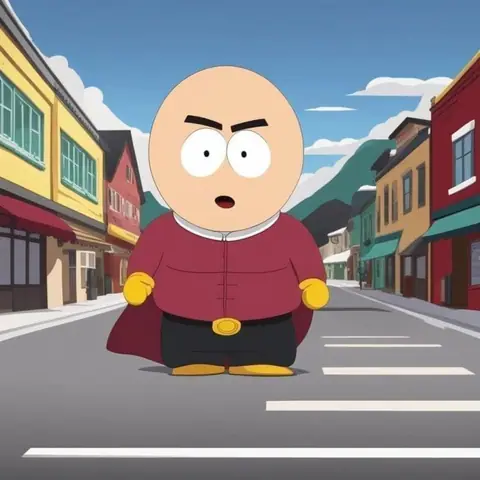
More in Character creators
Popular on Idyllic
Fan-inspired creations only. Idyllic is not affiliated with or endorsed by the owners of the characters or brands mentioned.
Updated

Your turn.
Free to start. No credit card.