Candle Drawings | Explore Art Collection
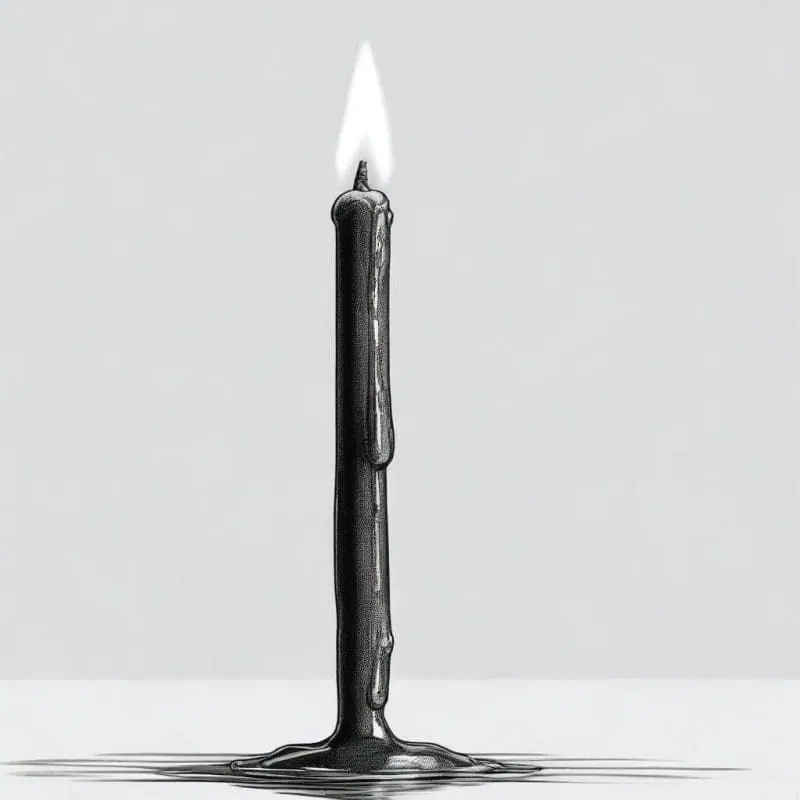
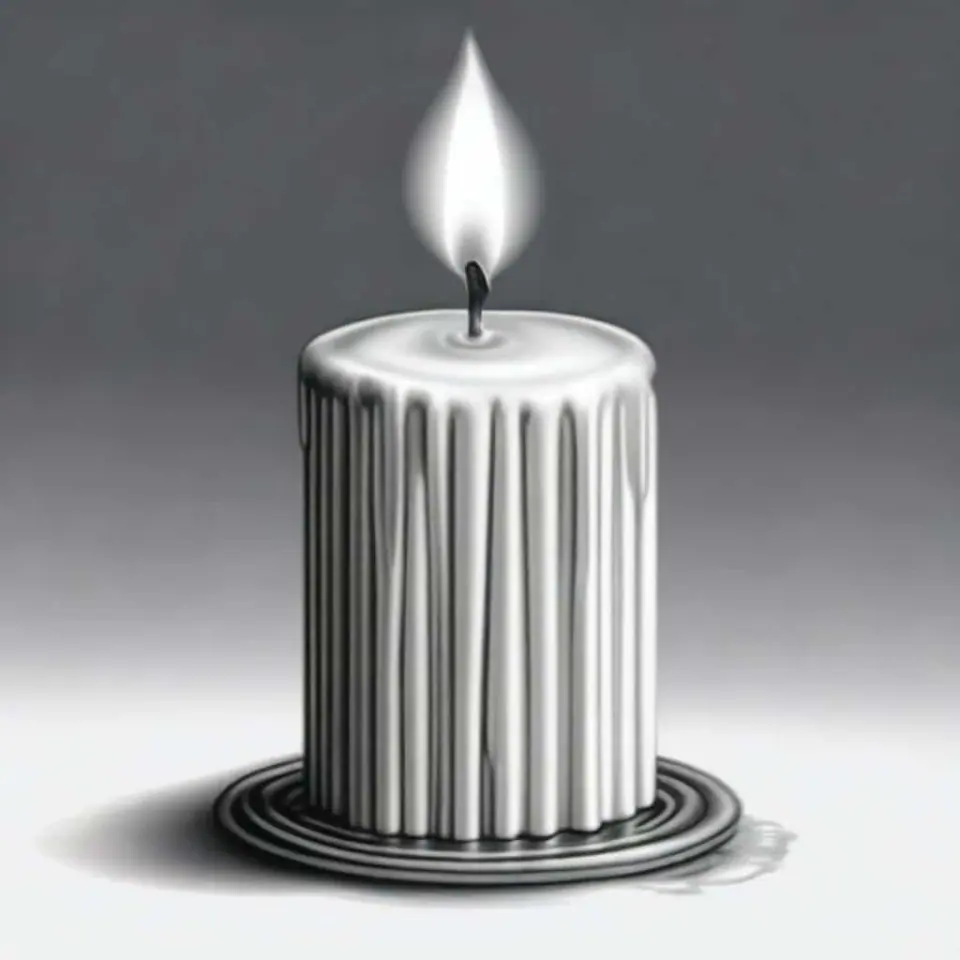
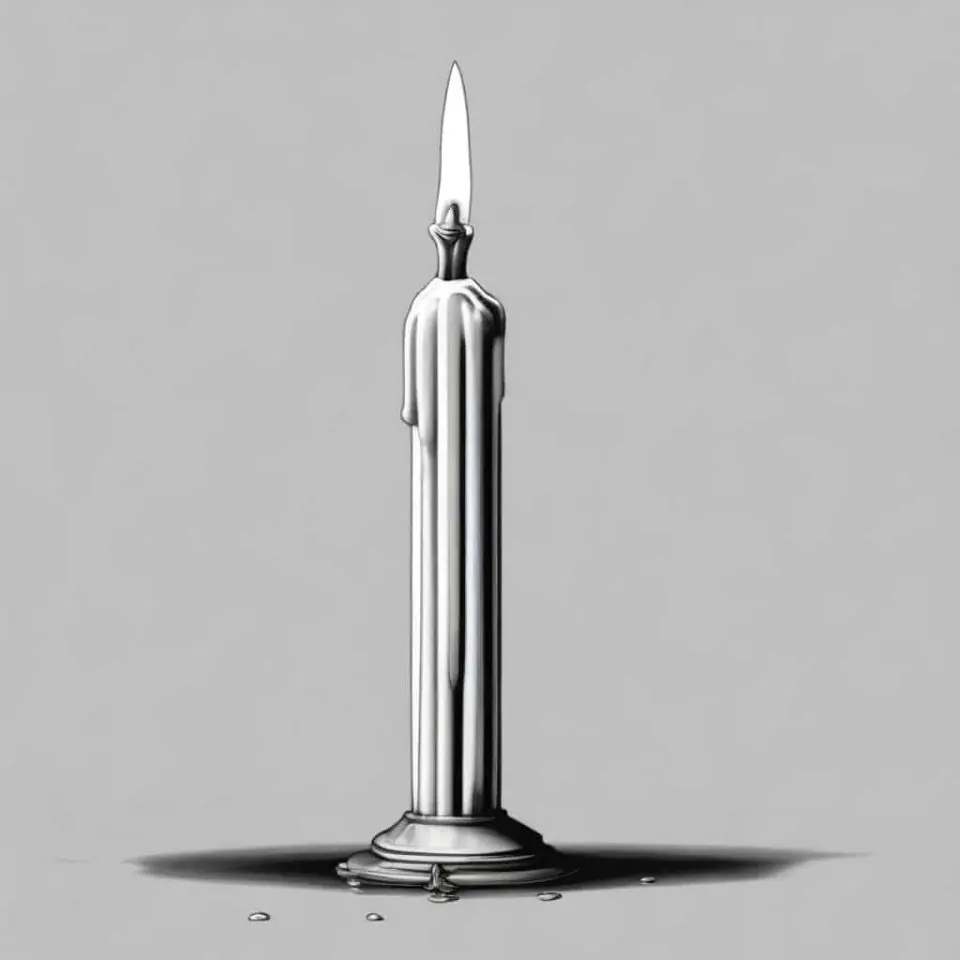
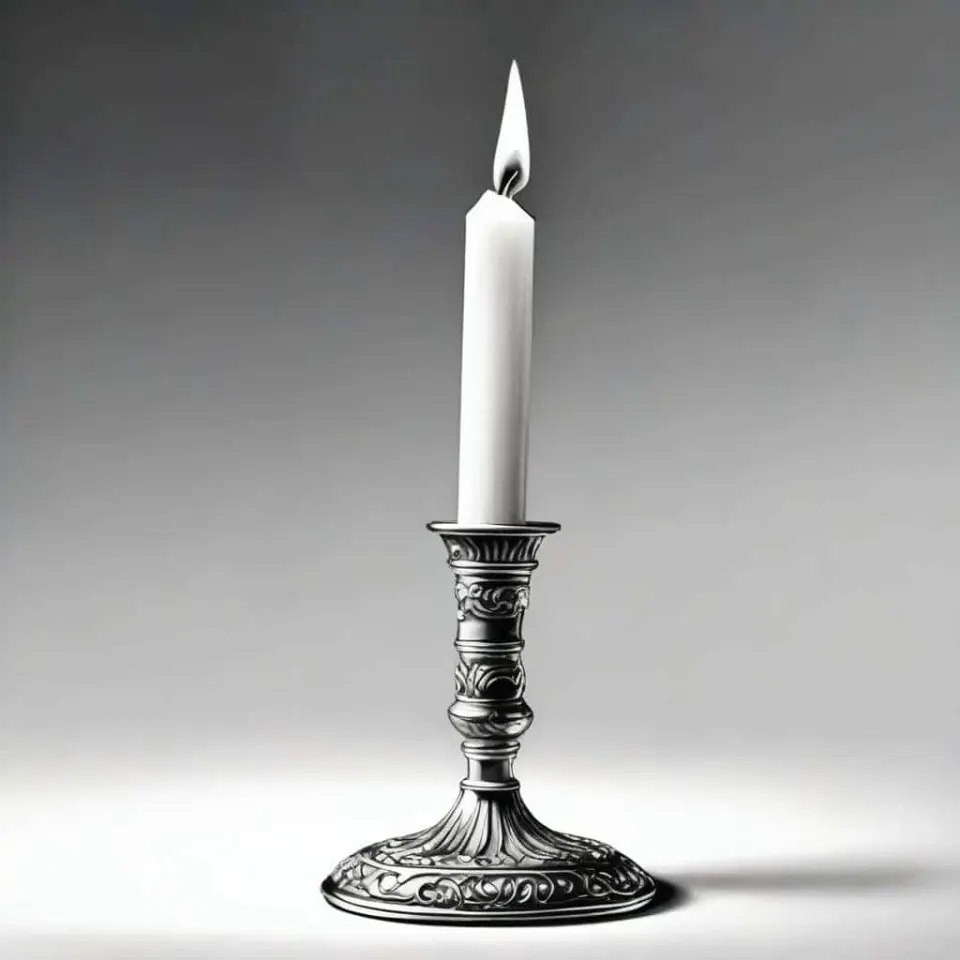
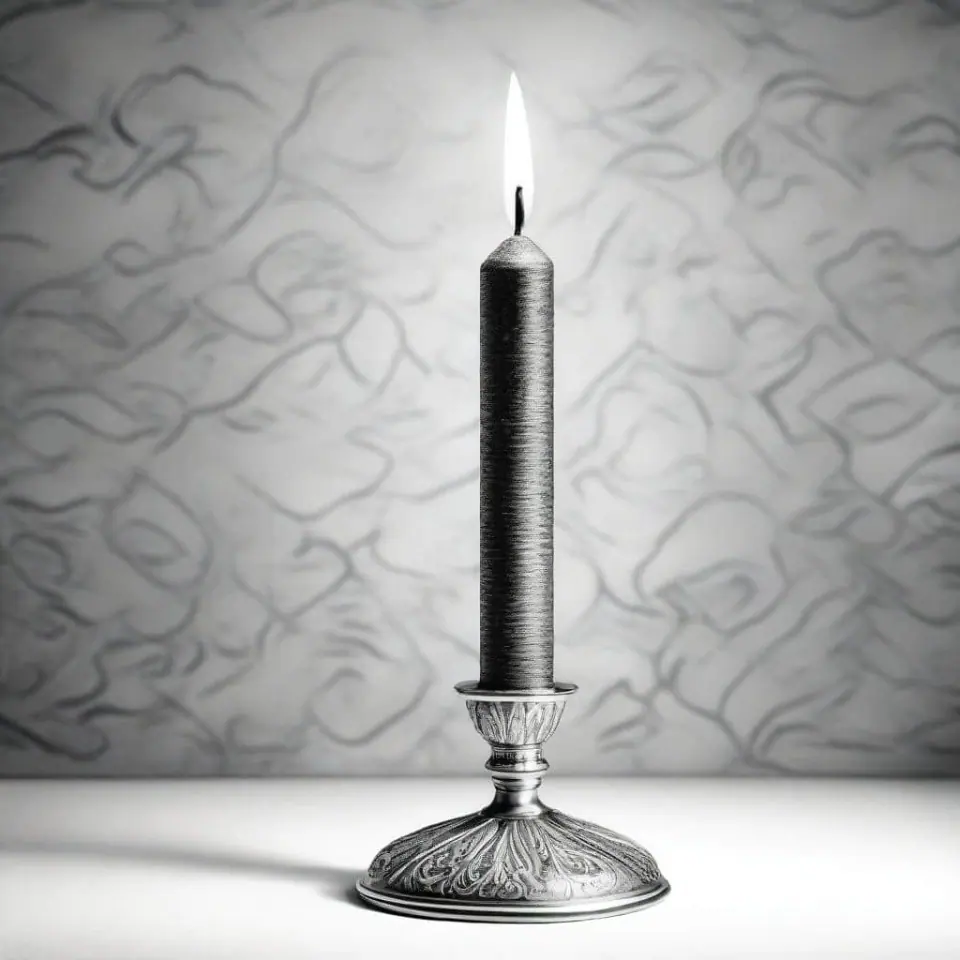
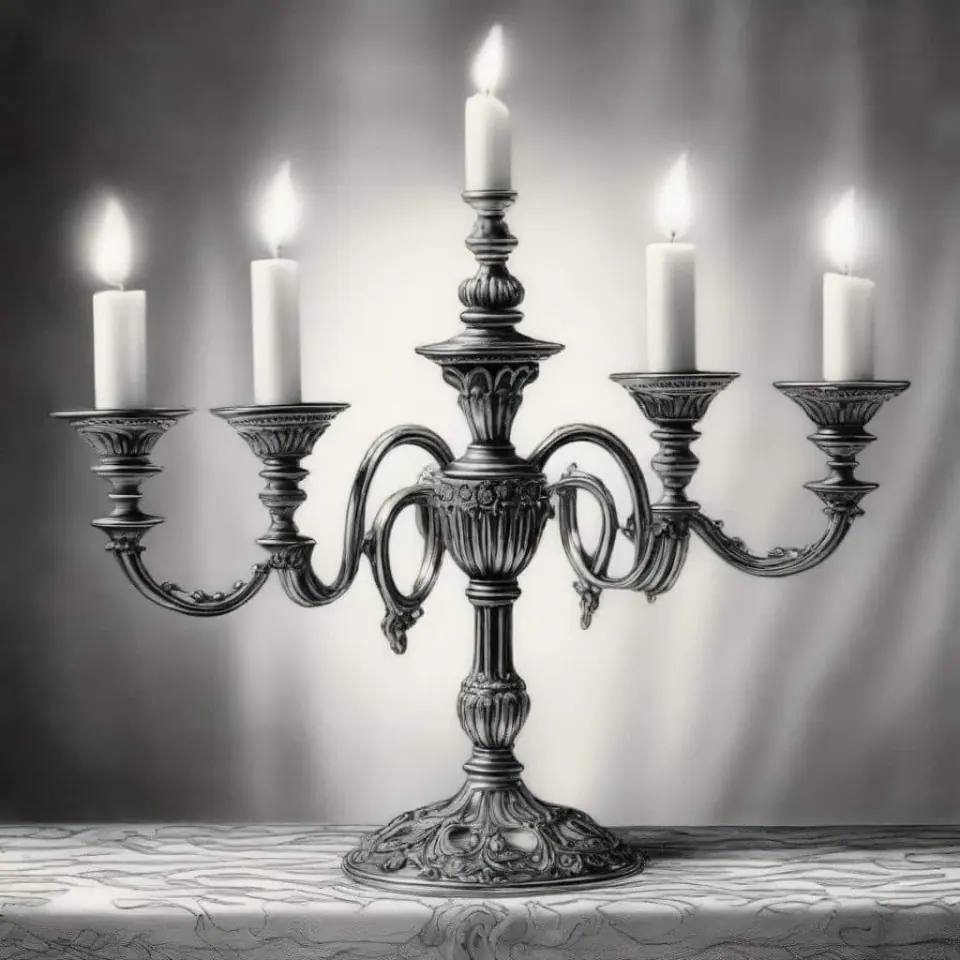
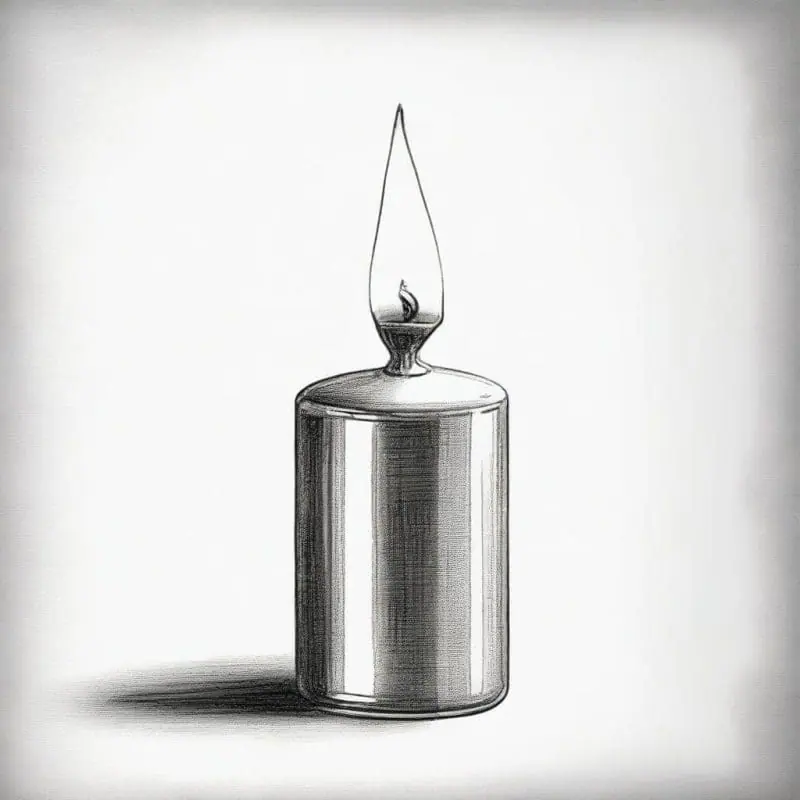
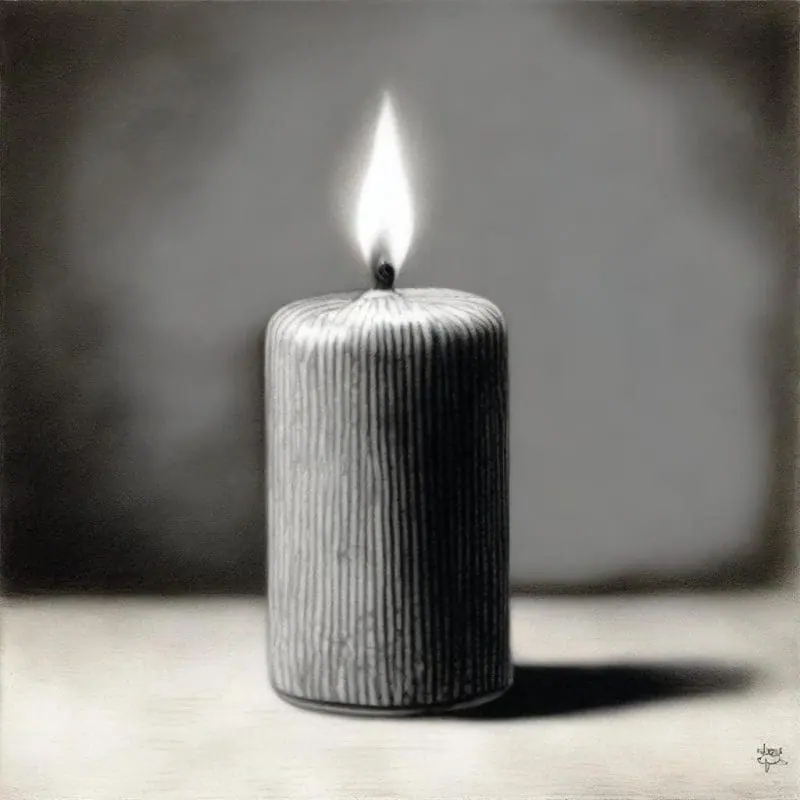
Explore our huge collection of community-made art and candle drawings, or discover the simplicity and versatility of creating perfect candle drawings with our text-to-image technology. Capture the essence of your muse, anything from a dimly lit vintage candle to a colorful birthday candle.
- Price
- Free to start · 3 images a day
- Output
- HD images, upscale to 8K
- Models
- FLUX, Imagen 4, GPT Image, Seedream
- Commercial use
- Included on paid plans
- Prompt language
- Any language
Examples
How it works
Three steps from idea to finished image.
- 1
Describe it
Type what you want in plain words, or start from one of the prompt ideas below. Magic Prompt can expand a few words into a detailed prompt.
- 2
Pick a style and format
Choose a model, style and aspect ratio. Idyllic generates several options in seconds.
- 3
Refine and download
Say what to change and only that changes. Upscale your favorite and download it in HD.
Flexible Quality and Speed Options
Adjust the resolution of your candle drawing to best suit your needs, whether for intricate print work or digital sharing. Prioritize quality or speed depending on your project timeline, with high-resolution images for intricate designs, and faster, lower-quality images for quick drafts.
Iterative Creation and Remix
Refine your creations through an iterative process. Ask for specific changes, adjust the shape, flicker, color, or texture, to design your perfect candle image. You can even blend in ‘inspiration images’ to guide your final product. Make a candle drawing with the modernity of Picasso or the finesse of Da Vinci!
Frequently asked questions
How does the text-to-image generator work?
Simply type in a detailed description of the candle you want to draw. Our app will take your description and bring it to life in a form of a digital image. You can then edit and refine the image until it matches your vision.
Can I blend images?
Yes, you can blend up to nine images, including ‘inspiration images’ aside from text descriptions to guide your creative process.
Is it free to use?
Yes. You can create 3 images a day for free with no credit card. Paid plans add more images, video, every model, private mode and a commercial license.
Do I need to be good at writing prompts?
No. Describe what you want the way you would say it. Magic Prompt turns a few words into a detailed prompt, and you can fix anything afterwards by describing the change.
Related tools
See all AI art and image styles
More in AI art and image styles

Your turn.
Free to start. No credit card.