Studio Ghibli Landscapes | Explore Art
Create Studio Ghibli Landscapes with Idyllic: describe what you want, pick a style and get HD images in seconds. Change any detail just by saying so, then download. Free to start, no credit card.


- Price
- Free to start · 3 images a day
- Output
- HD images, upscale to 8K
- Models
- FLUX, Imagen 4, GPT Image, Seedream
- Commercial use
- Included on paid plans
- Prompt language
- Any language
Examples

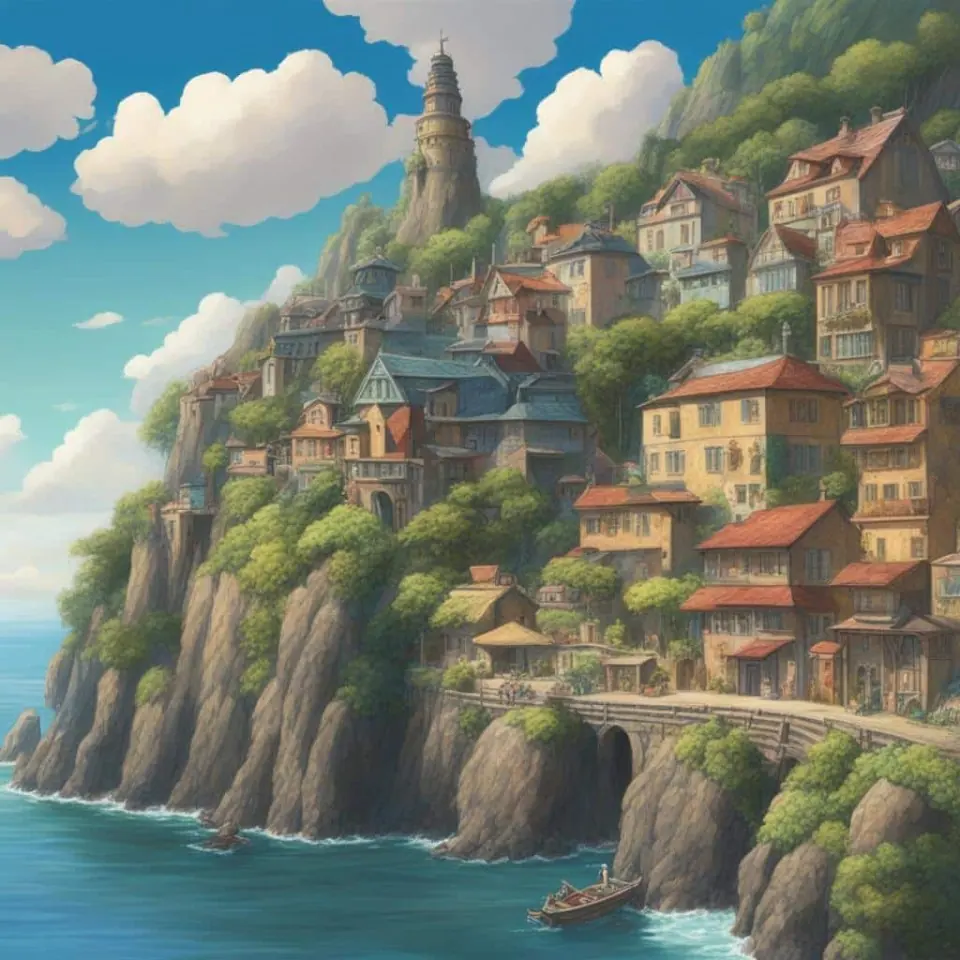
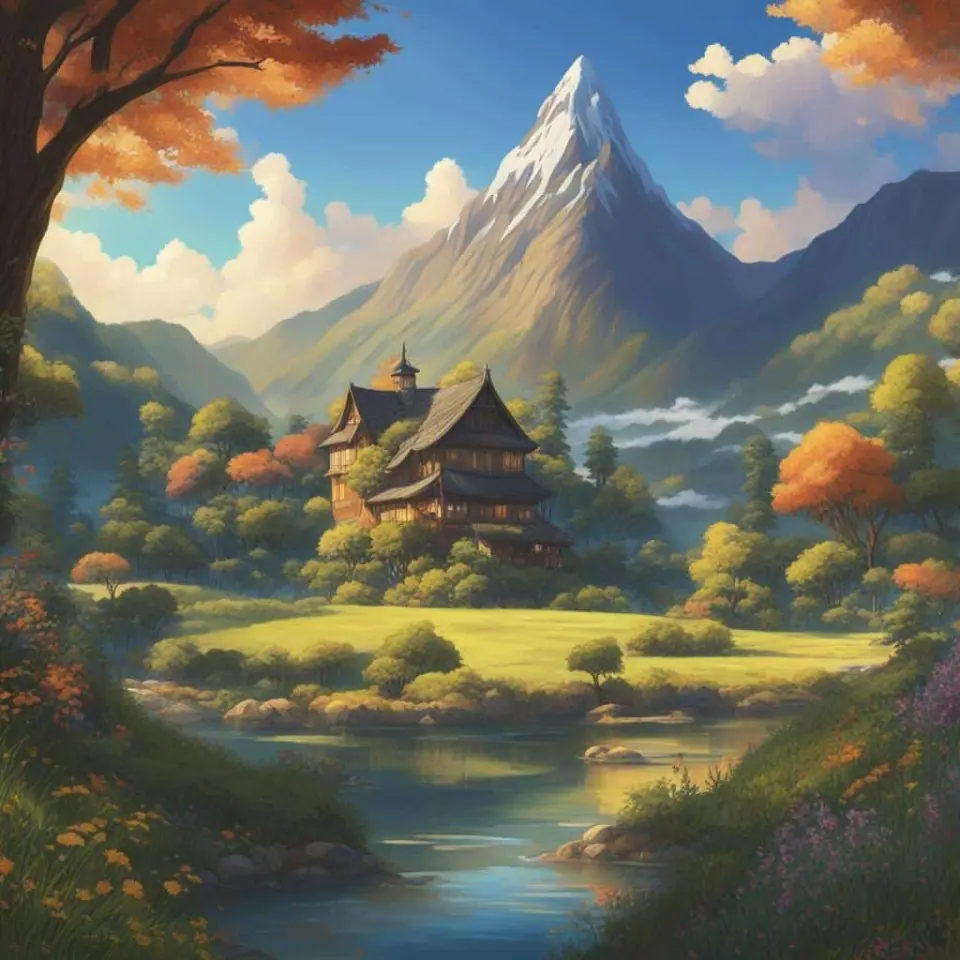

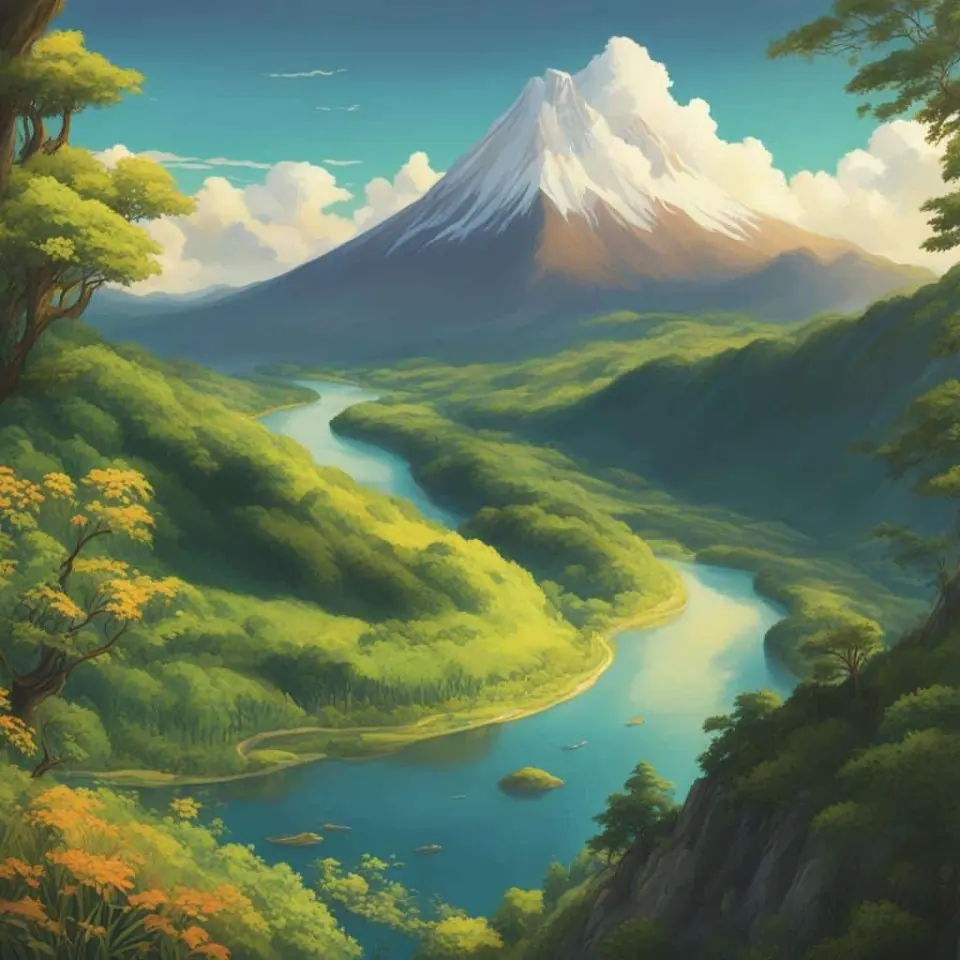
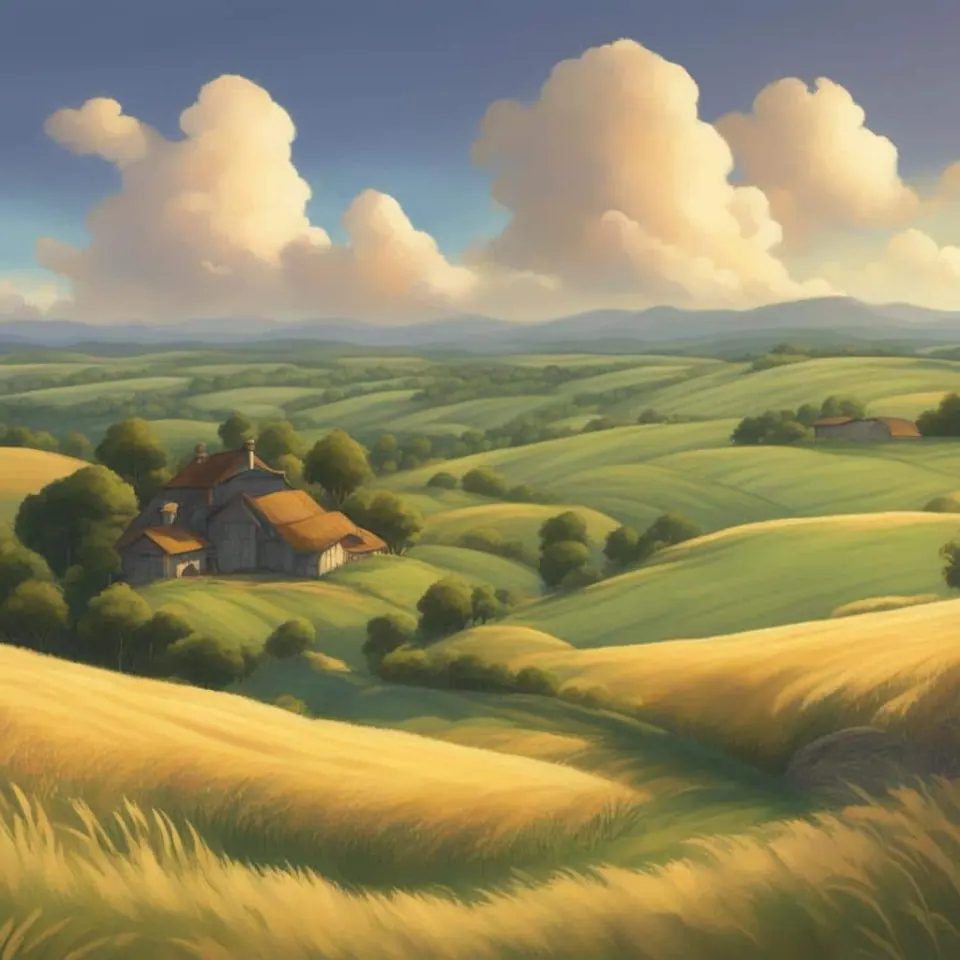
How it works
Three steps from idea to finished image.
- 1
Describe it
Type what you want in plain words, or start from one of the prompt ideas below. Magic Prompt can expand a few words into a detailed prompt.
- 2
Pick a style and format
Choose a model, style and aspect ratio. Idyllic generates several options in seconds.
- 3
Refine and download
Say what to change and only that changes. Upscale your favorite and download it in HD.
Text-To-Image Generation Styled Your Way
The unparalleled power of Idyllic suddenly becomes your palette with the power of text-to-image generation. Now you can craft the wonder, whimsy, and romance of iconic Studio Ghibli landscapes with your own creative vision. Imagine a seaside city beneath a lavender sky or a towering castle on a rolling green hill. Just type it in, and watch as your literary rhapsody takes on a visual form that even Studio Ghibli storyboard artists would be proud of.
Resolutions and Speeds Customised for You
Choose the image resolution that best suits your project’s needs. Take time to revel in each detail with high-res images or go full speed with faster, lower-quality options. Choose the pace and quality of your ideation process, catered to perfection by Idyllic’s intuitive settings.
Refine and Remix your Fantastical Creations
Why stop at the first draft? Expand on your inspirations, revise and refine your creations as your vision evolves. Mix and match elements from different inspirations, or even ‘remix’ a little magic from Hayao Miyazaki’s iconic landscapes themselves.
Publish and Share As your World Catches Life
Why journey alone? Share and publish your threads of workflow to others in our burgeoning community of Studio Ghibli enthusiasts, experience their visions and expand your own aesthetic tastes in an ever-expanding iverse of beauty.
Frequently asked questions
What is Studio Ghibli’s unique landscape style?
Studio Ghibli’s landscapes are known for their detailed, nostalgic style. Every scene is vividly portrayed, rich in nature and imbued with a deep sense of wonder and tranquility, mixing touches of the fantastical with poignant realism.
Can I share my creations with others?
Yes! Idyllic has a feature that allows users to share their work in our community. You can publish ‘threads’ of your creative process and final results for others to see. Lend a digital canvas to the other Ghibli enthusiasts and be part of the magic.
Is it free to use?
Yes. You can create 3 images a day for free with no credit card. Paid plans add more images, video, every model, private mode and a commercial license.
Do I need to be good at writing prompts?
No. Describe what you want the way you would say it. Magic Prompt turns a few words into a detailed prompt, and you can fix anything afterwards by describing the change.
Related tools
See all Anime generators


More in Anime generators
Popular on Idyllic
Fan-inspired creations only. Idyllic is not affiliated with or endorsed by the owners of the characters or brands mentioned.
Updated

Your turn.
Free to start. No credit card.