Burst Fade Design Generator
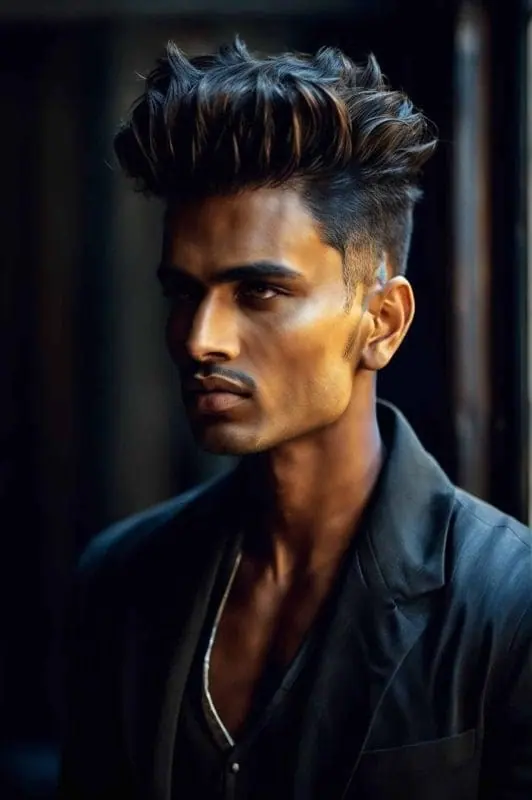
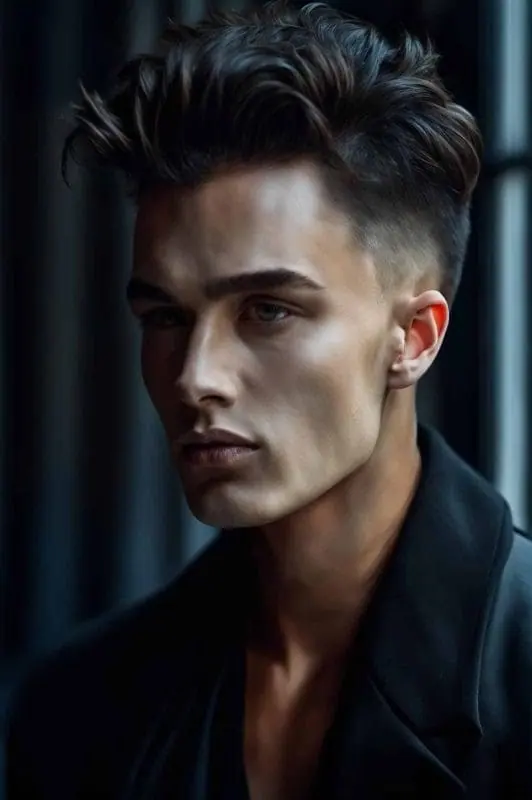
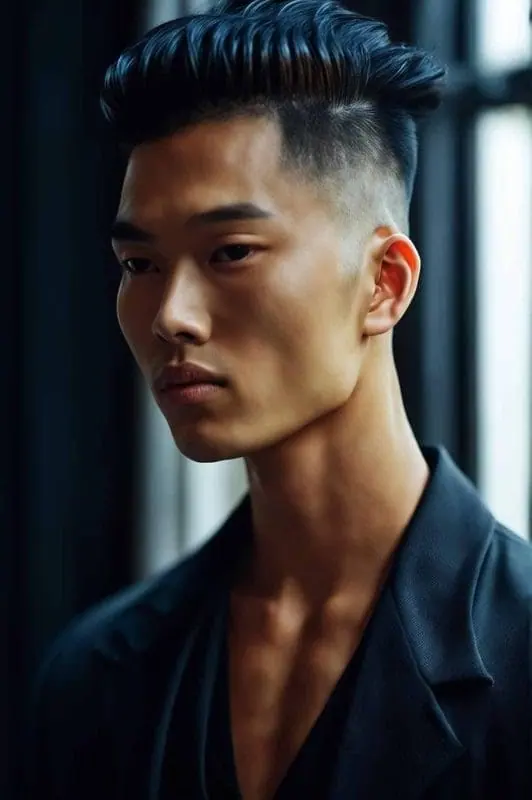
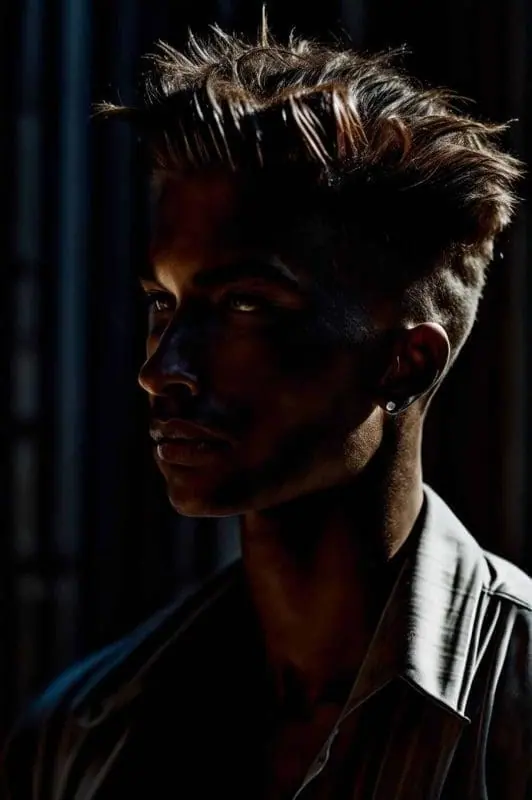
Idyllic's burst fade design generator shows how a burst fade will look before you sit in the chair. Describe the cut or upload a photo, choose the fade height, the style on top and any shaved design line, then adjust details by saying what to change. Save front, side and back views to show your barber.
- Price
- Free to start · 3 images a day
- Output
- HD images, upscale to 8K
- Models
- FLUX, Imagen 4, GPT Image, Seedream
- Commercial use
- Included on paid plans
- Prompt language
- Any language
Examples
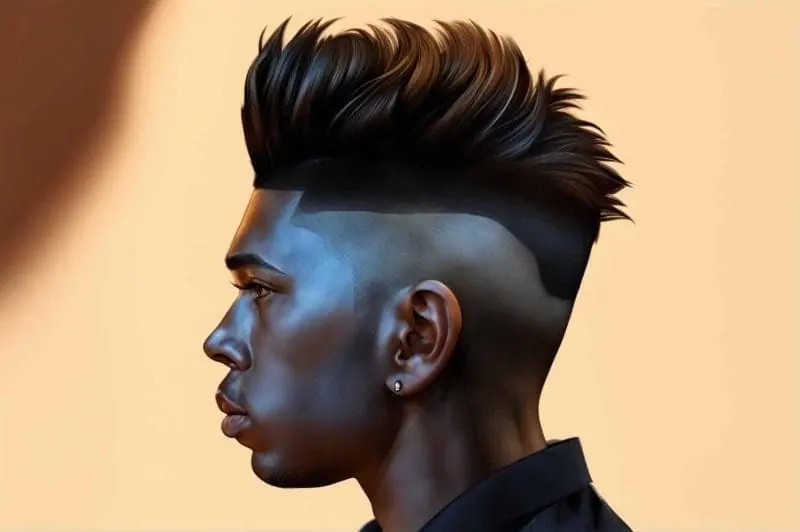
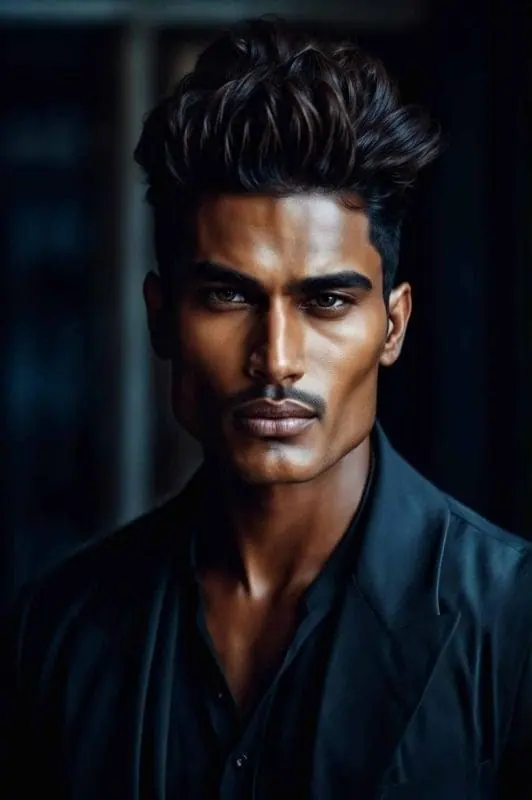
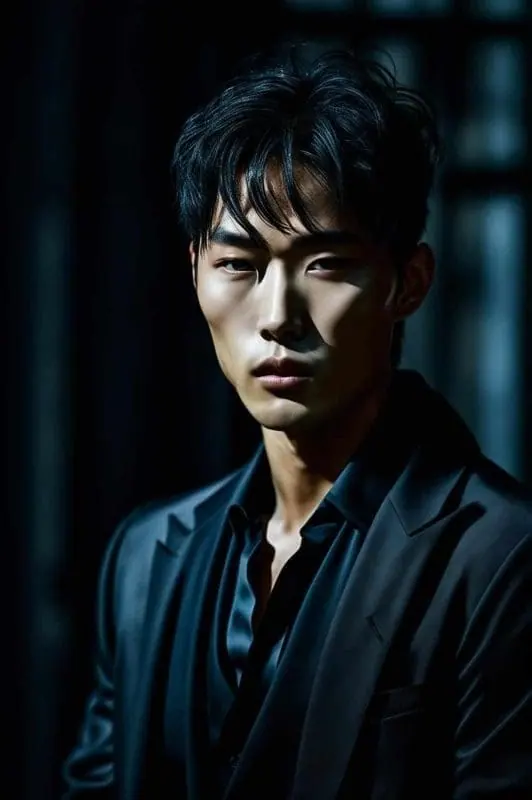
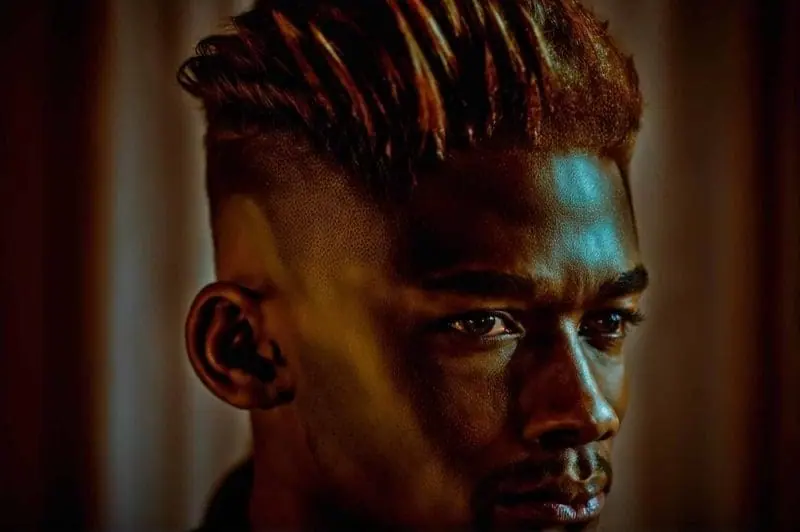
How it works
Three steps from idea to finished image.
- 1
Start from a photo or a description
Upload a clear photo with your hair visible, or describe the person and hair texture: straight, wavy, curly or coily.
- 2
Specify the burst fade
Say how high the fade sits, how tight it curves around the ear, what stays on top (mohawk, curls, textured crop) and whether to add a design line.
- 3
Refine and show your barber
Ask for 'make the fade lower' or 'add a lightning bolt design' and only that changes. Save side and back angles for the appointment.
What is a burst fade?
A burst fade is a fade cut in a half-circle around each ear, leaving length at the back of the neck and on top. Because the back isn't faded, it pairs naturally with a mohawk, faux hawk or mullet.
Popular burst fade styles
- Burst fade mohawk: shaved half-circles around the ears with a strip of length down the middle.
- Burst fade mullet: tight around the ears with length left at the nape.
- Curly or twists burst fade: natural curls or twists on top with a clean curve around the ear.
- Burst fade with a design: a shaved line, lightning bolt, star or geometric pattern in the fade.
- Low burst fade: starts just above the ear for a subtler, office-friendly look.
- Faux hawk burst fade: a shorter middle strip styled up, easier to wear every day.
Tips for a preview your barber can use
- Generate front, side and back views; the curve around the ear shows best from the side.
- Name the fade level (low, mid or high) and whether it goes down to skin.
- Say how much length stays on top, in inches or centimeters.
- Use a photo with even lighting and your hair clear of your ears.
Prompt ideas
Copy a prompt, or open it in Idyllic and make it yours.
burst fade mohawk, side view, high skin fade curving around the ear, 3 inches of textured hair down the middle, barbershop lighting
burst fade mullet, wavy hair left long at the nape, tight curve around the ear, side profile, natural daylight
curly burst fade, defined curls on top, mid fade around the ear, sharp line-up, three-quarter view, studio portrait
burst fade with a shaved lightning bolt design above the ear, short textured crop on top, close-up side view
twists burst fade, medium-length twists on top, low burst fade, clean edge-up, barbershop chair, front and side views
low burst fade faux hawk, short spiky middle strip, subtle fade just above the ear, neutral background
burst fade with geometric line design, frohawk on top, back view showing the curve and the length at the nape
barber preview, same man before and after, left: overgrown hair, right: fresh burst fade mohawk, split image
Frequently asked questions
Is the burst fade design generator free?
Yes. You get 3 free images a day with no credit card. Paid plans start at $10.50/month billed yearly and add private mode, so your photos stay out of the public gallery.
What is a burst fade?
A fade cut in a half-circle around each ear that leaves length at the back and on top. It's most often paired with a mohawk, faux hawk or mullet.
Is a burst fade a mullet?
No. A burst fade describes how the sides are cut; a mullet describes long hair at the back. Combined, they make the popular burst fade mullet.
What's the difference between a burst fade and a taper?
A taper shortens hair gradually at the sideburns and neckline only, while a burst fade curves around the ear and leaves the back long. A drop fade dips behind the ear and continues across the back.
Can I try a burst fade on my own photo?
Yes. Upload a clear photo and describe the cut. Editing with words changes only what you describe, so the hair changes and the rest of the photo stays.
Can I add a design to the fade?
Yes. Describe the shape and where it sits, for example 'two thin parallel lines curving above the left ear'.
Does it work for curly and coily hair?
Yes. Name your hair texture and length so the preview matches how your hair actually sits.
Related tools
See all Fashion, nails and style

More in Fashion, nails and style
Popular on Idyllic
Also available in

Your turn.
Free to start. No credit card.