Simple Embroidery Designs | Explore Collection
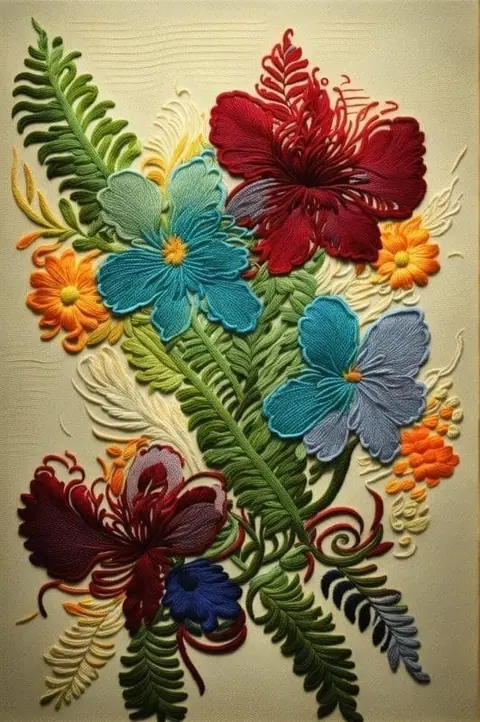
Create Simple Embroidery Designs with Idyllic: describe what you want, pick a style and get HD images in seconds. Change any detail just by saying so, then download. Free to start, no credit card.
- Price
- Free to start · 3 images a day
- Output
- HD images, upscale to 8K
- Models
- FLUX, Imagen 4, GPT Image, Seedream
- Commercial use
- Included on paid plans
- Prompt language
- Any language
Examples

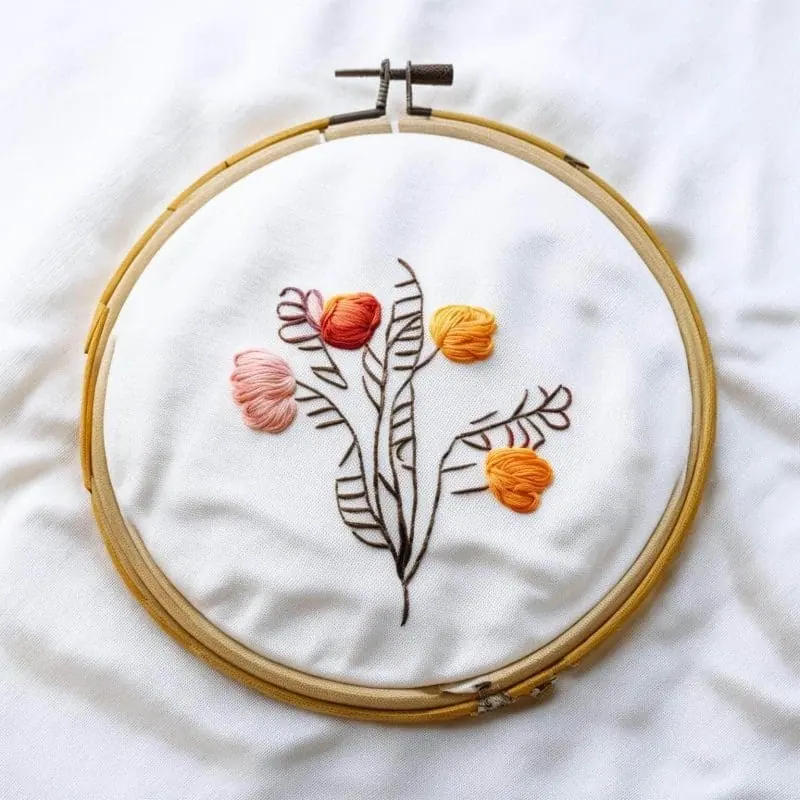
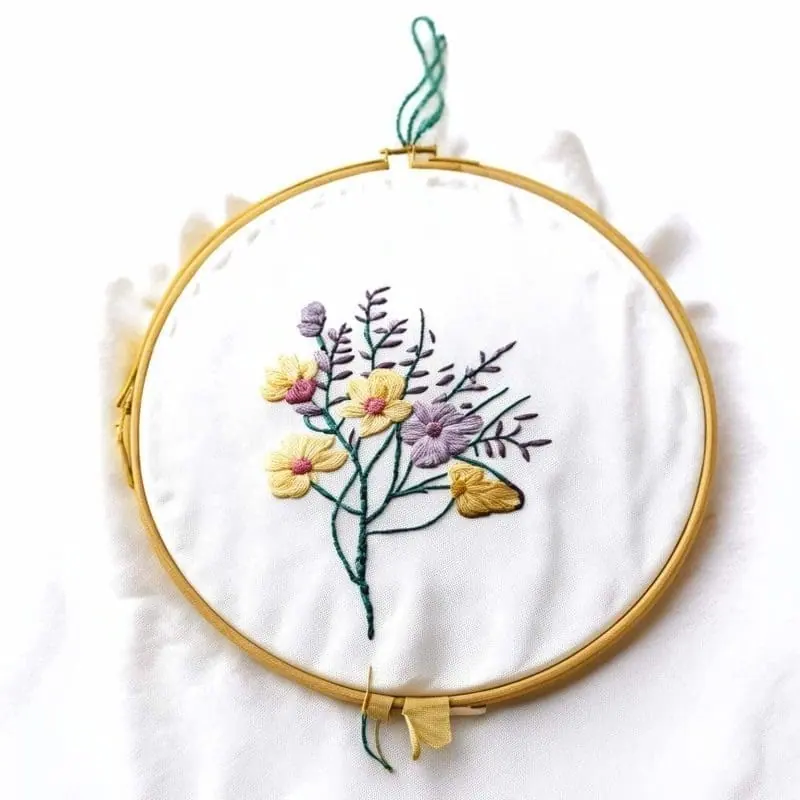

How it works
Three steps from idea to finished image.
- 1
Describe it
Type what you want in plain words, or start from one of the prompt ideas below. Magic Prompt can expand a few words into a detailed prompt.
- 2
Pick a style and format
Choose a model, style and aspect ratio. Idyllic generates several options in seconds.
- 3
Refine and download
Say what to change and only that changes. Upscale your favorite and download it in HD.
Bring Your Text Descriptions to Life
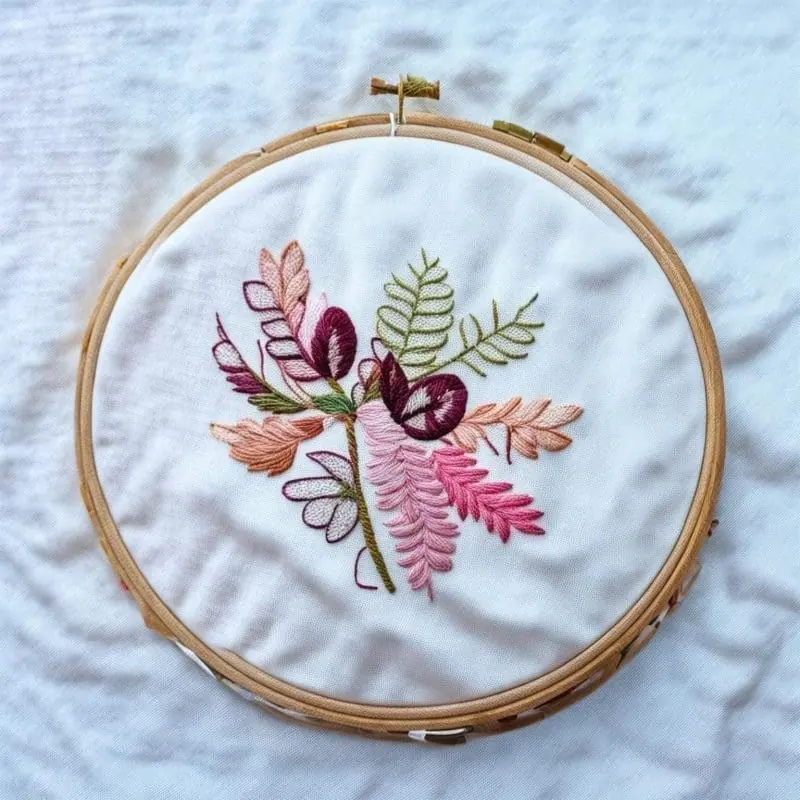
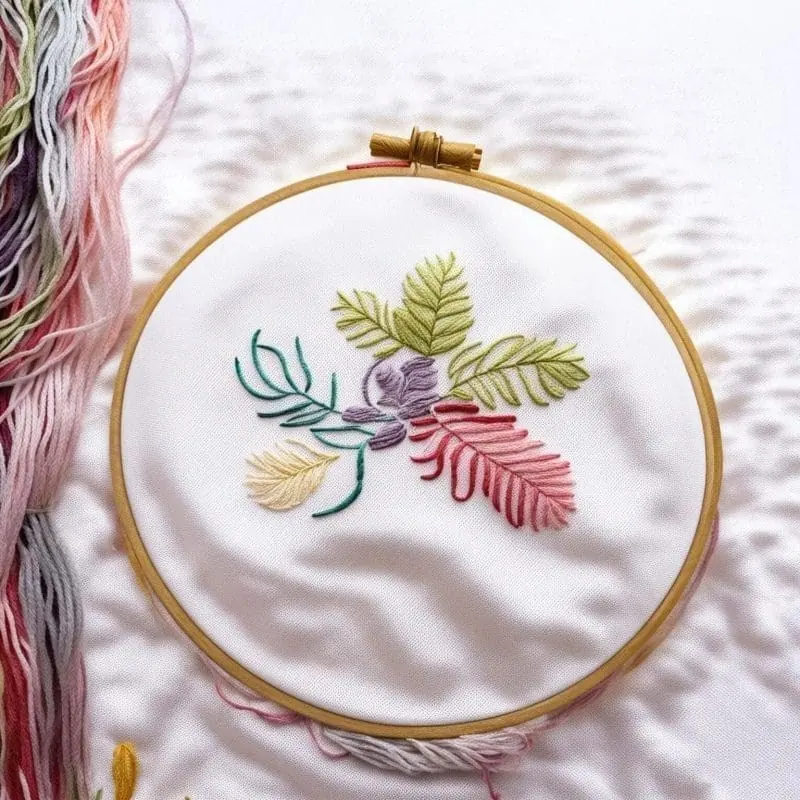
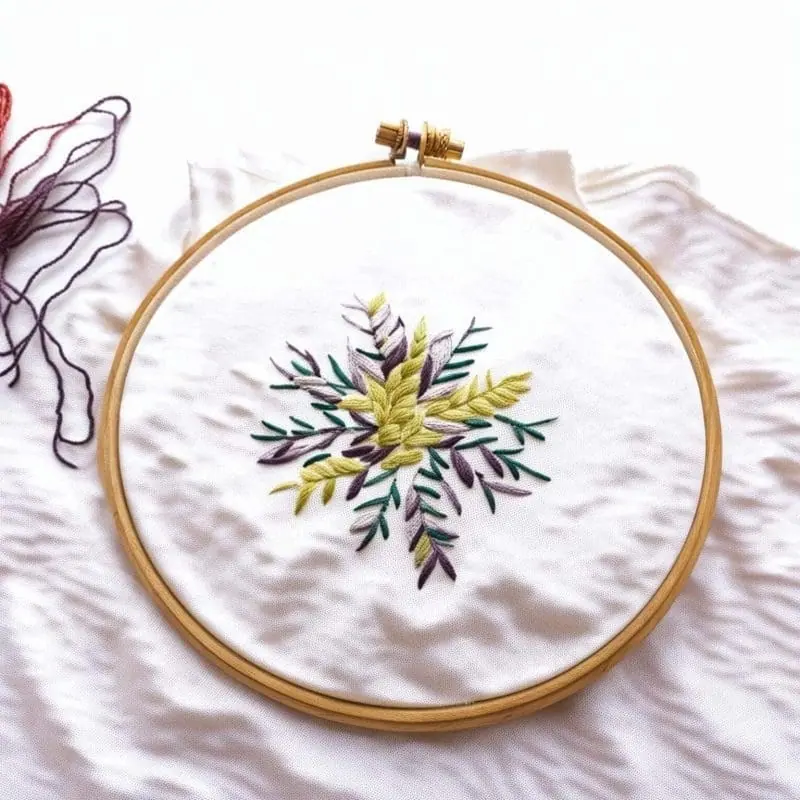
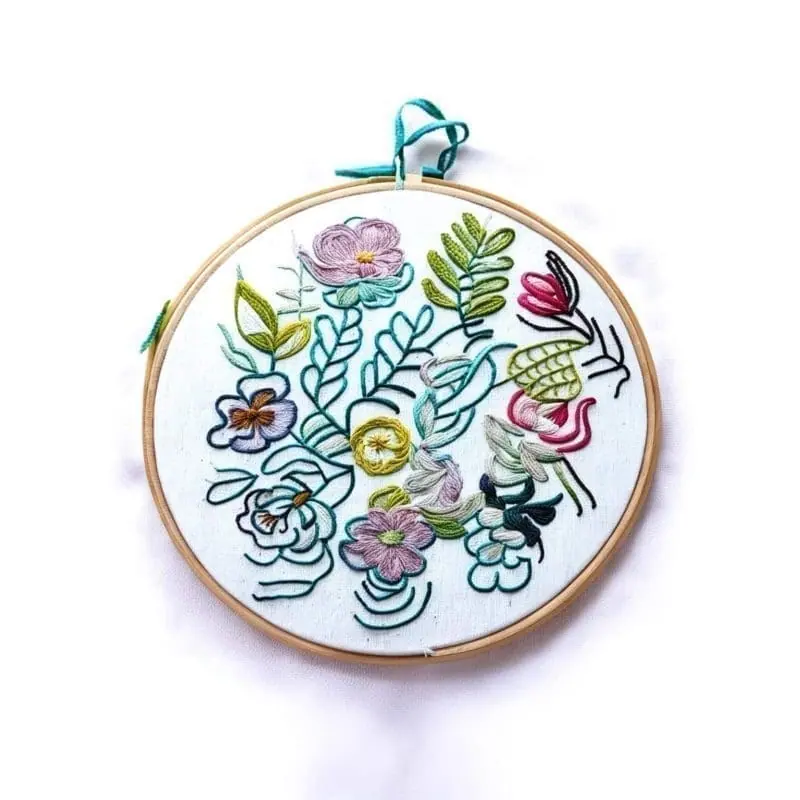
Idyllic simplifies embroidery design creation with its innovative Text-to-Image Generation feature. Specify your desired patterns, styles, or themes in words, and watch as the app translates your design vision into tangible, unique embroidery patterns. No design experience? No problem. Idyllic caters to all skill levels, making the process of creating simple embroidery designs as easy as typing a sentence.
Quality Choices Fine-Tuned to Your Needs
You are firmly in control of your design’s resolution and quality. Choose from various image resolutions, truly tailoring your design to meet the delicate nuances embroidery demands. Plus, for an expedited process or a quick inspiration spark, you can opt for faster, lower-quality design generations.
Inspiration Meets Iteration
Adopt an iterative approach to perfecting your embroidery design. Tailor and refine your concepts with specific changes in subsequent messages, letting you execute your vision down to minute details. Share and remix others’ creations for a broader perspective and added inspiration. Blend up to nine images or use an existing design as a starting point for your next masterpiece.
Frequently asked questions
What is the difference between high-quality and lower quality settings?
High-quality settings generate finely detailed designs with rich colors and intricate patterns. Lower quality technologies are quicker, offering a faster image generation process, but may lack certain details. They are perfect for draft work or in situations where time is of the essence.
Can I use a previously created design as a base for my new creation?
Yes, reuse and remix of past designs are encouraged in Idyllic. You can remix up to nine images to create an entirely new design, incorporating past works for an augmented creative process.
Is it free to use?
Yes. You can create 3 images a day for free with no credit card. Paid plans add more images, video, every model, private mode and a commercial license.
Do I need to be good at writing prompts?
No. Describe what you want the way you would say it. Magic Prompt turns a few words into a detailed prompt, and you can fix anything afterwards by describing the change.
Related tools
See all Fashion, nails and style


More in Fashion, nails and style

Your turn.
Free to start. No credit card.