AI Art Creator
Idyllic's AI art creator turns a written idea into finished artwork in any style, from oil paintings and watercolors to anime, pop art and 3D renders. Describe the subject and style, pick a model like FLUX or Imagen 4, then edit by saying what to change. Upscale finished pieces up to 8K for print.

- Price
- Free to start · 3 images a day
- Output
- HD images, upscale to 8K
- Models
- FLUX, Imagen 4, GPT Image, Seedream
- Commercial use
- Included on paid plans
- Prompt language
- Any language
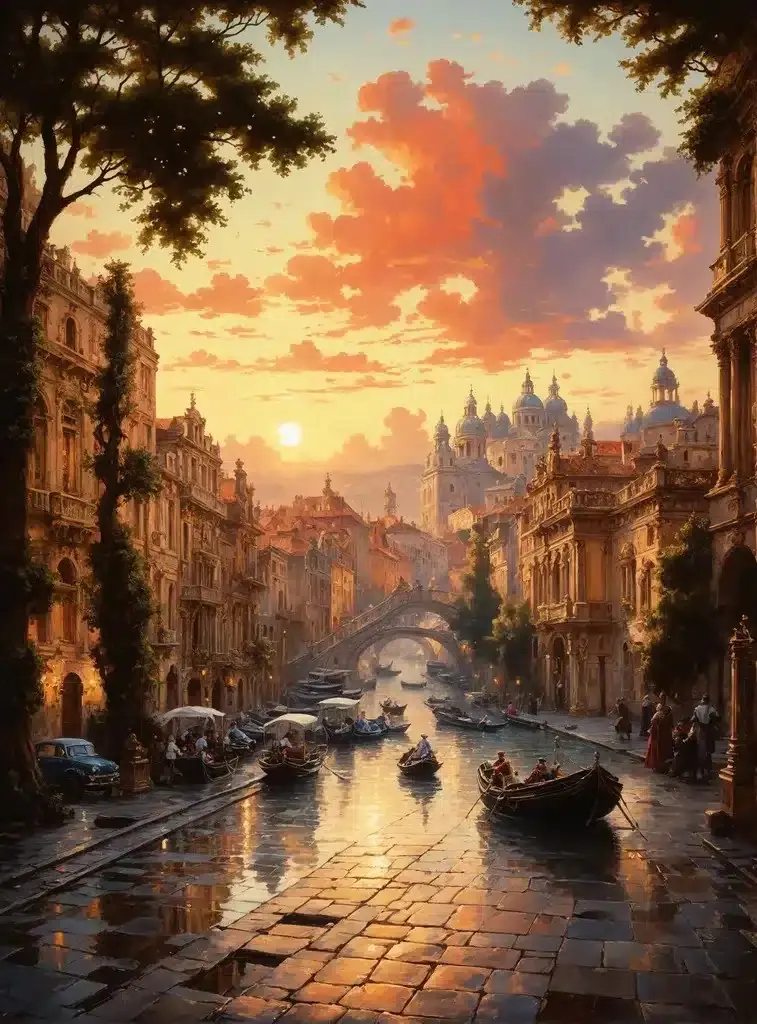
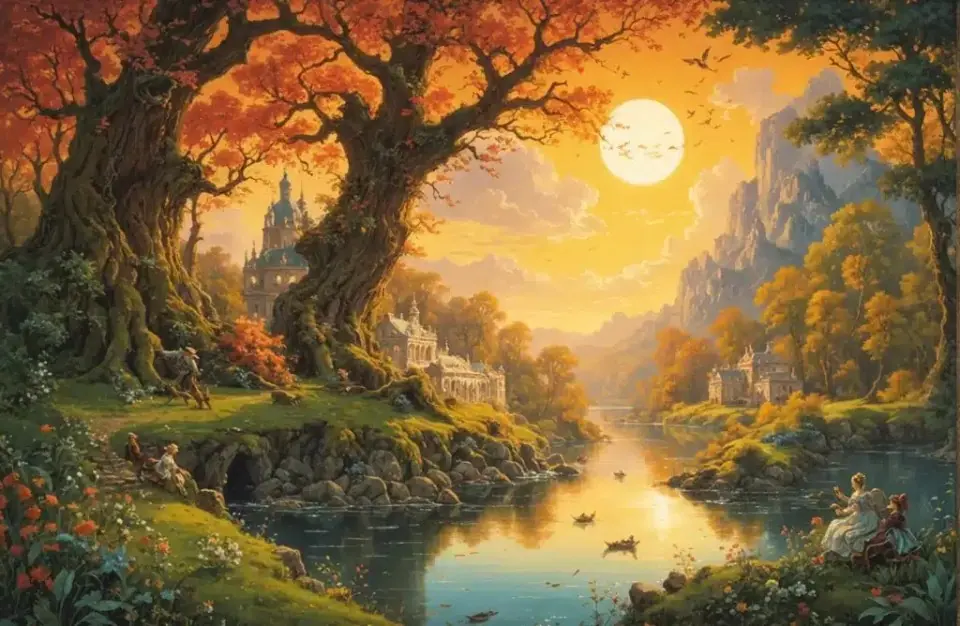
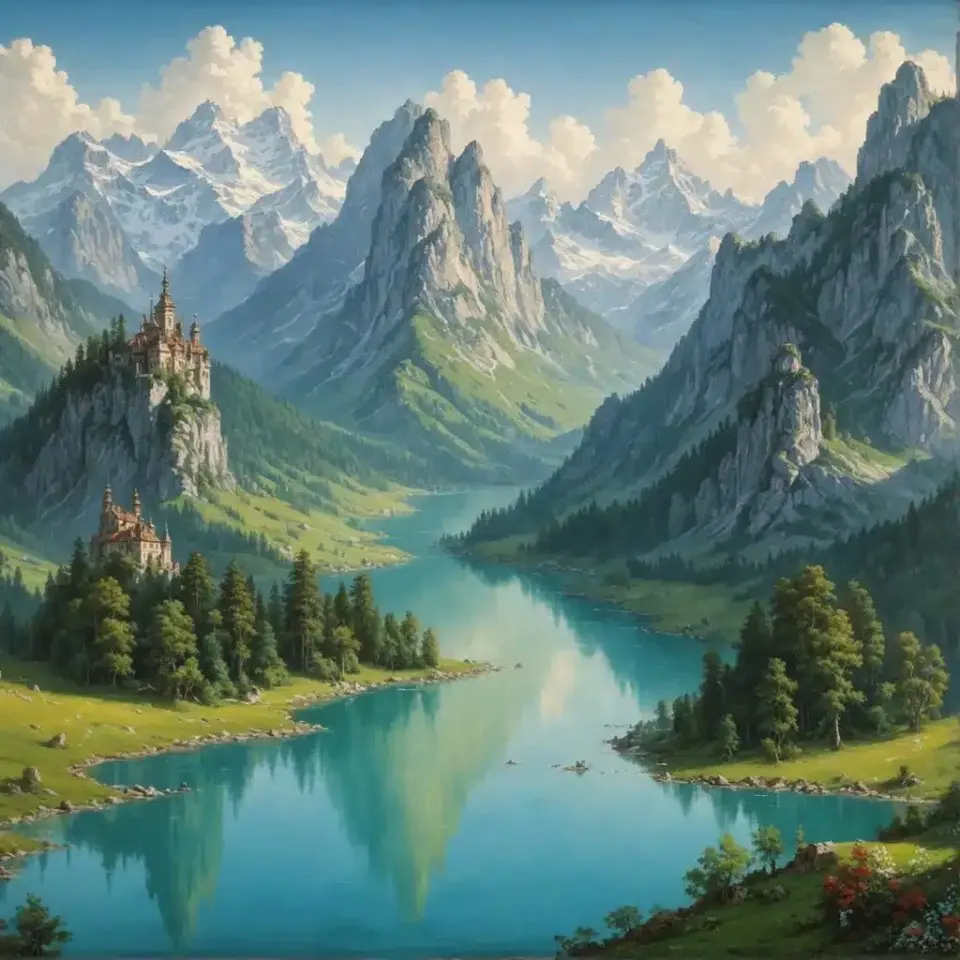
Examples
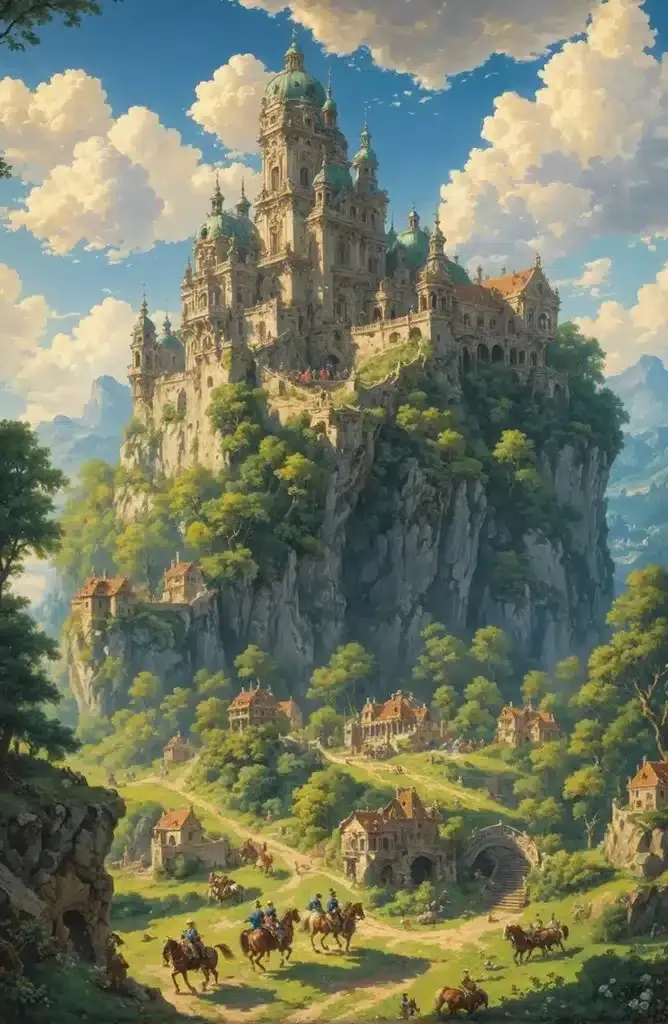
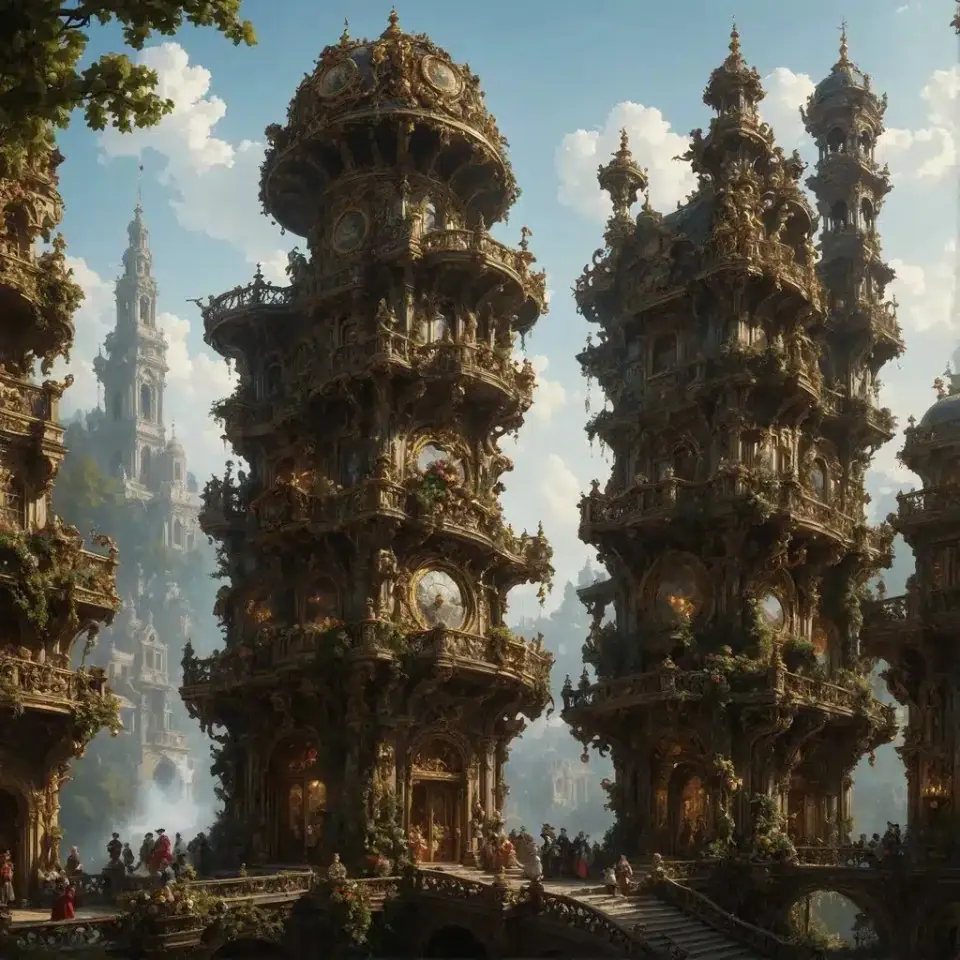
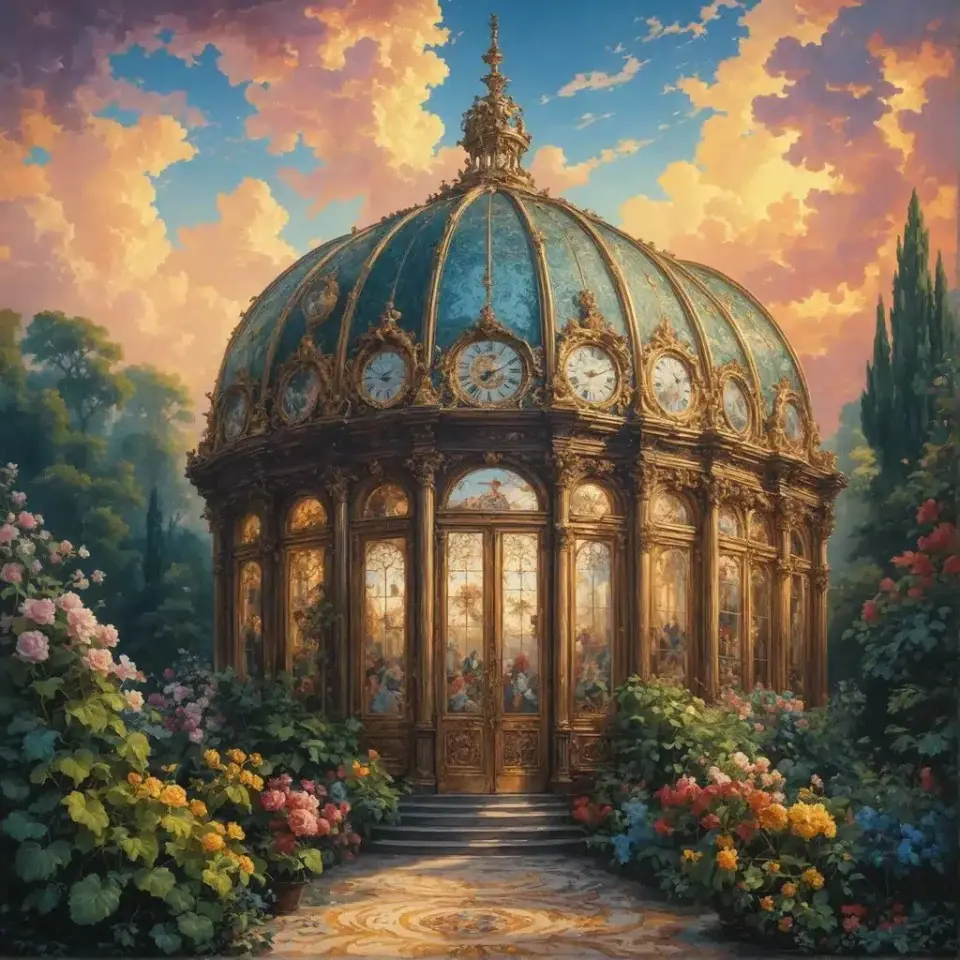
How it works
Three steps from idea to finished image.
- 1
Describe your idea
Subject, mood and setting: a lighthouse in a storm, lonely and dramatic. A few words is enough, since Magic Prompt can expand them.
- 2
Choose an art style
Name a medium or movement: impressionist oil, ukiyo-e woodblock, Art Nouveau, risograph. Or train a Style on your own references.
- 3
Edit and finish
Change one thing at a time, like 'warmer sky'. Extend the canvas for a wider crop, then upscale up to 8K.
Art styles to try
- Impressionist oil: visible brushstrokes, soft light
- Watercolor: loose washes, white paper showing through
- Ukiyo-e woodblock: flat color, bold outlines, wave patterns
- Art Nouveau: flowing lines, ornamental frames
- Pop art: halftone dots, bold primaries
- Surrealism: dream logic, impossible scale
Make it your own style
Start from a preset Style, or train a Style on your own references so every piece matches your look. Remix blends up to 9 images when you want to combine influences.
What artists use it for
- Thumbnails and composition studies before painting
- Color palette exploration for a series
- Reference images for poses and lighting
- Print-ready art for walls, zines and covers
- Concept art for games and stories
Prompt ideas
Copy a prompt, or open it in Idyllic and make it yours.
impressionist oil painting of a lighthouse in a storm, thick visible brushstrokes, dramatic grey-green sea, warm window light
watercolor of a Paris street cafe in the rain, loose washes, white paper showing through, muted blues and ochres
ukiyo-e woodblock print of a fox crossing a snowy bridge, flat colors, bold outlines, indigo and vermilion
Art Nouveau illustration of a woman surrounded by wild irises, flowing lines, ornamental border, gold and sage palette
pop art portrait of a dog in sunglasses, halftone dots, bold red and yellow, thick black outlines
surreal painting of a whale swimming through clouds above a quiet village, soft dawn light
risograph print of a city skyline, two-color pink and teal, grainy texture, slight misregistration
charcoal study of hands holding a teacup, strong side light, smudged shadows, textured paper
abstract geometric composition, overlapping circles and arches, terracotta and cream, Bauhaus-inspired
Frequently asked questions
Is the AI art creator free?
Yes. You get 3 free images a day with no credit card. Paid plans are Plus ($10.50/mo), Pro ($17.50/mo) and Max ($33.25/mo), billed yearly.
What styles can the AI art creator make?
Almost any: oil, watercolor, charcoal, ukiyo-e, Art Nouveau, pop art, anime, pixel art and 3D. Name the medium or movement in your prompt.
Can I make art in my own style?
Yes. Train a Style on your own reference images, or start from a preset, and new pieces follow that look.
Can I print AI art?
Yes. Upscale up to 8K for large prints. Paid plans include a commercial license if you plan to sell them.
Can I edit part of an artwork?
Yes. Describe the change in plain words and only that part changes, or use Canvas to erase, fill or extend the image.
Who can see my art?
Free creations appear in Idyllic's public gallery. Paid plans add private mode if you want to keep work to yourself.
Related tools
See all AI art and image styles

More in AI art and image styles
Popular on Idyllic
Your turn.
Free to start. No credit card.