Saddest Drawings | Explore Collection
Create Saddest Drawings with Idyllic: describe what you want, pick a style and get HD images in seconds. Change any detail just by saying so, then download. Free to start, no credit card.


- Price
- Free to start · 3 images a day
- Output
- HD images, upscale to 8K
- Models
- FLUX, Imagen 4, GPT Image, Seedream
- Commercial use
- Included on paid plans
- Prompt language
- Any language
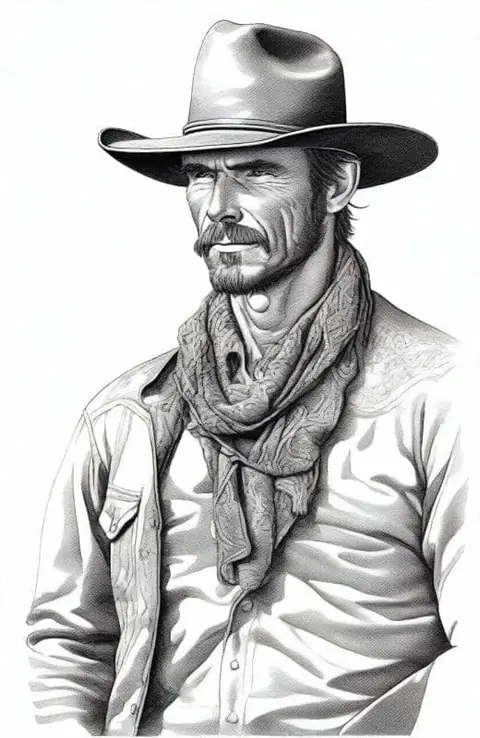
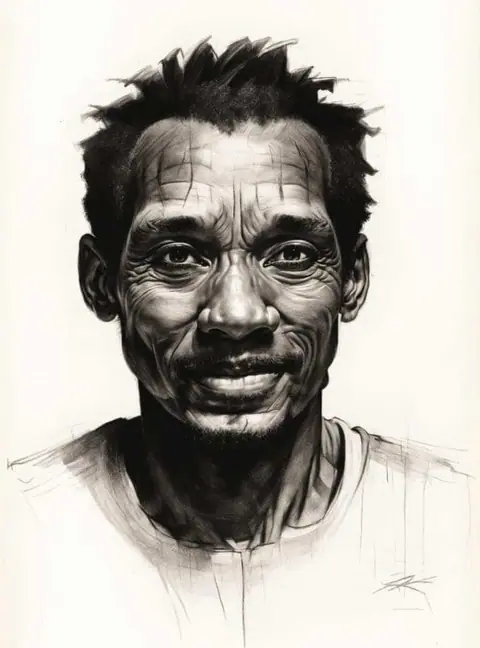
Examples
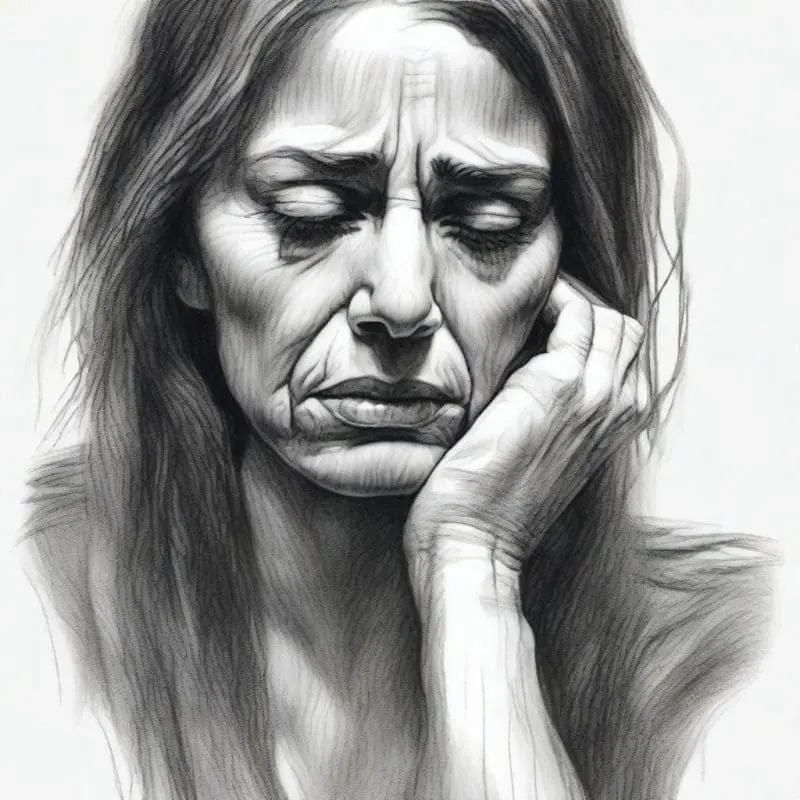
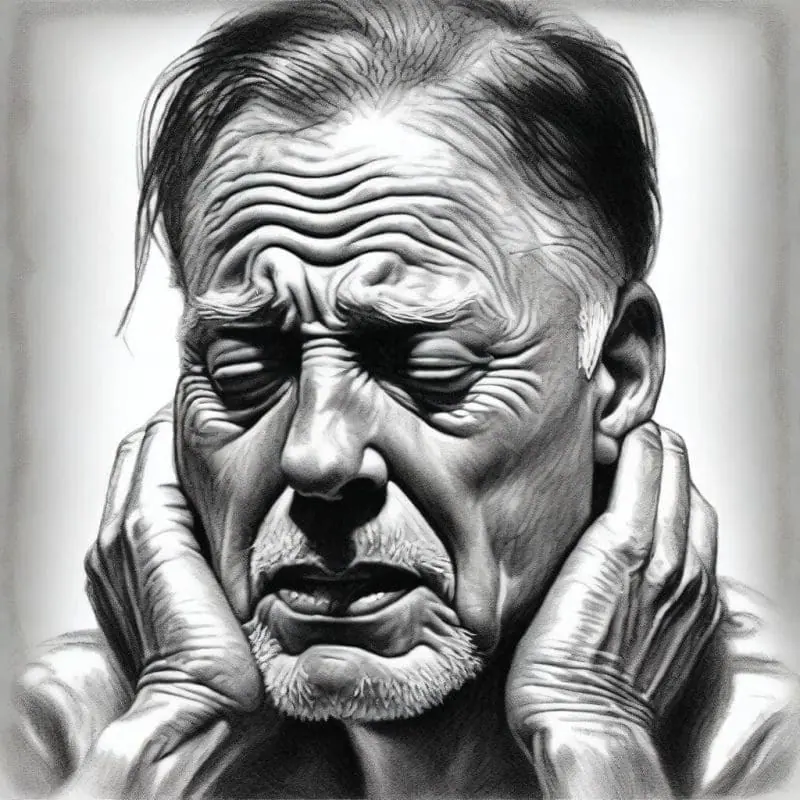


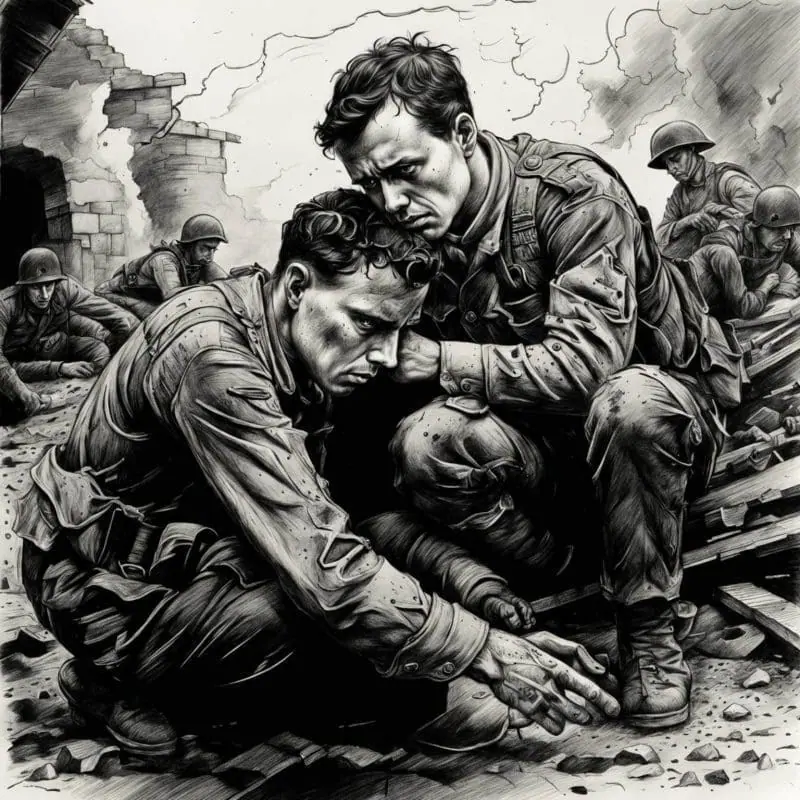
How it works
Three steps from idea to finished image.
- 1
Describe it
Type what you want in plain words, or start from one of the prompt ideas below. Magic Prompt can expand a few words into a detailed prompt.
- 2
Pick a style and format
Choose a model, style and aspect ratio. Idyllic generates several options in seconds.
- 3
Refine and download
Say what to change and only that changes. Upscale your favorite and download it in HD.
Effortless Iteration and Customization
Emotions are intricate and can change subtly. Our iterative creation process allows you to hone in those specifics. Refine your sad art iteratively until you hit that sweet spot of melancholy. From the vaguest sense of sorrow to the most detailed depiction of despair, our specialized generative models are tailored to your needs.
Community of Connect
Sometimes, it’s comforting to know that you are not alone in your feelings. Our social interaction feature lets you browse creations from others and draw inspiration, comment and connect on a deeper level. Sharing your work can be a cathartic process, allowing you to express feelings that might be too tough to put into words.
Frequently asked questions
How does Idyllic create these images?
Idyllic bridges the gap between emotions and visual art using advanced AI algorithms that turn your text descriptions into visually captivating images. It’s a seamless blend of technology and creativity.
Can I refine my generated art?
Yes, Idyllic allows for an iterative art creation process. If your first image isn’t exactly as you envisioned it, you can request specific changes in subsequent messages until you’re happy with the result.
Is it free to use?
Yes. You can create 3 images a day for free with no credit card. Paid plans add more images, video, every model, private mode and a commercial license.
Do I need to be good at writing prompts?
No. Describe what you want the way you would say it. Magic Prompt turns a few words into a detailed prompt, and you can fix anything afterwards by describing the change.
Related tools
See all AI art and image styles



More in AI art and image styles

Your turn.
Free to start. No credit card.