Bracelet Inspiration | Explore Collection
Create Bracelet Inspiration with Idyllic: describe what you want, pick a style and get HD images in seconds. Change any detail just by saying so, then download. Free to start, no credit card.
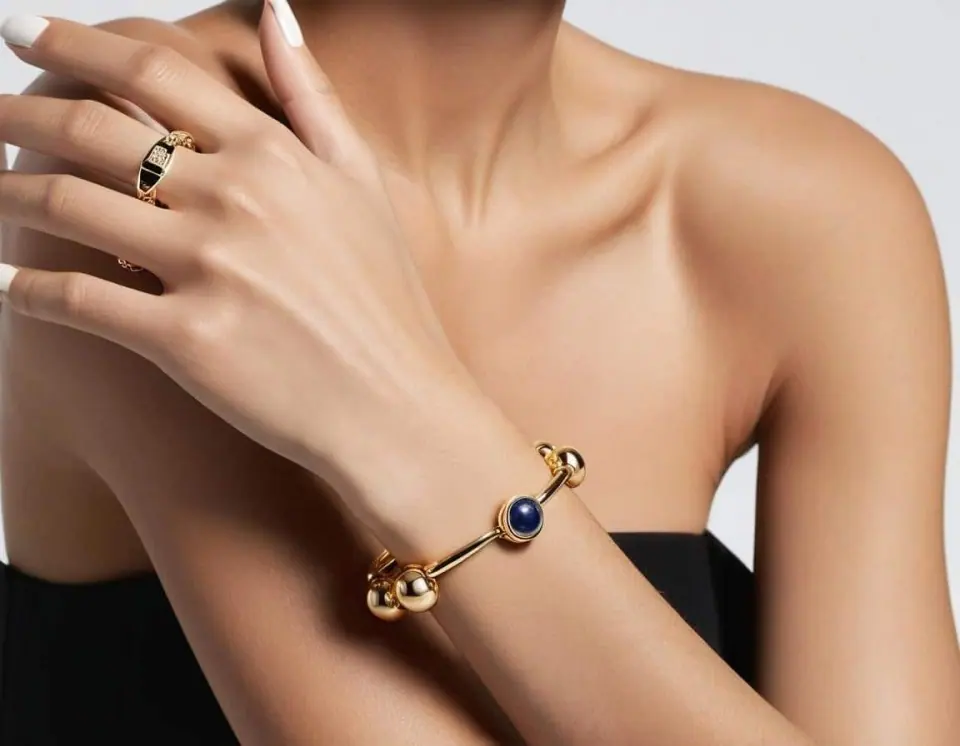

- Price
- Free to start · 3 images a day
- Output
- HD images, upscale to 8K
- Models
- FLUX, Imagen 4, GPT Image, Seedream
- Commercial use
- Included on paid plans
- Prompt language
- Any language
Examples
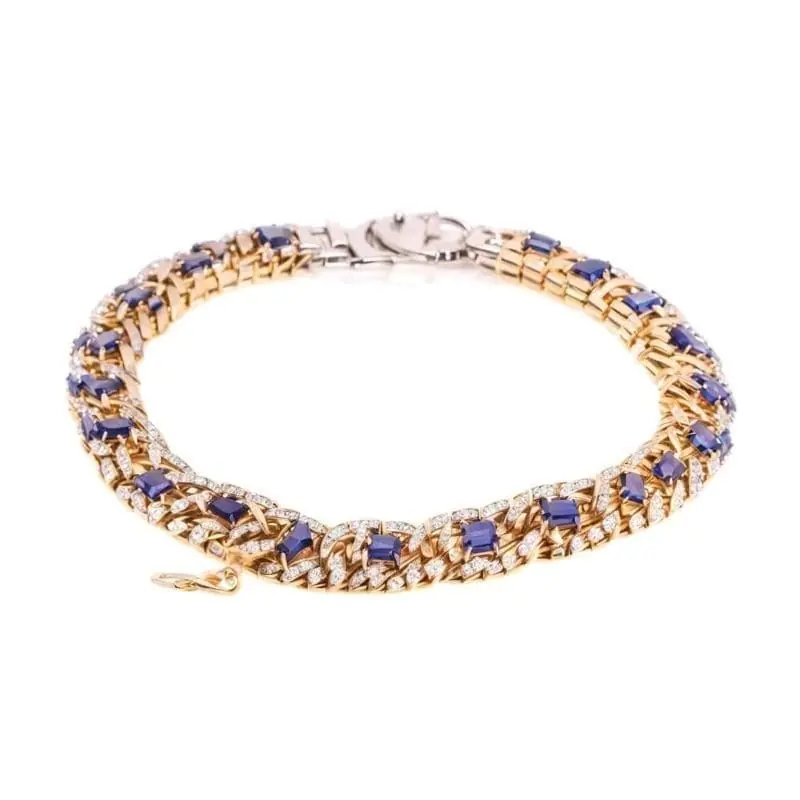

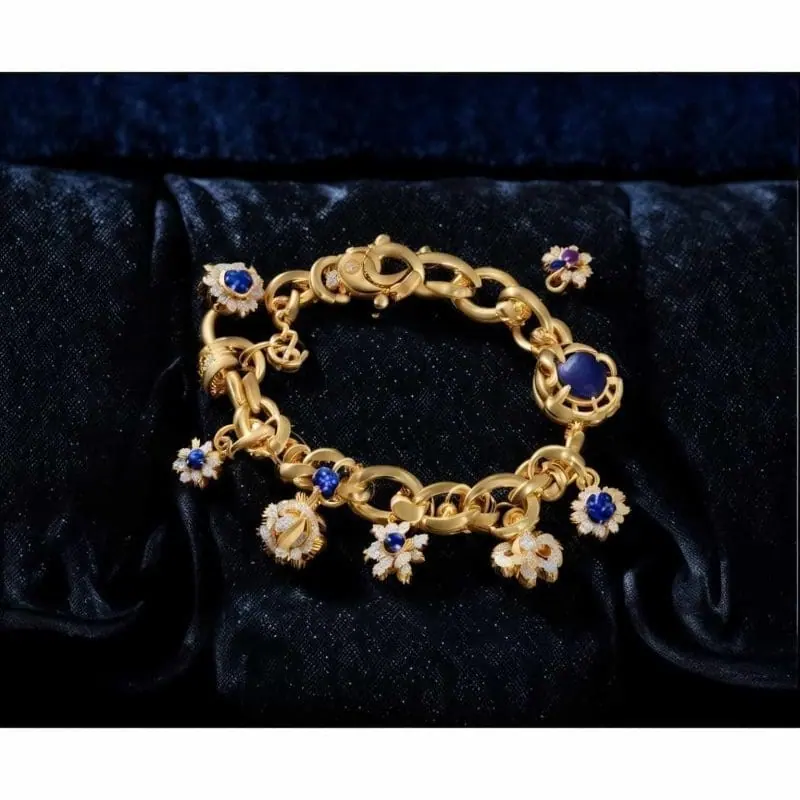

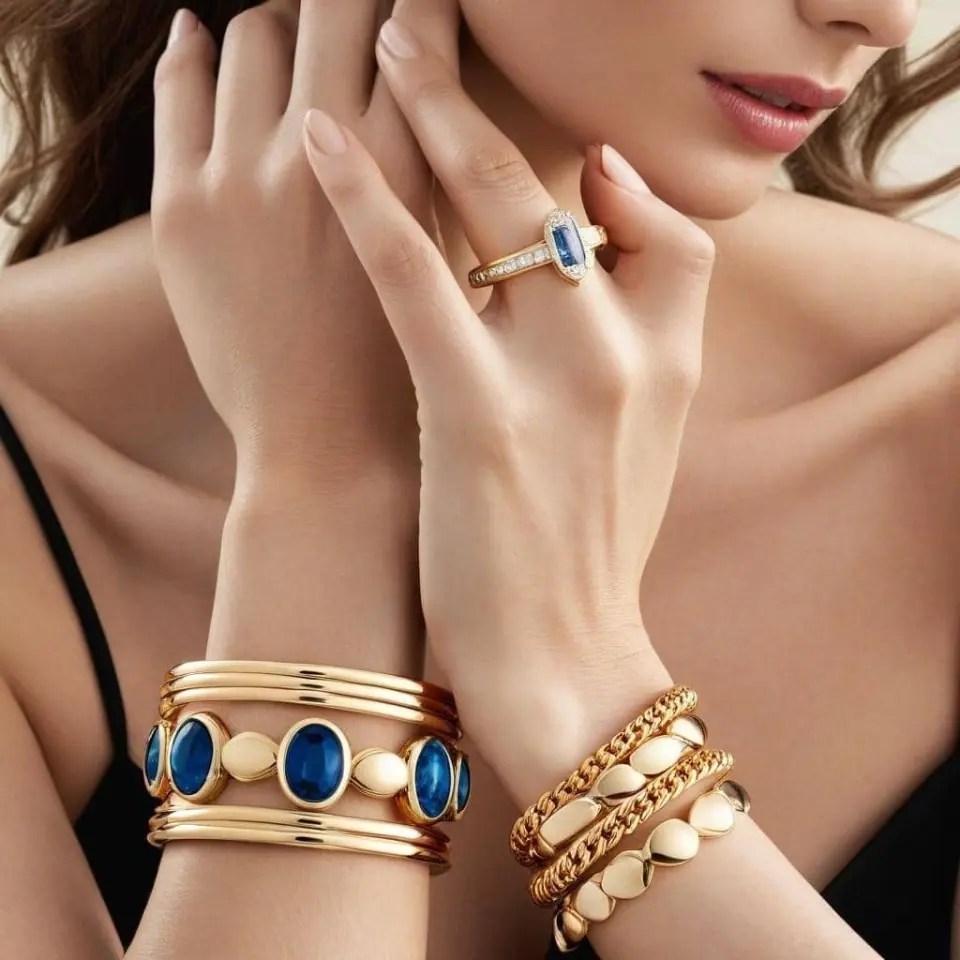
How it works
Three steps from idea to finished image.
- 1
Describe it
Type what you want in plain words, or start from one of the prompt ideas below. Magic Prompt can expand a few words into a detailed prompt.
- 2
Pick a style and format
Choose a model, style and aspect ratio. Idyllic generates several options in seconds.
- 3
Refine and download
Say what to change and only that changes. Upscale your favorite and download it in HD.
Transform Ideas into Visual Reality
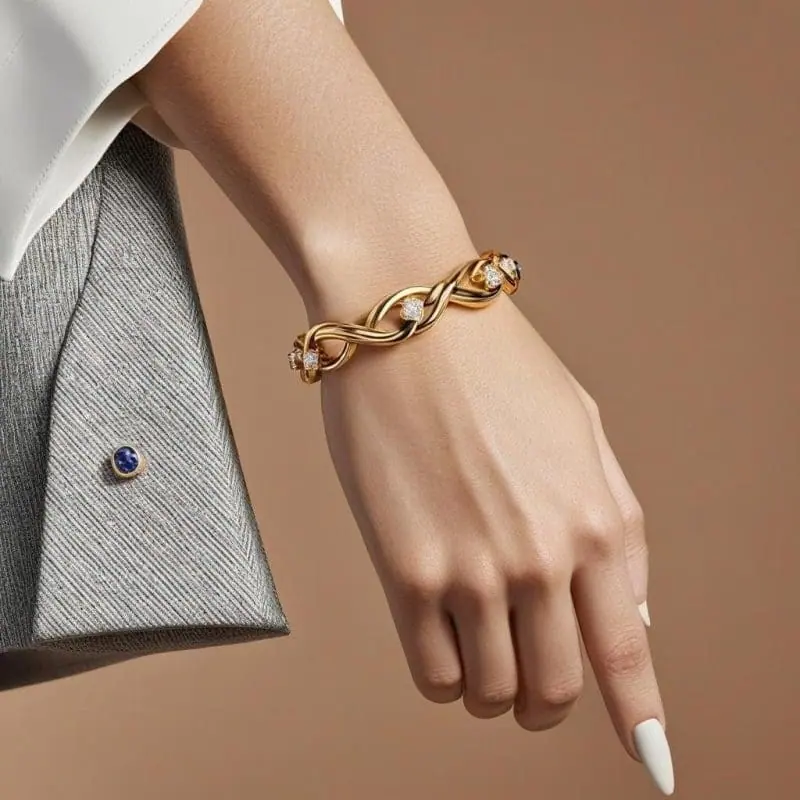
Idyllic’s revolutionary Text-to-Image Generation enables you to bring your conceptual bracelet designs to life – simply start by typing a detailed description of the bracelet you wish to see, and let our program work its magic. Take control of your design’s aesthetic and details with the Iterative Creation Process. Request specific changes in the generated images, and watch your dream bracelet evolve and improve with each iteration.
Join a Creative Collective
Browse the community feed to view other users’ creations, engage with their work, and draw inspiration for your own projects. Share your workflow in threads to showcase your creative journey and receive constructive feedback from fellow users.
Frequently asked questions
How does Idyllic’s Text-to-Image feature work?
Simply describe the bracelet you want to see in the text box. Our AI will infer the details from your description and create an image in line with your words. For better results, you can be as specific or as imaginative as you please.
Can I use Idyllic without prior design skills?
Yes! Idyllic is designed for both seasoned designers and beginners in mind. By inputting a detailed description, you can create an image without needing any graphical design skills.
Is it free to use?
Yes. You can create 3 images a day for free with no credit card. Paid plans add more images, video, every model, private mode and a commercial license.
Do I need to be good at writing prompts?
No. Describe what you want the way you would say it. Magic Prompt turns a few words into a detailed prompt, and you can fix anything afterwards by describing the change.
Related tools
See all AI art and image styles
More in AI art and image styles

Your turn.
Free to start. No credit card.