
Explore Our New Feature Releases
AI Stock Photos Collection and Generator
Elevate your digital presence with creative, unique, and engaging AI generated stock photos. Let technology meet art as you bring your ideas to life with Idyllic’s Free AI Generated Stock Photos.
★★★★★
30,000+ users
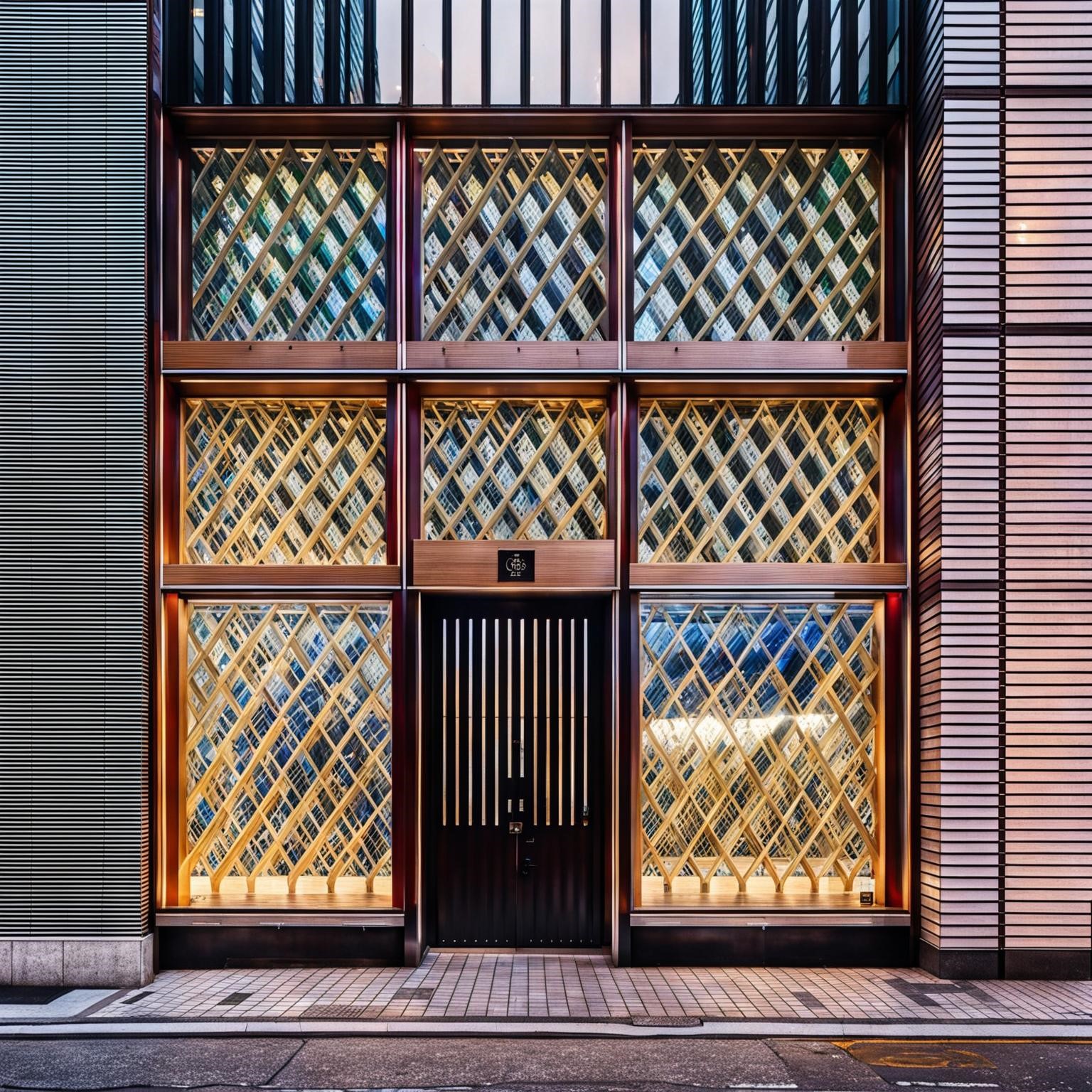


Transform Your Text into High Quality AI Stock Photos
Idyllic’s powerful Text-to-Image Generation feature lets you transform abstract ideas into stunning visuals. From business use cases to creative projects, generate high-quality ai stock photos in various styles that fit your needs, be it graphic design, art, or photography.
Select Your Image Resolution
Whether for web or print, with Idyllic’s AI stock photos you can select your preferred image resolution. Choose the quality that best suits your project’s requirements, and seamlessly incorporate AI stock photos in your storytelling.
Image Generation – Quality and Speed as per Your Needs
Idyllic offers a trade-off between high-quality image generations and faster lower-quality options for your convenience. Optimise your image generation process as per your needs.
Refine, Remix, Reinvent!
Idyllic supports an iterative creation process and offers the ability to ‘Remix’ or blend up to nine images. Get adventurous with your visuals using ‘inspiration images’ to guide your generation process – mix, match, and create AI stock photos with a novelty factor!
Frequently asked questions
What can AI Generated Stock Photos do for me?
AI-generated stock photos can provide unique, customizable images tailored to your specifications. They help eliminate generic, repetitive visuals and ensure fresh, unique content to captivate your audience.
How do I ensure the quality of AI-generated images?
Select the high-quality image generation option in Idyllic. It provides detailed and refined results, ensuring high-quality images that accurately represent your narrative.
Will AI replace stock photography?
For many industries like marketing, design, and publishing, AI image generation represents a budget-friendly alternative to stock photography. Platforms like DALL-E and Idyllic allow generating custom visuals on demand through prompt engineering, at a fraction of the cost of purchasing from traditional stock libraries. This makes AI extremely attractive for creating unique graphics, ads, mockups, and illustrations tailored to specific concepts or needs. While AI may lack the resolution for print materials, it shines for digital use cases like websites, social media, ebooks, and presentations. The ability to instantly generate endless on-brand imagery makes AI a game changer. And with free entry-level access to tools like Idyllic, businesses and creatives can experiment with AI image creation at no cost compared to pricy stock photo subscriptions.
Ready to Get Started?
Join The Community of over 30,000 Artists already using Idyllic
Generate stock-photo style visuals for specific campaigns
Instead of searching generic libraries, describe the scene, subject, setting, composition, and brand mood you need for landing pages, ads, posts, and presentations.
Popular ways to use this generator
- Blog headers, SaaS landing pages, ecommerce banners, and newsletter visuals
- Campaign concepts with exact audiences, locations, products, and seasonal details
- Presentation images, social posts, and editorial-style creative directions
Prompt ideas to start with
- Create a bright stock-photo style image of a small business owner packing handmade products in a sunny studio.
- Generate a website hero image showing a diverse remote team planning a product launch on laptops.
- Make a clean product lifestyle photo of reusable water bottles on a hiking trail at sunrise.
Related AI tools
Start creating free with Idyllic
AI Stock Photos
Create stock-photo-style visuals for website heroes, blog headers, ads, social posts, decks, mockups, product pages, email campaigns, and editorial concepts.
What to include in the prompt
Tell Idyllic the final use case, audience, format, and production constraints. Strong prompts include business use case, subject, location, lighting, ethnicity/age diversity if relevant, camera lens, crop, copy space, brand color, realism level, commercial rights review, release concerns, and whether to avoid logos or identifiable brands.
Copy-paste prompt ideas
- Photoreal stock photo of diverse marketing team reviewing laptop analytics in bright office, natural light, copy space on right, no logos.
- Clean SaaS hero image with designer desk, laptop mockup, coffee, plant, soft shadows, blue brand accents, 16:9 crop.
- Healthcare stock image of friendly clinician using tablet in modern clinic, realistic lighting, no visible patient data, copy space.
- Small business owner packing ecommerce orders at wooden table, warm daylight, product labels blank, authentic candid style.
Production checklist
- Set the format: Specify square, vertical, horizontal, printable, transparent, mockup, or product-ready output.
- Reserve text space: Ask for blank areas where names, titles, barcodes, QR codes, prices, or messages will be added.
- Generate variations: Compare several color palettes, layouts, and crops before refining a final asset.
- Review before use: Check spelling, print specs, rights, safety, brand rules, and platform requirements.
Related Idyllic tools
Start creating
Open Idyllic, paste a detailed prompt, generate several versions, then refine the best result for your print piece, social post, product mockup, classroom activity, or creative project.
Start creating free with Idyllic
Review commercial rights, model/property release needs, trademarks, medical/financial claims, and AI disclosure rules before using generated stock images.