Concept Gnome Images Explore or Create
Create Concept Gnome Images Explore or Create with Idyllic: describe what you want, pick a style and get HD images in seconds. Change any detail just by saying so, then download. Free to start, no credit card.

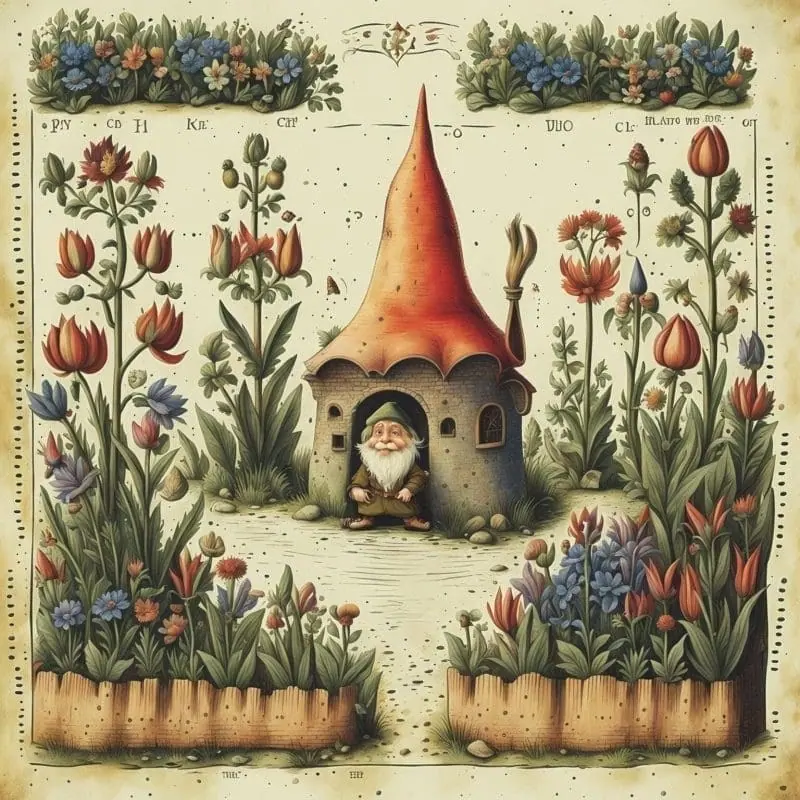
- Price
- Free to start · 3 images a day
- Output
- HD images, upscale to 8K
- Models
- FLUX, Imagen 4, GPT Image, Seedream
- Commercial use
- Included on paid plans
- Prompt language
- Any language
Examples

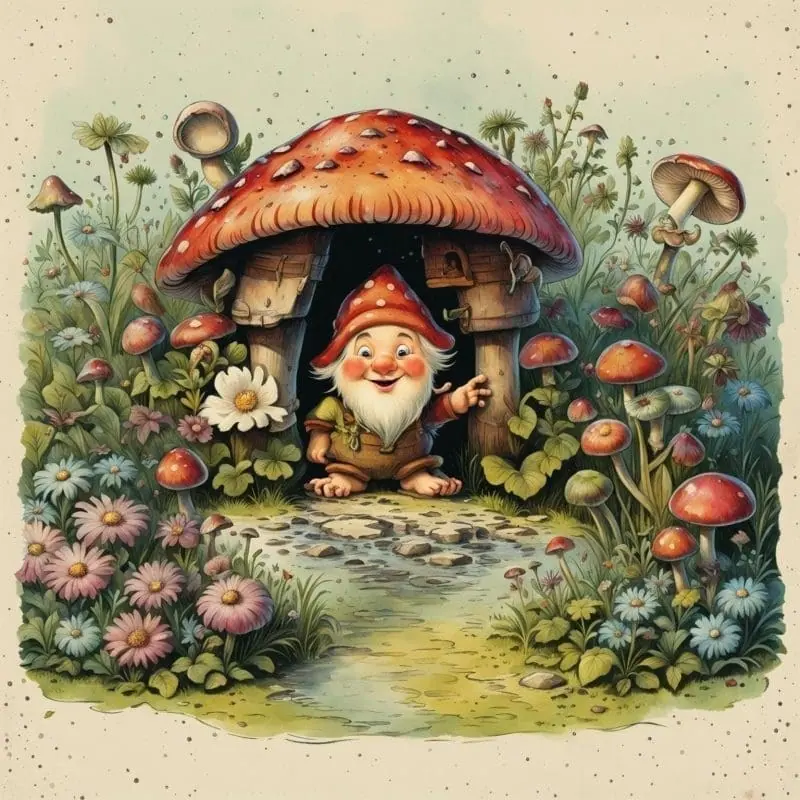
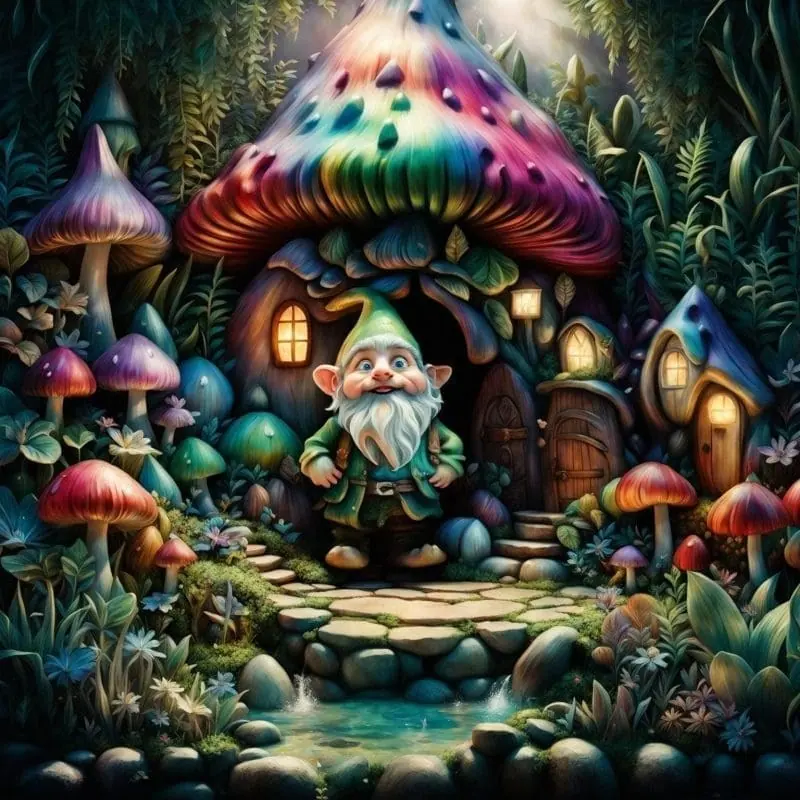
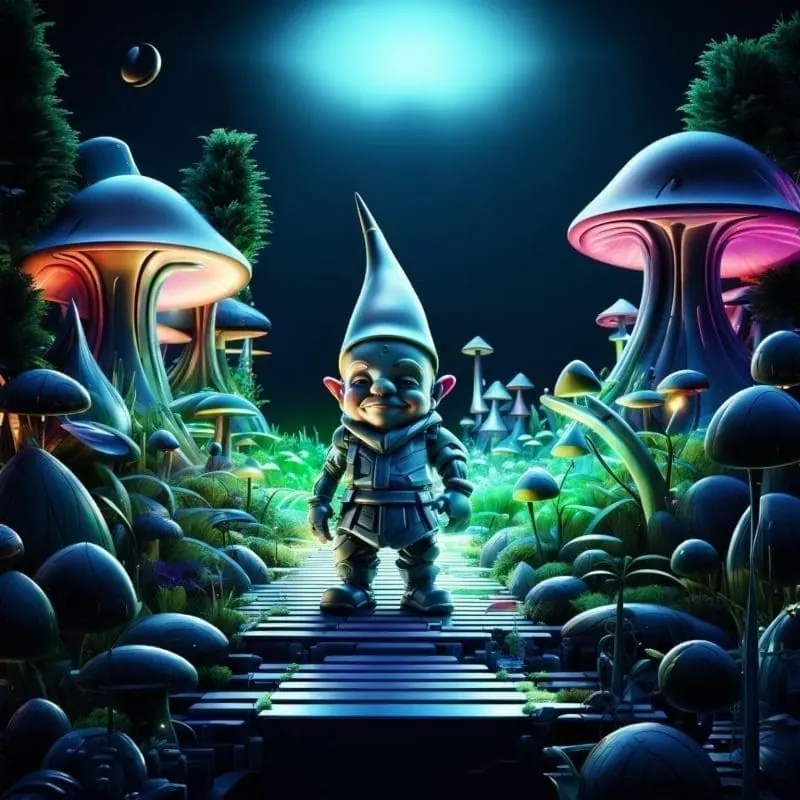

How it works
Three steps from idea to finished image.
- 1
Describe it
Type what you want in plain words, or start from one of the prompt ideas below. Magic Prompt can expand a few words into a detailed prompt.
- 2
Pick a style and format
Choose a model, style and aspect ratio. Idyllic generates several options in seconds.
- 3
Refine and download
Say what to change and only that changes. Upscale your favorite and download it in HD.
Customize Every Detail with Ease
Our Iterative Creation Process lets you take full control of your creations. With each request, refine and perfect your gnome images, ensuring every detail matches your vision. Choose from Multiple Image Resolutions to get the right quality for your project.
Instant Furniture to Match Your Style
For those working on gnome environments, our Auto-Edits for Specific Use Cases can virtually stage any scenario. For instance, take an image of an empty room and turn it into a cozy gnome hut adorned with rustic furniture and whimsical decor in seconds.
Get Inspired and Share with the Community
Browse through other user creations on our app to get inspiration and engage with fellow gnome enthusiasts. Share your workflow and final results seamlessly with our Publishing and Sharing Workflows . Follow users, comment, and receive feedback to improve and enrich your gnome-creating journey.
Frequently asked questions
How do I start creating gnome images?
Simply describe the gnome scene or character you envision using our Text-to-Image Generation feature. You can further refine your image with each request.
Can I blend multiple images to create a unique piece?
Yes, our Remix Feature allows you to blend or ‘remix’ up to nine different images, including inspiration images, to craft a unique gnome image.
What if I want to customize my gnome environment?
Use our Auto-Edits for Specific Use Cases feature to virtually stage gnome environments. Upload a base image and specify the style you want; our app will do the rest.
Is community engagement available?
Absolutely! You can browse other users’ creations for inspiration, share your projects, and interact with fellow gnome enthusiasts by following, commenting, and liking content.
Related tools
See all AI art and image styles

More in AI art and image styles

Your turn.
Free to start. No credit card.