Disney Embroidery Designs
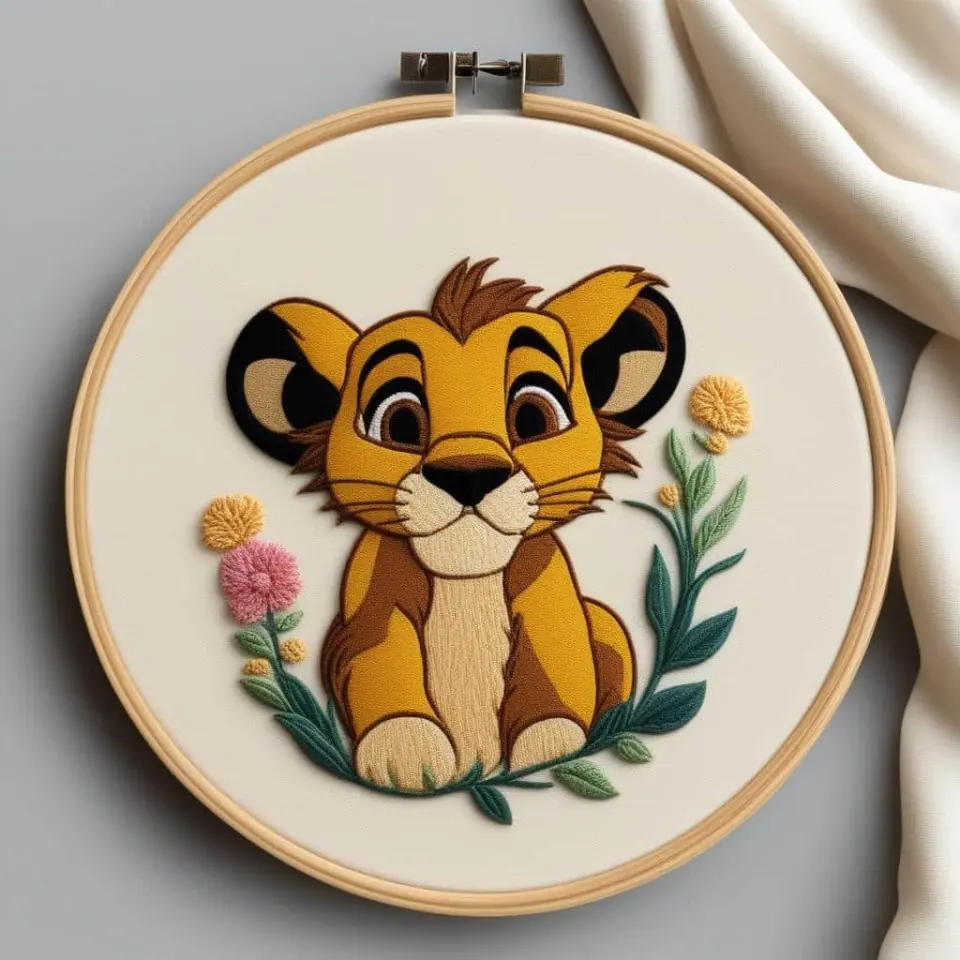
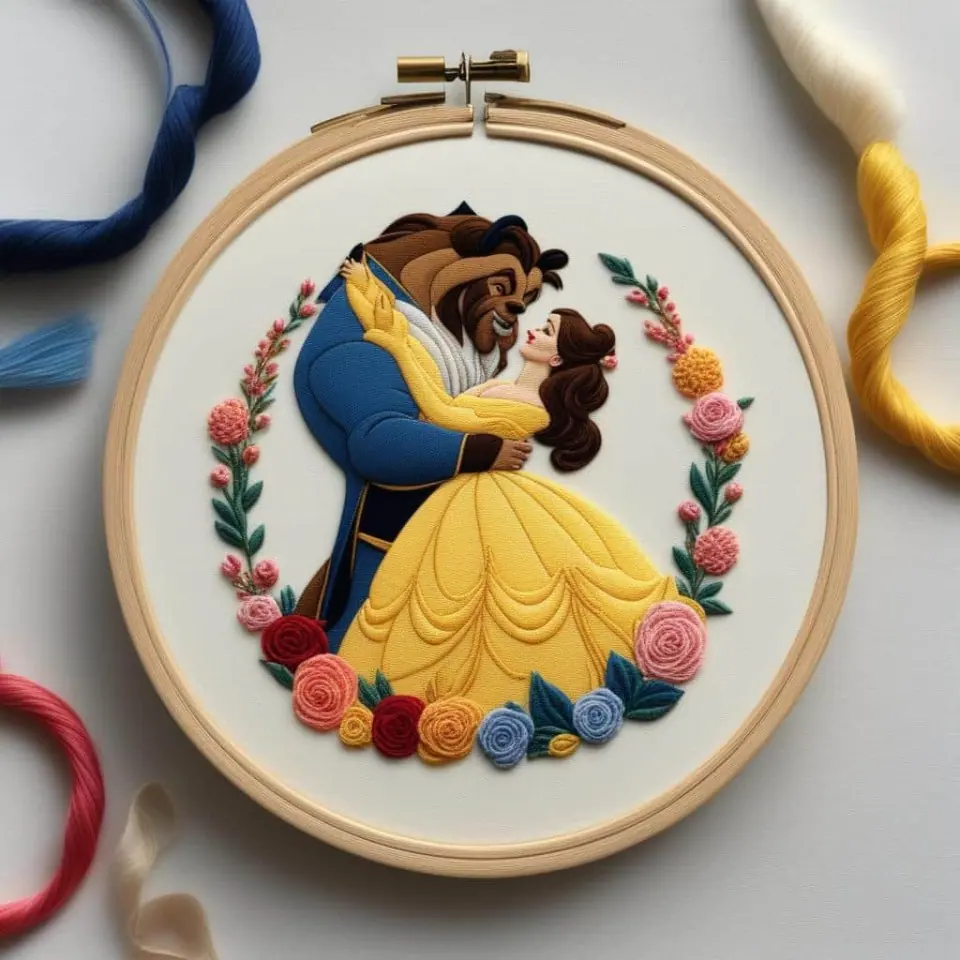
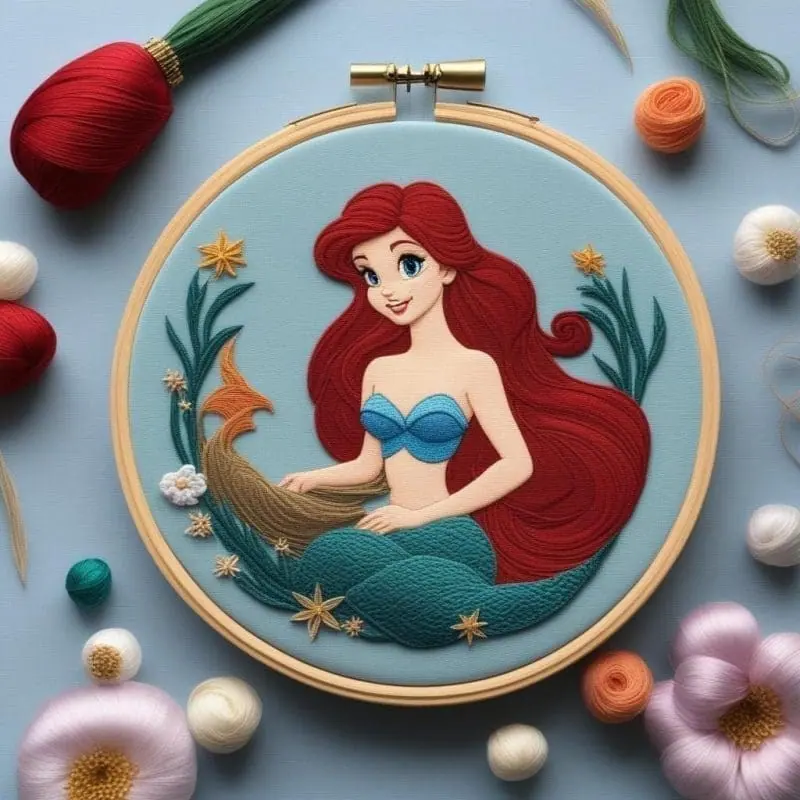
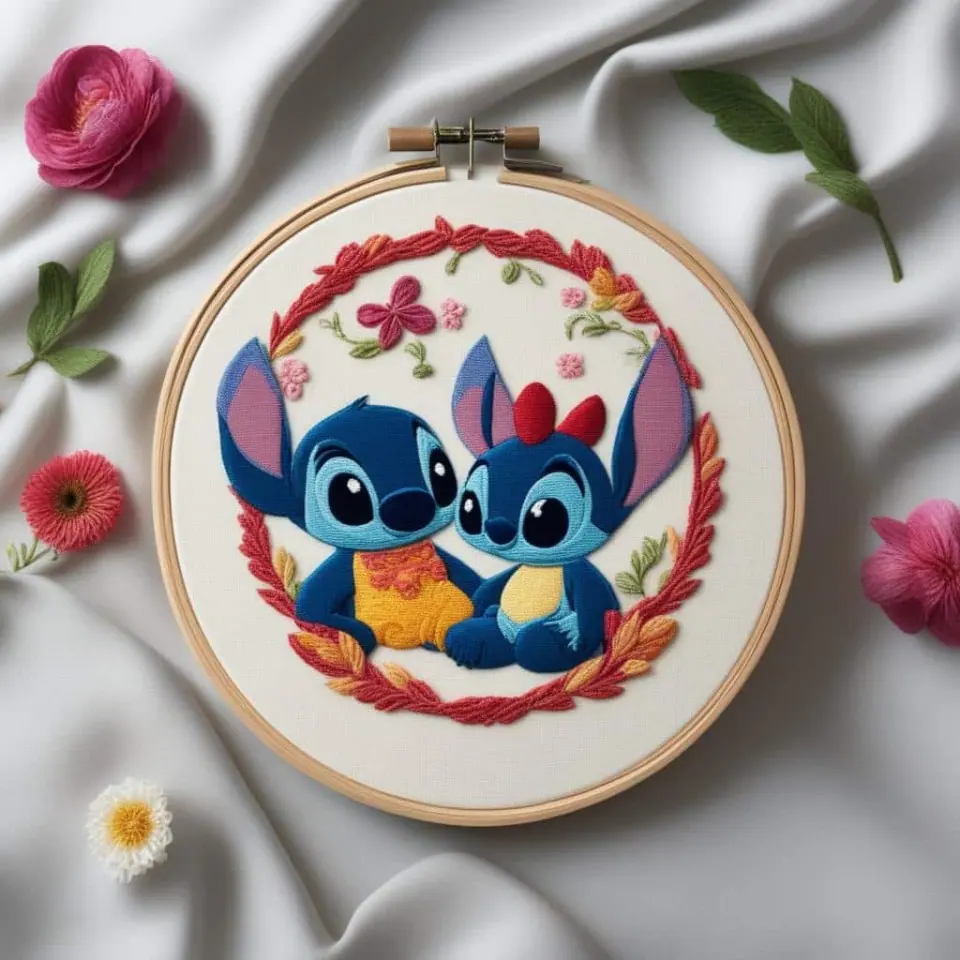
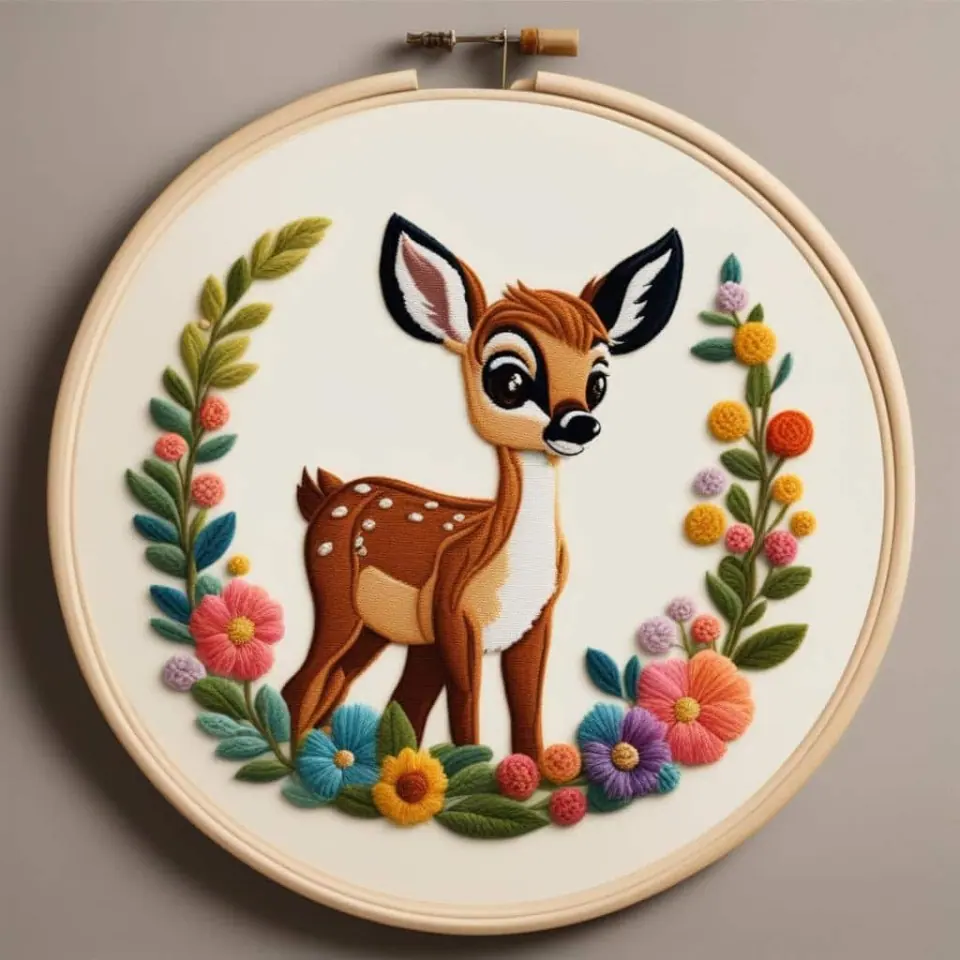
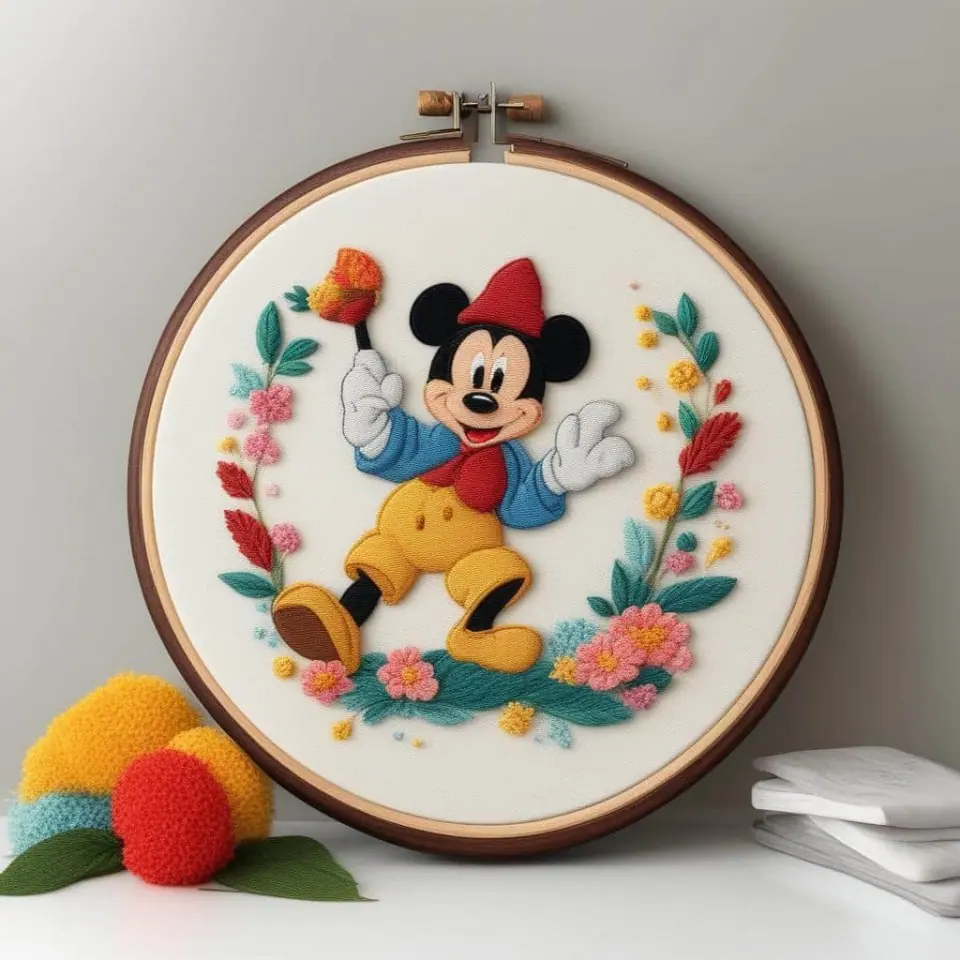
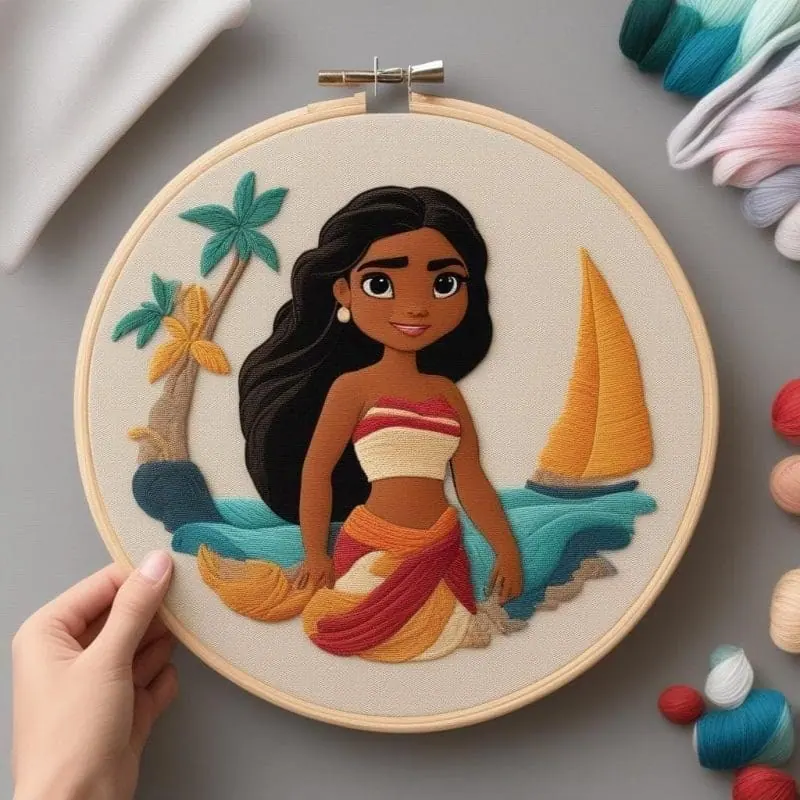
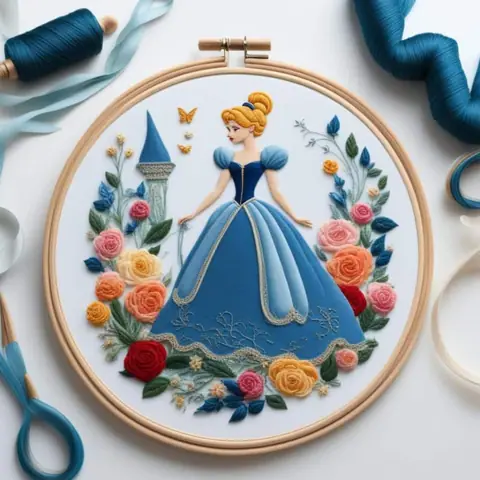
Idyllic's Disney embroidery designs page turns a short description into fan-inspired embroidery artwork: clean line art, flat-color patches and hoop patterns ready to trace or digitize. Describe the character idea, stitch style and size, then simplify the design by saying what to change. Everything made here is an unofficial creation for personal projects.
- Price
- Free to start · 3 images a day
- Output
- HD images, upscale to 8K
- Models
- FLUX, Imagen 4, GPT Image, Seedream
- Commercial use
- Included on paid plans
- Prompt language
- Any language
Examples

How it works
Three steps from idea to finished image.
- 1
Describe the design
Name the subject and pose, such as Mickey Mouse in a Christmas sweater, plus the use: hoop art, a jacket patch or a baby blanket corner.
- 2
Choose a stitch style
Ask for line art for backstitch or redwork, a flat-color patch with a satin border, or a simple fill design with 4–6 thread colors.
- 3
Simplify and export
Say 'thicker outlines' or 'remove small details' until the shapes are stitchable, then upscale and trace it or import it into your embroidery software.
Embroidery styles to generate
- Line art: single-weight outlines for backstitch, redwork or quilting.
- Patch: flat color fills with a bold satin-stitch border for jackets and bags.
- Hoop art: a small scene framed in a circle, sized for a 4, 6 or 8 inch hoop.
- Appliqué: big simple shapes you cut from fabric and edge-stitch.
- Cross-stitch look: a pixel-style grid with a limited palette.
Make a design that stitches well
- Limit the palette to 4–6 flat colors; gradients and shading don't translate to thread.
- Ask for thick, closed outlines with no tiny gaps.
- Remove details that would be smaller than a few millimeters at your final size.
- Use a plain white background so tracing and auto-digitizing are easier.
- Generate in the shape of your hoop or patch: circle, square or shield.
Fan-made idea starters
- Holiday: Mickey in a Christmas sweater, a snowflake castle, ornament-shaped characters.
- Nursery: a sleepy flying elephant with a balloon, a starry castle, a name banner.
- Seasonal: autumn leaves around a castle, pumpkin mouse ears for Halloween.
- Lettering: your own short phrase in script with a small castle or star.
Prompt ideas
Copy a prompt, or open it in Idyllic and make it yours.
fan-inspired embroidery design, Mickey Mouse in a red Christmas sweater, flat colors, thick black outline, white background, round hoop layout
princess castle line art for backstitch, single-weight outlines, no shading, circular frame, white background
iron-on patch design, Stitch waving with a hibiscus flower, flat blue and pink colors, bold satin border, round 3-inch patch
redwork embroidery pattern inspired by Elsa, snowflake motif and ice crown, single red line, simple shapes, square layout
baby blanket corner embroidery, sleepy flying elephant holding a balloon, pastel thread colors, simple fills
cross-stitch style design, mouse-ear silhouette with polka dots, 4 colors, visible grid, white background
hoop art scene, castle under fireworks, 5 thread colors, flat fills, thick outlines, 6-inch circle
embroidered jacket back design, magic castle and stars, bold flat colors, satin-stitch border, centered composition
Frequently asked questions
Is the Disney embroidery design generator free?
Yes. You get 3 free images a day with no credit card. Paid plans start at $10.50/month billed yearly and add private mode.
Are these official Disney designs?
No. They're unofficial, fan-inspired creations. Idyllic is not affiliated with or endorsed by Disney, and fan art is for personal use, not for sale.
Does Idyllic create PES or DST embroidery files?
No. You get a high-resolution image. Import it into embroidery digitizing software, or print it and trace it for hand embroidery.
How do I make a design easier to digitize?
Ask for flat colors, thick closed outlines, no gradients and a white background. Fewer, larger shapes stitch more cleanly.
Can I refine the design after it's generated?
Yes. Describe the change, such as 'remove the background stars' or 'make the outline thicker', and only that part changes.
What size should I make it?
Decide your hoop or patch size first, for example 4 or 6 inches, and generate in that shape. Upscale before printing a tracing template.
Related tools
See all Fashion, nails and style


More in Fashion, nails and style
Popular on Idyllic
Fan-inspired creations only. Idyllic is not affiliated with or endorsed by the owners of the characters or brands mentioned.
Updated

Your turn.
Free to start. No credit card.