Broken Heart Drawings | Explore Collection
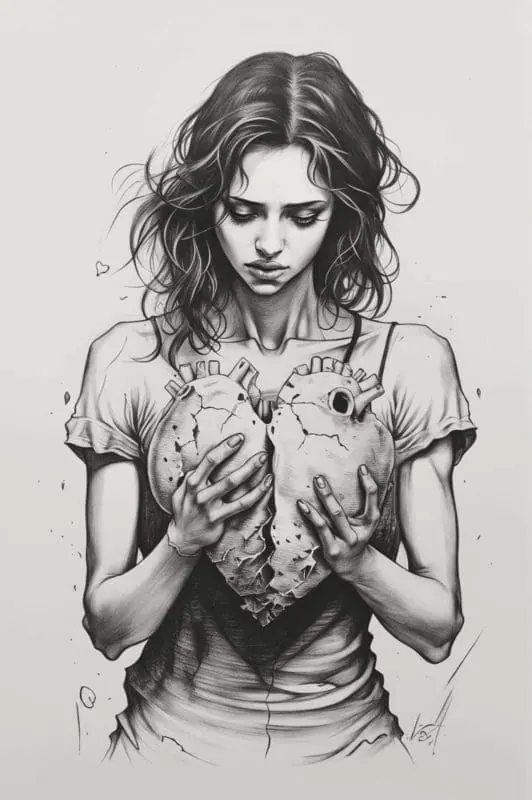
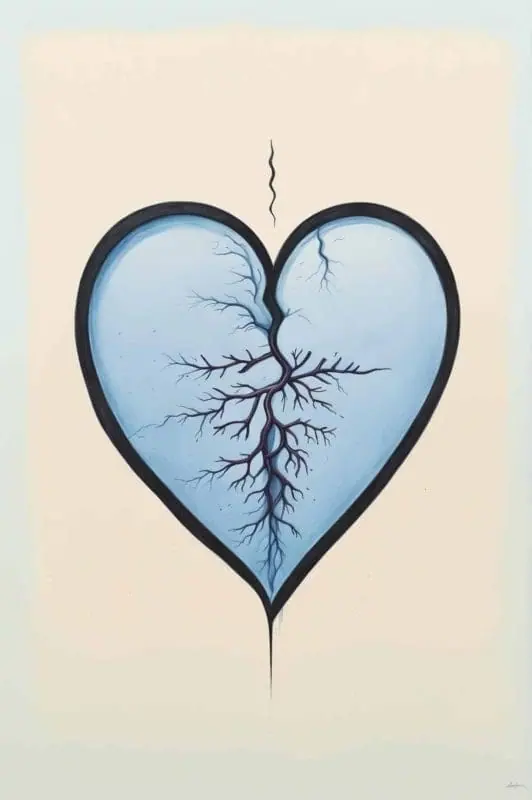
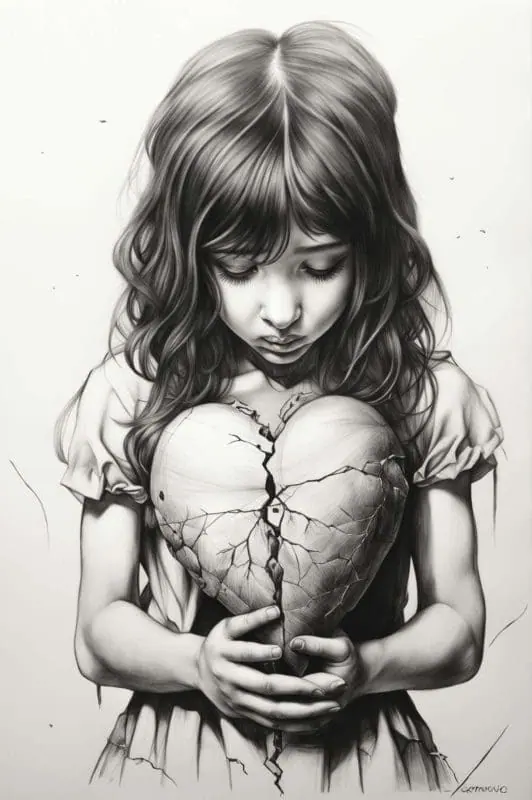
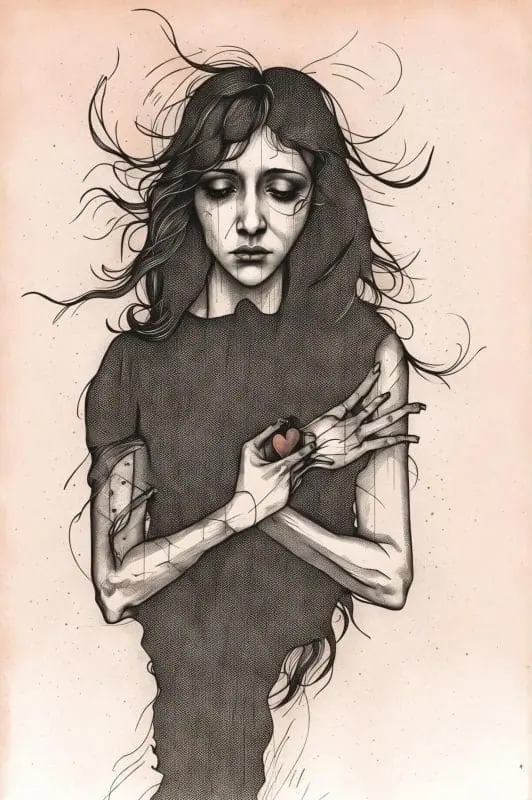
Transform your imaginative ideas into artistic realities with our leading image generation app. Explore our collections of community-made broken heart and sadness inspired drawings.
- Price
- Free to start · 3 images a day
- Output
- HD images, upscale to 8K
- Models
- FLUX, Imagen 4, GPT Image, Seedream
- Commercial use
- Included on paid plans
- Prompt language
- Any language
Examples

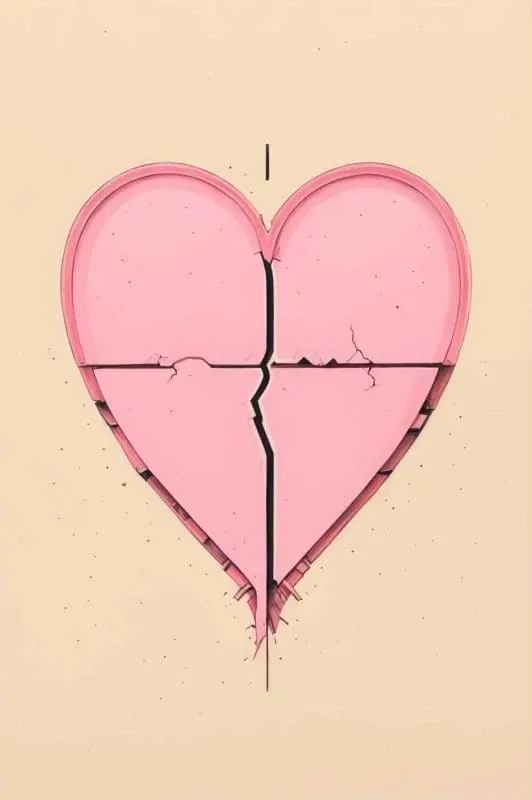
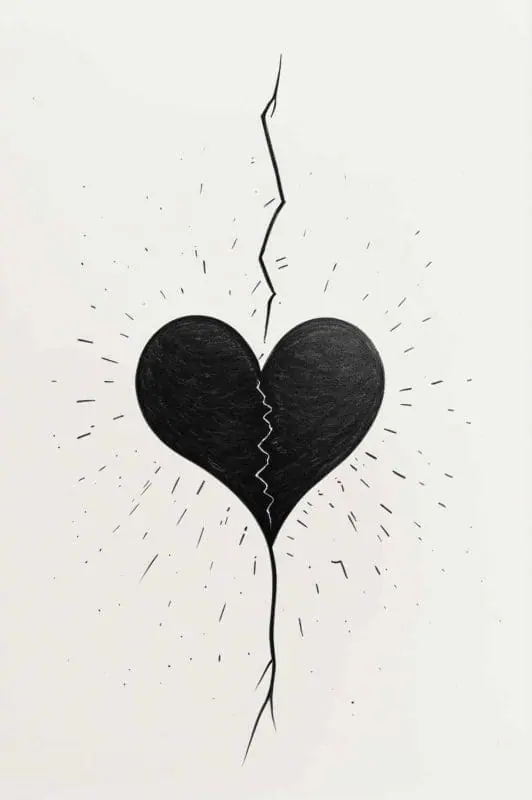
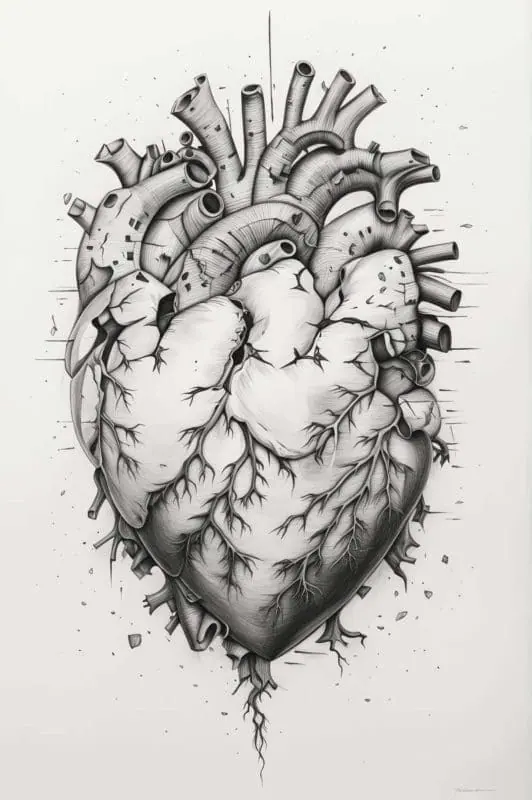
How it works
Three steps from idea to finished image.
- 1
Describe it
Type what you want in plain words, or start from one of the prompt ideas below. Magic Prompt can expand a few words into a detailed prompt.
- 2
Pick a style and format
Choose a model, style and aspect ratio. Idyllic generates several options in seconds.
- 3
Refine and download
Say what to change and only that changes. Upscale your favorite and download it in HD.
Bring Your Broken Heart Concepts to Life
Explore an innovative digital platform that allows you to create fascinating broken heart drawings from textual descriptions. Idyllic’s text-to-image generation feature caters to the creative needs of all users, whether you’re a graphic designer, artist, or just someone looking to express their feelings. You dictate the style, color scheme, and overall mood, and our app brings it to life in a digital drawing.
Customize Image Quality to Suit Your Needs
With Idyllic, you have the power to select from multiple image resolutions. This adaptable feature gives you the flexibility to choose the quality that best matches your project’s requirements. Opt for high resolution if you’re looking to print or finalize your piece, or choose a lower resolution for quick concept generation and brainstorming.
Refine and Perfect with Iterative Process
Our intuitive app supports an iterative approach to image creation. You can refine your generated broken heart drawings by suggesting specific changes in subsequent messages, ensuring a customized and detailed creative process.
Frequently asked questions
How does the text-to-image generation work?
The text-to-image feature works by using complex algorithms to interpret your text input and generate an image that reflects your description. By specifying style, color, and tone, you can achieve a broad range of results tailored to your needs.
Can I adjust the resolution of my image?
Yes, Idyllic allows you to select from various image resolutions to best suit your project’s requirements. The option to choose your desired resolution gives you full control over the quality and size of your final image.
Is it free to use?
Yes. You can create 3 images a day for free with no credit card. Paid plans add more images, video, every model, private mode and a commercial license.
Do I need to be good at writing prompts?
No. Describe what you want the way you would say it. Magic Prompt turns a few words into a detailed prompt, and you can fix anything afterwards by describing the change.
Related tools
See all AI art and image styles
More in AI art and image styles

Your turn.
Free to start. No credit card.