Tulip Drawings | Explore Collection
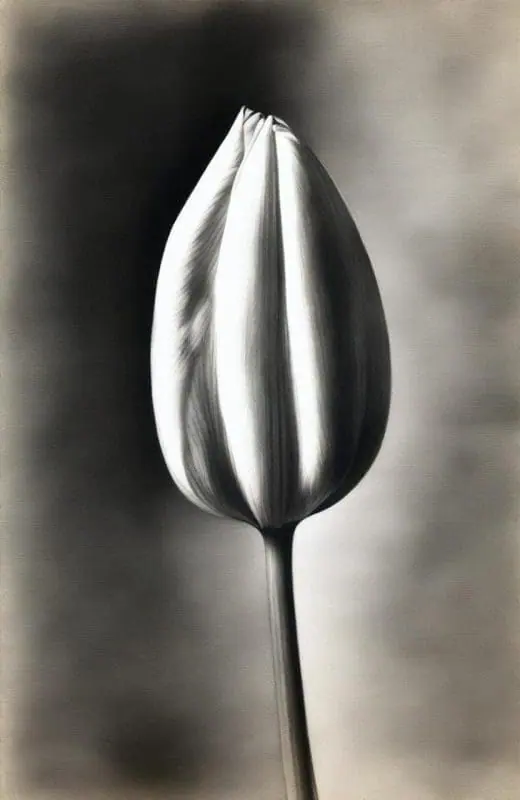
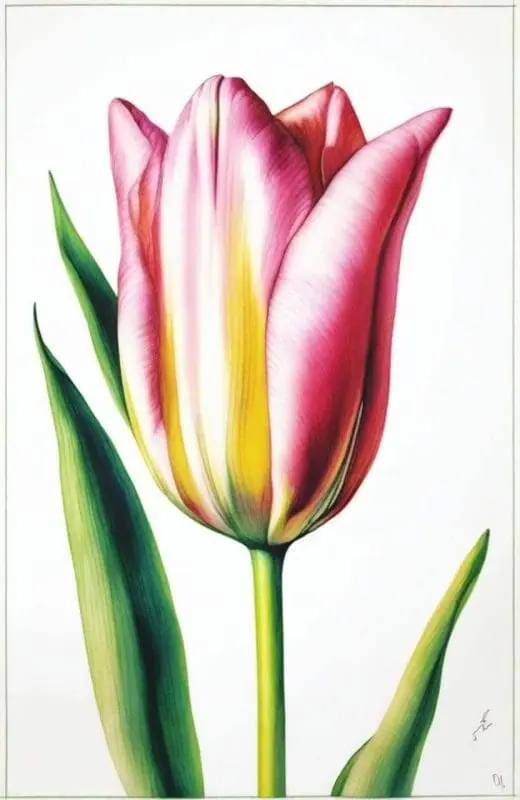
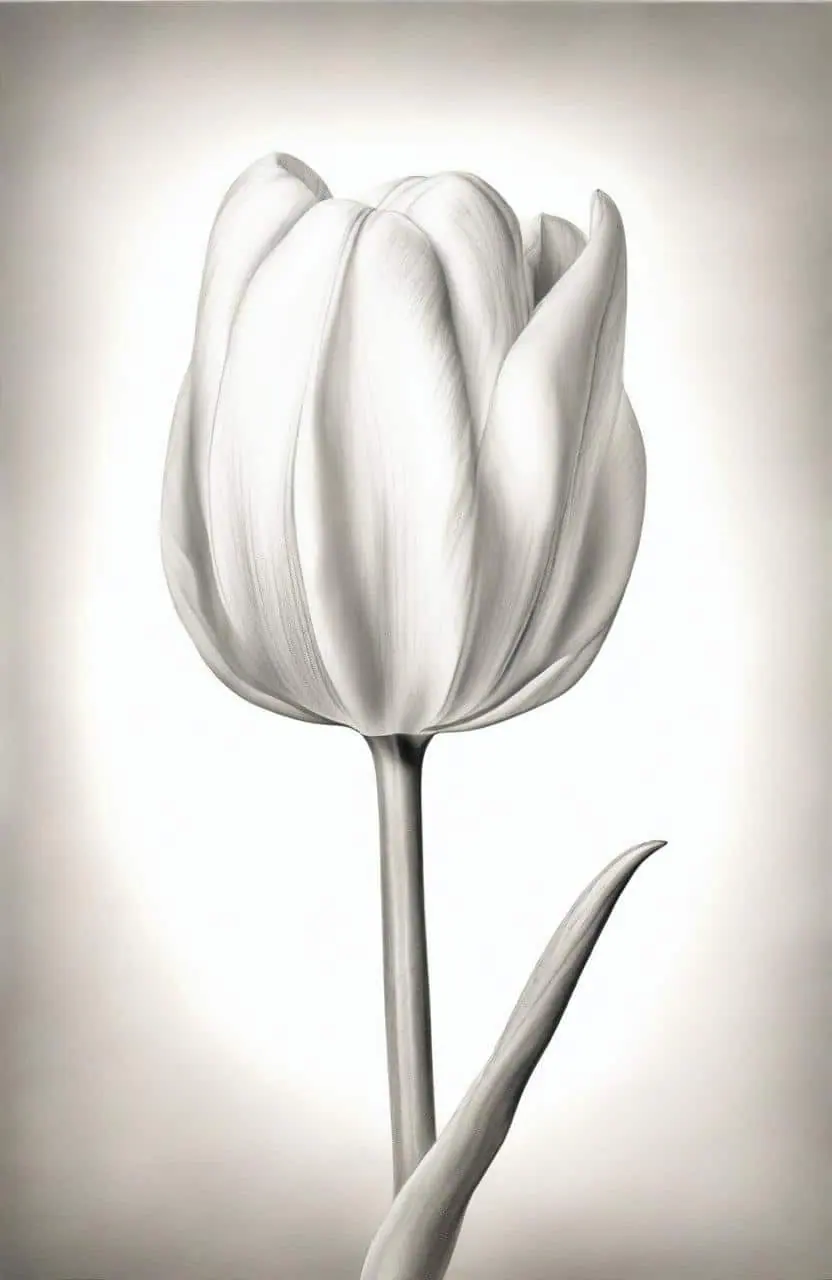
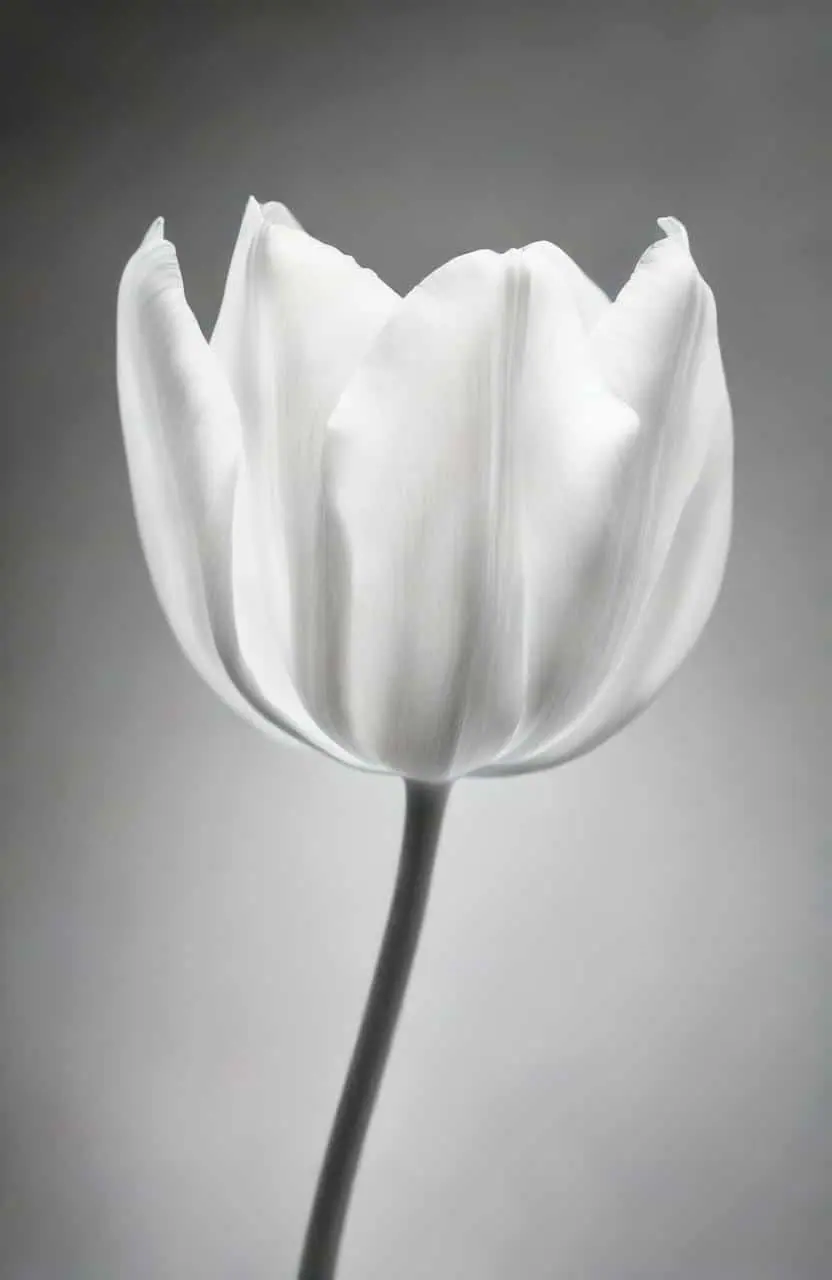
Idyllic lets you create stunning tulip drawings with just a few lines of text description. Whether you’re an art enthusiast or just someone who enjoys beautiful imagery, generate gorgeous tulip sketches and designs in high resolutions. Explore our huge collection of user-generated floral art, and use or share any you like!

- Price
- Free to start · 3 images a day
- Output
- HD images, upscale to 8K
- Models
- FLUX, Imagen 4, GPT Image, Seedream
- Commercial use
- Included on paid plans
- Prompt language
- Any language
Examples
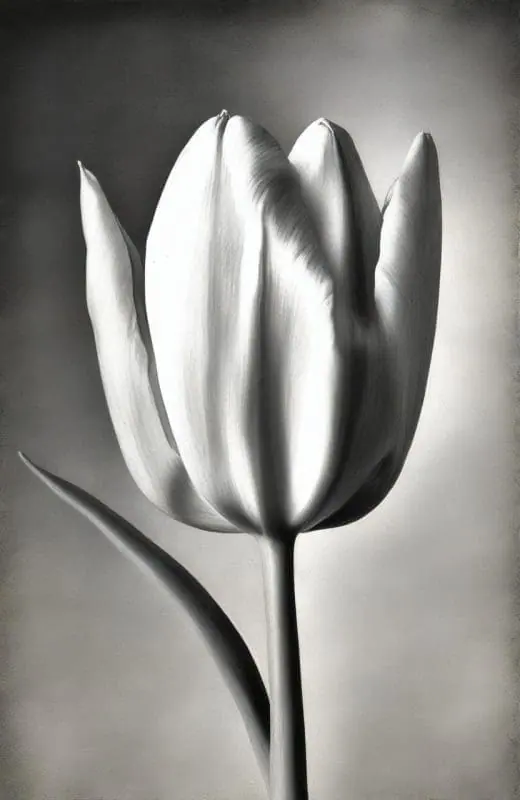
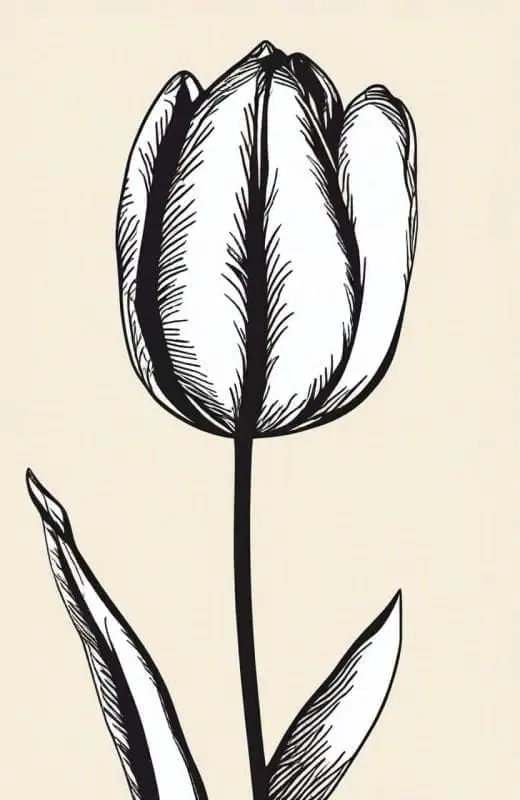

How it works
Three steps from idea to finished image.
- 1
Describe it
Type what you want in plain words, or start from one of the prompt ideas below. Magic Prompt can expand a few words into a detailed prompt.
- 2
Pick a style and format
Choose a model, style and aspect ratio. Idyllic generates several options in seconds.
- 3
Refine and download
Say what to change and only that changes. Upscale your favorite and download it in HD.
Create Stunning Tulip Art with Simple Text Instructions
Idyllic gives you unprecedented power to transform text descriptions into beautiful, digital tulip art. Whether you desire a watercolor painting of a field of tulips at sunrise, or a minimalist modern tulip sketch, simply describe what you want and watch our technology work its magic.
Fine-tune Your Tulip Art
Want to refine your image after the initial generation? With Idyllic’s iterative creation process, you can ask for specific changes in subsequent requests, allowing for a detailed and customized creative process to achieve your perfect tulip masterpiece.
Become Part of a Thriving Creative Community
Idyllic isn’t just an art tool. It’s also a social platform where you can share, comment, like and follow other users. Publish ‘threads’ of your workflow and see others’ processes—great for learning and inspiration!
Frequently asked questions
Do I need any drawing skills to use the Idyllic?
No, you don’t require any drawing skills to use Idyllic. You only need to provide a text description of the tulip drawing you want, and the app handles the rest.
How detailed can the tulip drawings be?
The detail level of your tulip art depends on the description you provide. The more detailed the description, the more detailed the image. You can also fine-tune your image with the iterative creation process.
Is it free to use?
Yes. You can create 3 images a day for free with no credit card. Paid plans add more images, video, every model, private mode and a commercial license.
Do I need to be good at writing prompts?
No. Describe what you want the way you would say it. Magic Prompt turns a few words into a detailed prompt, and you can fix anything afterwards by describing the change.
Related tools
See all AI art and image styles
More in AI art and image styles

Your turn.
Free to start. No credit card.