Studio Ghibli Character Art | Explore
Create Studio Ghibli Character Art with Idyllic: describe what you want, pick a style and get HD images in seconds. Change any detail just by saying so, then download. Free to start, no credit card.
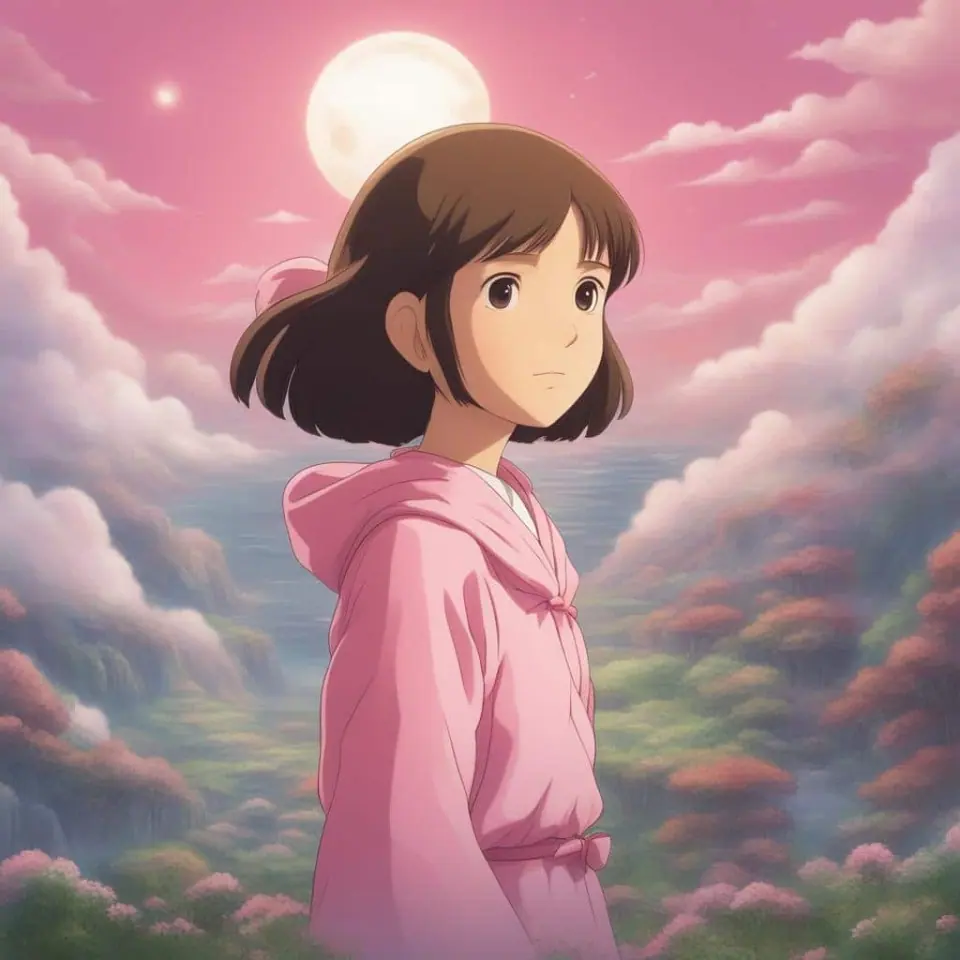
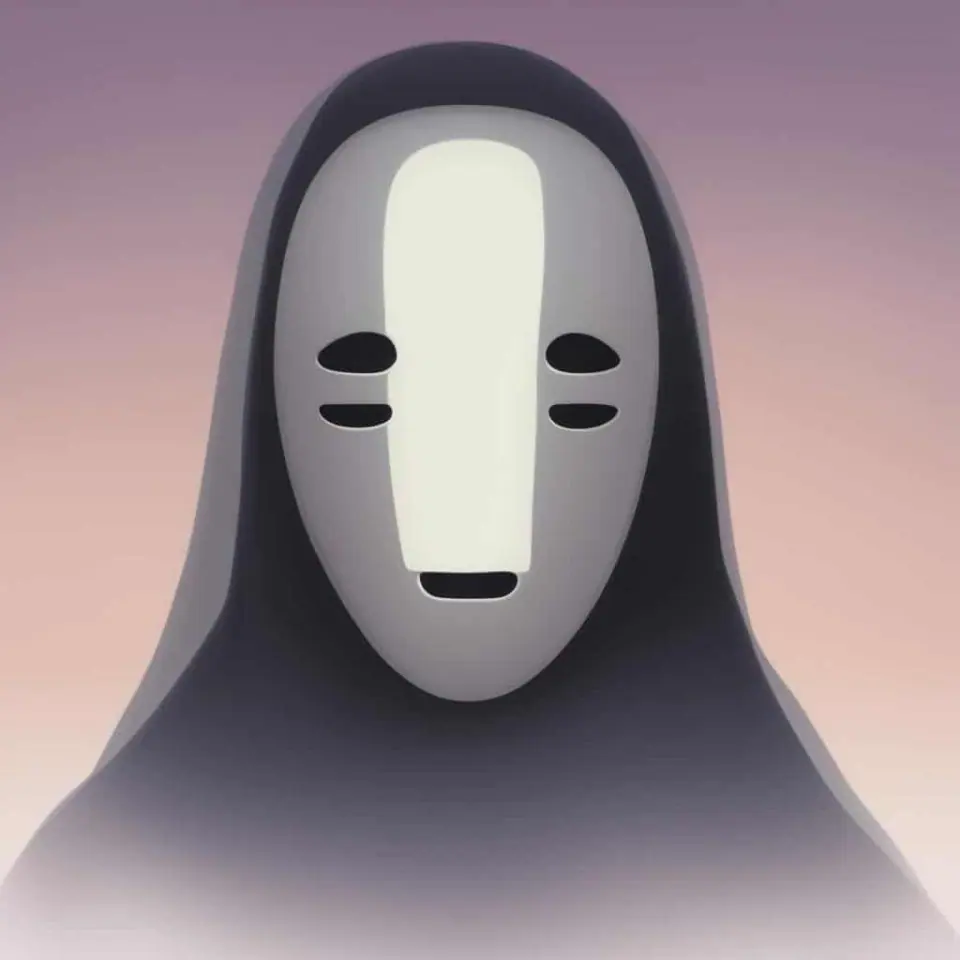
- Price
- Free to start · 3 images a day
- Output
- HD images, upscale to 8K
- Models
- FLUX, Imagen 4, GPT Image, Seedream
- Commercial use
- Included on paid plans
- Prompt language
- Any language
Examples
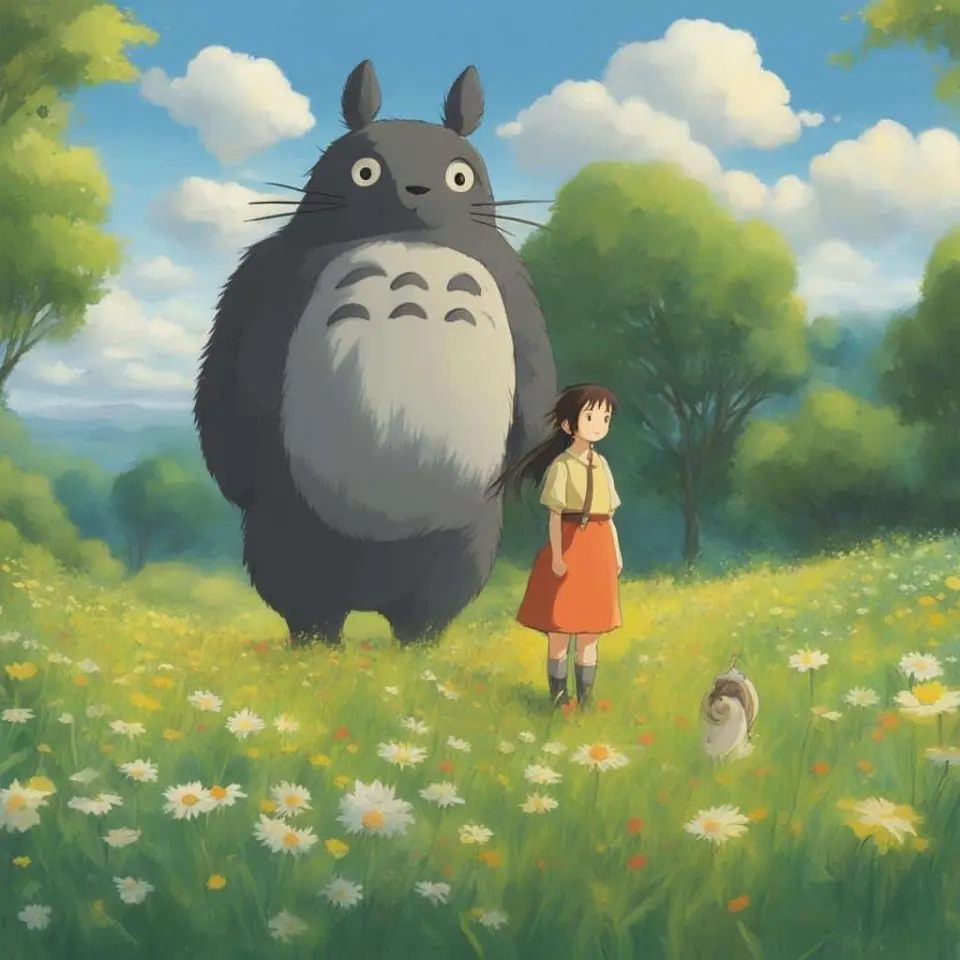
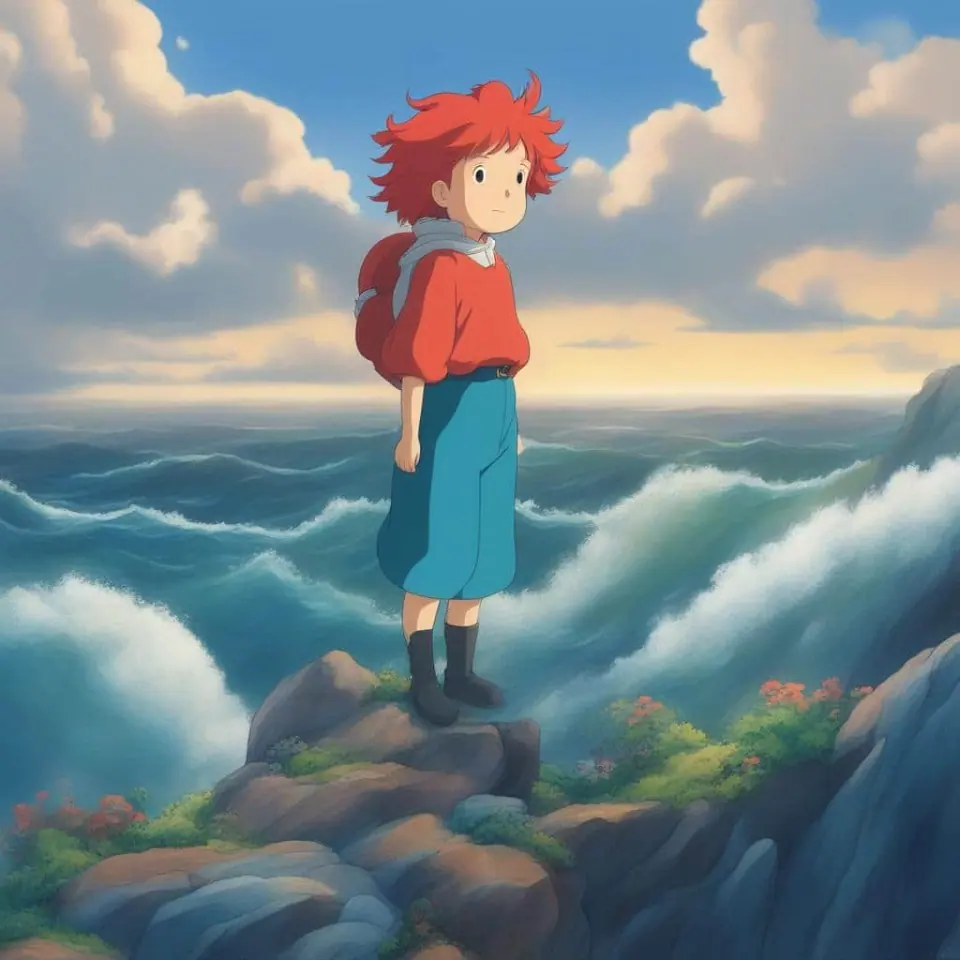
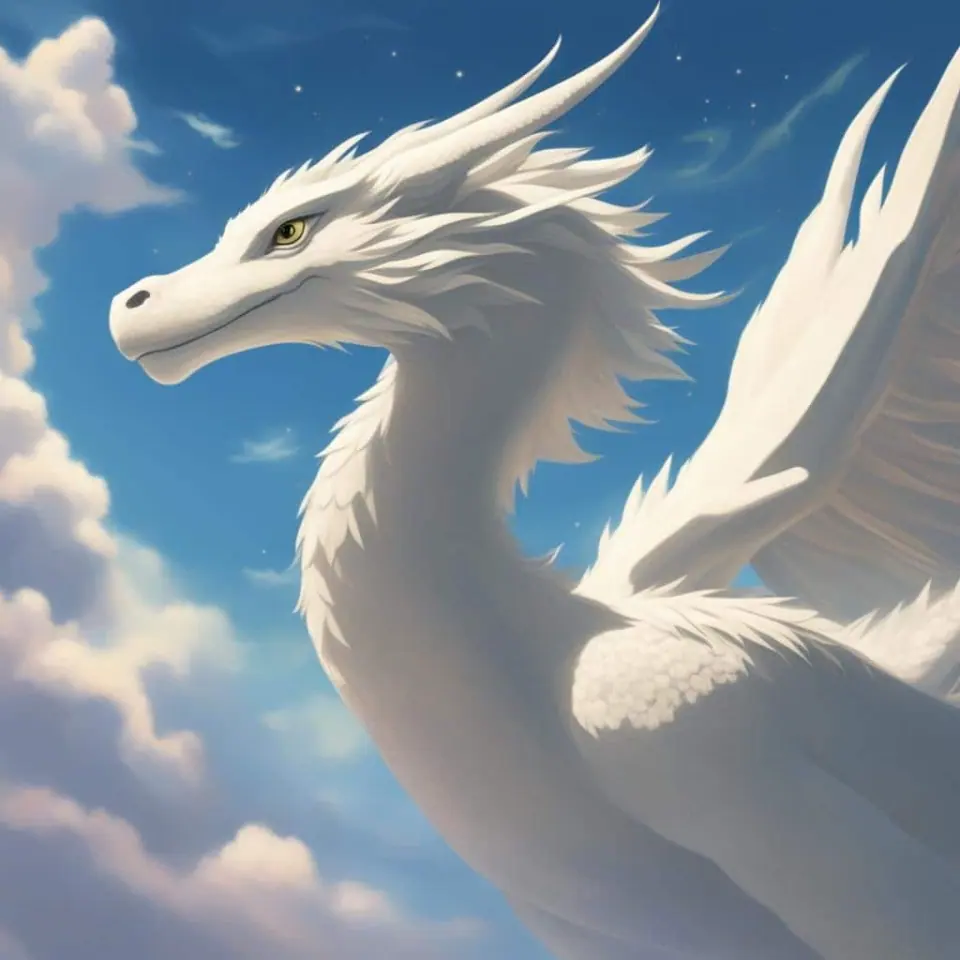
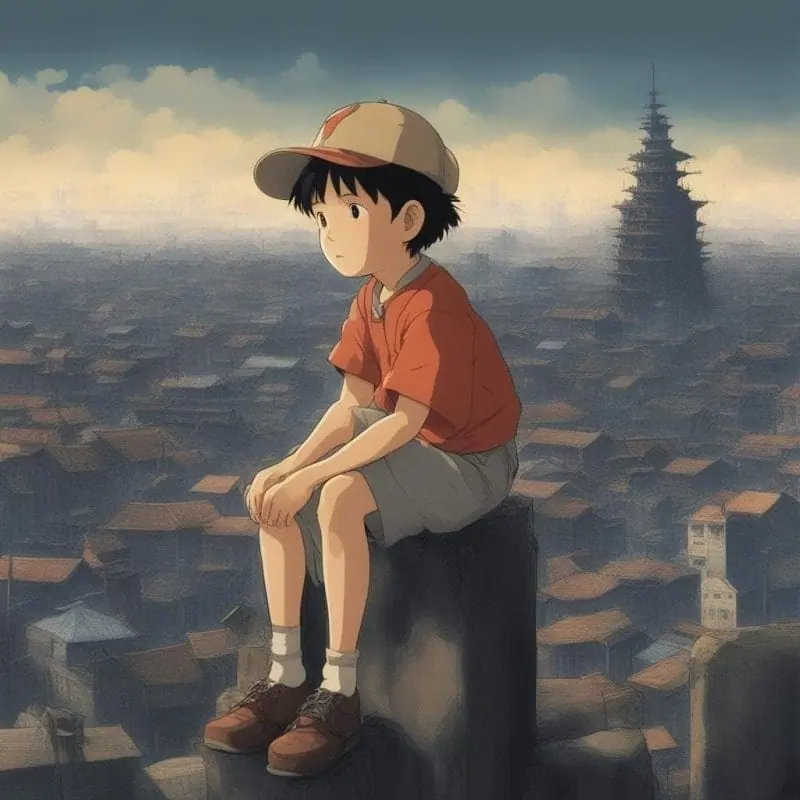
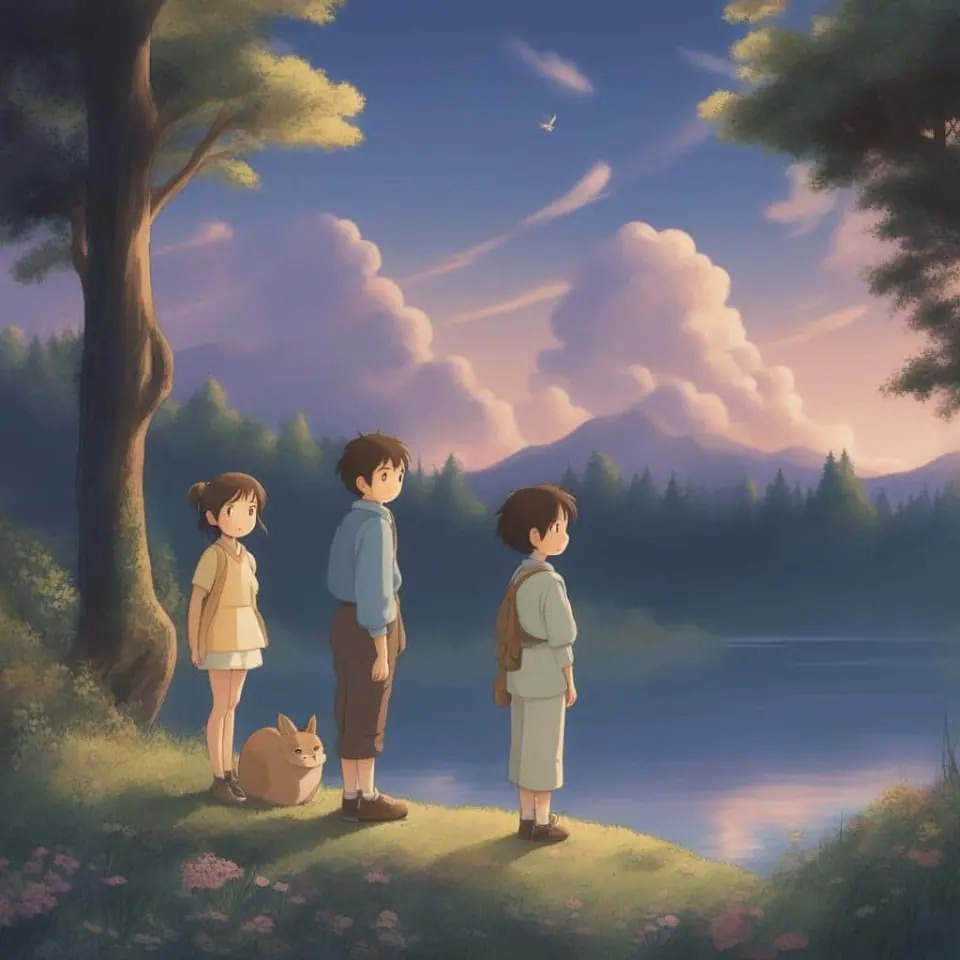
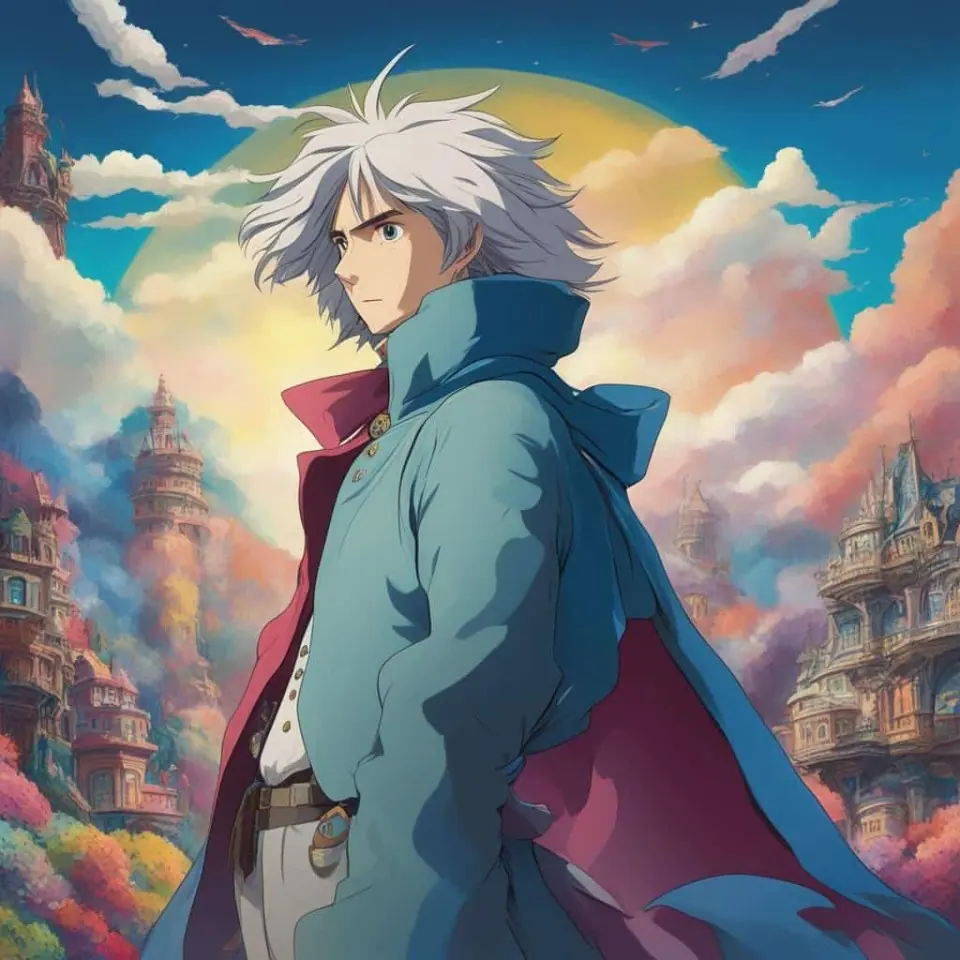
How it works
Three steps from idea to finished image.
- 1
Describe it
Type what you want in plain words, or start from one of the prompt ideas below. Magic Prompt can expand a few words into a detailed prompt.
- 2
Pick a style and format
Choose a model, style and aspect ratio. Idyllic generates several options in seconds.
- 3
Refine and download
Say what to change and only that changes. Upscale your favorite and download it in HD.
Refinement to Your Satisfaction
Idyllic supports a uniquely iterative creation process. You can refine your Ghibli-inspired imagery by requesting specific changes in subsequent instructions, paving the way for a deeply personalized creative process.
Become a Part of An Engaged Community
Does your creation take influence from Spirited Away, My Neighbor Totoro or Castle in the Sky? Share it! Our social interaction feature creates a platform for Ghibli fans to connect, interact, and draw inspiration from each other’s creations.
Frequently asked questions
Can I blend images to create my Ghibli world?
Yes, Idyllic’s remix feature lets you blend up to nine different images. You can use this feature to combine several elements into one spectacular creation.
Can I share my created images?
Idyllic features publishing and sharing workflows, allowing users to share their threads of their workflow to others within the app’s community.
Is it free to use?
Yes. You can create 3 images a day for free with no credit card. Paid plans add more images, video, every model, private mode and a commercial license.
Do I need to be good at writing prompts?
No. Describe what you want the way you would say it. Magic Prompt turns a few words into a detailed prompt, and you can fix anything afterwards by describing the change.
Related tools
See all Anime generators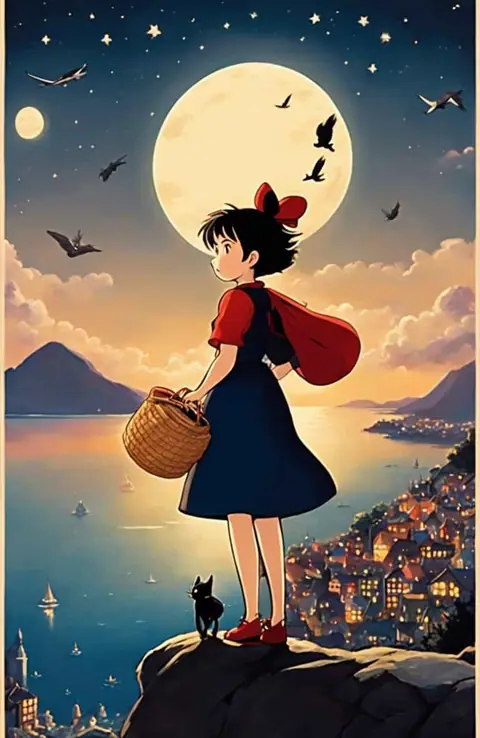
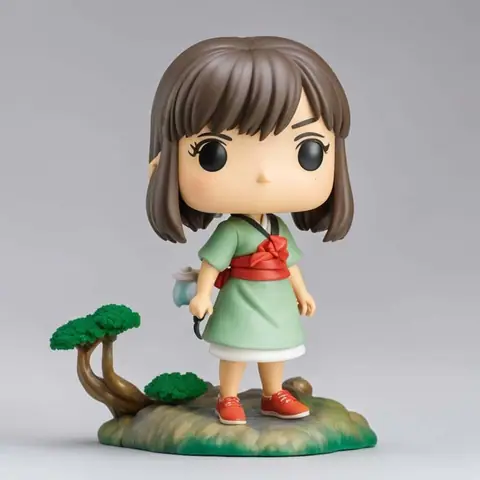
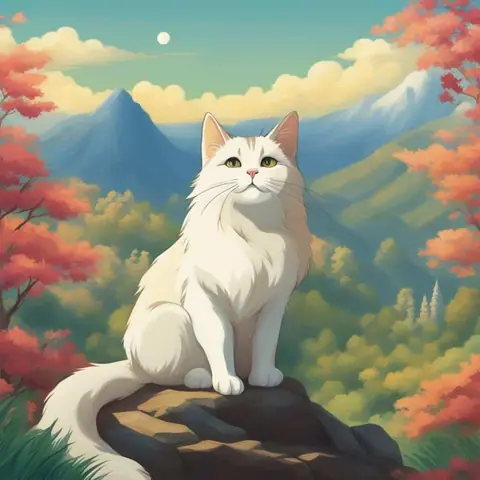
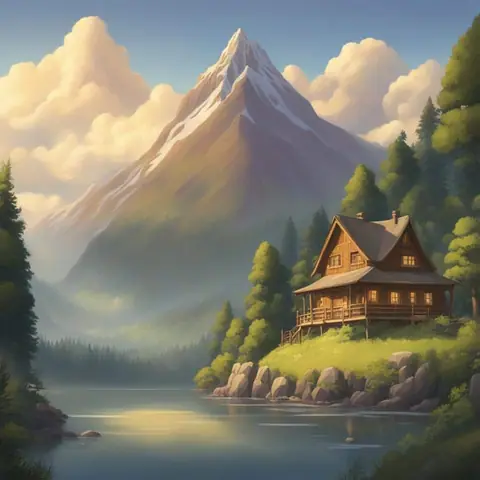
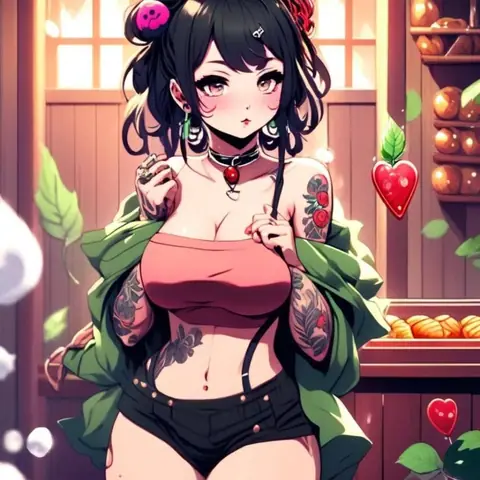
Popular on Idyllic
Fan-inspired creations only. Idyllic is not affiliated with or endorsed by the owners of the characters or brands mentioned.
Updated

Your turn.
Free to start. No credit card.