Llama Drawings | Explore Collection
Create Llama Drawings with Idyllic: describe what you want, pick a style and get HD images in seconds. Change any detail just by saying so, then download. Free to start, no credit card.


- Price
- Free to start · 3 images a day
- Output
- HD images, upscale to 8K
- Models
- FLUX, Imagen 4, GPT Image, Seedream
- Commercial use
- Included on paid plans
- Prompt language
- Any language
Examples
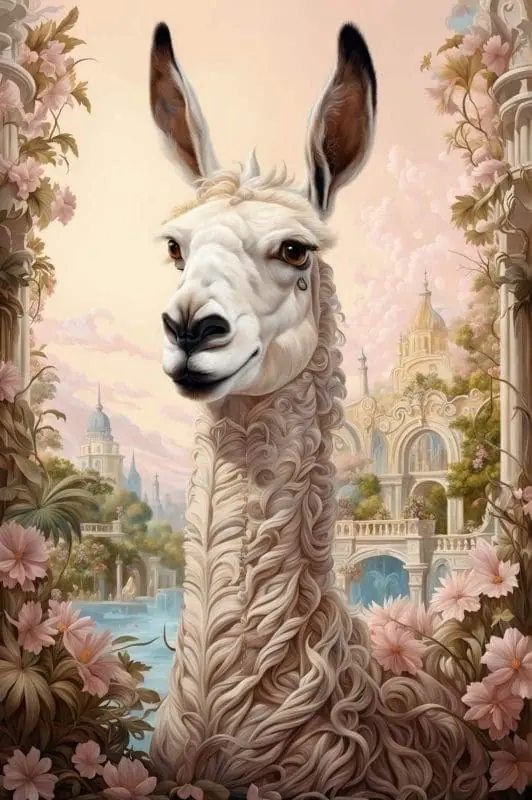
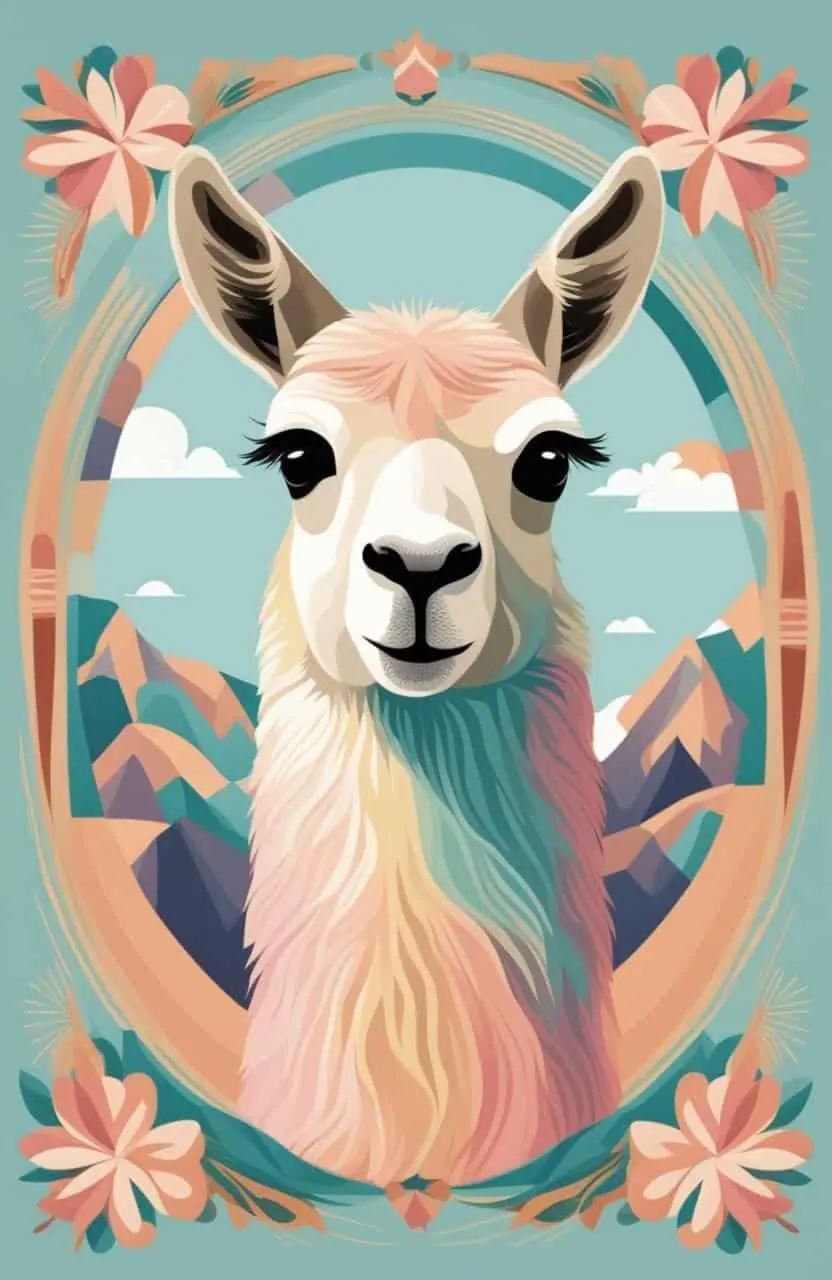
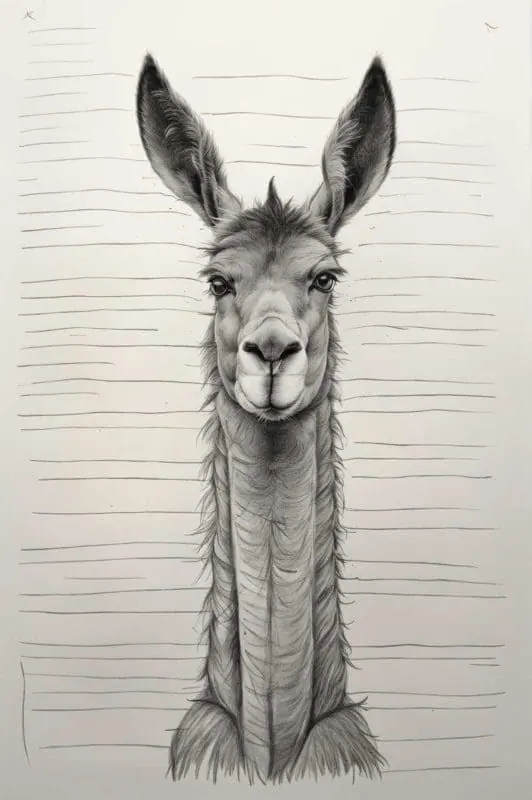

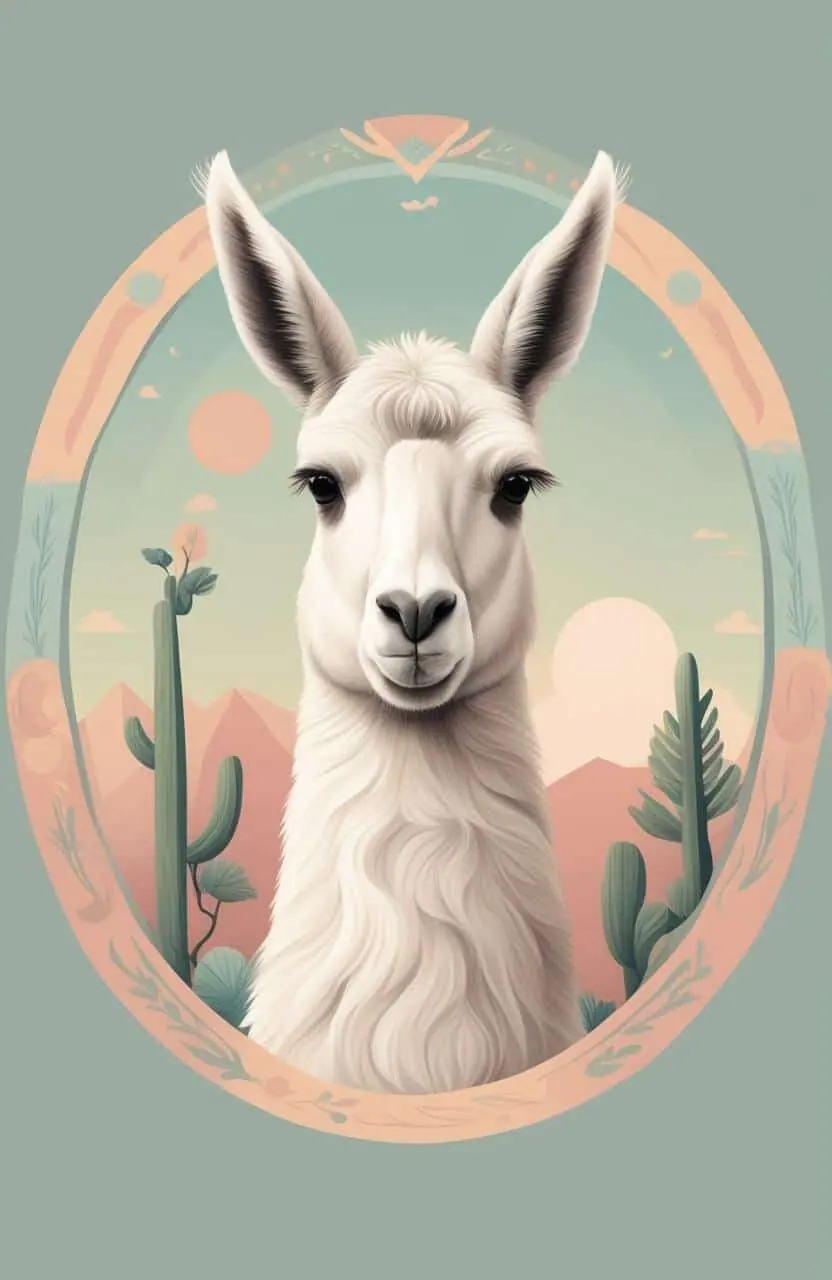

How it works
Three steps from idea to finished image.
- 1
Describe it
Type what you want in plain words, or start from one of the prompt ideas below. Magic Prompt can expand a few words into a detailed prompt.
- 2
Pick a style and format
Choose a model, style and aspect ratio. Idyllic generates several options in seconds.
- 3
Refine and download
Say what to change and only that changes. Upscale your favorite and download it in HD.
Be One With Your Inner Artist
Harness the power of Idyllic’s innovative image generation technology to create beautiful and vibrant llama drawings. Tired of traditional drawing methods? Don’t worry. With Idyllic, all you need is a description. Give the app a text description of your desired image, and voila – your idea transforms into a captivating llama drawing, fulfilling all your art desires and needs.
Dabble with the iterative creation feature, and keep refining your llama images by requesting specific changes in subsequent messages. Craft your own masterpiece with enhanced details and imaginative features.
Moreover, want to create a collage of different llama drawings? Blending or ‘Remixing’ up to nine images has never been easier. Draw inspiration from various images to create an array of stunning, themed, and colourful llama drawings.
Frequently asked questions
Can I make modifications to the generated image?
Yes, you can continuously update and refine your image to match your vision by adding specified changes in your messages after generation.
How many images can I blend together?
With the remix feature, you can blend or remix up to nine different images, creating a unique and artistic masterpiece each time.
Is it free to use?
Yes. You can create 3 images a day for free with no credit card. Paid plans add more images, video, every model, private mode and a commercial license.
Do I need to be good at writing prompts?
No. Describe what you want the way you would say it. Magic Prompt turns a few words into a detailed prompt, and you can fix anything afterwards by describing the change.
Related tools
See all AI art and image styles
More in AI art and image styles

Your turn.
Free to start. No credit card.