Food Coloring Page Collection | Explore
Create Food Coloring Page Collection with Idyllic: describe what you want, pick a style and get HD images in seconds. Change any detail just by saying so, then download. Free to start, no credit card.


- Price
- Free to start · 3 images a day
- Output
- HD images, upscale to 8K
- Models
- FLUX, Imagen 4, GPT Image, Seedream
- Commercial use
- Included on paid plans
- Prompt language
- Any language
Examples
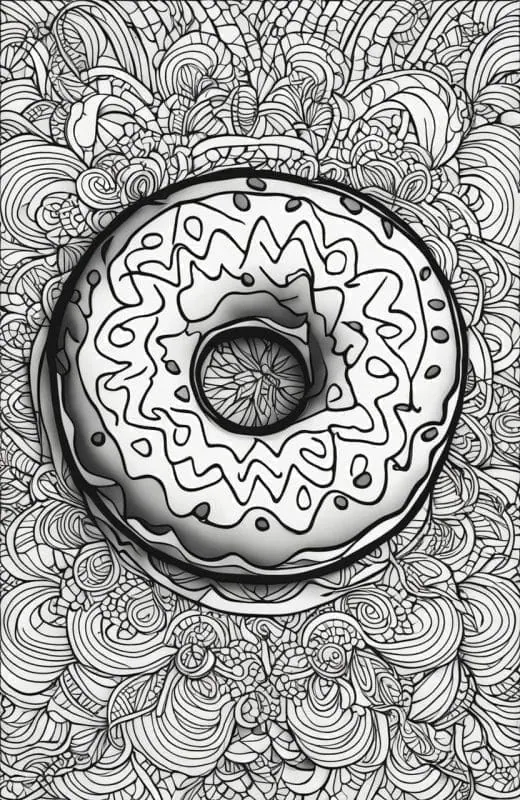

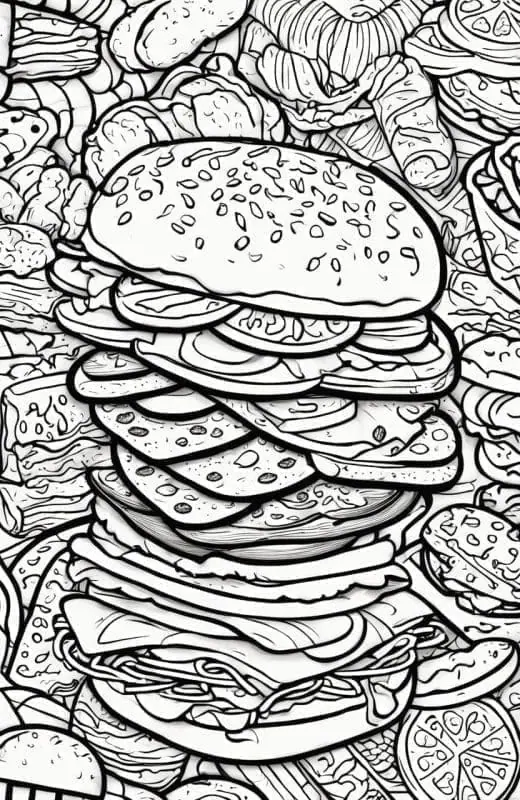
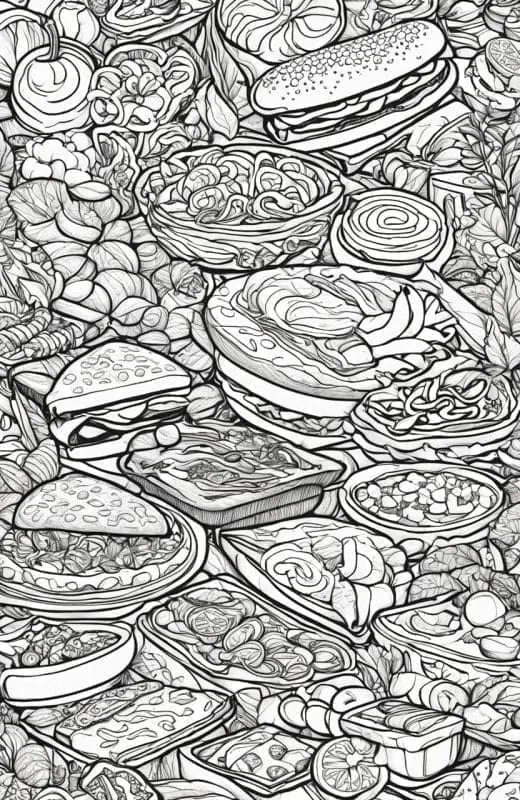
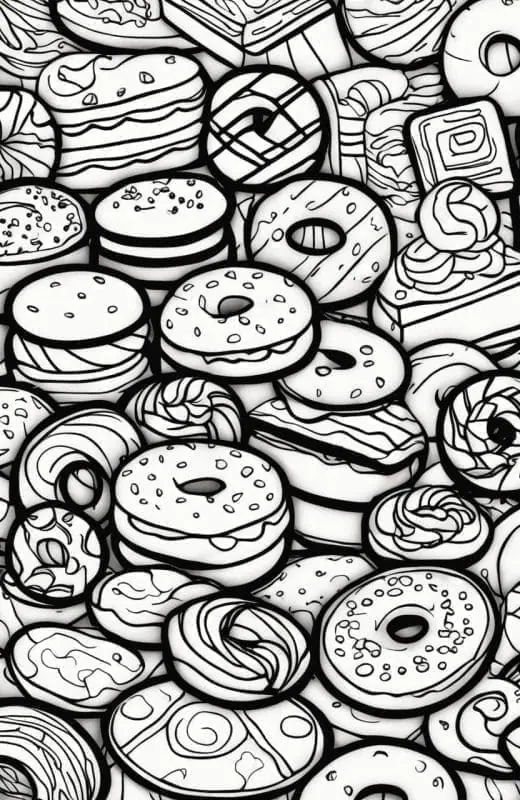
How it works
Three steps from idea to finished image.
- 1
Describe it
Type what you want in plain words, or start from one of the prompt ideas below. Magic Prompt can expand a few words into a detailed prompt.
- 2
Pick a style and format
Choose a model, style and aspect ratio. Idyllic generates several options in seconds.
- 3
Refine and download
Say what to change and only that changes. Upscale your favorite and download it in HD.
Create Delectable Masterpieces from Text
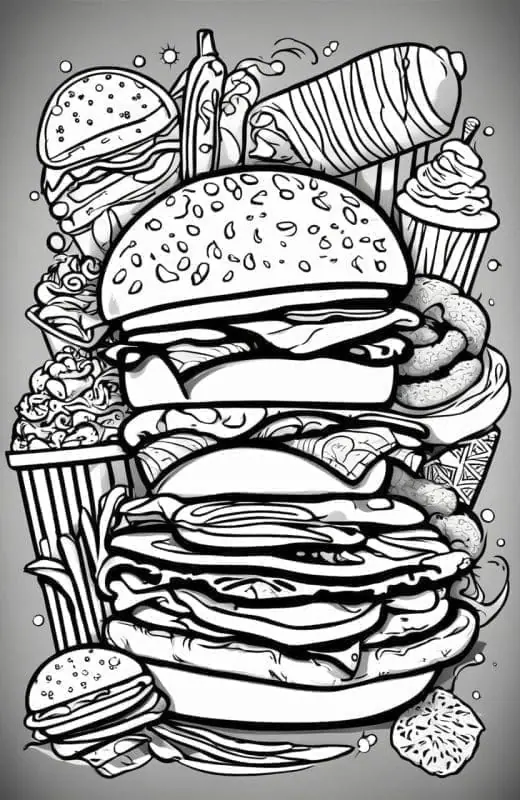
Idyllic’s Food Coloring Page Generator is the perfect tool for turning your tastiest text descriptions into vibrant food illustrations. Perfect for food bloggers, culinary enthusiasts, or parents looking to create educational material for kids. Adjust your image’s resolution to suit your needs, whether it’s for a food blog or a coloring book.
Fine-Tune Your Creations with Iterative Edits
Want to adjust the color of the macarons or tweak the shape of a fruit basket? Idyllic supports a unique coloring book creation process for kids and adults. This means you can make specific amendments until your tasty masterpiece is cooked to perfection.
Frequently asked questions
Can I edit the images I generate?
Absolutely! At Idyllic, we believe in empowering your creativity to the fullest. Our food coloring page generator supports an iterative image creation process, allowing you to refine and customize the generated images to your heart’s content. Once you’ve generated an initial food coloring page, you can provide additional textual instructions to modify various aspects of the image. For instance, if you’d like to add more details to a particular dish, change the color scheme, or adjust the composition, simply describe your desired changes, and our AI will update the image accordingly. This iterative approach ensures that you have complete control over the creative process, enabling you to fine-tune every element until it perfectly aligns with your vision. Whether you want to enhance the level of detail, adjust the proportions, or incorporate unique artistic elements, our generator is designed to adapt and evolve based on your feedback. By embracing this iterative process, you can truly personalize your food coloring pages, making them not only visually appealing but also a true reflection of your creative style and preferences.
How can I use the Remix feature for my coloring pages?
Idyllic’s Remix feature is a powerful tool that allows you to create truly unique and captivating food coloring pages by combining or blending multiple images. With this feature, you can seamlessly merge up to nine different food-related images, resulting in a single, cohesive coloring page that showcases a delightful culinary showcase. Imagine a coloring page featuring a mouth-watering spread of various cuisines, with a juicy burger nestled next to a delectable sushi roll, accompanied by a delicious slice of pizza and a tempting bowl of ramen. The Remix feature makes it possible to bring these diverse culinary delights together in a visually stunning and engaging coloring page. To harness the power of the Remix feature, simply generate multiple food-related images separately, and then use the Remix tool to combine them into a single composition. You can adjust the positioning, scale, and layering of each individual image, creating a harmonious and visually appealing collage that celebrates the diversity of culinary delights. This feature is particularly useful for creating complex and interesting coloring pages that cater to a wide range of interests and preferences. Whether you’re creating a coloring page for a restaurant menu, a food-themed coloring book, or simply indulging your love for all things culinary, the Remix feature offers endless possibilities for creative expression.
Is it free to use?
Yes. You can create 3 images a day for free with no credit card. Paid plans add more images, video, every model, private mode and a commercial license.
Do I need to be good at writing prompts?
No. Describe what you want the way you would say it. Magic Prompt turns a few words into a detailed prompt, and you can fix anything afterwards by describing the change.
Related tools
See all Coloring pages



More in Coloring pages
Popular on Idyllic

Your turn.
Free to start. No credit card.